18

500自拍无好片?Gemini是你的救星!📱✨
Enlarge

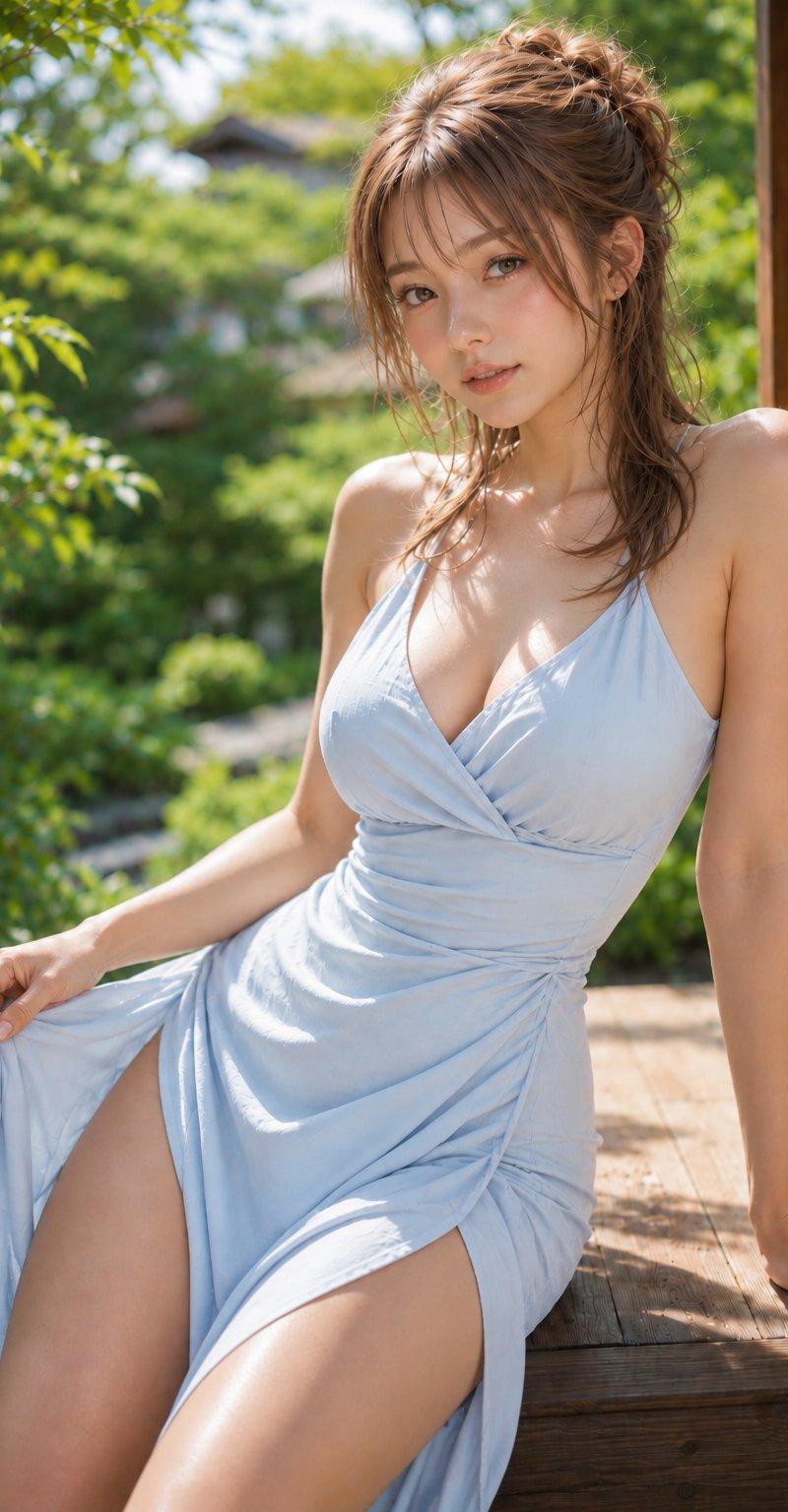
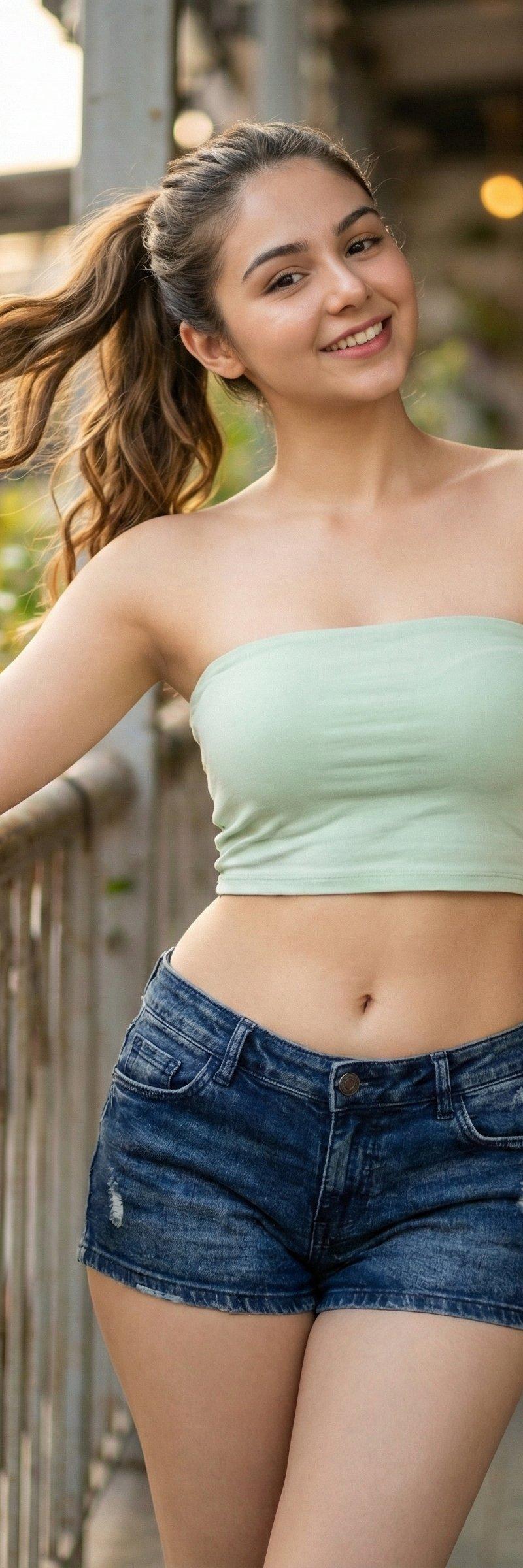
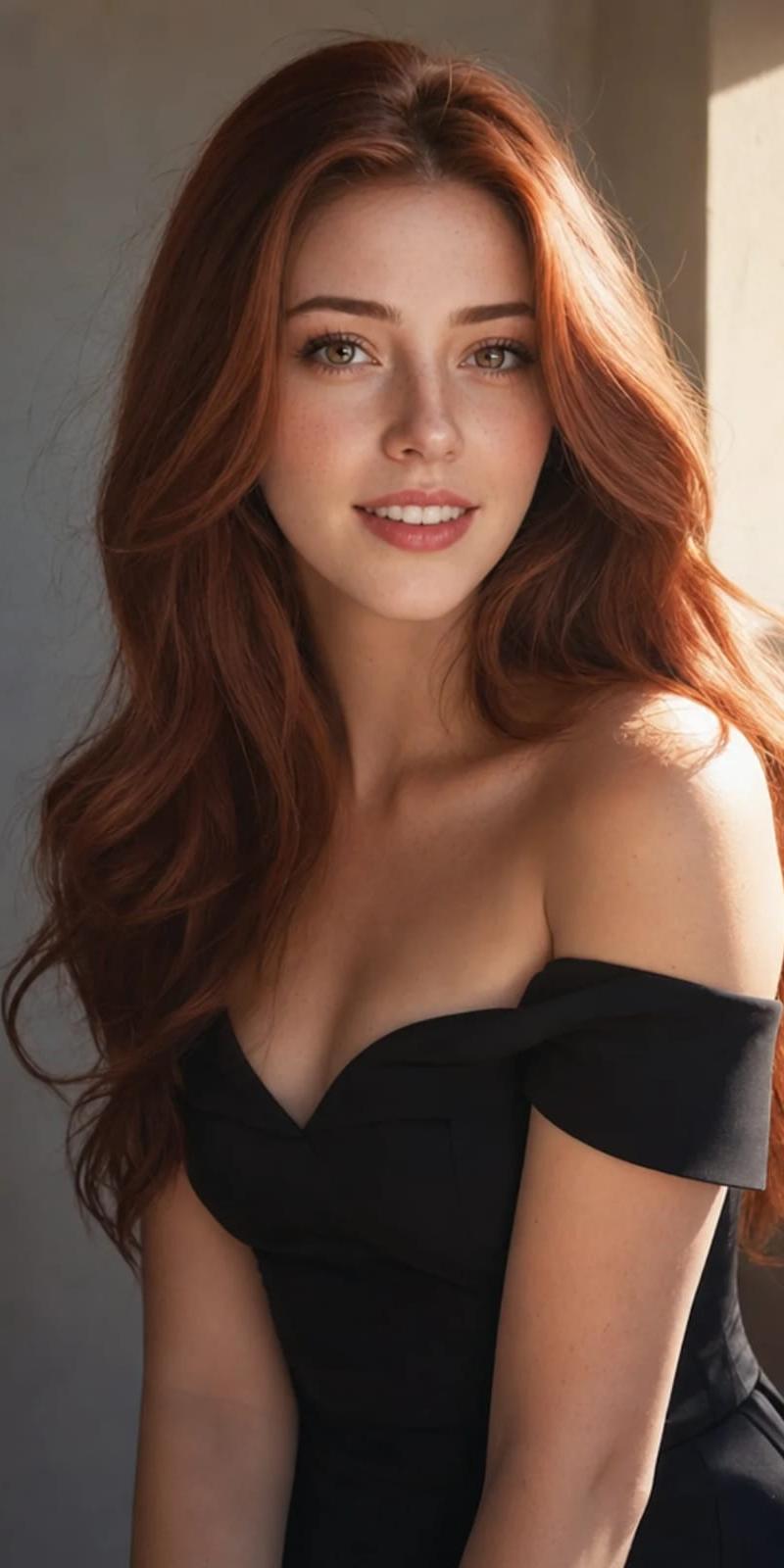
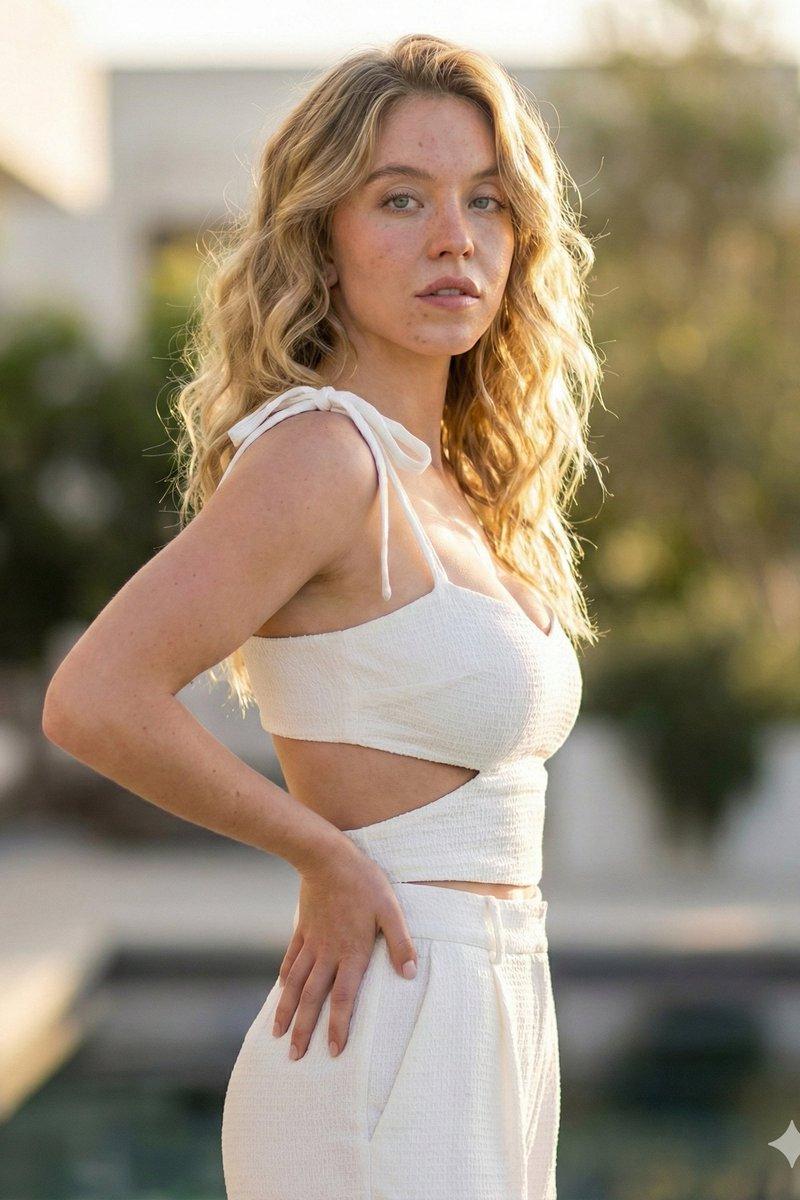
Example images

500自拍无好片?Gemini是你的救星!📱✨

Prompt
If your gallery has 500 selfies & 0 good photos — Gemini is your saviour 📱✨
Steps to create this using AI:
1️⃣ Click/Use a selfie
2️⃣ Open Gemini
3️⃣ Paste the prompt
4️⃣ Generate → Save → Post like a queen 👑
🔖 Bookmark this tweet before your battery dies.
Prompt:
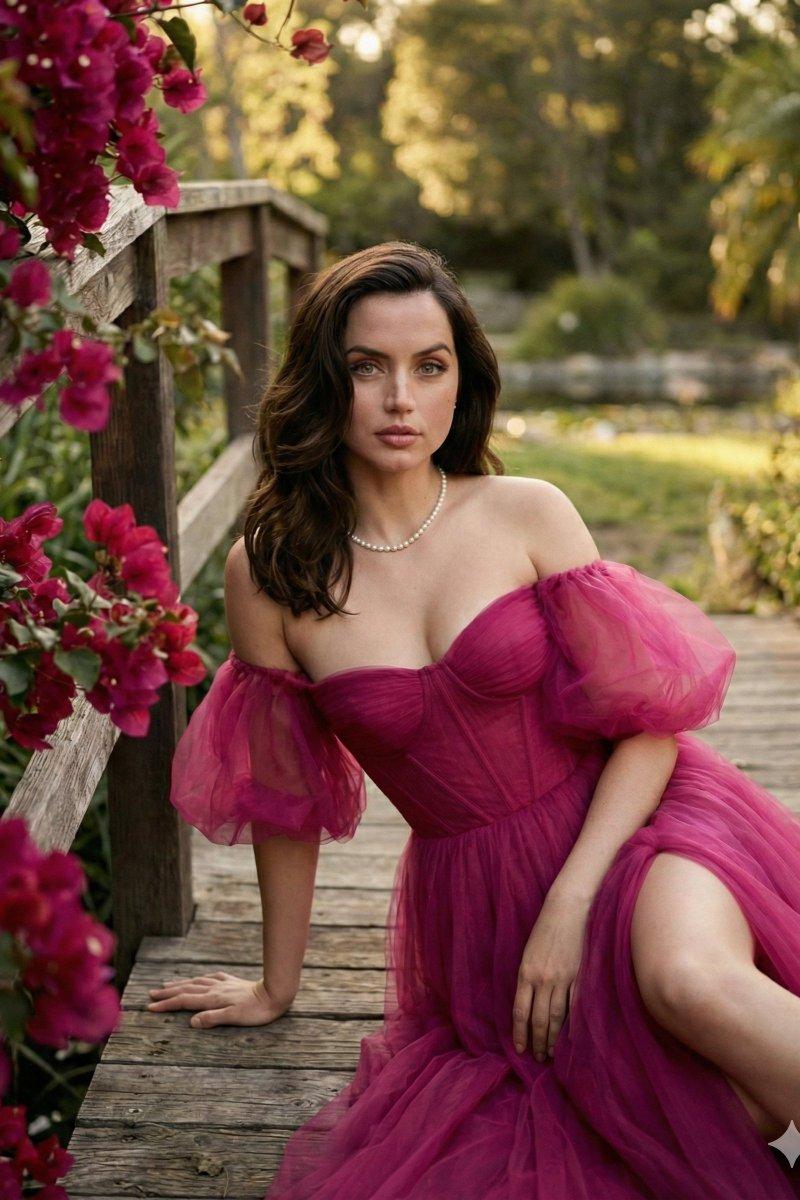
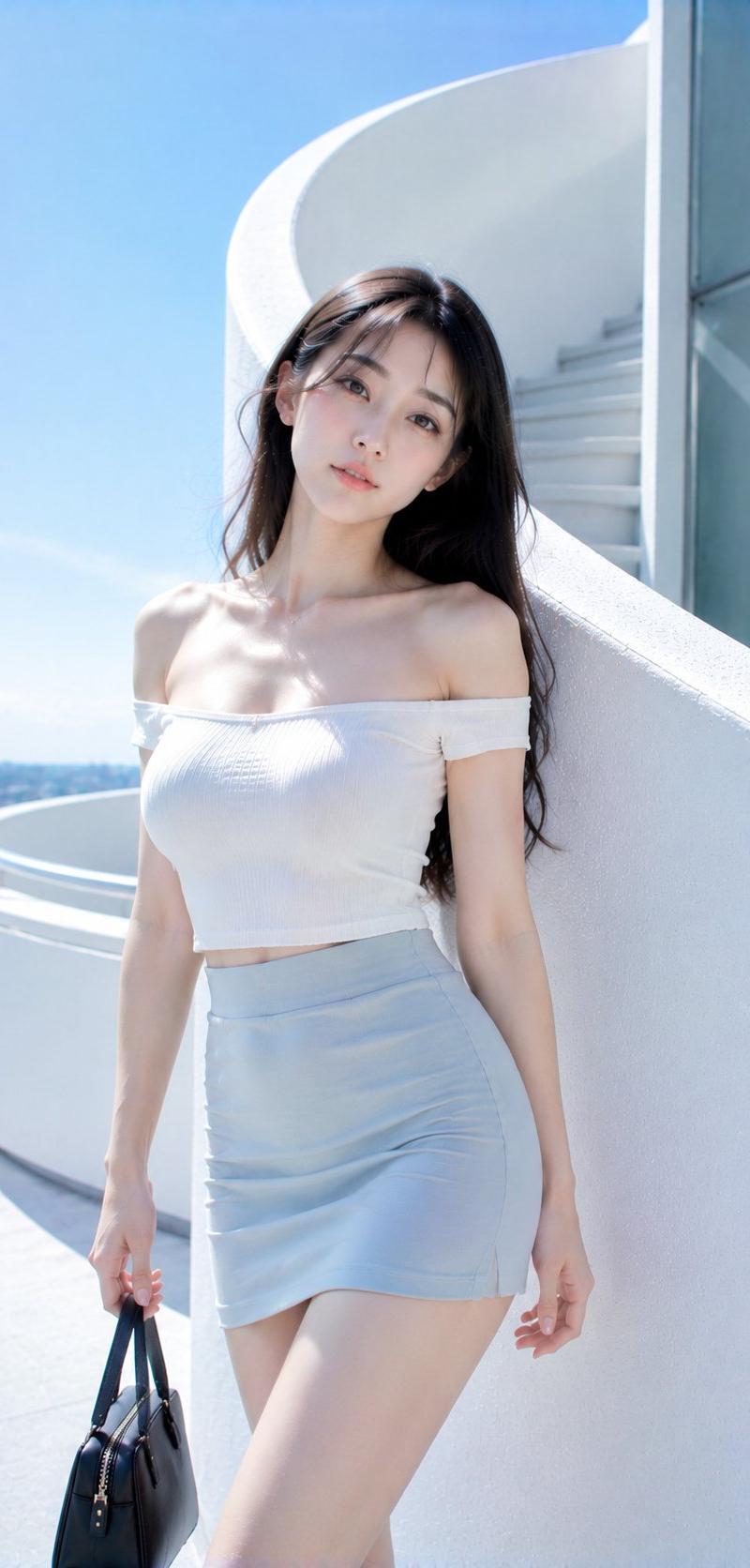
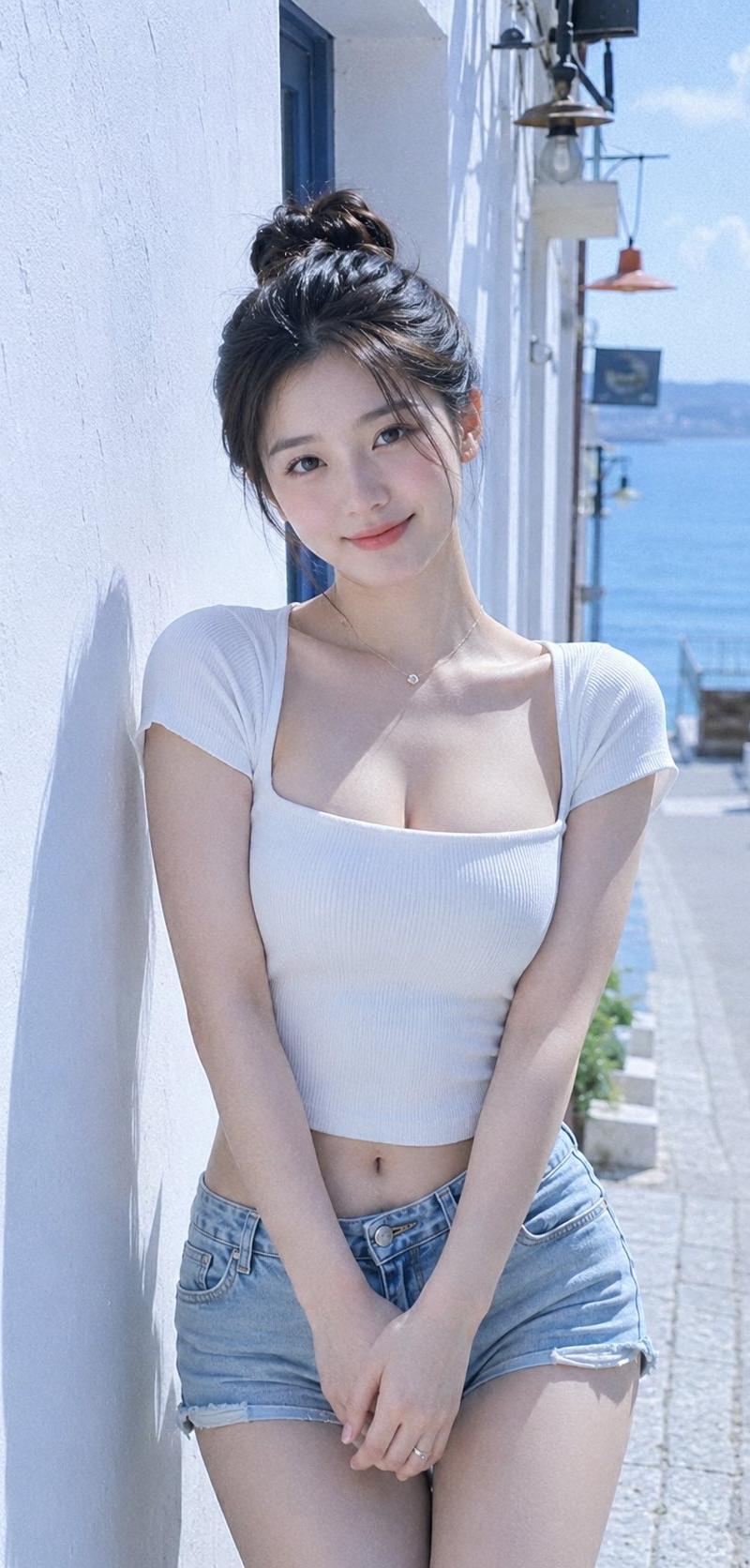
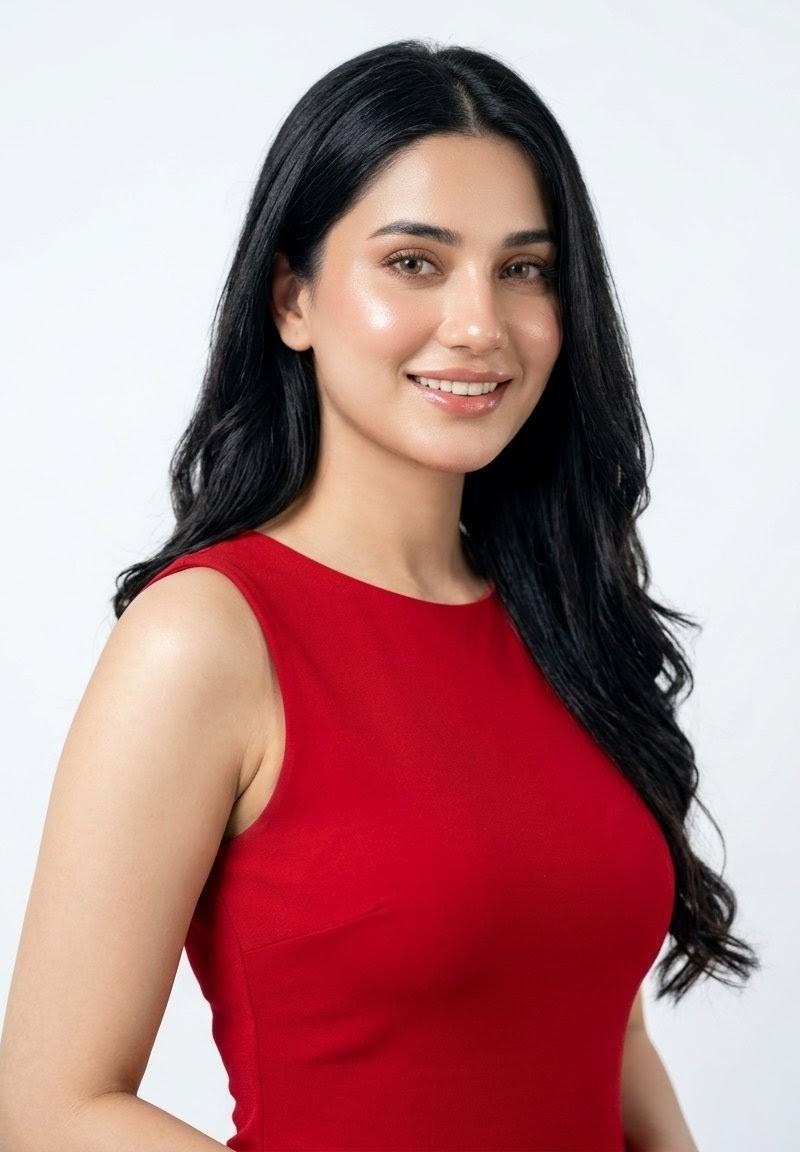
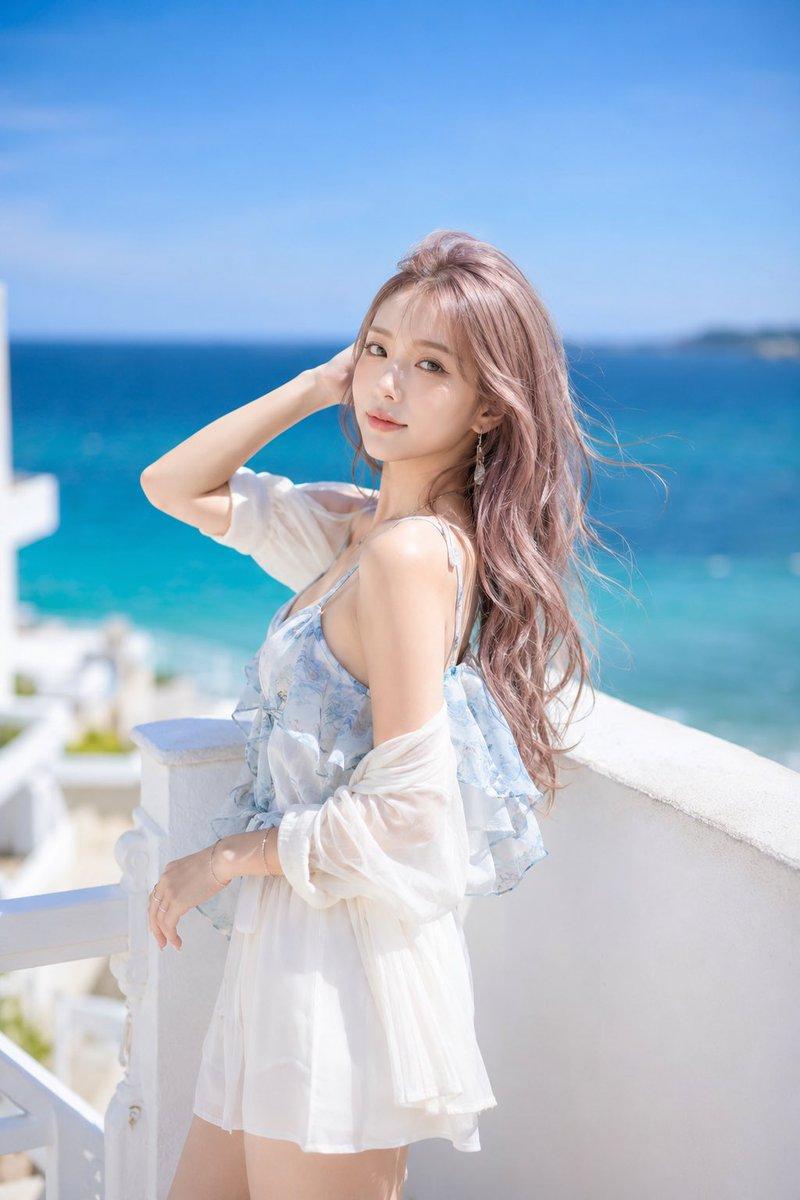
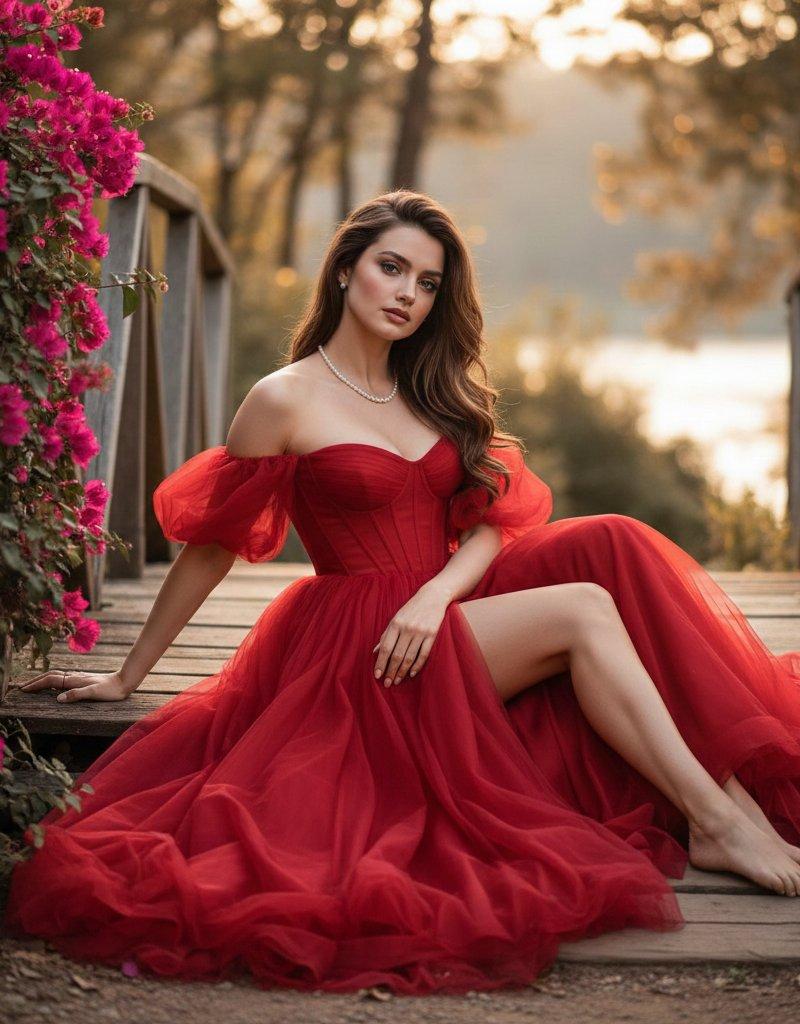
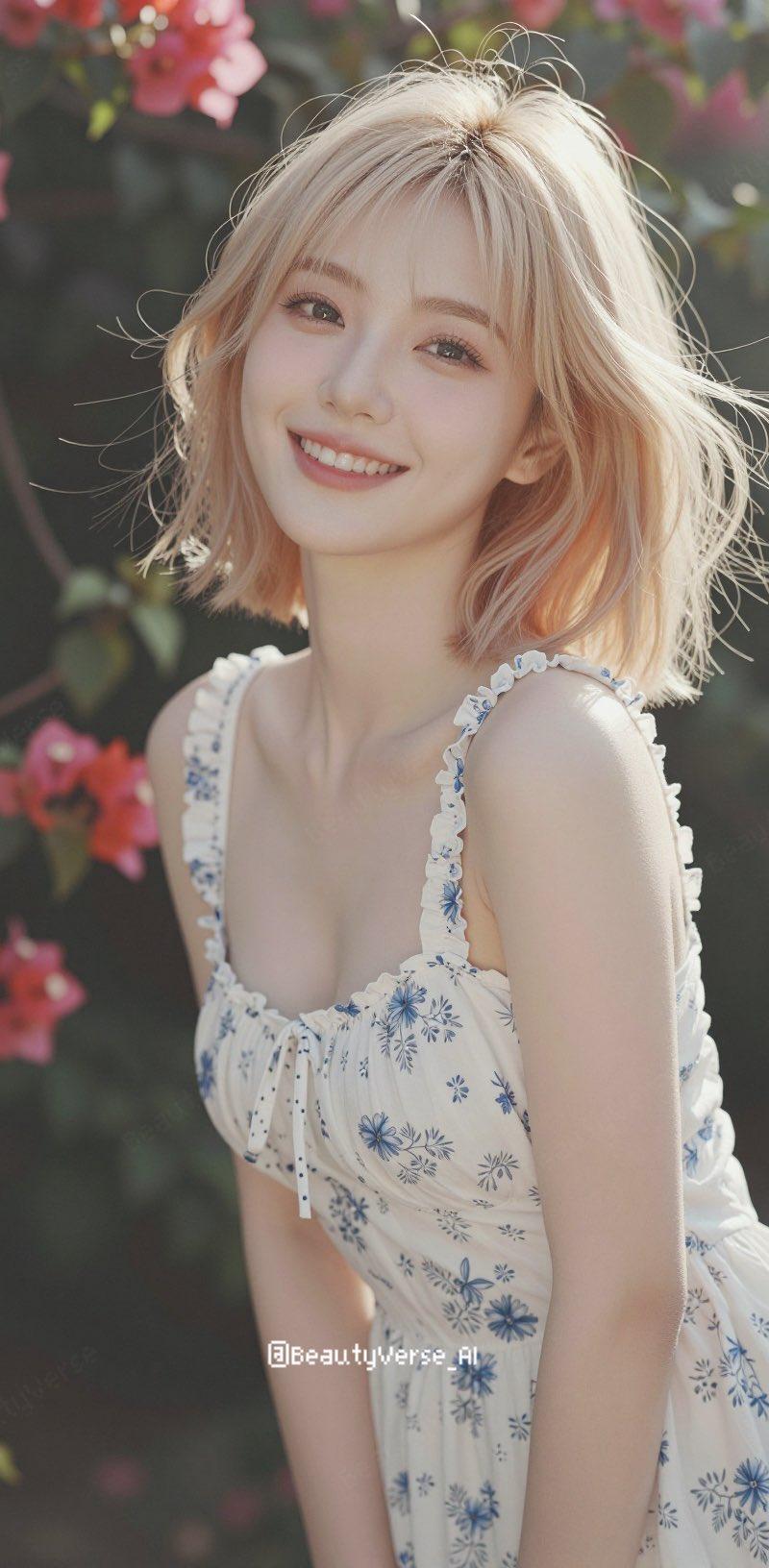
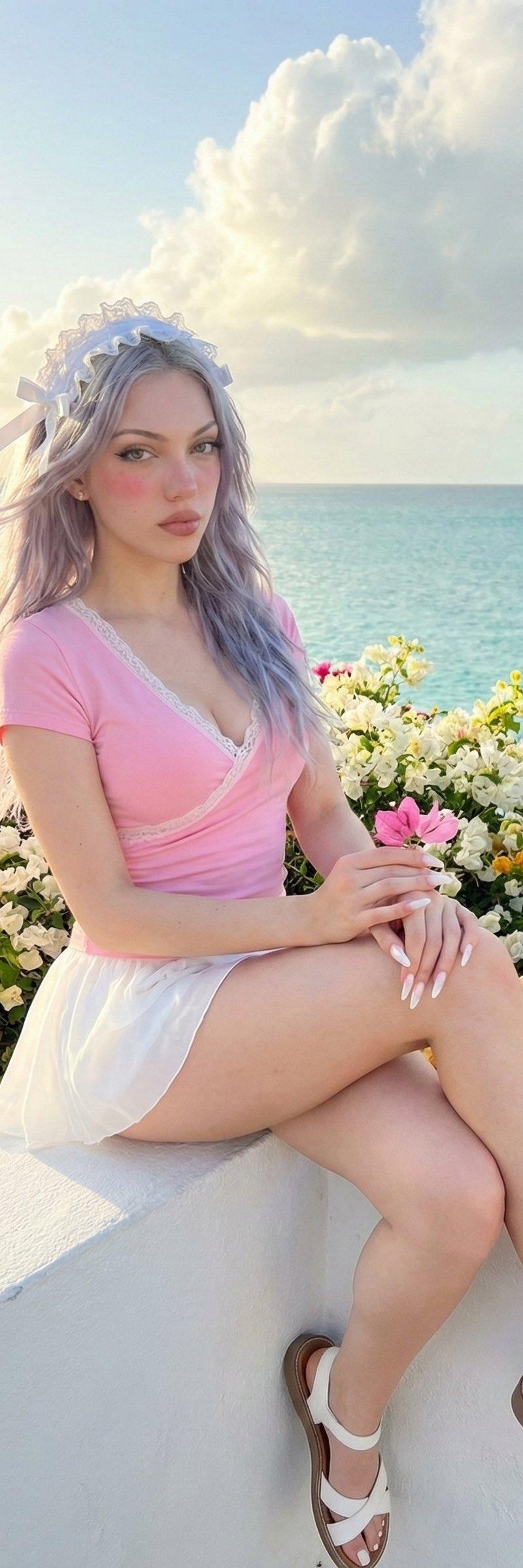
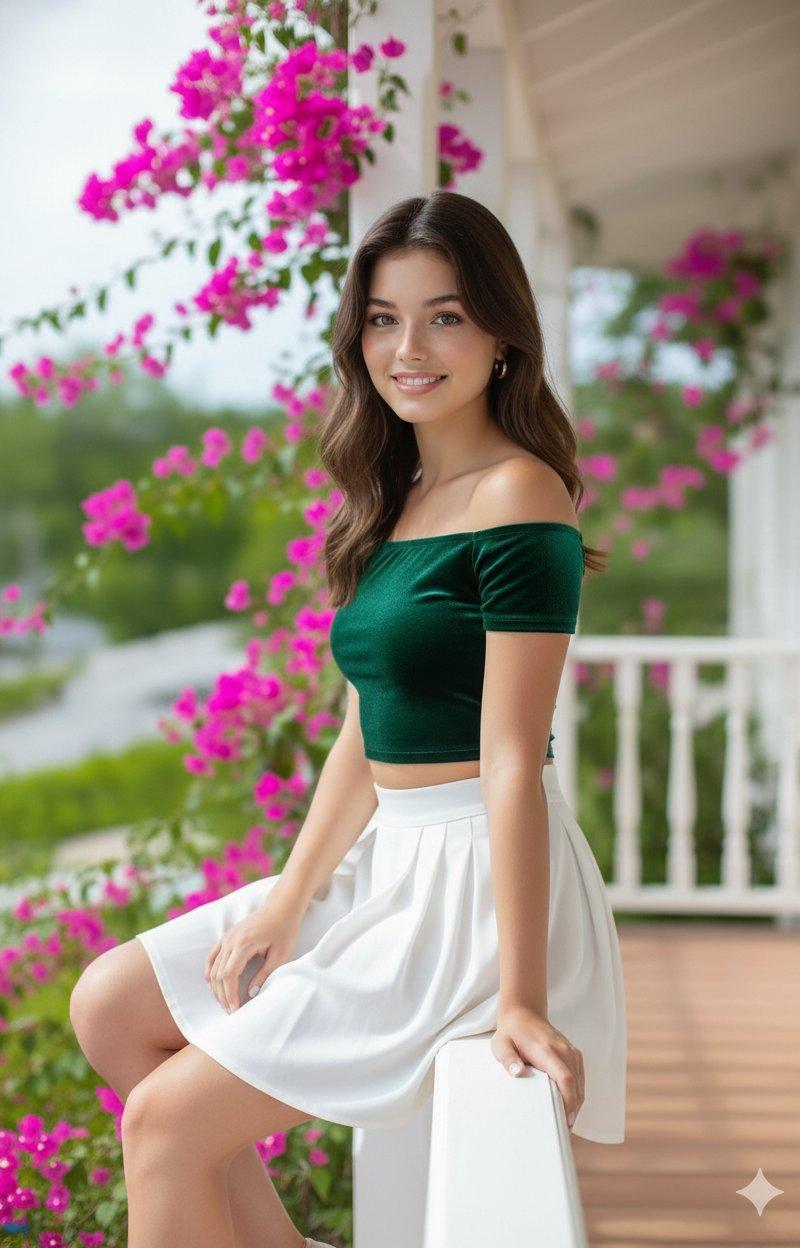
"100% same face & body details, A beautiful young woman, slightly facing to the right, looking at the viewer calmly. She wears a emerald green velvet off-shoulder crop top with shimmer and a pleated white high-waist skirt. She holds a woven basket of roses (red & white), wearing gold hoop earrings. She stands on a bright colonial-style balcony with white railing, pale yellow walls, and vibrant bougainvillea flowers. Phone-quality realistic lighting & texture, subtle depth like a smartphone portrait."
Category
Photography & Realism
Model
Unknown
Creator
Abbay
Source language
zh-CN
Views0
Source ID
500-selfies-0-good-photos-gemini-your-saviour
Studio

Guide

About "500自拍无好片?Gemini是你的救星!📱✨"

What is this prompt for?

"500自拍无好片?Gemini是你的救星!📱✨" AI image prompt for Unknown (Photography & Realism). If your gallery has 500 selfies & 0 good photos — Gemini is your saviour 📱✨ St…

The full copyable prompt and example visuals above are ready for AI image generation or one-click recreate in Picva.

How to use this prompt

  1. Step 1

    Open the prompt detail

    Review the example visuals, category, and full prompt text for "500自拍无好片?Gemini是你的救星!📱✨".

  2. Step 2

    Copy the prompt

    Copy the prompt body from this page, or load it directly in Studio.

  3. Step 3

    Pick a model (Unknown)

    Prefer Unknown. If you switch models, keep subject and composition and tweak style terms.

  4. Step 4

    Generate and export

    Recreate the look in Picva, or export into your workflow for editing and publishing.

FAQ

What is the "500自拍无好片?Gemini是你的救星!📱✨" prompt?
It is an AI image-generation prompt for Unknown in the Photography & Realism category. This page includes the full prompt text, example visuals, and a one-click recreate path in Picva.
How do I use this prompt to generate an image?
Copy the prompt from this page, or use Generate / Studio. Paste it into a compatible image model, or recreate the look in Picva with optional reference images.
Which model is this prompt for?
This page lists Unknown. Most descriptive prompts also transfer to nearby image models such as GPT Image, Flux, or Midjourney with light style tweaks.
Can I use the result commercially?
You can usually copy the prompt for creation, but commercial use of the final image depends on the model terms, reference-image rights, and the generated content. Follow the source author and platform rules.