Adobe Firefly使用指南
Prompt
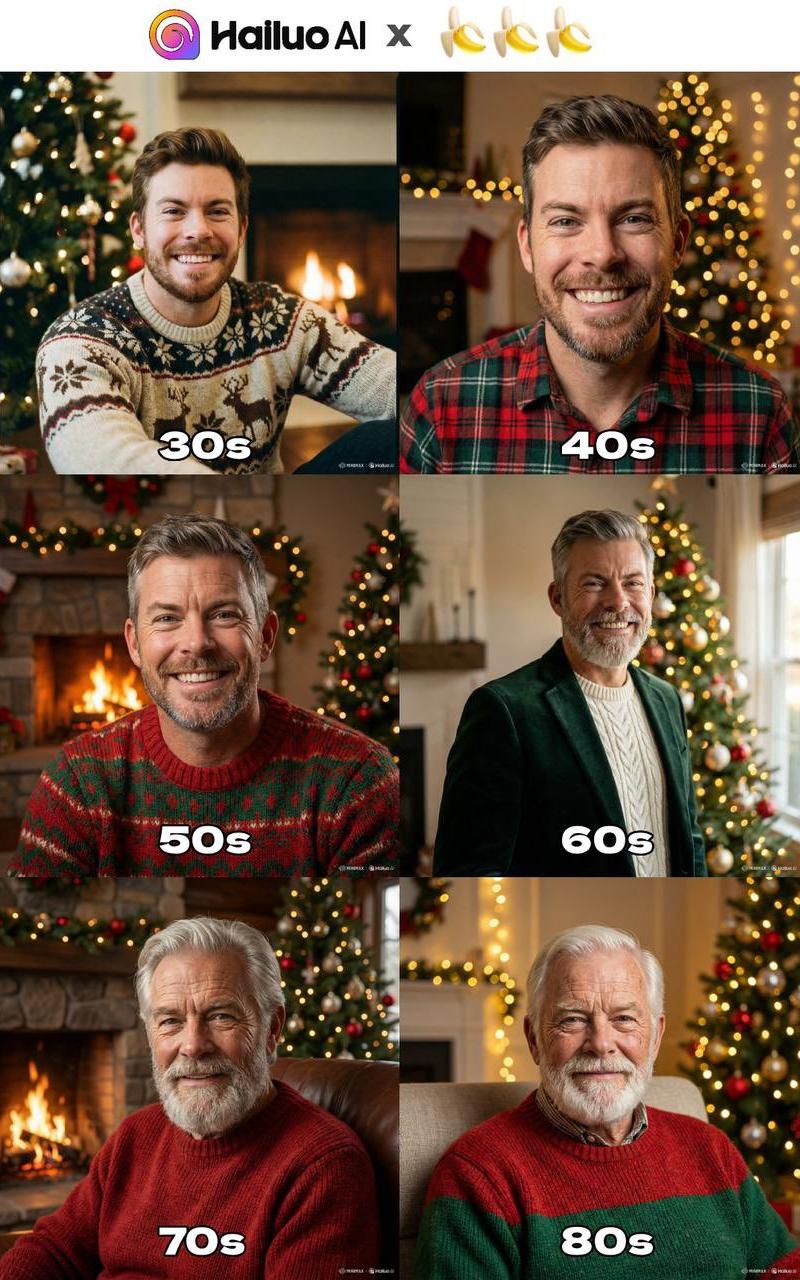
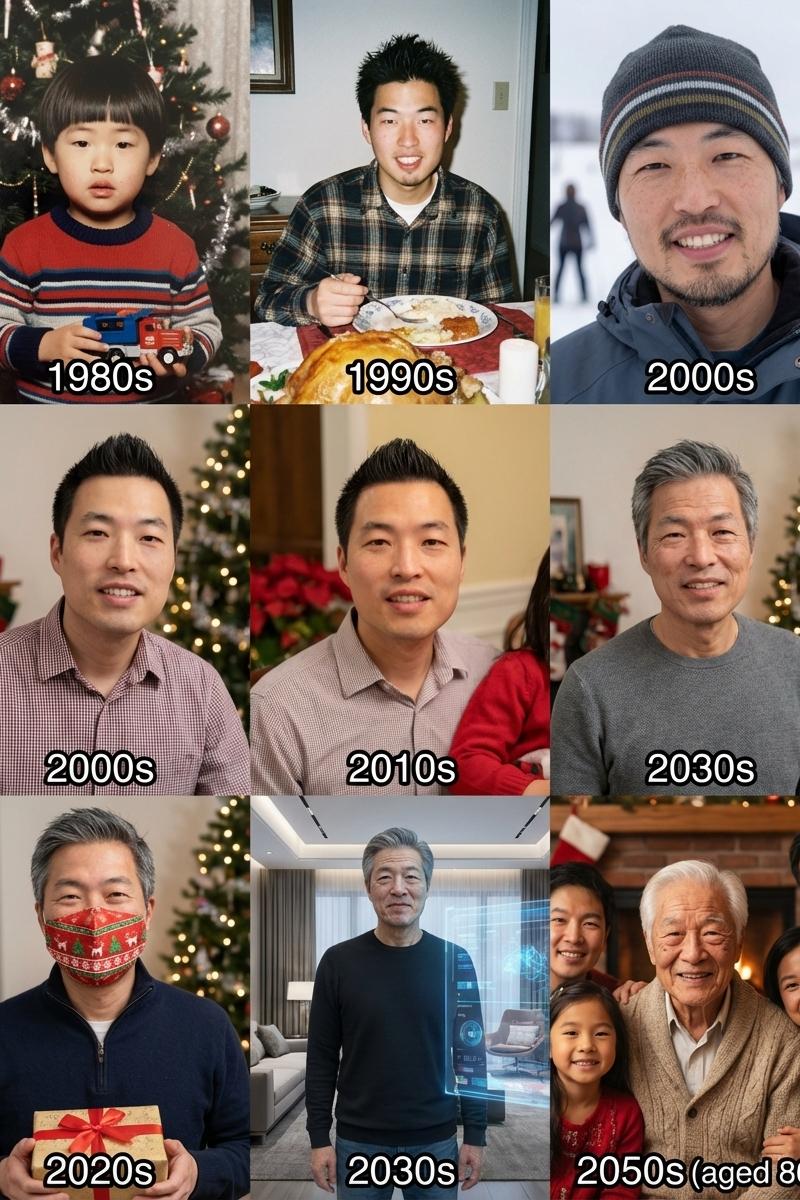
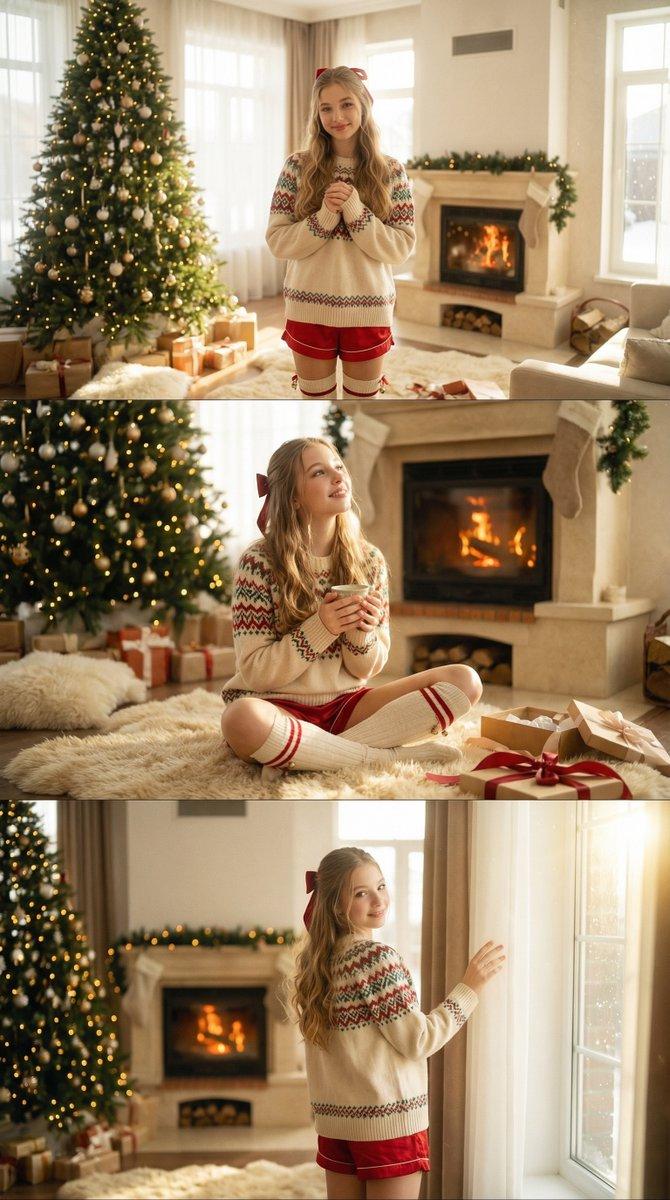
You don't need a photographer to create your holiday photos this year!
Nano banana pro in adobe firefly can create the best holiday photos & cards in less than 5 mins
Even better, all image models & firefly video in Adobe Firefly are unlimited until Dec. 15th
Here's how:🧵👇
This post is sponsored by @Adobe as an Adobe Firefly Ambassador
#AdobeFireflyAmbassadors #Ad #FireflyPromo
2) Getting started
✦ Head to Firefly boards https://t.co/IHrqVKj10r
✦ Unlimited generations in Adobe Firefly on all image models and the Firefly video model has been extended to December 15th https://t.co/uVO0vsfXGf
3) Upload reference image
✦ Drag and drop a photo of yourself onto the new firefly board canvas.
✦ Click on the image & select edit. Choose Gemini 3 (Nano Banana Pro) from the model list. https://t.co/ryMHUZHSLR
4) Nano Banana Pro Edits Step 1
✦ Nano Banana Pro can either one-shot the holiday photo, or you can work in steps. The prompt has two core elements - making the photo look like a professional captured it, and changing the photo to be holiday themed.
✦ The first step is to prompt:
"Show me this photo as if a professional photographer captured it with proper lightly, color grading, depth of field."
5) Nano Banana Pro Edits Step 2
✦ The second step is to prompt:
\"Replace the background with [Holiday theme background]. Change the person's outfit to [Outfit]. The person is holding a [Object]. Don't change the person's pose\"
✦ You can combine the step 1 & step 2 prompts together to one-shot the generation. The results will be slightly more varied, but it is a quicker process. For example:
"Show me this photo as if a professional photographer captured it with proper lightly, color grading, depth of field. Also replace the background with jurassic dinosaur christmas time. The man is holding a dinosaur. Don\'t change the man\'s pose"
6) Adobe Firefly Generations
✦ You can also try creating your holiday photos and cards with nano banana pro & additional partner models on Adobe Firefly here:
https://t.co/C0qYRc0EEY https://t.co/Nxjar418CS
7) Be sure to repost & bookmark the first post to save the prompt & create your own:
https://t.co/bTsCztpzyU
- Category
- Photography & Realism
- Model
- Nano Banana Pro
- Creator
- Allen T.
- Source language
- zh-CN
- Source ID
- adobe-firefly-guide
Views0