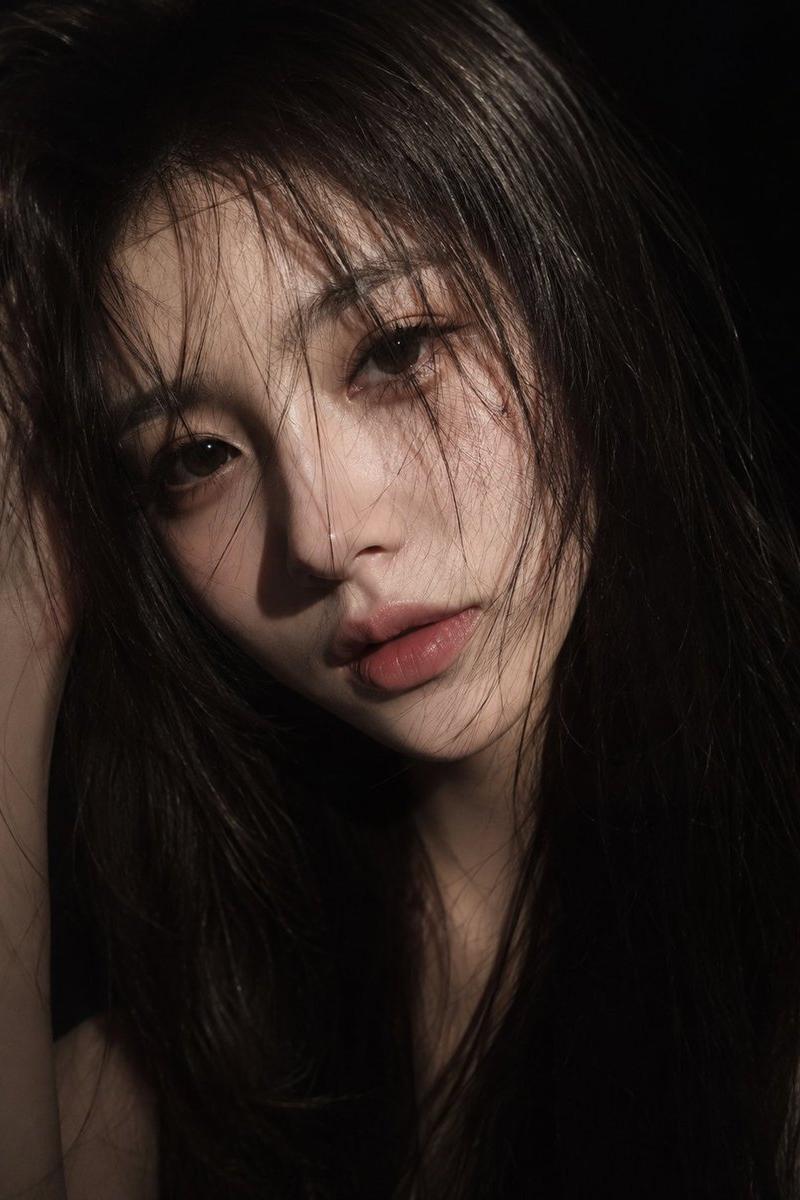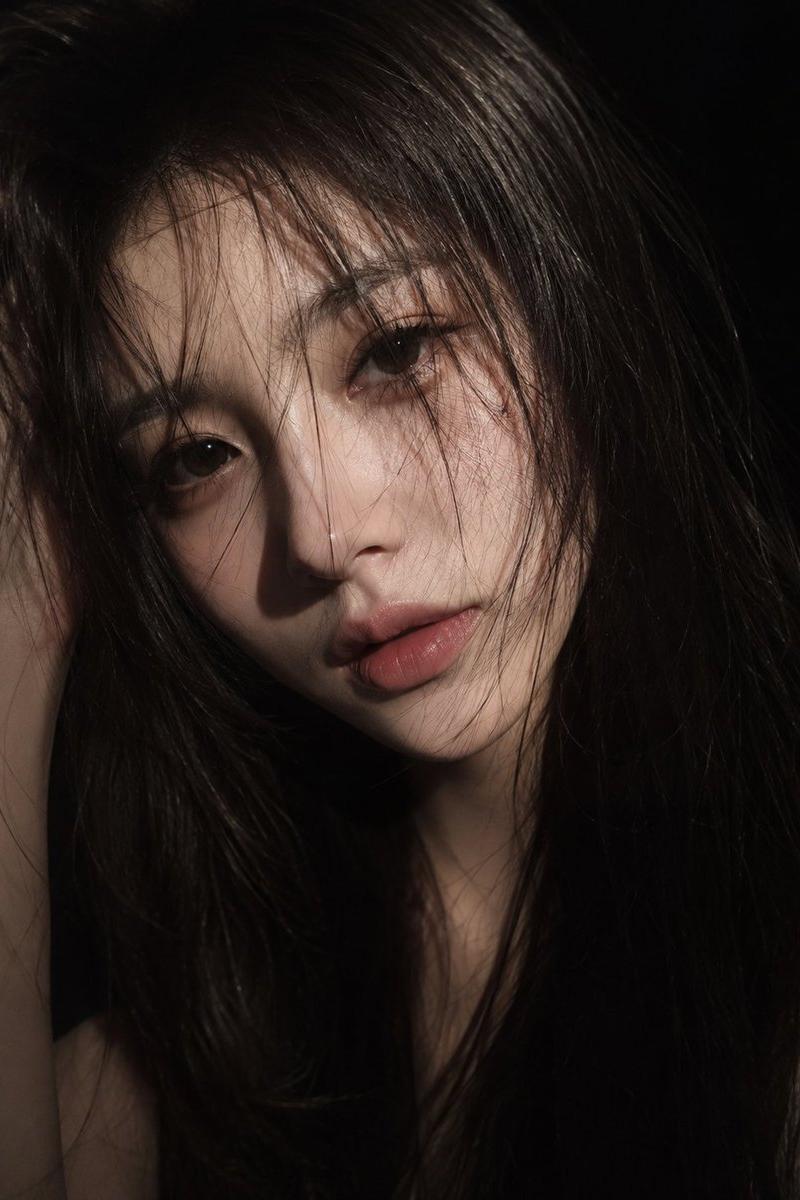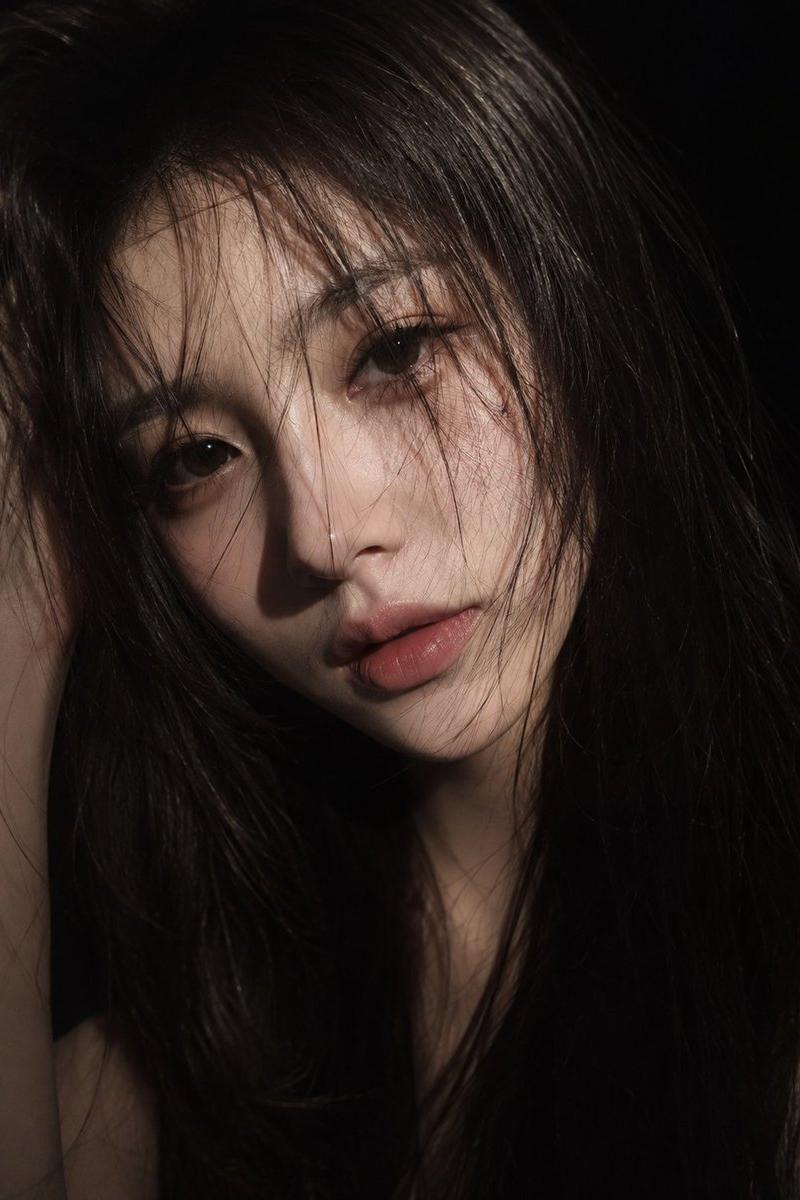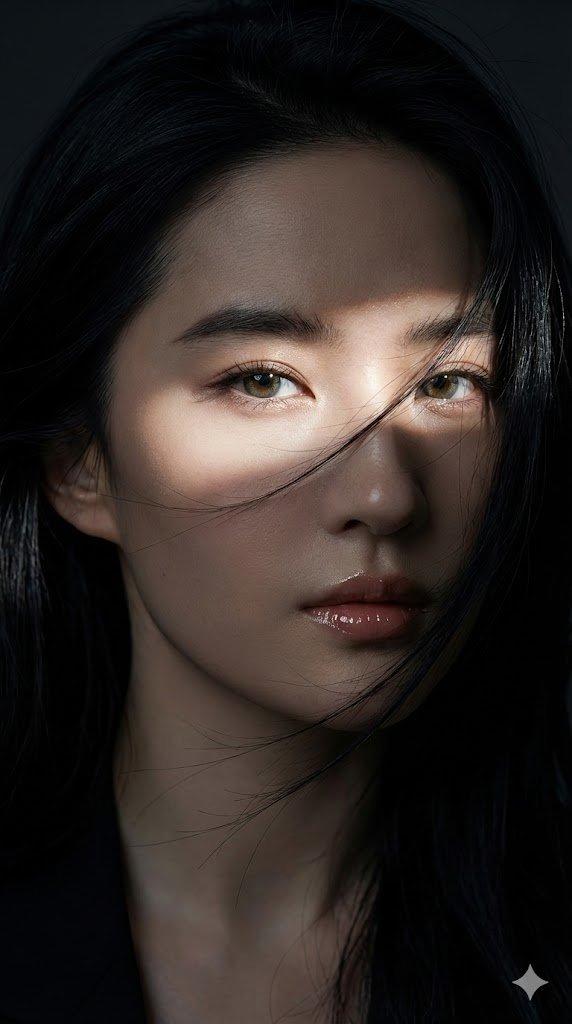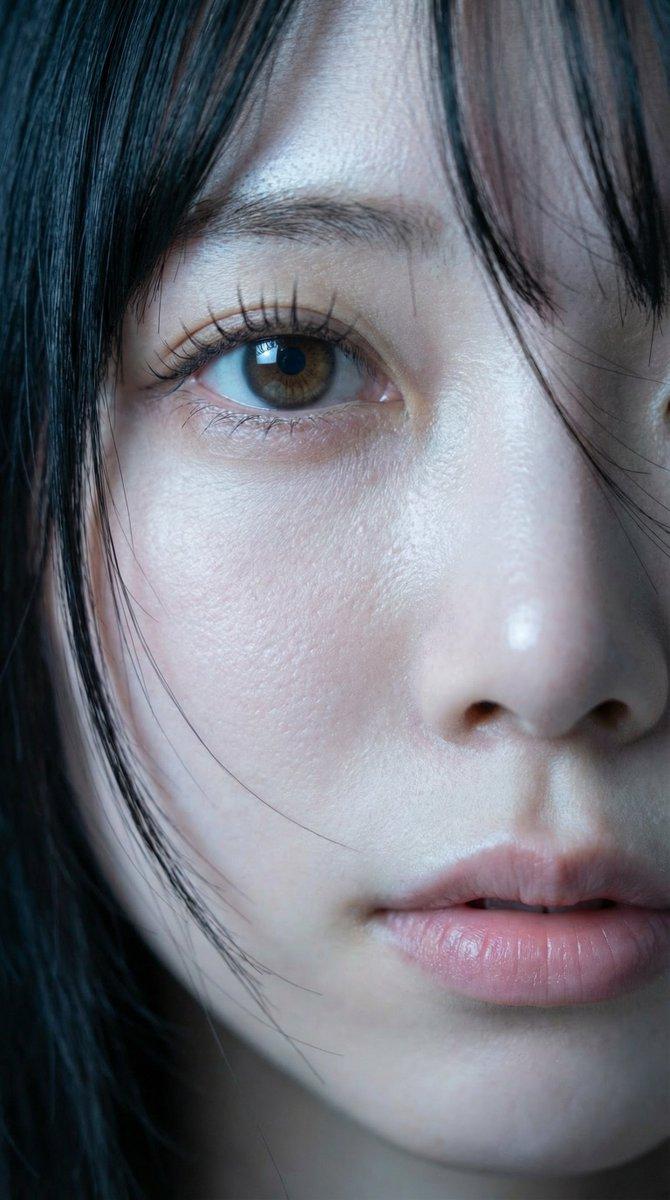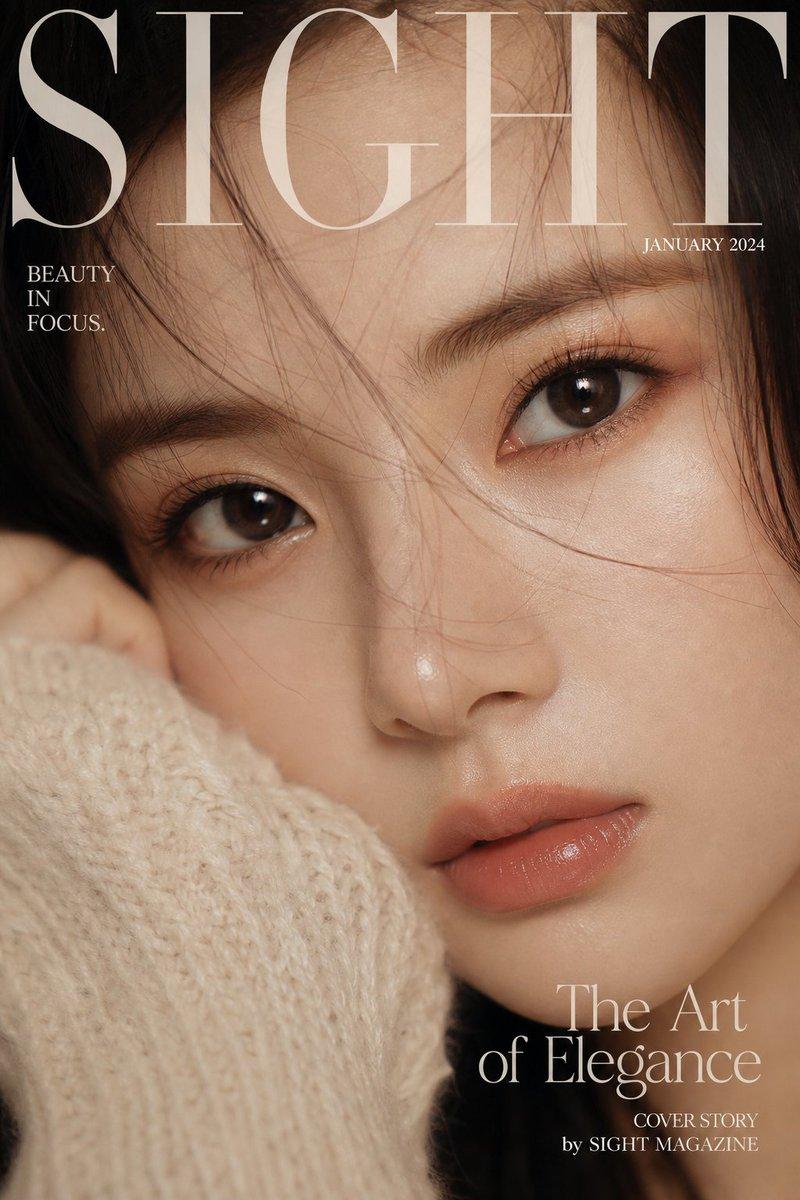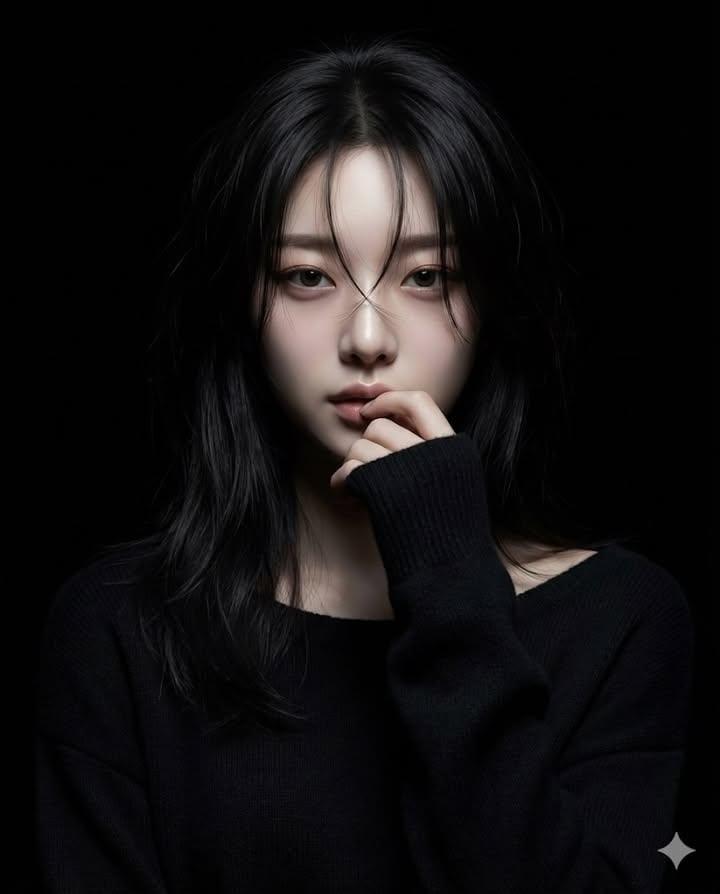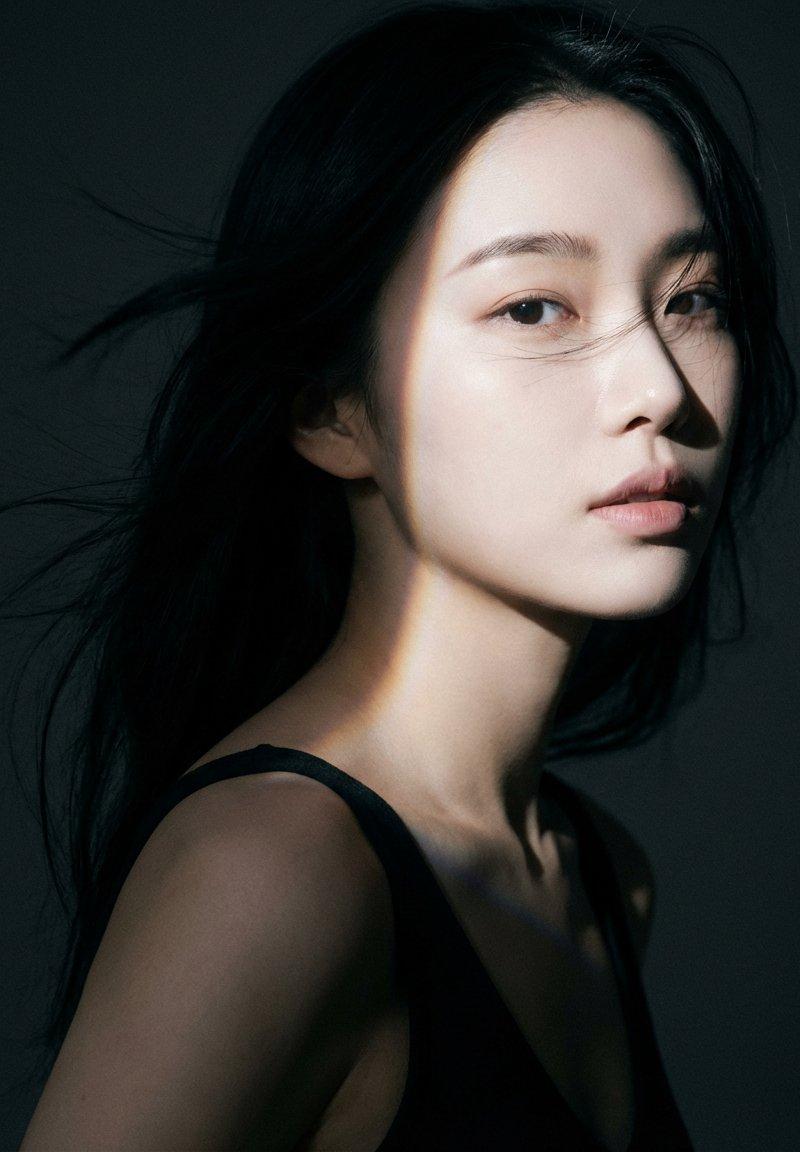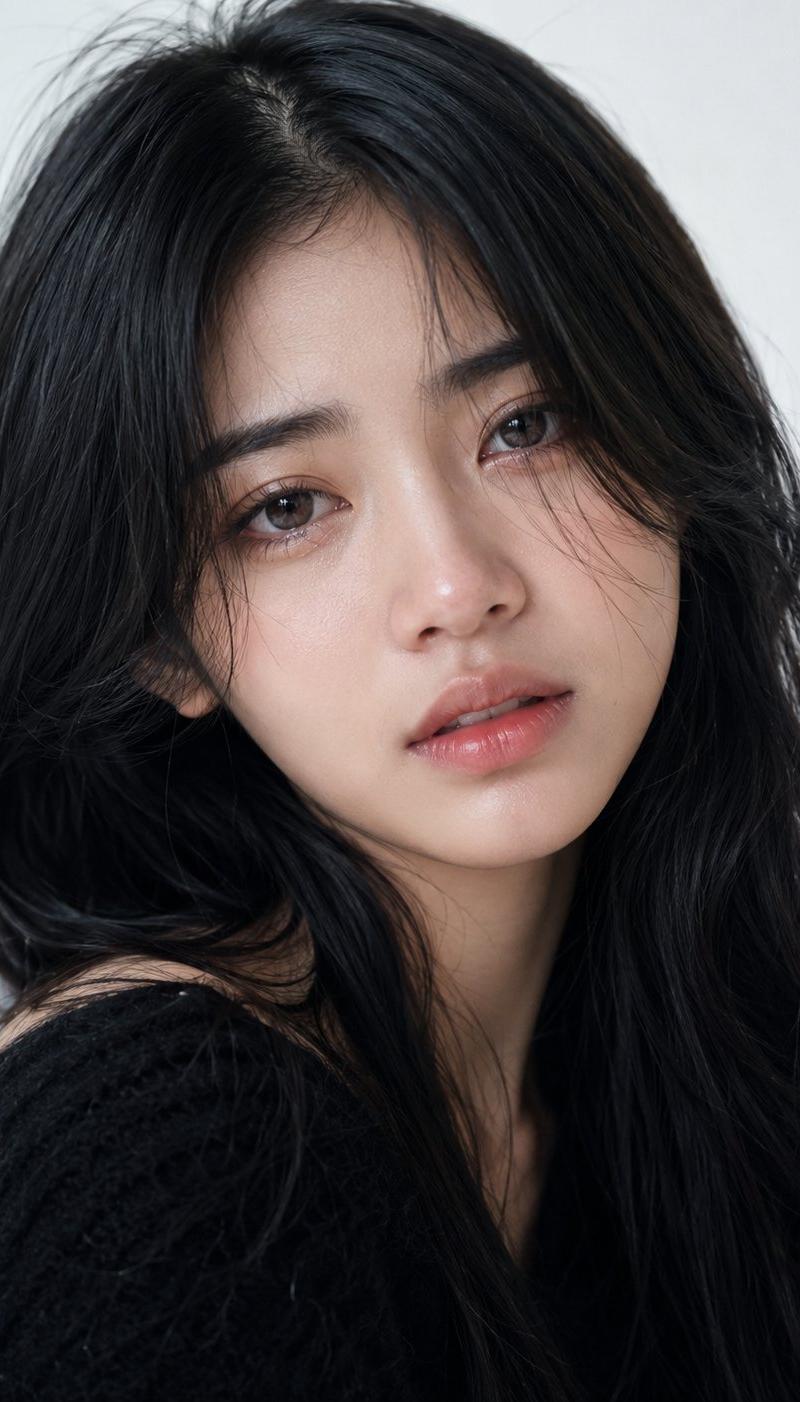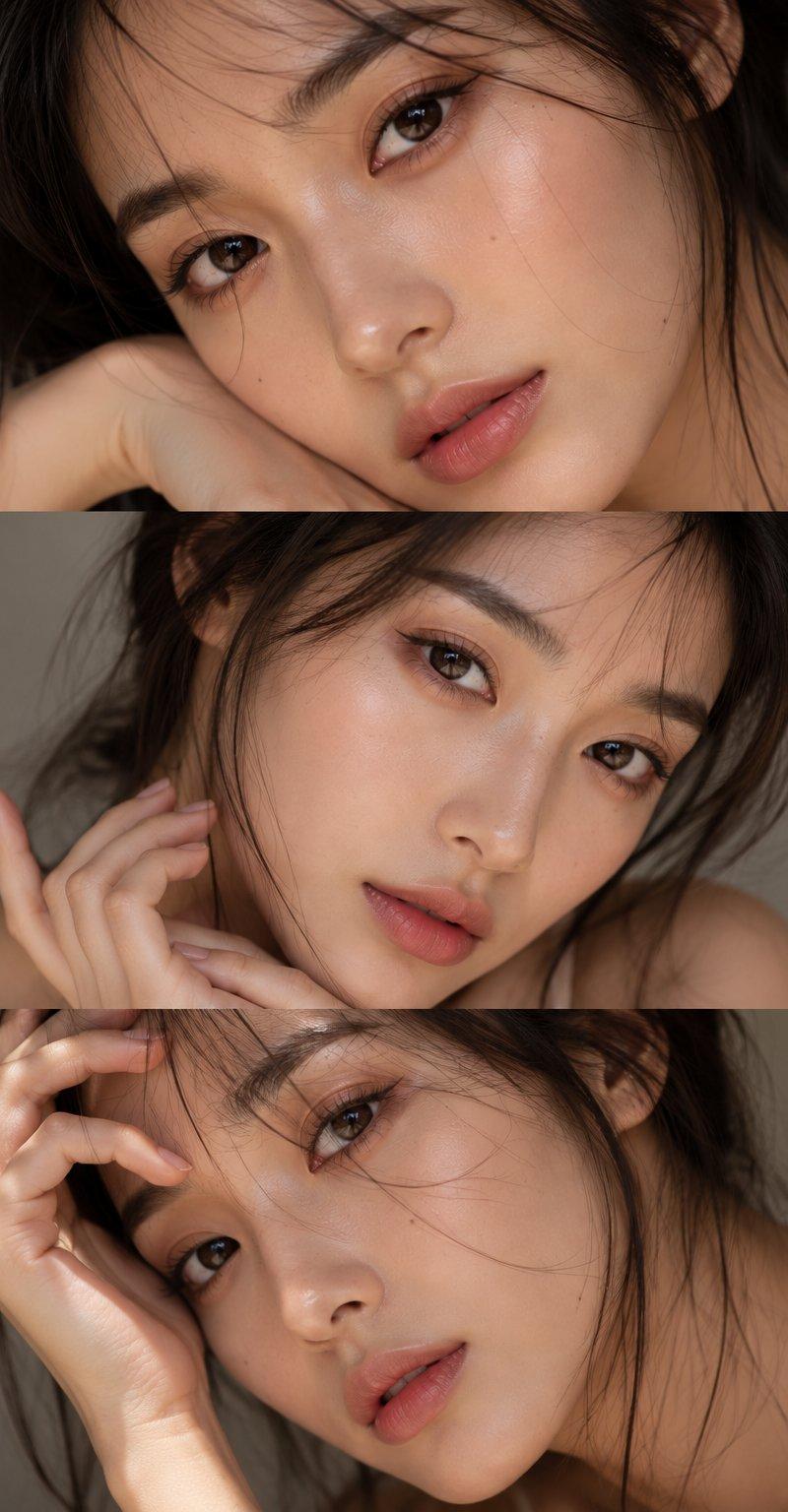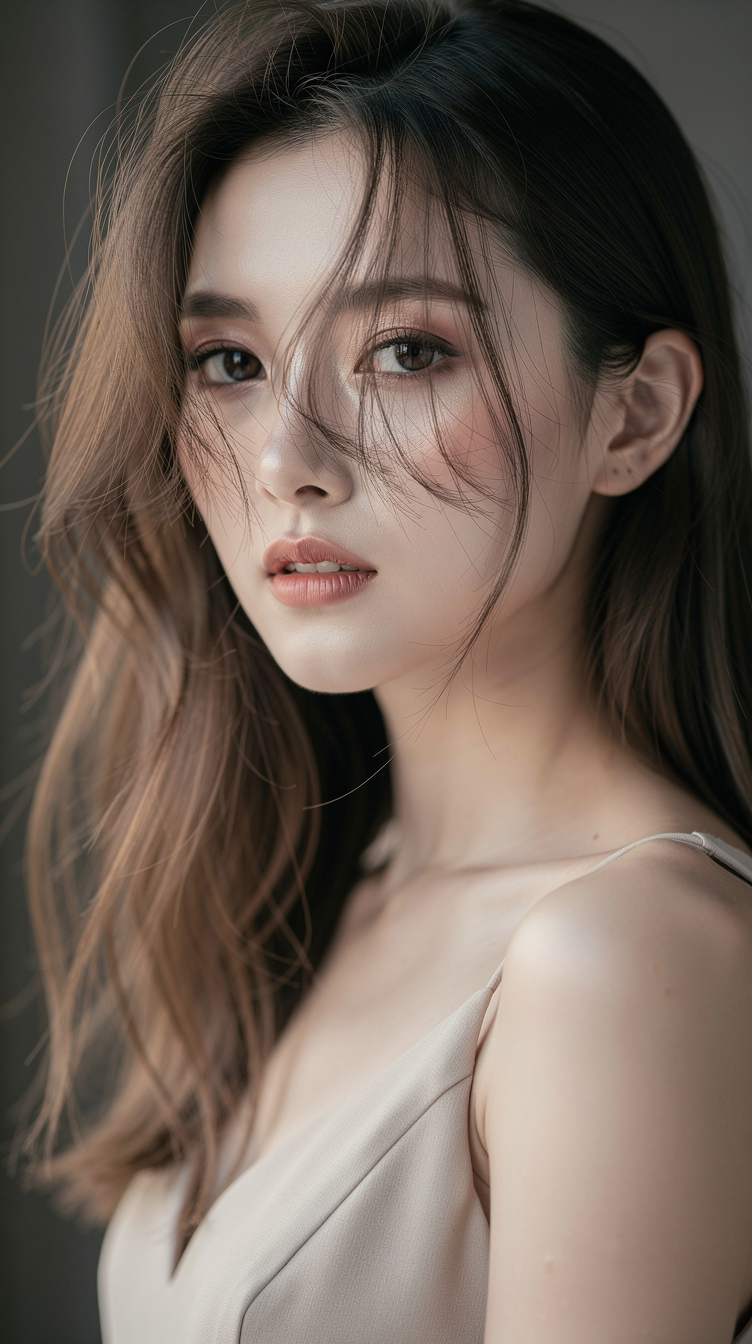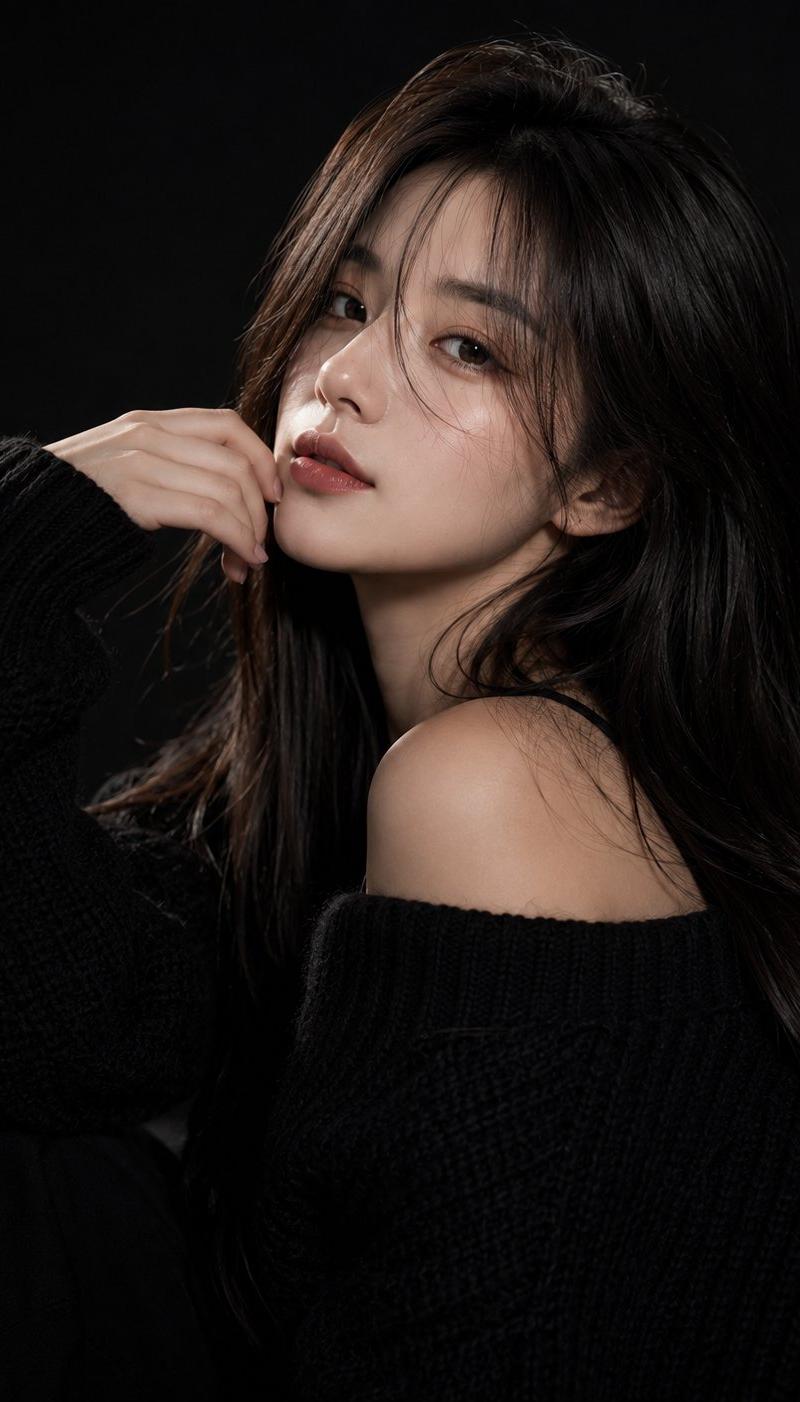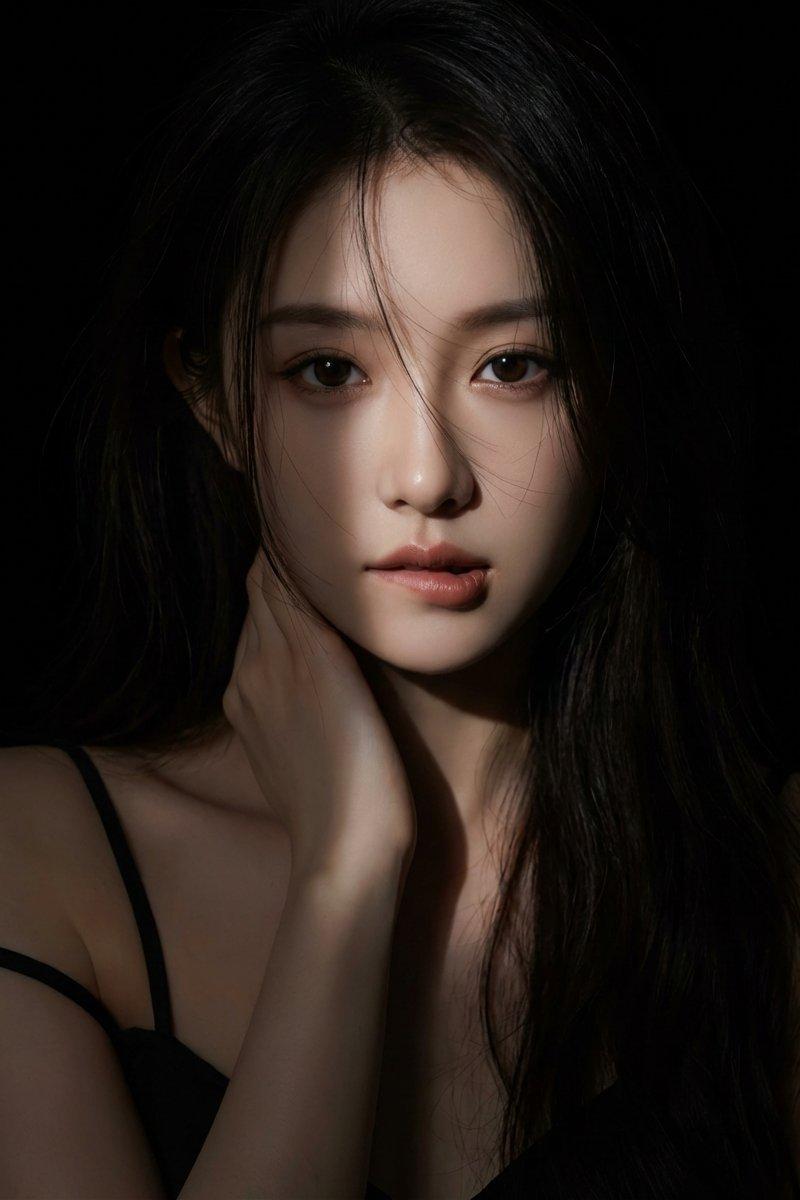
光影效果高级感十足,微表情韵味提升
Prompt
1. hyperrealistic female portrait of a female character standing in a completely black background. Lighting: use a narrow beam spotlight focused only on the center of the face and mouth. The edges of the light must be sharp and dramatic. All areas outside the spotlight should fall quickly into deep darkness (high falloff shadow), almost blending into the black background. Not soft lighting. Hair: long dark hair, messy strands falling over the face. The lower parts of the hair should fade into the shadows. Pose & Expression:
She is gently and provocatively biting her lower lip, eyes staring intensely at the camera. One hand is reaching up to
touch her neck. Clothing: A black spaghetti strap top; one strap has slipped down off her shoulder, but the clothing mostly disappears into the darkness with minimal detail.
Overall tone: dark, moody, dramatic, mysterious, sexy.
High-contrast only in the lit portion.
2. hyperrealistic female portrait of a female character standing in a completely black background. Lighting: use a narrow beam spotlight focused only on the center of the face. The edges of the light must be sharp and dramatic. All areas outside the spotlight should fall quickly into deep darkness (high falloff shadow), almost blending into the black background. Not soft lighting. Hair: long dark hair framing the face. Pose & Expression: She is looking at the camera with a sultry gaze and slightly sticking out her tongue in a playful, teasing manner. Clothing: Wearing a black deep-V lace top that is barely visible, merging into the shadows. Overall tone: dark, moody, dramatic, seductive. High-contrast only in the lit portion of the face.
Everything outside the spotlight should be nearly invisible.
- Category
- Photography & Realism
- Model
- Unknown
- Creator
- MapleShaw
- Source language
- zh-CN
- Source ID
- advanced-光影-effect-with-enhanced-subtle-expressions
Views0