16

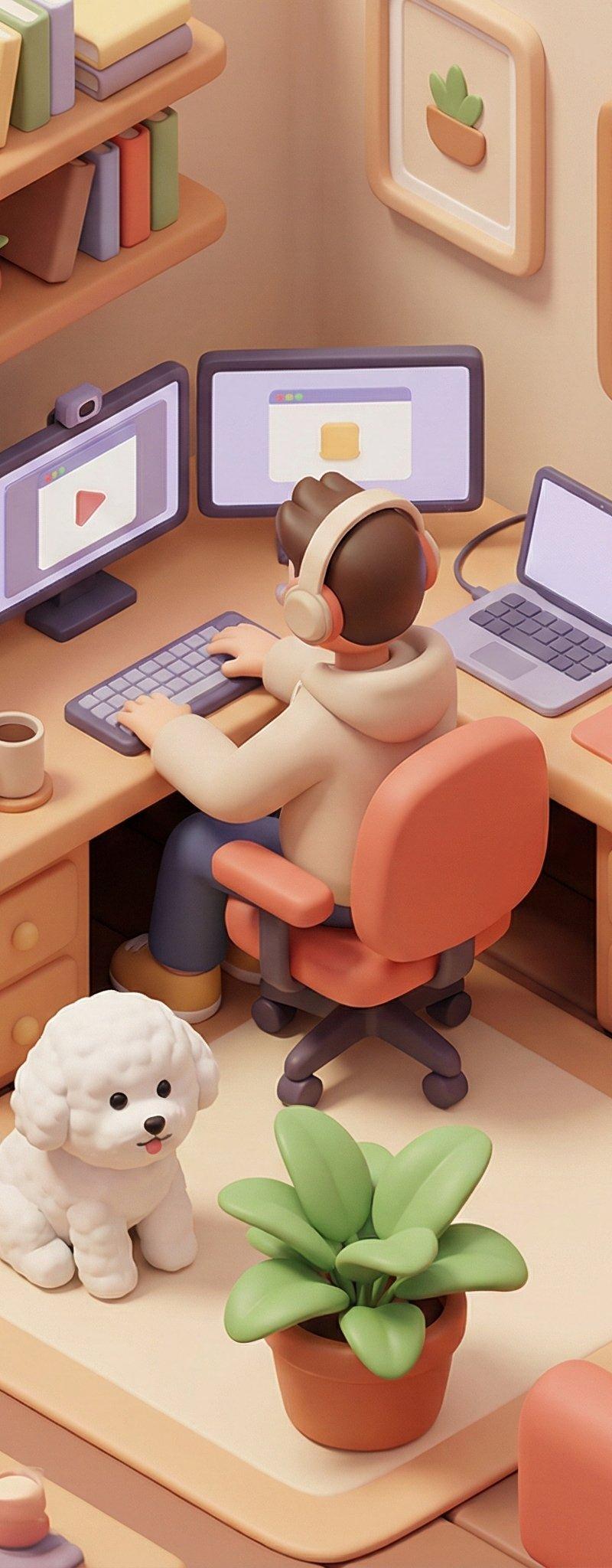
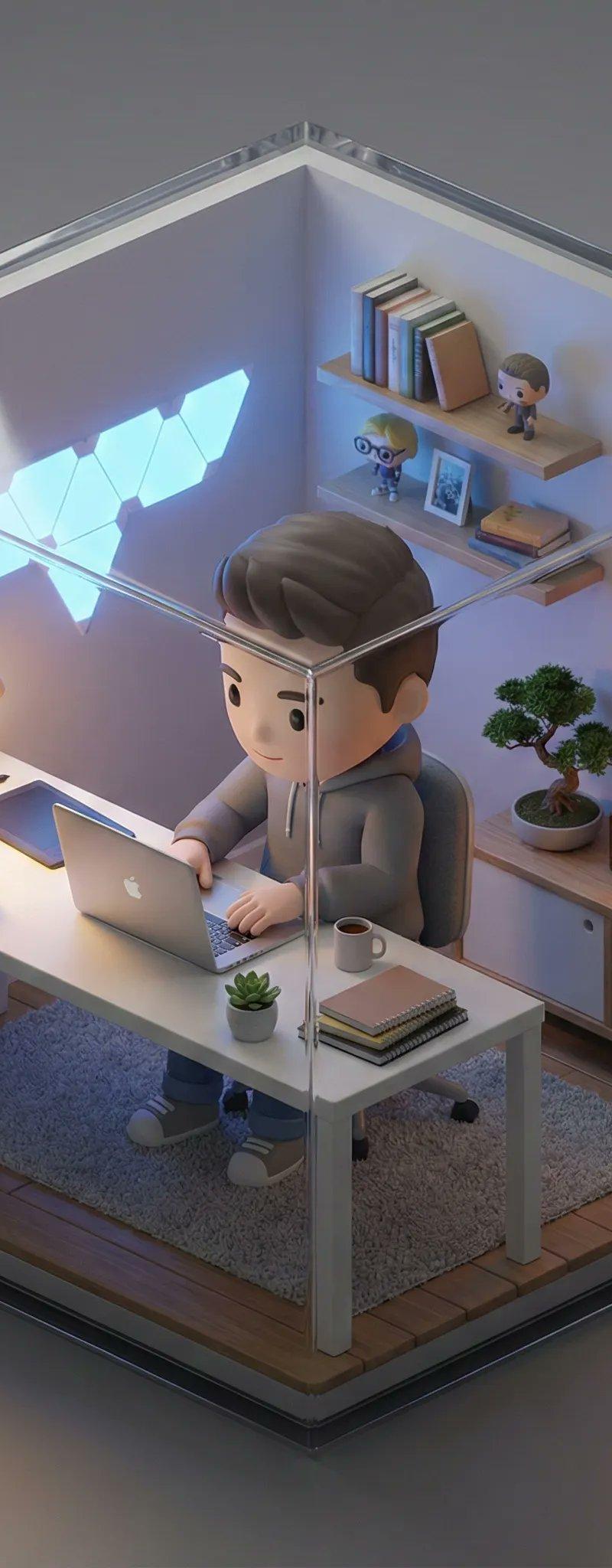
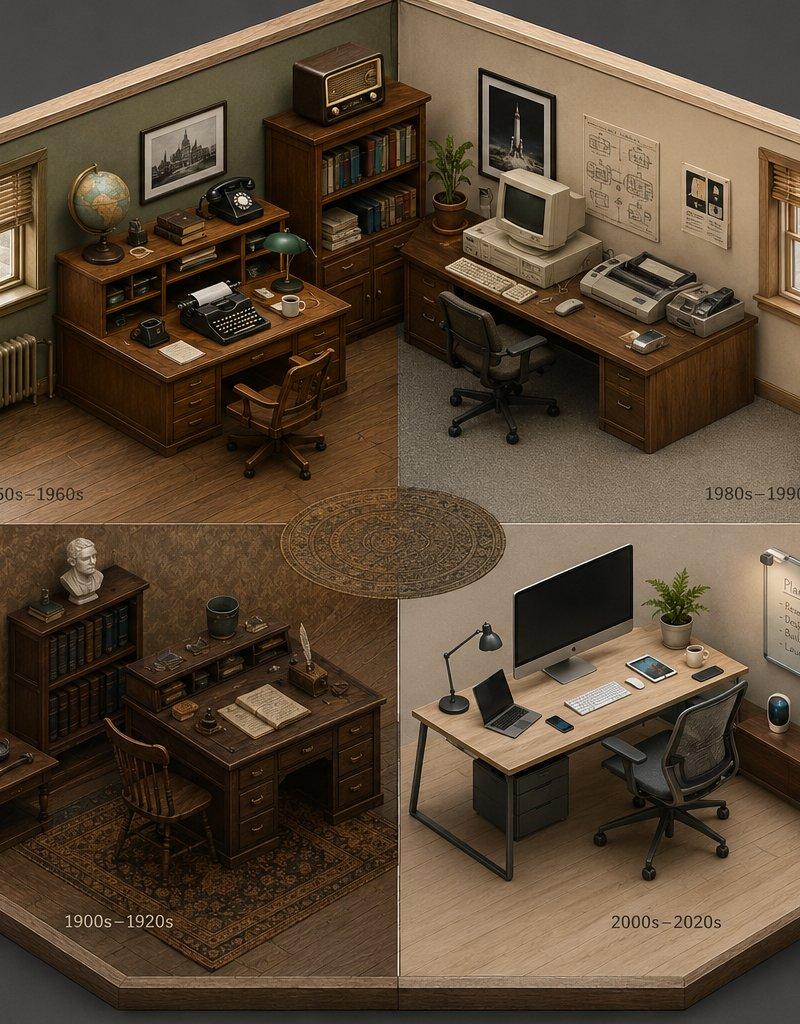
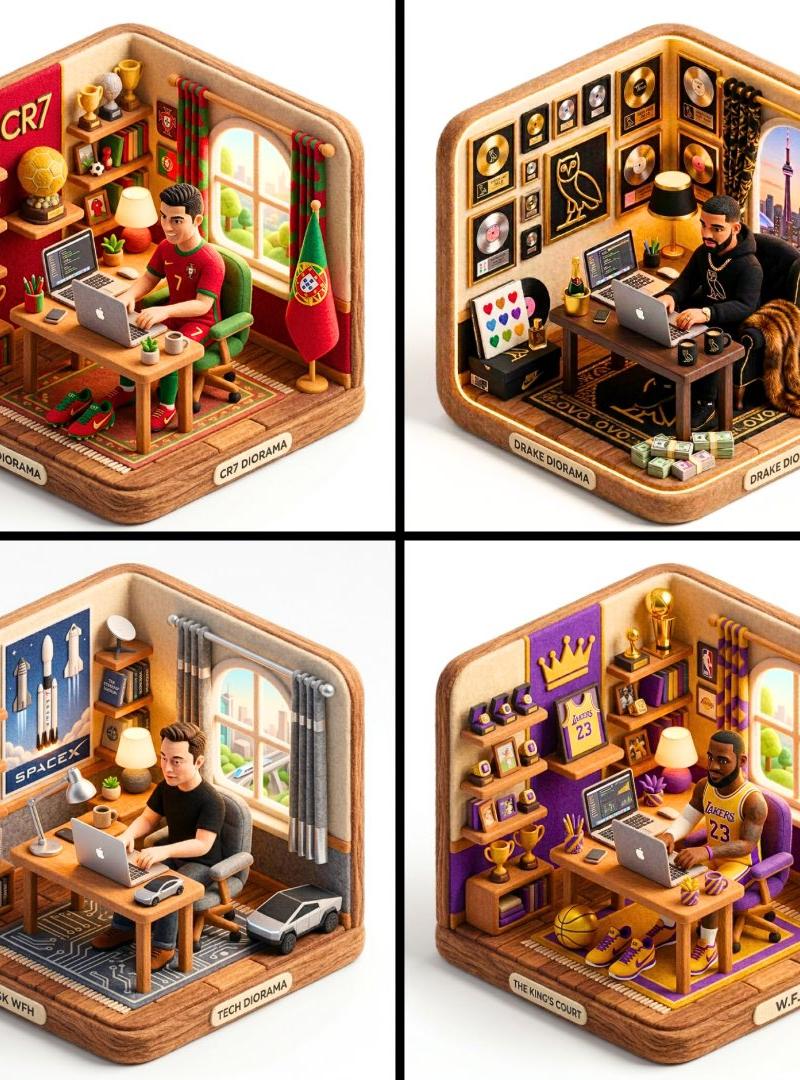
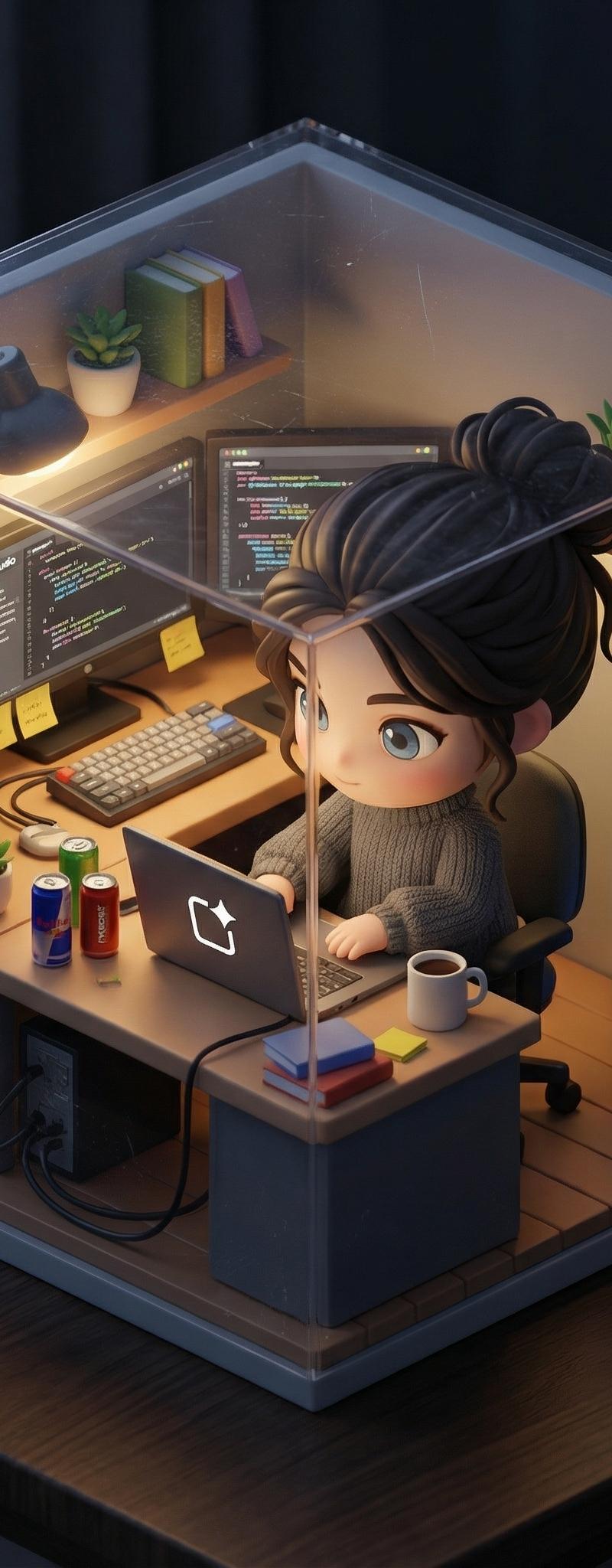
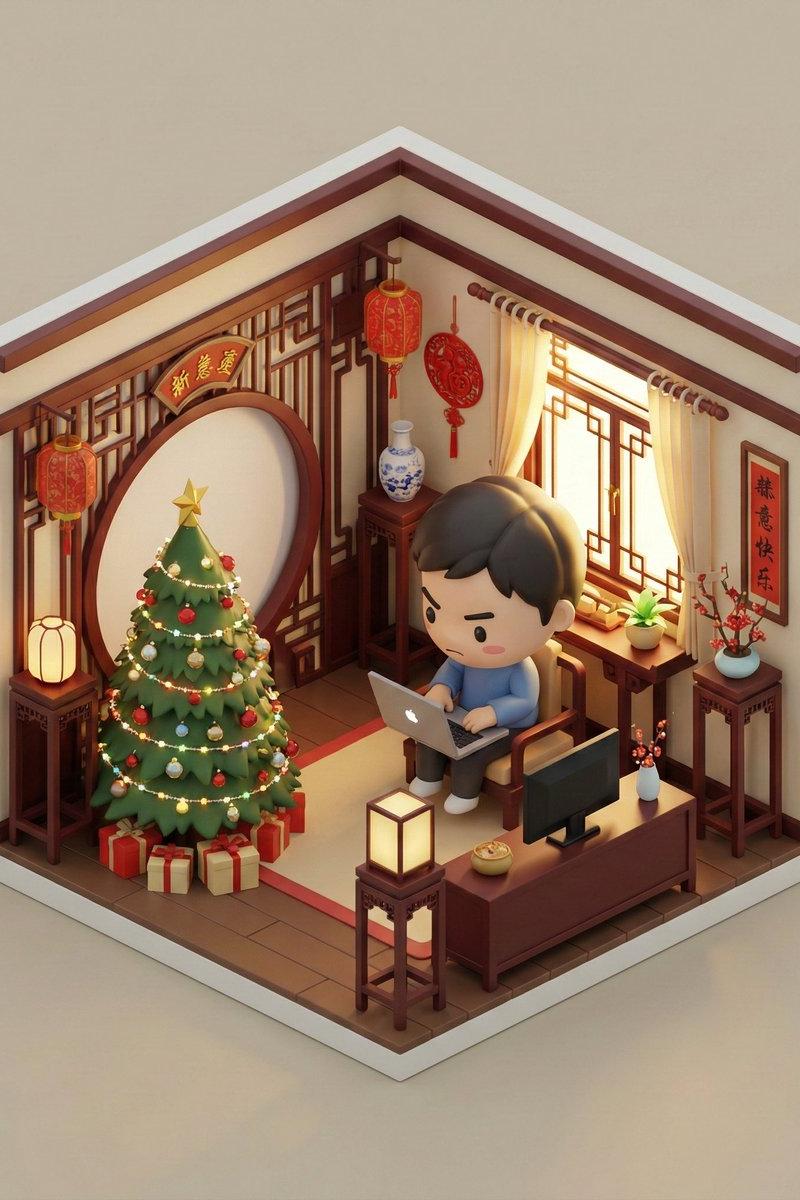
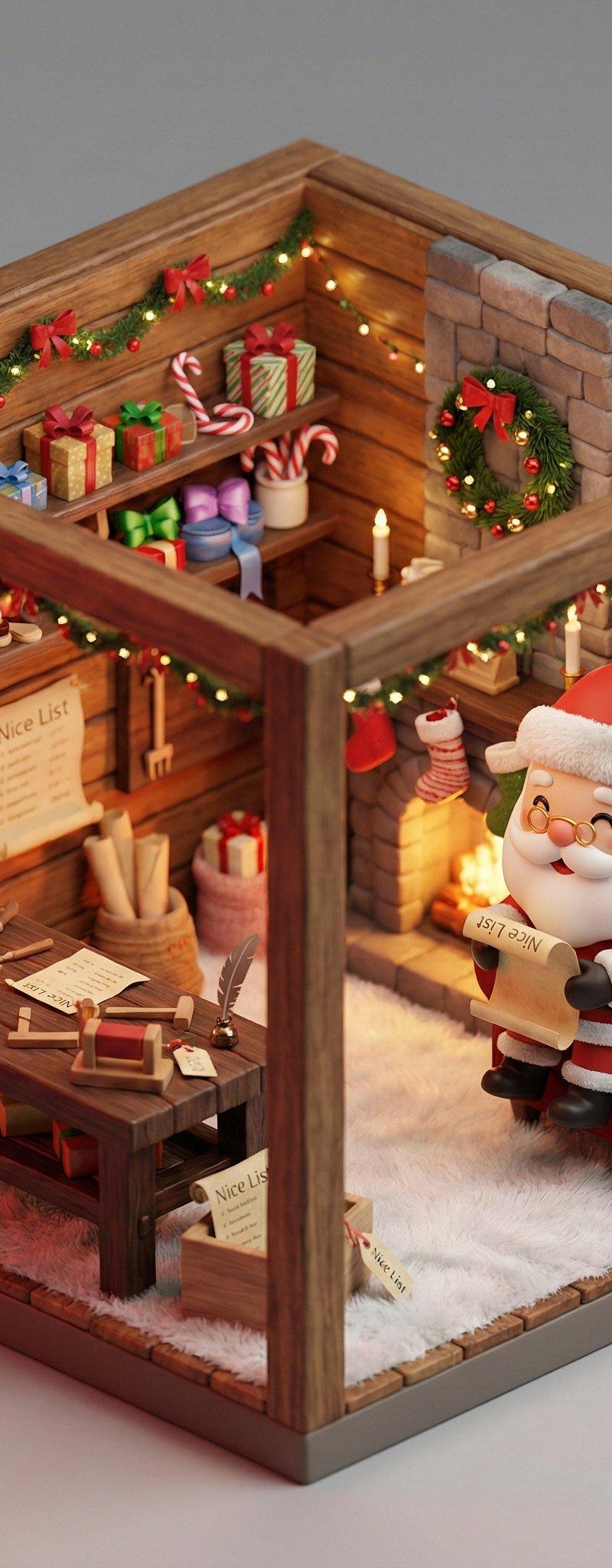
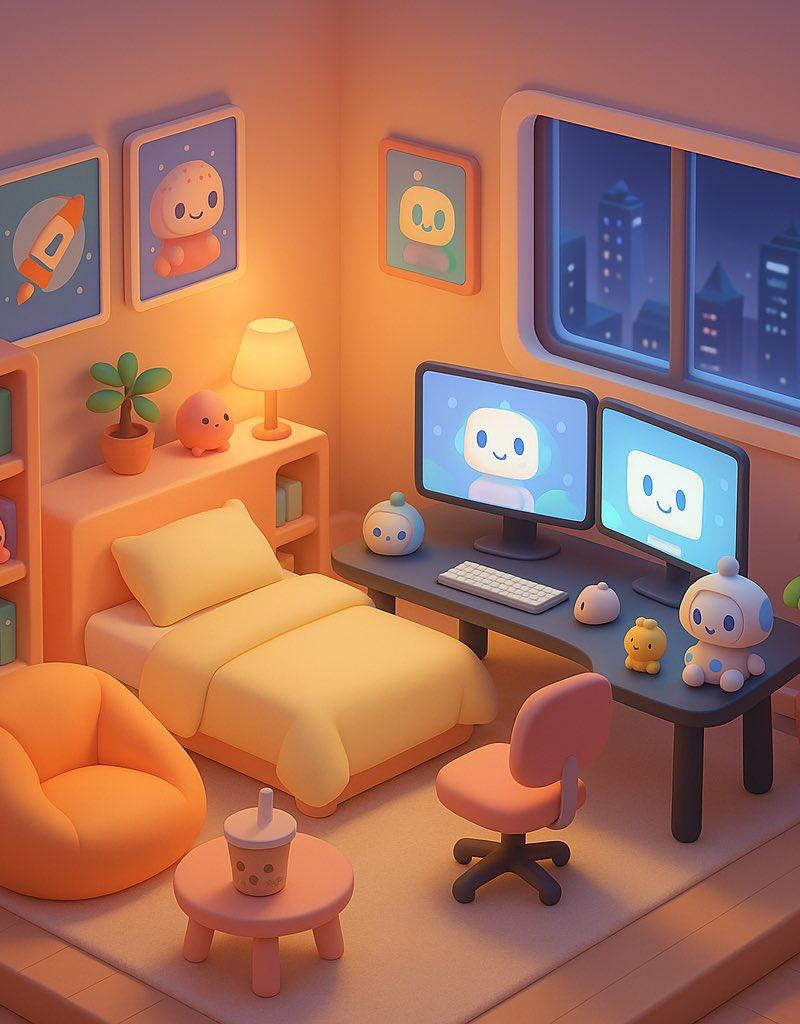
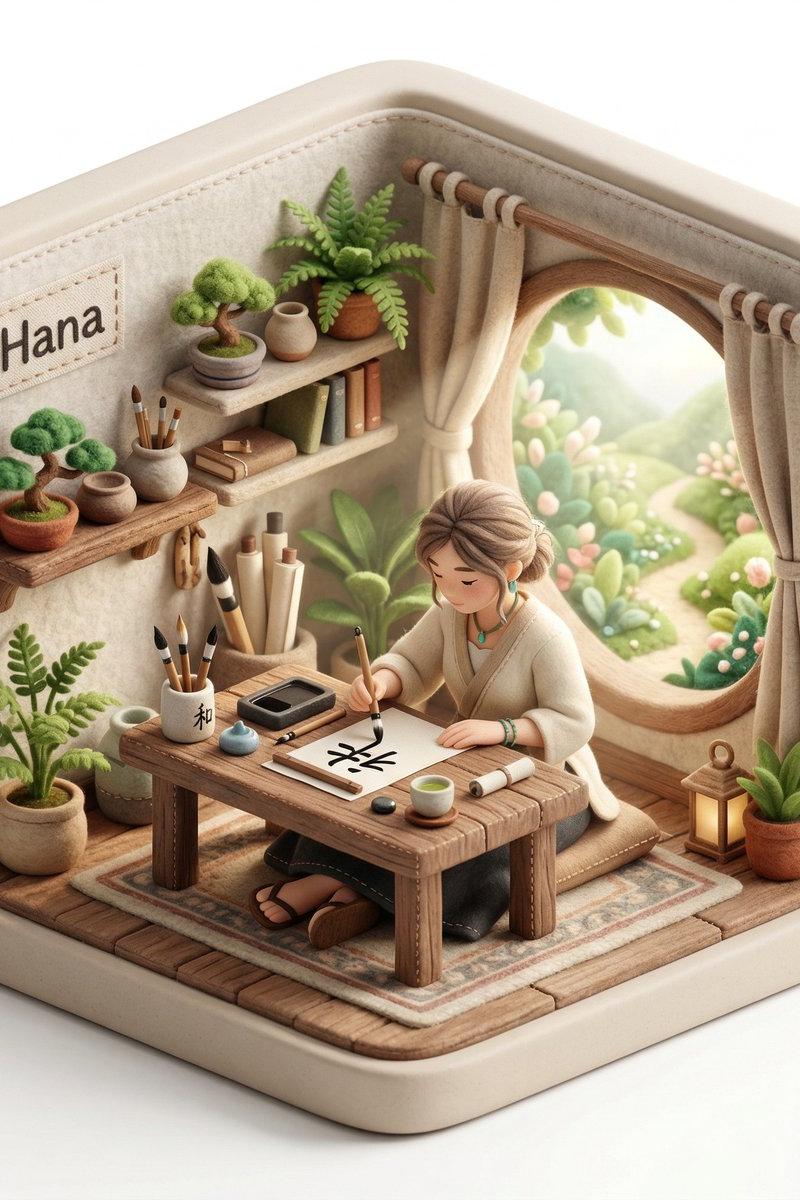
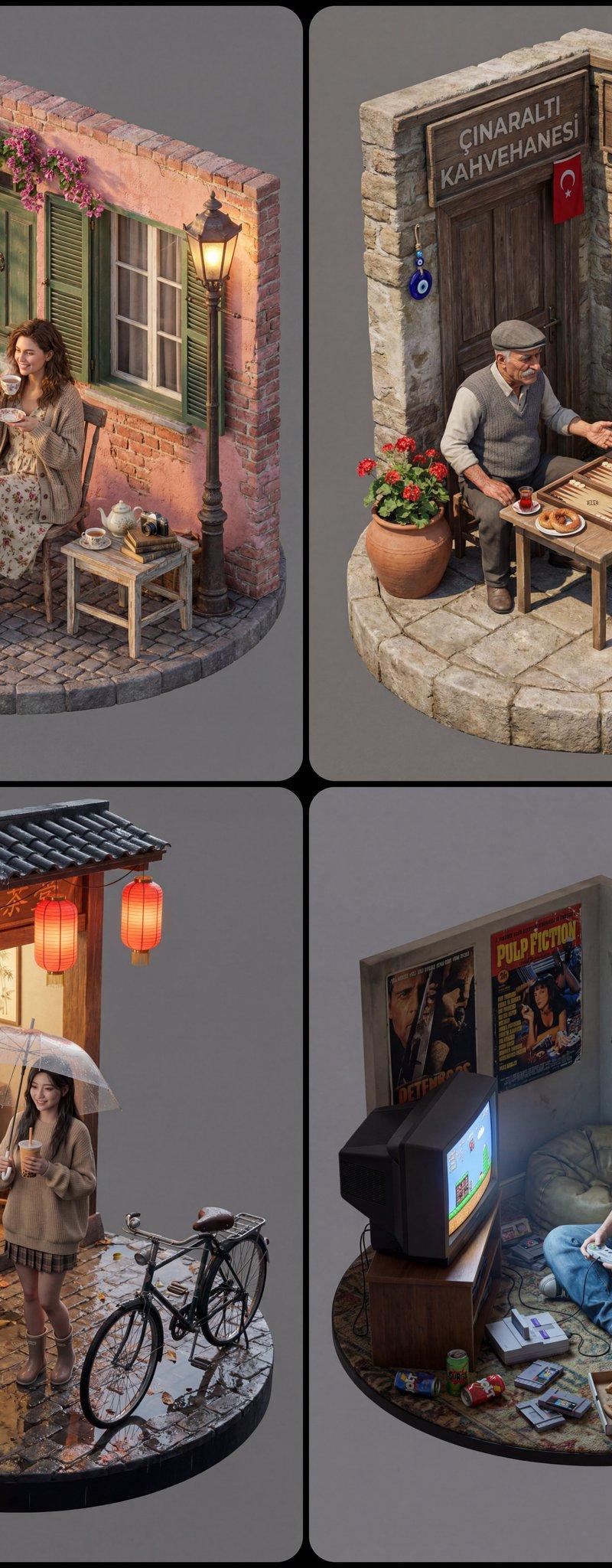
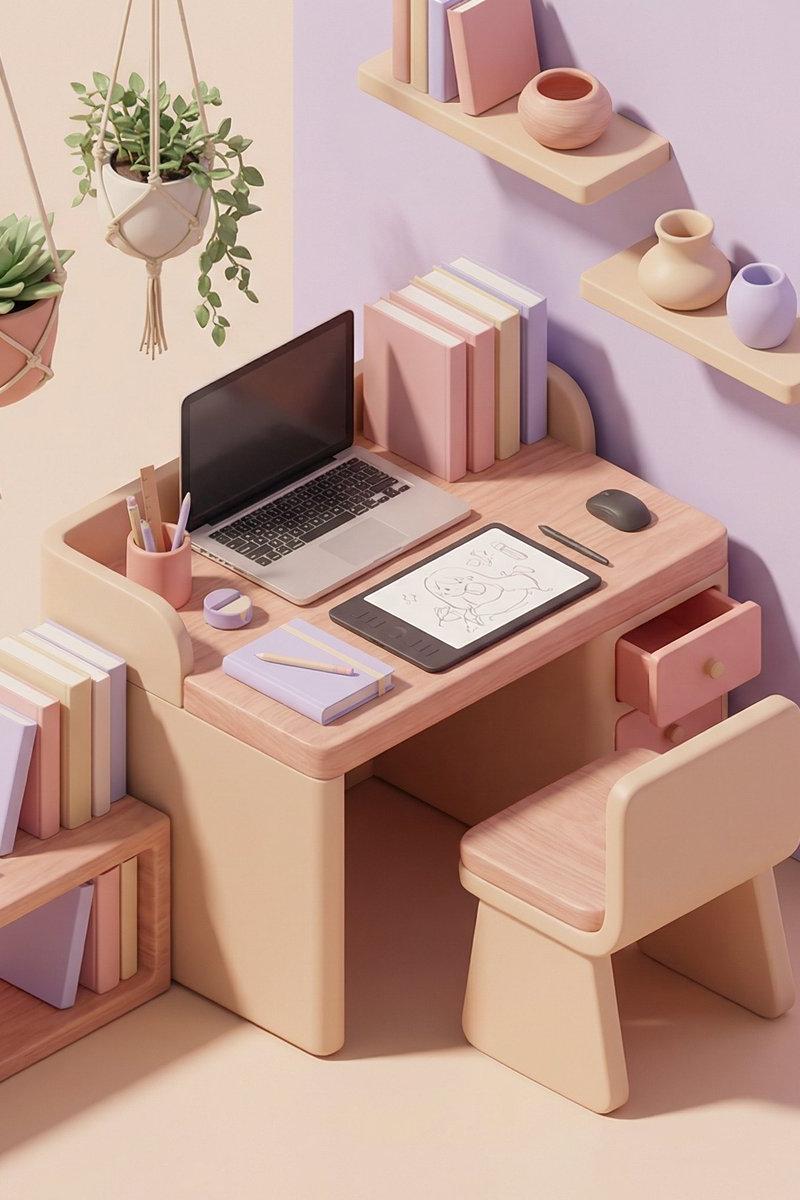
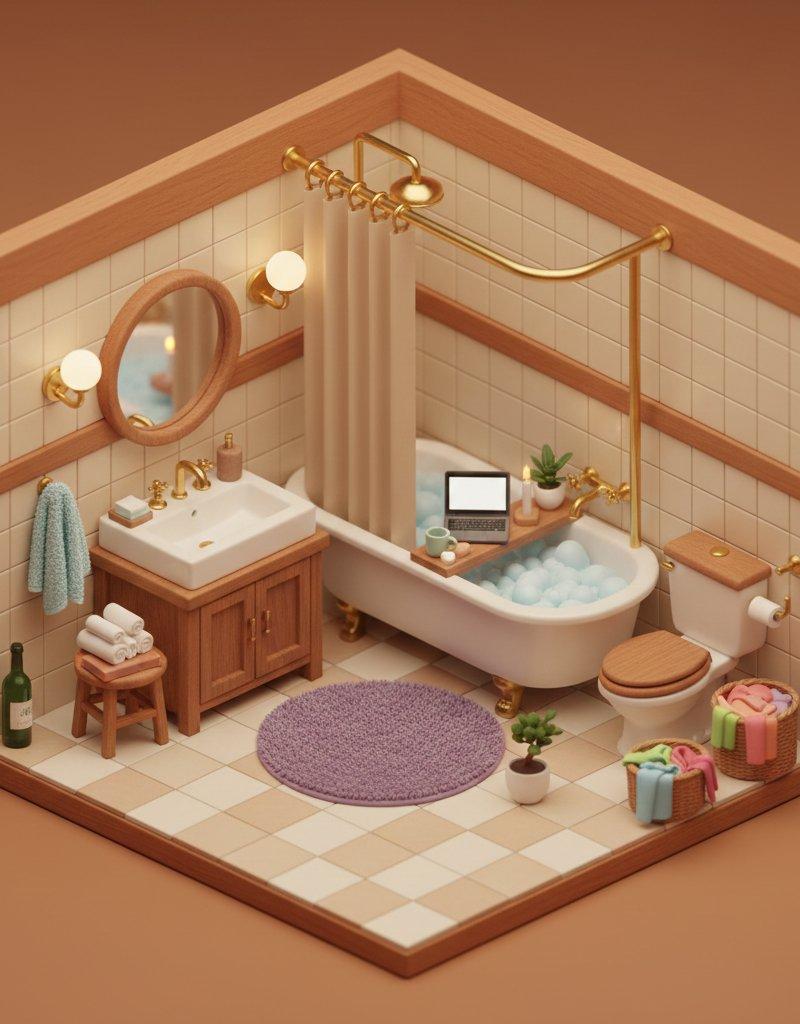
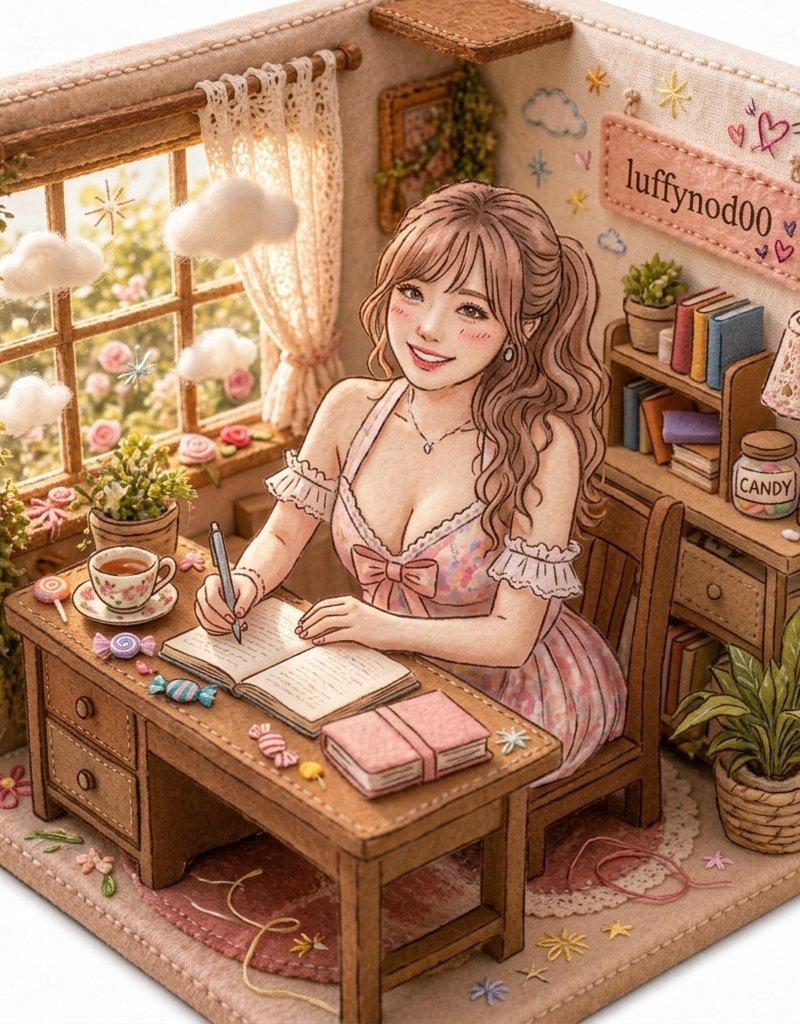
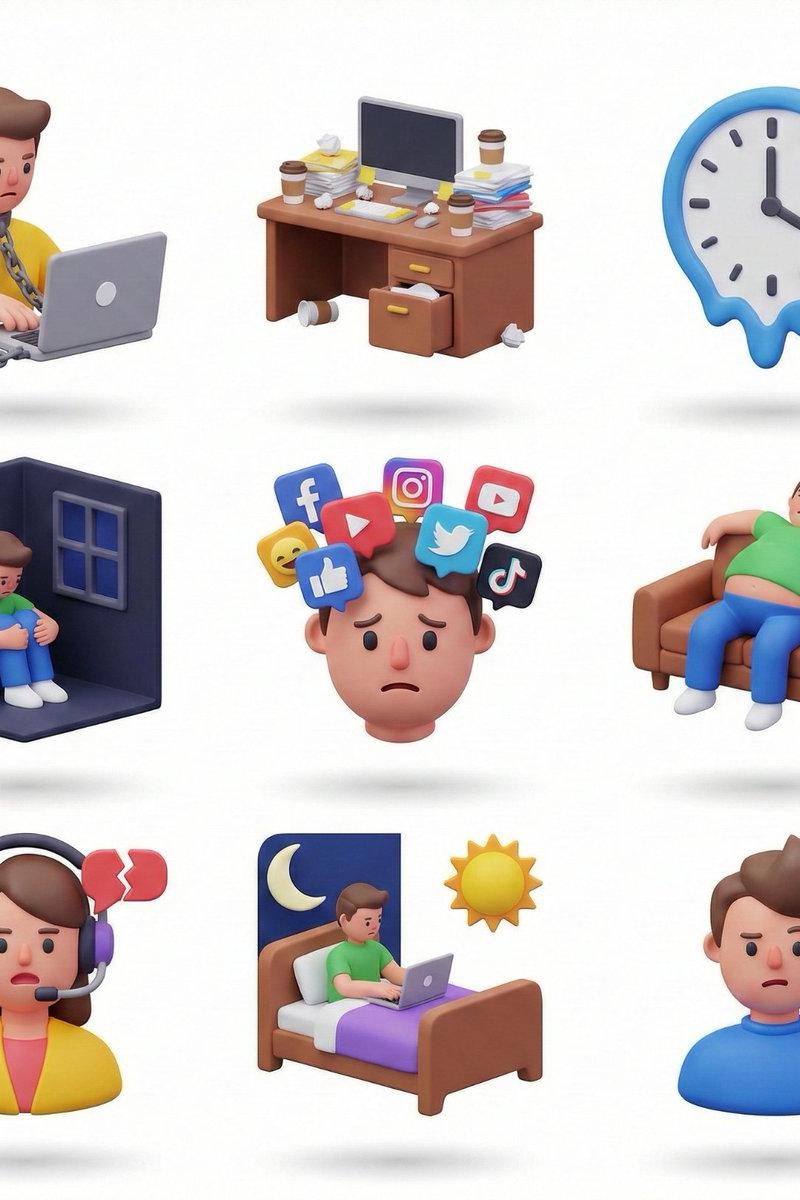
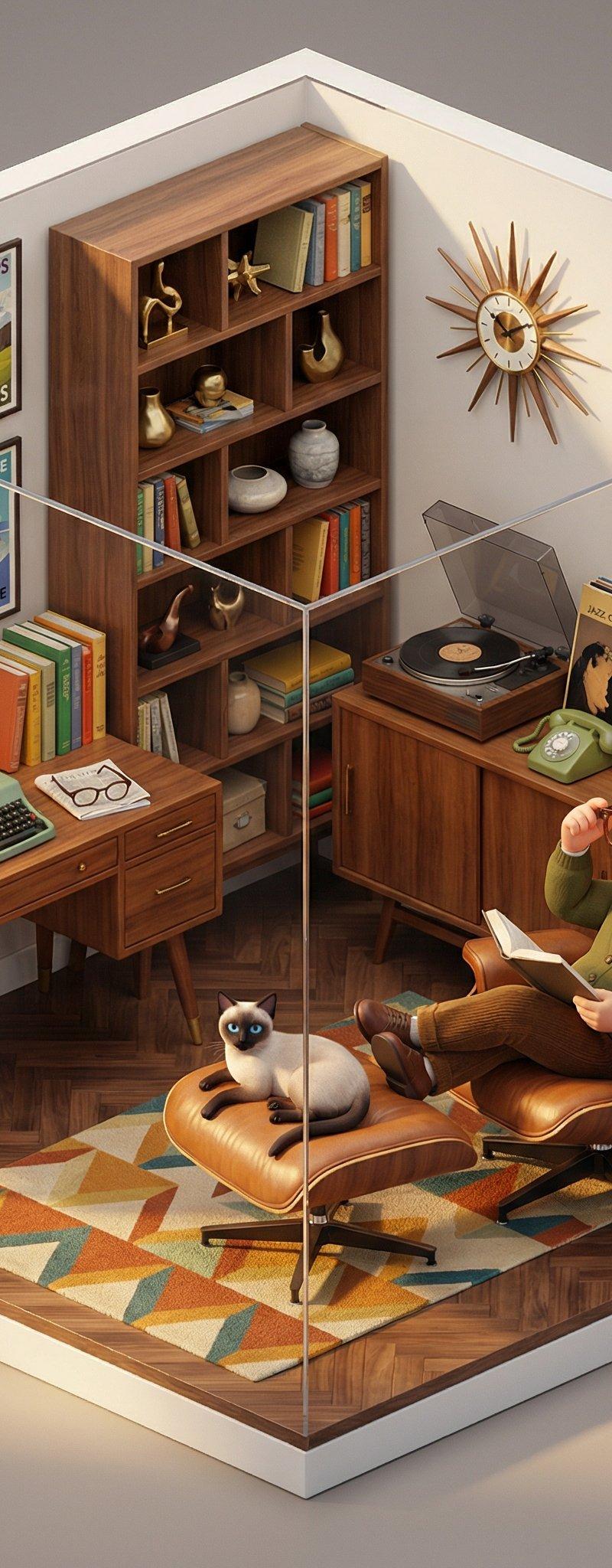
中古风装修3D建筑缩影
Enlarge

Example images

中古风装修3D建筑缩影

Prompt
给大家来中古风装修的的3D建筑缩影
老规矩,提示词在评论区👇
可以搭配程序员样例使用:
ROOM_THEME: a cyberpunk coding cave
FURNITURE: L-shaped desk with dual monitors showing code, ergonomic black chair, server rack with blinking lights, cable management tray
DETAILED_ITEMS: colorful sticky notes on monitors, tangled USB cables, empty coffee cups, mechanical keyboard with RGB lighting, coding books stack, pizza box
WALL_DECOR: whiteboard with system architecture diagrams, neon LED strip lighting in purple and blue
FLOOR_TYPE: dark gray industrial concrete
CHARACTER_DETAILS: young Asian male, messy black hair, wearing black hoodie and jeans, round glasses, headphones around neck
ACTION: sitting at desk typing intensely on keyboard, leaning forward toward monitors
EXPRESSION: hyper-focused and slightly caffeinated
ATMOSPHERE_NAME: Late Night Coding Session
LIGHT_DESCRIPTION: Cool blue monitor glow, purple neon LED strips, warm yellow desk lamp creating contrast
Category
Illustration & Art
Model
Unknown
Creator
servasyy
Source language
zh-CN
Views0
Source ID
ancient-style-3d-architectural-miniature
Studio

Guide

About "中古风装修3D建筑缩影"

What is this prompt for?

"中古风装修3D建筑缩影" AI image prompt for Unknown (Illustration & Art). 给大家来中古风装修的的3D建筑缩影 老规矩,提示词在评论区👇 可以搭配程序员样例使用: ROOM_THEME: a cyberpunk coding cave FURNITURE: L-s…

The full copyable prompt and example visuals above are ready for AI image generation or one-click recreate in Picva.

How to use this prompt

  1. Step 1

    Open the prompt detail

    Review the example visuals, category, and full prompt text for "中古风装修3D建筑缩影".

  2. Step 2

    Copy the prompt

    Copy the prompt body from this page, or load it directly in Studio.

  3. Step 3

    Pick a model (Unknown)

    Prefer Unknown. If you switch models, keep subject and composition and tweak style terms.

  4. Step 4

    Generate and export

    Recreate the look in Picva, or export into your workflow for editing and publishing.

FAQ

What is the "中古风装修3D建筑缩影" prompt?
It is an AI image-generation prompt for Unknown in the Illustration & Art category. This page includes the full prompt text, example visuals, and a one-click recreate path in Picva.
How do I use this prompt to generate an image?
Copy the prompt from this page, or use Generate / Studio. Paste it into a compatible image model, or recreate the look in Picva with optional reference images.
Which model is this prompt for?
This page lists Unknown. Most descriptive prompts also transfer to nearby image models such as GPT Image, Flux, or Midjourney with light style tweaks.
Can I use the result commercially?
You can usually copy the prompt for creation, but commercial use of the final image depends on the model terms, reference-image rights, and the generated content. Follow the source author and platform rules.