20

动漫风格关键帧序列分析
Enlarge

Example images

动漫风格关键帧序列分析

Prompt
STEP 2 - Prompt
Then feed Nano Banana Pro this prompt:
"4x5 grid of 1:1 panels.
Anime style: OVA, dark gritty fantasy, exaggerated character proportions and features, thin line work, cel-shaded, cinematic.
Make a sequence of keyframes that can be used for professional animation production. The keyframes must be coherent in terms of character and environment consistency and fidelity. Use dynamic camera angles to create a sequence that feels alive. Each panel is approx 2 seconds.
Domain expansion sequence.
Sequence must include:
The stand off
The activation
The realization
The domination
The defeat"
You can change the anime style line to switch genre. I used "dark gritty fantasy".
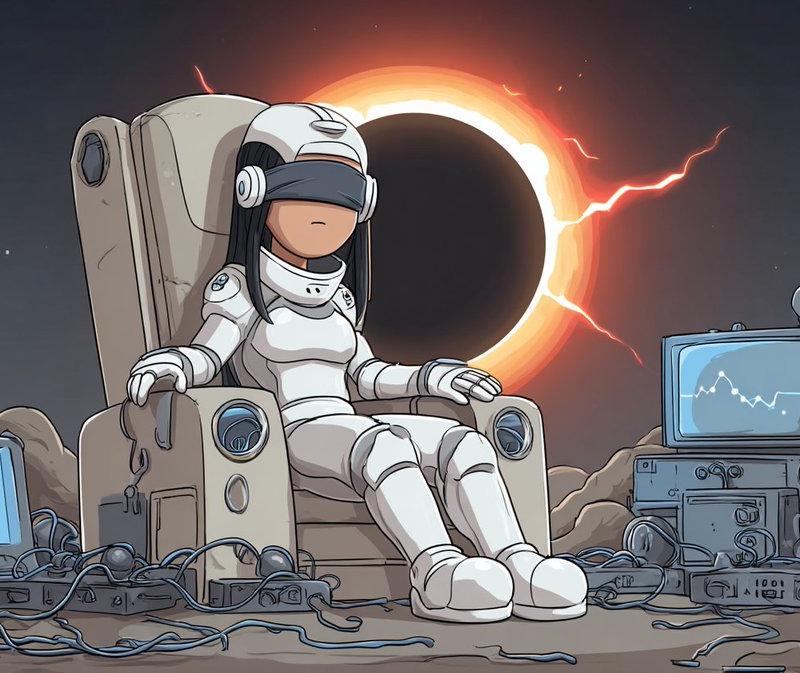
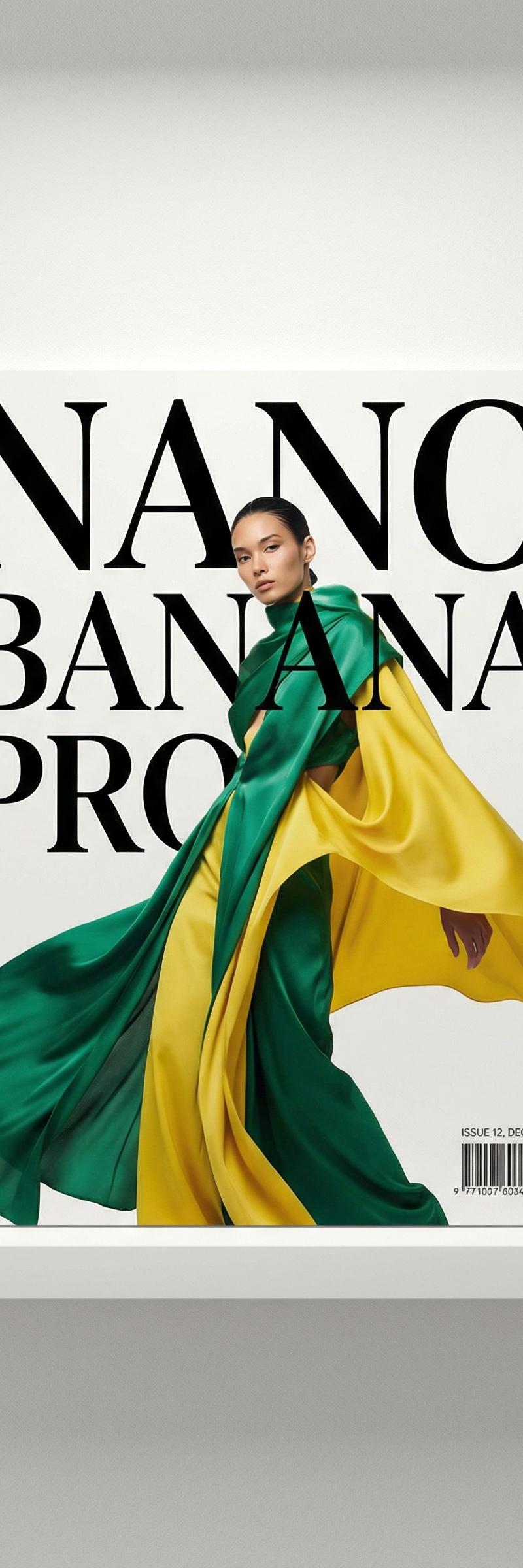
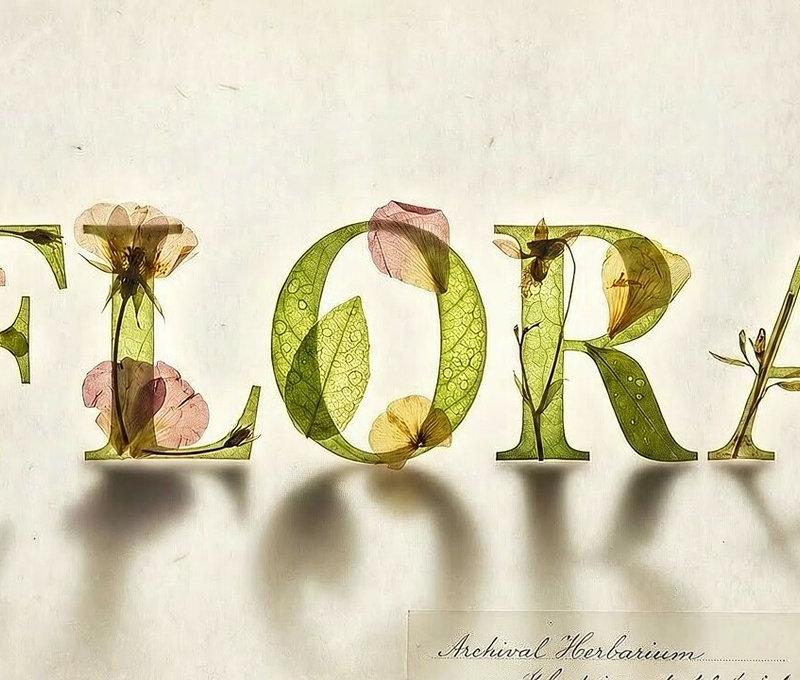
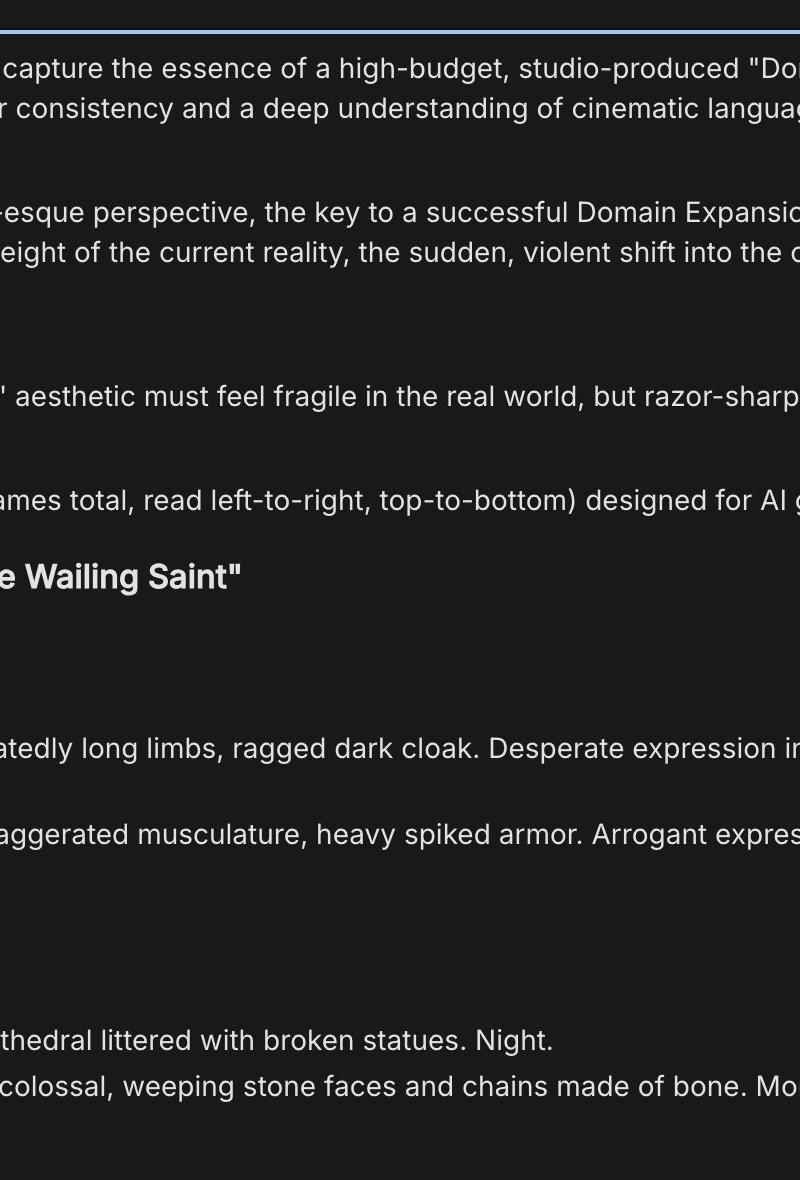
Nano Banana Pro will write a breakdown of each shot it created. You can tweak it or keep it as is. The images here are an example of the output.
Category
Photography & Realism
Model
Nano Banana Pro
Creator
🖖
Source language
zh-CN
Views0
Source ID
anime-style-keyframe-sequence-analysis
Studio

Guide

About "动漫风格关键帧序列分析"

What is this prompt for?

"动漫风格关键帧序列分析" AI image prompt for Nano Banana Pro (Photography & Realism). STEP 2 - Prompt Then feed Nano Banana Pro this prompt: "4x5 grid of 1:1 panels. Anim…

The full copyable prompt and example visuals above are ready for AI image generation or one-click recreate in Picva.

How to use this prompt

  1. Step 1

    Open the prompt detail

    Review the example visuals, category, and full prompt text for "动漫风格关键帧序列分析".

  2. Step 2

    Copy the prompt

    Copy the prompt body from this page, or load it directly in Studio.

  3. Step 3

    Pick a model (Nano Banana Pro)

    Prefer Nano Banana Pro. If you switch models, keep subject and composition and tweak style terms.

  4. Step 4

    Generate and export

    Recreate the look in Picva, or export into your workflow for editing and publishing.

FAQ

What is the "动漫风格关键帧序列分析" prompt?
It is an AI image-generation prompt for Nano Banana Pro in the Photography & Realism category. This page includes the full prompt text, example visuals, and a one-click recreate path in Picva.
How do I use this prompt to generate an image?
Copy the prompt from this page, or use Generate / Studio. Paste it into a compatible image model, or recreate the look in Picva with optional reference images.
Which model is this prompt for?
This page lists Nano Banana Pro. Most descriptive prompts also transfer to nearby image models such as GPT Image, Flux, or Midjourney with light style tweaks.
Can I use the result commercially?
You can usually copy the prompt for creation, but commercial use of the final image depends on the model terms, reference-image rights, and the generated content. Follow the source author and platform rules.