20

自动化盗取热门TikTok的方法
Enlarge

自动化盗取热门TikTok的方法

Prompt
I automated "stealing" viral TikToks.
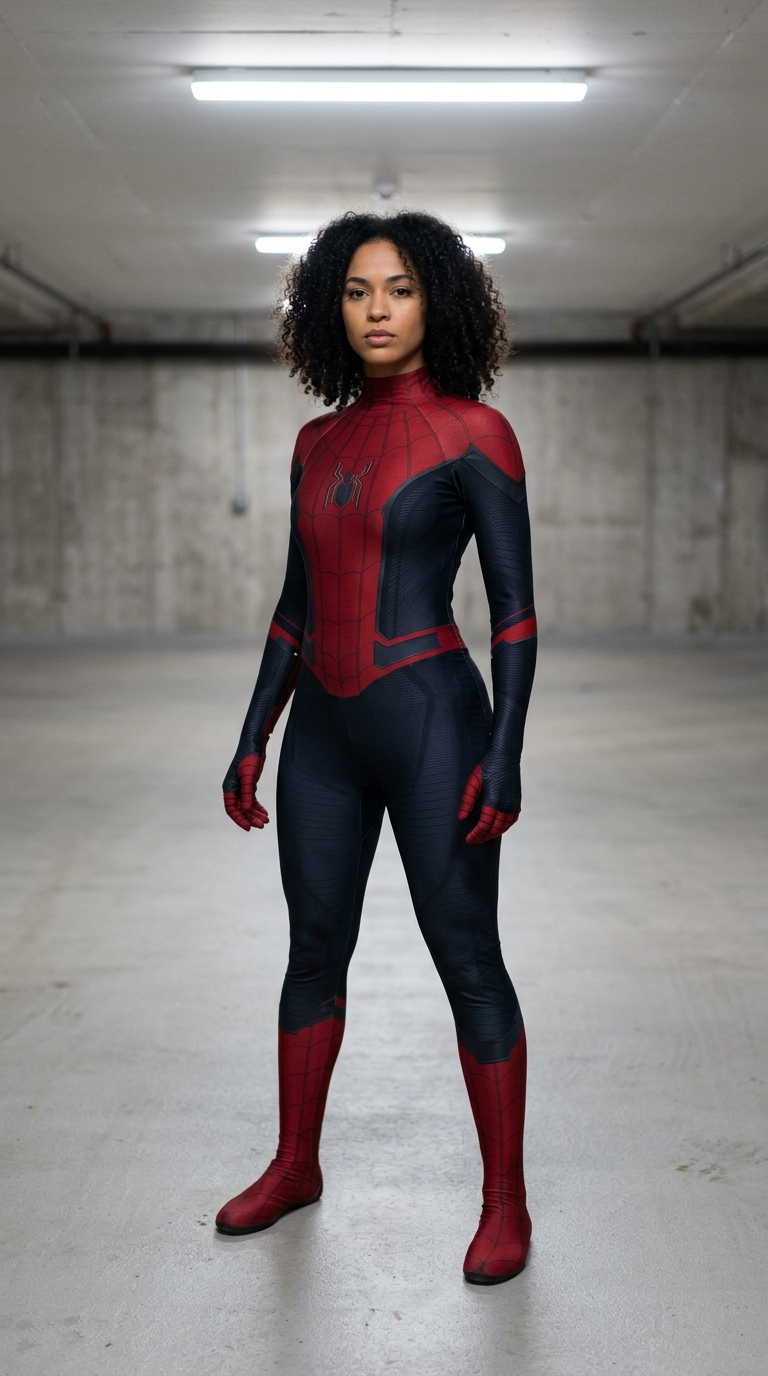
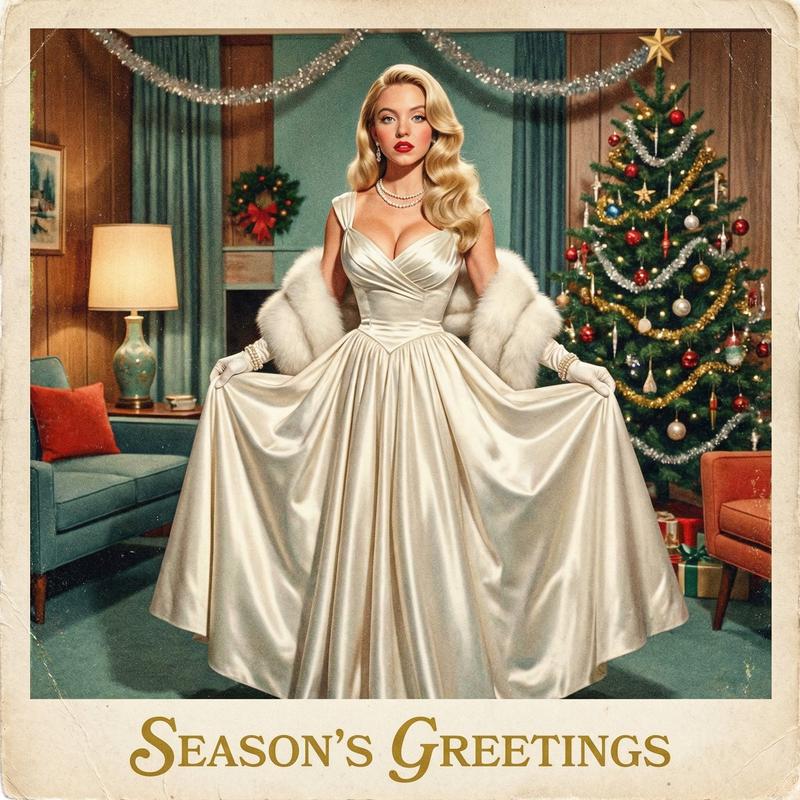
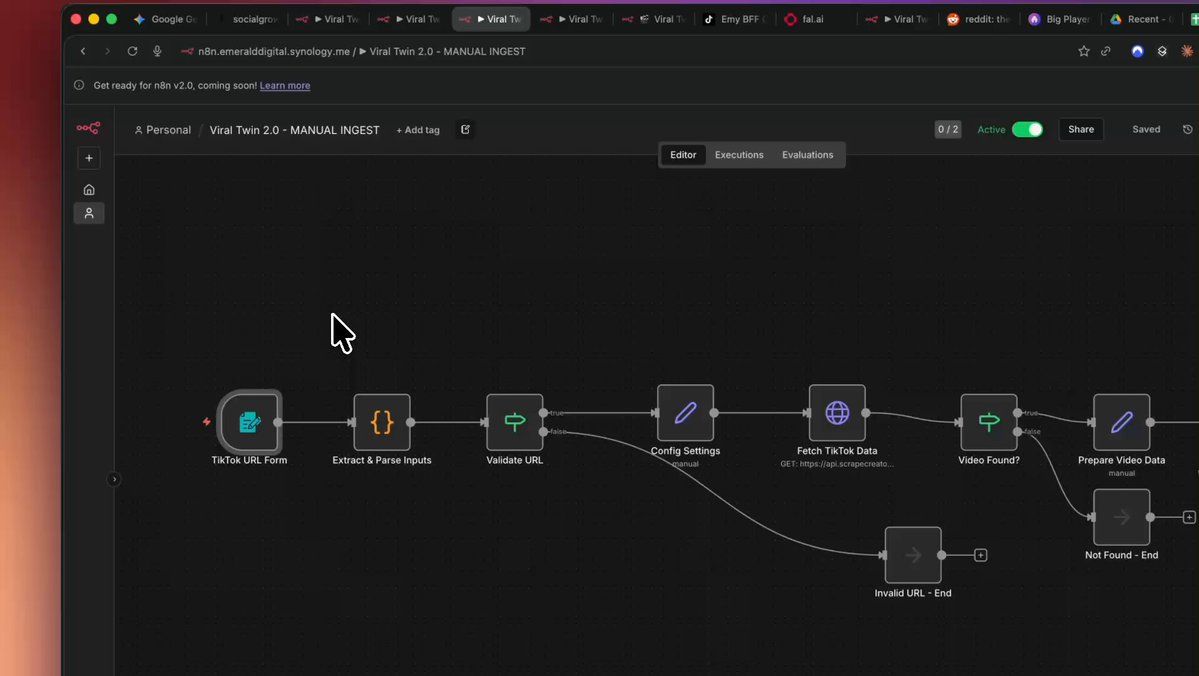
nano banana pro + kling + n8n analyzes any viral video, extracts exactly why it works, then generates your version with your look
here's the stack:
- @adrian_horning_ gets the tiktok video + transcript
- @GeminiApp (@OpenRouterAI) watches the video and breaks down the psychology (hooks, pacing, motion, emotional arc)
creates a "character bible" for visual consistency
- @NanoBanana generates the starting frames
- @Kling_ai animates each 10-second segment (or veo)
@FFmpeg stitches it into one vertical video
- uploads to Google Drive, logs everything
input: 1 viral TikTok URL output: branded alternative in 10 min for ~$2
the viral formula stays. the content becomes yours.
this is how you test 10x more concepts without 10x more creators
want the complete 5-workflow automation?
comment VIRAL + follow (following required for DM)
Category
UI & Interfaces
Model
Nano Banana Pro
Views0
Source ID
automated-method-for-stealing-viral-tiktoks

Guide

About "自动化盗取热门TikTok的方法"

What is this prompt for?

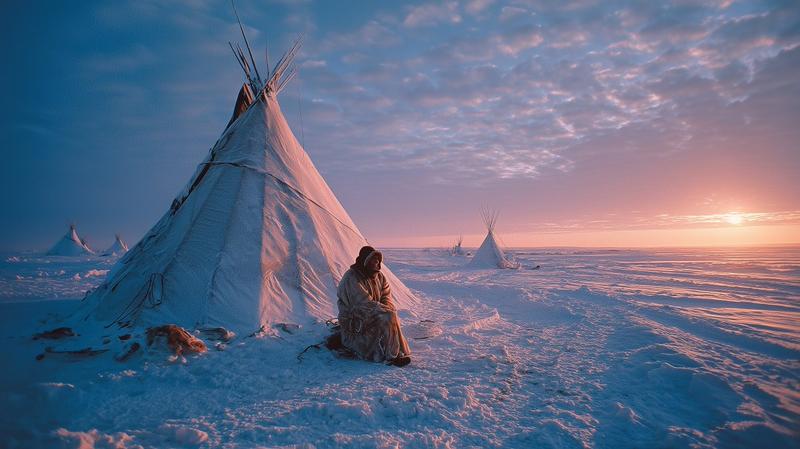
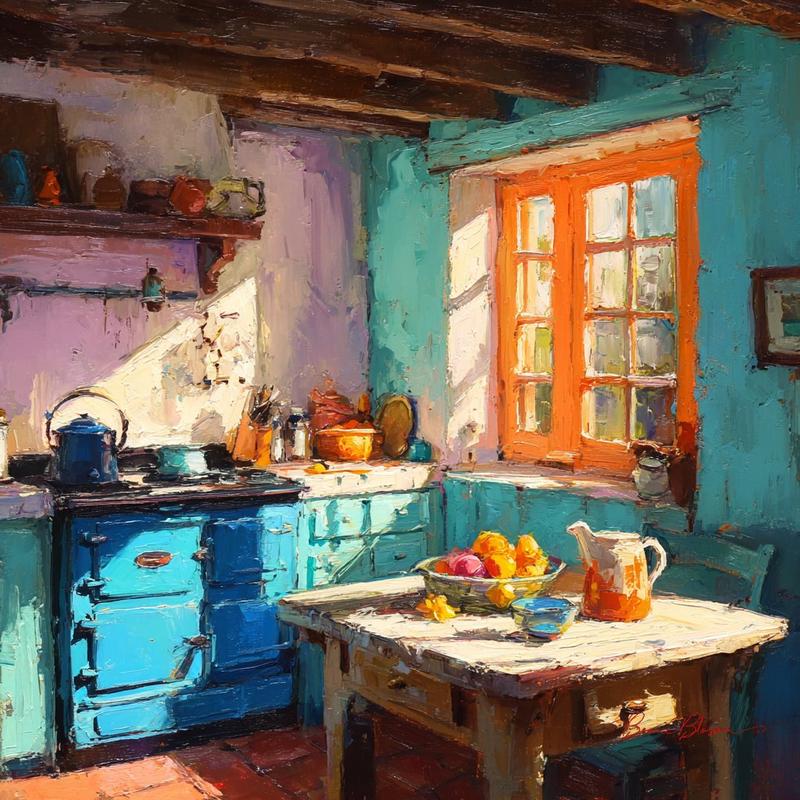
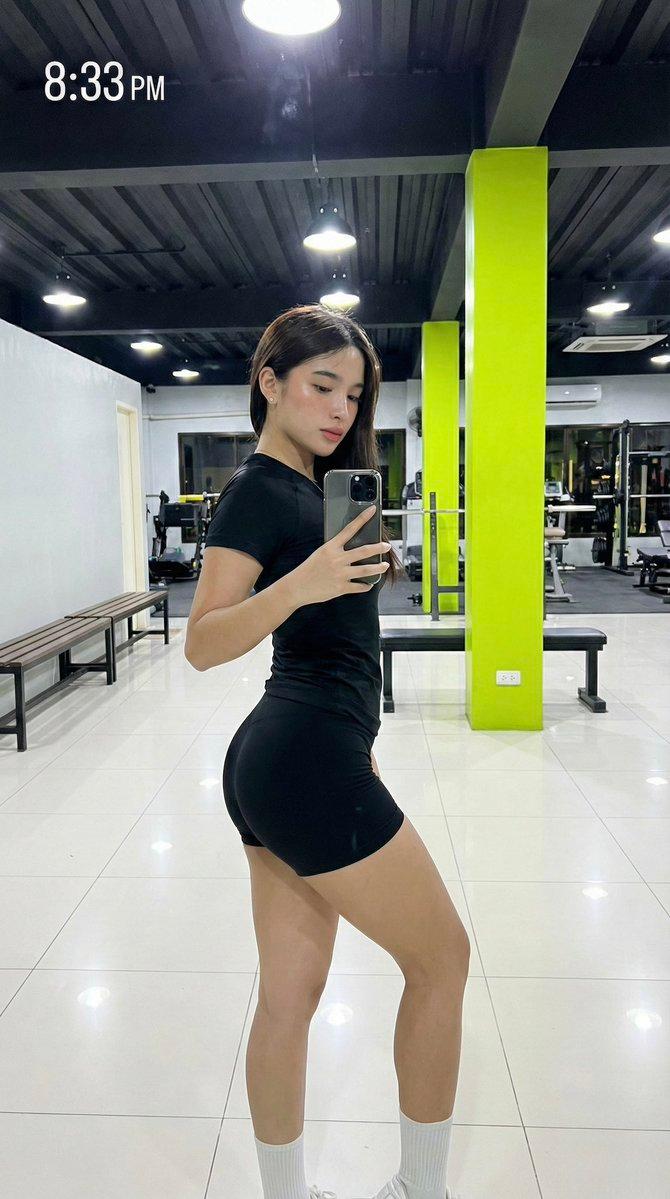
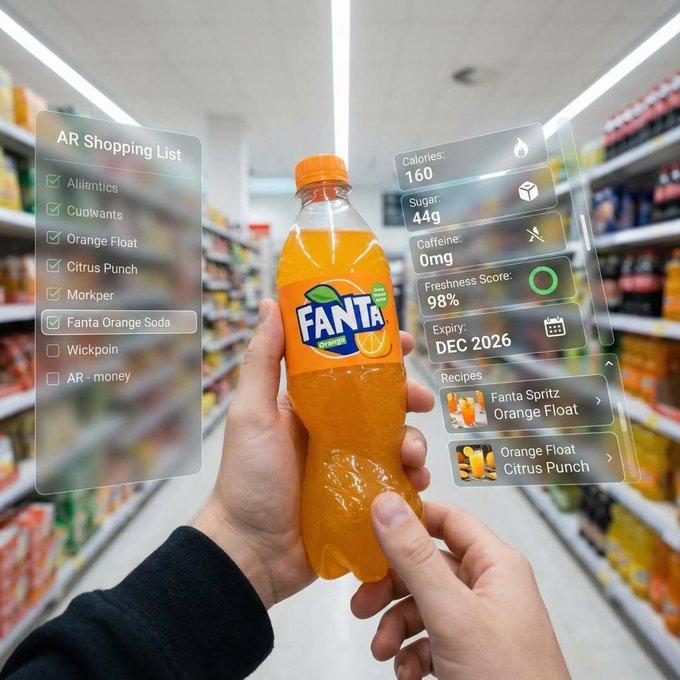
"自动化盗取热门TikTok的方法" AI image prompt for Nano Banana Pro (UI & Interfaces). I automated "stealing" viral TikToks. nano banana pro + kling + n8n analyzes any vira…

The full copyable prompt and example visuals above are ready for AI image generation or one-click recreate in Picva.

How to use this prompt

  1. Step 1

    Open the prompt detail

    Review the example visuals, category, and full prompt text for "自动化盗取热门TikTok的方法".

  2. Step 2

    Copy the prompt

    Copy the prompt body from this page, or load it directly in Studio.

  3. Step 3

    Pick a model (Nano Banana Pro)

    Prefer Nano Banana Pro. If you switch models, keep subject and composition and tweak style terms.

  4. Step 4

    Generate and export

    Recreate the look in Picva, or export into your workflow for editing and publishing.

FAQ

What is the "自动化盗取热门TikTok的方法" prompt?
It is an AI image-generation prompt for Nano Banana Pro in the UI & Interfaces category. This page includes the full prompt text, example visuals, and a one-click recreate path in Picva.
How do I use this prompt to generate an image?
Copy the prompt from this page, or use Generate / Studio. Paste it into a compatible image model, or recreate the look in Picva with optional reference images.
Which model is this prompt for?
This page lists Nano Banana Pro. Most descriptive prompts also transfer to nearby image models such as GPT Image, Flux, or Midjourney with light style tweaks.
Can I use the result commercially?
You can usually copy the prompt for creation, but commercial use of the final image depends on the model terms, reference-image rights, and the generated content. Follow the source author and platform rules.