18

海滩肖像生成
Click to enlarge

Example images

Photography & RealismXCbotaiart.picsNano Banana Pro图片

海滩肖像生成

Prompt
Beach Portrait Generation with Gemini Nano Banana Pro 3.0
Creating realistic lifestyle portraits has never been easier. No flight to California needed for this shot. 🌊🎞️
Prompt ⤵️
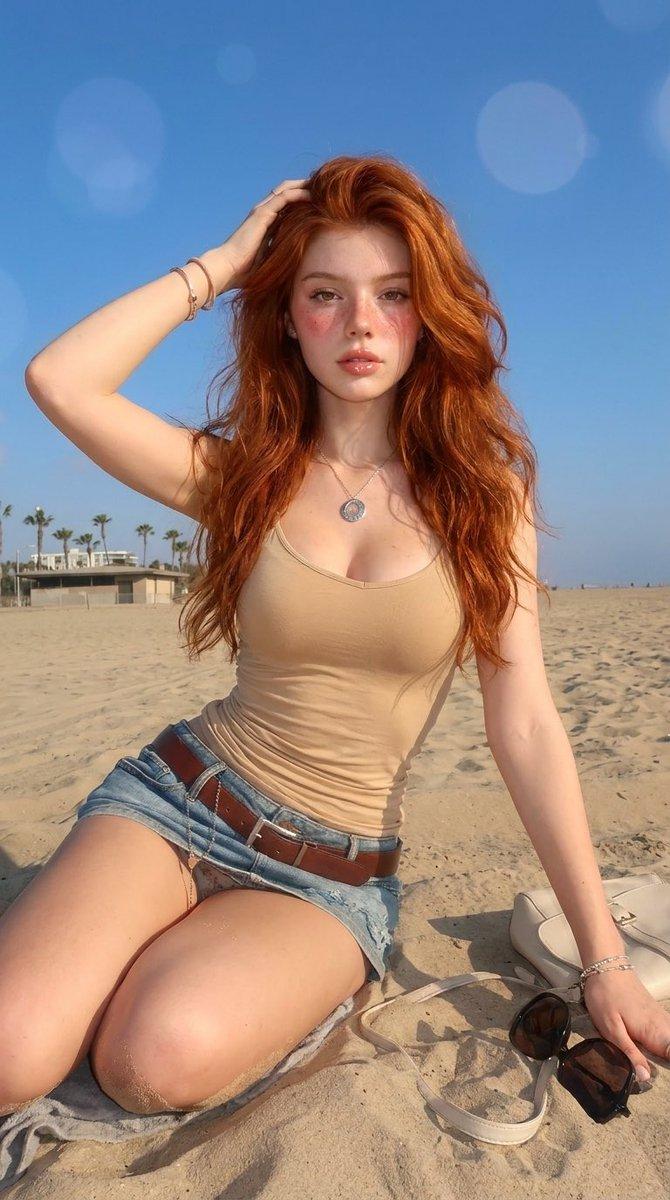
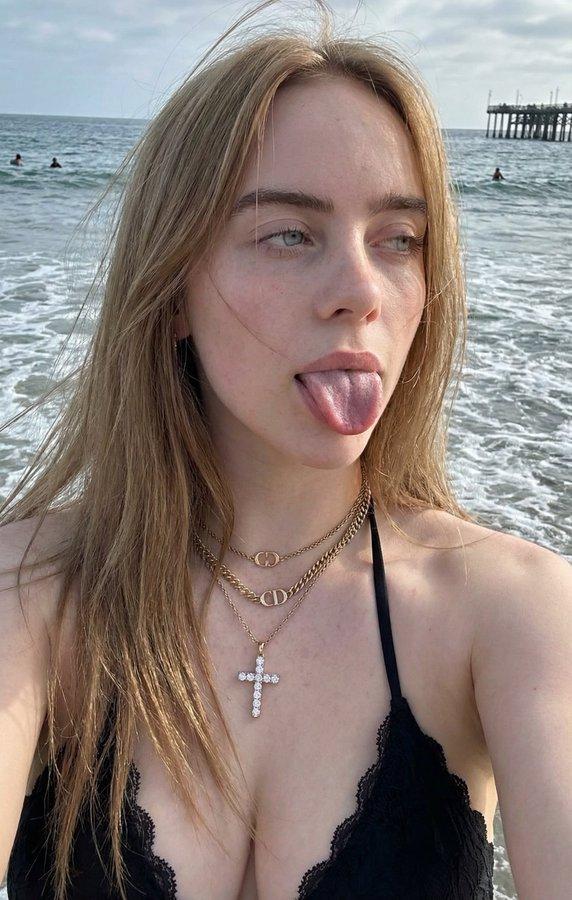
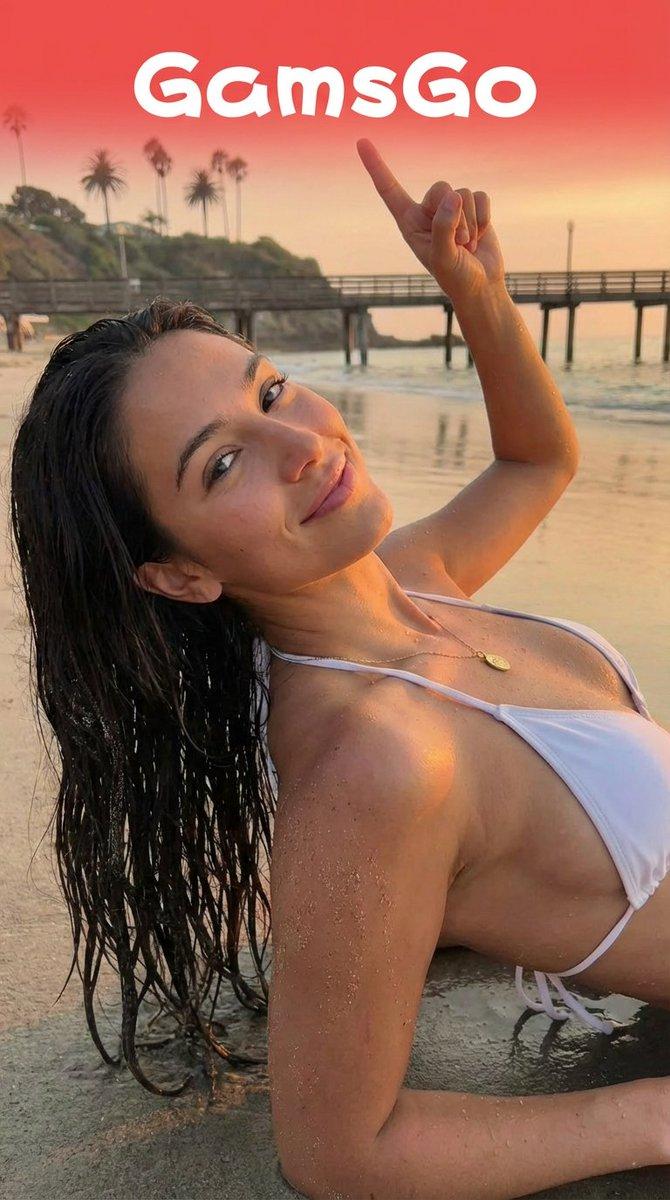
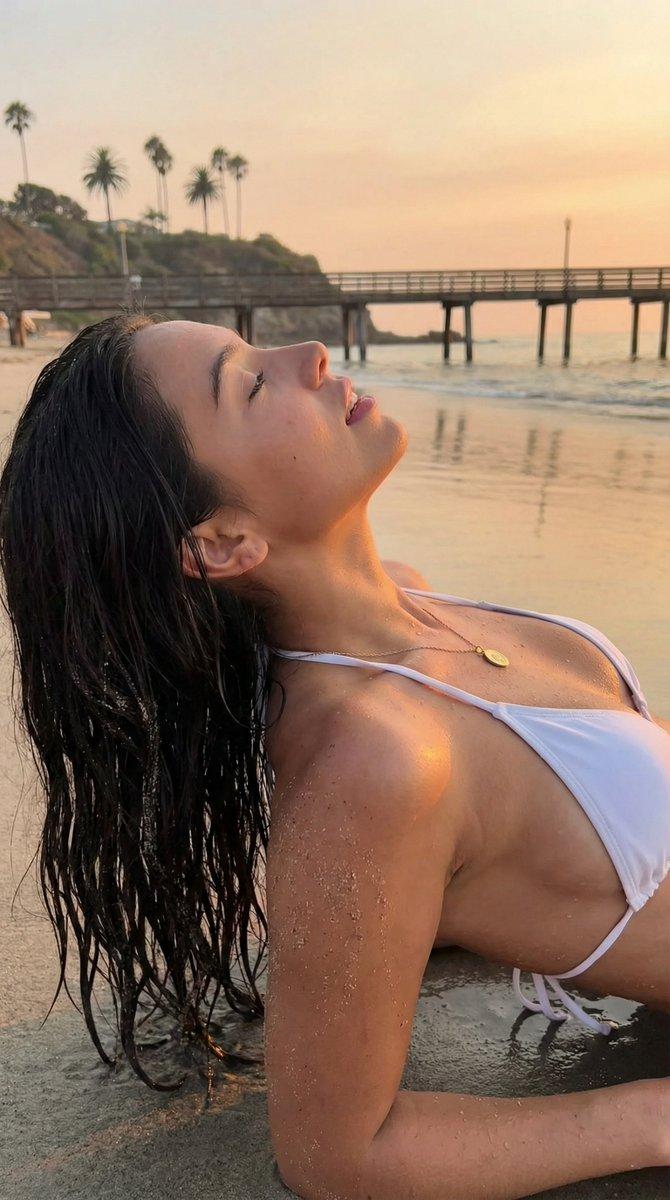
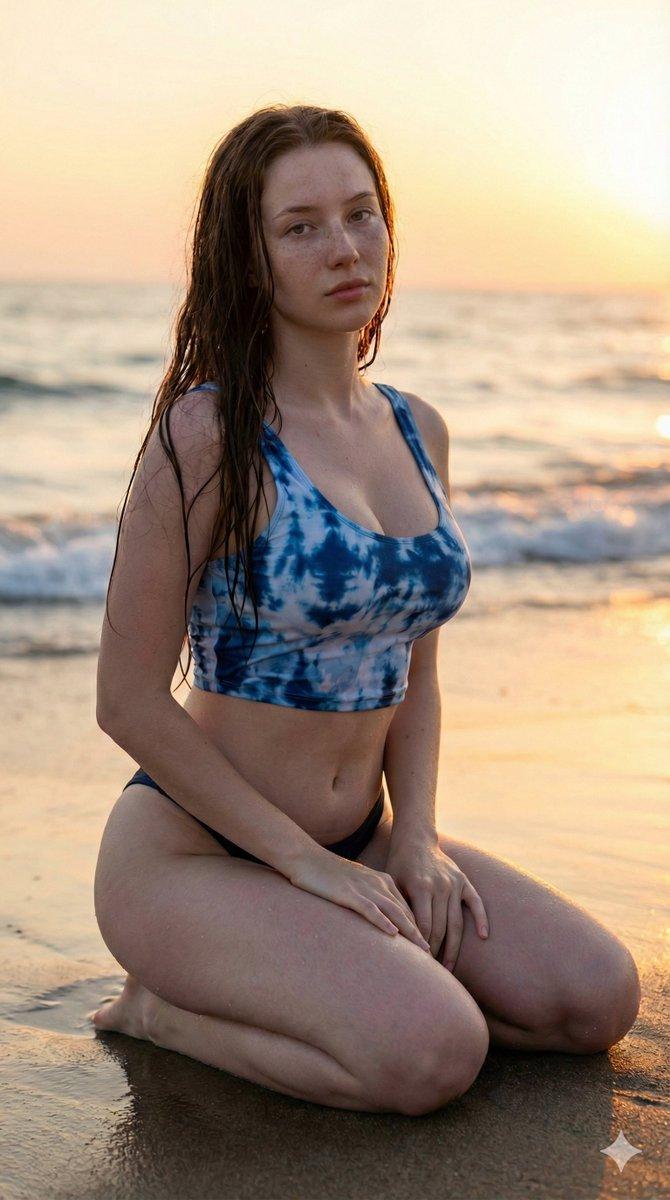
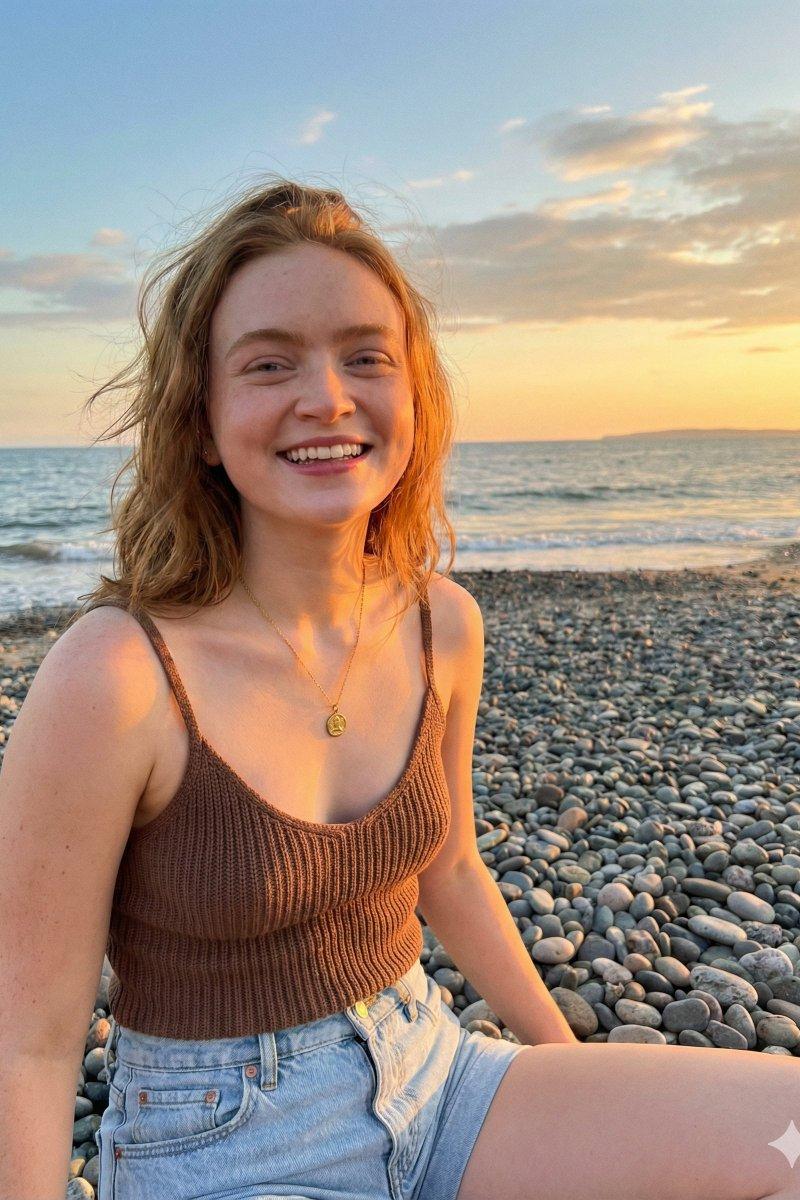
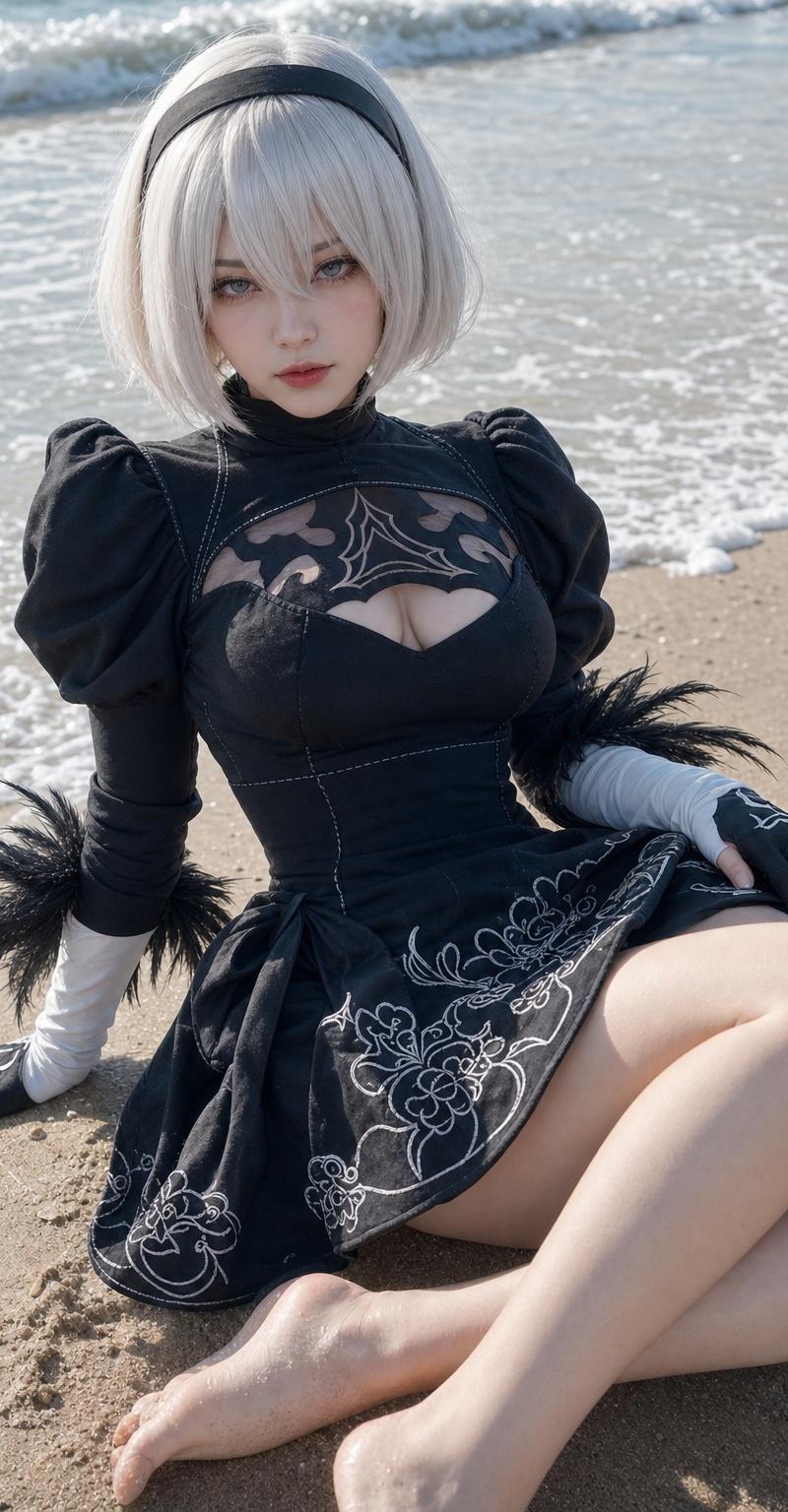
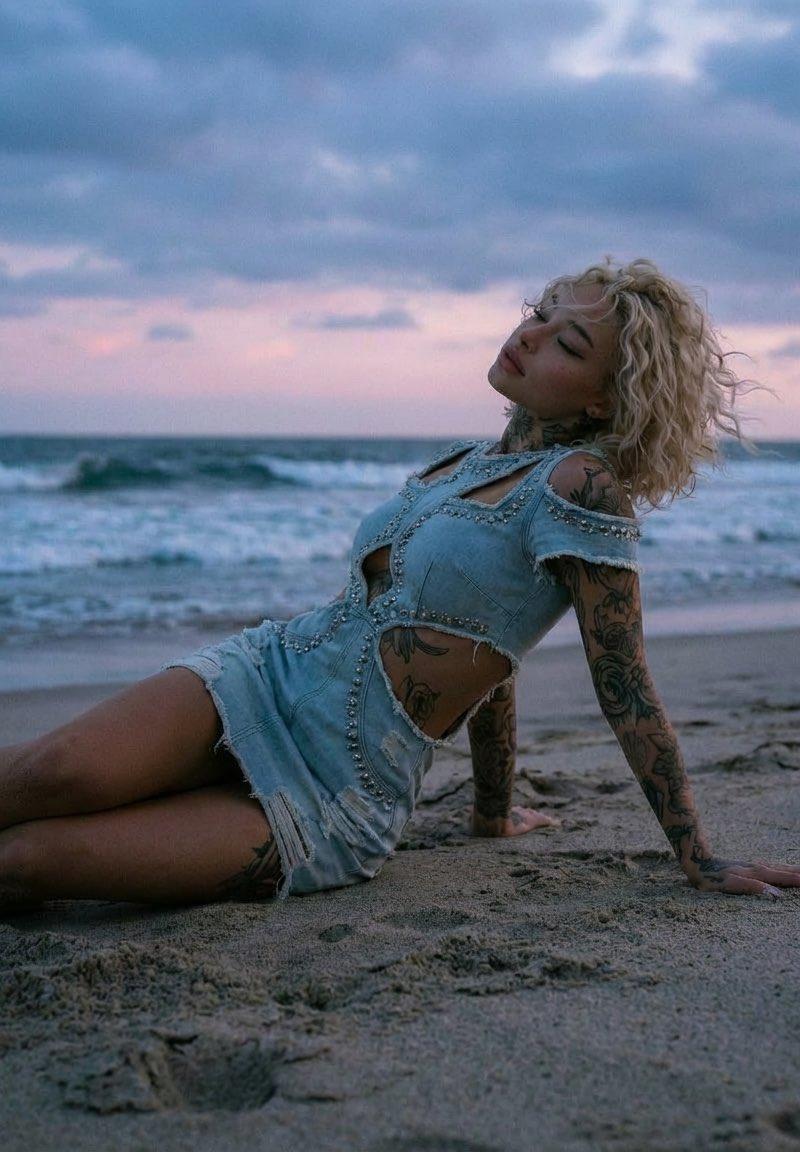
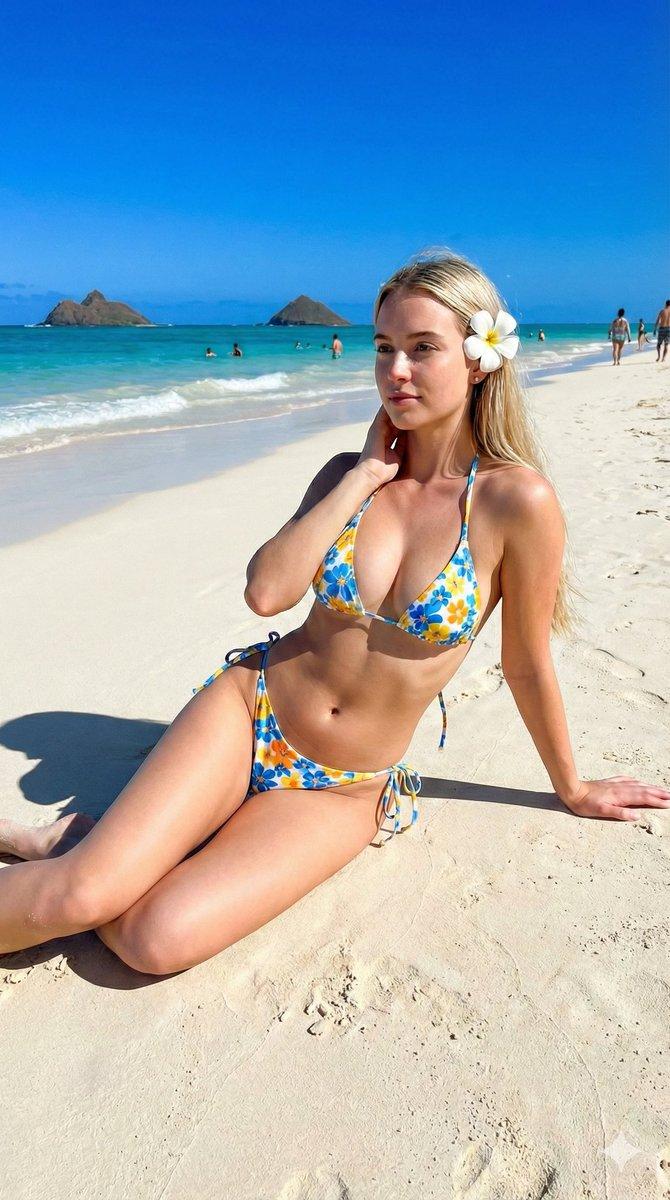
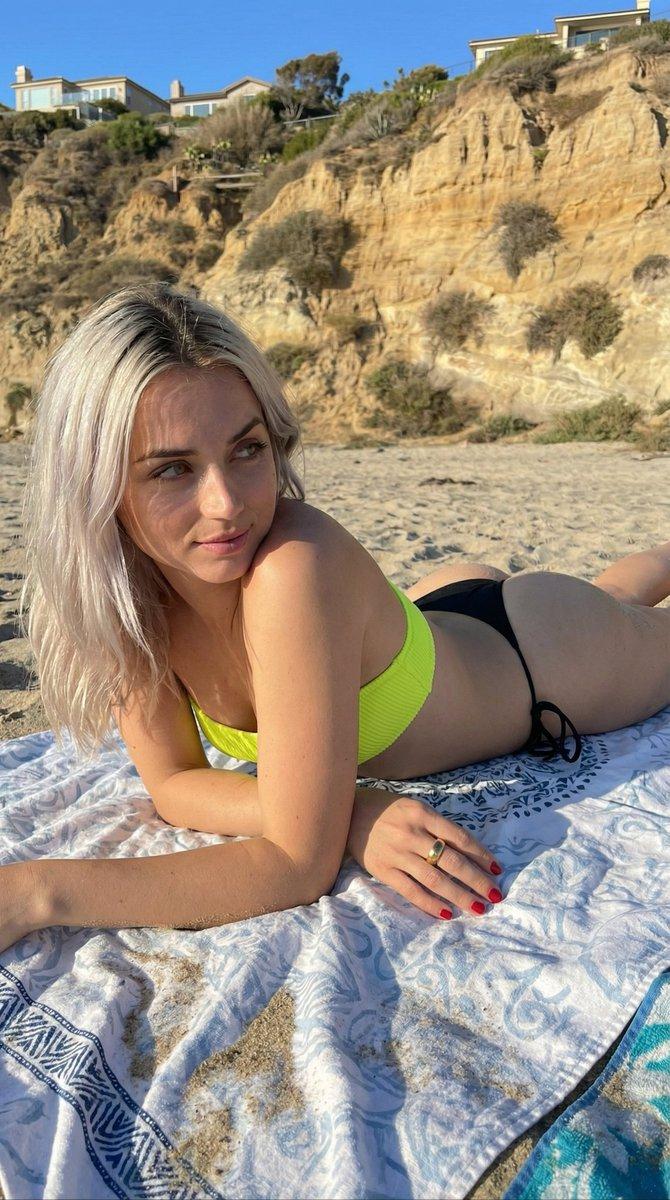
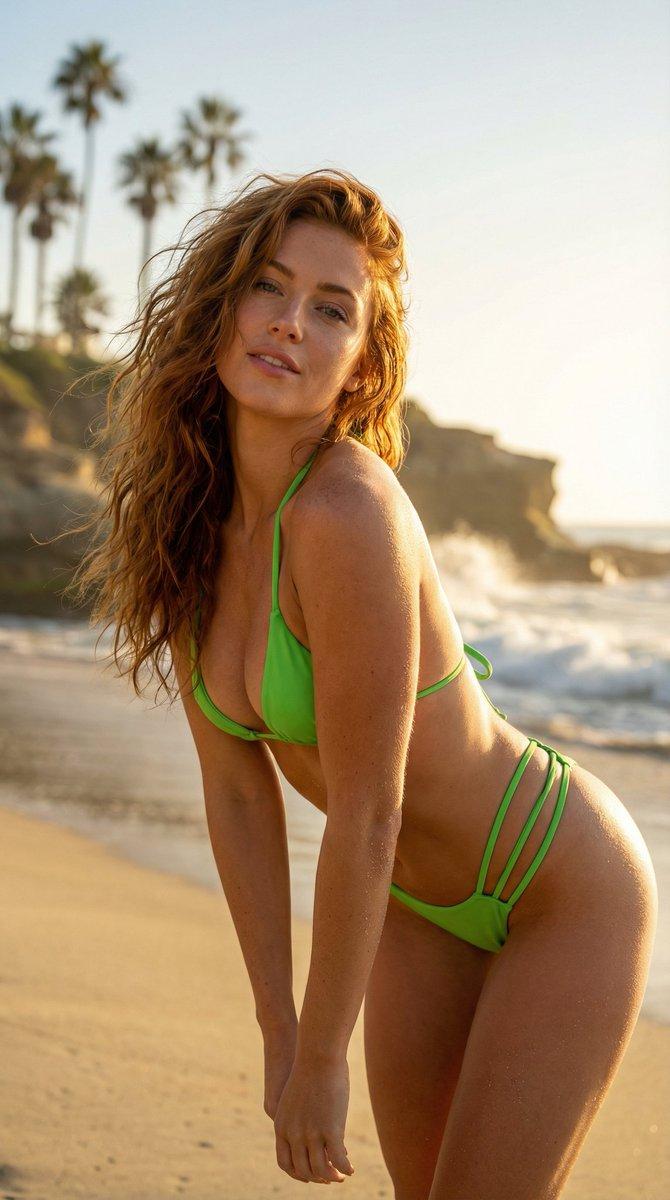
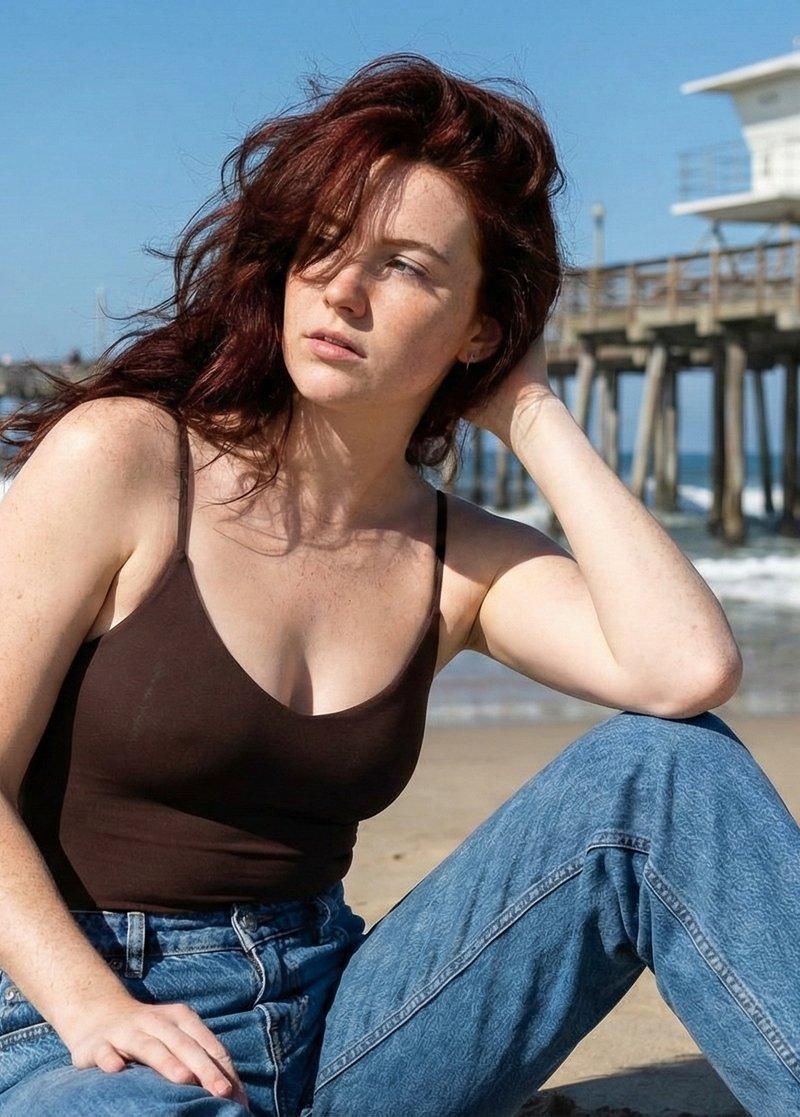
Photorealistic lifestyle portrait of a young woman in her early 20s with vibrant windswept dark red hair and a dusting of freckles. She is wearing a dark brown spaghetti-strap bodysuit and high-waisted relaxed blue jeans. She is seated on the sand, body angled to the side, one hand behind her head, looking off-camera to the left. Background features a white lifeguard tower on a wooden pier similar to Huntington Beach, with ocean waves crashing. Natural bright daylight, harsh sun creating distinct shadows, cinematic summer vibe, sharp focus on subject, 8k resolution.
Category
Photography & Realism
Model
Nano Banana Pro
Creator
𝐌𝐢𝐧𝐝𝐒𝐩𝐚𝐫𝐤
Source language
zh-CN
Views0
Source ID
beach-portrait-generation
Studio

Guide

About "海滩肖像生成"

What is this prompt for?

"海滩肖像生成" AI image prompt for Nano Banana Pro (Photography & Realism). Beach Portrait Generation with Gemini Nano Banana Pro 3.0 Creating realistic lifestyle po…

The full copyable prompt and example visuals above are ready for AI image generation or one-click recreate in Picva.

How to use this prompt

  1. Step 1

    Open the prompt detail

    Review the example visuals, category, and full prompt text for "海滩肖像生成".

  2. Step 2

    Copy the prompt

    Copy the prompt body from this page, or load it directly in Studio.

  3. Step 3

    Pick a model (Nano Banana Pro)

    Prefer Nano Banana Pro. If you switch models, keep subject and composition and tweak style terms.

  4. Step 4

    Generate and export

    Recreate the look in Picva, or export into your workflow for editing and publishing.

FAQ

What is the "海滩肖像生成" prompt?
It is an AI image-generation prompt for Nano Banana Pro in the Photography & Realism category. This page includes the full prompt text, example visuals, and a one-click recreate path in Picva.
How do I use this prompt to generate an image?
Copy the prompt from this page, or use Generate / Studio. Paste it into a compatible image model, or recreate the look in Picva with optional reference images.
Which model is this prompt for?
This page lists Nano Banana Pro. Most descriptive prompts also transfer to nearby image models such as GPT Image, Flux, or Midjourney with light style tweaks.
Can I use the result commercially?
You can usually copy the prompt for creation, but commercial use of the final image depends on the model terms, reference-image rights, and the generated content. Follow the source author and platform rules.