14

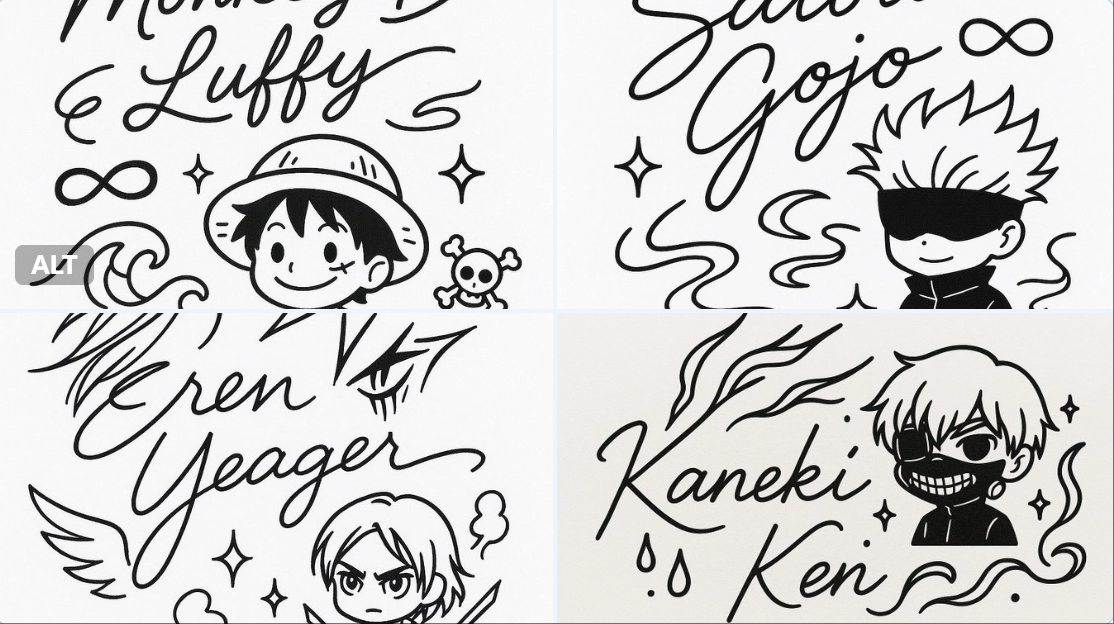
心爱的角色制作动漫风格的签名
Enlarge

心爱的角色制作动漫风格的签名

Prompt
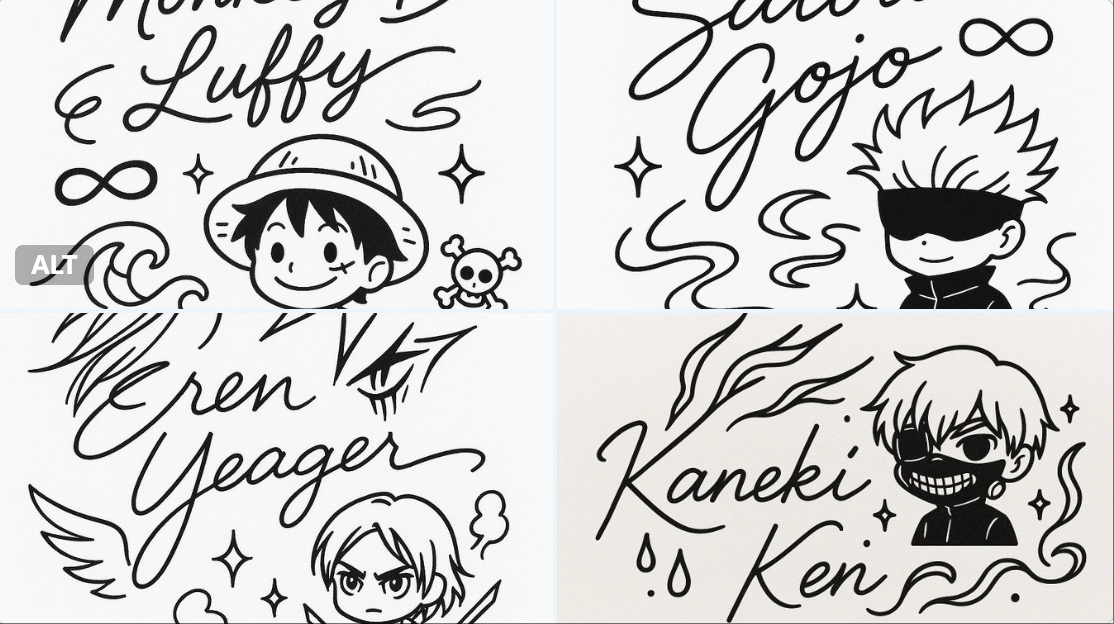
A minimalistic black-and-white autograph design in a single-line drawing style, featuring the handwritten signature: [CHARACTER NAME], integrated with cute line art elements inspired by the character’s appearance and personality (for example: hair, outfit details, weapons, magical symbols). Include a small mascot or doodle of the character in simplified chibi style, surrounded by decorative elements (stars, hearts, sparkles, musical notes, flowers) that match their vibe. Clean, cute, modern design suitable for tattoo or sticker. High-resolution line art.
简约的黑白亲笔签名设计,采用单线绘图风格,带有手写签名:[CHARACTER NAME],并融入了受角色外表和个性启发的可爱线条艺术元素(例如:头发、服装细节、武器、魔法符号)。包括一个简化的赤壁风格的小吉祥物或角色涂鸦,周围环绕着与其氛围相匹配的装饰元素(星星、心形、火花、音符、花朵)。干净、可爱、现代的设计,适合纹身或贴纸。高分辨率线条图。
Category
UI & Interfaces
Model
Unknown
Views0
Source ID
beloved-character-making-anime-style-signature

Guide

About "心爱的角色制作动漫风格的签名"

What is this prompt for?

"心爱的角色制作动漫风格的签名" AI image prompt for Unknown (UI & Interfaces). A minimalistic black-and-white autograph design in a single-line drawing style, featuring the h…

The full copyable prompt and example visuals above are ready for AI image generation or one-click recreate in Picva.

How to use this prompt

  1. Step 1

    Open the prompt detail

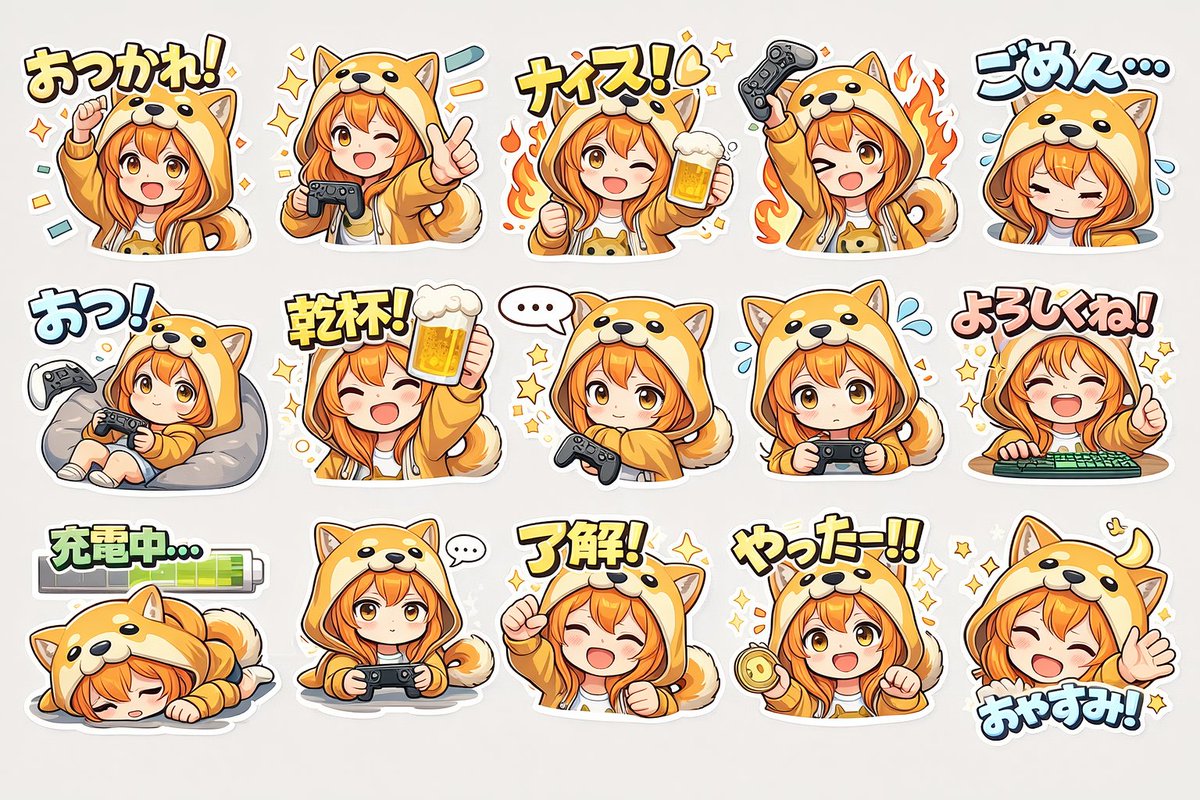
    Review the example visuals, category, and full prompt text for "心爱的角色制作动漫风格的签名".

  2. Step 2

    Copy the prompt

    Copy the prompt body from this page, or load it directly in Studio.

  3. Step 3

    Pick a model (Unknown)

    Prefer Unknown. If you switch models, keep subject and composition and tweak style terms.

  4. Step 4

    Generate and export

    Recreate the look in Picva, or export into your workflow for editing and publishing.

FAQ

What is the "心爱的角色制作动漫风格的签名" prompt?
It is an AI image-generation prompt for Unknown in the UI & Interfaces category. This page includes the full prompt text, example visuals, and a one-click recreate path in Picva.
How do I use this prompt to generate an image?
Copy the prompt from this page, or use Generate / Studio. Paste it into a compatible image model, or recreate the look in Picva with optional reference images.
Which model is this prompt for?
This page lists Unknown. Most descriptive prompts also transfer to nearby image models such as GPT Image, Flux, or Midjourney with light style tweaks.
Can I use the result commercially?
You can usually copy the prompt for creation, but commercial use of the final image depends on the model terms, reference-image rights, and the generated content. Follow the source author and platform rules.