15

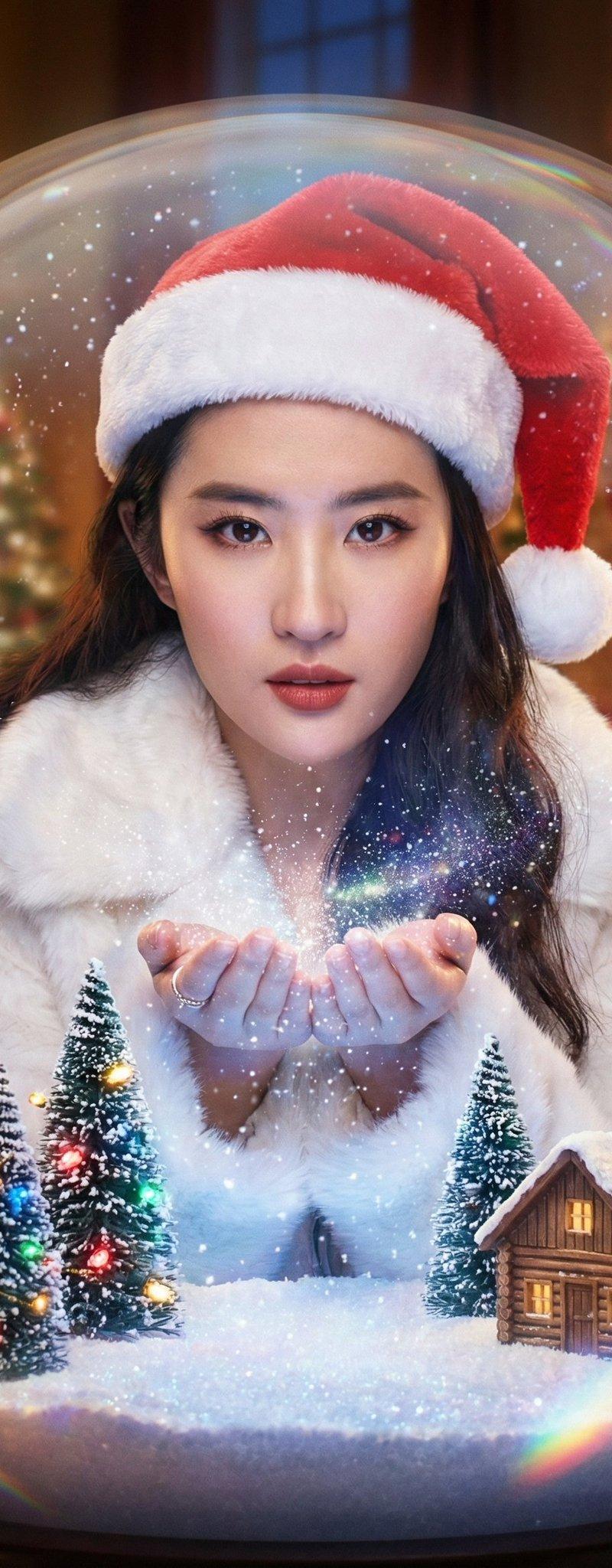
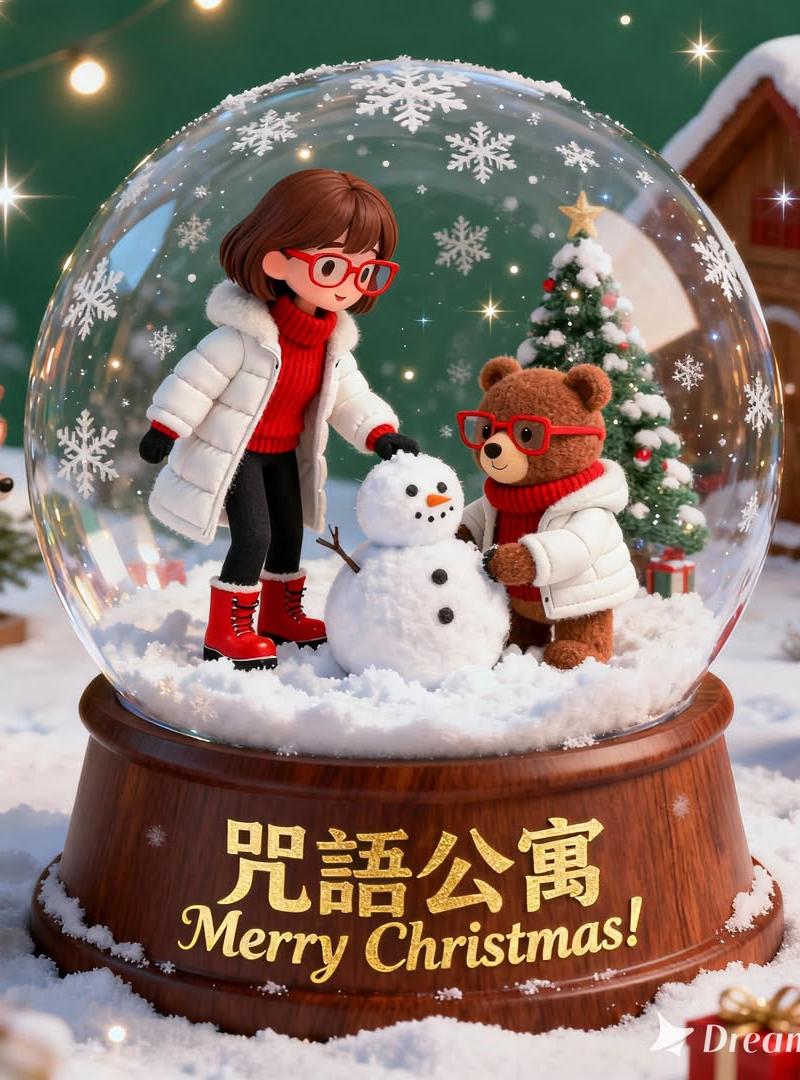
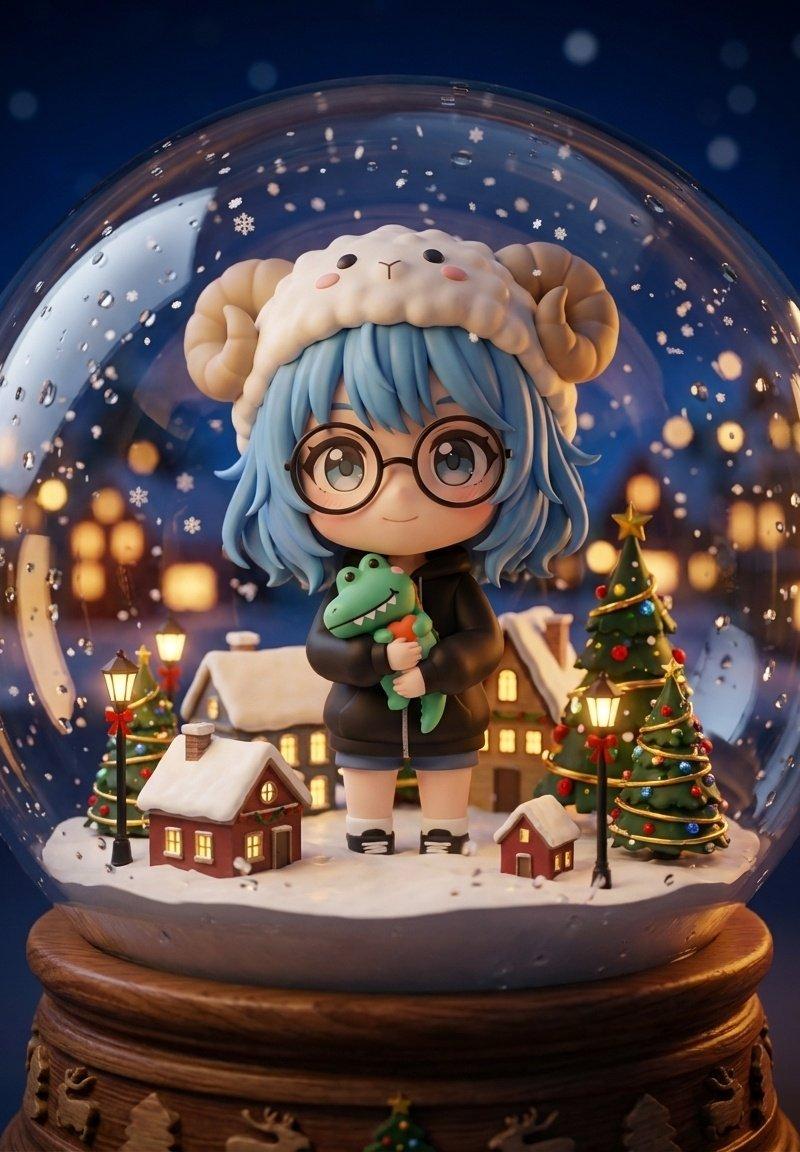
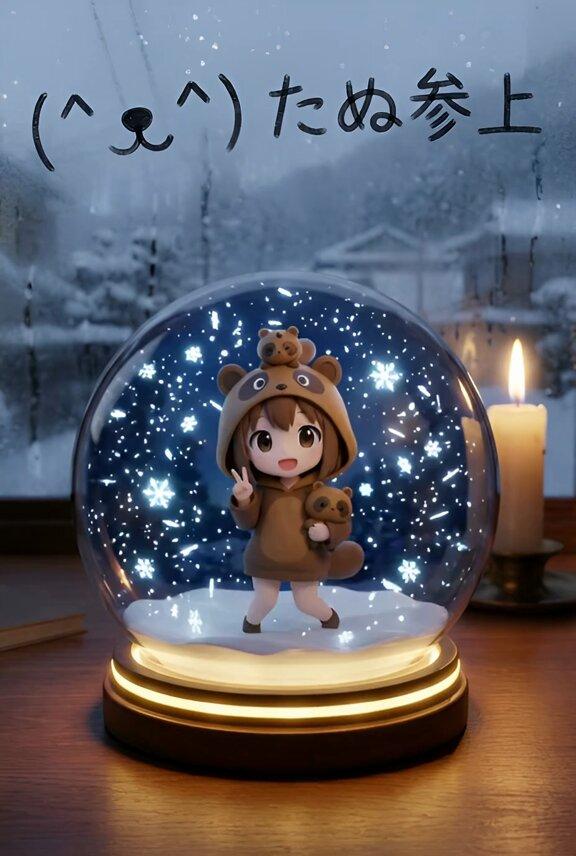
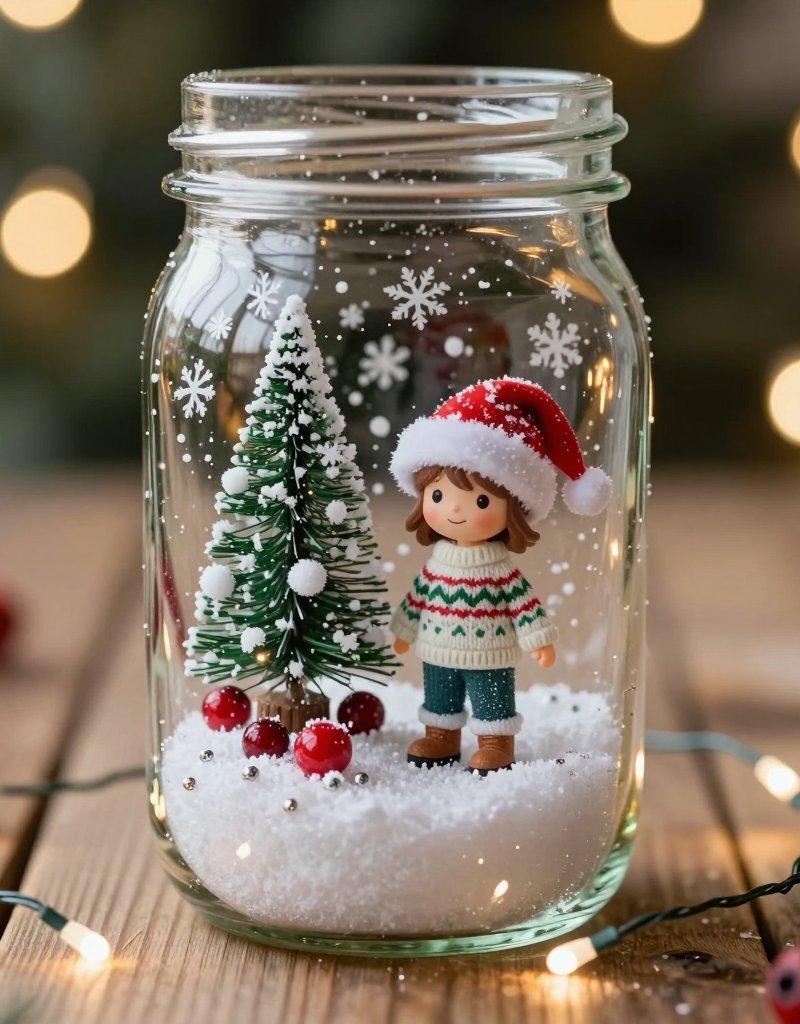
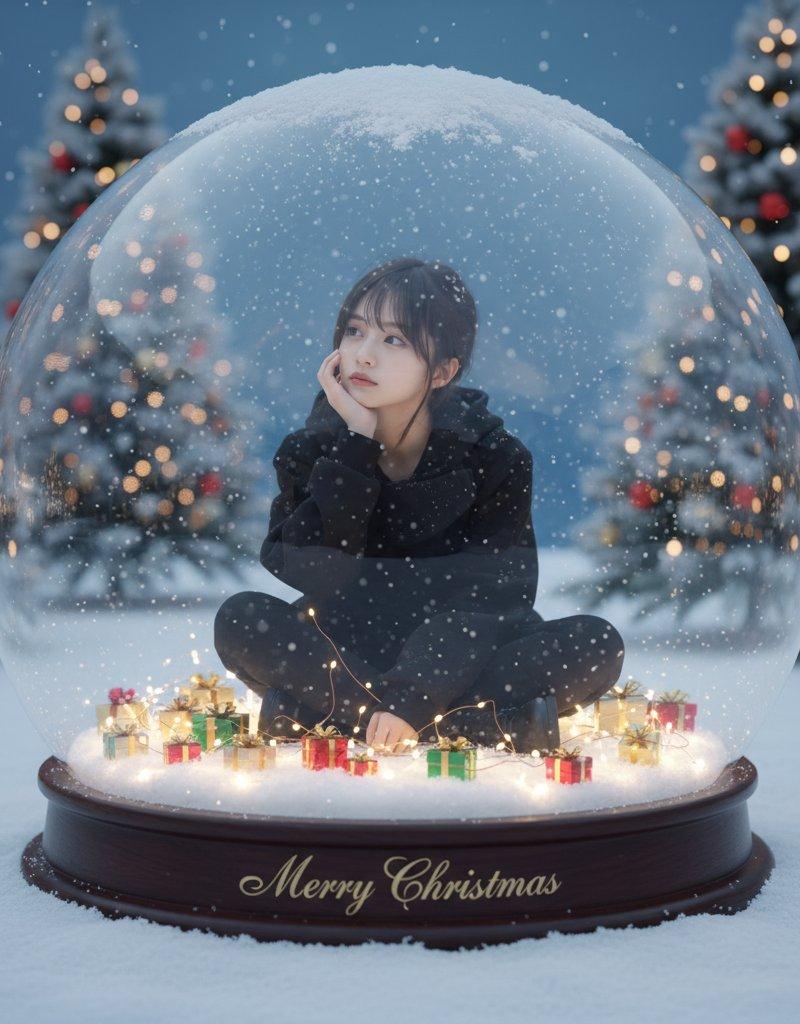
スノードームの中のクリスマスシーン
Enlarge

Example images

スノードームの中のクリスマスシーン

Prompt
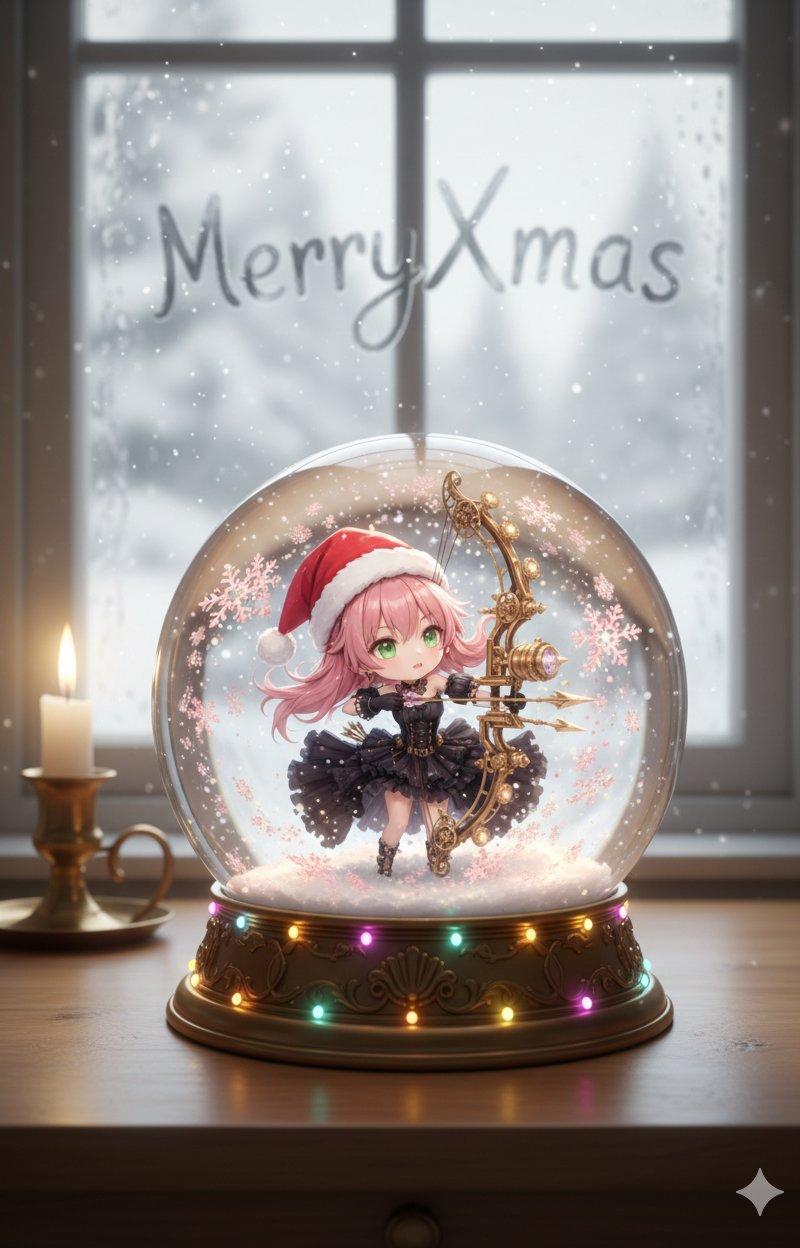
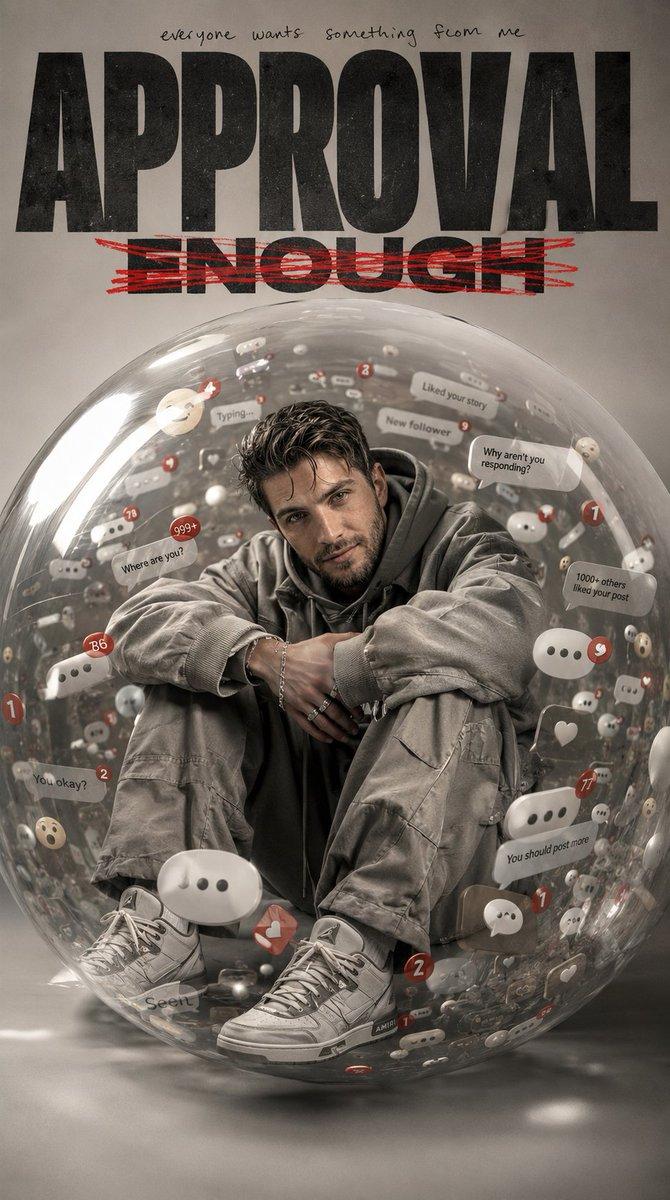
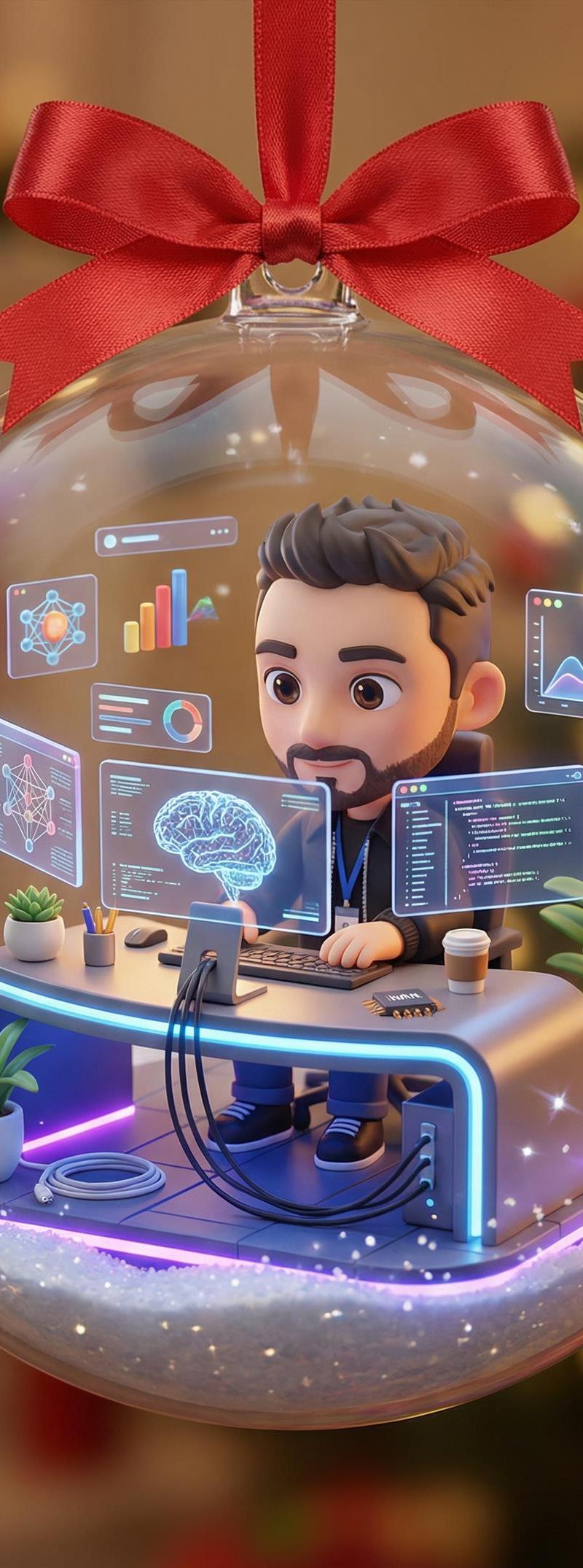
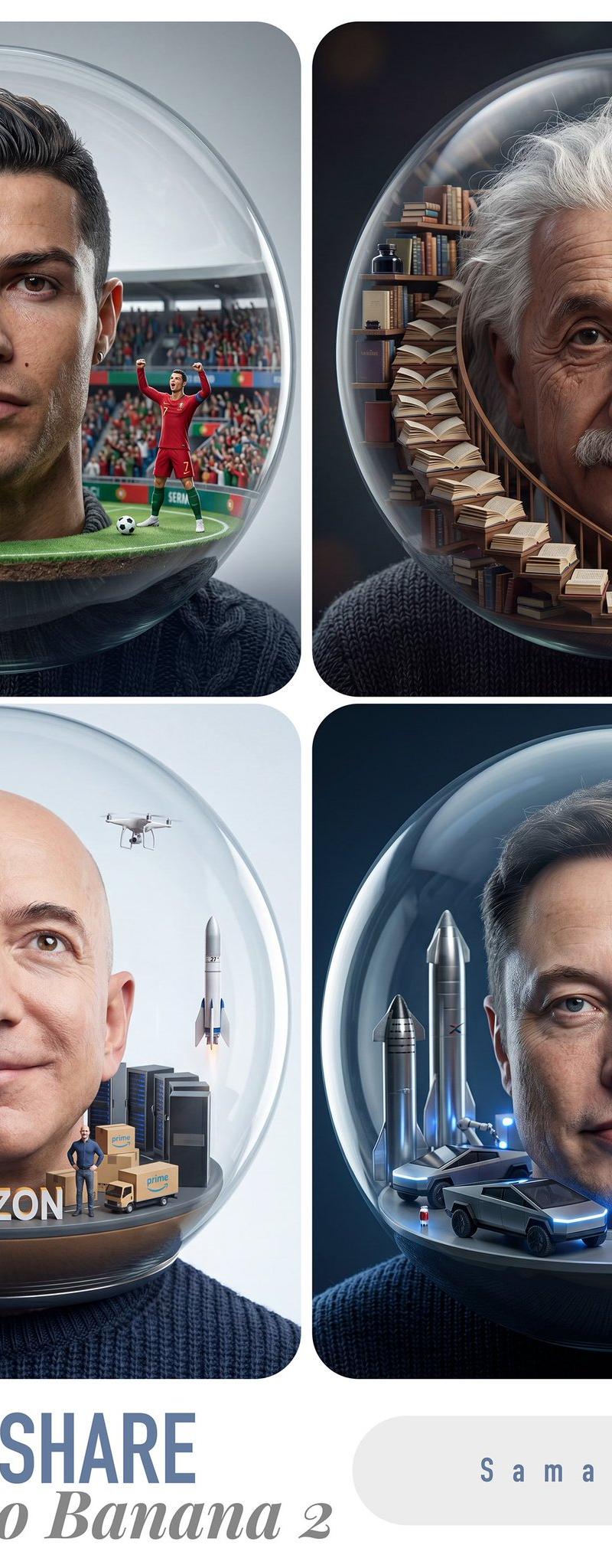
写真加工アプリのBeautyPlusを使ってスノードームの中に入る画像が流行っているので、Nano Bananaで再現しました⛄️❄️
Nano Banana Pro用に作ったプロンプトですが、フリー枠を使い切ったのでNano Bananaで生成してます🍌
📝プロンプト
超リアルで幻想的なクリスマスシーン、屋外の新雪の上に置かれた巨大な透明スノードーム (高さ1.5m)。
* ドームの中:
* モデル: [参照画像] を使用し、顔、表情、髪型、服装を保持。
* 服装: 参照画像から使用。
* ポーズ: あぐらをかき、右手で頬杖をついて、目線は右上(画像左上)に向ける。
* 周囲: キラキラした白い台座の上に、赤、金、緑の小さなラッピングされたギフトが散らばっている。
* エフェクト: 彼女の周りを人工雪が優しく舞い、台座に編み込まれた柔らかく暖かいフェアリーライトが雪を通して輝いている。
* 台座の文字: おしゃれなフォントで "Merry Christmas" と記載。
* ドームの外 (背景):
* 景色: 雪に覆われたクリスマスツリー、生成する画像の雰囲気に合ったオーナメントで飾られている。
* 雰囲気: 冷たい青いトワイライトの空、微妙なボケ味。生成した画像の雰囲気に合った背景要素。
* ドームの表面: 軽い霜と雪が上部に積もっている。ライトの微妙な反射がある。
* 画質・雰囲気:
* ムード: ハイキーで魔法のような雰囲気、柔らかい自然光と暖かいフェアリーライトの光が混ざり合う。
* ディテール: ハイパーリアルな8K解像度、ニットの質感、個々の雪の結晶、ガラスの屈折、肌の輝き。
* 構図: 真正面から、わずかなローアングル、浅い被写界深度 (Shallow DOF)、シネマティックな冬のムード。
Category
Characters & People
Model
Nano Banana Pro
Creator
よっち - SHOWROOM在住|AI勉強中 -
Source language
zh-CN
Views0
Source ID
christmas-scene-inside-snow-dome
Studio

Guide

About "スノードームの中のクリスマスシーン"

What is this prompt for?

"スノードームの中のクリスマスシーン" AI image prompt for Nano Banana Pro (Characters & People). 写真加工アプリのBeautyPlusを使ってスノードームの中に入る画像が流行っているので、Nano Bananaで再現しました⛄️❄️ Nano Banana…

The full copyable prompt and example visuals above are ready for AI image generation or one-click recreate in Picva.

How to use this prompt

  1. Step 1

    Open the prompt detail

    Review the example visuals, category, and full prompt text for "スノードームの中のクリスマスシーン".

  2. Step 2

    Copy the prompt

    Copy the prompt body from this page, or load it directly in Studio.

  3. Step 3

    Pick a model (Nano Banana Pro)

    Prefer Nano Banana Pro. If you switch models, keep subject and composition and tweak style terms.

  4. Step 4

    Generate and export

    Recreate the look in Picva, or export into your workflow for editing and publishing.

FAQ

What is the "スノードームの中のクリスマスシーン" prompt?
It is an AI image-generation prompt for Nano Banana Pro in the Characters & People category. This page includes the full prompt text, example visuals, and a one-click recreate path in Picva.
How do I use this prompt to generate an image?
Copy the prompt from this page, or use Generate / Studio. Paste it into a compatible image model, or recreate the look in Picva with optional reference images.
Which model is this prompt for?
This page lists Nano Banana Pro. Most descriptive prompts also transfer to nearby image models such as GPT Image, Flux, or Midjourney with light style tweaks.
Can I use the result commercially?
You can usually copy the prompt for creation, but commercial use of the final image depends on the model terms, reference-image rights, and the generated content. Follow the source author and platform rules.