19

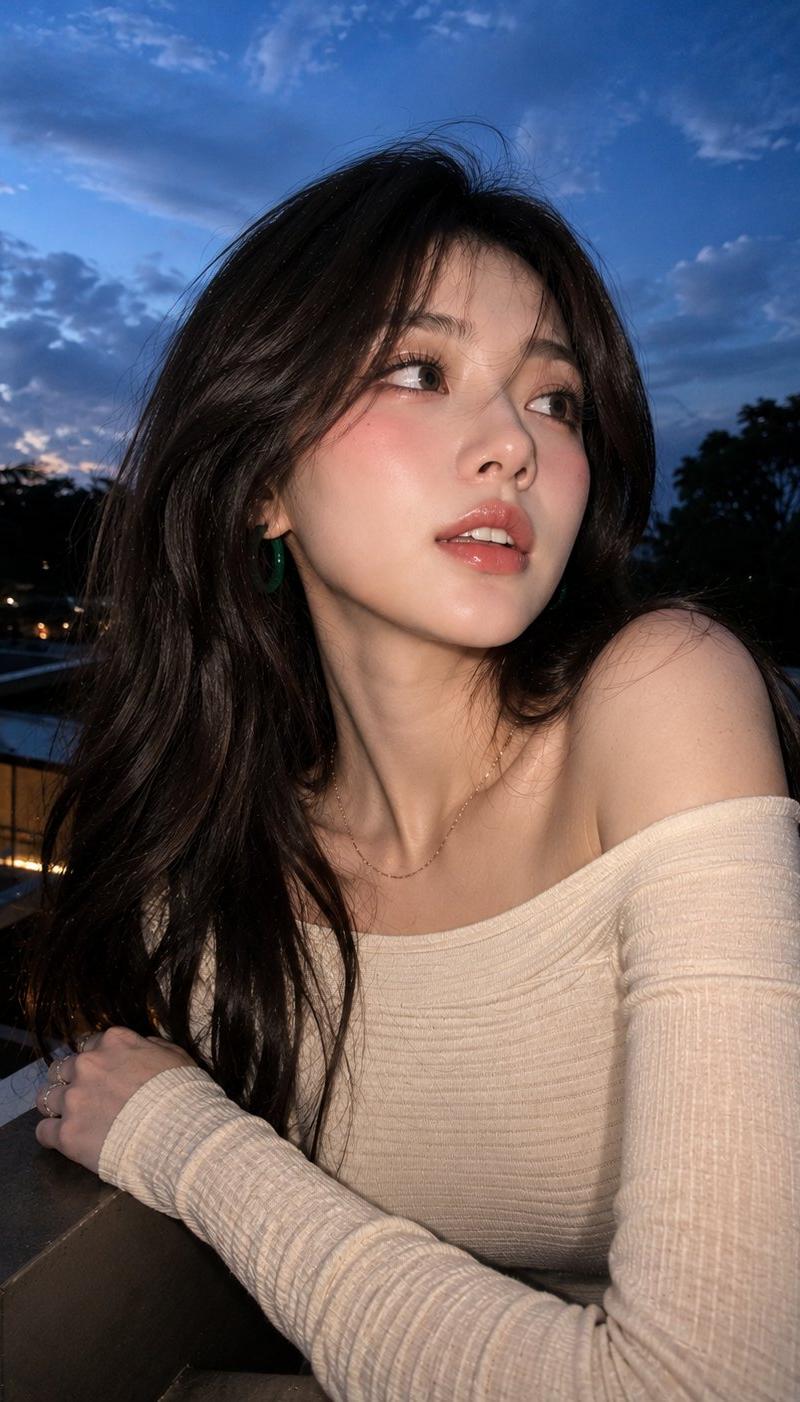
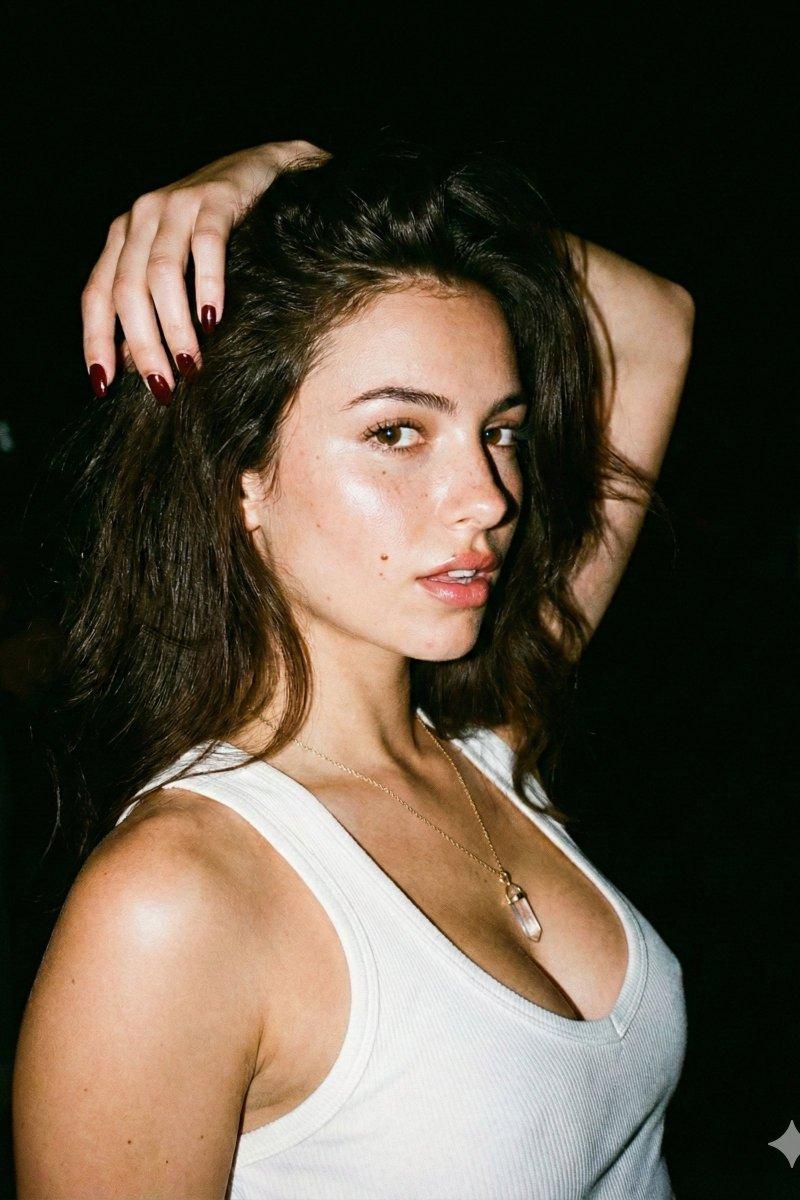
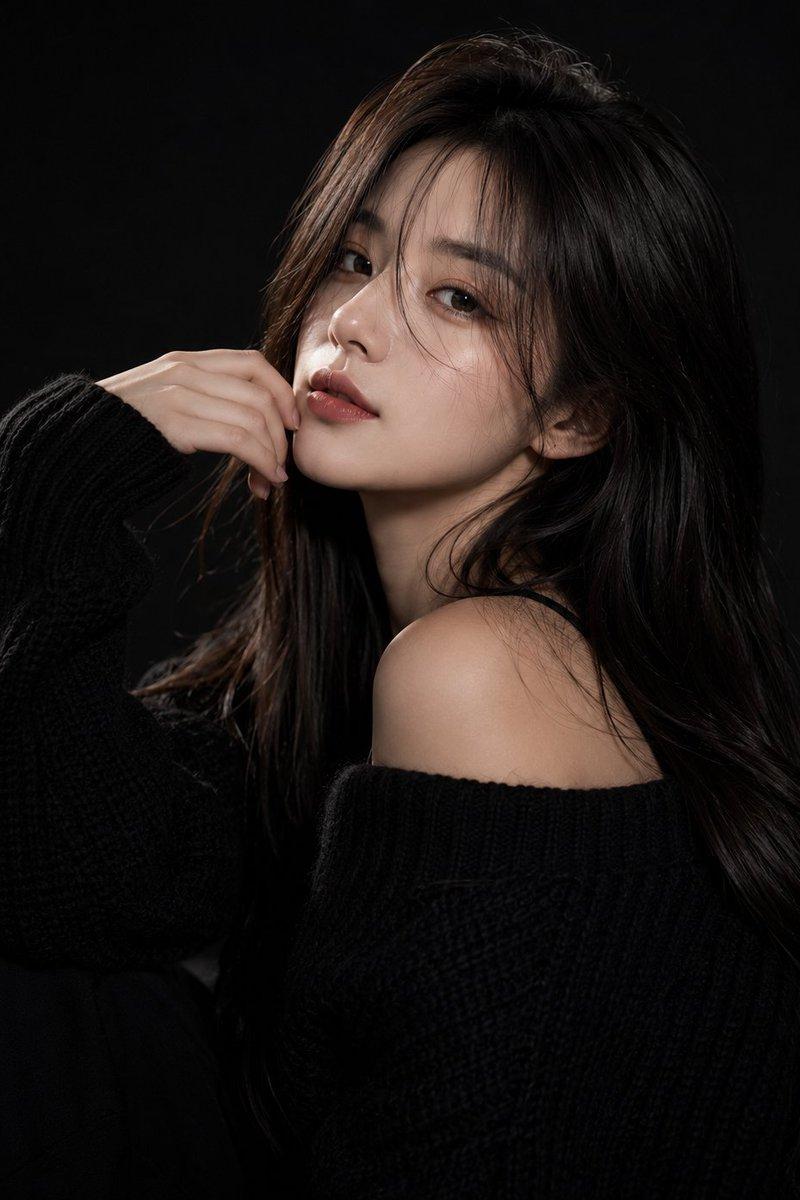
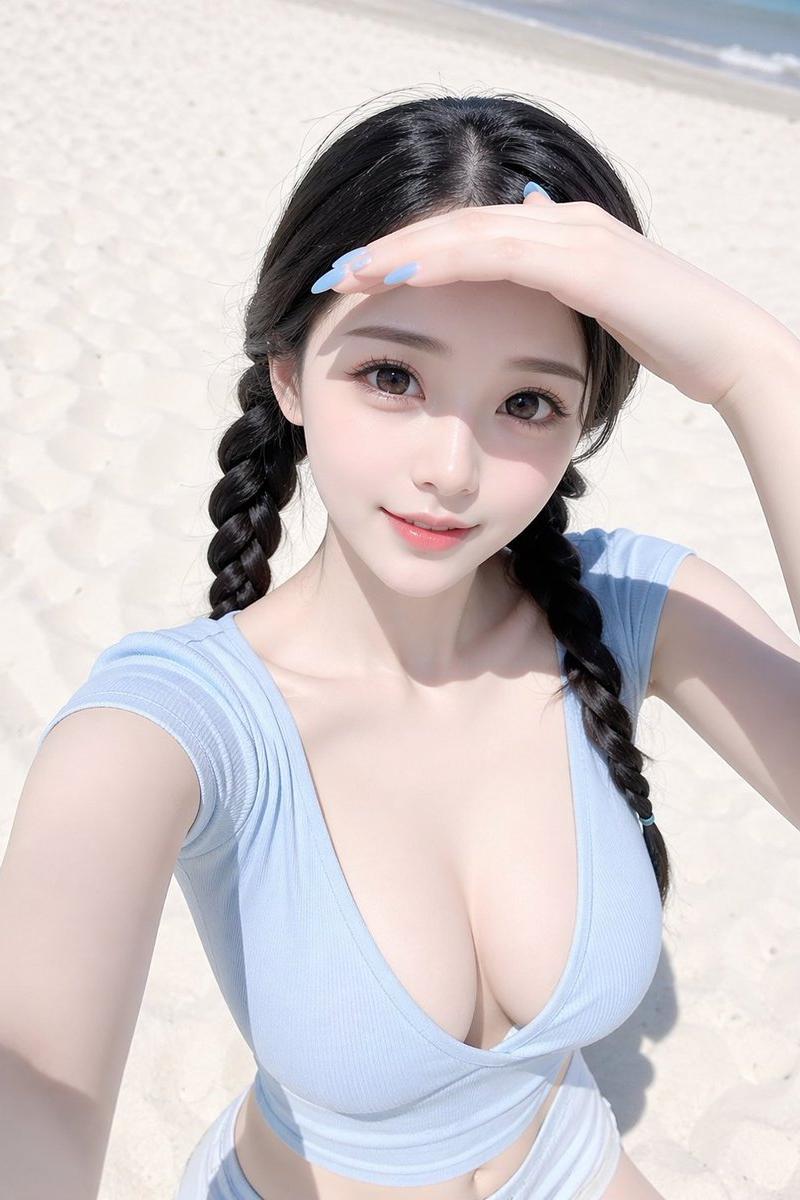
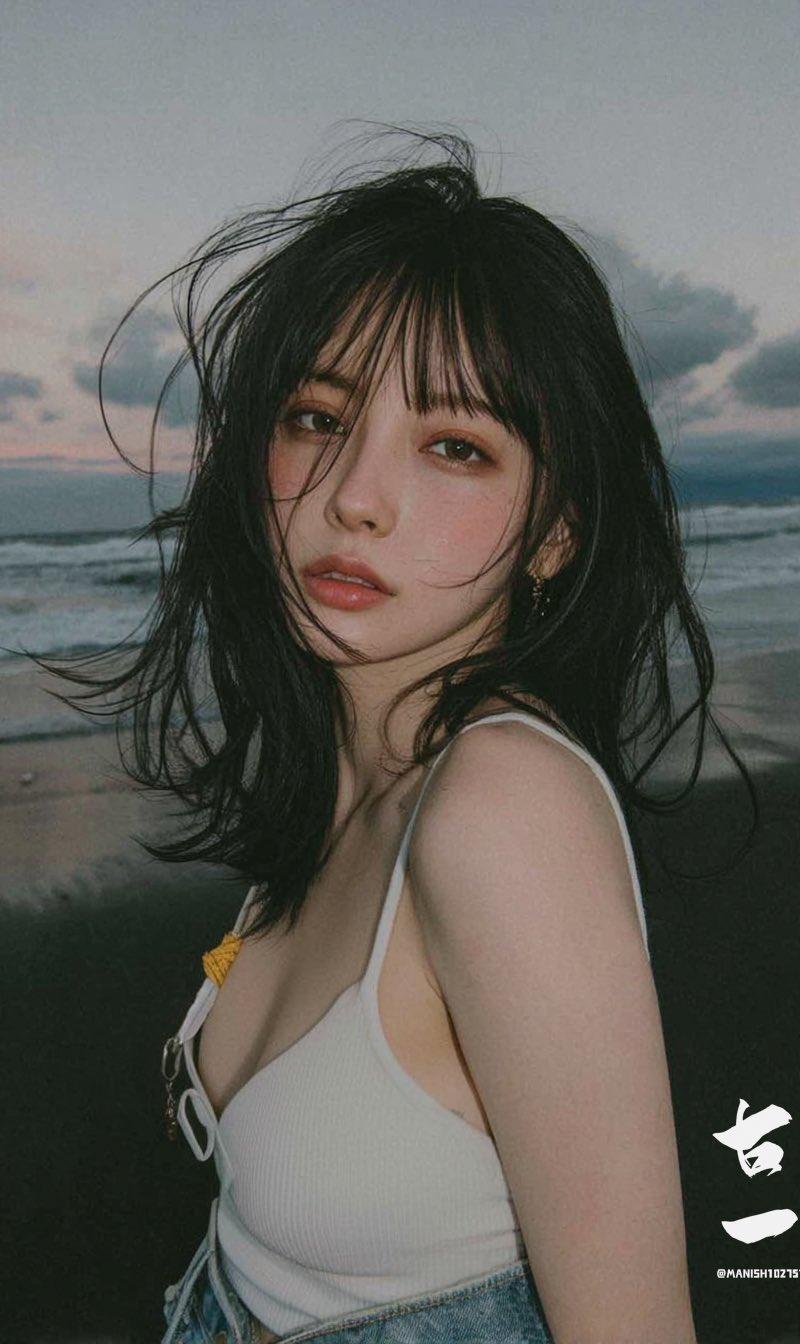
女子海边电影风格肖像照
Enlarge

Example images

女子海边电影风格肖像照

Prompt
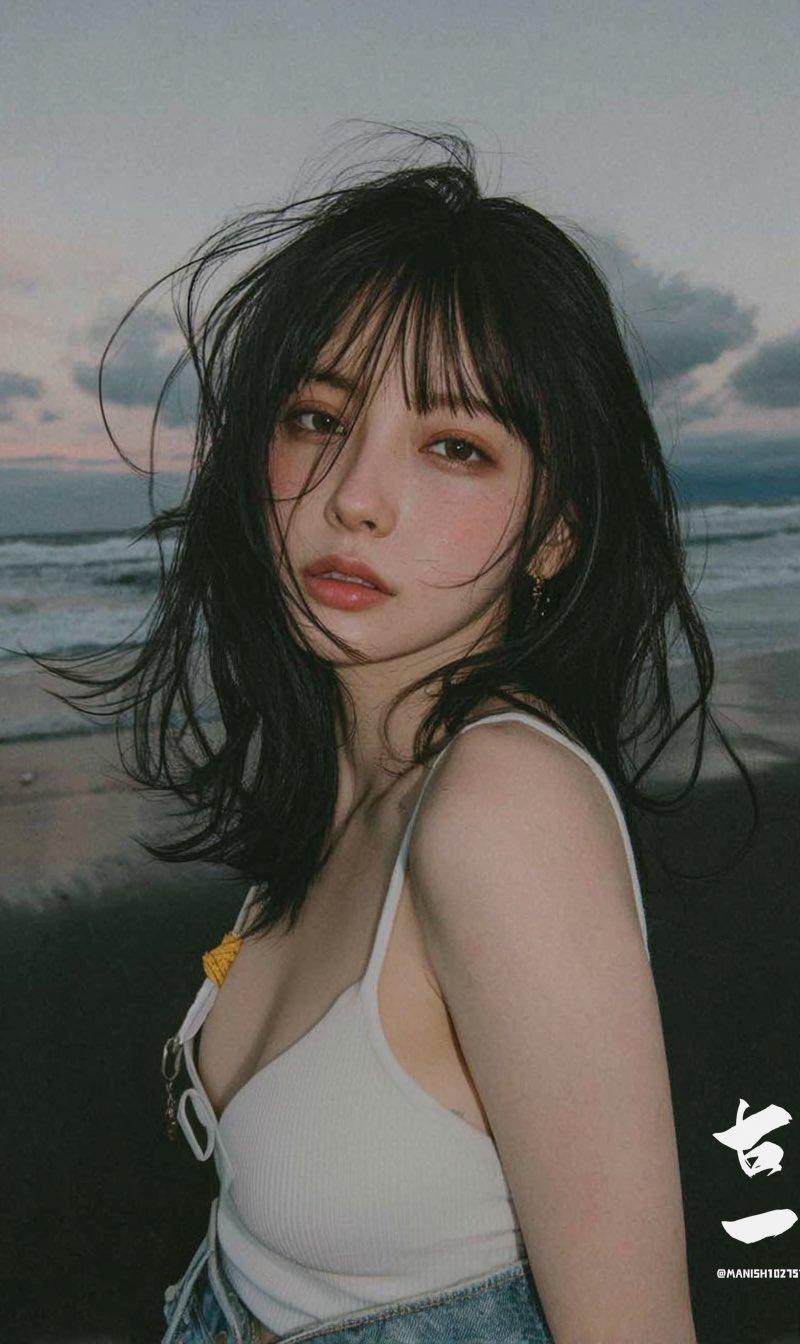
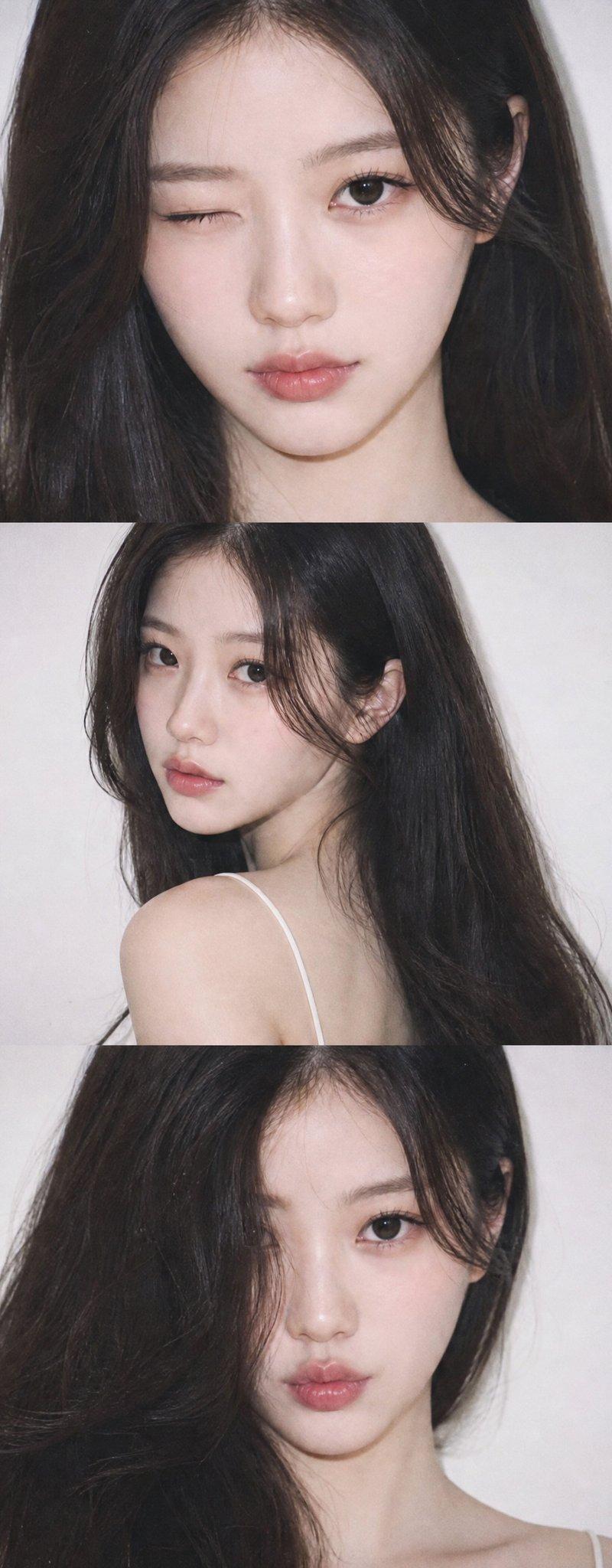
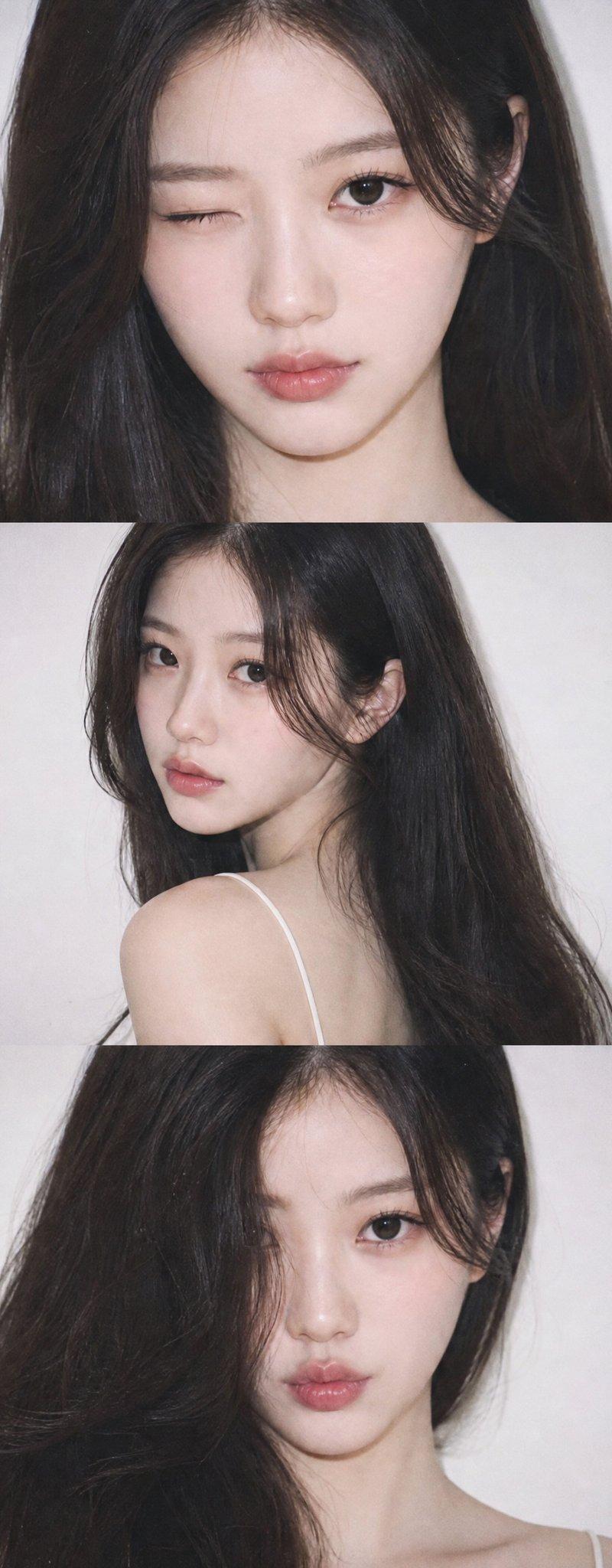
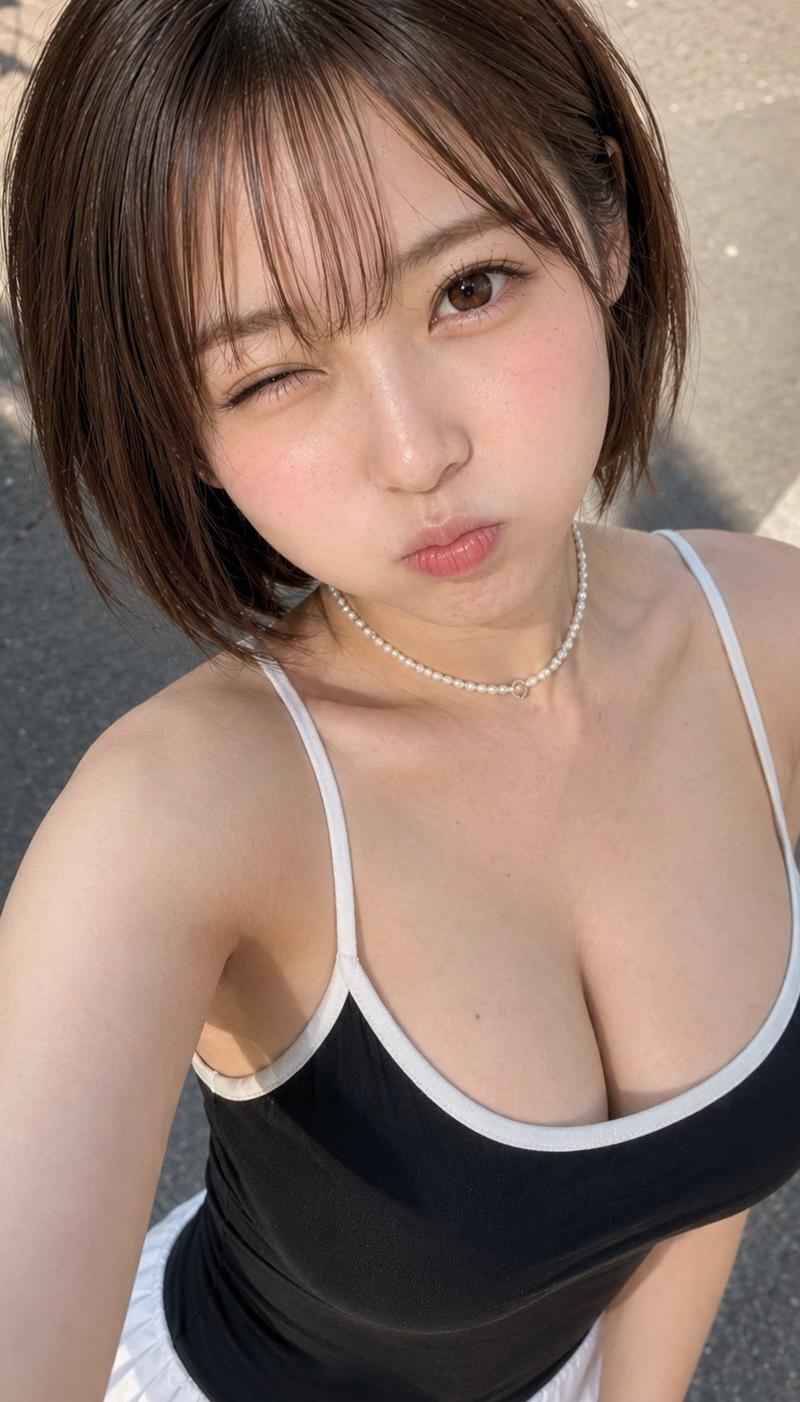
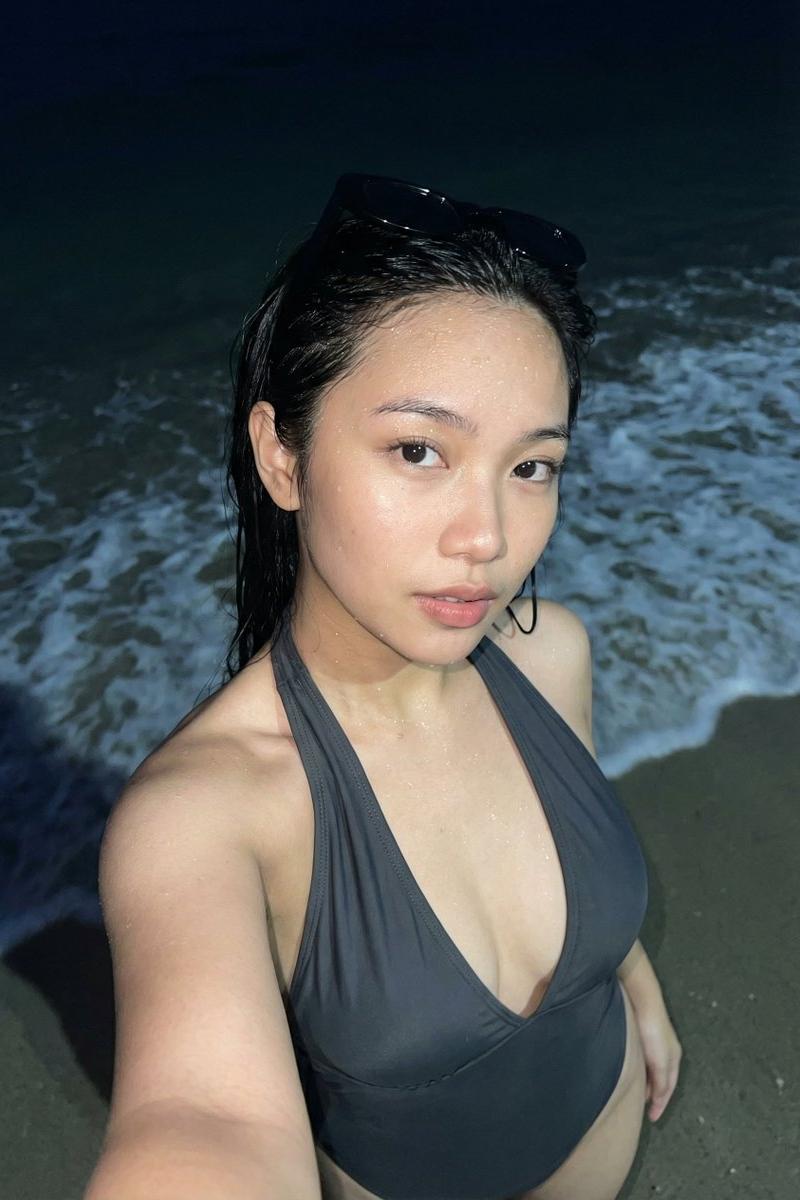
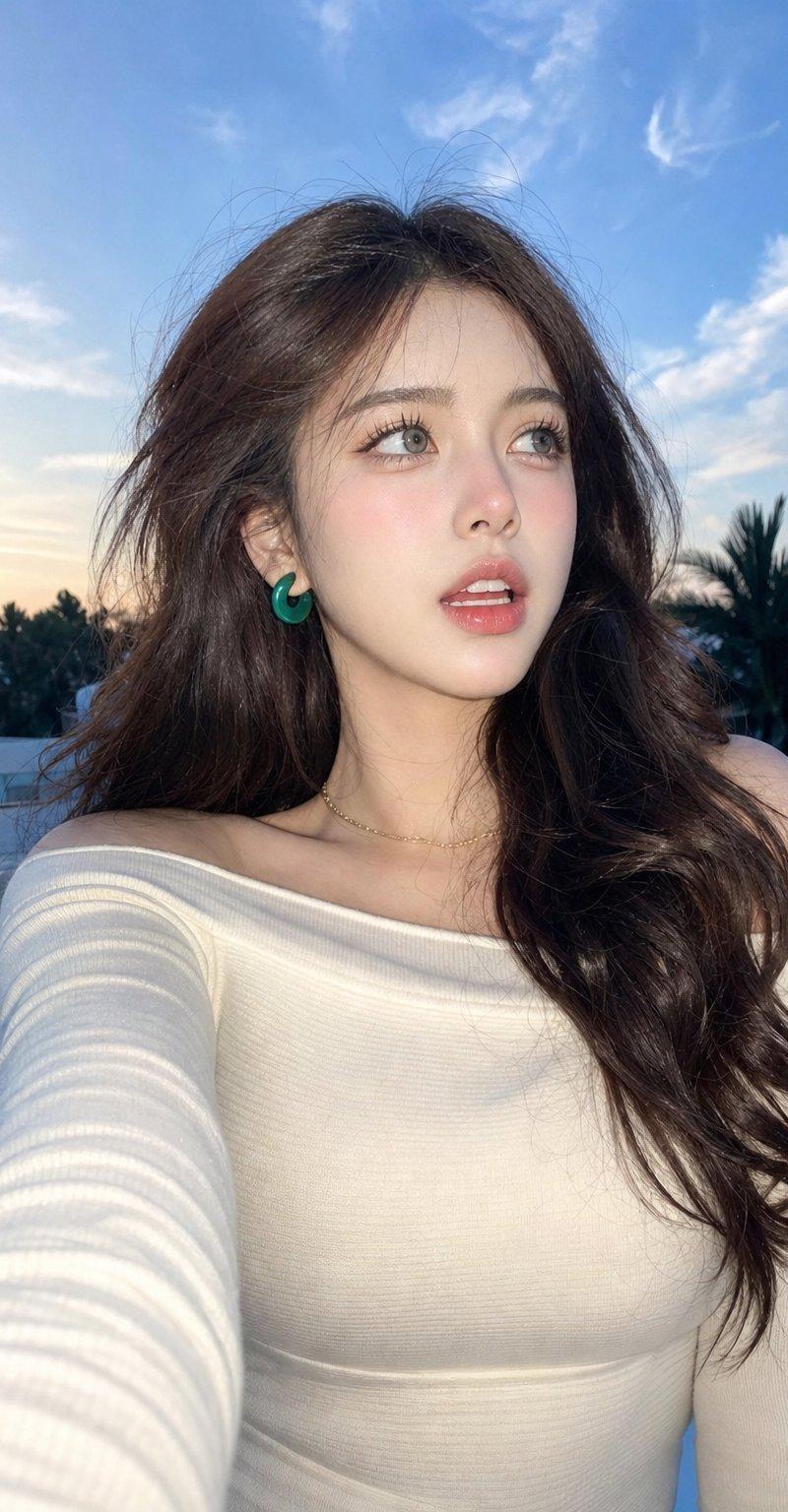
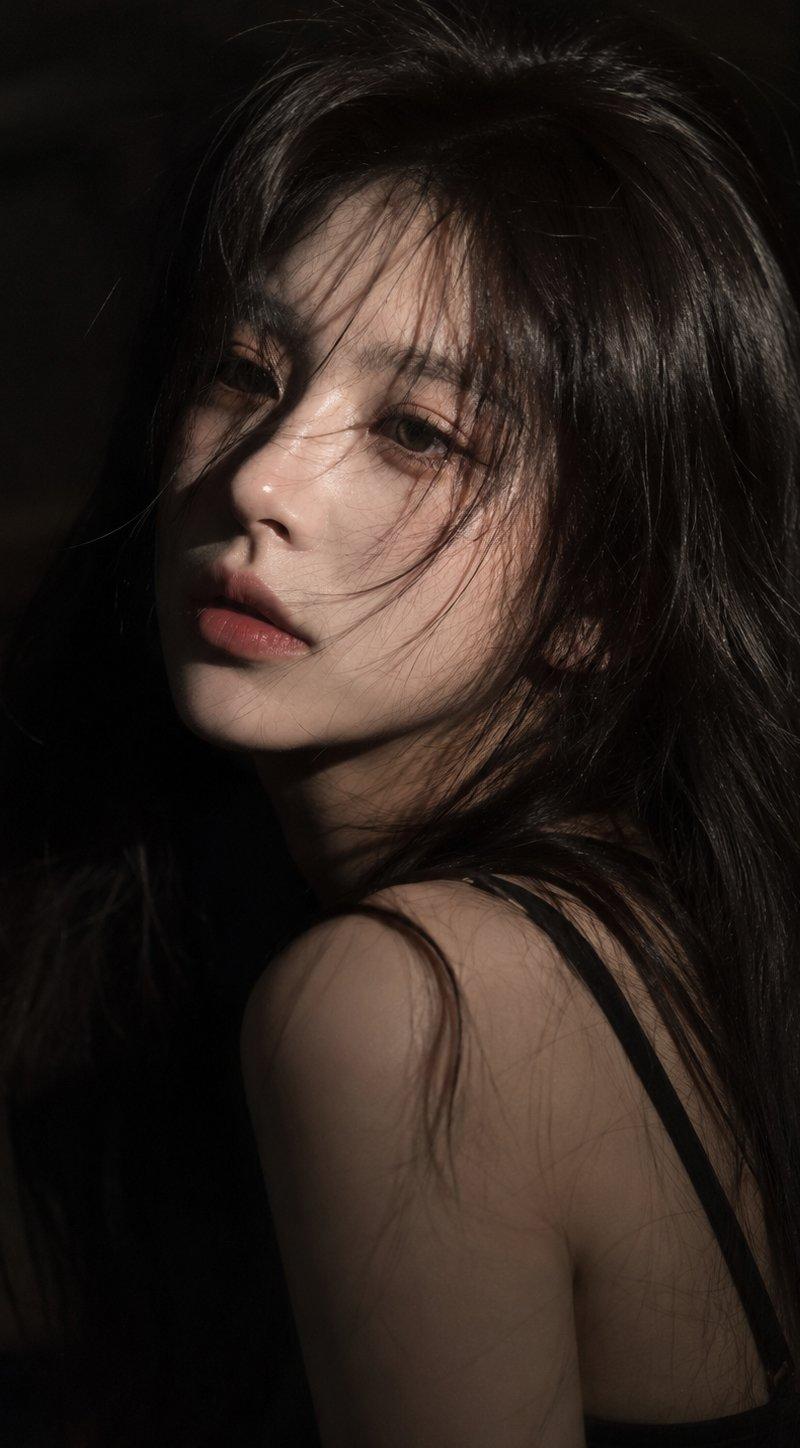
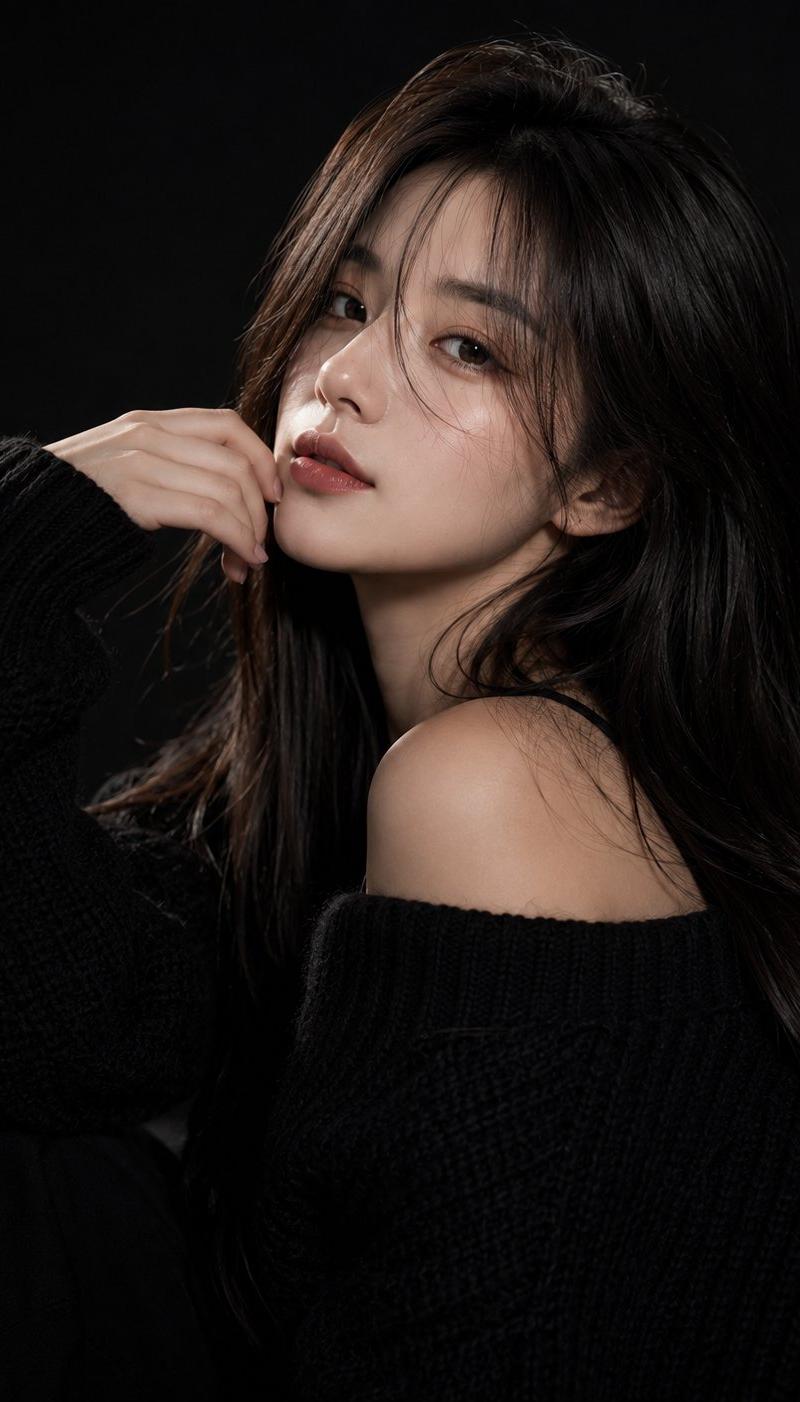
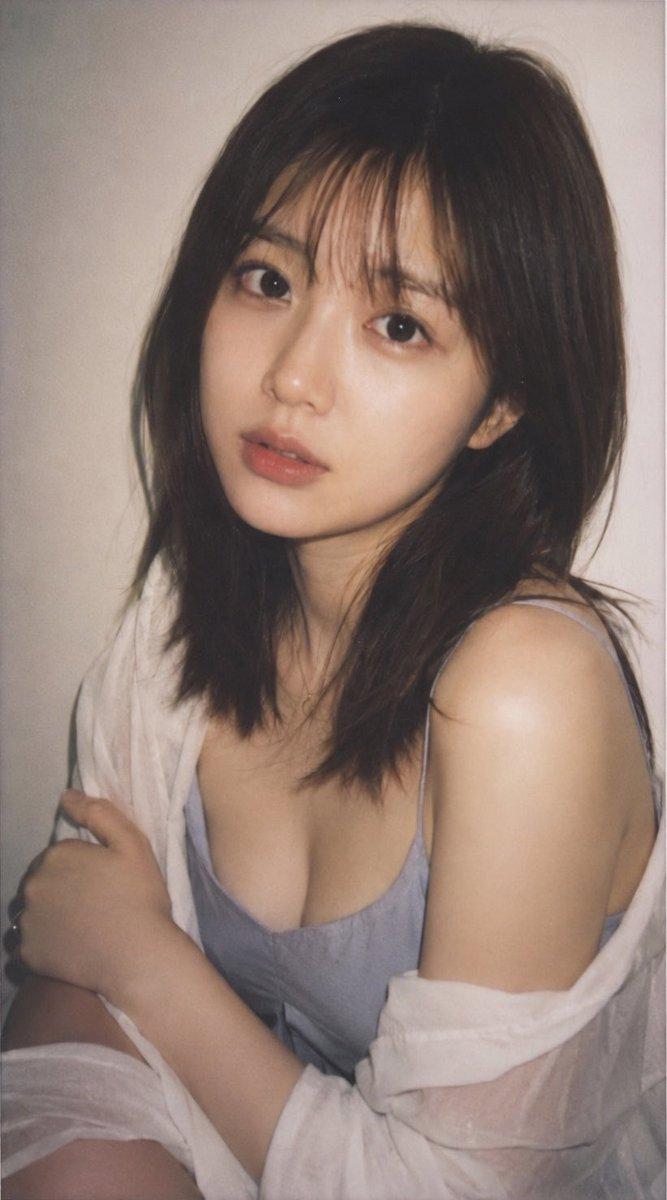
A young woman standing on the beach at dusk, captured in a soft emotional film-style portrait. \nHer dark hair is messy from the sea breeze, strands blowing across her face. \nShe has natural, slightly flushed skin with a subtle grainy texture. \nWearing a white spaghetti-strap top and denim bottoms. \nThe background shows dark ocean waves and a moody sky with soft sunset colors—dusty pink, blue-gray, and muted lavender. \nThe overall image features a low-saturation, cool-toned cinematic film filter with soft contrast, slight grain, and a hazy atmosphere. \nClose-up portrait, melancholic mood, natural lighting, realistic details, 8K.
黄昏时分,一位年轻女子站在海滩上,被拍摄成一张柔和而富有情感的电影风格肖像照。\n海风吹乱了她乌黑的头发,几缕发丝飘落在她的脸上。\n她的皮肤自然红润,质地略带颗粒感。\n身穿白色吊带背心和牛仔裤。\n背景是深色的海浪和阴郁的天空,夕阳的颜色柔和而朦胧——灰粉色、蓝灰色和淡紫色。\n整体画面采用低饱和度、冷色调的电影胶片滤镜,对比度柔和,颗粒感轻微,氛围朦胧。\n特写人像,忧郁氛围,自然光线,逼真细节,8K分辨率。
Category
Photography & Realism
Model
Unknown
Creator
古一
Source language
zh-CN
Views0
Source ID
cinematic-portrait-of-woman-by-seaside
Studio

Guide

About "女子海边电影风格肖像照"

What is this prompt for?

"女子海边电影风格肖像照" AI image prompt for Unknown (Photography & Realism). A young woman standing on the beach at dusk, captured in a soft emotional film-style portrai…

The full copyable prompt and example visuals above are ready for AI image generation or one-click recreate in Picva.

How to use this prompt

  1. Step 1

    Open the prompt detail

    Review the example visuals, category, and full prompt text for "女子海边电影风格肖像照".

  2. Step 2

    Copy the prompt

    Copy the prompt body from this page, or load it directly in Studio.

  3. Step 3

    Pick a model (Unknown)

    Prefer Unknown. If you switch models, keep subject and composition and tweak style terms.

  4. Step 4

    Generate and export

    Recreate the look in Picva, or export into your workflow for editing and publishing.

FAQ

What is the "女子海边电影风格肖像照" prompt?
It is an AI image-generation prompt for Unknown in the Photography & Realism category. This page includes the full prompt text, example visuals, and a one-click recreate path in Picva.
How do I use this prompt to generate an image?
Copy the prompt from this page, or use Generate / Studio. Paste it into a compatible image model, or recreate the look in Picva with optional reference images.
Which model is this prompt for?
This page lists Unknown. Most descriptive prompts also transfer to nearby image models such as GPT Image, Flux, or Midjourney with light style tweaks.
Can I use the result commercially?
You can usually copy the prompt for creation, but commercial use of the final image depends on the model terms, reference-image rights, and the generated content. Follow the source author and platform rules.