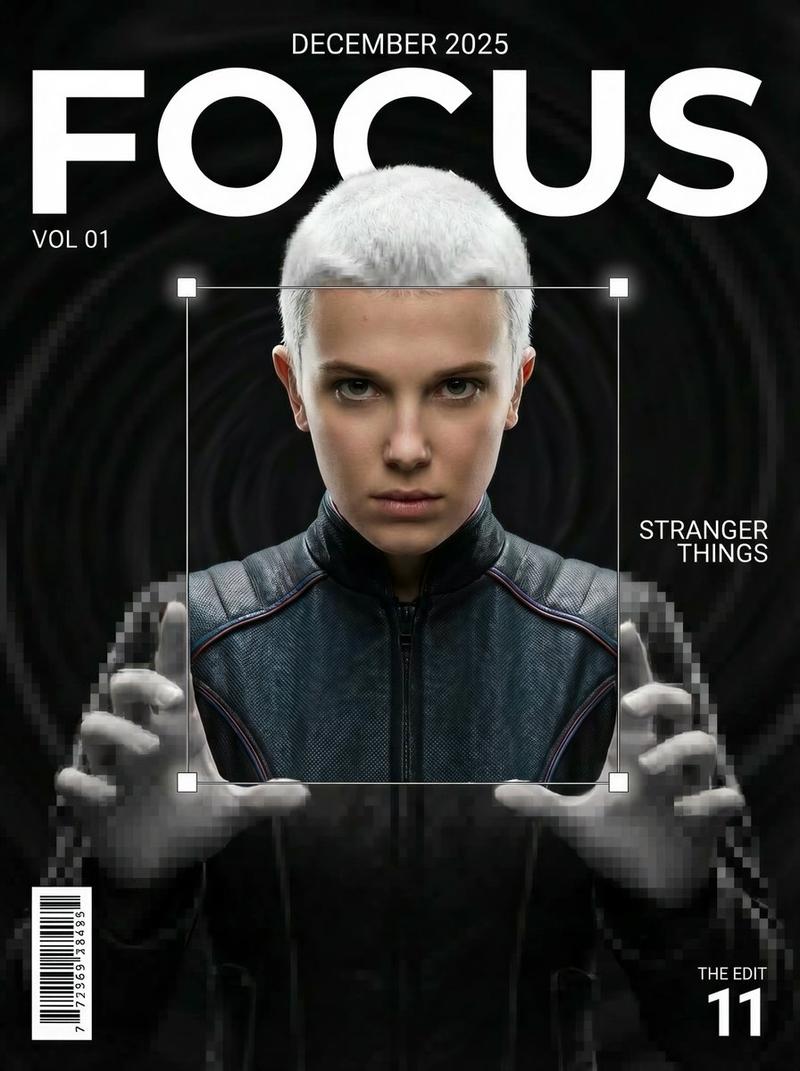
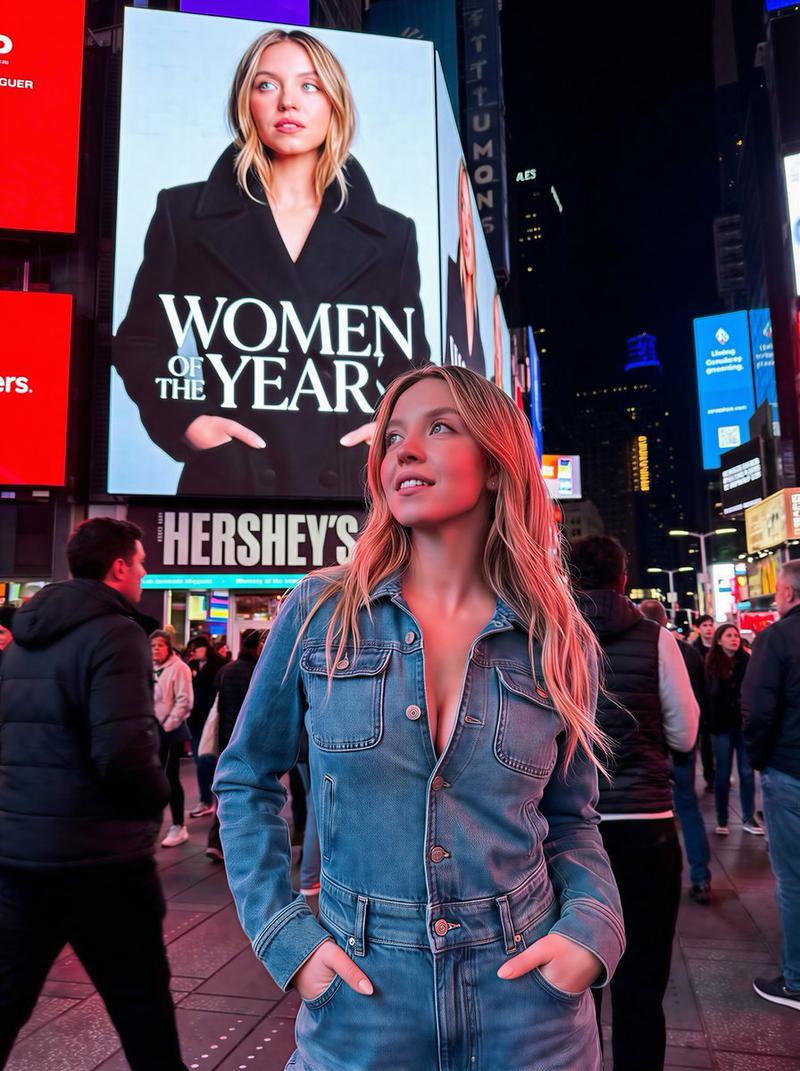
完成!将插画或照片制作成美丽的丙烯艺术提示!
Prompt
イラストアイコンや写真を美しいアクリルアートにするプロンプトが完成しました!
NanoBananaProに画像を貼り付けてプロンプトを入れるだけでOKです✨️
プロンプトはリプ欄に貼っておきます!☺️ https://t.co/6Uh3Gyz6zG
プロンプト:
Product photography, perfectly straight-on frontal view. CRITICAL: The original art style, linework, and character features of the input illustration MUST BE STRICTLY PRESERVED. Do not abstract or simplify the drawing itself.
The artwork is a physical multi-layered construction mounted on a white wall.
**COMPOSITION RULE:**
1. The aspect ratio and orientation of the final product photography should match the dimensions of the input source image.
2. A large clear base panel is secured with visible metallic standoffs.
3. Crucially, the entire die-cut illustration (all layers) MUST be contained entirely within the boundaries of this base panel.
4. There should be an appropriate clear margin between the edges of the illustration and the edges of the base panel.
**MATERIAL PHYSICS RULE (HIGH TRANSMISSION):**
On top of the base, the illustration is reconstructed using **ultra-clear, highly luminous tinted acrylic sheets** designed for maximal light transmission.
1. The colors are the color of the transparent material itself (glass-like), not painted.
2. **For Skin/White Areas:** MUST be **pure, colorless, ultra-clear glass-like acrylic**.
3. **For Colored Areas (Hair/Clothes):** Use **highly translucent colored acrylic**. The color is vibrant but extremely see-through, allowing significant light to pass.
**LIGHTING & SHADOWS:**
Strong cool diagonal lighting passes through the highly transparent artwork. **Instead of creating dark or heavy shadows, the light casts bright, glowing, highly translucent colorful caustics onto the wall, showing the wall's texture underneath.** The shadow area should feel light and airy, revealing the original colors as bright projections. 8k resolution, ultra-detailed.
ホントにAI初心者なんですー!って人でも出来ちゃう、NanoBananaProの使い方動画も置いておきます☺️🍌
スマホでも見れます◎
https://t.co/kSIfdCthMU
AIとデザインが学べる講座をやってます!
1月に募集するので登録してくれるとうれしいです☺️
https://t.co/h2JYnD4lZC
- Category
- Photography & Realism
- Model
- Unknown
- Creator
- まと|デザイン×AI
- Source ID
- complete-illustration-photo-beautiful-acrylic-art-prompt
Views0