20

午后宁静的户外咖啡馆场景
Enlarge

Example images

午后宁静的户外咖啡馆场景

Prompt
Good Afternoon
Prompt ⤵️
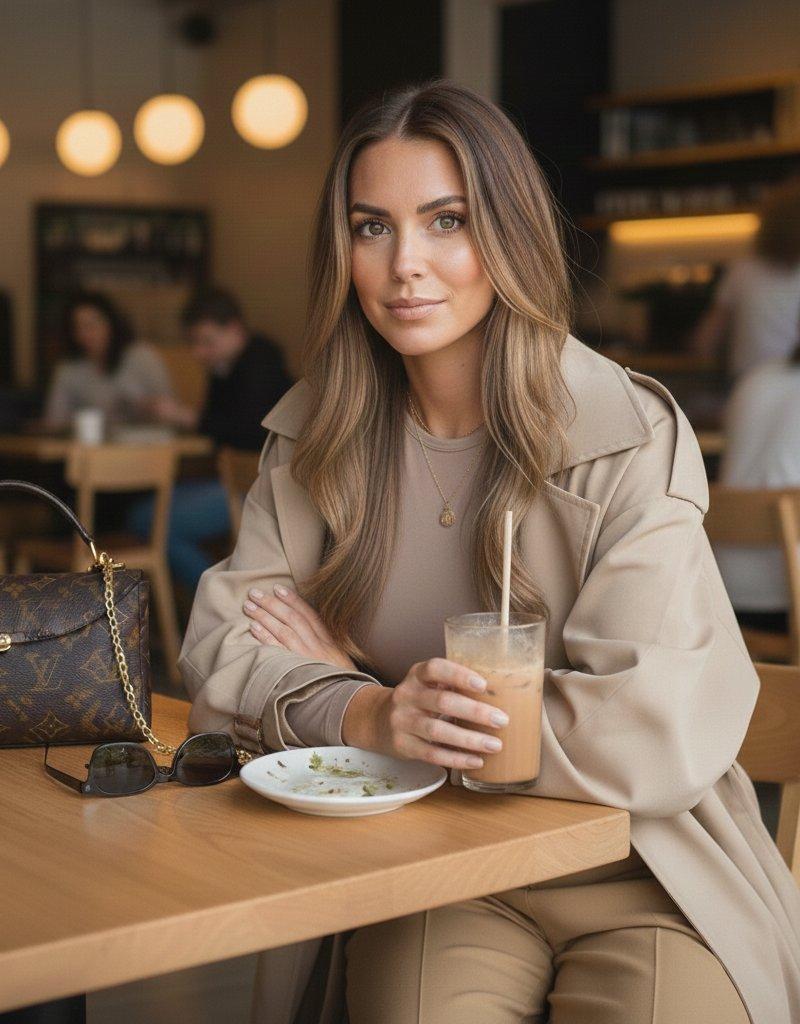
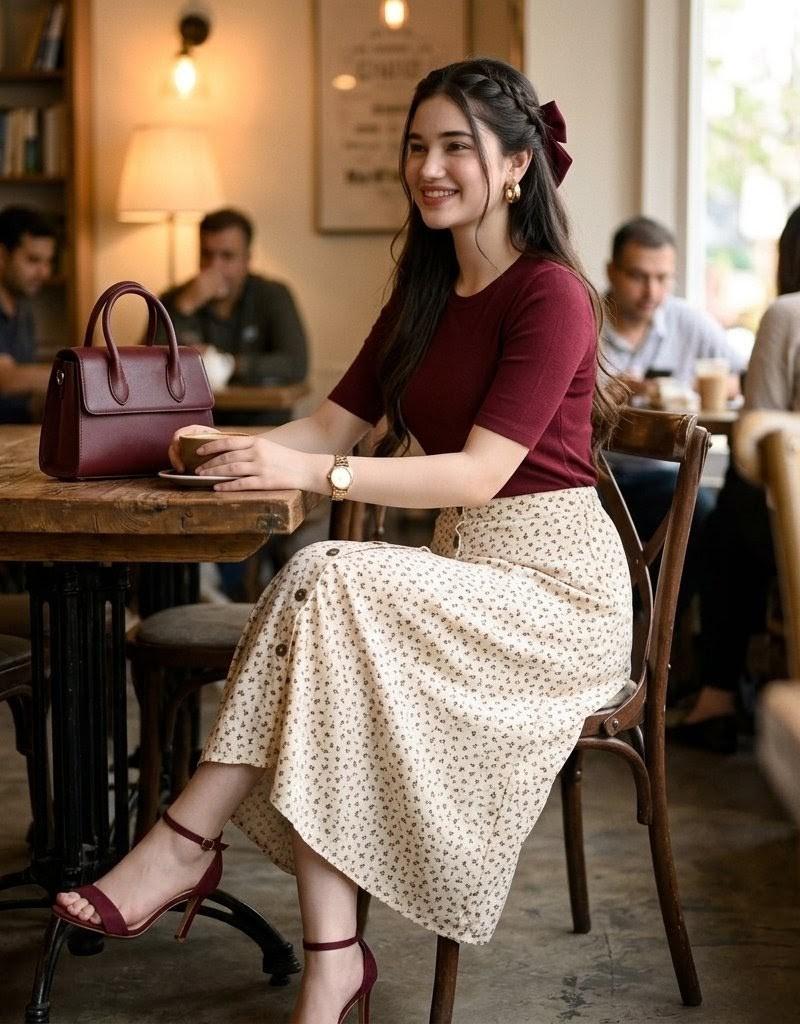
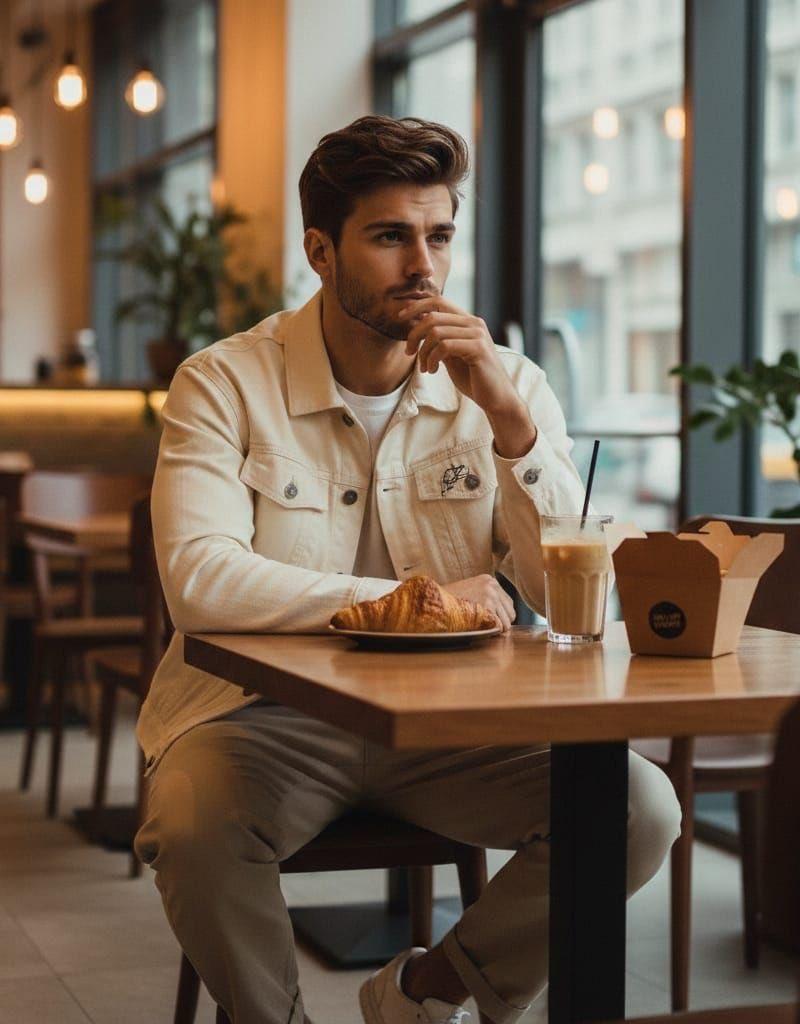
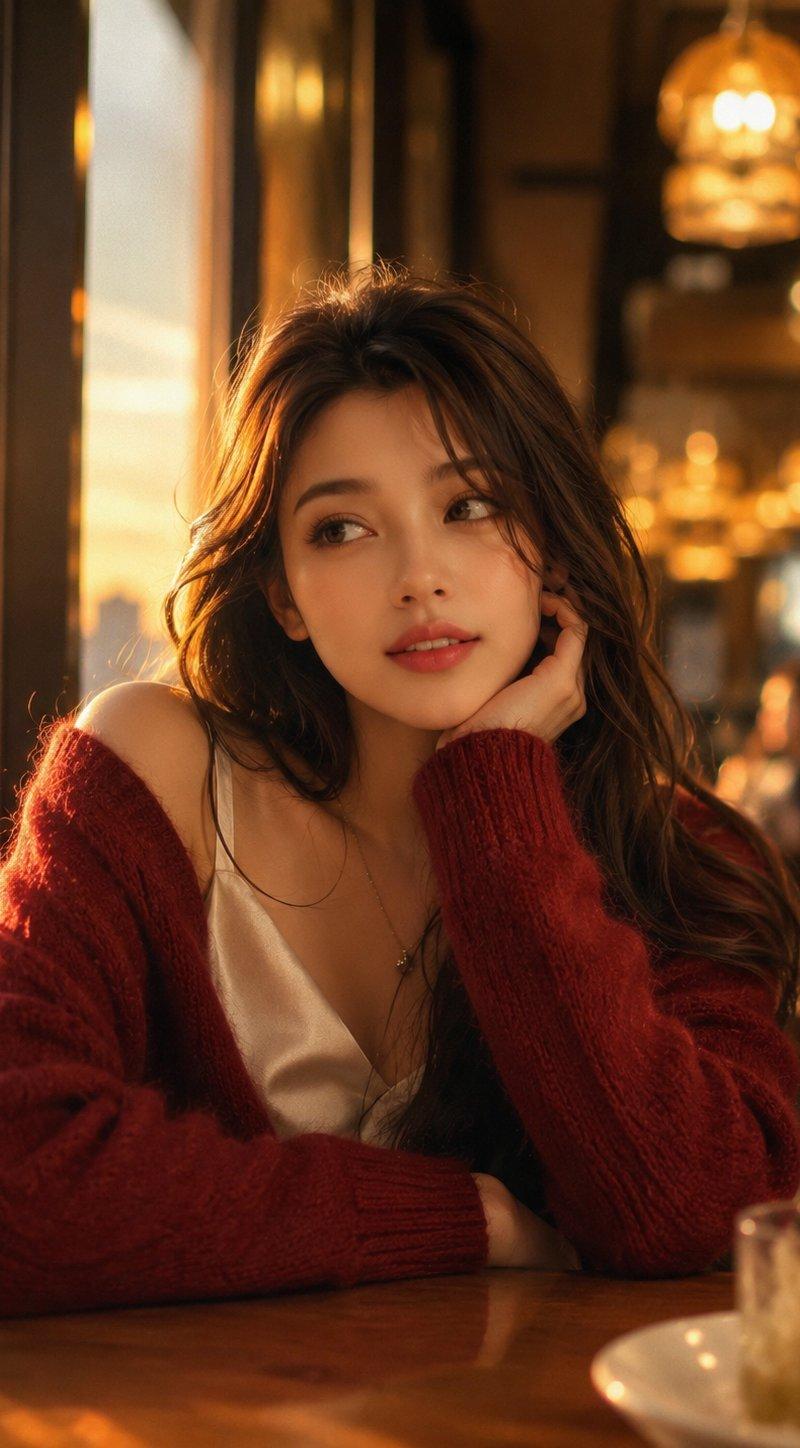
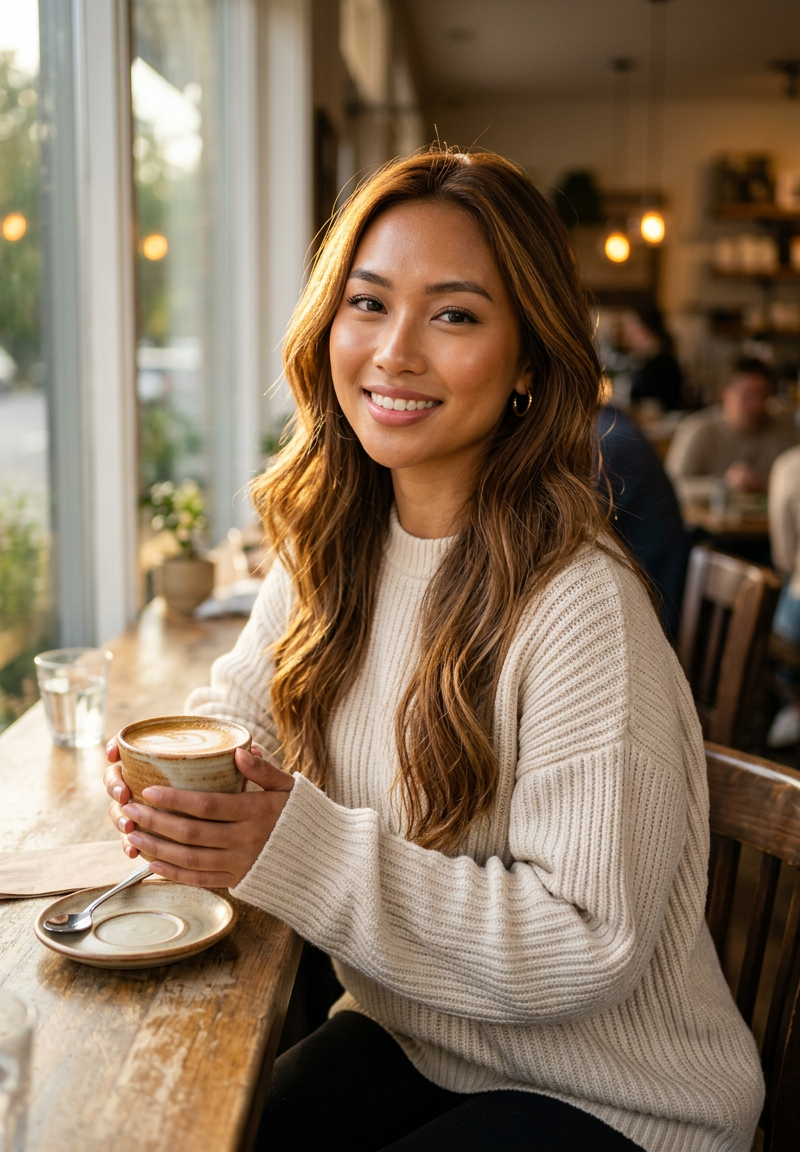
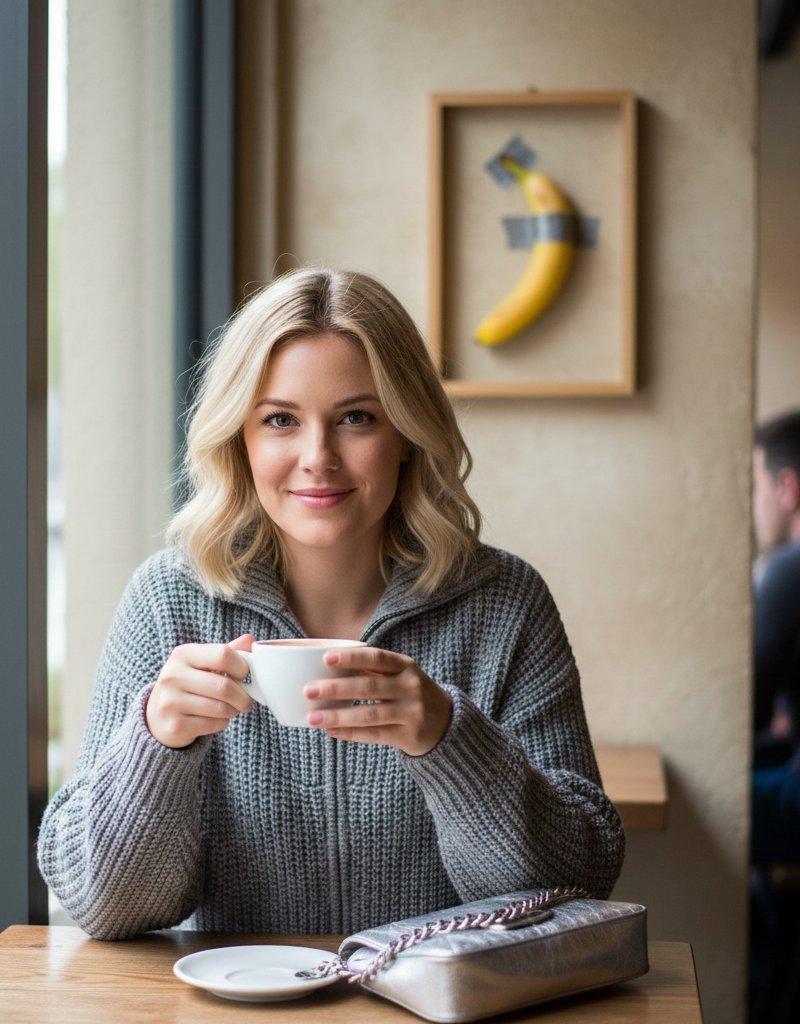
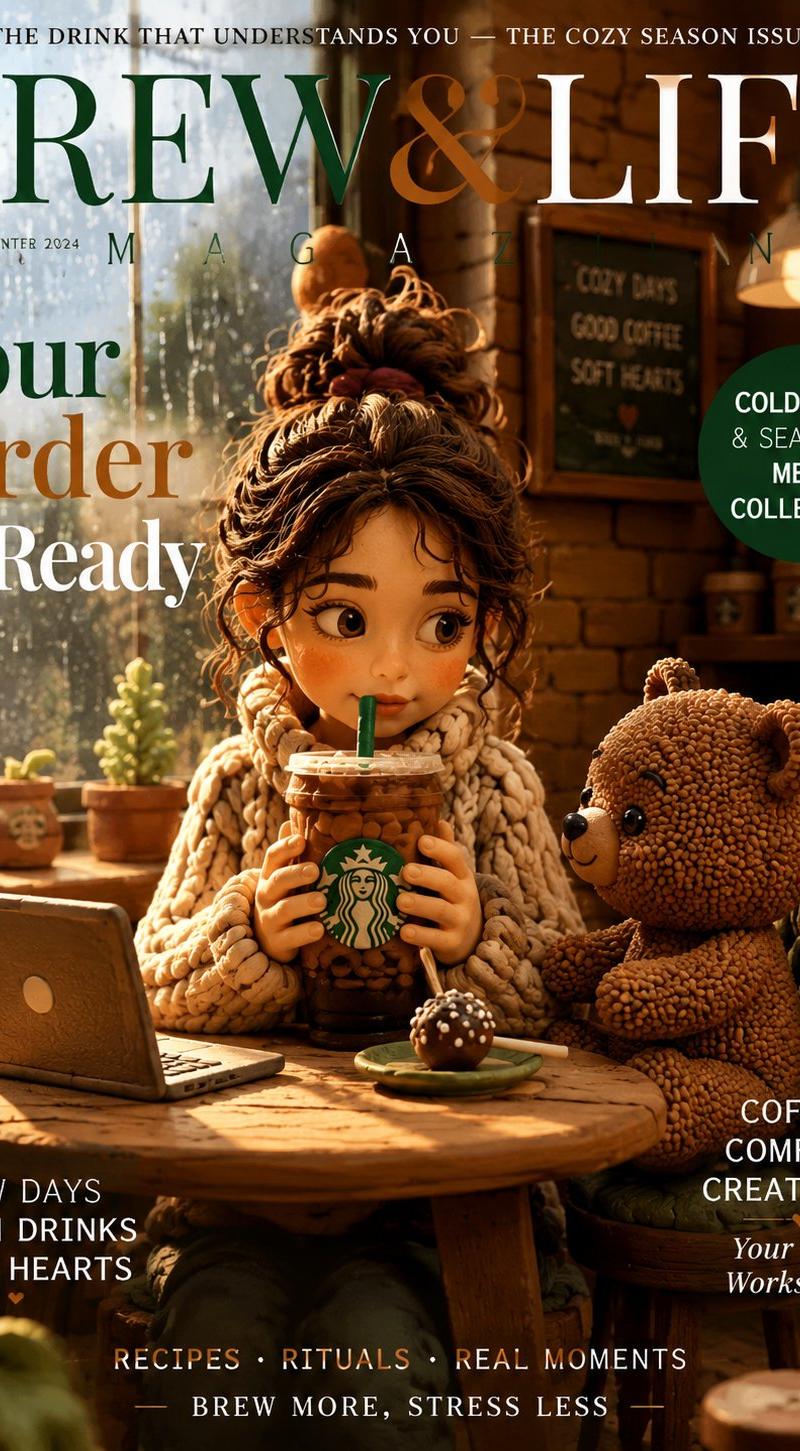
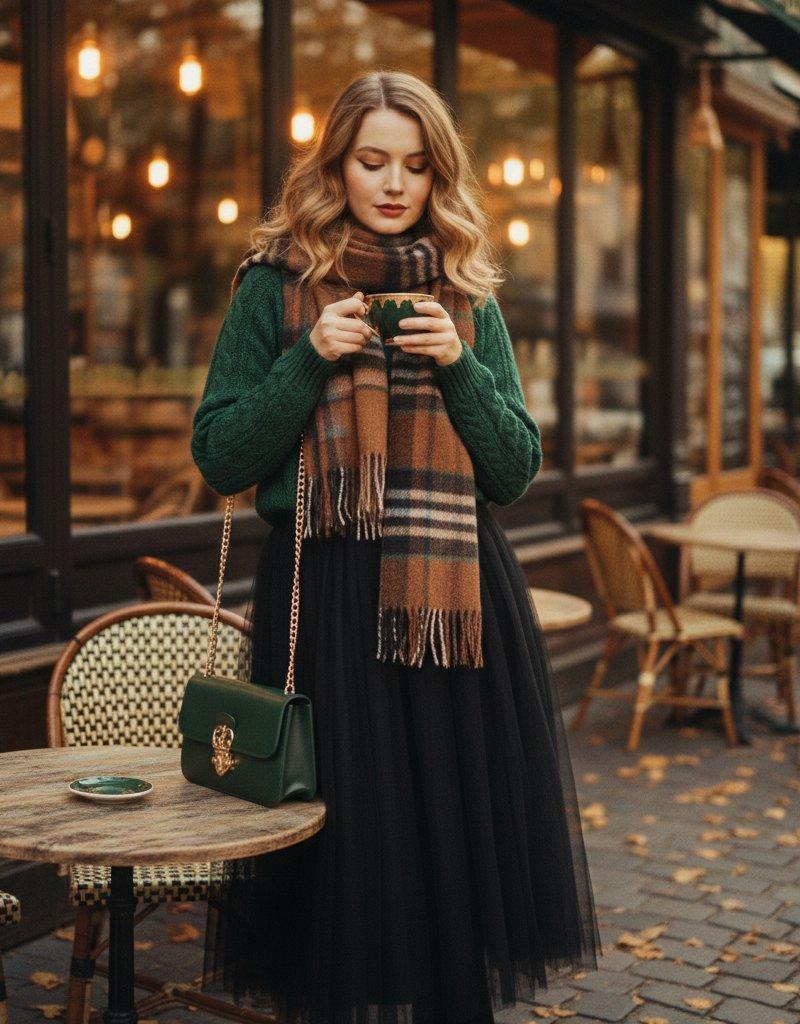
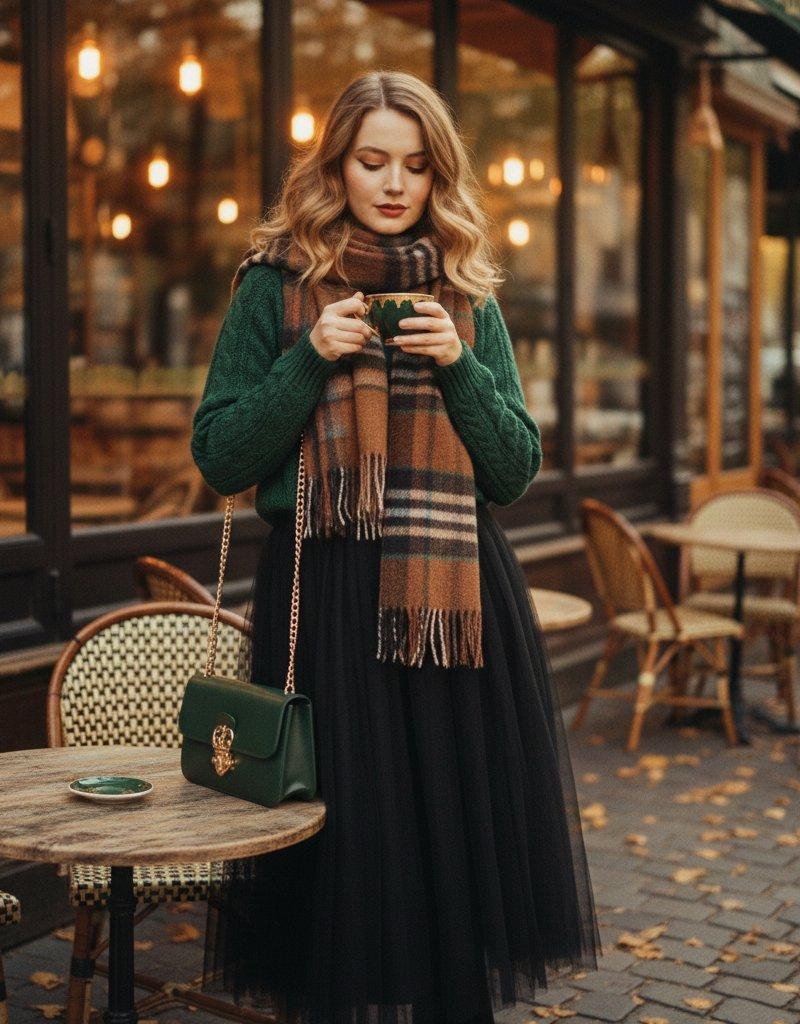
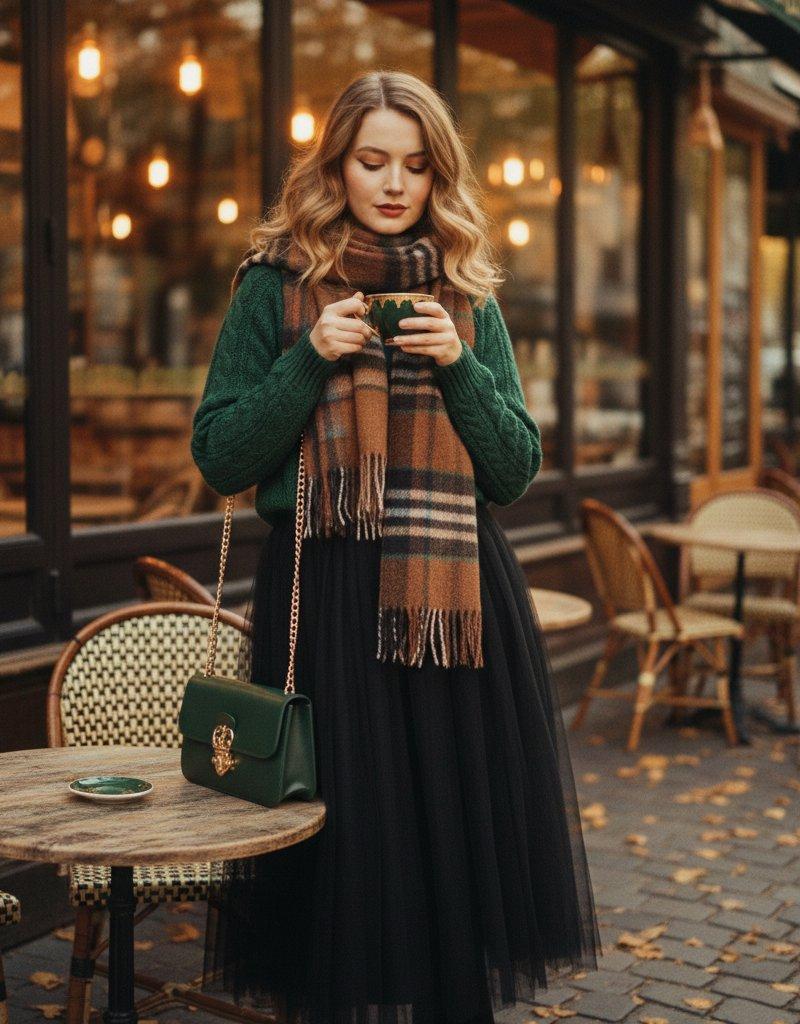
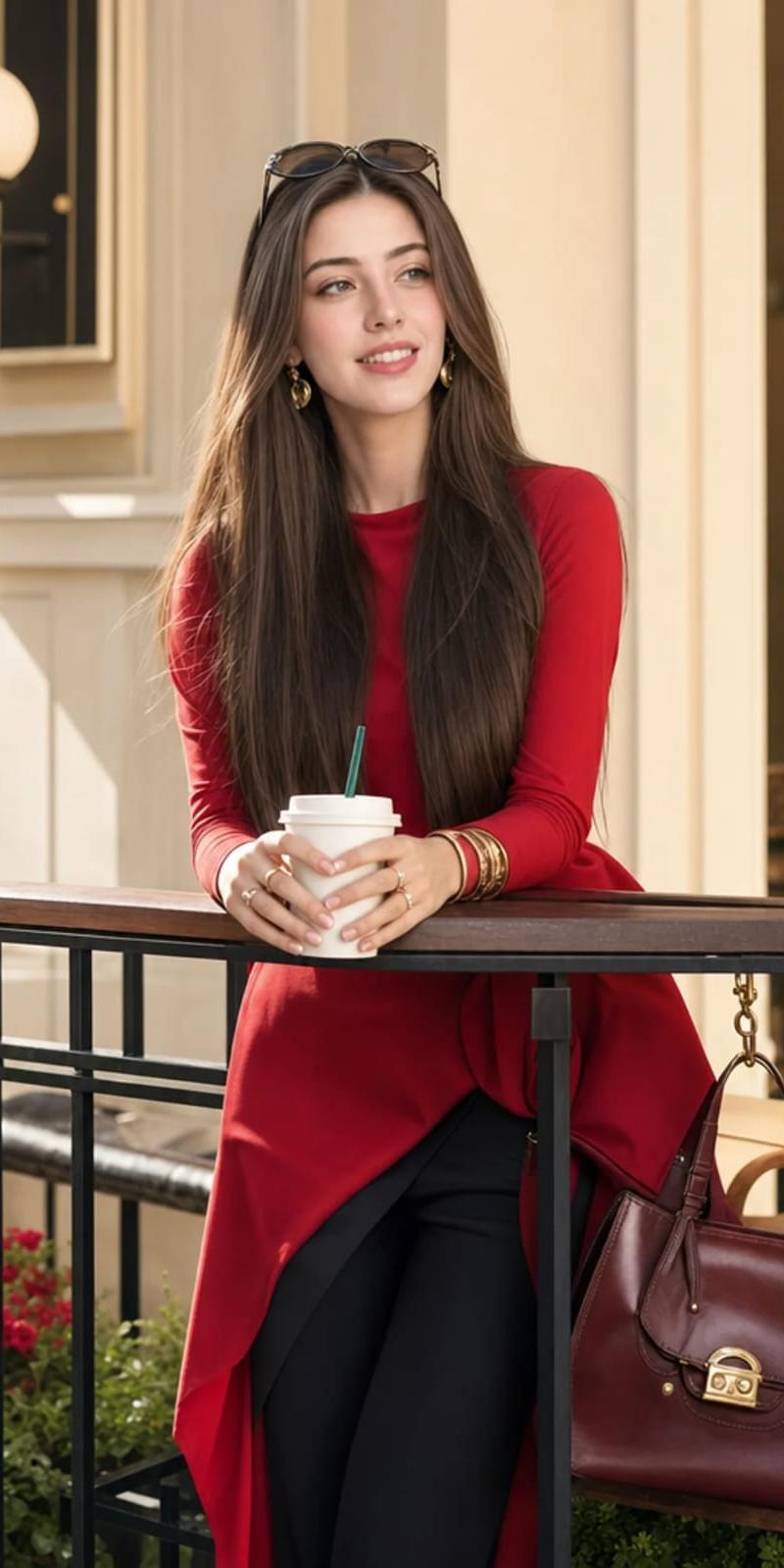
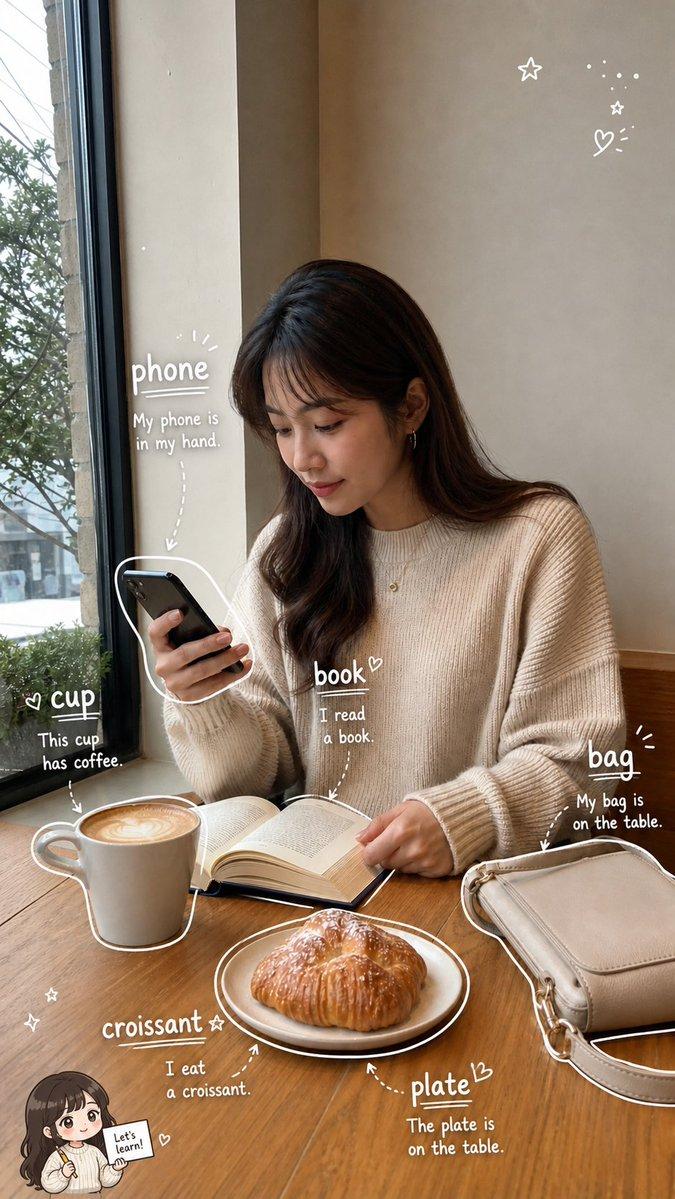
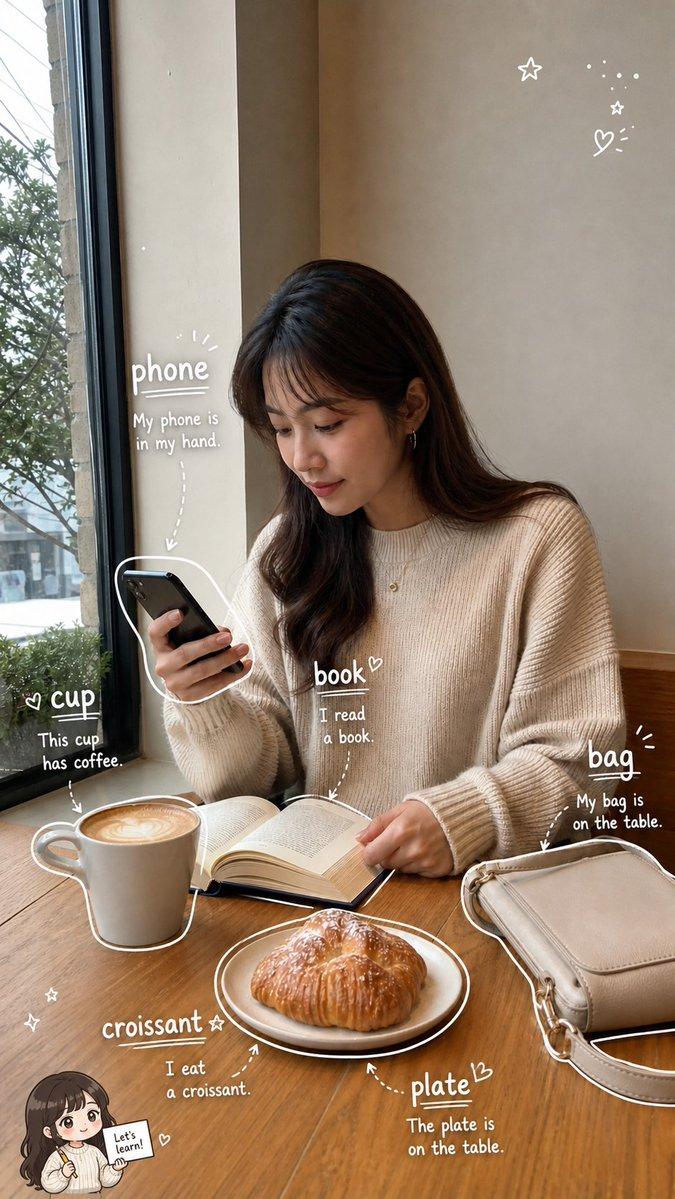
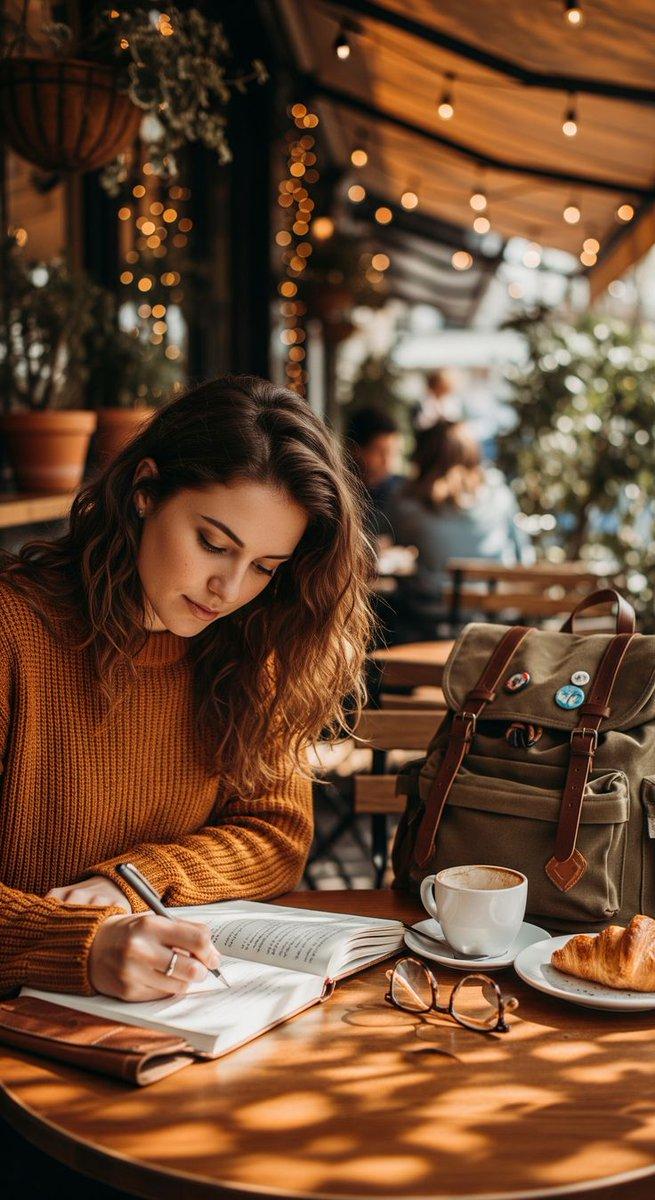
A cozy outdoor café scene during a calm afternoon, filled with warm golden sunlight and soft bokeh lights in the background.
A young woman sits at a wooden table, deeply focused while writing in her open notebook with a pen.
She wears a warm-toned sweater, adding to the autumn-inspired, peaceful atmosphere of the setting.
A cup of freshly brewed coffee and a croissant rest beside her, suggesting a quiet moment of comfort.
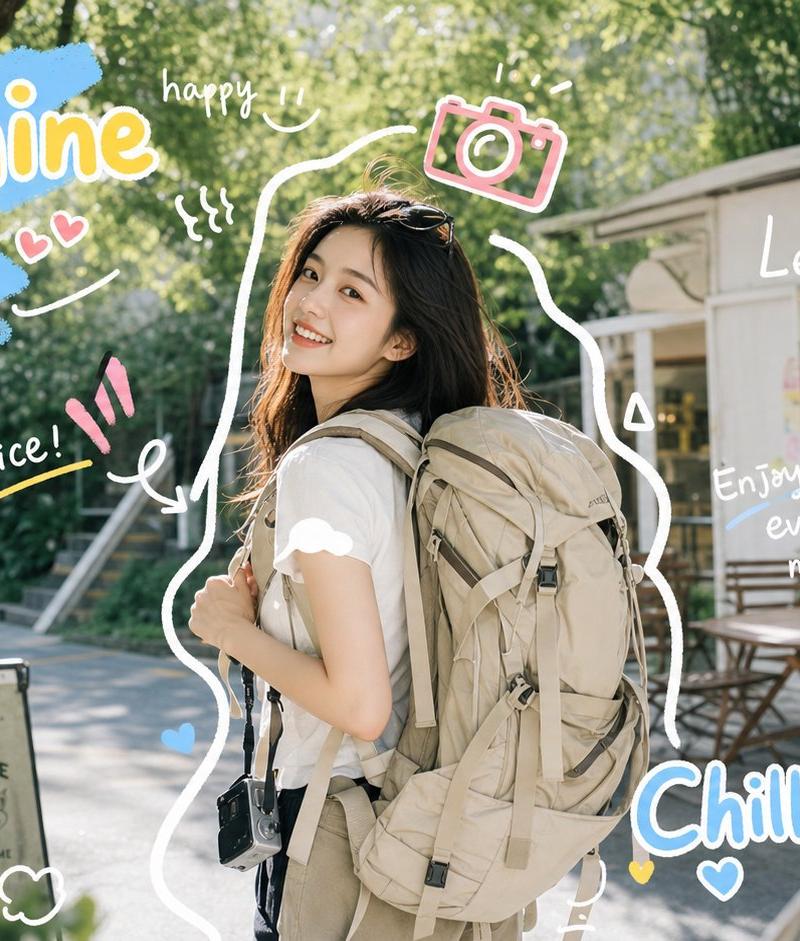
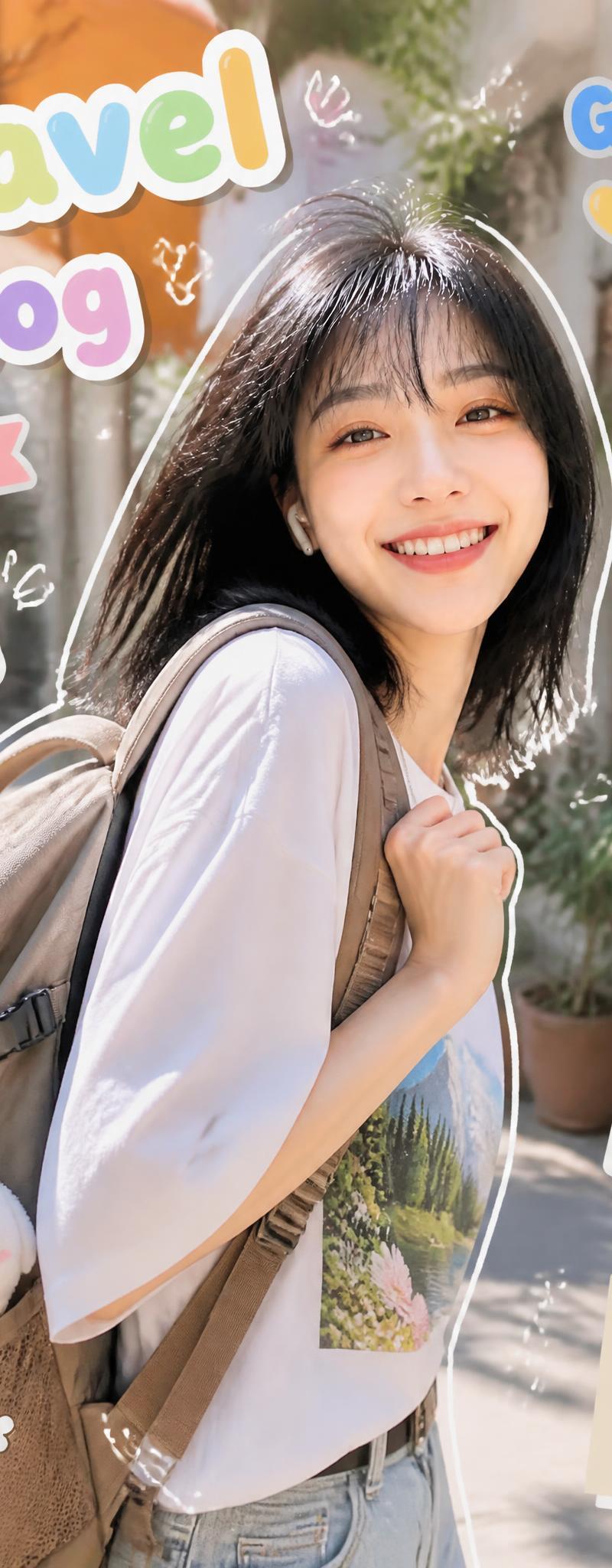
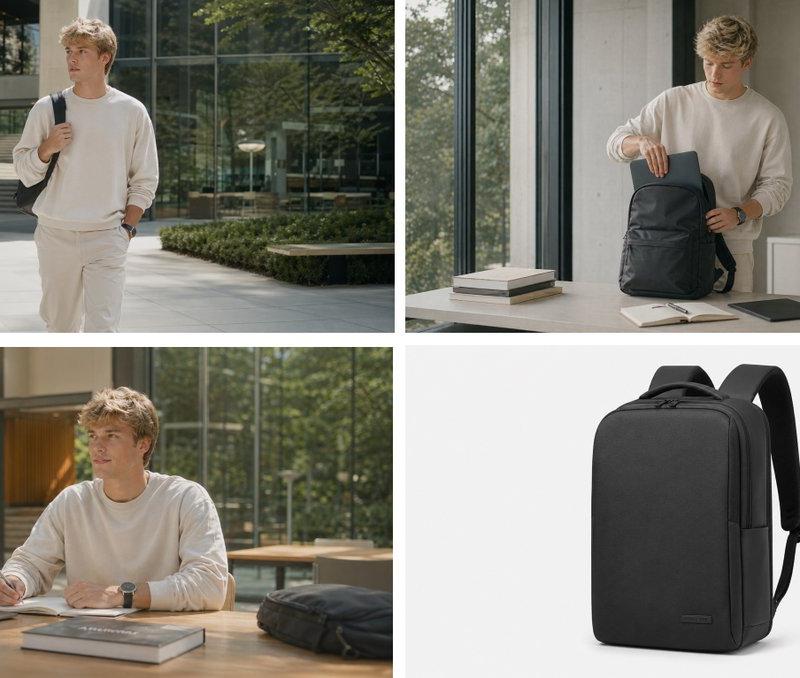
A stylish backpack with travel pins sits nearby, hinting at creativity, journeys, and personal stories.
Natural plants and hanging lights surround the café, creating a relaxed and artistic environment.
The depth of field is shallow, keeping the woman sharp while softly blurring people behind her.
The image captures a serene blend of productivity, solitude, and everyday beauty in an urban café lifestyle.
Category
UI & Interfaces
Model
Unknown
Creator
Sophia✨
Source language
zh-CN
Views0
Source ID
cozy-outdoor-cafe-scene-calm-afternoon
Studio

Guide

About "午后宁静的户外咖啡馆场景"

What is this prompt for?

"午后宁静的户外咖啡馆场景" AI image prompt for Unknown (UI & Interfaces). Good Afternoon Prompt ⤵️ A cozy outdoor café scene during a calm afternoon, filled with warm gold…

The full copyable prompt and example visuals above are ready for AI image generation or one-click recreate in Picva.

How to use this prompt

  1. Step 1

    Open the prompt detail

    Review the example visuals, category, and full prompt text for "午后宁静的户外咖啡馆场景".

  2. Step 2

    Copy the prompt

    Copy the prompt body from this page, or load it directly in Studio.

  3. Step 3

    Pick a model (Unknown)

    Prefer Unknown. If you switch models, keep subject and composition and tweak style terms.

  4. Step 4

    Generate and export

    Recreate the look in Picva, or export into your workflow for editing and publishing.

FAQ

What is the "午后宁静的户外咖啡馆场景" prompt?
It is an AI image-generation prompt for Unknown in the UI & Interfaces category. This page includes the full prompt text, example visuals, and a one-click recreate path in Picva.
How do I use this prompt to generate an image?
Copy the prompt from this page, or use Generate / Studio. Paste it into a compatible image model, or recreate the look in Picva with optional reference images.
Which model is this prompt for?
This page lists Unknown. Most descriptive prompts also transfer to nearby image models such as GPT Image, Flux, or Midjourney with light style tweaks.
Can I use the result commercially?
You can usually copy the prompt for creation, but commercial use of the final image depends on the model terms, reference-image rights, and the generated content. Follow the source author and platform rules.