20

使用Nano Banana Pro制作AI个人照片的方法
Enlarge

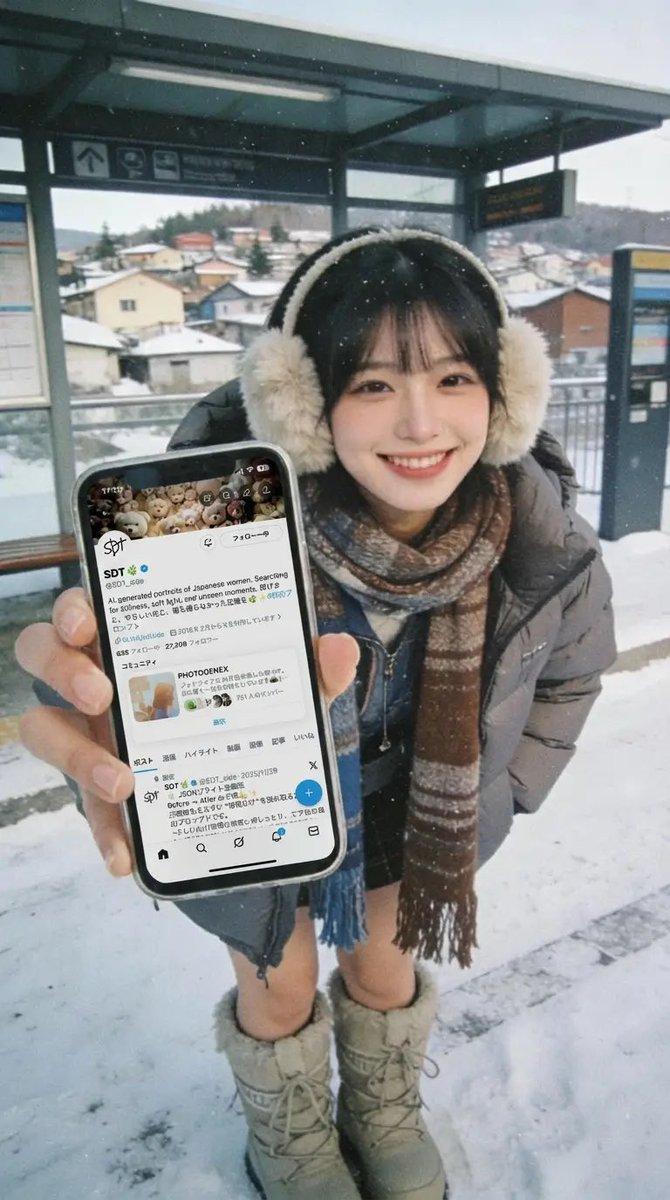
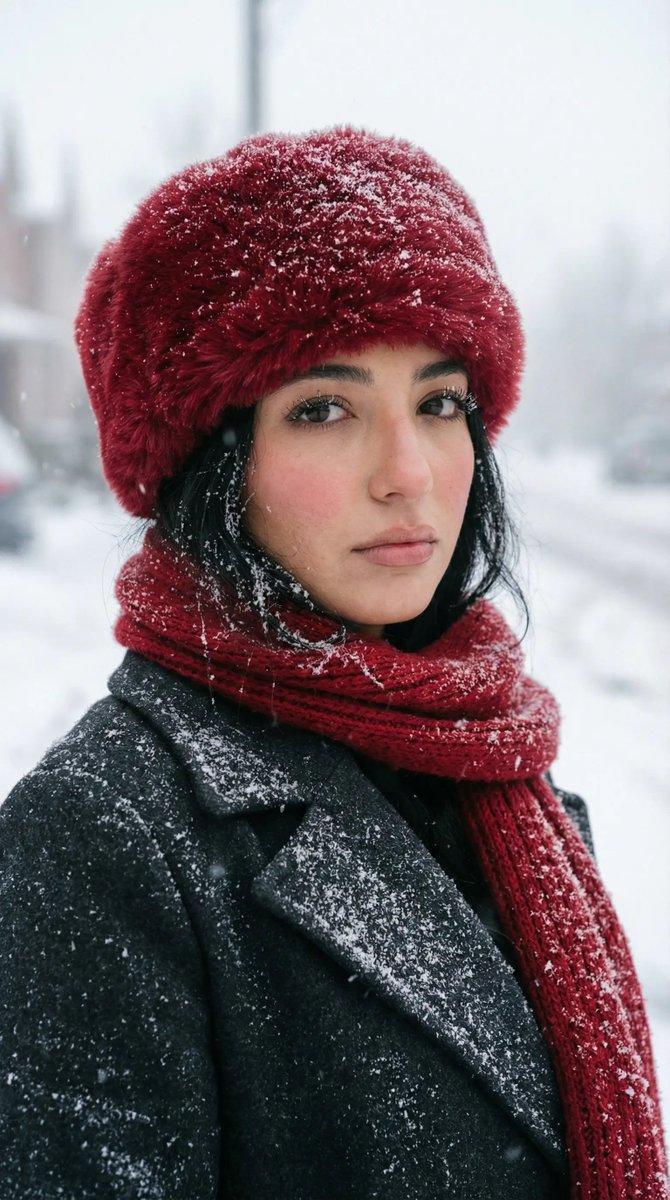
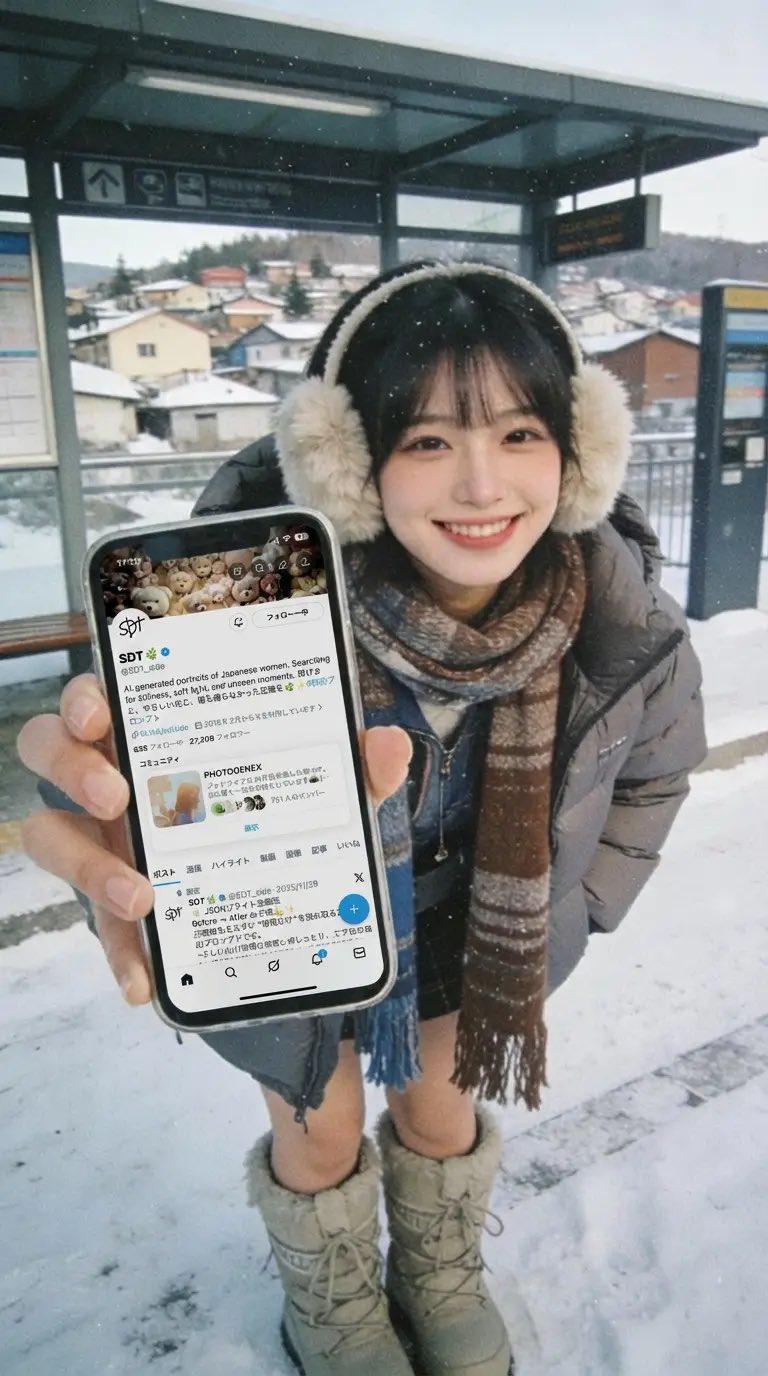
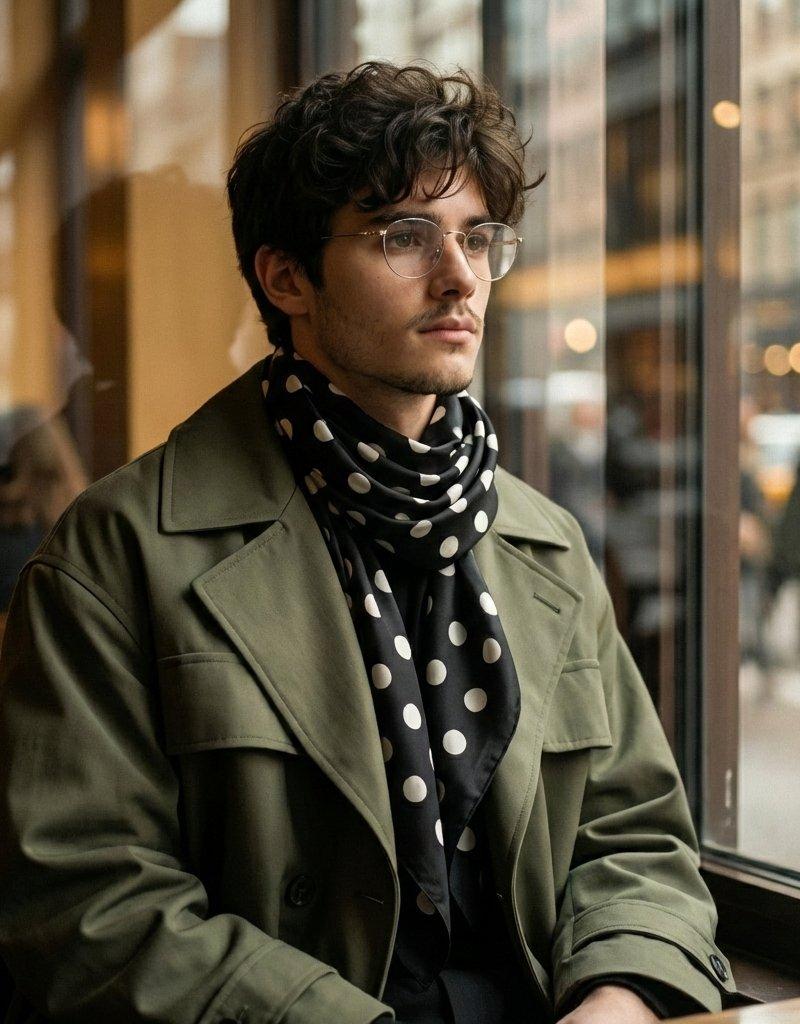
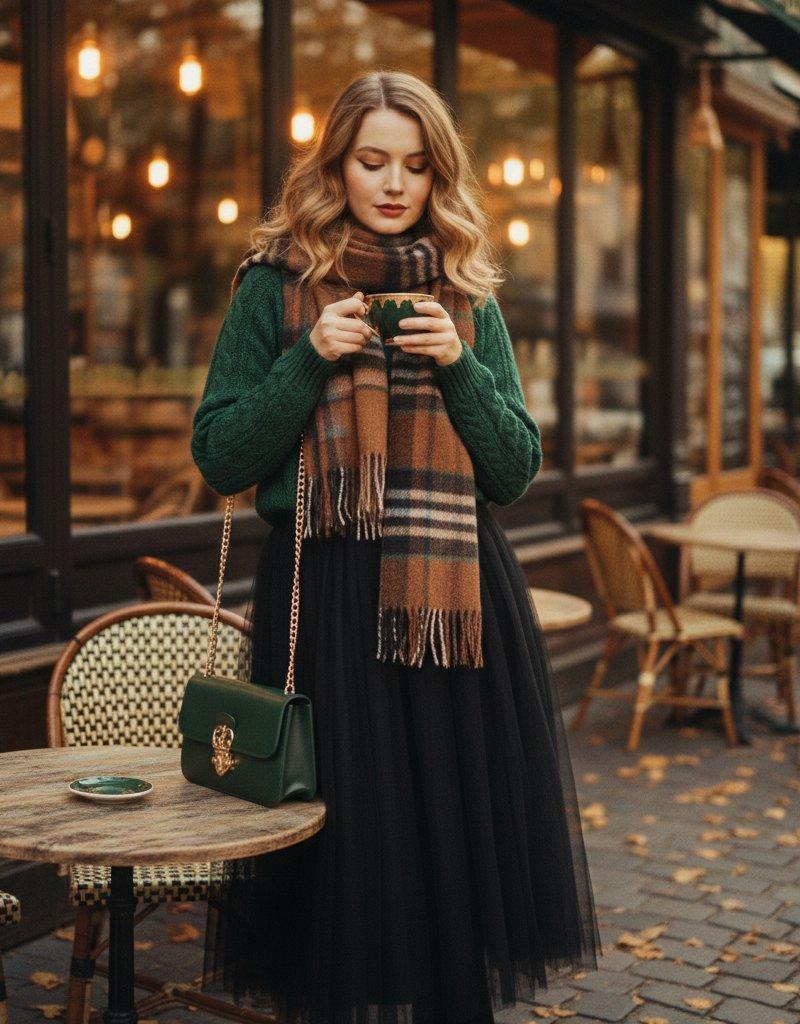
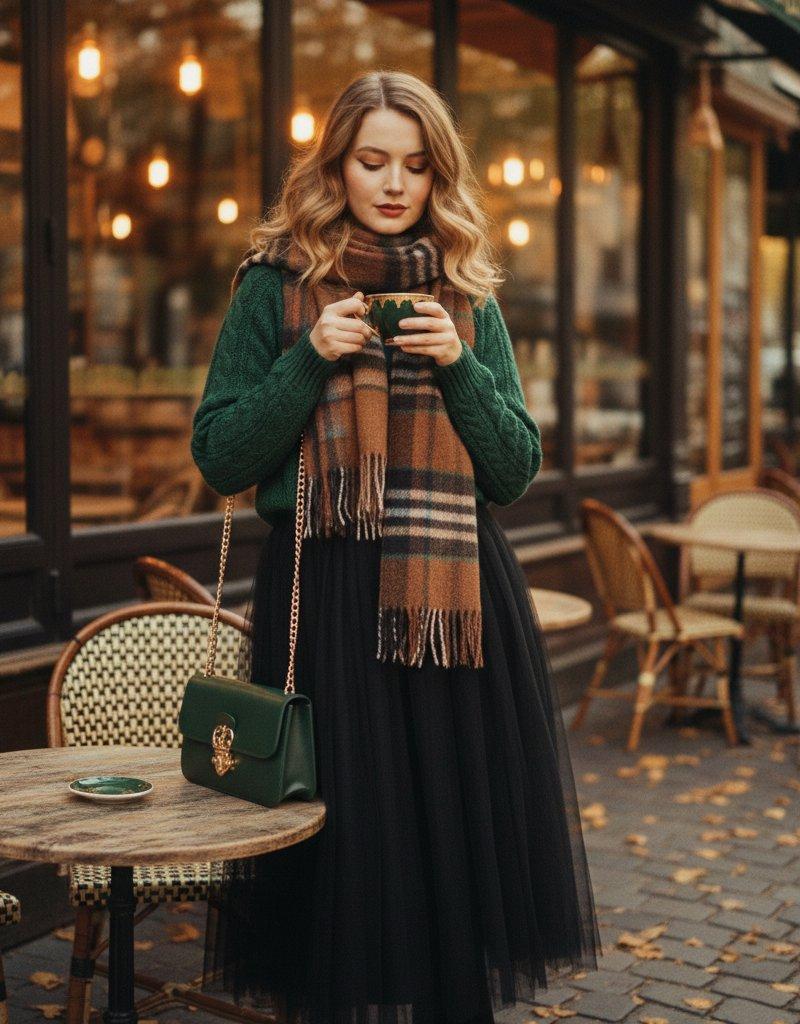
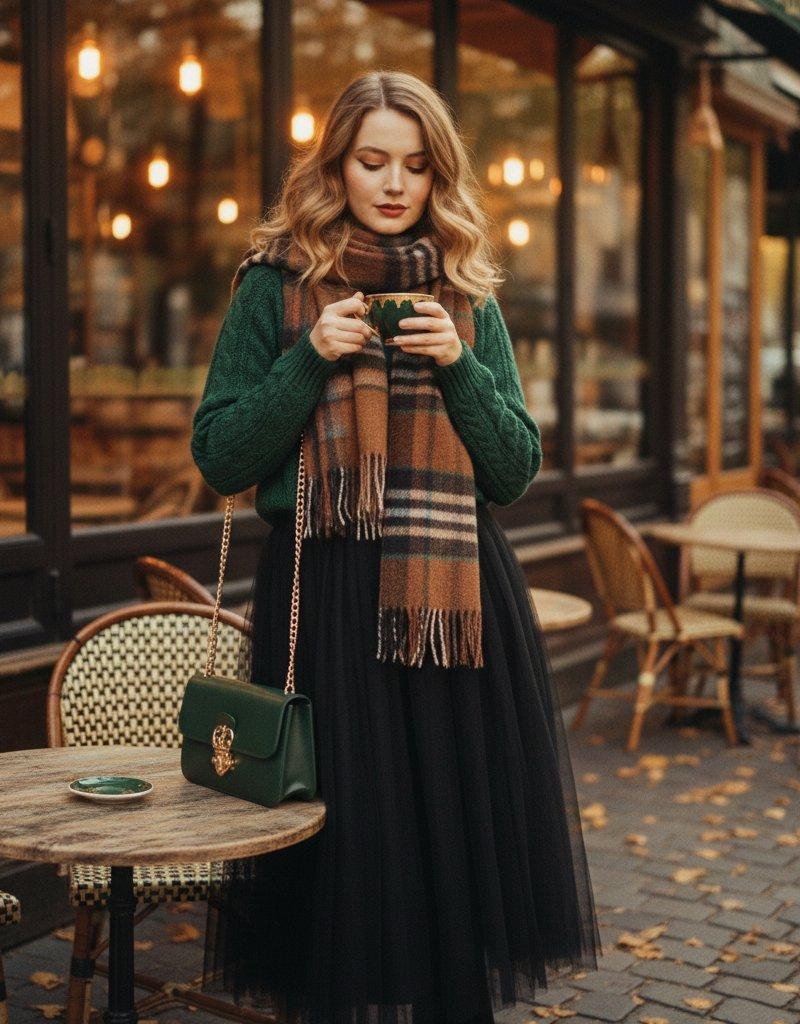
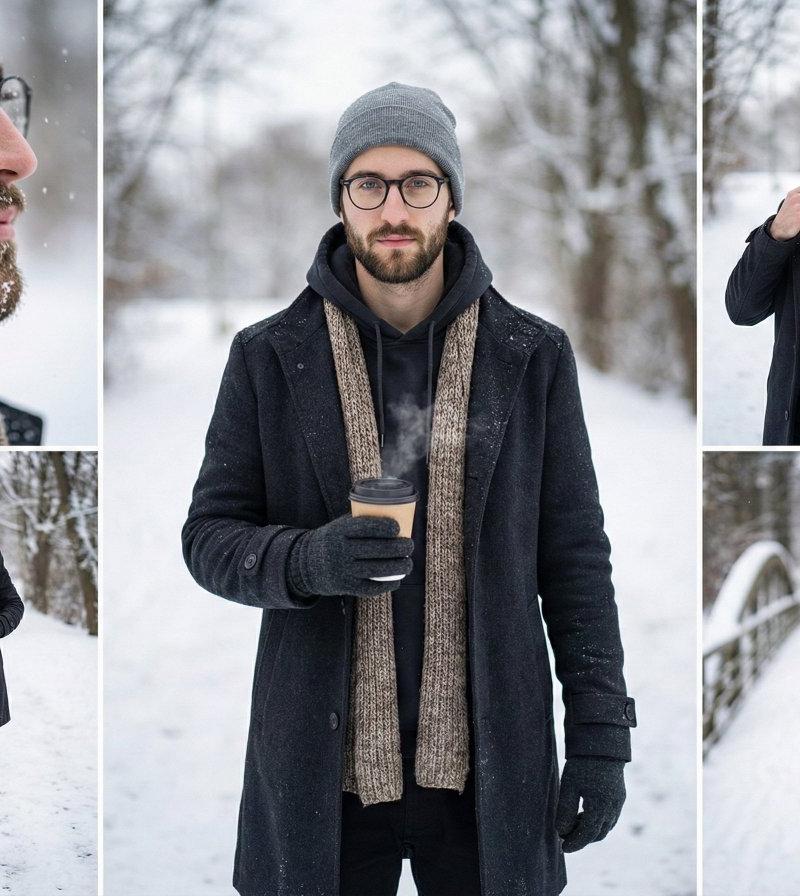
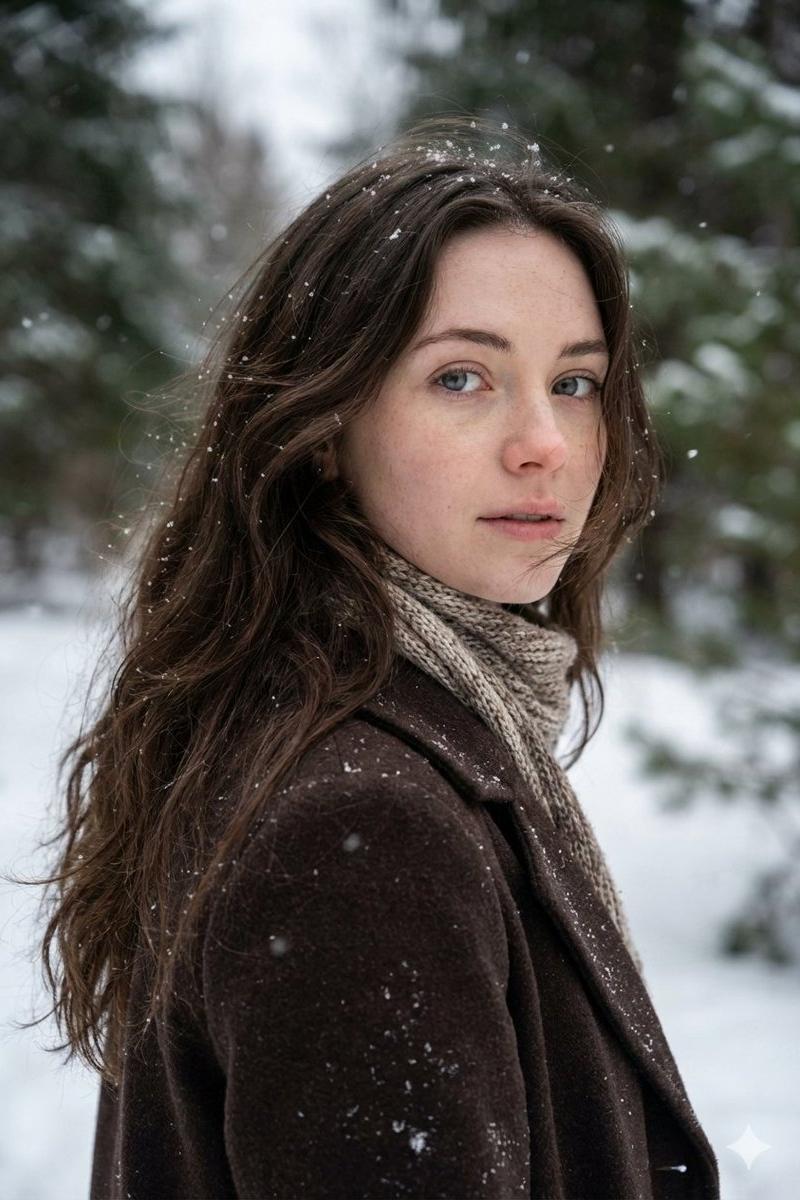
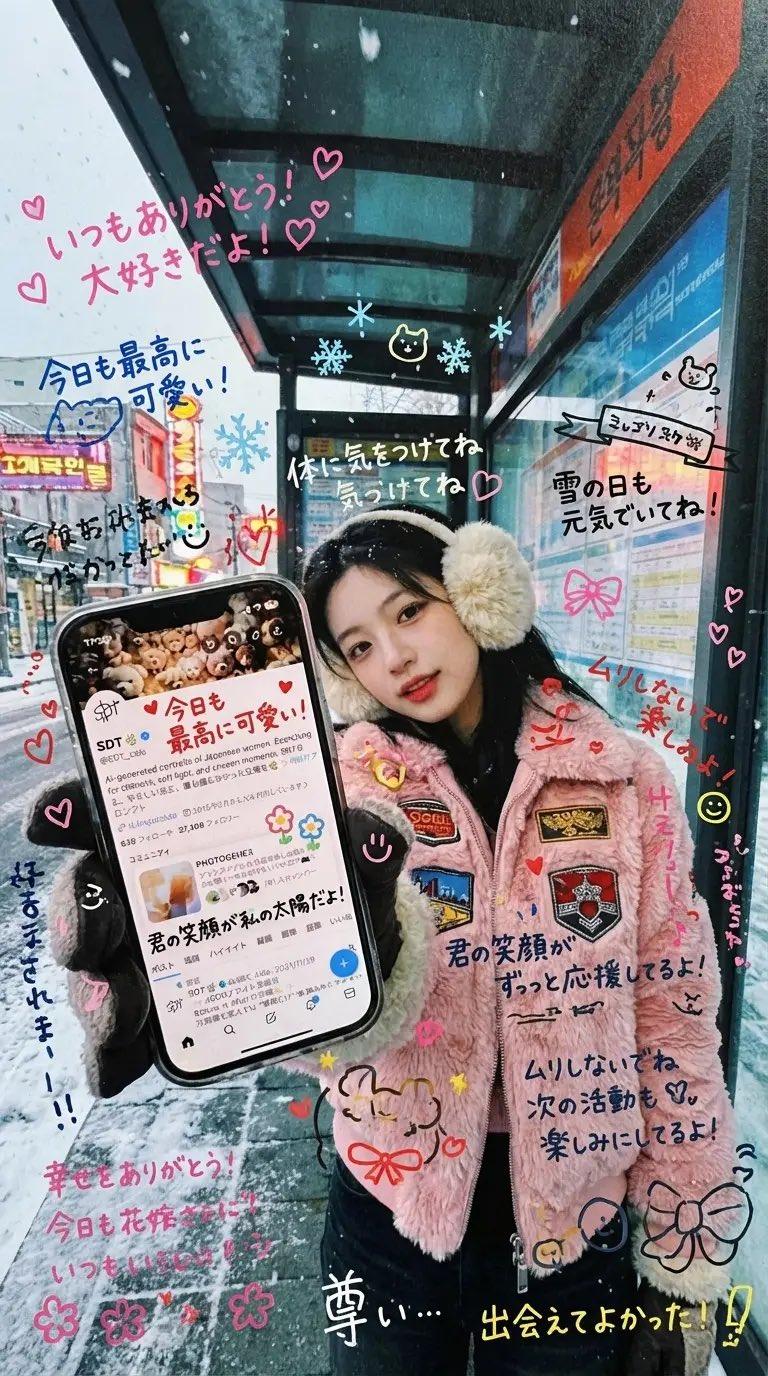
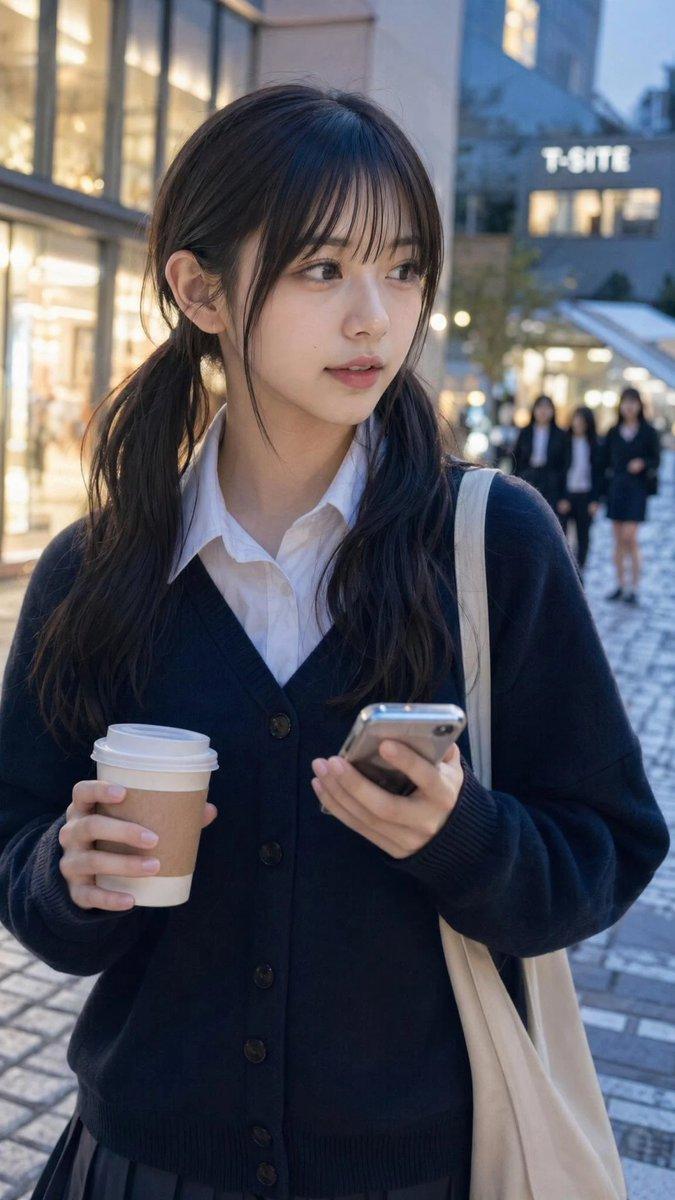
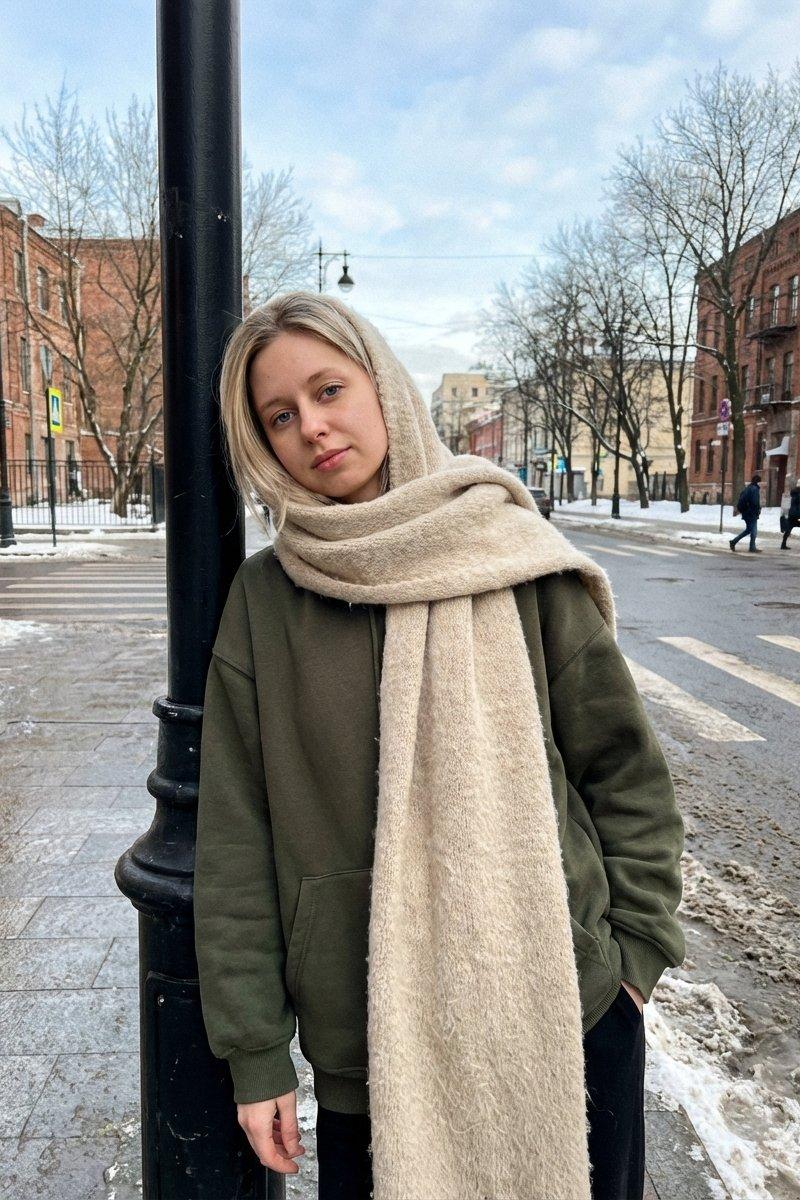
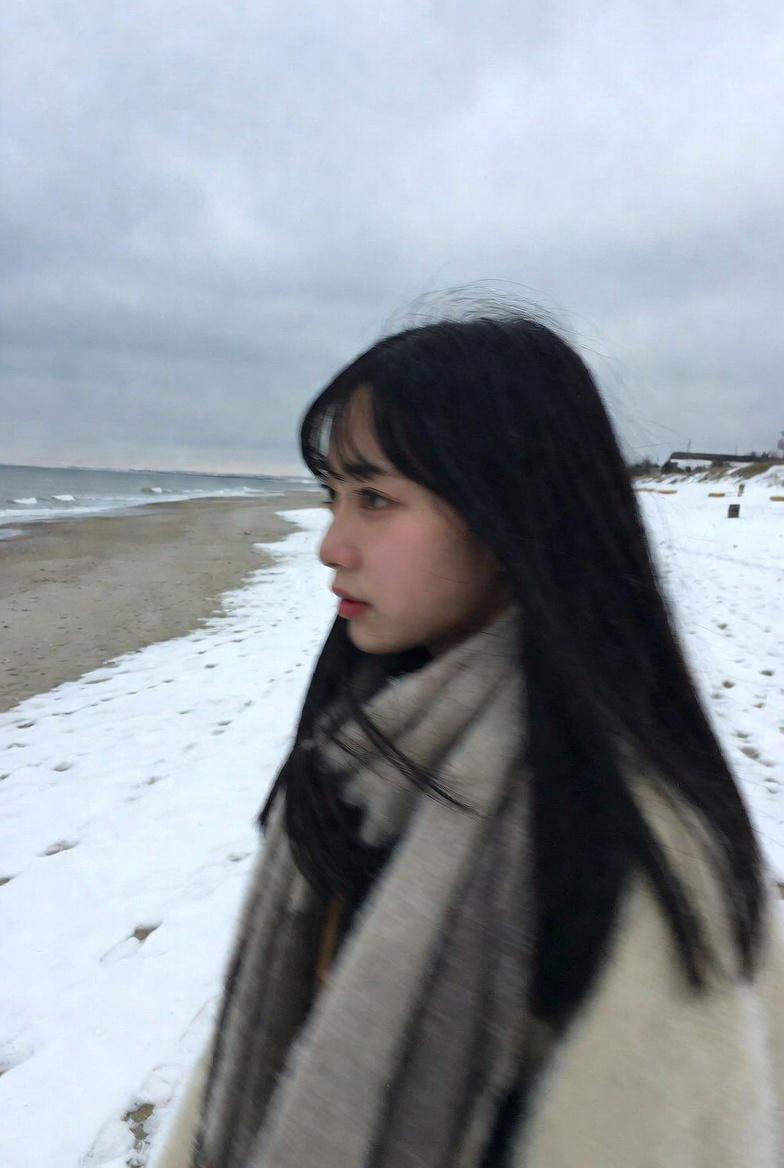
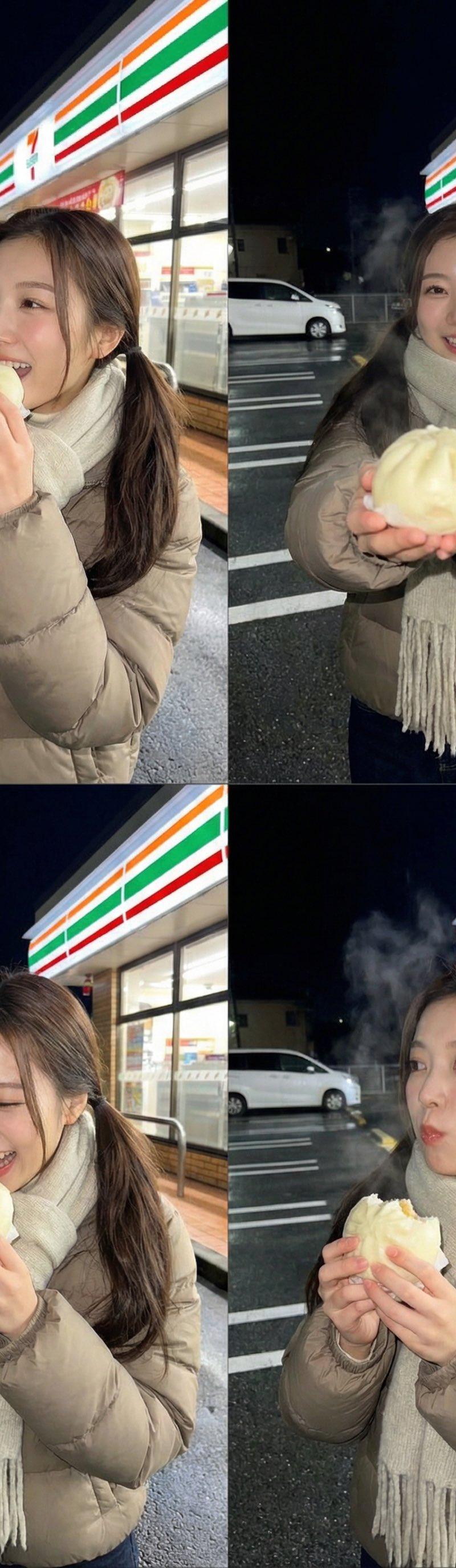
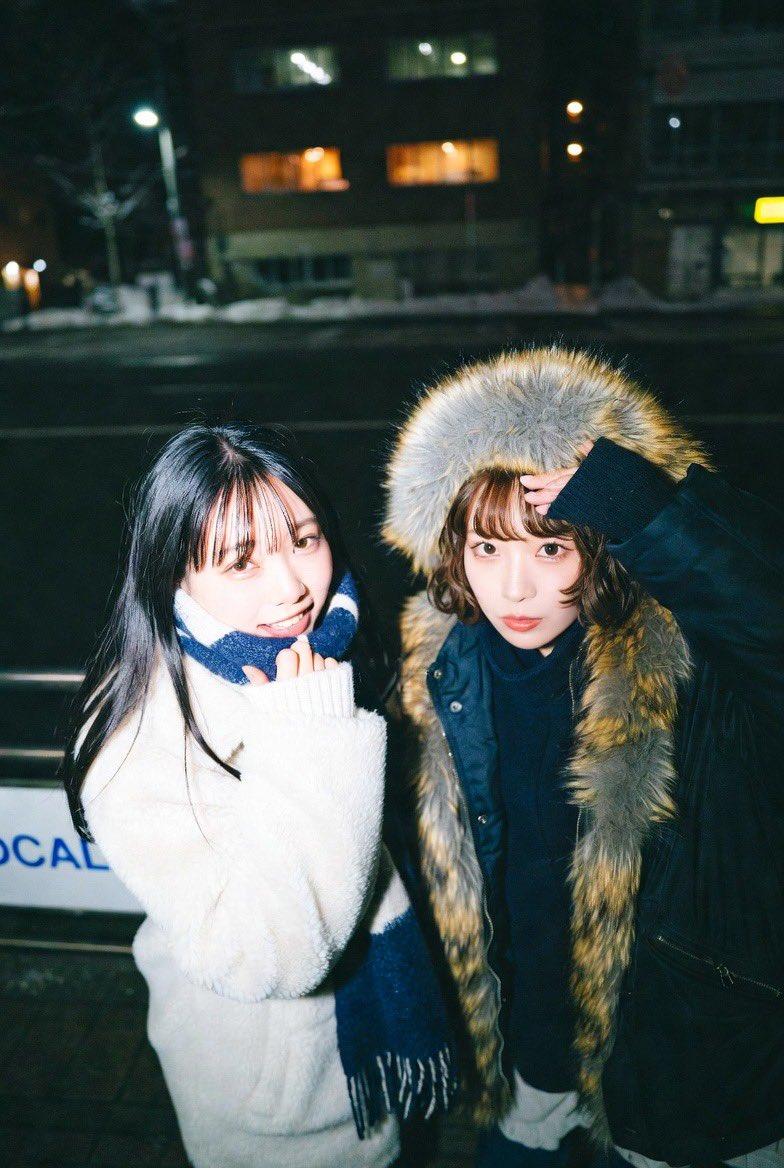
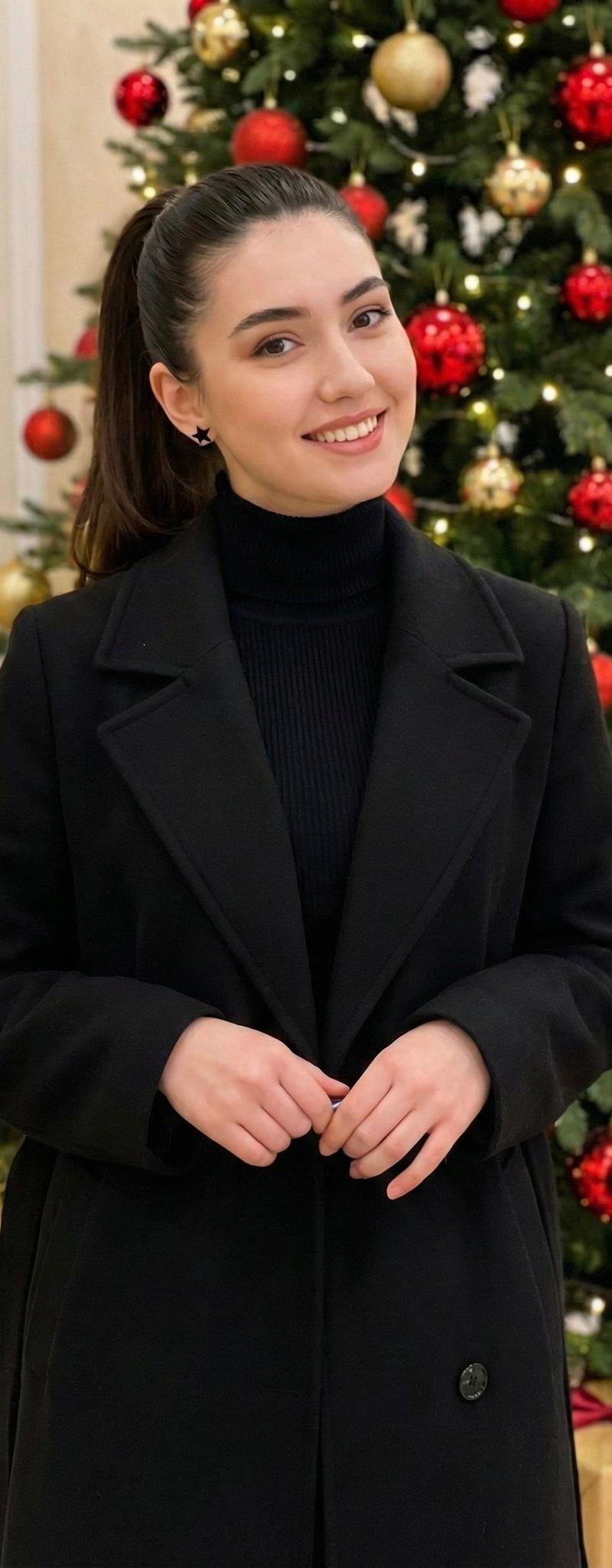
Example images

使用Nano Banana Pro制作AI个人照片的方法

Prompt
【Nano Banana Proを使ってAIプロフ写真を作る方法】
<やり方>
①Gemini3.0を開く
②Nano Banana Proを起動
③以下のプロンプトをコピペ
④写真を投入
▼プロンプト
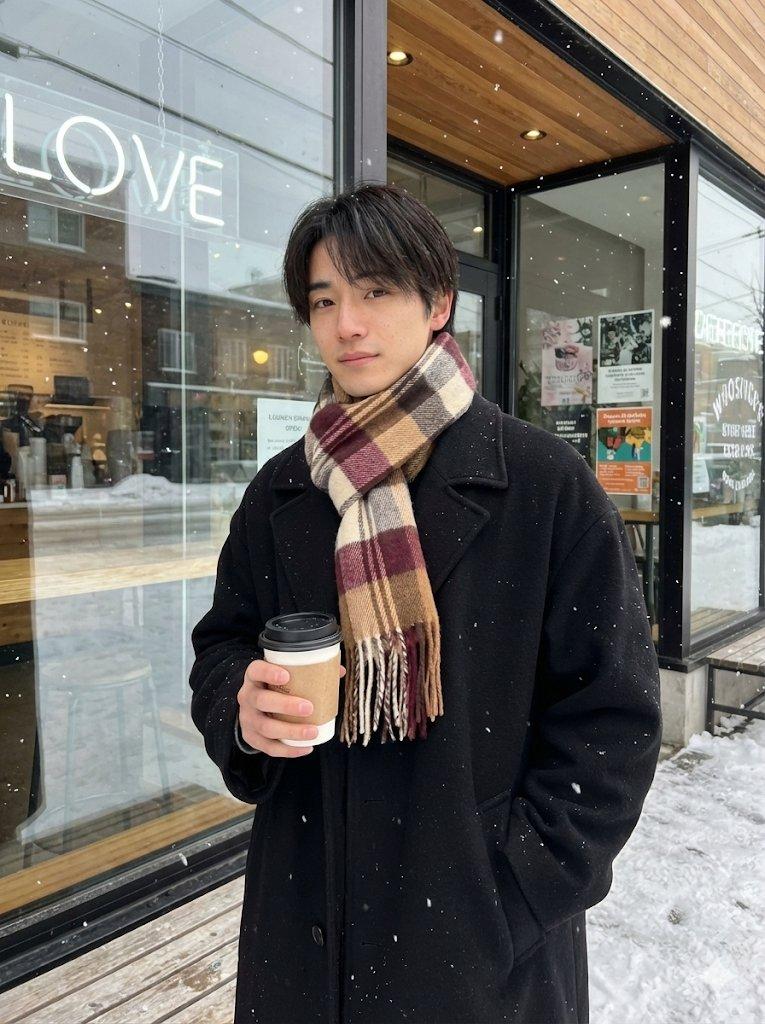
{
 "meta": {
 "description": "Fixed Posing and Composition Request based on Reference Images (Angled Shot Modification)",
 "target": "Replicate the specific pose from image_3.png and image_4.png, but from an angled perspective."
 },
 "settings": {
 "aspect_ratio": "3:4"
 },
 "composition": {
 "framing": "medium shot, capturing the subject from the mid-thigh or waist up",
 "angle": "angled shot, capturing the subject from a side perspective (approximately 45 degrees)",
 "background": "exterior of cafe with large glass windows, neon sign, and wooden elements, with falling snow visible"
 },
 "posing": {
 "body_orientation": "standing, turned slightly to the side but facing the camera",
 "left_hand": "holding a take-out coffee cup with a sleeve",
 "right_hand": "placed casually in the right coat pocket",
 "head": "turned to face the camera",
 "expression": "gentle"
 },
 "attire": {
 "outerwear": "black oversized wool coat",
 "accessory": "thick, multi-color plaid scarf (brown, beige, burgundy, cream) wrapped around the neck"
 },
 "environment_details": {
 "weather": "snow falling",
 "time_of_day": "daytime, natural light",
 "key_elements": [
 "glass window with cafe logo and text",
 "posters on the window/door",
 "wooden bench or stools visible",
 "wet pavement/snow on ground"
 ]
 }
}
でも、まだクオリティ上げられるんよね↓
Category
Photography & Realism
Model
Nano Banana Pro
Creator
みなと | 人間心理
Source language
zh-CN
Views0
Source ID
create-ai-profile-photos-nano-banana-pro
Studio

Guide

About "使用Nano Banana Pro制作AI个人照片的方法"

What is this prompt for?

"使用Nano Banana Pro制作AI个人照片的方法" AI image prompt for Nano Banana Pro (Photography & Realism). 【Nano Banana Proを使ってAIプロフ写真を作る方法】 <やり方> ①Gemini3.0を開く ②Nano Banana…

The full copyable prompt and example visuals above are ready for AI image generation or one-click recreate in Picva.

How to use this prompt

  1. Step 1

    Open the prompt detail

    Review the example visuals, category, and full prompt text for "使用Nano Banana Pro制作AI个人照片的方法".

  2. Step 2

    Copy the prompt

    Copy the prompt body from this page, or load it directly in Studio.

  3. Step 3

    Pick a model (Nano Banana Pro)

    Prefer Nano Banana Pro. If you switch models, keep subject and composition and tweak style terms.

  4. Step 4

    Generate and export

    Recreate the look in Picva, or export into your workflow for editing and publishing.

FAQ

What is the "使用Nano Banana Pro制作AI个人照片的方法" prompt?
It is an AI image-generation prompt for Nano Banana Pro in the Photography & Realism category. This page includes the full prompt text, example visuals, and a one-click recreate path in Picva.
How do I use this prompt to generate an image?
Copy the prompt from this page, or use Generate / Studio. Paste it into a compatible image model, or recreate the look in Picva with optional reference images.
Which model is this prompt for?
This page lists Nano Banana Pro. Most descriptive prompts also transfer to nearby image models such as GPT Image, Flux, or Midjourney with light style tweaks.
Can I use the result commercially?
You can usually copy the prompt for creation, but commercial use of the final image depends on the model terms, reference-image rights, and the generated content. Follow the source author and platform rules.