16

复古照片拼贴创作
Enlarge

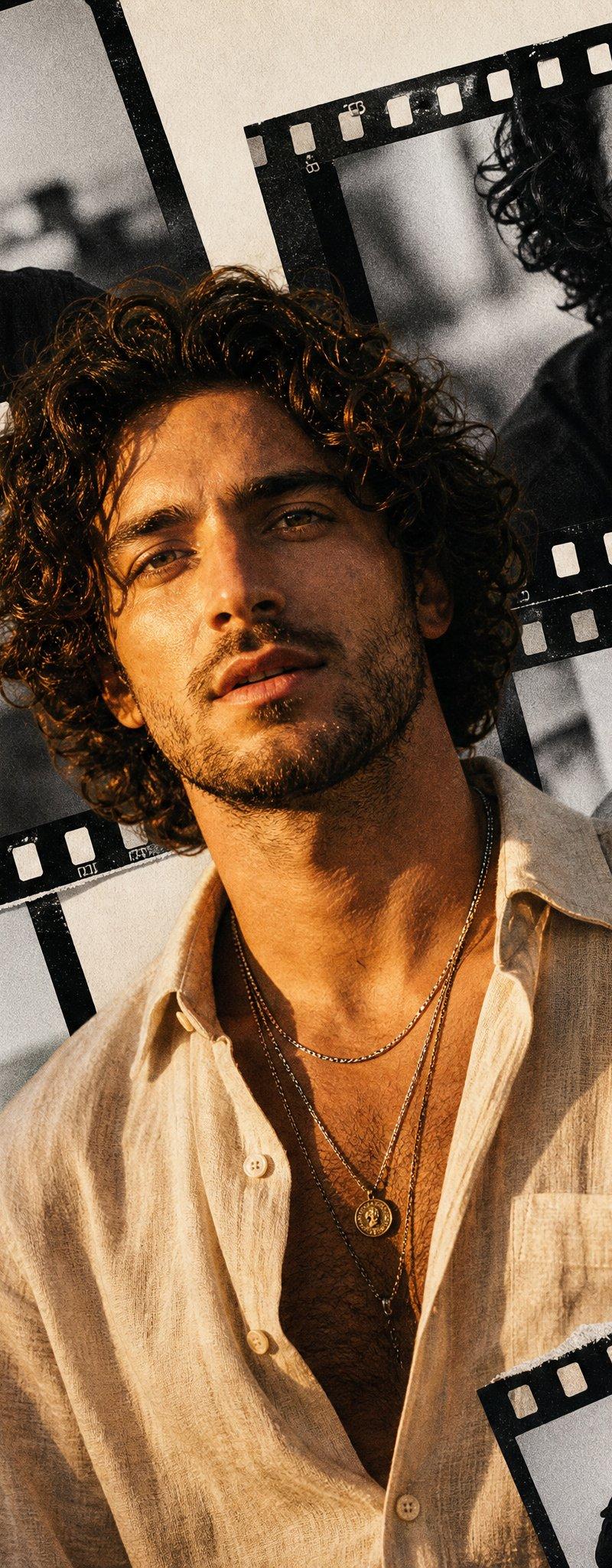
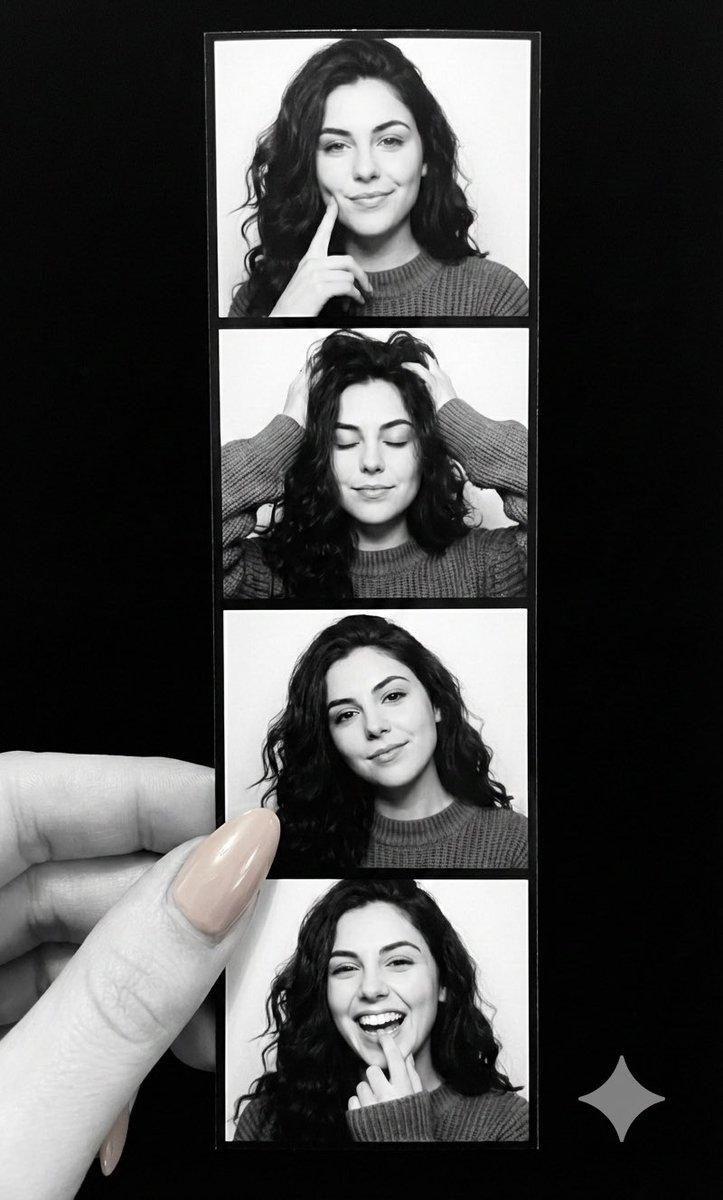
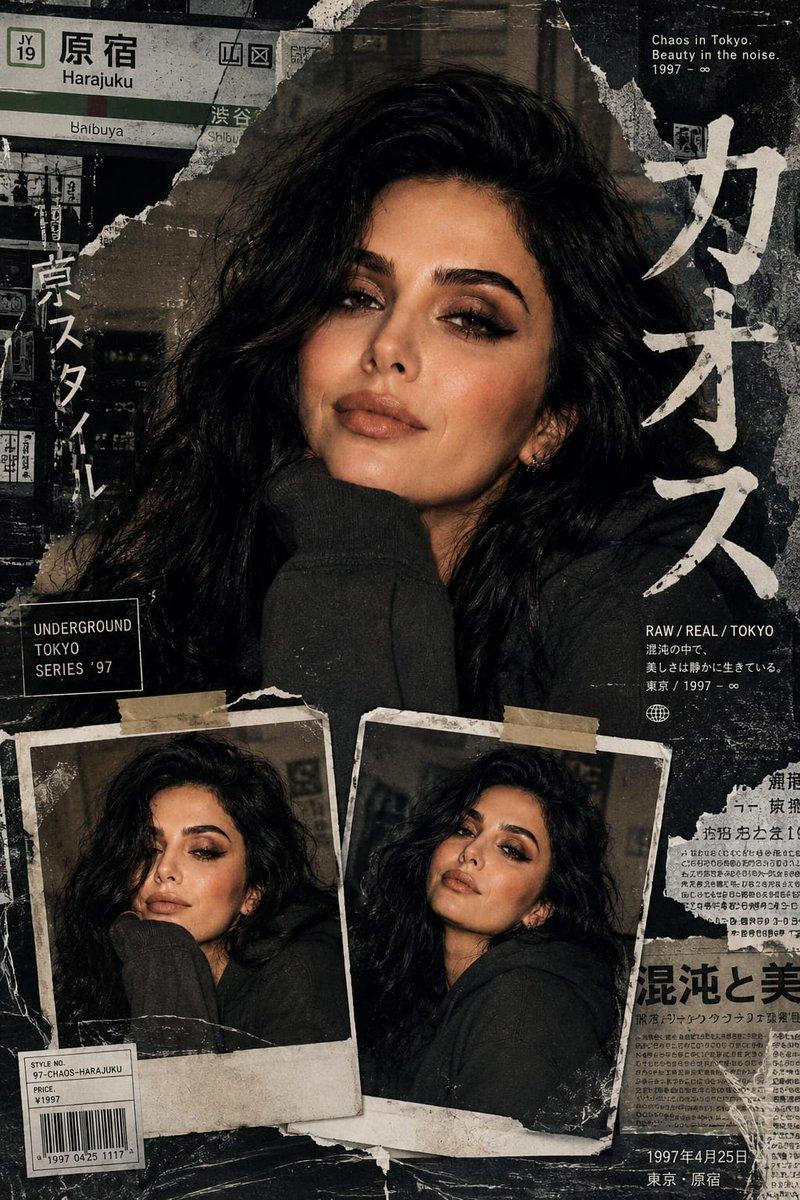
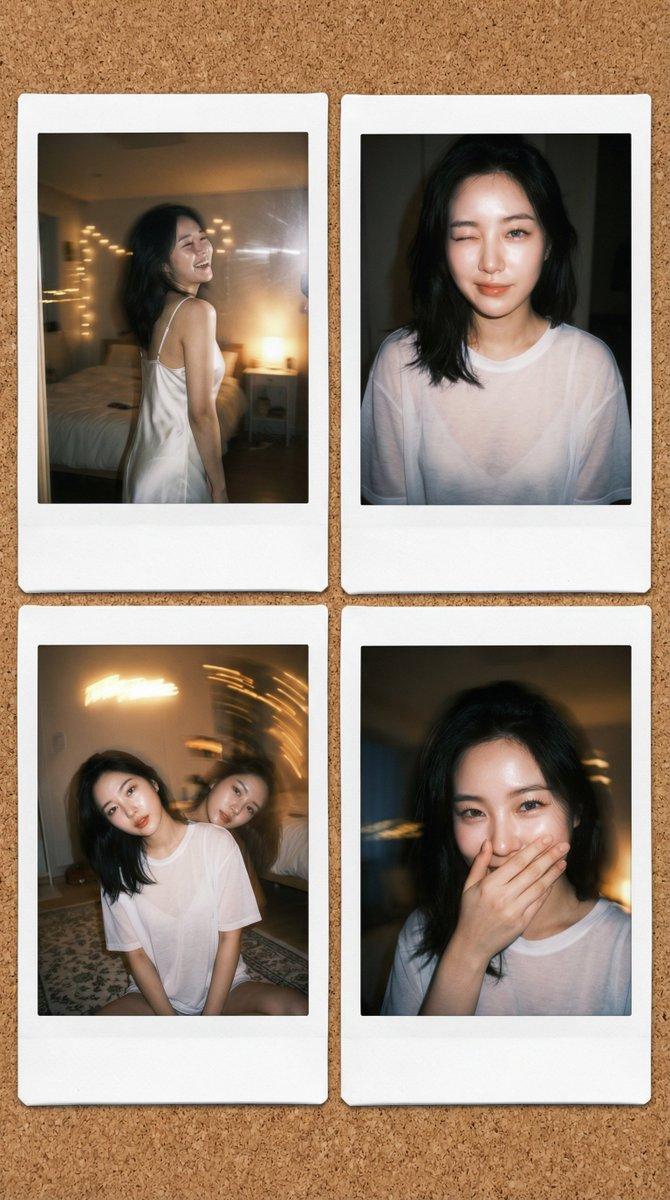
Example images

复古照片拼贴创作

Prompt
🌱 Create collage of 6 Vintage Photos 🌱
☘️ Use Google Gemini Ai ☘️
Prompt 👇🏻
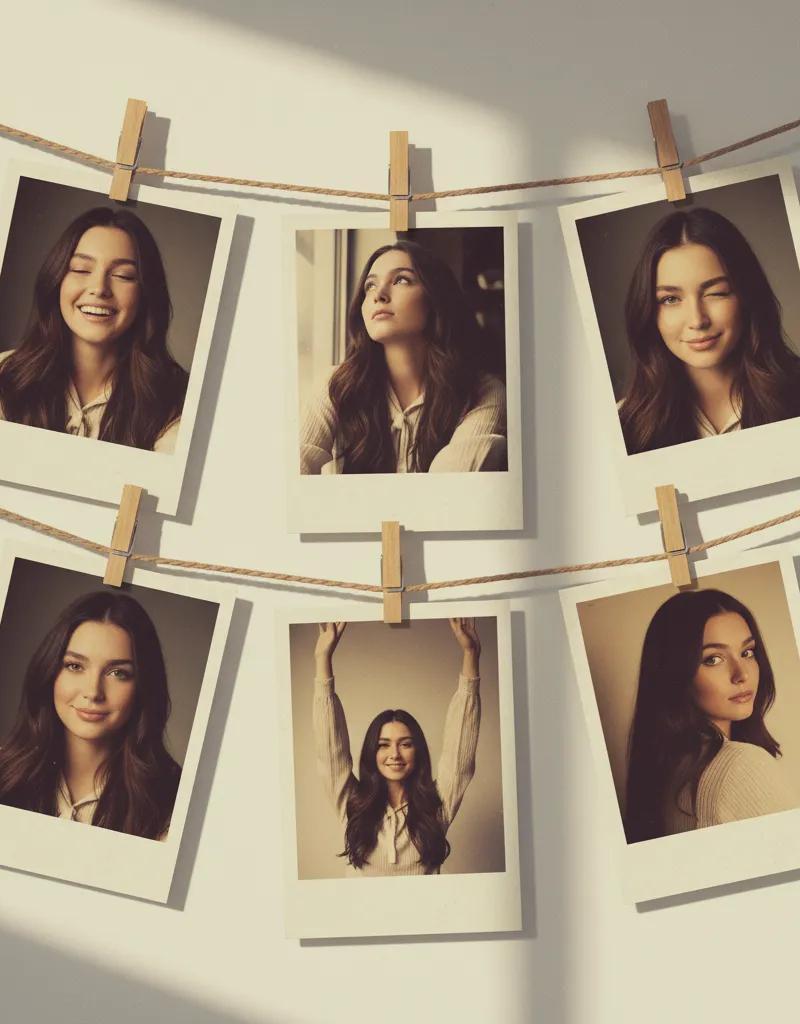
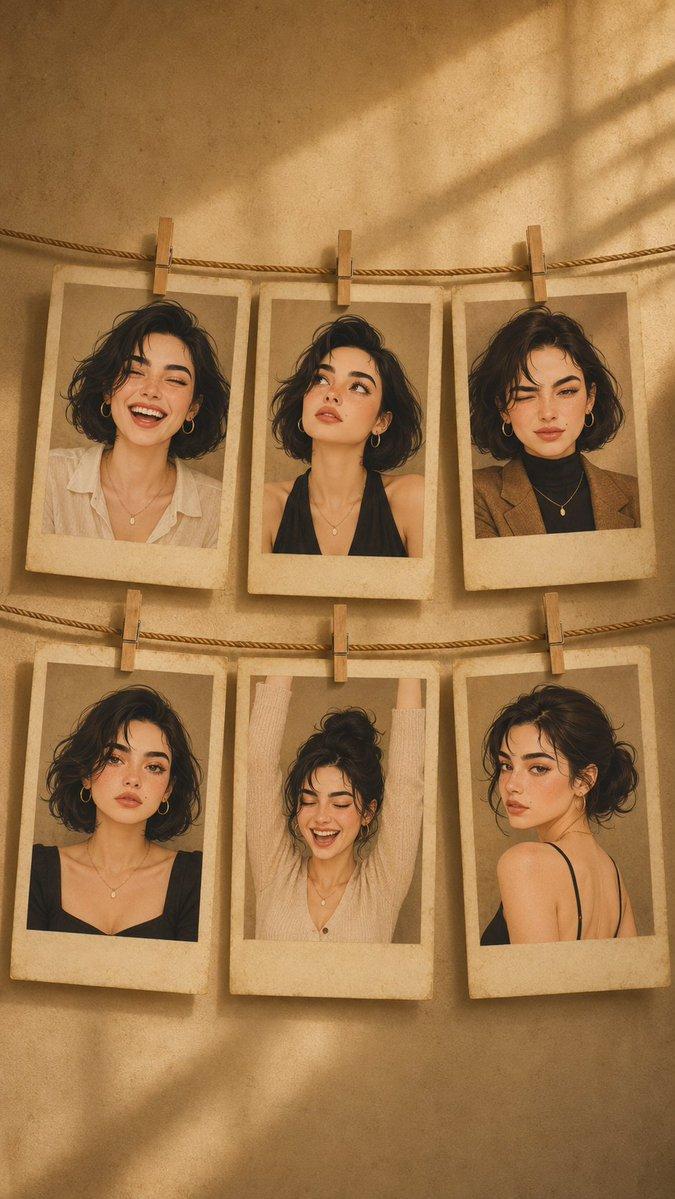
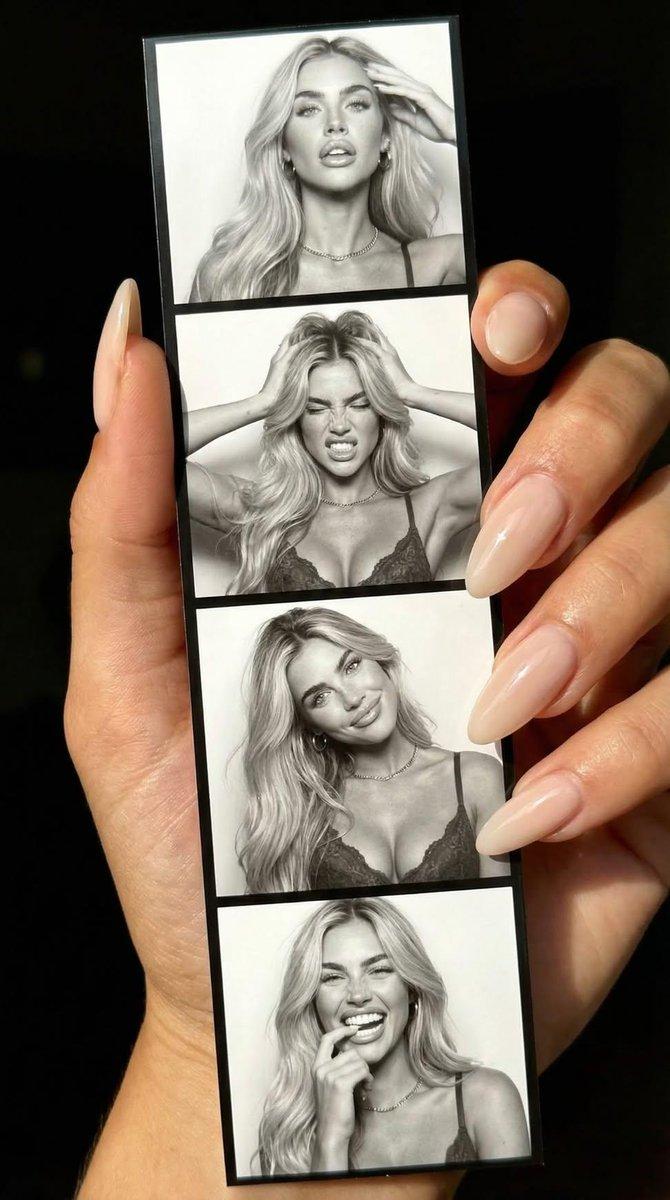
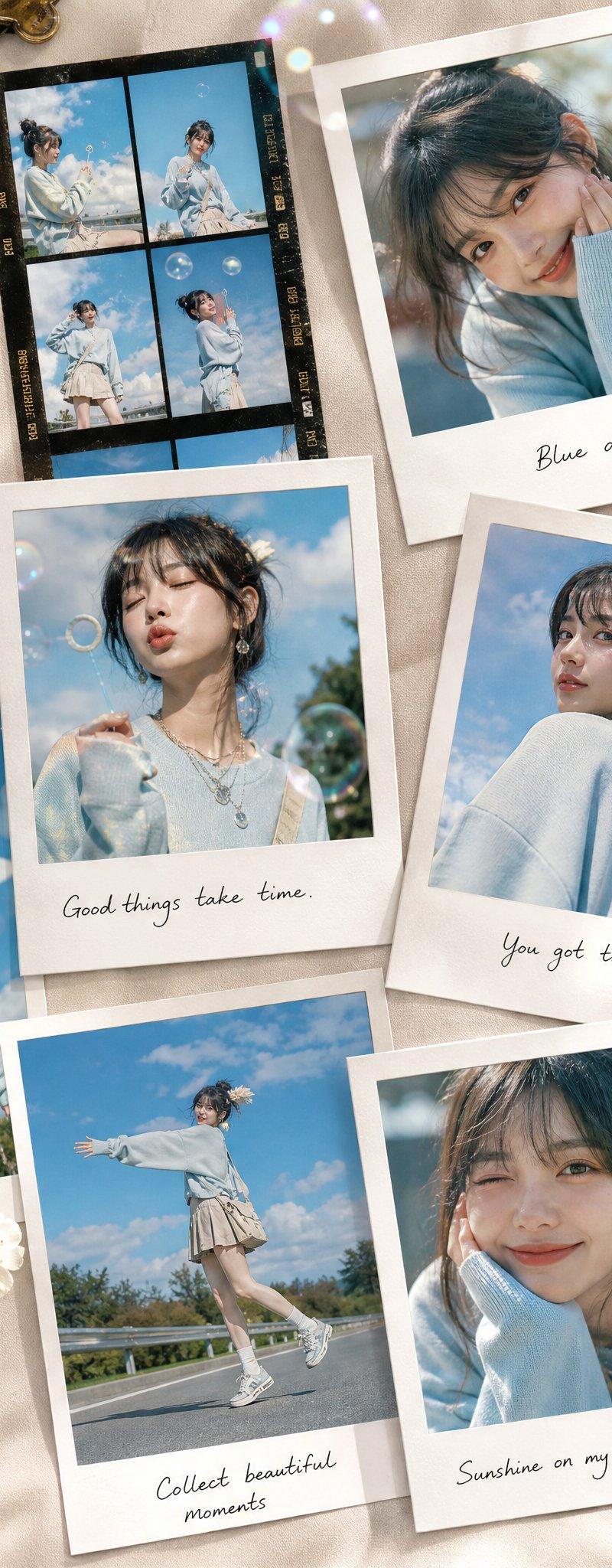
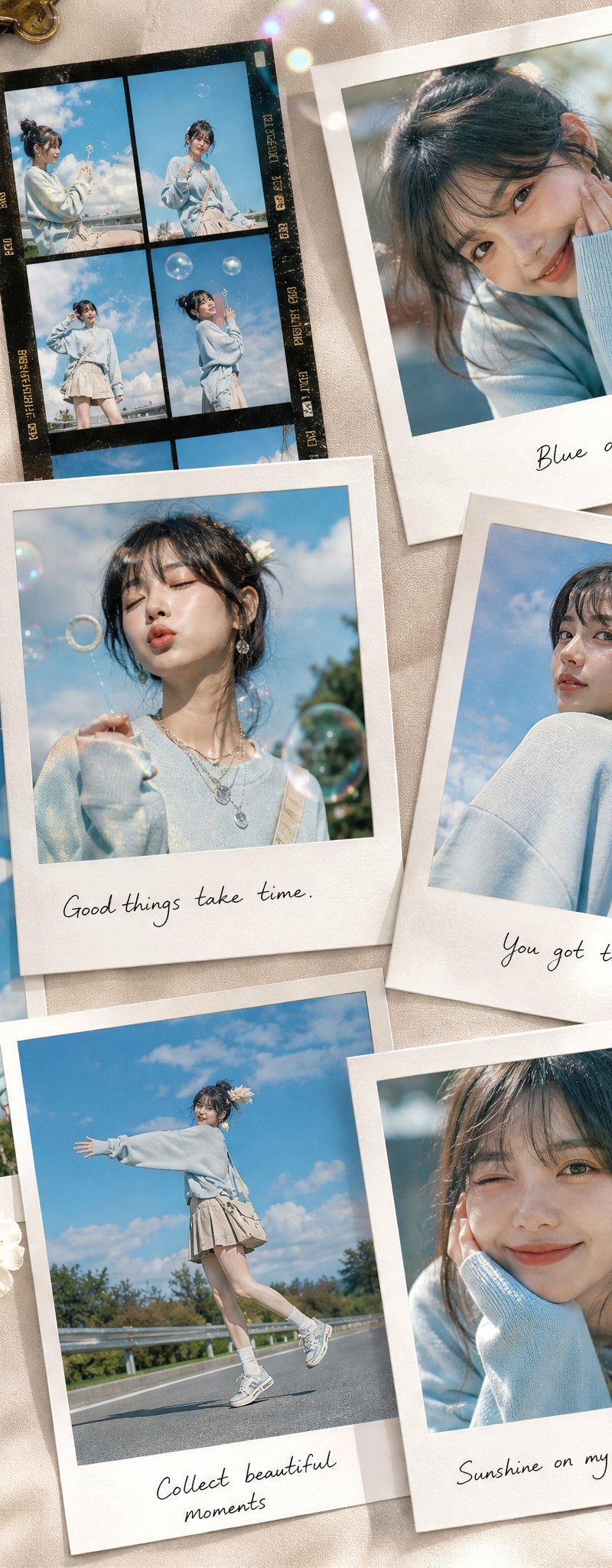
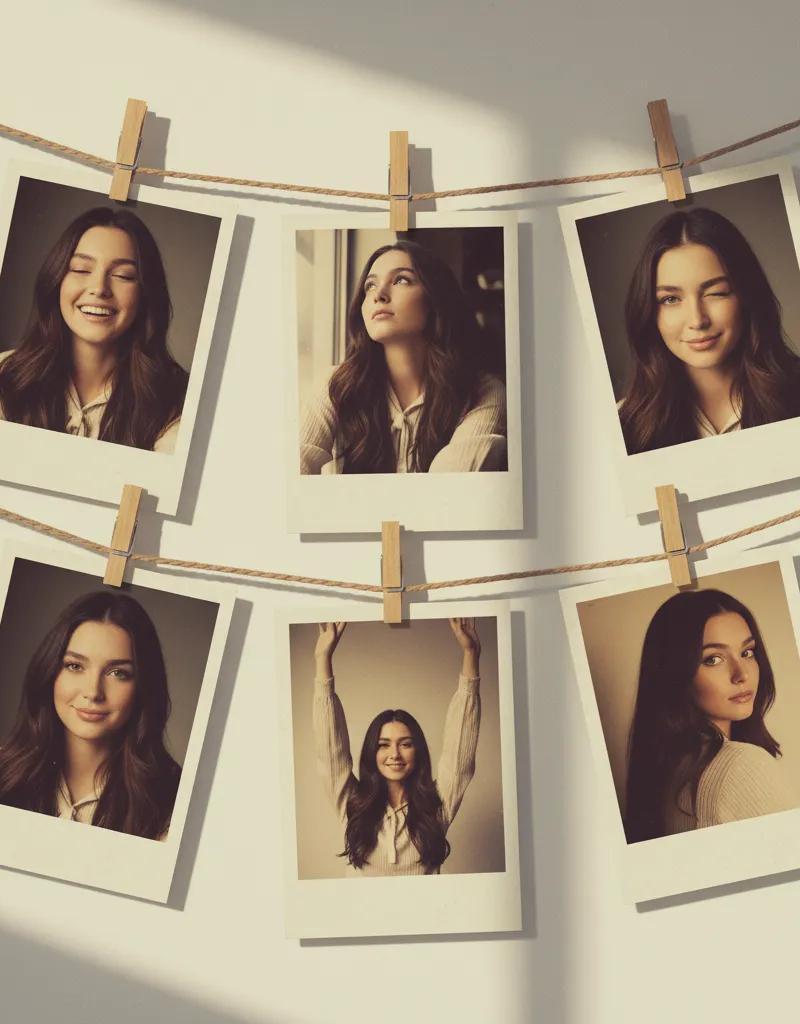
Create an artistic collage of 6 vintage Polaroid photos, attached with a decorative rope and mini clothespins, like a home photo gallery. Each Polaroid frame has a slight fading and an old paper effect. The background is a soft pastel wall with light shadows, creating a cozy and creatively chaotic atmosphere.
Emotions and poses:
* Light laughter — eyes closed, natural joy.
* Dreamy gaze upwards, relaxed pose.
* Playful wink.
* Calm smile with a head tilted to the side.Dynamic gesture hands raised high, full of energy.
* Romantic half-glance over the shoulder.
The atmosphere is an art-retro style with elements of a '70s fashion magazine, soft diffused lighting, and muted warm and golden tones. Each photograph looks like a unique behind-the-scenes shot, with a touch of nostalgia and a sense of personal history.
Category
Photography & Realism
Model
Unknown
Creator
Shreya Yadav
Source language
zh-CN
Views0
Source ID
create-vintage-photo-collage
Studio

Guide

About "复古照片拼贴创作"

What is this prompt for?

"复古照片拼贴创作" AI image prompt for Unknown (Photography & Realism). 🌱 Create collage of 6 Vintage Photos 🌱 ☘️ Use Google Gemini Ai ☘️ Prompt 👇🏻 Create an artis…

The full copyable prompt and example visuals above are ready for AI image generation or one-click recreate in Picva.

How to use this prompt

  1. Step 1

    Open the prompt detail

    Review the example visuals, category, and full prompt text for "复古照片拼贴创作".

  2. Step 2

    Copy the prompt

    Copy the prompt body from this page, or load it directly in Studio.

  3. Step 3

    Pick a model (Unknown)

    Prefer Unknown. If you switch models, keep subject and composition and tweak style terms.

  4. Step 4

    Generate and export

    Recreate the look in Picva, or export into your workflow for editing and publishing.

FAQ

What is the "复古照片拼贴创作" prompt?
It is an AI image-generation prompt for Unknown in the Photography & Realism category. This page includes the full prompt text, example visuals, and a one-click recreate path in Picva.
How do I use this prompt to generate an image?
Copy the prompt from this page, or use Generate / Studio. Paste it into a compatible image model, or recreate the look in Picva with optional reference images.
Which model is this prompt for?
This page lists Unknown. Most descriptive prompts also transfer to nearby image models such as GPT Image, Flux, or Midjourney with light style tweaks.
Can I use the result commercially?
You can usually copy the prompt for creation, but commercial use of the final image depends on the model terms, reference-image rights, and the generated content. Follow the source author and platform rules.