20

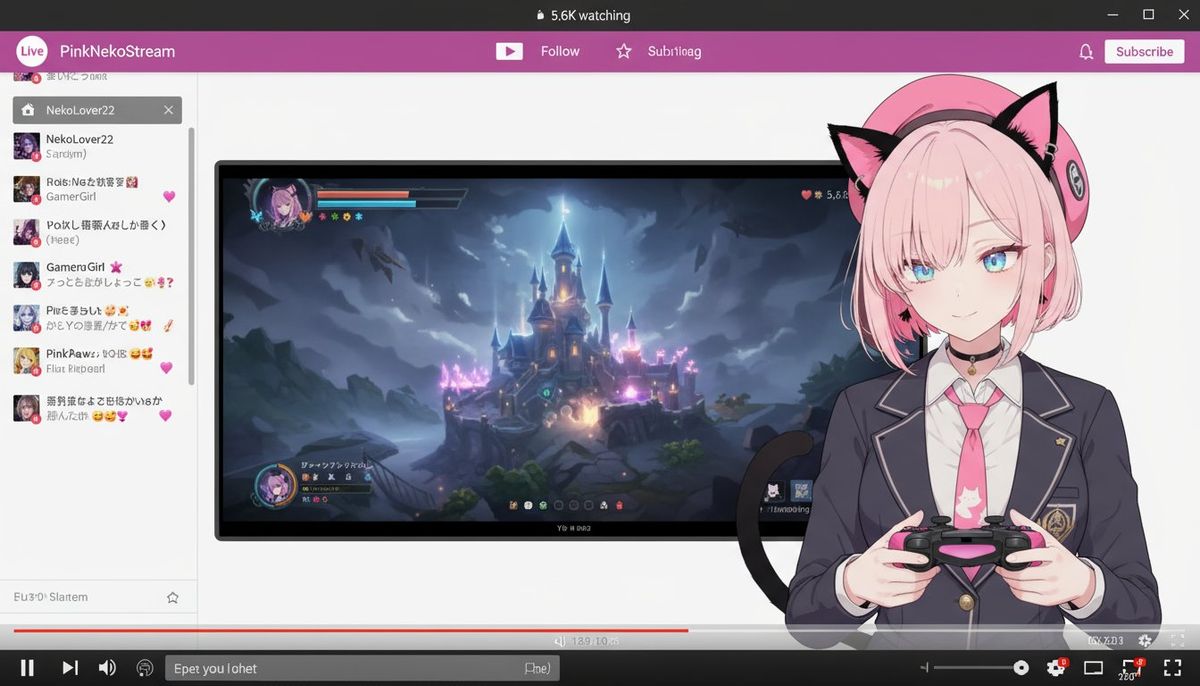
使用Nano Banana制作虚构Vtuber直播画面
Enlarge

使用Nano Banana制作虚构Vtuber直播画面

Prompt
(検索除外のため再投稿です)
Nano Banana🍌で「Vtuber」を作るためのプロンプトです🐱🎮
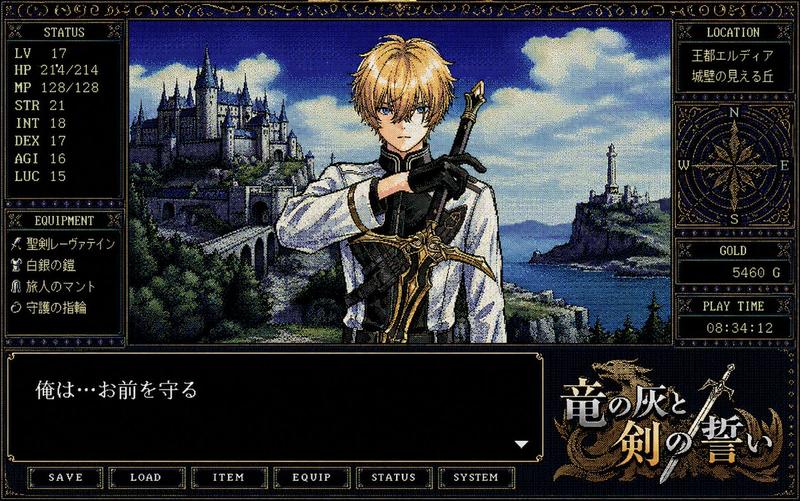
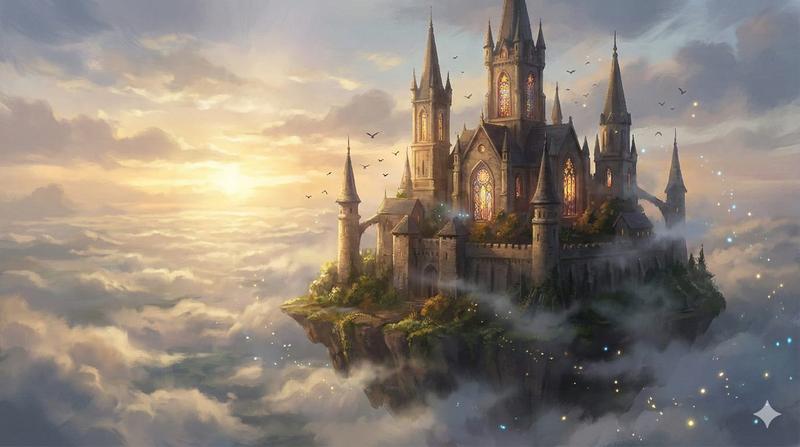
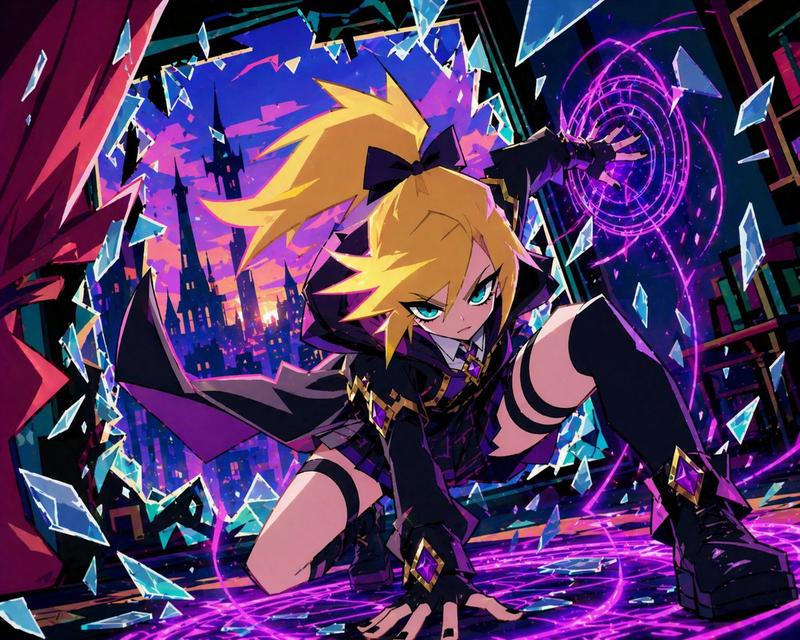
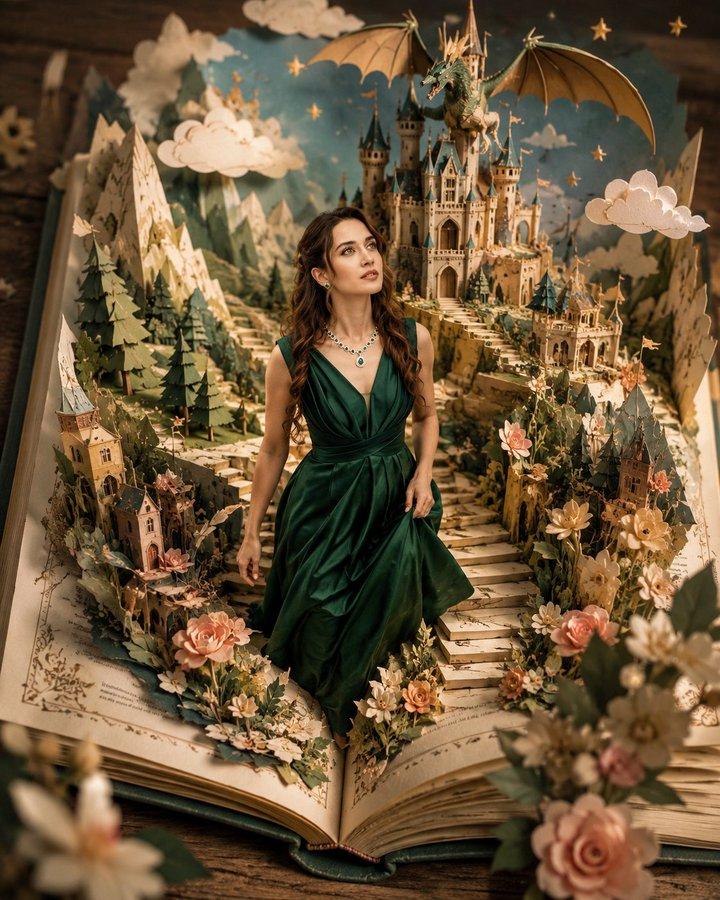
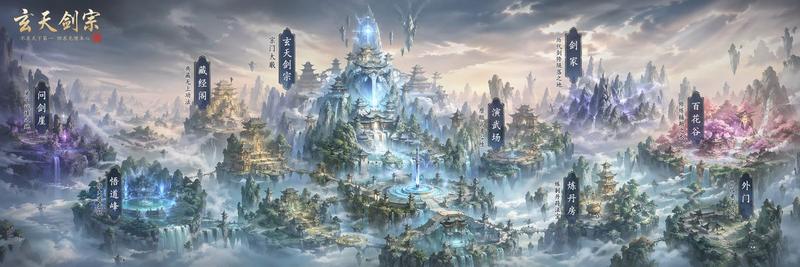
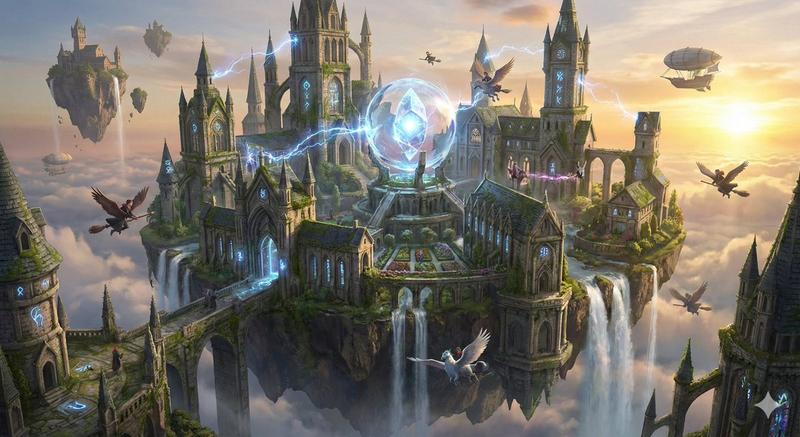
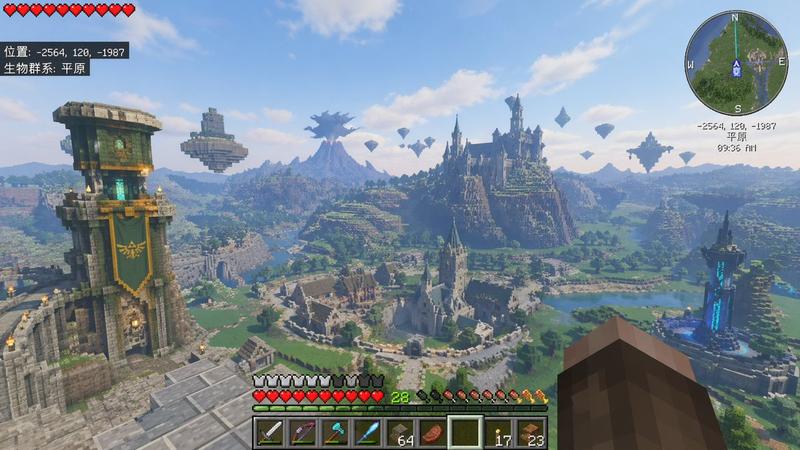
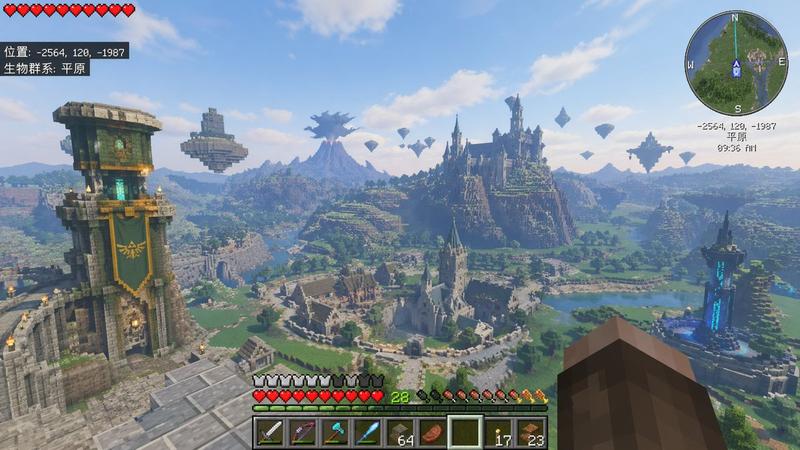
1枚目、2枚目:元画像+Nano Banana+プロンプトで作成した画像
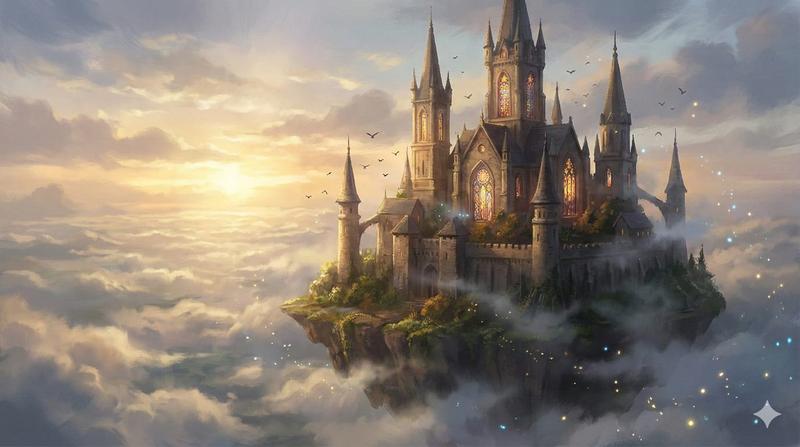
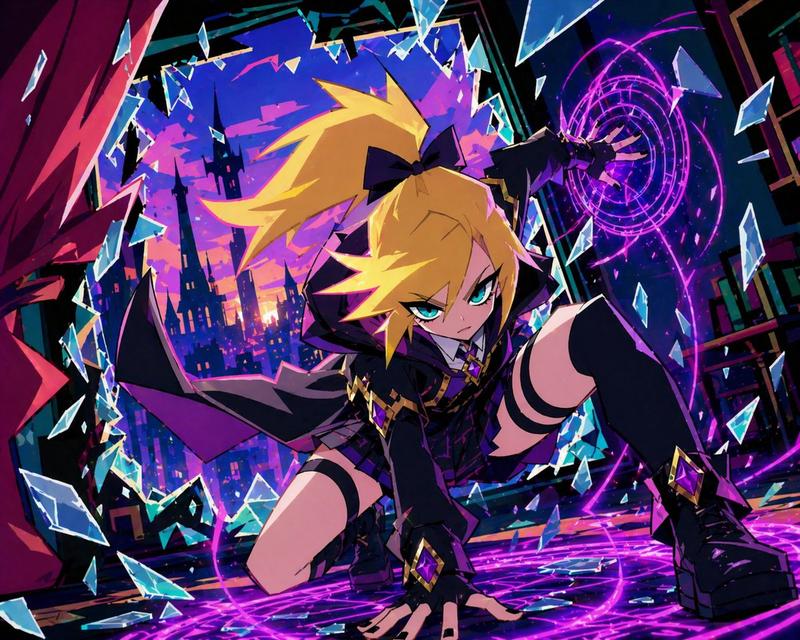
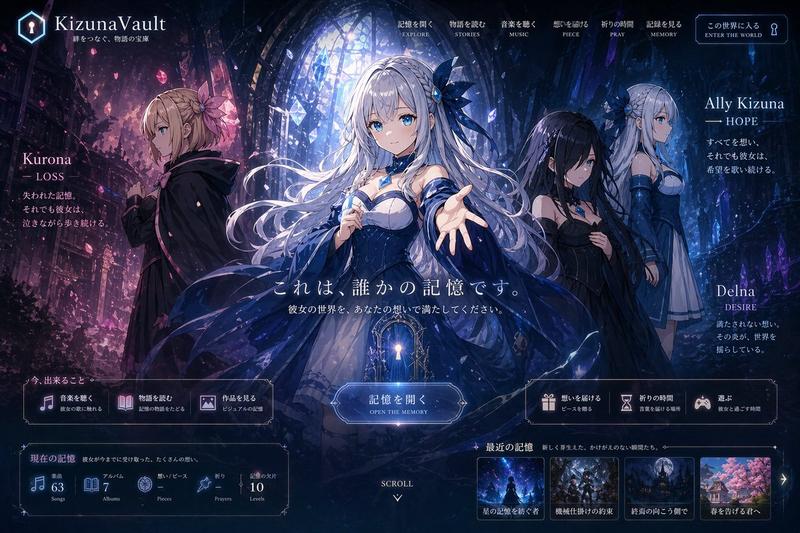
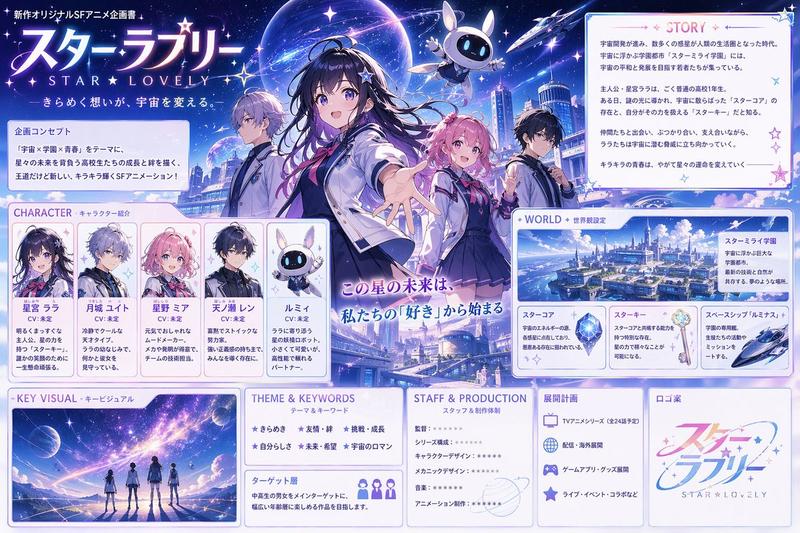
3枚目、4枚目:元画像
※元画像はアニメ系のほうが好ましいと思われます。
※縦長の画像も作れますが、横長のほうが画面の収まりは良くなります。
※Nano Banana(Gemini 2.5 Flash Image)は「Google AI Studio」等で無料で使えます。
以下、使用したプロンプトです。プロンプトはご自由にお使い下さい💫
Create a fictional Vtuber and their streaming screen using the original image.
The Vtuber's hairstyle and clothing will be faithfully reproduced from the original image.
The Vtuber image will be 2.5D-like, so it is not necessary to perfectly reproduce the style of the original image. A moderate sense of three-dimensionality is also necessary.
The Vtuber's facial expression and pose may be changed from the original image. Have the Vtuber hold a game controller.
Place only the Vtuber's upper body in the bottom right of the screen. Place the streaming screen of the game being played in the center of the screen. Place the chat screen on the left side of the screen.
The screen ratio is set to a larger size for the game screen, and the upper half of the Vtuber's body is displayed smaller.
The background of the original image is completely ignored, as well as the original image pose.
Add a fictional streaming platform and browser UI to the top and bottom of the screen.
The aspect ratio of the generated image is independent of that of the original image.
Category
UI & Interfaces
Model
Nano Banana
Views0
Source ID
creating-a-fictional-vtuber-streaming-screen-with-nano-banana

Guide

About "使用Nano Banana制作虚构Vtuber直播画面"

What is this prompt for?

"使用Nano Banana制作虚构Vtuber直播画面" AI image prompt for Nano Banana (UI & Interfaces). (検索除外のため再投稿です) Nano Banana🍌で「Vtuber」を作るためのプロンプトです🐱🎮 1枚目、2枚目:元画像+Nano Banana…

The full copyable prompt and example visuals above are ready for AI image generation or one-click recreate in Picva.

How to use this prompt

  1. Step 1

    Open the prompt detail

    Review the example visuals, category, and full prompt text for "使用Nano Banana制作虚构Vtuber直播画面".

  2. Step 2

    Copy the prompt

    Copy the prompt body from this page, or load it directly in Studio.

  3. Step 3

    Pick a model (Nano Banana)

    Prefer Nano Banana. If you switch models, keep subject and composition and tweak style terms.

  4. Step 4

    Generate and export

    Recreate the look in Picva, or export into your workflow for editing and publishing.

FAQ

What is the "使用Nano Banana制作虚构Vtuber直播画面" prompt?
It is an AI image-generation prompt for Nano Banana in the UI & Interfaces category. This page includes the full prompt text, example visuals, and a one-click recreate path in Picva.
How do I use this prompt to generate an image?
Copy the prompt from this page, or use Generate / Studio. Paste it into a compatible image model, or recreate the look in Picva with optional reference images.
Which model is this prompt for?
This page lists Nano Banana. Most descriptive prompts also transfer to nearby image models such as GPT Image, Flux, or Midjourney with light style tweaks.
Can I use the result commercially?
You can usually copy the prompt for creation, but commercial use of the final image depends on the model terms, reference-image rights, and the generated content. Follow the source author and platform rules.