20

创意混合媒体艺术:香蕉纳米专业版
Click to enlarge

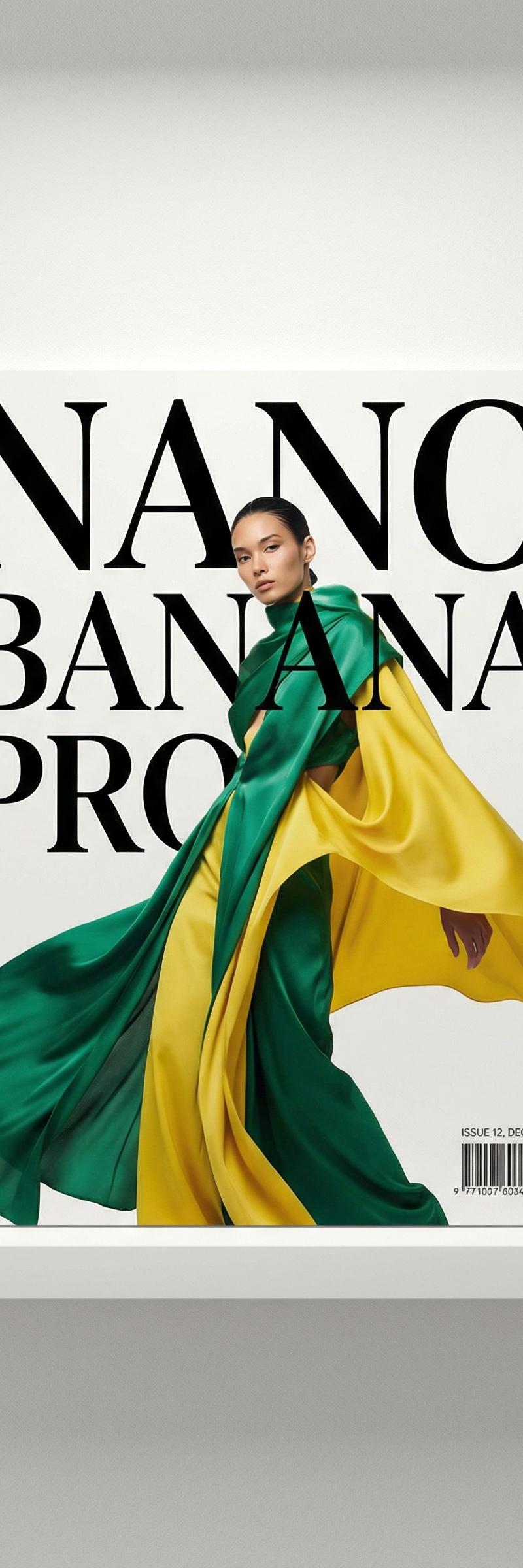
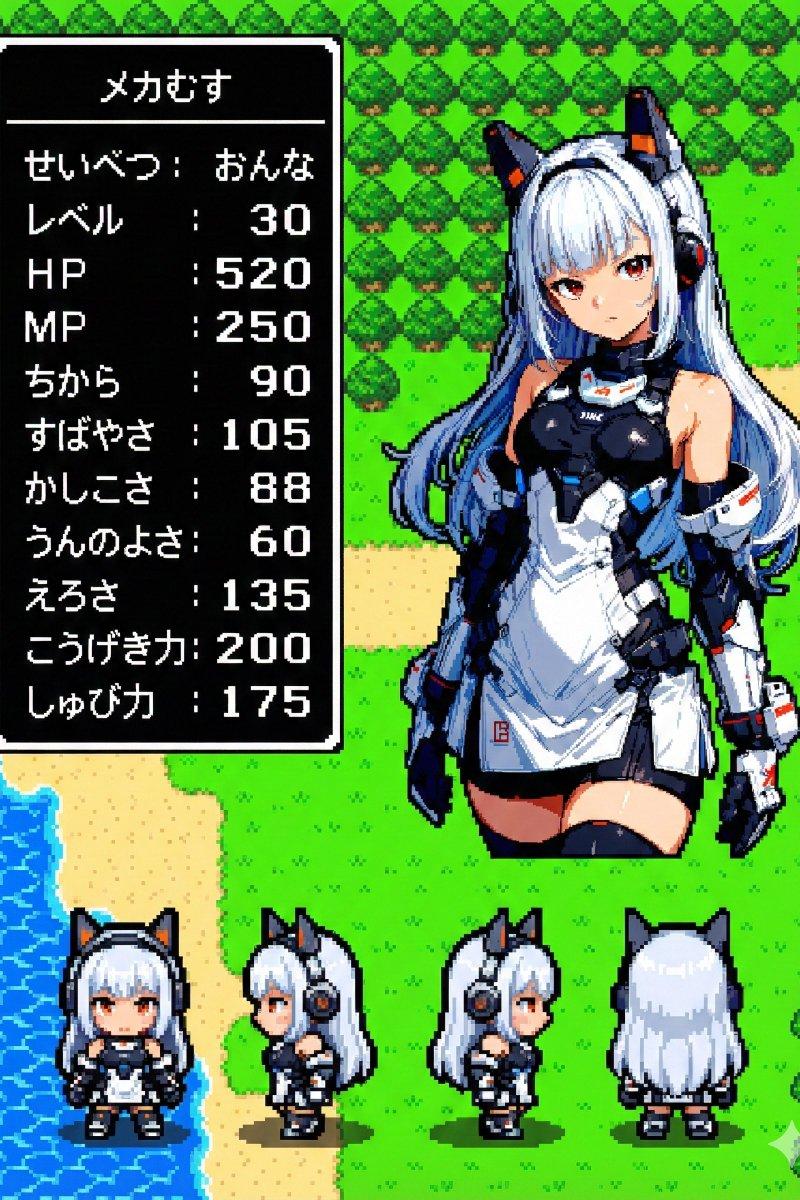
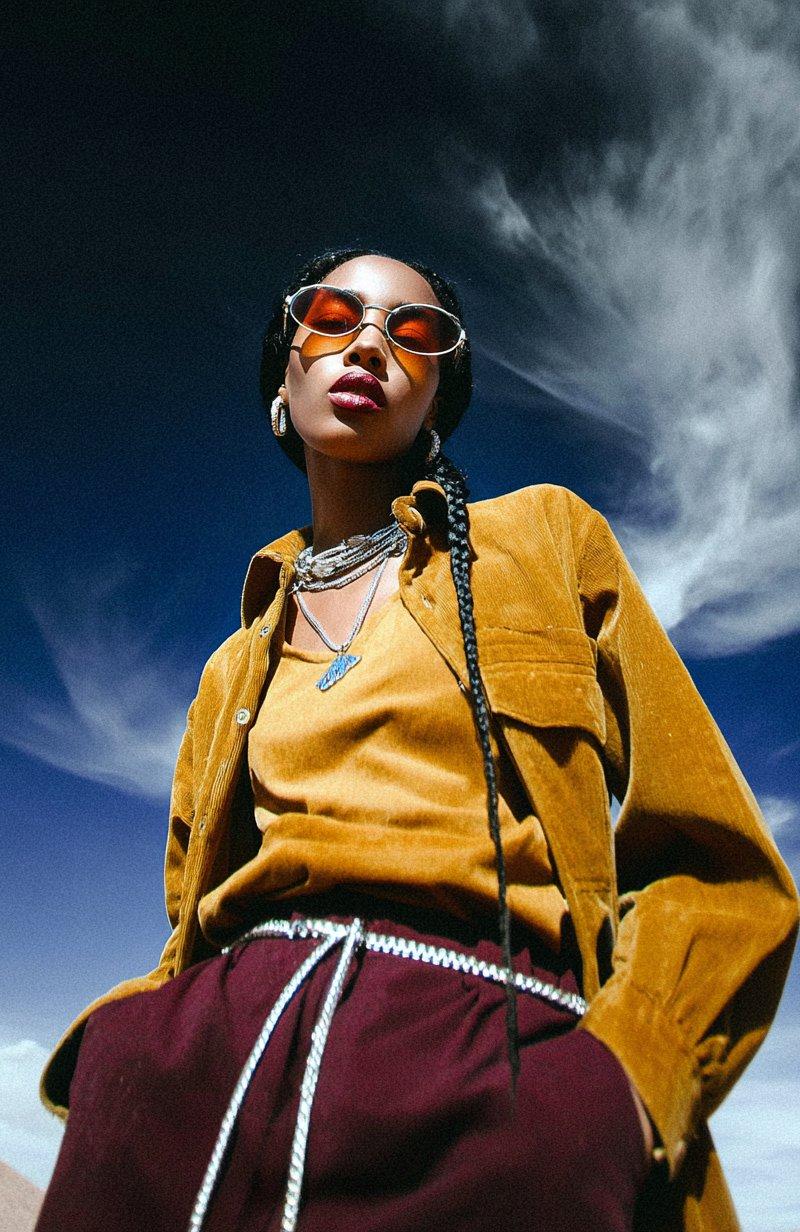
Example images

Photography & RealismXCbotaiart.picsNano Banana Pro图片

创意混合媒体艺术:香蕉纳米专业版

Prompt
Cool mixed-media style with Nano Banana Pro :
mixed-media collage over the original photo, playful hand-drawn doodles and bold brush strokes in bright blue, red, yellow and green, wax crayon, marker and spray-paint textures, childlike scribbles, loose flowers and loops covering and wrapping around the face, transparent paint so the expression stays visible, messy yet graphic and stylish, editorial magazine vibe, off-white background extended beyond the photo, watercolor splashes and crayon lines bleeding out of the frame, high resolution, do not distort the subject, only overlay the colorful artwork, contemporary illustration style, vibrant and fun, no watercolor
Category
Photography & Realism
Model
Nano Banana Pro
Creator
Sycomore
Source language
zh-CN
Views0
Source ID
creative-mixed-media-art-nano-banana-pro
Studio

Guide

About "创意混合媒体艺术:香蕉纳米专业版"

What is this prompt for?

"创意混合媒体艺术:香蕉纳米专业版" AI image prompt for Nano Banana Pro (Photography & Realism). Cool mixed-media style with Nano Banana Pro : mixed-media collage over the orig…

The full copyable prompt and example visuals above are ready for AI image generation or one-click recreate in Picva.

How to use this prompt

  1. Step 1

    Open the prompt detail

    Review the example visuals, category, and full prompt text for "创意混合媒体艺术:香蕉纳米专业版".

  2. Step 2

    Copy the prompt

    Copy the prompt body from this page, or load it directly in Studio.

  3. Step 3

    Pick a model (Nano Banana Pro)

    Prefer Nano Banana Pro. If you switch models, keep subject and composition and tweak style terms.

  4. Step 4

    Generate and export

    Recreate the look in Picva, or export into your workflow for editing and publishing.

FAQ

What is the "创意混合媒体艺术:香蕉纳米专业版" prompt?
It is an AI image-generation prompt for Nano Banana Pro in the Photography & Realism category. This page includes the full prompt text, example visuals, and a one-click recreate path in Picva.
How do I use this prompt to generate an image?
Copy the prompt from this page, or use Generate / Studio. Paste it into a compatible image model, or recreate the look in Picva with optional reference images.
Which model is this prompt for?
This page lists Nano Banana Pro. Most descriptive prompts also transfer to nearby image models such as GPT Image, Flux, or Midjourney with light style tweaks.
Can I use the result commercially?
You can usually copy the prompt for creation, but commercial use of the final image depends on the model terms, reference-image rights, and the generated content. Follow the source author and platform rules.