17

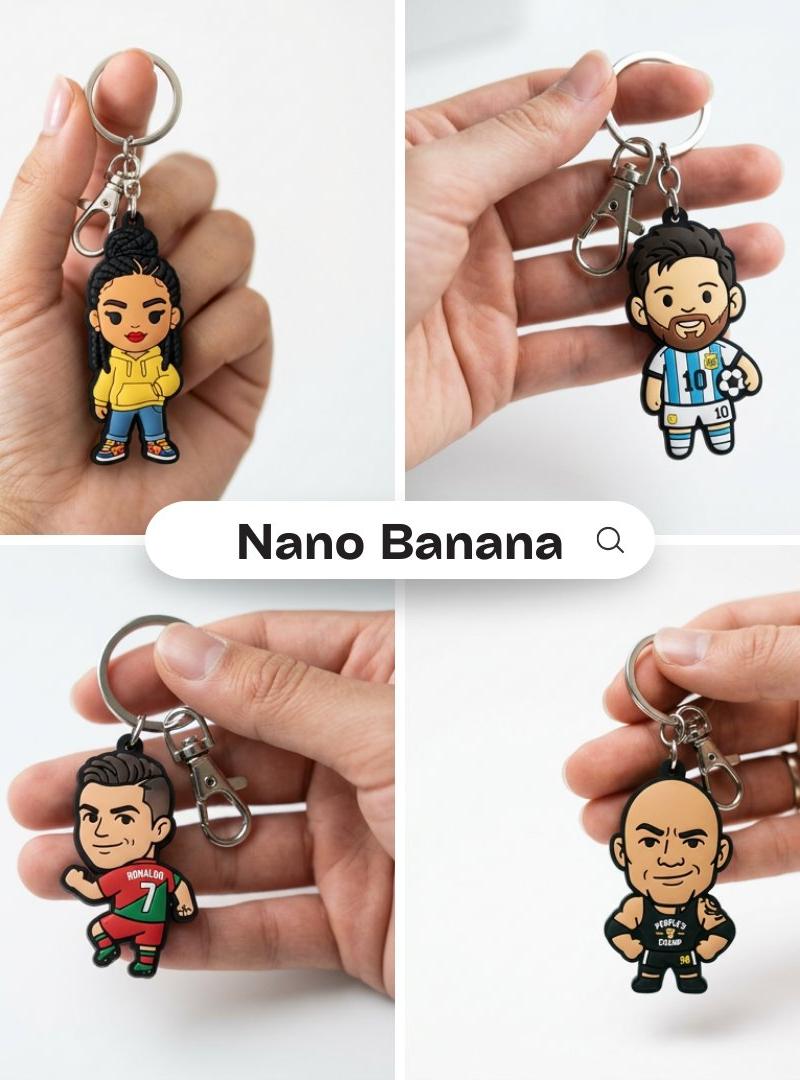
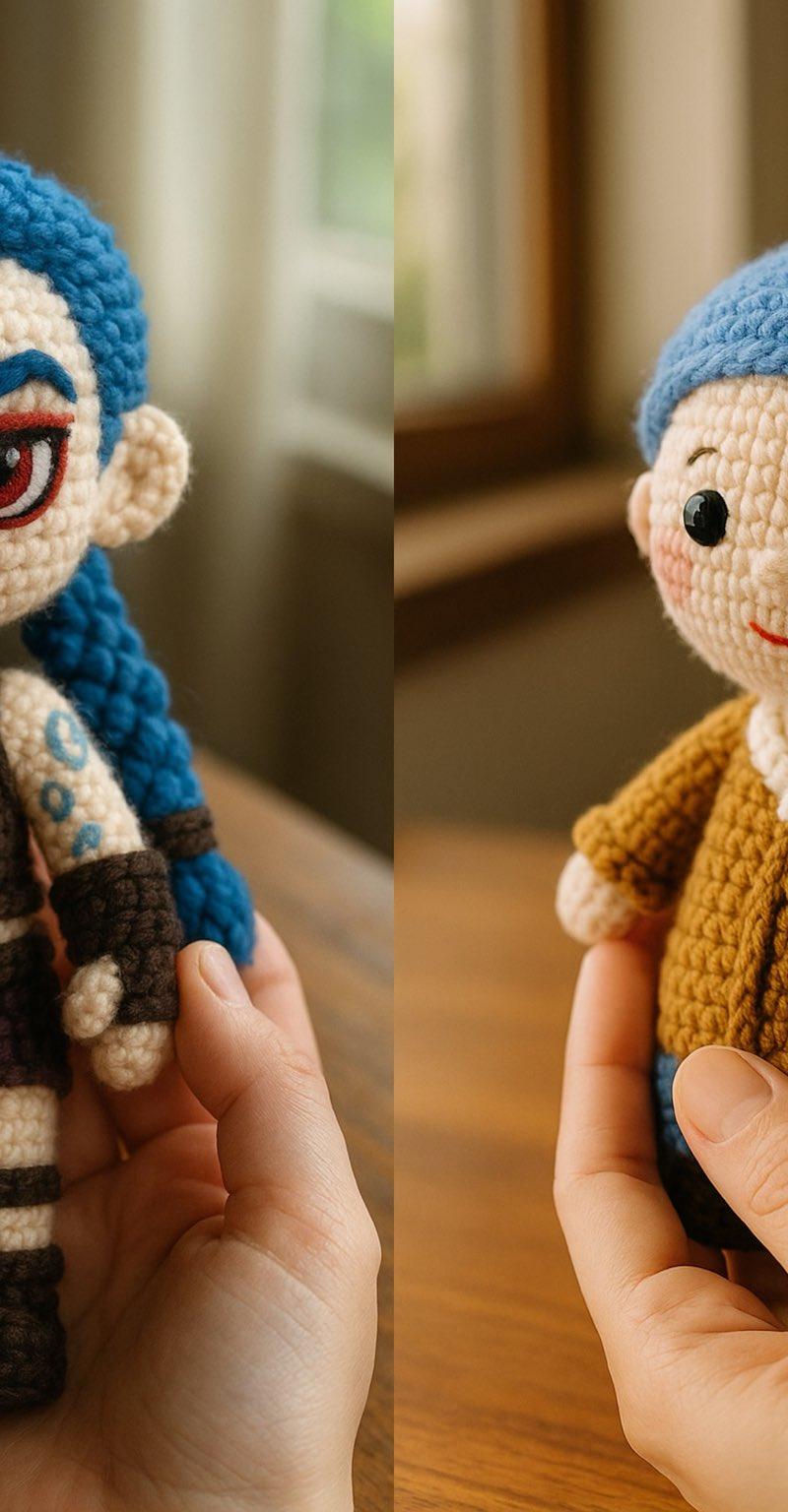
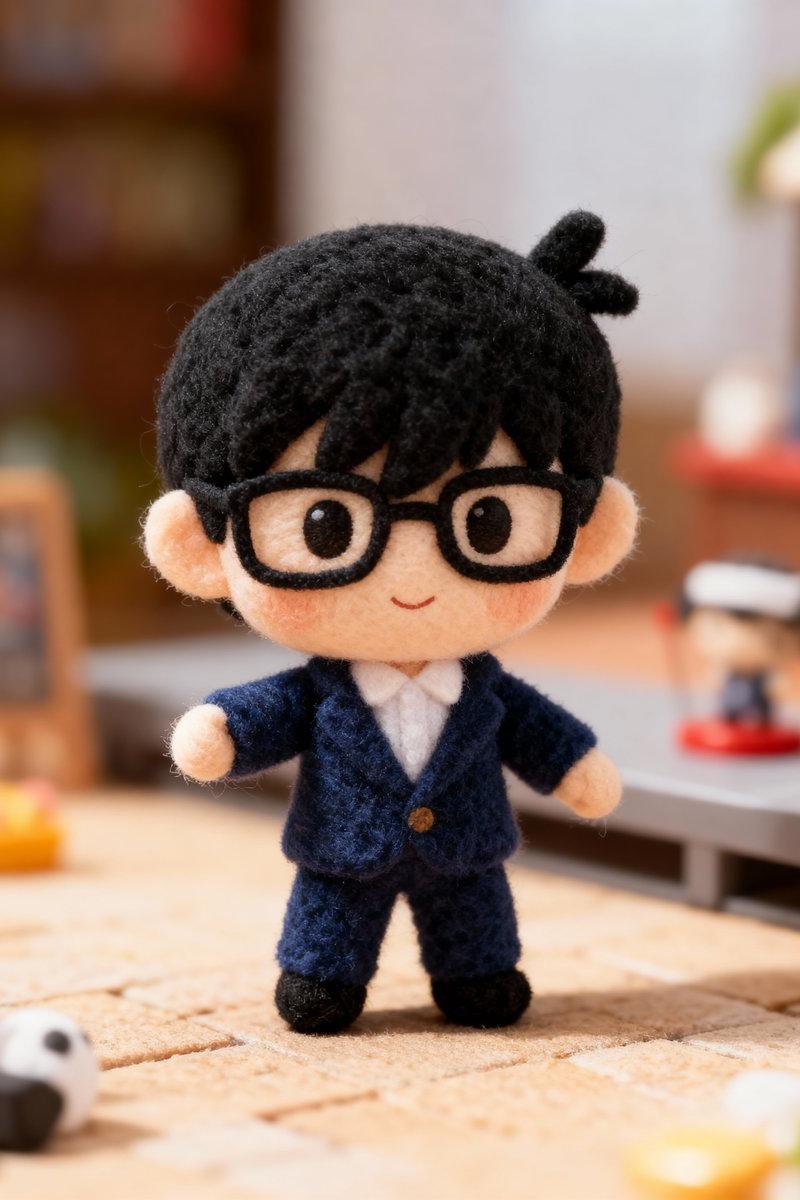
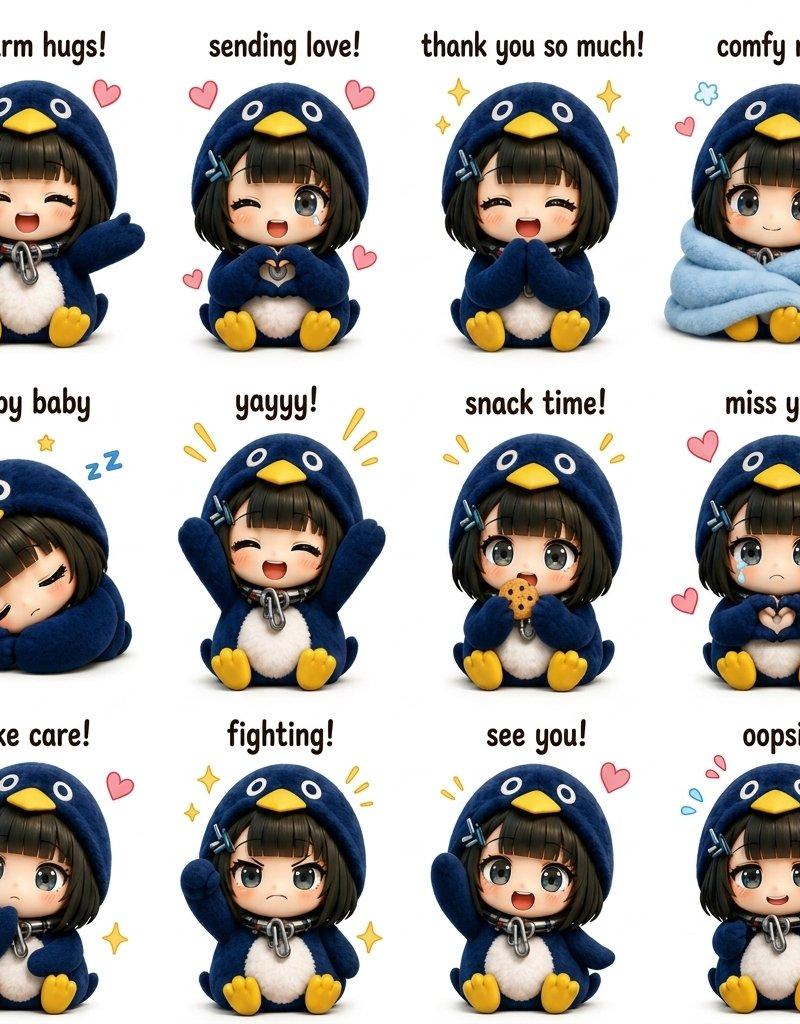
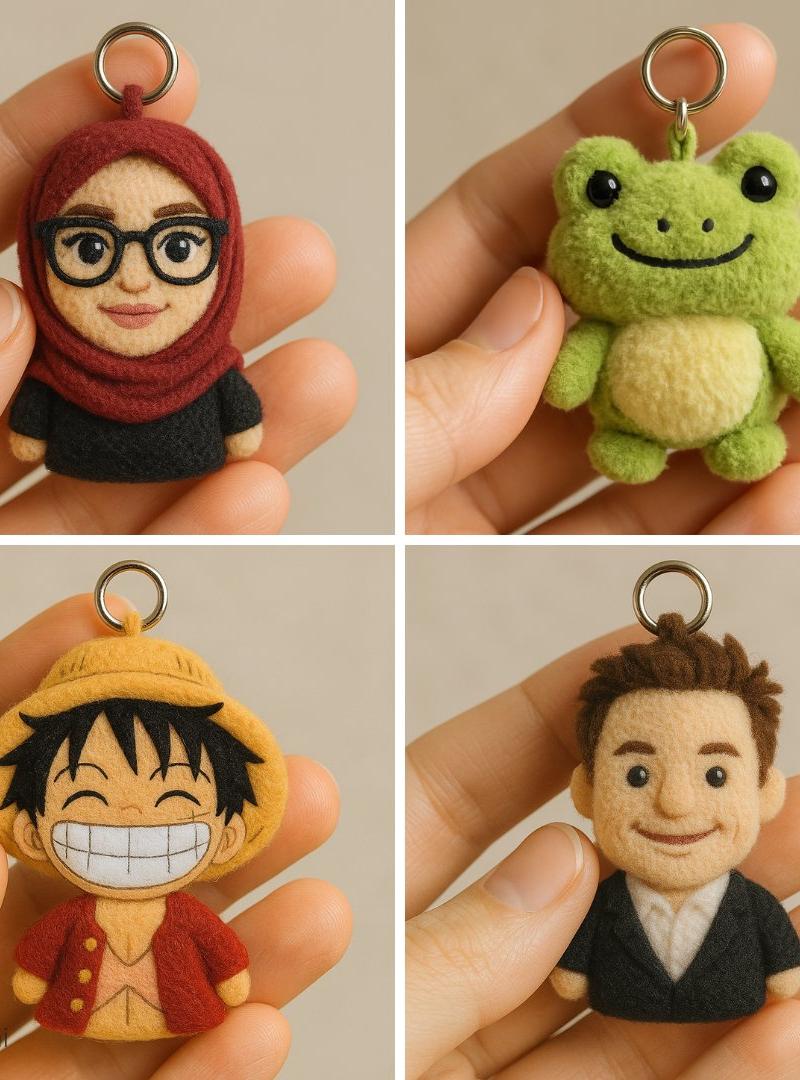
自定义毛绒钥匙扣
Enlarge

Example images

自定义毛绒钥匙扣

Prompt
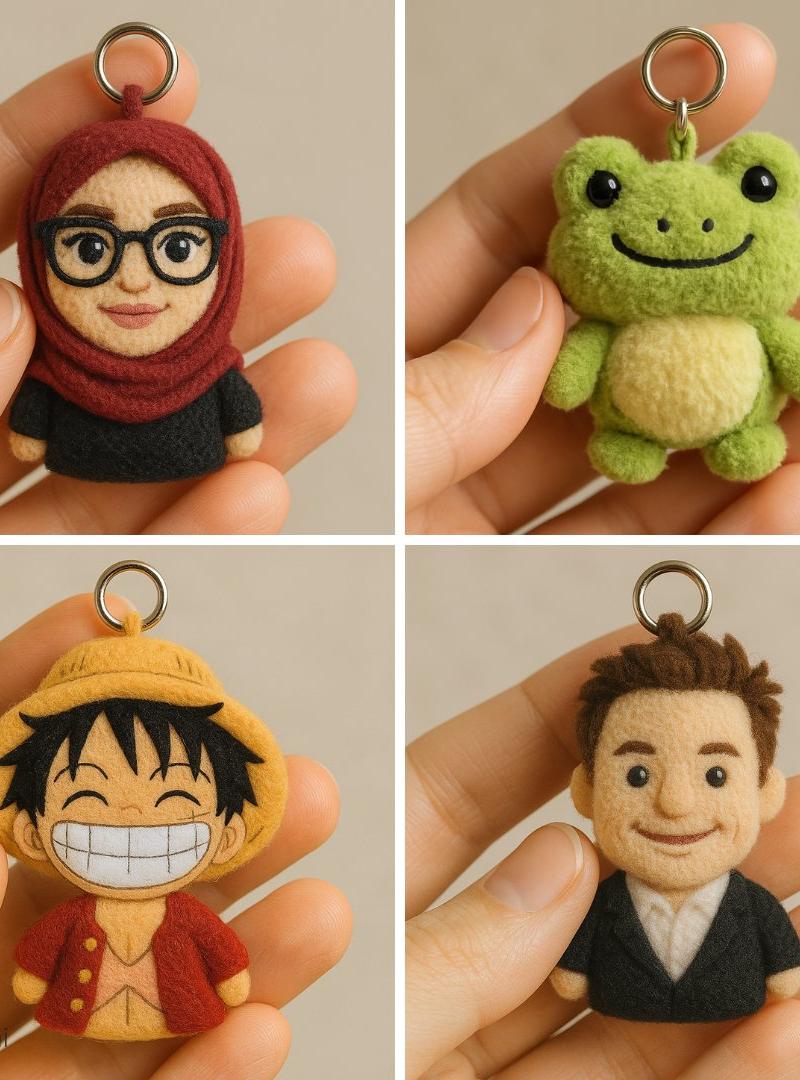
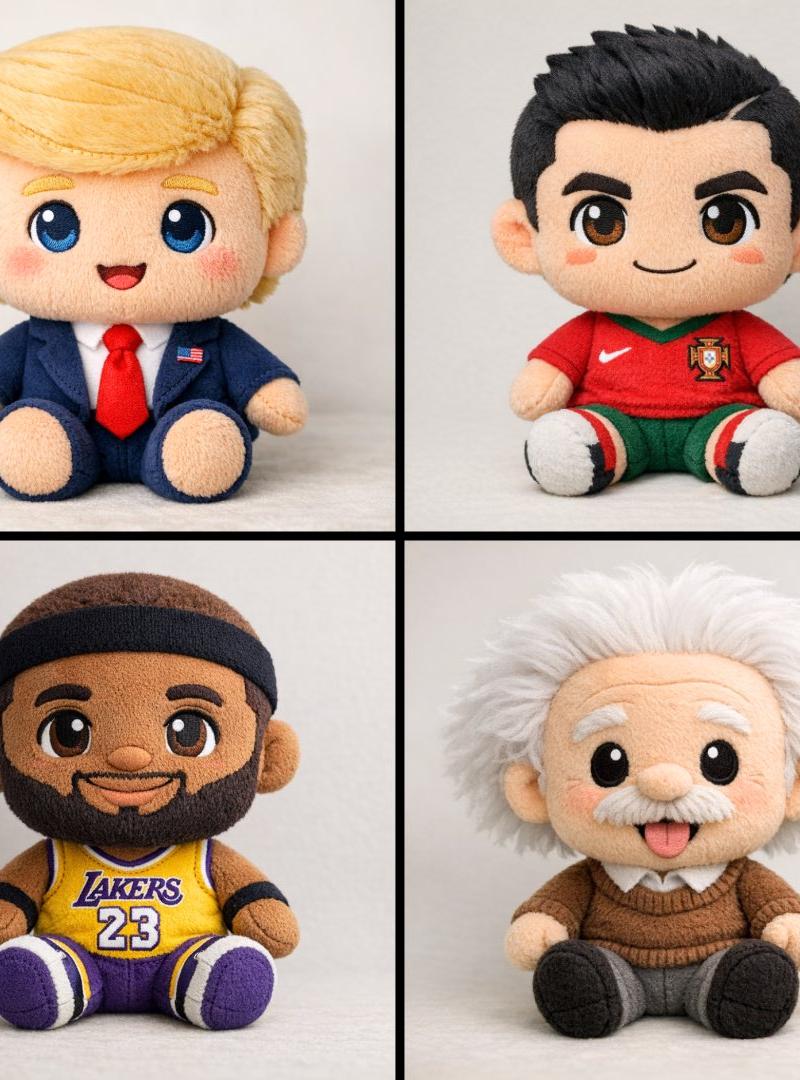
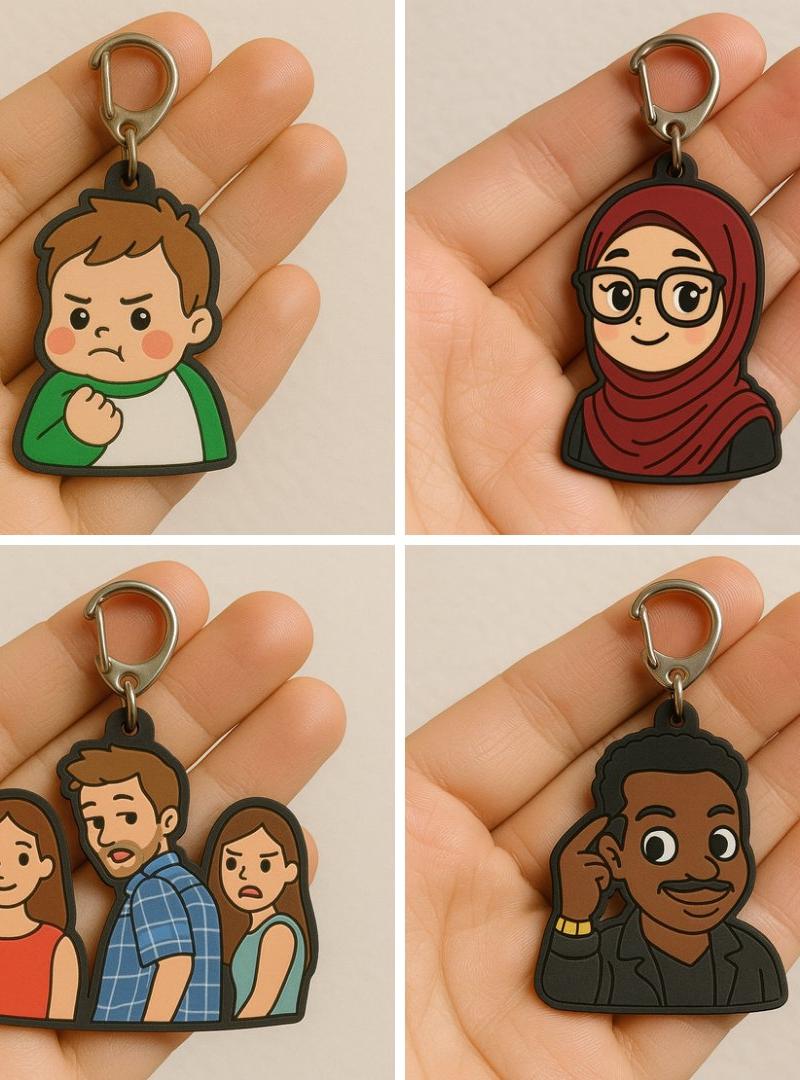
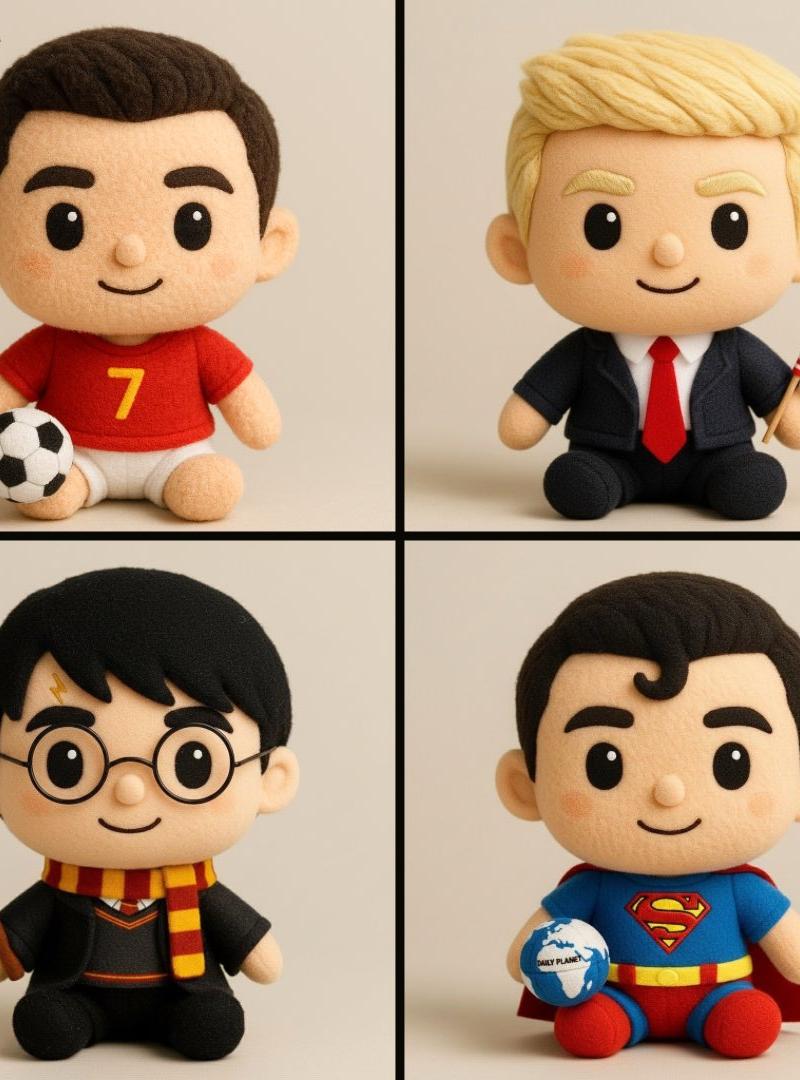
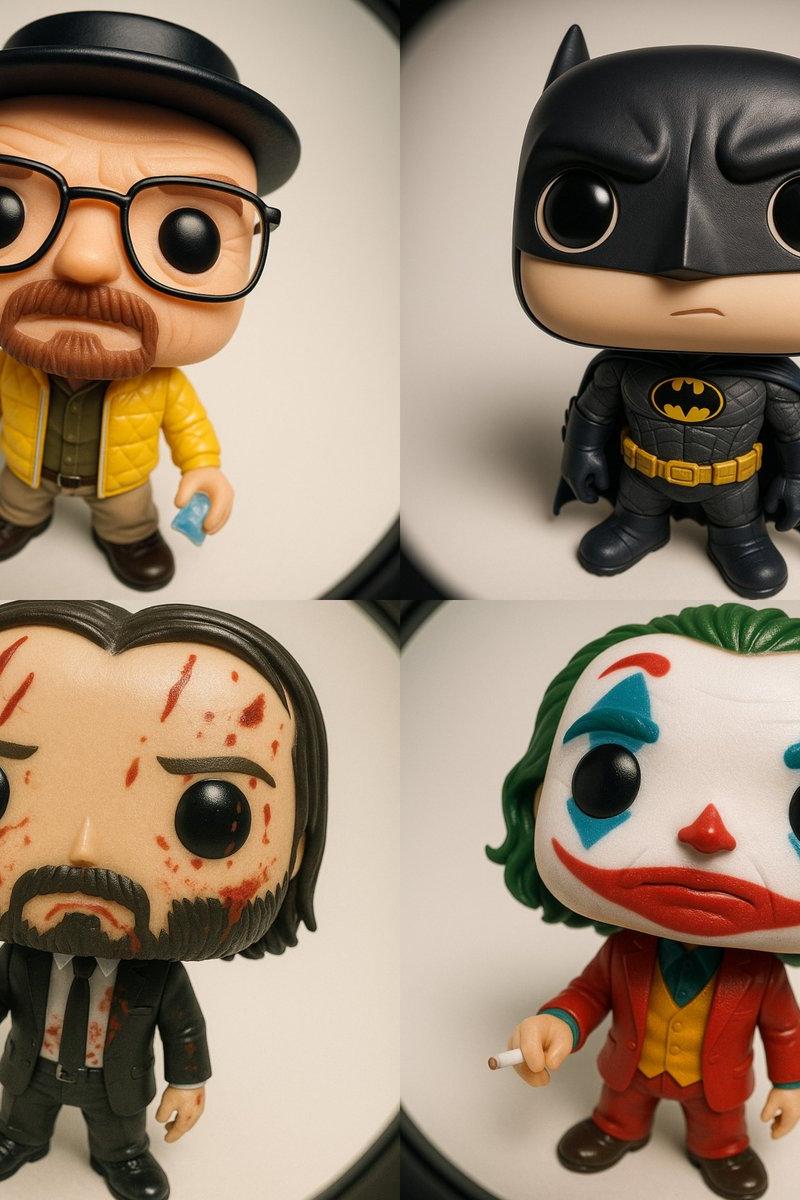
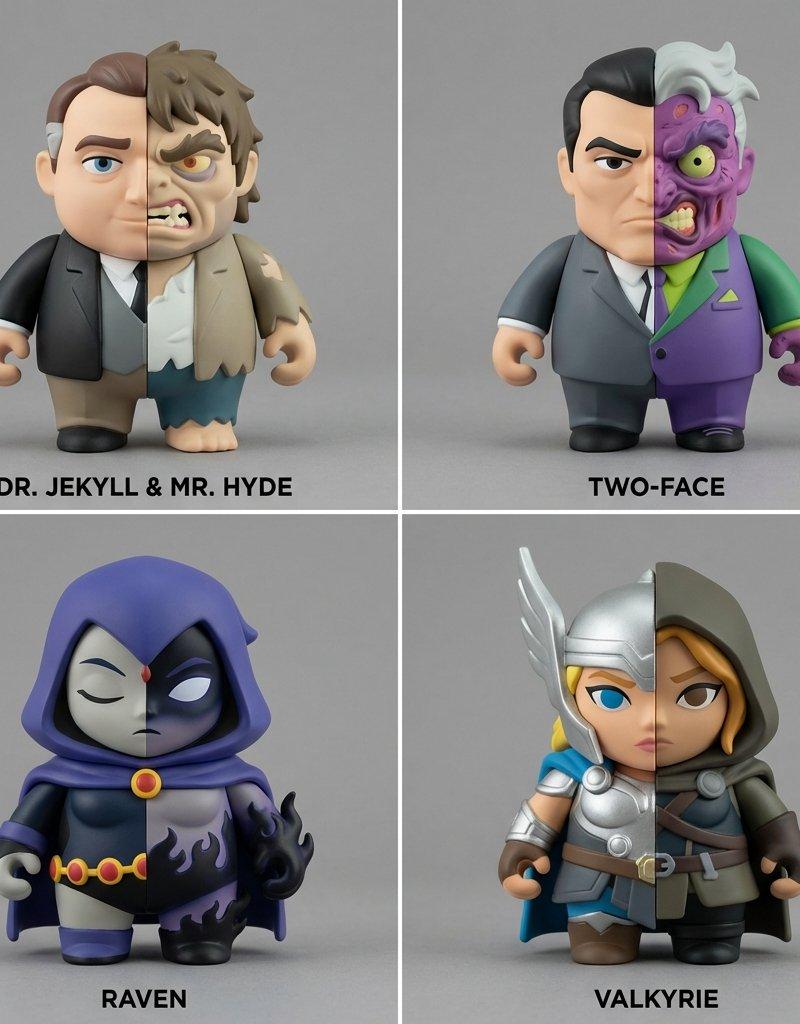
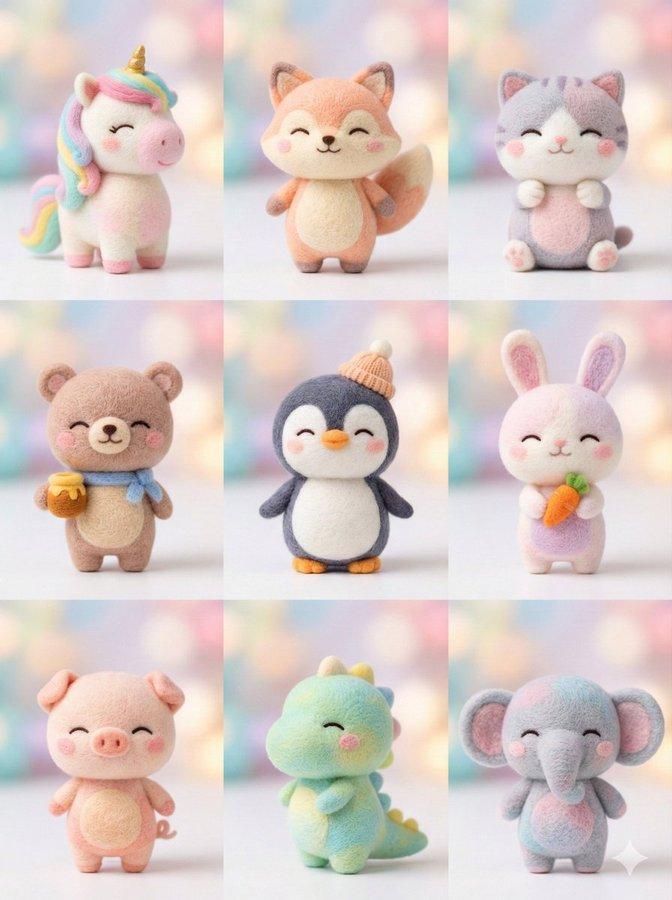
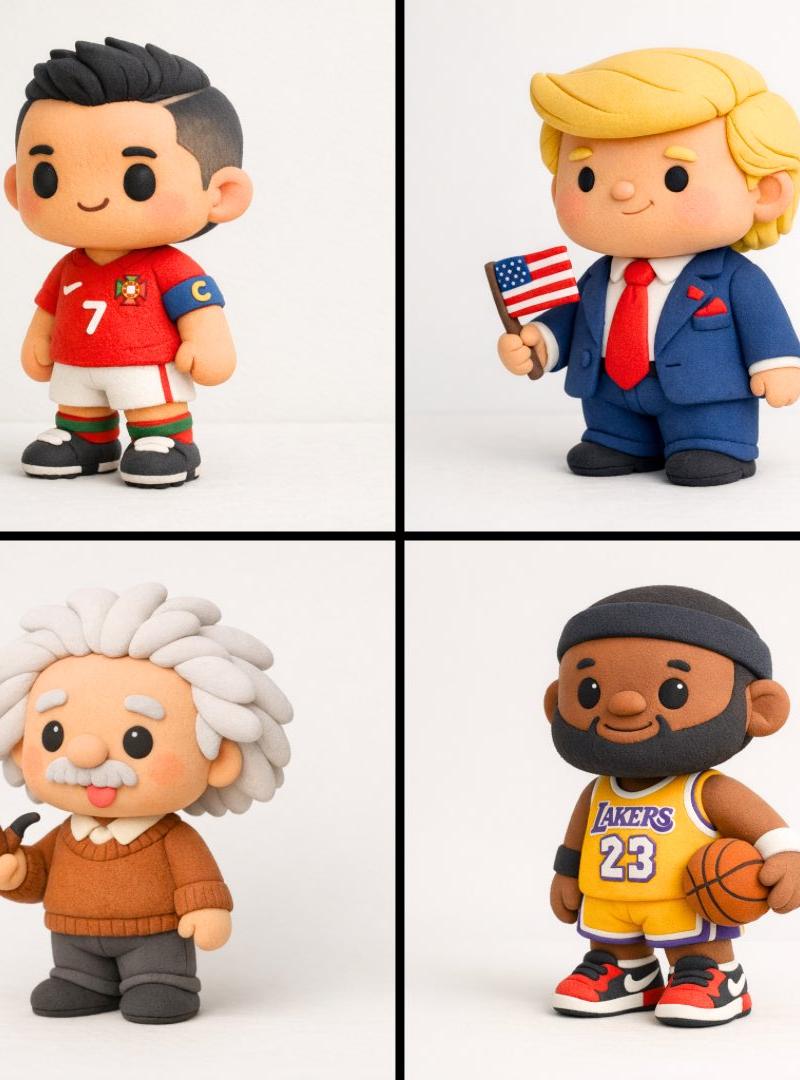
Close-up photo of a small plush keychain of [attached image/emojis] held gently between two fingers, made of soft felt or fuzzy material, cartoon-style proportions, embroidered face with simple expressive features, character designed to resemble, attached to a shiny silver keyring, neutral beige background, shallow depth of field, soft natural lighting, highly detailed texture, cute and handcrafted aesthetic, studio photography, 1:1 aspect ratio
[附图/表情符号] 的小毛绒钥匙扣的特写照片,用两根手指轻轻握住,由柔软的毛毡或毛茸茸的材料制成,卡通风格的比例,具有简单表现特征的刺绣脸,设计相似的人物,附在闪亮的银色钥匙圈上,中性米色背景,浅景深,柔和的自然光,高度详细的纹理,可爱和手工制作的美感, 摄影棚摄影,1:1 纵横比
Category
Photography & Realism
Model
Unknown
Creator
Amira Zairi
Source language
zh-CN
Views0
Source ID
custom-plush-keychain
Studio

Guide

About "自定义毛绒钥匙扣"

What is this prompt for?

"自定义毛绒钥匙扣" AI image prompt for Unknown (Photography & Realism). Close-up photo of a small plush keychain of [attached image/emojis] held gently between two fin…

The full copyable prompt and example visuals above are ready for AI image generation or one-click recreate in Picva.

How to use this prompt

  1. Step 1

    Open the prompt detail

    Review the example visuals, category, and full prompt text for "自定义毛绒钥匙扣".

  2. Step 2

    Copy the prompt

    Copy the prompt body from this page, or load it directly in Studio.

  3. Step 3

    Pick a model (Unknown)

    Prefer Unknown. If you switch models, keep subject and composition and tweak style terms.

  4. Step 4

    Generate and export

    Recreate the look in Picva, or export into your workflow for editing and publishing.

FAQ

What is the "自定义毛绒钥匙扣" prompt?
It is an AI image-generation prompt for Unknown in the Photography & Realism category. This page includes the full prompt text, example visuals, and a one-click recreate path in Picva.
How do I use this prompt to generate an image?
Copy the prompt from this page, or use Generate / Studio. Paste it into a compatible image model, or recreate the look in Picva with optional reference images.
Which model is this prompt for?
This page lists Unknown. Most descriptive prompts also transfer to nearby image models such as GPT Image, Flux, or Midjourney with light style tweaks.
Can I use the result commercially?
You can usually copy the prompt for creation, but commercial use of the final image depends on the model terms, reference-image rights, and the generated content. Follow the source author and platform rules.