18

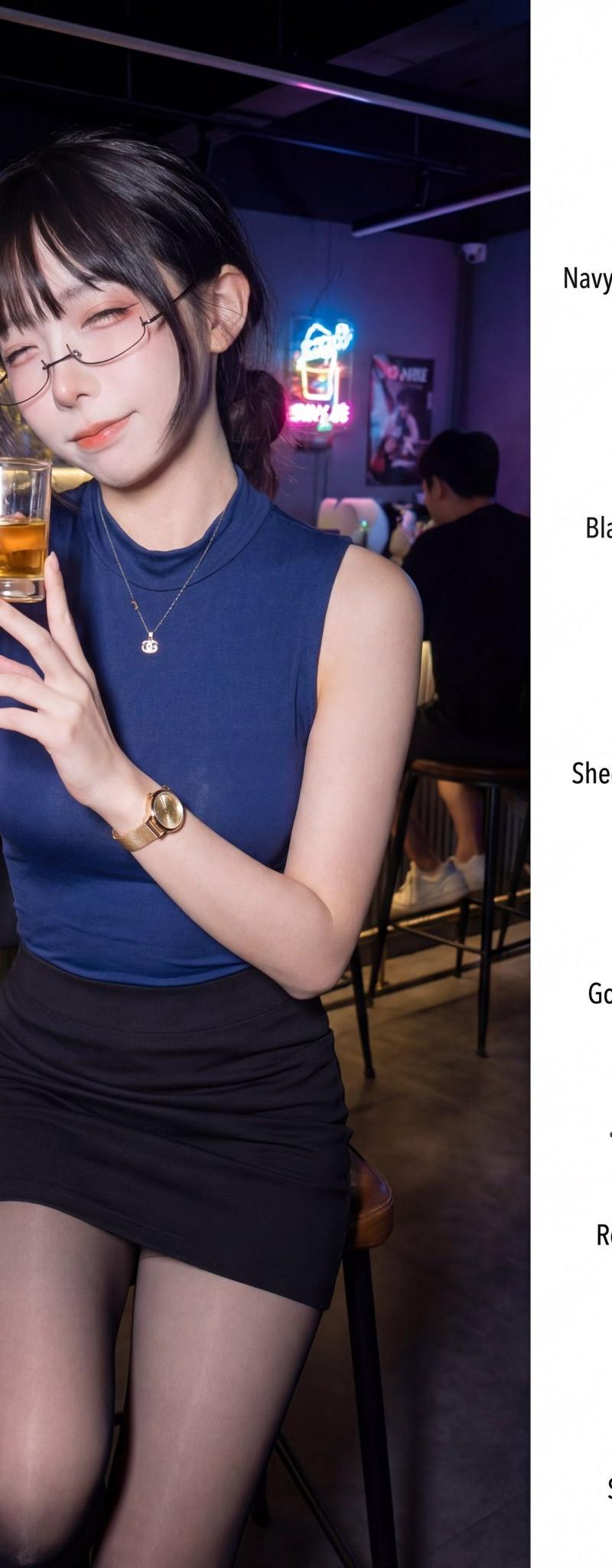
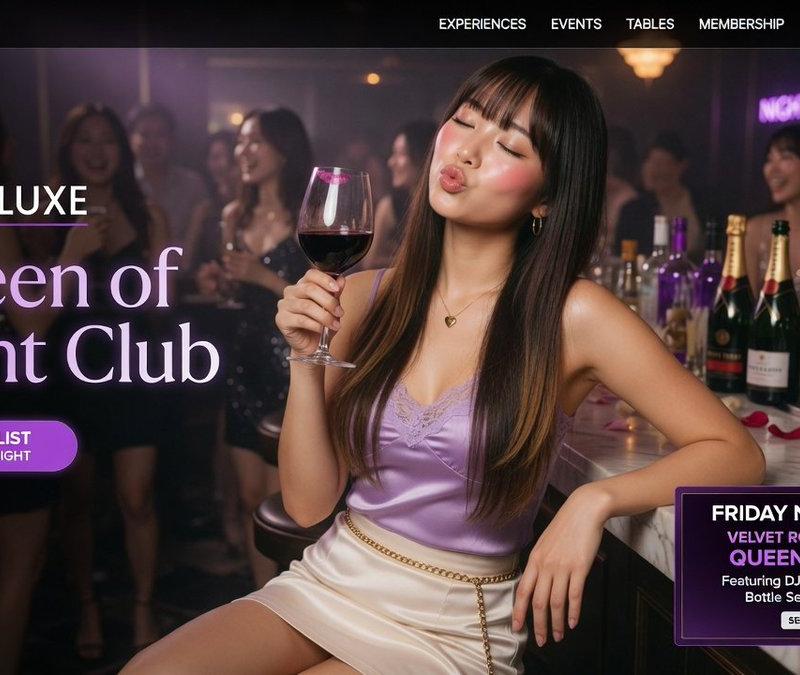
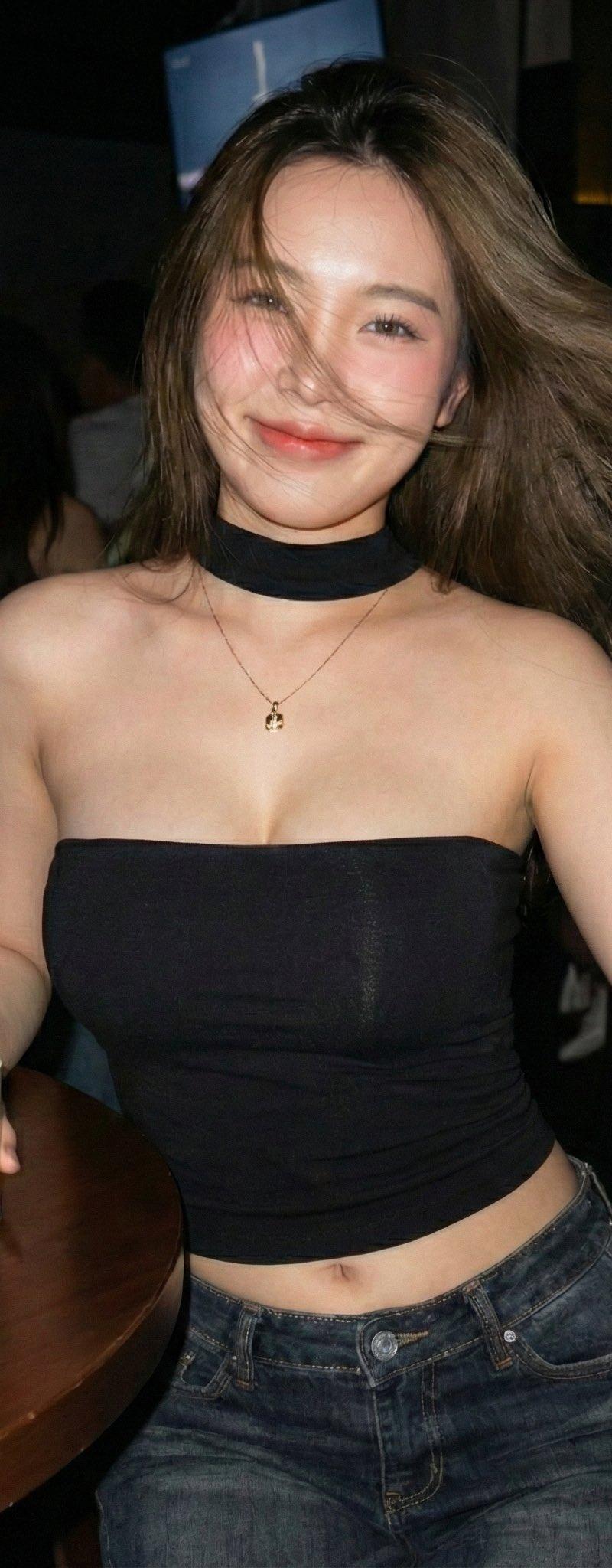
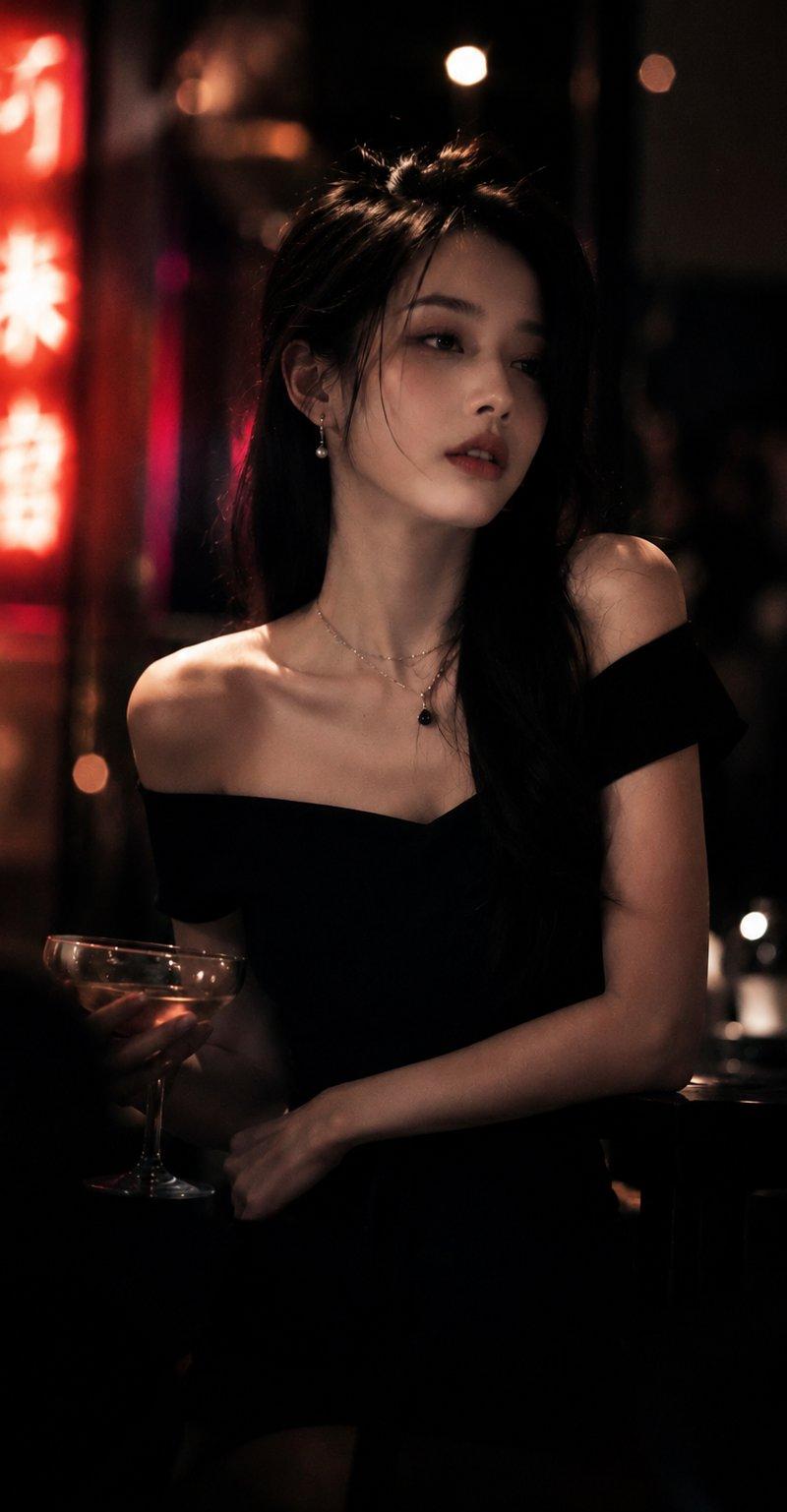
萌萌宇宙系列 OOTD 时尚拼贴
Enlarge

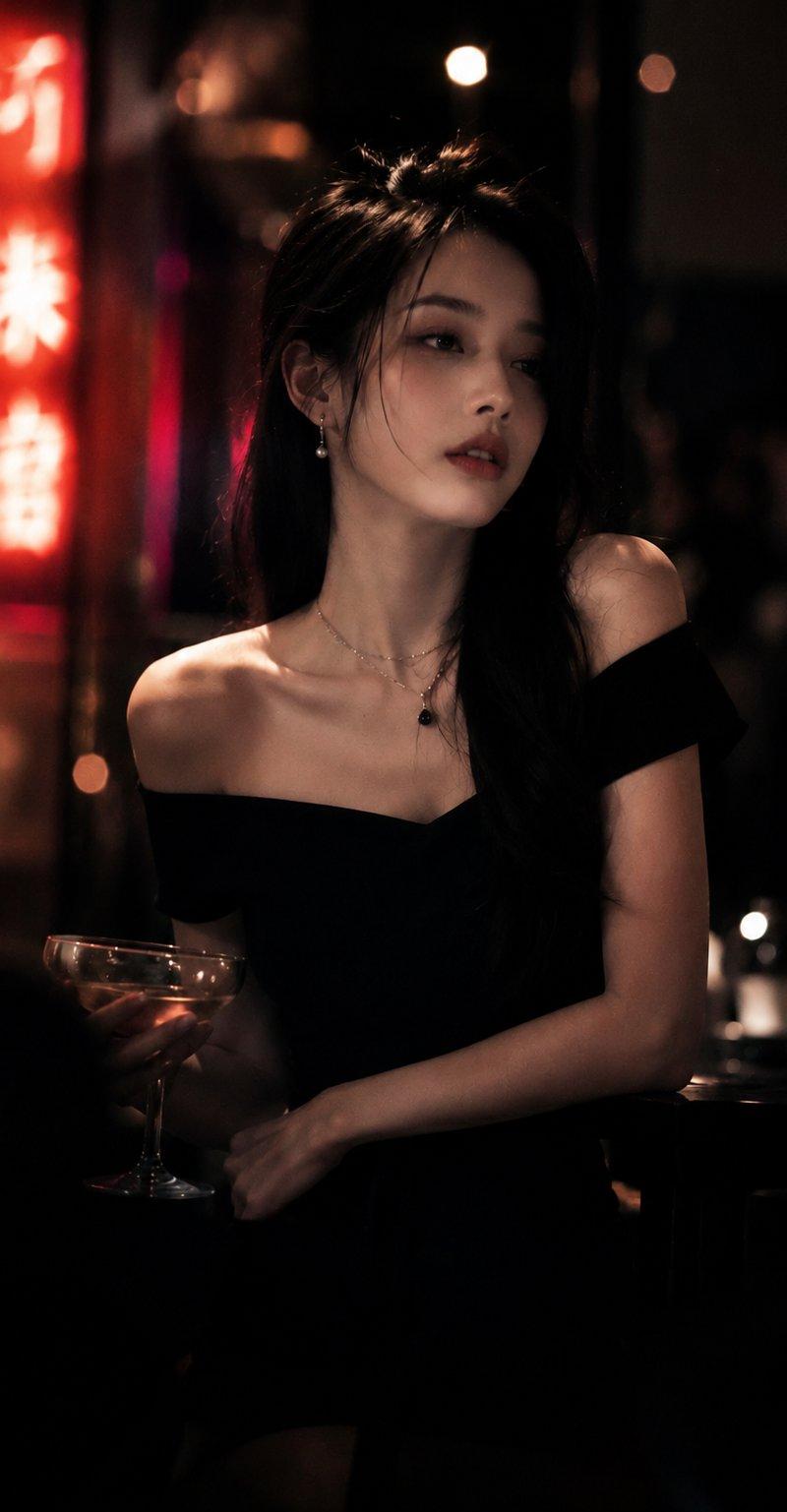
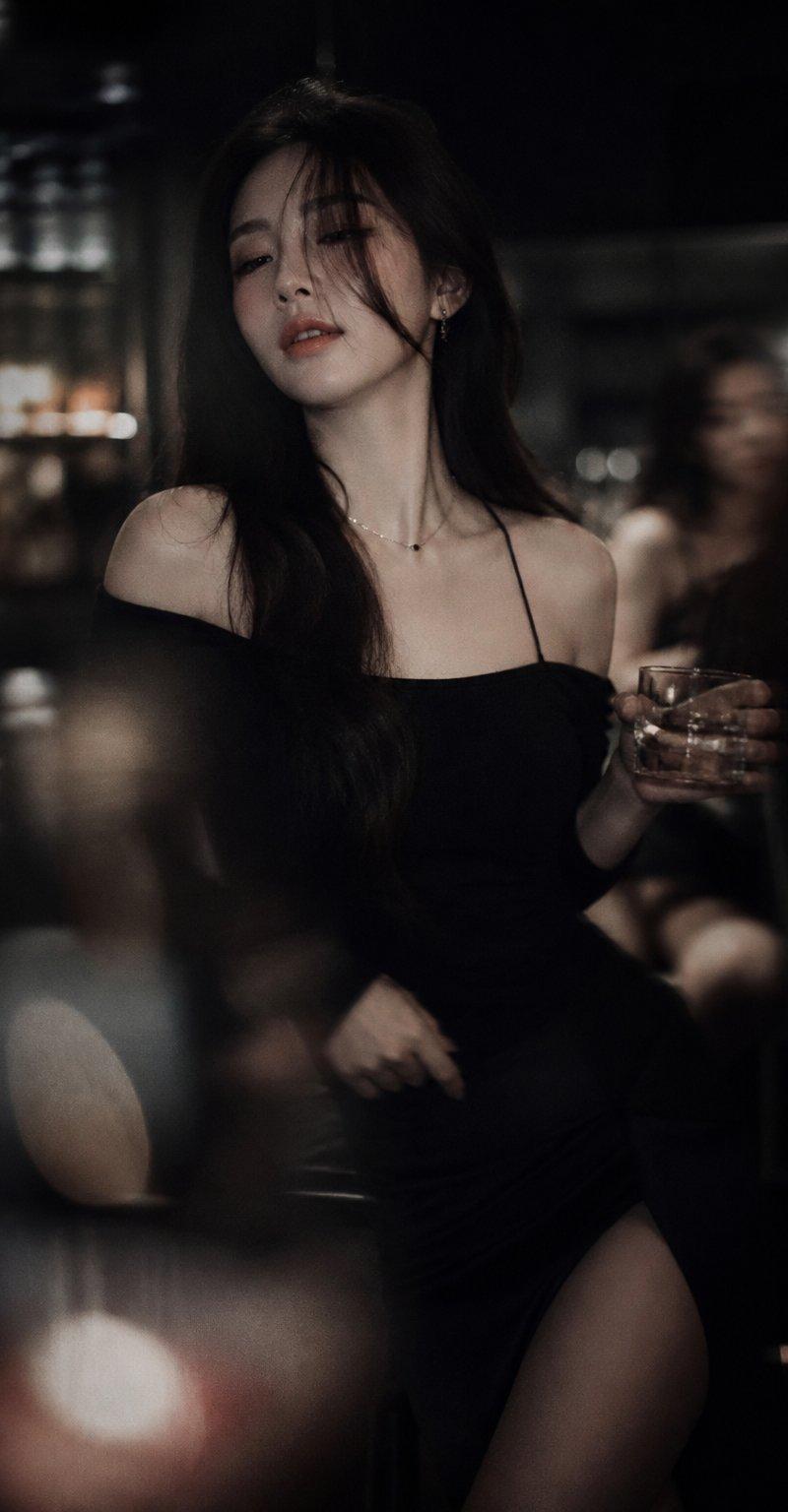
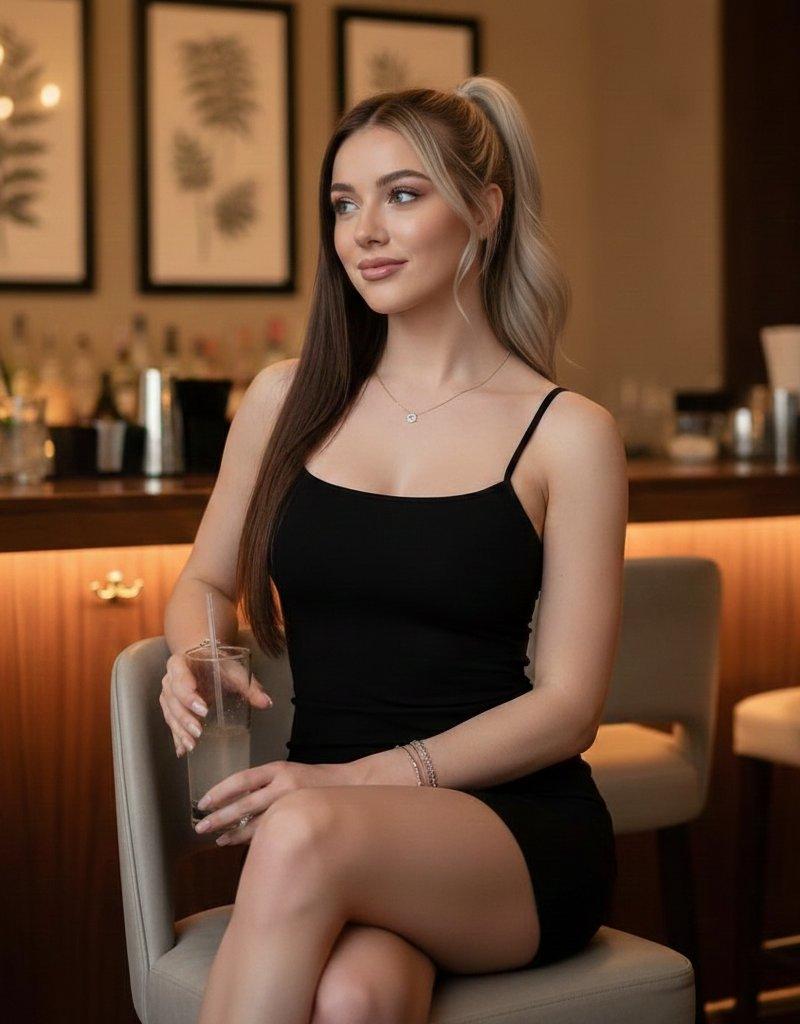
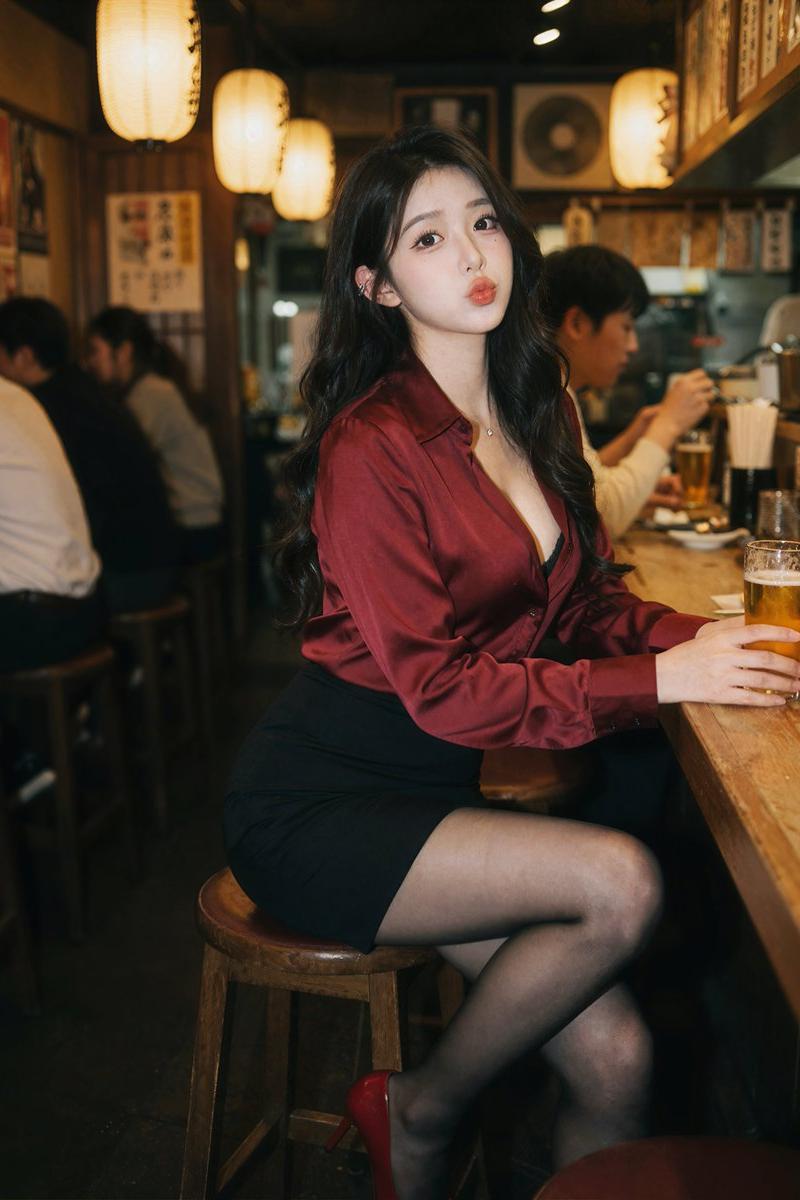
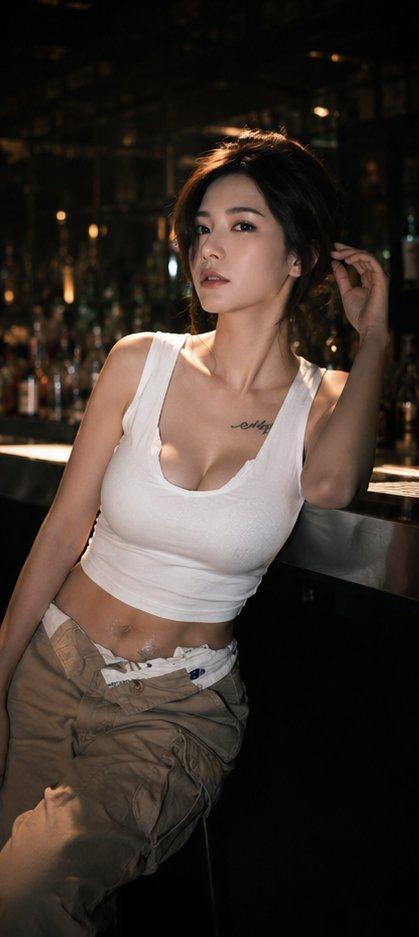
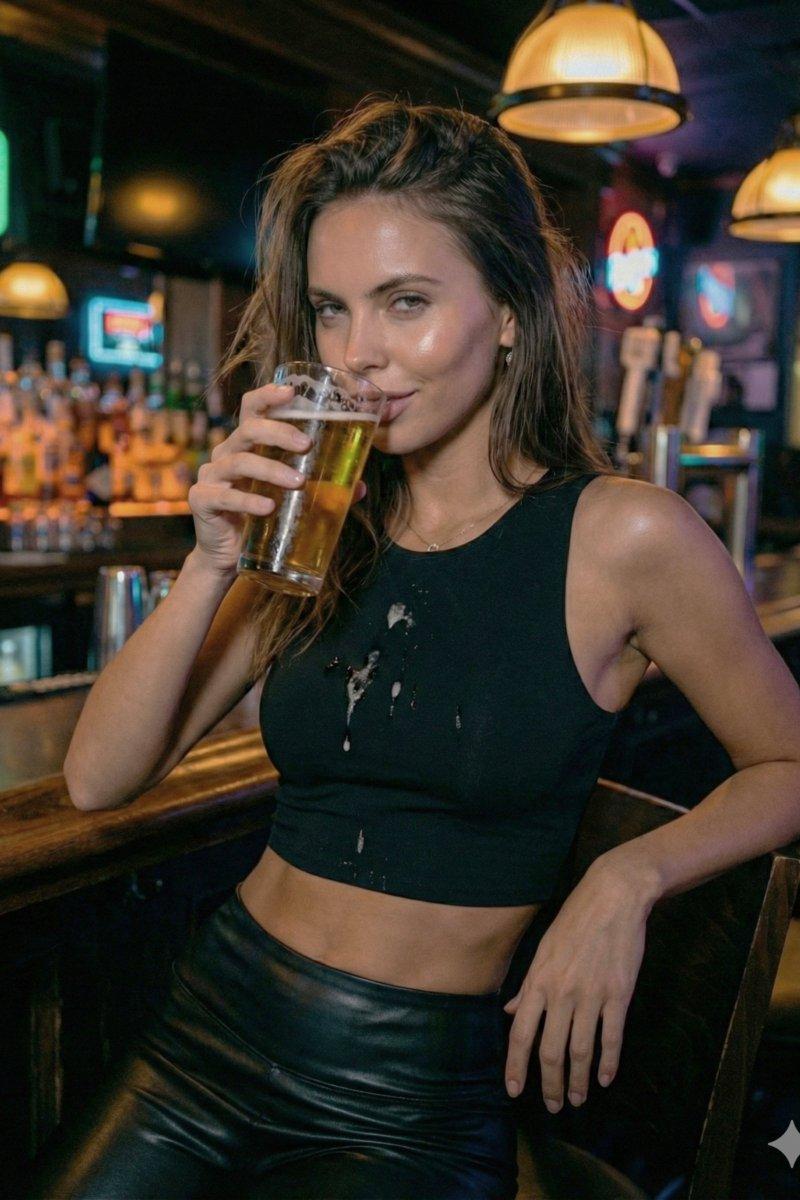
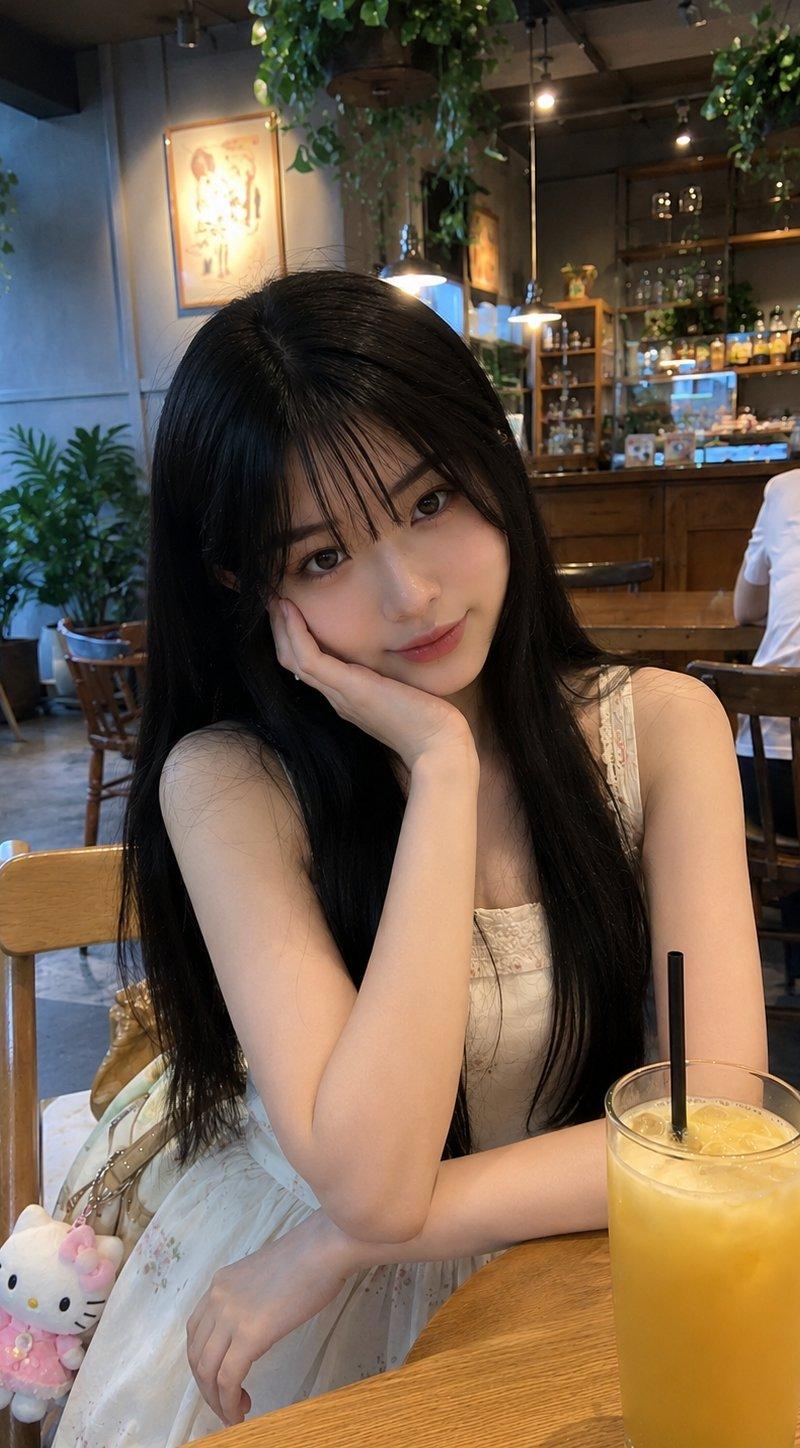
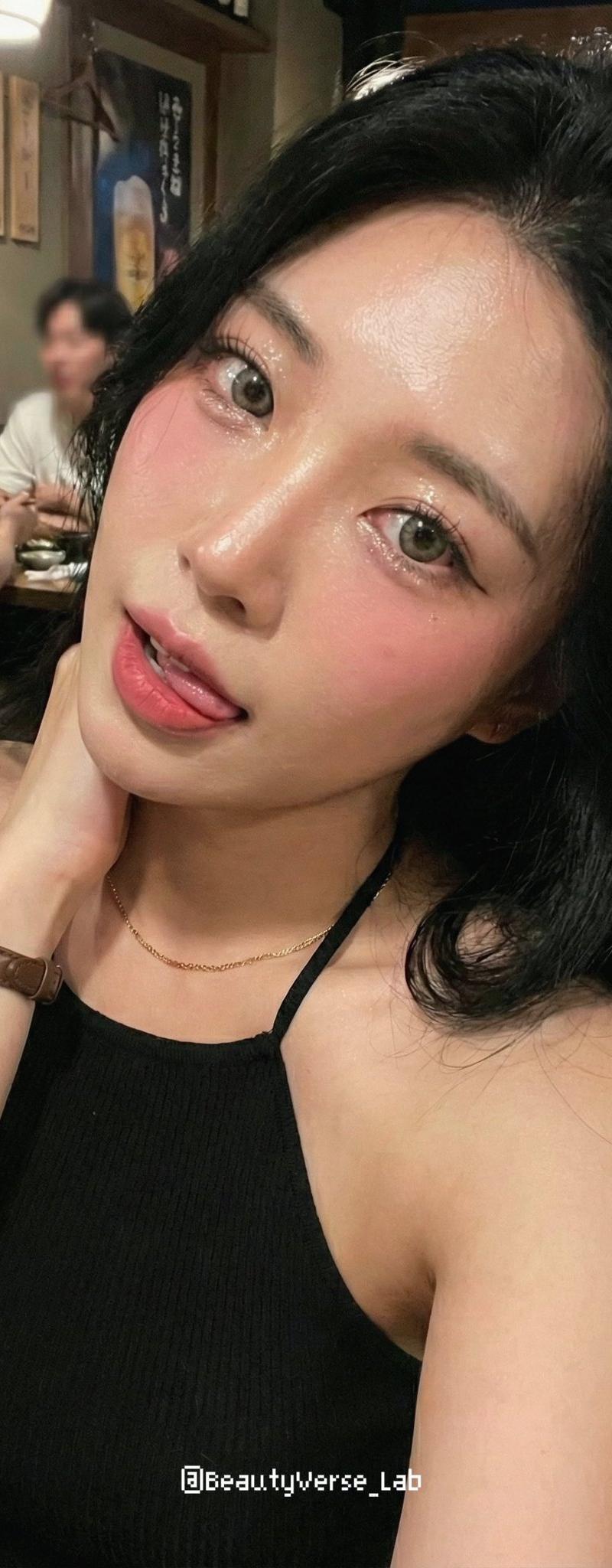
Example images

萌萌宇宙系列 OOTD 时尚拼贴

Prompt
【✨萌萌宇宙系列✖️OOTD(今日穿搭)】第六弹
中文提示词:
角色与任务 :
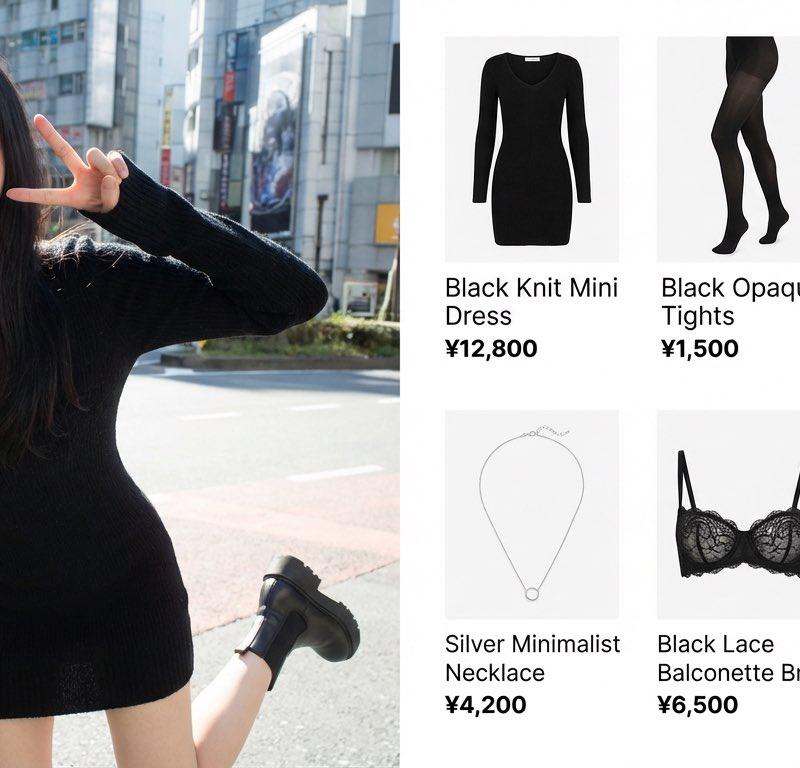
请以杂志编辑风格制作专业的 OOTD(今日的搭配)时尚拼贴。
设计需在左侧和右侧反映以下内容。
左侧:
・完全保留上传图片的面部、发型、服装。
・可爱、有趣且搞怪的姿势,真实的氛围感。
・干净明亮,杂志品质的照片。
・宽度占整体的60%。
右侧:
・在干净的白色背景上整理好的商品网格
・[数量]个独立商品模块垂直排列
・最后的商品是配置了根据图像推测的内衣(胸罩、T 恤等)。
・各模块包含的内容:
商品照片(白色背景裁剪、电子商务风格)
商品名称
价格
・宽度占整体的40%。
展示商品示例:
1.[商品1] - ¥[价格]
2.[商品2] - ¥[价格]
3.[商品3] - ¥[价格]
4.[商品4] - ¥[价格]
5.[商品5] - ¥[价格]
6.[商品6] - ¥[价格]
排版:
・现代的无衬线体(简洁、极简)
・商品名使用中等粗细
・价格加粗
整体风格:
・明亮、清爽、专业
・像 Instagram 时尚博主
・简洁且留有空间的布局
・调色板:自然色、白色、柔和的灰色
・专业商品照片质量
Category
Posters & Typography
Model
Unknown
Creator
骑司Chase
Source language
zh-CN
Views0
Source ID
cute-universe-series-ootd-fashion-collage
Studio

Guide

About "萌萌宇宙系列 OOTD 时尚拼贴"

What is this prompt for?

"萌萌宇宙系列 OOTD 时尚拼贴" AI image prompt for Unknown (Posters & Typography). 【✨萌萌宇宙系列✖️OOTD(今日穿搭)】第六弹 中文提示词: 角色与任务 : 请以杂志编辑风格制作专业的 OOTD(今日的搭配)时尚拼贴。 设计需在左侧和右侧反映以下内容。…

The full copyable prompt and example visuals above are ready for AI image generation or one-click recreate in Picva.

How to use this prompt

  1. Step 1

    Open the prompt detail

    Review the example visuals, category, and full prompt text for "萌萌宇宙系列 OOTD 时尚拼贴".

  2. Step 2

    Copy the prompt

    Copy the prompt body from this page, or load it directly in Studio.

  3. Step 3

    Pick a model (Unknown)

    Prefer Unknown. If you switch models, keep subject and composition and tweak style terms.

  4. Step 4

    Generate and export

    Recreate the look in Picva, or export into your workflow for editing and publishing.

FAQ

What is the "萌萌宇宙系列 OOTD 时尚拼贴" prompt?
It is an AI image-generation prompt for Unknown in the Posters & Typography category. This page includes the full prompt text, example visuals, and a one-click recreate path in Picva.
How do I use this prompt to generate an image?
Copy the prompt from this page, or use Generate / Studio. Paste it into a compatible image model, or recreate the look in Picva with optional reference images.
Which model is this prompt for?
This page lists Unknown. Most descriptive prompts also transfer to nearby image models such as GPT Image, Flux, or Midjourney with light style tweaks.
Can I use the result commercially?
You can usually copy the prompt for creation, but commercial use of the final image depends on the model terms, reference-image rights, and the generated content. Follow the source author and platform rules.