13

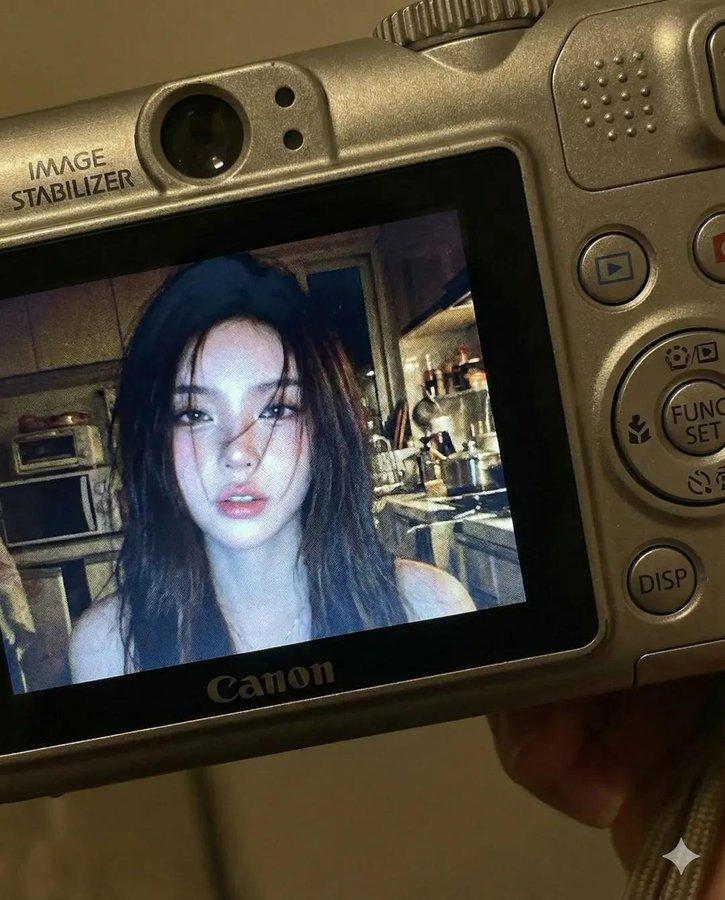
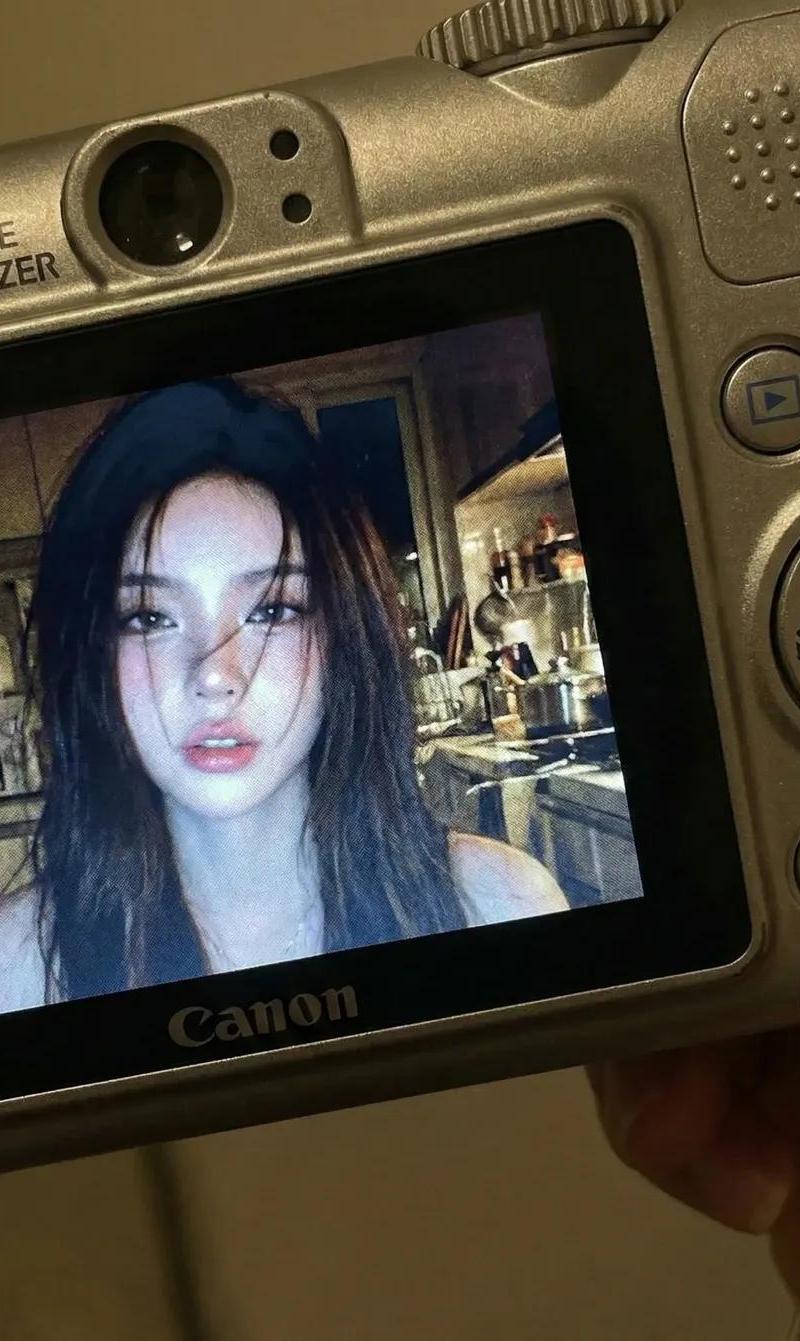
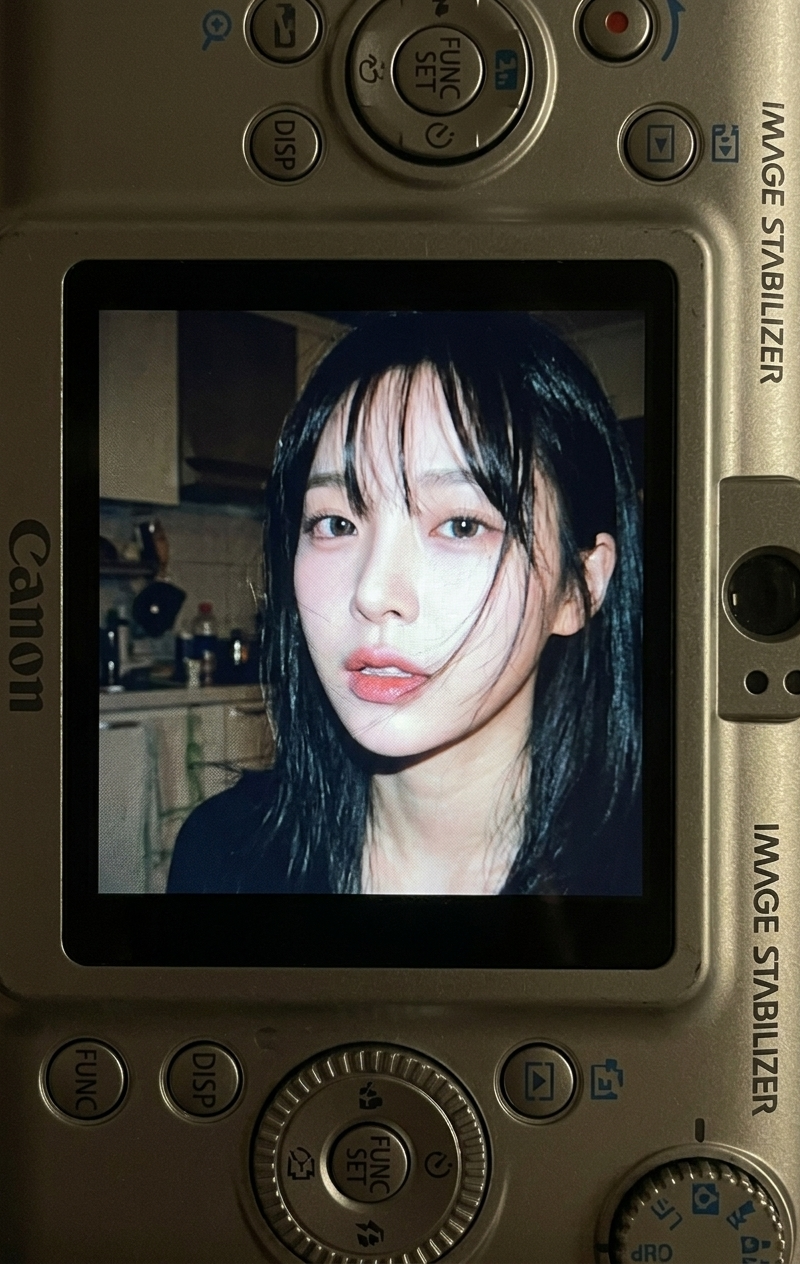
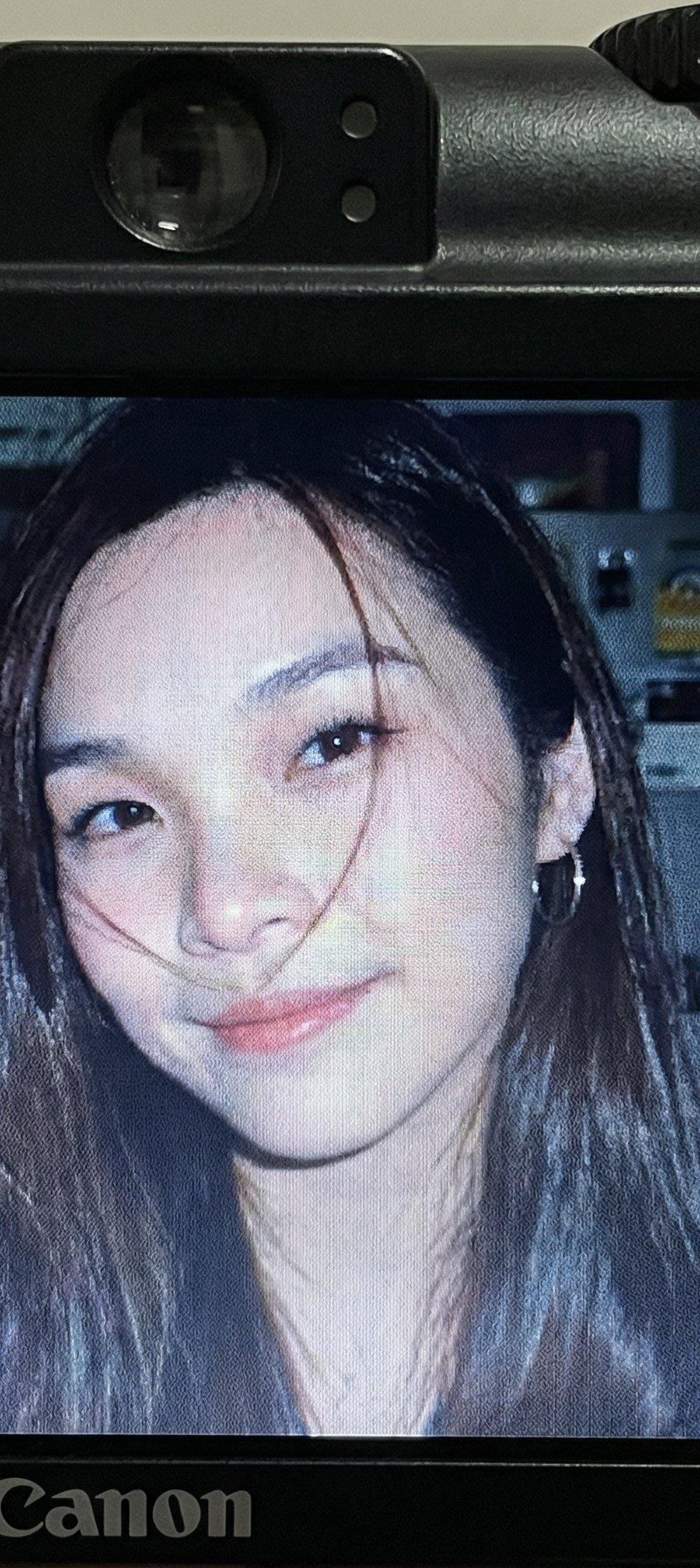
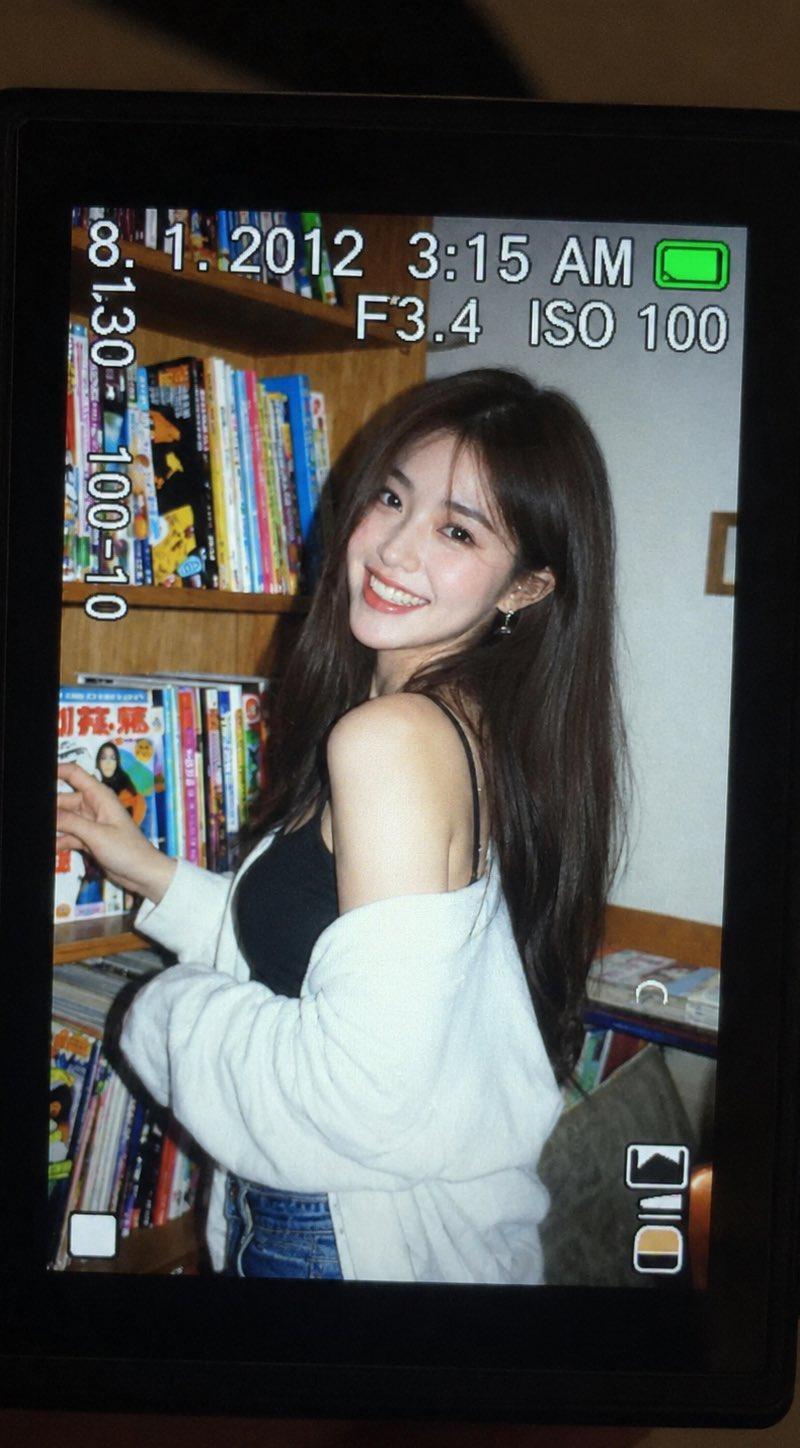
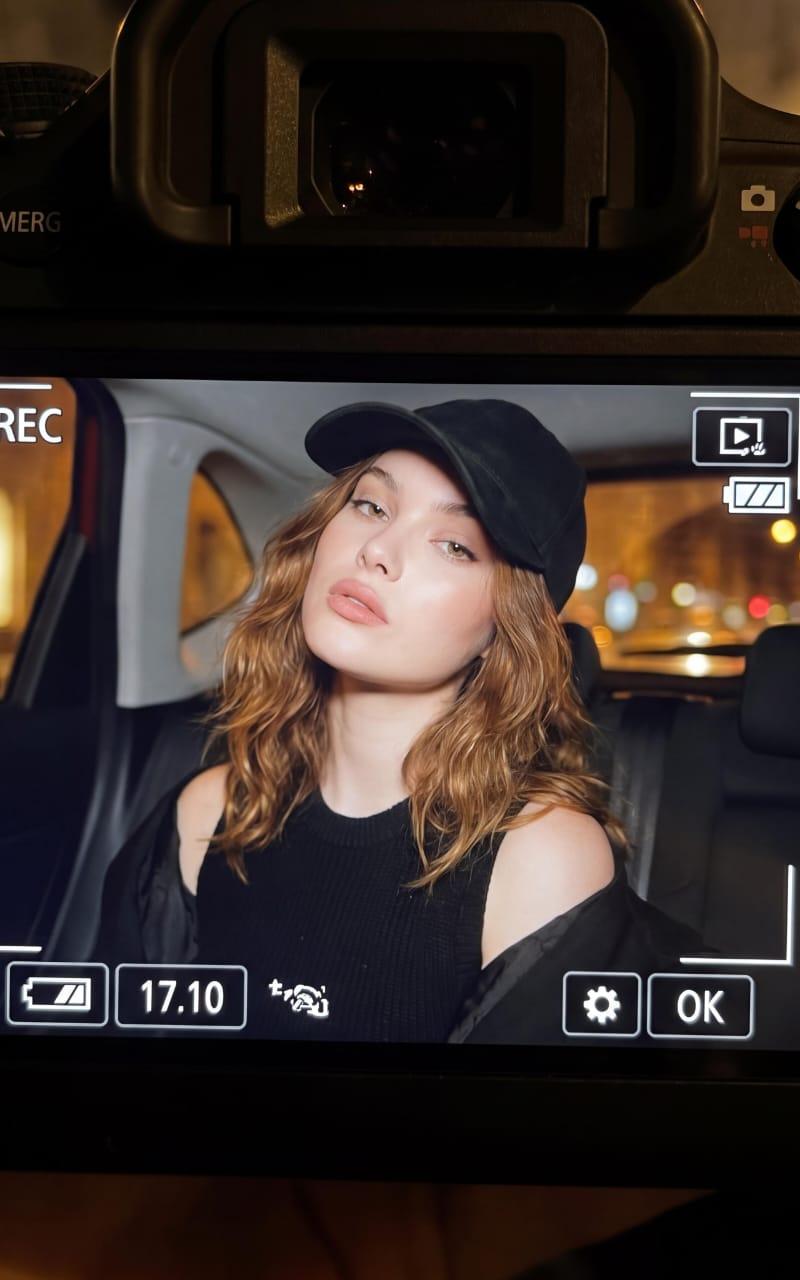
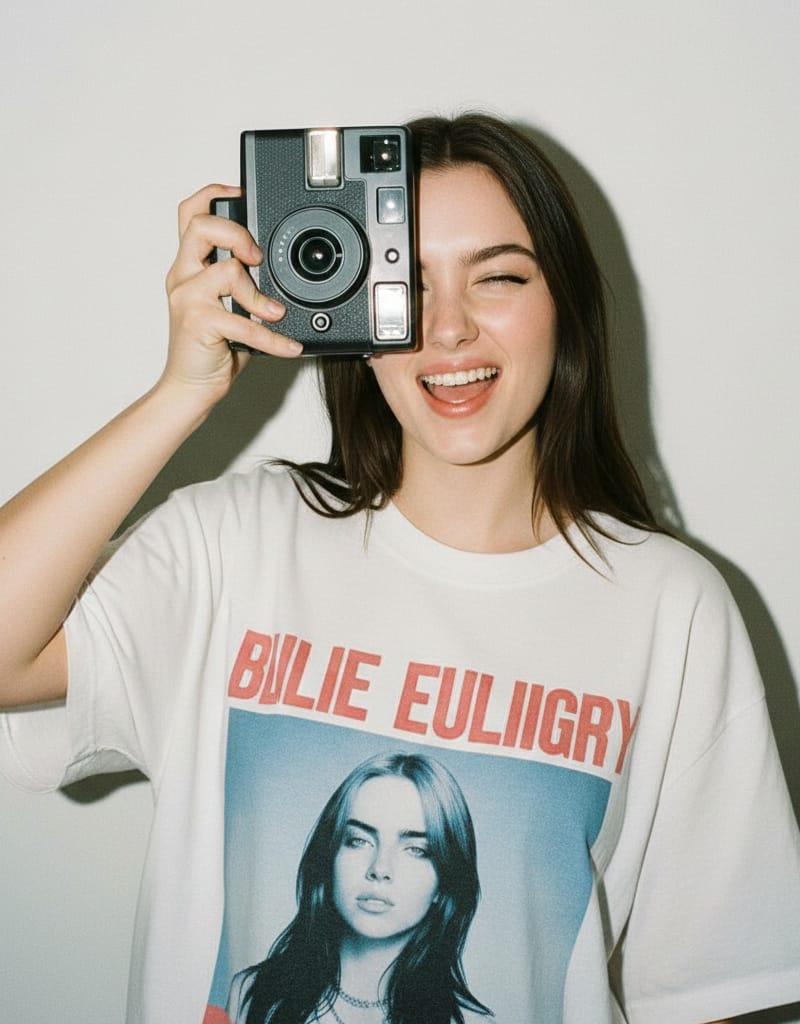
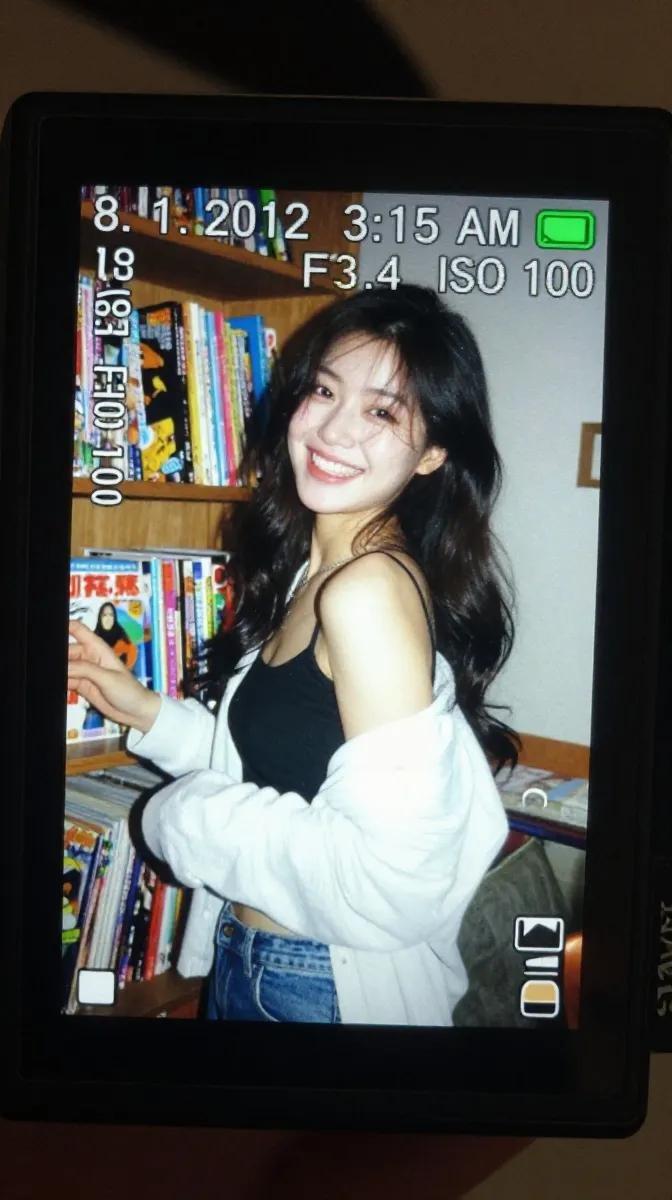
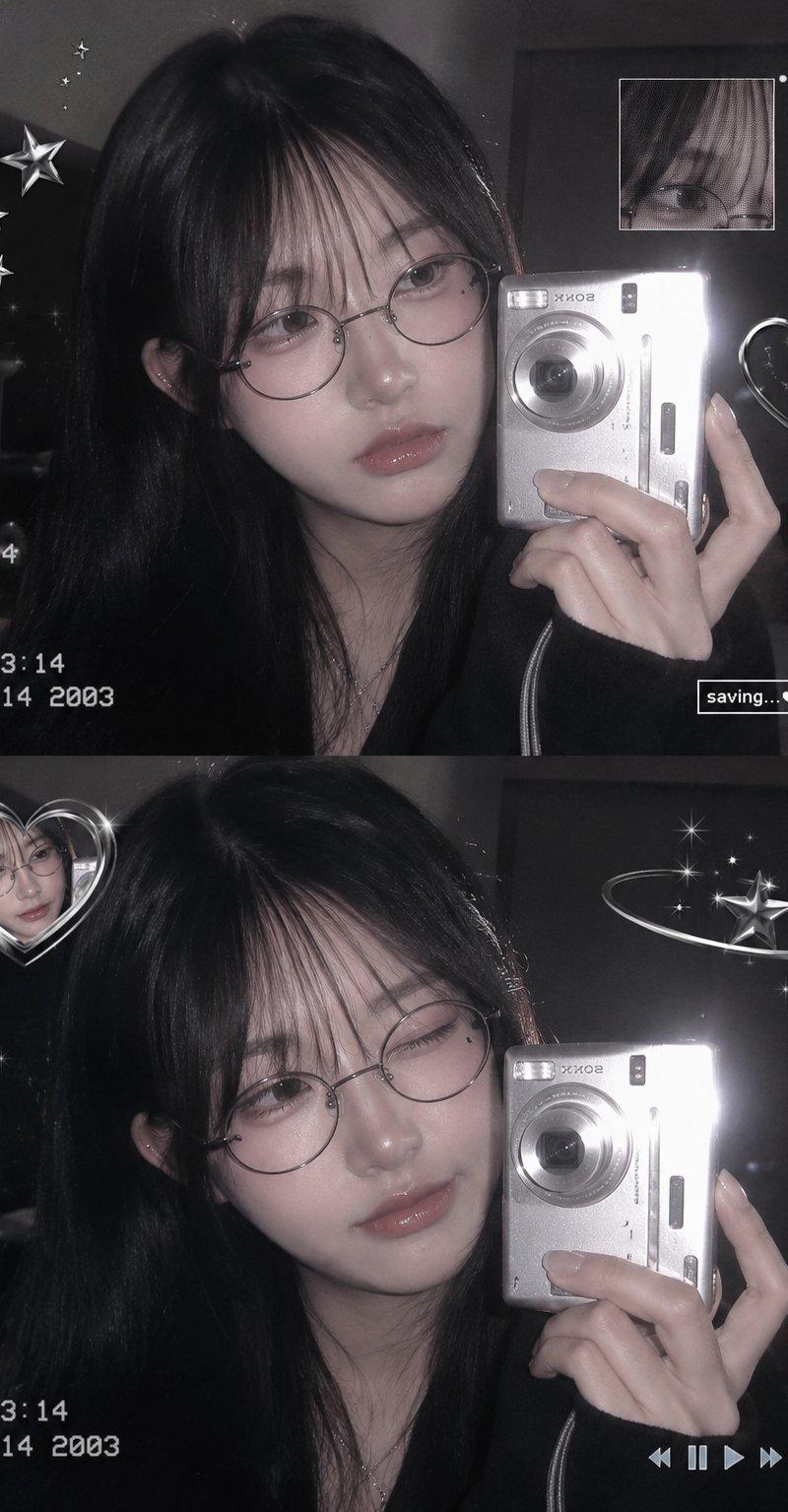
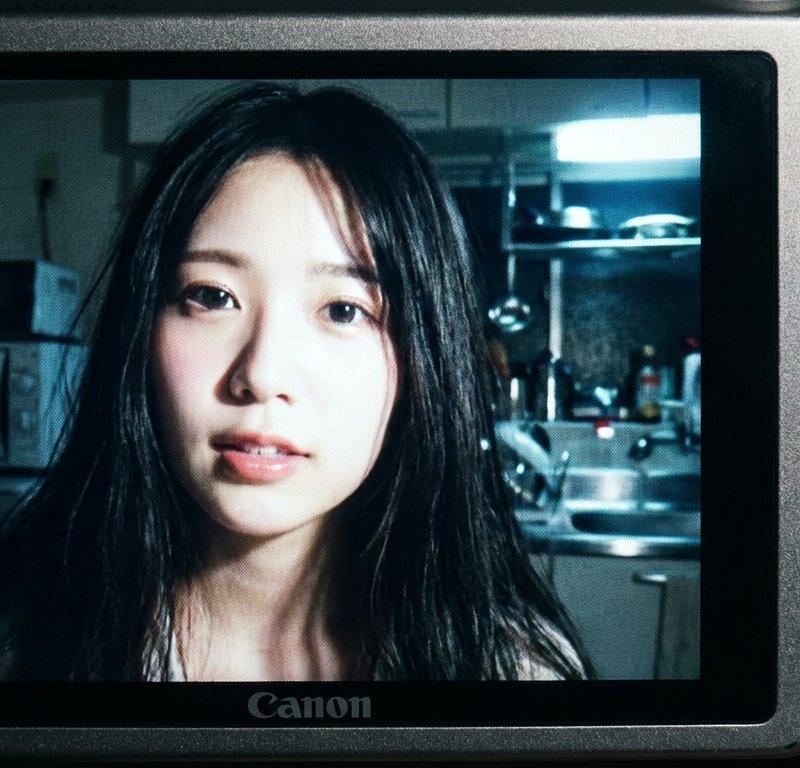
Nano Banana Pro生成的数字相机快照风格照片
Enlarge

Example images

Nano Banana Pro生成的数字相机快照风格照片

Prompt
Nano Banana Proを使えば、
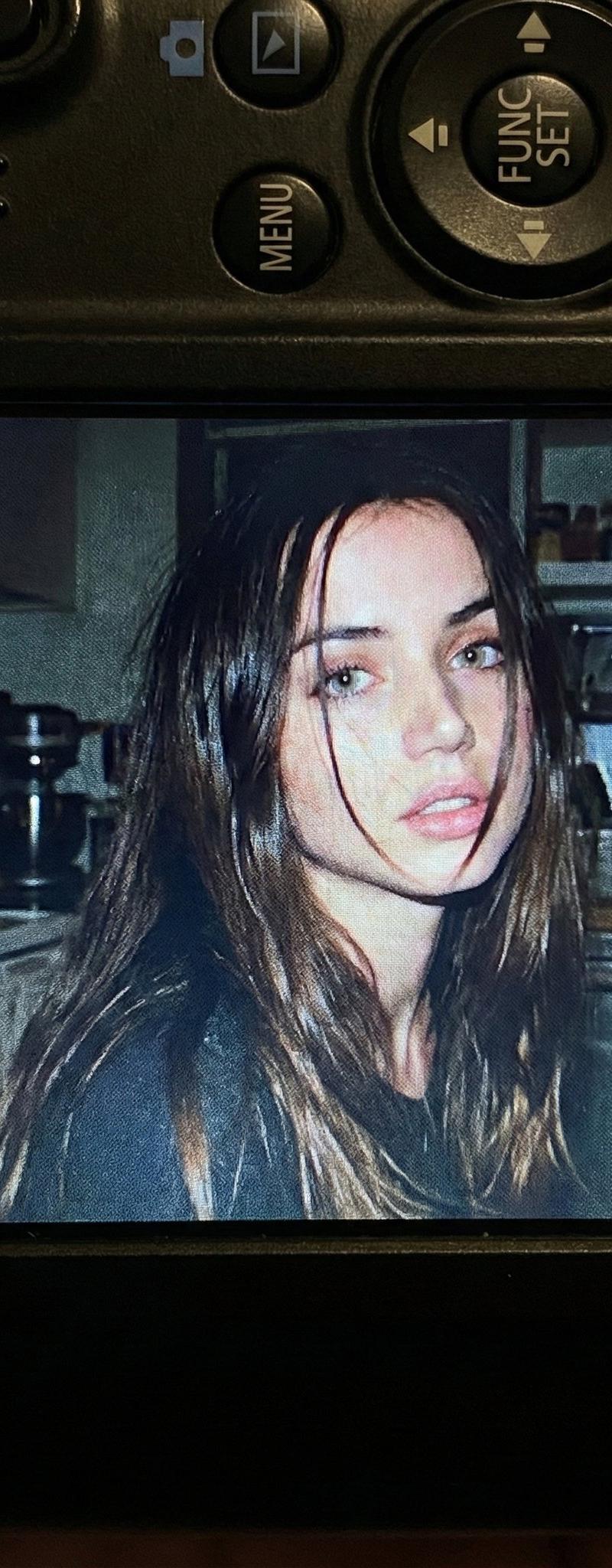
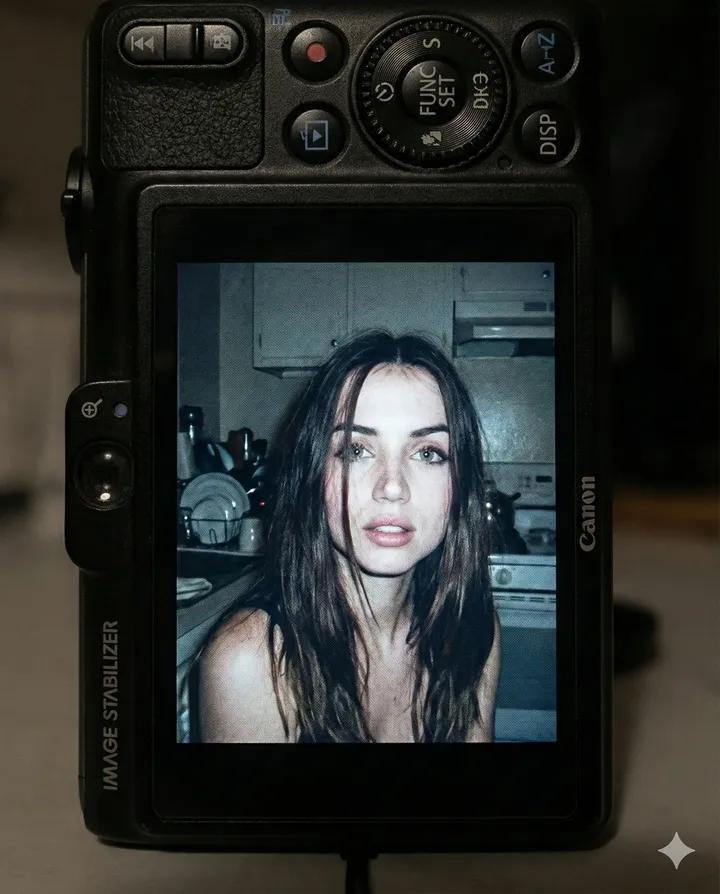
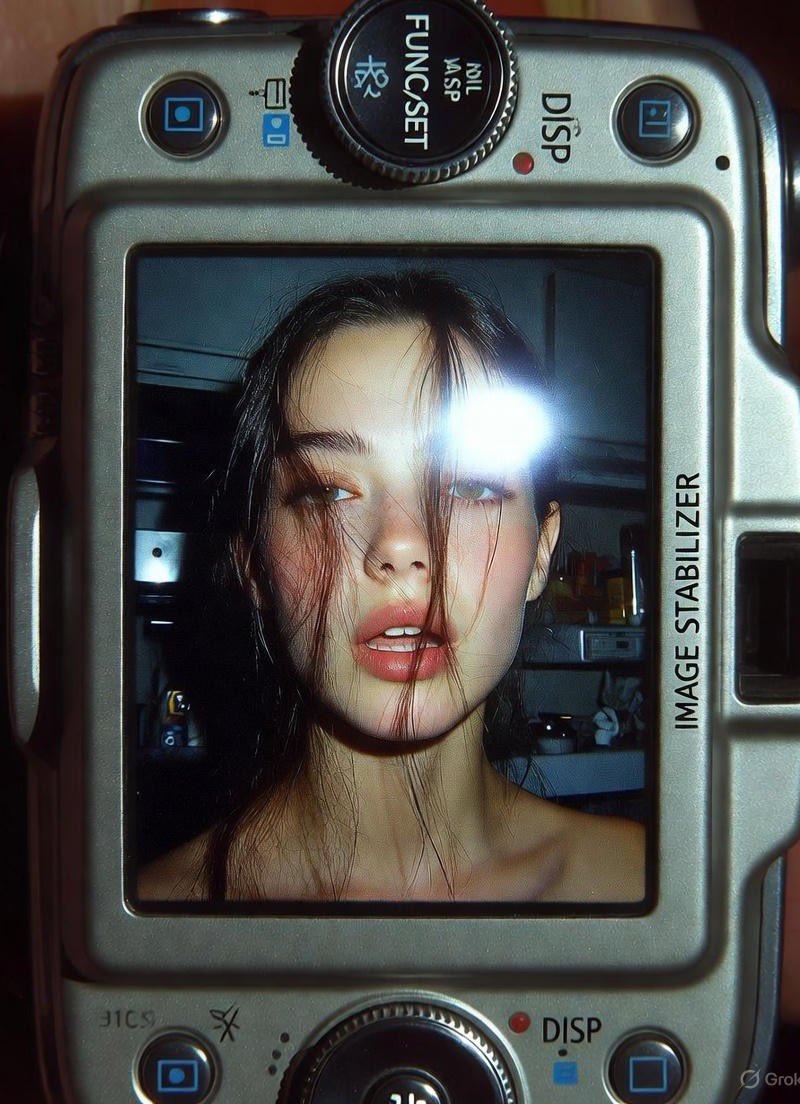
デジタルカメラで撮影したスナップショット風の写真生成もAIで超簡単です。
プロンプトは、下記見てね⬇️
▼Prompt
{
 "subject": {
 "face_features": "添付写真の顔の特徴を使用",
 "description": "若い女性のクローズアップショット。長い黒髪がゆるく顔にかかり、柔らかく少し開いた唇の表情。内蔵フラッシュの強い光で顔と髪にシャープなハイライトが生まれている。",
 "mood": "率直、生々しい、懐かしい。2000年代初頭のデジタルカメラスナップショット風。"
 },
 "camera_display_scene": {
 "device": "コンパクトなCanonデジタルカメラ",
 "visible_parts": [
 "カメラボディが画像を囲む",
 "ボタン、ダイヤル、テクスチャのある表面",
 "FUNC/SETホイール",
 "DISPボタン",
 "側面の『IMAGE STABILIZER』ラベル"
 ],
 "screen_image": {
 "lighting": "夜の室内、内蔵フラッシュによる明るい直射光",
 "background": "薄暗い散らかったキッチン。電化製品、棚、金属面が柔らかくぼかされている。",
 "color_tone": "少し抑えめでクールなアンダートーン。強いフラッシュコントラスト。ディスプレイ由来の自然な粒状感。",
 "text_or_logo": "なし"
 }
 },
 "image_spec": {
 "aspect_ratio": "4:5(縦)",
 "camera_simulation": "コンパクトデジタルカメラシミュレーション",
 "lens": "28–35mm相当",
 "aperture": "f/2.8",
 "iso": 400,
 "shutter_speed": "1/60(フラッシュ使用)",
 "white_balance": "オートフラッシュ",
 "lighting": {
 "subject": "強い直射フラッシュ",
 "background": "低照度の周囲光"
 },
 "color_grading": "懐かしいデジタルカメラトーン、高コントラストフラッシュ、微妙なディスプレイ粒状感、スクリーン特有の輝き"
 }
}
Category
Photography & Realism
Model
Nano Banana Pro
Creator
so_ainsight
Source language
zh-CN
Views0
Source ID
digital-camera-snapshot-style-photo-nano-banana-pro
Studio

Guide

About "Nano Banana Pro生成的数字相机快照风格照片"

What is this prompt for?

"Nano Banana Pro生成的数字相机快照风格照片" AI image prompt for Nano Banana Pro (Photography & Realism). Nano Banana Proを使えば、 デジタルカメラで撮影したスナップショット風の写真生成もAIで超簡単です。 プロンプトは、下記…

The full copyable prompt and example visuals above are ready for AI image generation or one-click recreate in Picva.

How to use this prompt

  1. Step 1

    Open the prompt detail

    Review the example visuals, category, and full prompt text for "Nano Banana Pro生成的数字相机快照风格照片".

  2. Step 2

    Copy the prompt

    Copy the prompt body from this page, or load it directly in Studio.

  3. Step 3

    Pick a model (Nano Banana Pro)

    Prefer Nano Banana Pro. If you switch models, keep subject and composition and tweak style terms.

  4. Step 4

    Generate and export

    Recreate the look in Picva, or export into your workflow for editing and publishing.

FAQ

What is the "Nano Banana Pro生成的数字相机快照风格照片" prompt?
It is an AI image-generation prompt for Nano Banana Pro in the Photography & Realism category. This page includes the full prompt text, example visuals, and a one-click recreate path in Picva.
How do I use this prompt to generate an image?
Copy the prompt from this page, or use Generate / Studio. Paste it into a compatible image model, or recreate the look in Picva with optional reference images.
Which model is this prompt for?
This page lists Nano Banana Pro. Most descriptive prompts also transfer to nearby image models such as GPT Image, Flux, or Midjourney with light style tweaks.
Can I use the result commercially?
You can usually copy the prompt for creation, but commercial use of the final image depends on the model terms, reference-image rights, and the generated content. Follow the source author and platform rules.