勿眨眼
Prompt
Don't Blink
Google Gemini Banana pro / ChatGPT 1.5
Prompt :
{
"scene": {
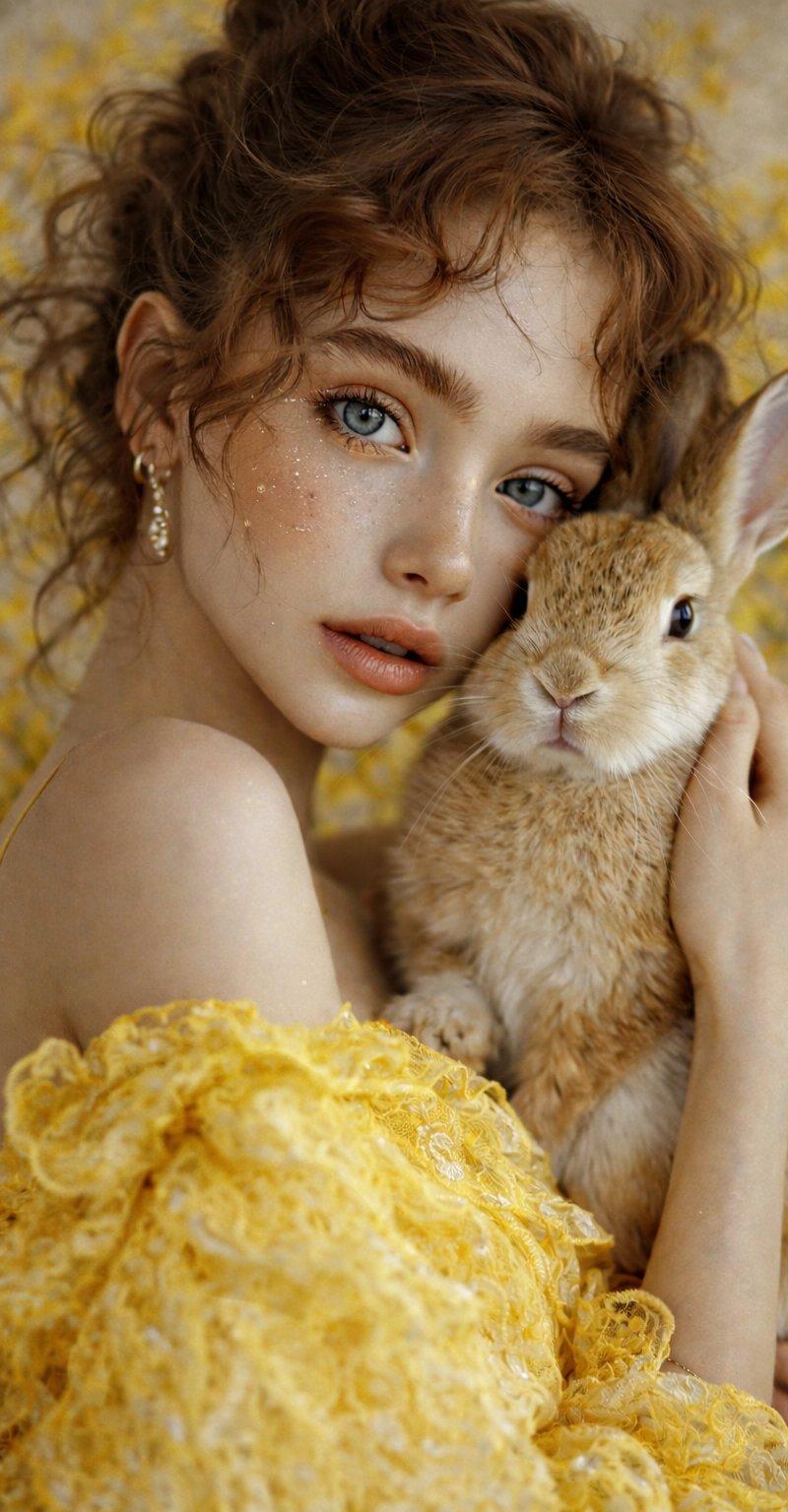
"type": "portrait",
"style": "hyperrealistic, soft-focus, cinematic lighting, 8K UHD",
"composition": "tight-medium shot, centered framing, eye-level perspective"
},
"subjects": [
{
"type": "human",
"gender": "female",
"age": "young adult",
"skin_tone": "fair, smooth, luminous with subtle peach undertones",
"facial_features": {
"eyes": {
"shape": "almond",
"color": "light blue-gray",
"makeup": "minimal mascara, natural shimmer under-eye"
},
"eyebrows": {
"color": "light brown",
"thickness": "medium",
"style": "natural, slightly bushy with defined arch"
},
"nose": "small, narrow bridge, softly contoured",
"lips": {
"shape": "full and softly rounded",
"color": "natural peach nude",
"finish": "matte"
},
"cheeks": "soft blush tone with visible freckles",
"skin_texture": "silky, even, with visible light reflection on cheekbones",
"makeup": "natural look with subtle warm tones and minimal highlight"
},
"hair": {
"color": "light brown with warm honey undertones",
"style": "curly updo, soft ringlets framing the face, wispy fringe",
"texture": "fine, voluminous with defined curls"
},
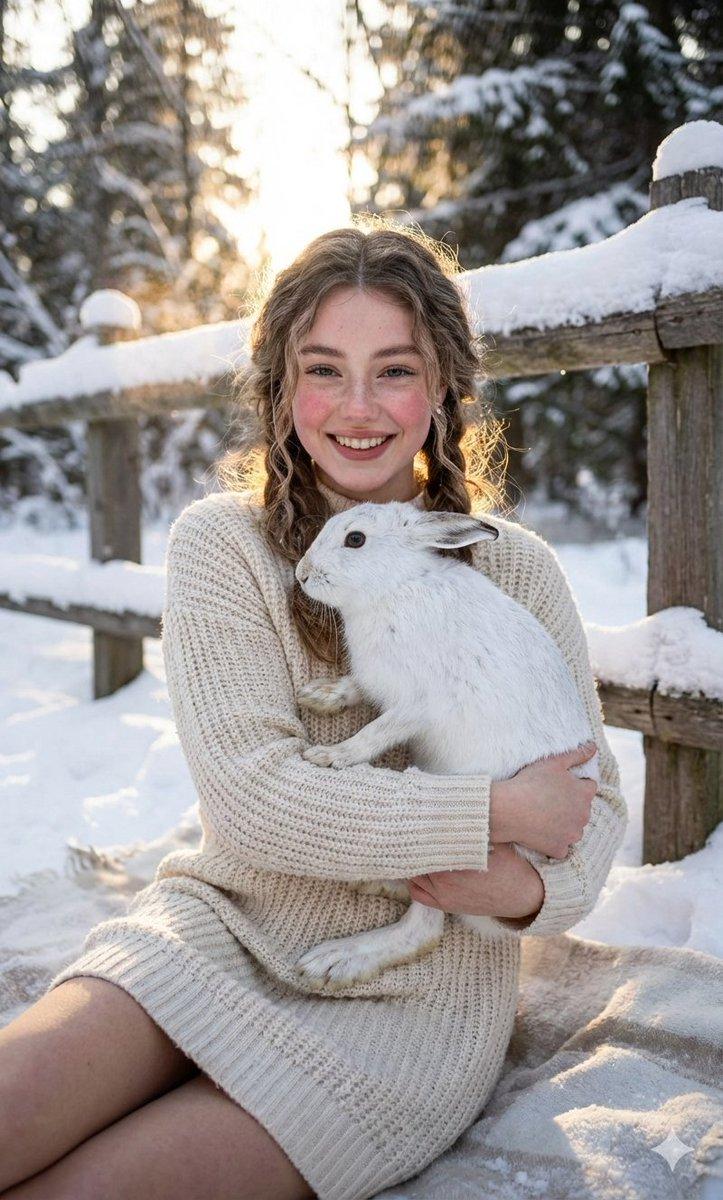
"expression": "calm, serene gaze directly toward the camera",
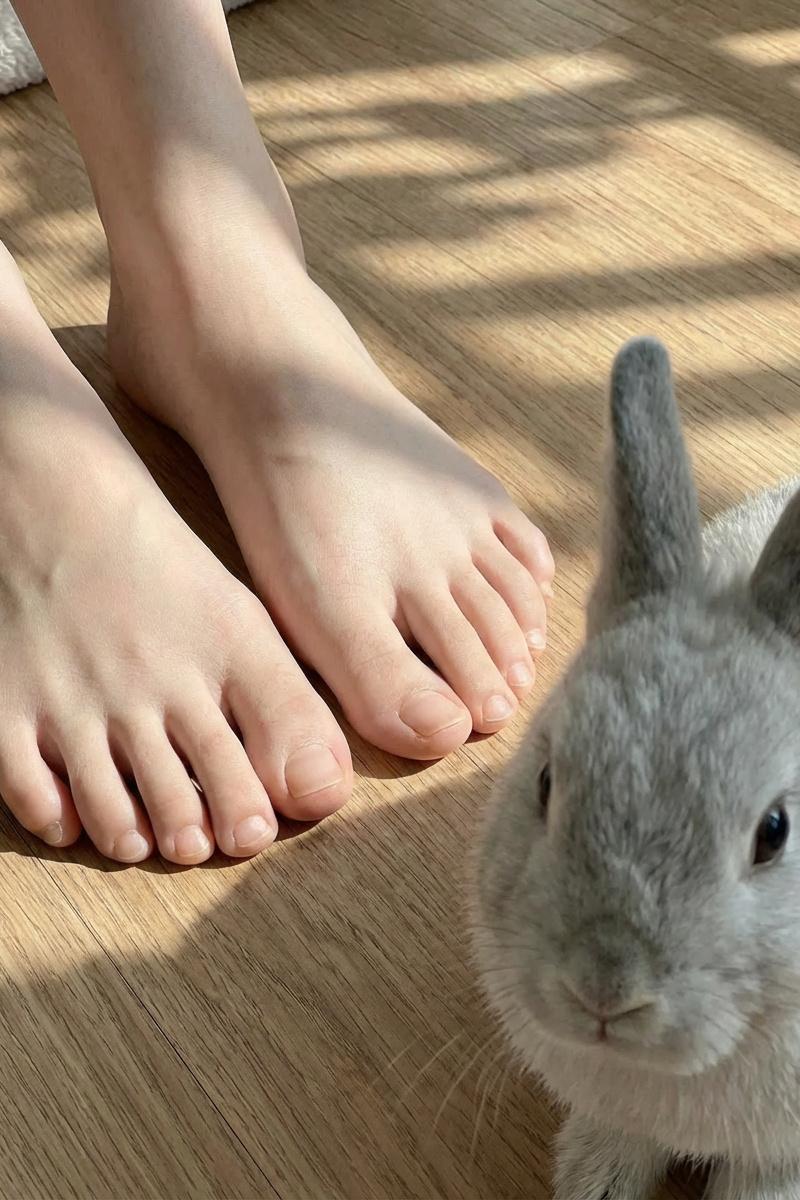
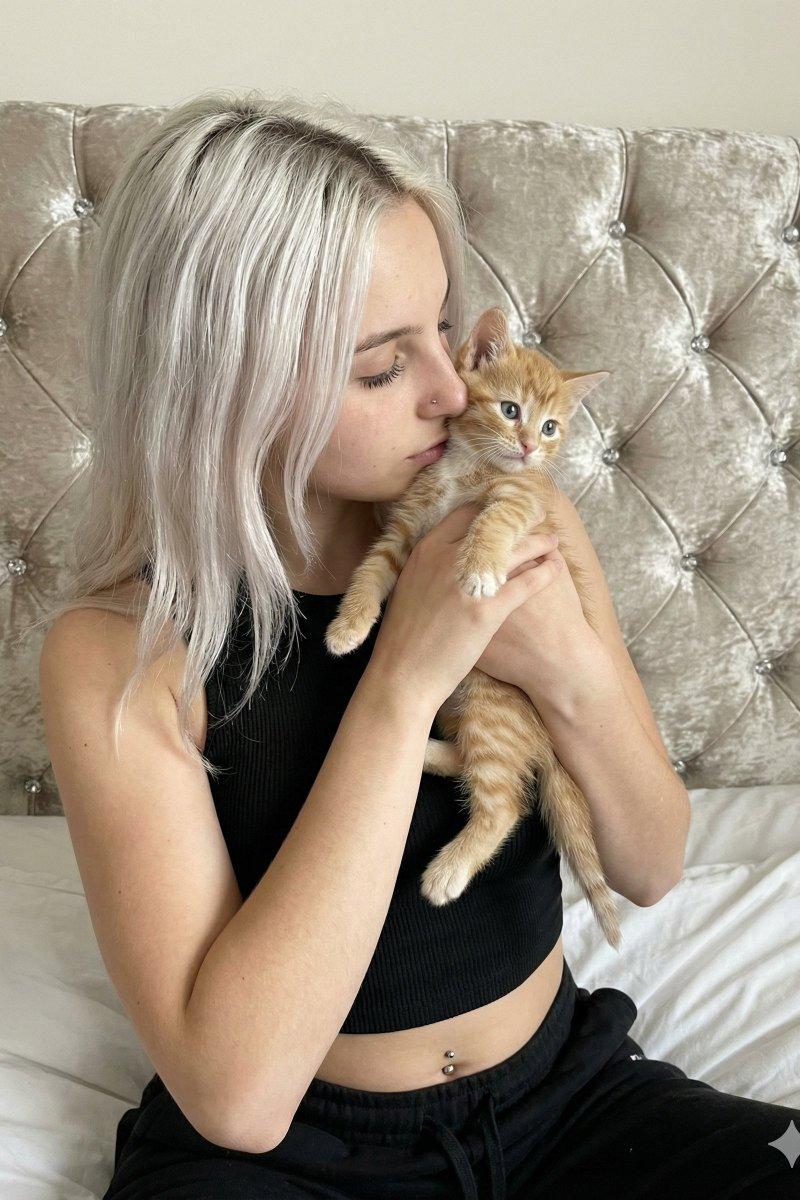
"pose": "head tilted slightly toward the rabbit, right hand gently holding the animal close to cheek"
},
{
"type": "animal",
"species": "rabbit",
"fur_color": "light beige with white gradient on underside",
"eye_color": "dark brown",
"ear_shape": "upright, inner ear pale pink",
"texture": "soft, plush, fine fur strands clearly visible",
"pose": "held close to woman\'s face, facing forward with neutral calm expression",
"lighting": "subtle highlights on fur, natural texture preserved"
}
],
"clothing_and_accessories": {
"outfit": {
"type": "gown",
"color": "bright yellow",
"material": "lace fabric with ruffled floral texture and soft shimmer",
"design_details": "layered, translucent patterns with intricate embroidery",
"sleeves": "off-shoulder puffy sleeves with heavy ruffles"
},
"jewelry": {
"earrings": "small dangling gold earrings with a teardrop gemstone"
}
},
"background": {
"theme": "soft yellow floral backdrop",
"texture": "blurred bokeh-style pattern of yellow flowers",
"depth_of_field": "shallow, strong background blur maintaining focus on subjects",
"color_palette": "warm golden yellow, beige, and soft cream tones"
},
"lighting": {
"source": "soft natural or diffused studio light from front-left direction",
"shadows": "minimal, soft gradient transitions",
"highlights": "on cheekbones, upper lips, and rabbit fur edges",
"mood": "dreamlike warmth and tenderness"
},
"color_grading": {
"dominant_tones": "warm yellows, golden highlights, natural skin tones",
"contrast": "medium-high contrast, soft luminance",
"saturation": "balanced, slightly warm enhancement"
},
"quality": {
"resolution": "8K ultra-HD",
"sharpness": "extremely high on subject, micro-detail visible on skin pores and lace texture",
"depth": "clear separation between subject and blurred background"
},
"mood_and_style": {
"theme": "tenderness, innocence, harmony between human and nature",
"art_direction": "fine art portrait photography with a romantic vintage aesthetic"
}
}- Category
- Photography & Realism
- Model
- Unknown
- Creator
- ShaHid WaNii
- Source language
- zh-CN
- Source ID
- don-t-blink
Views0