19

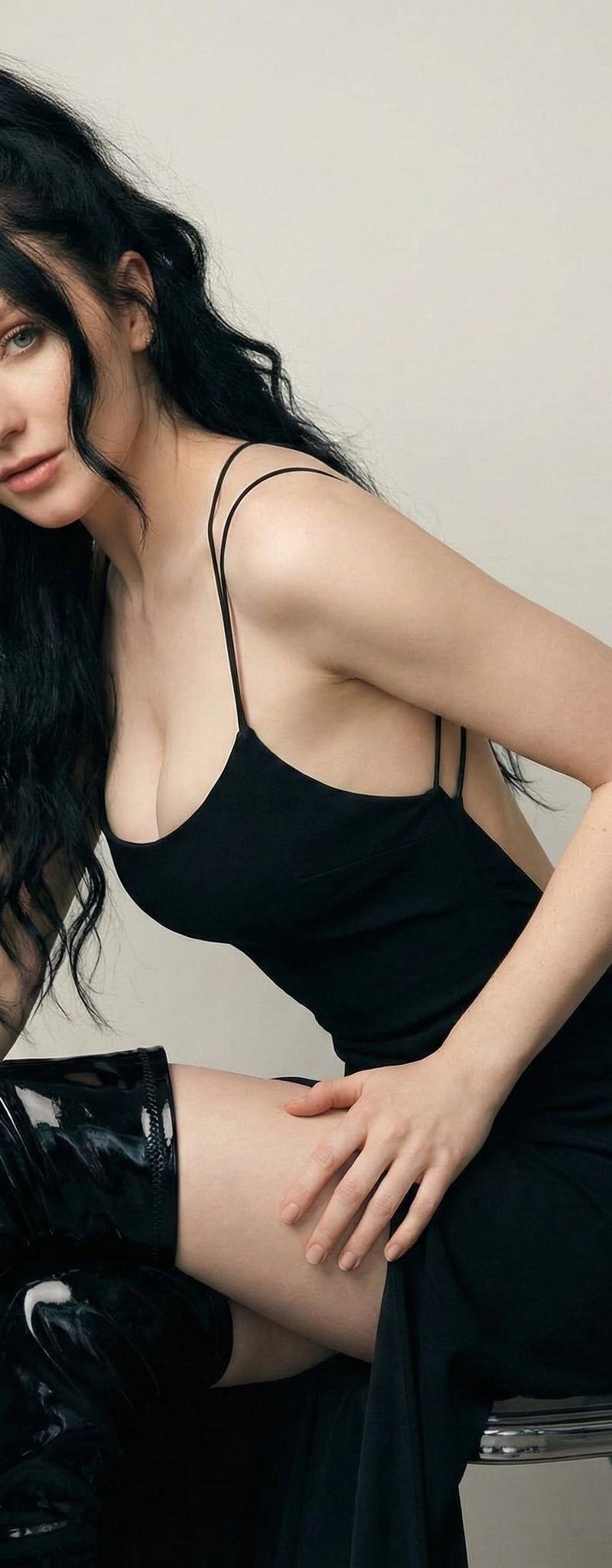
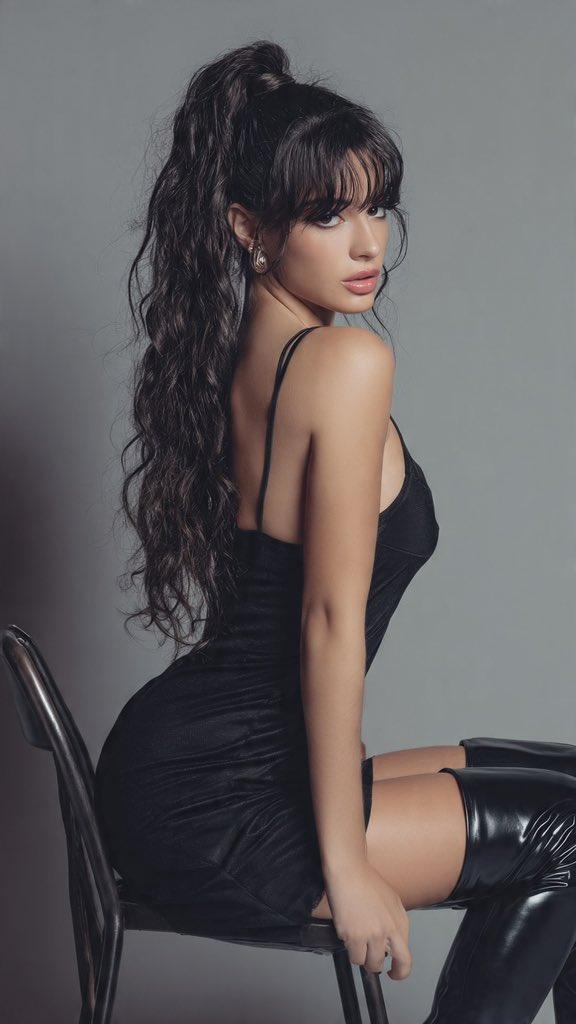
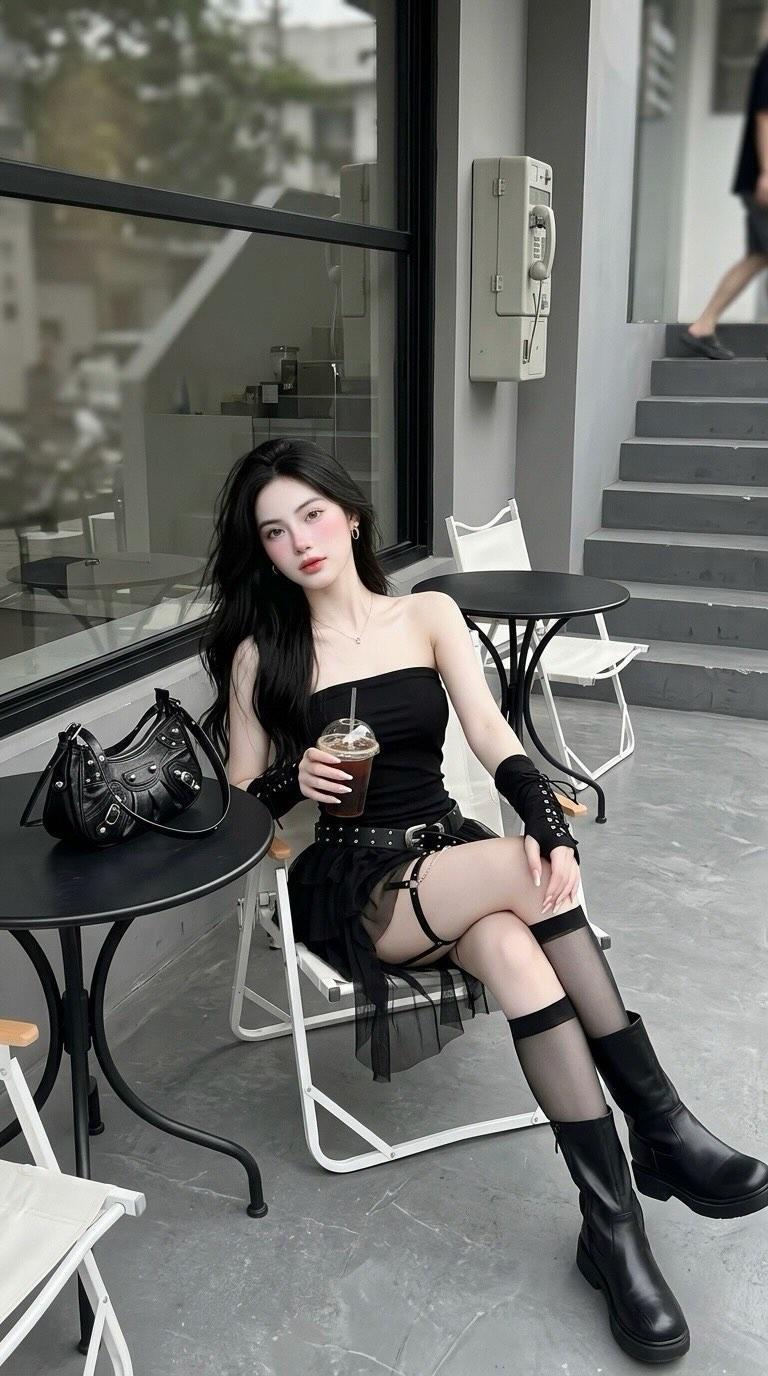
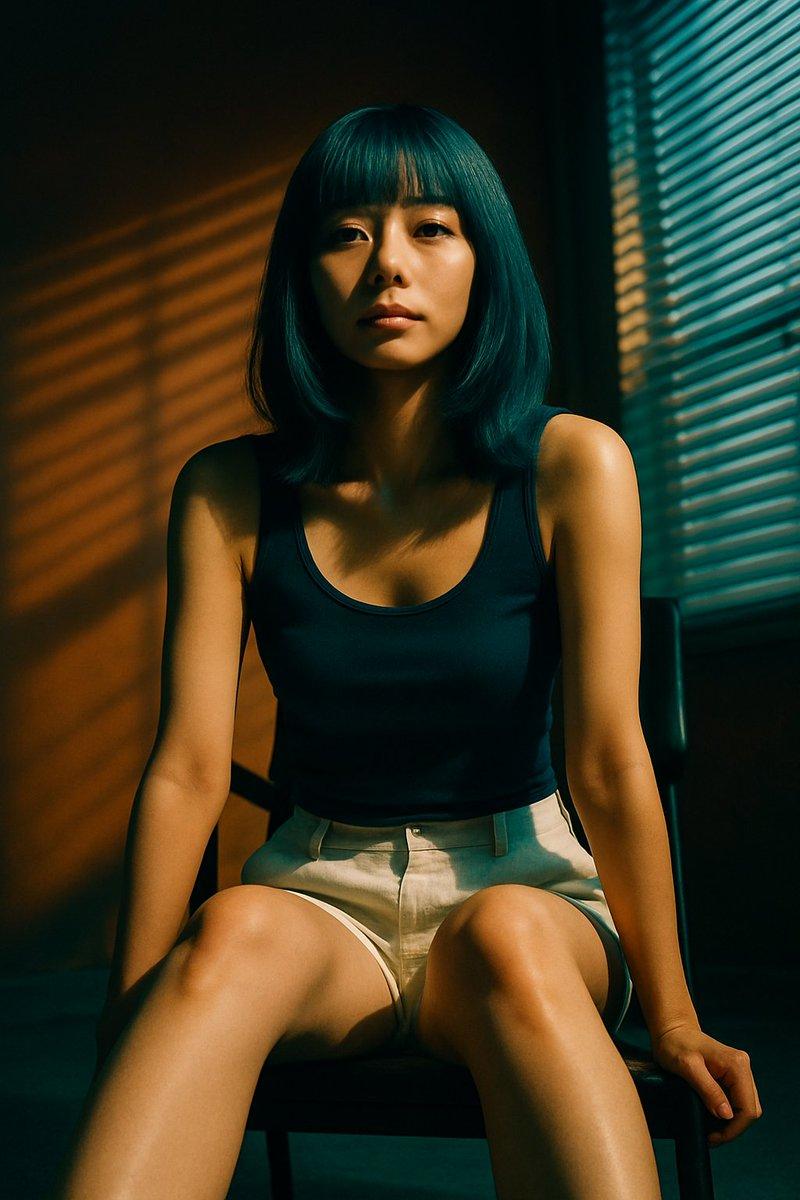
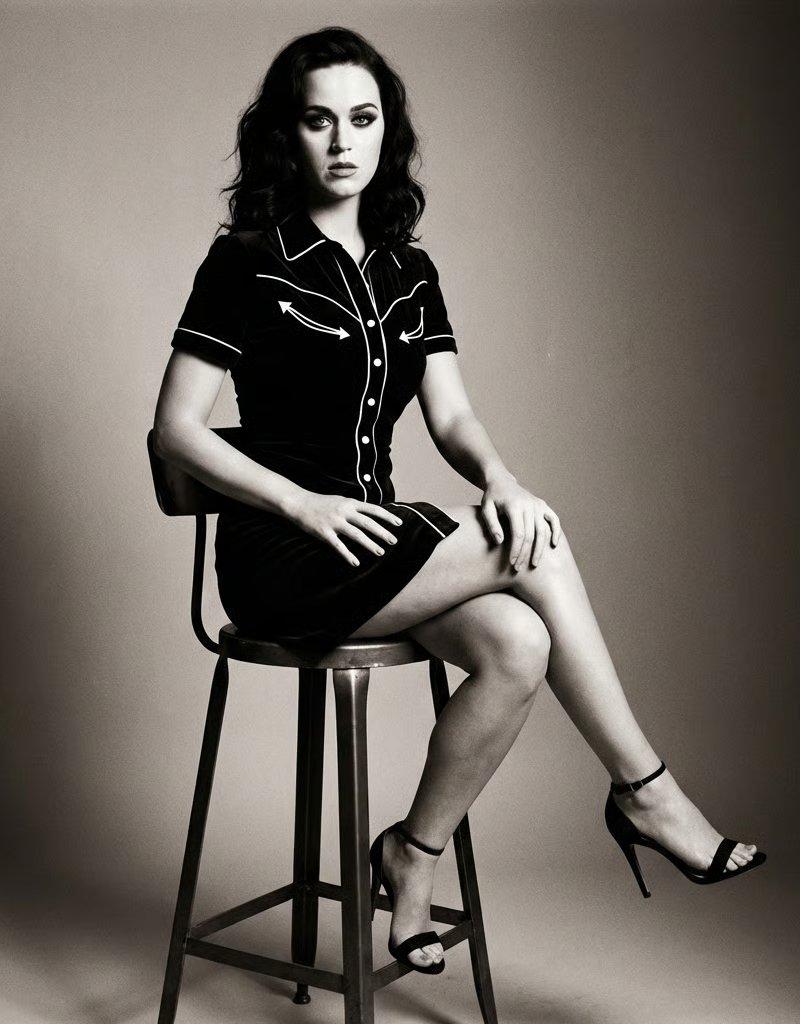
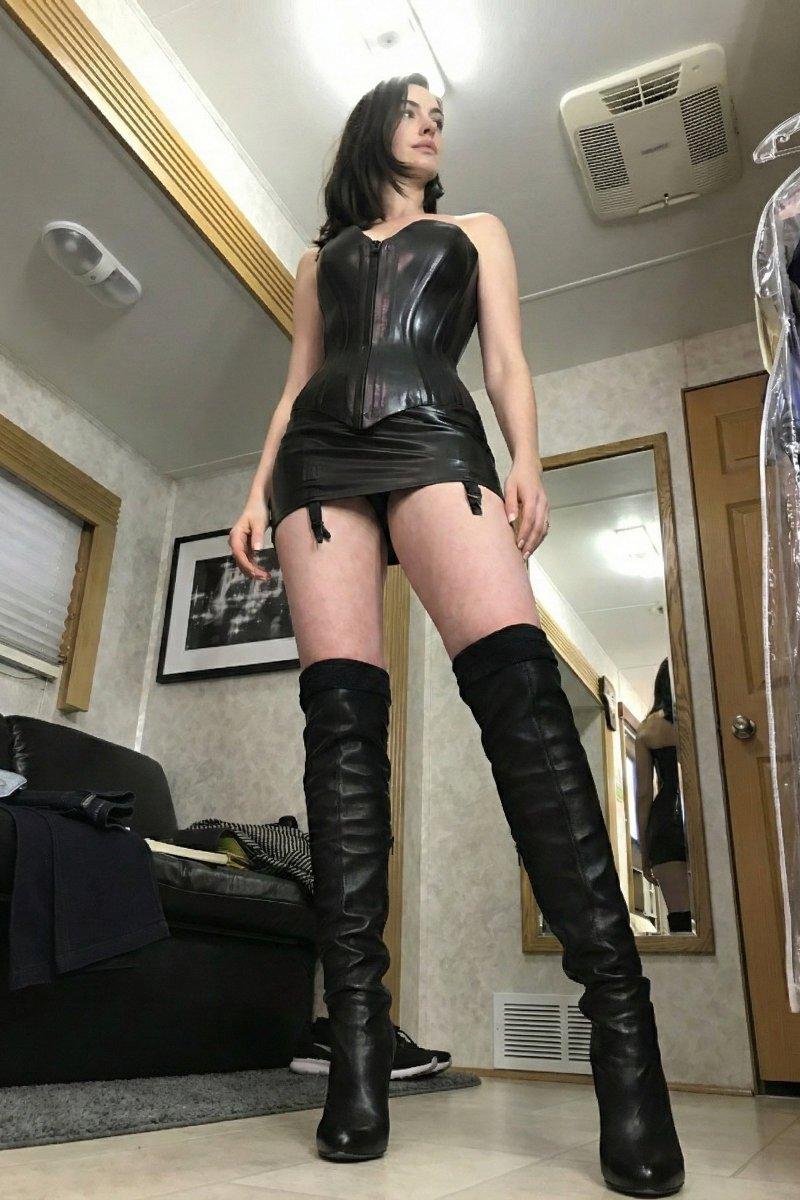
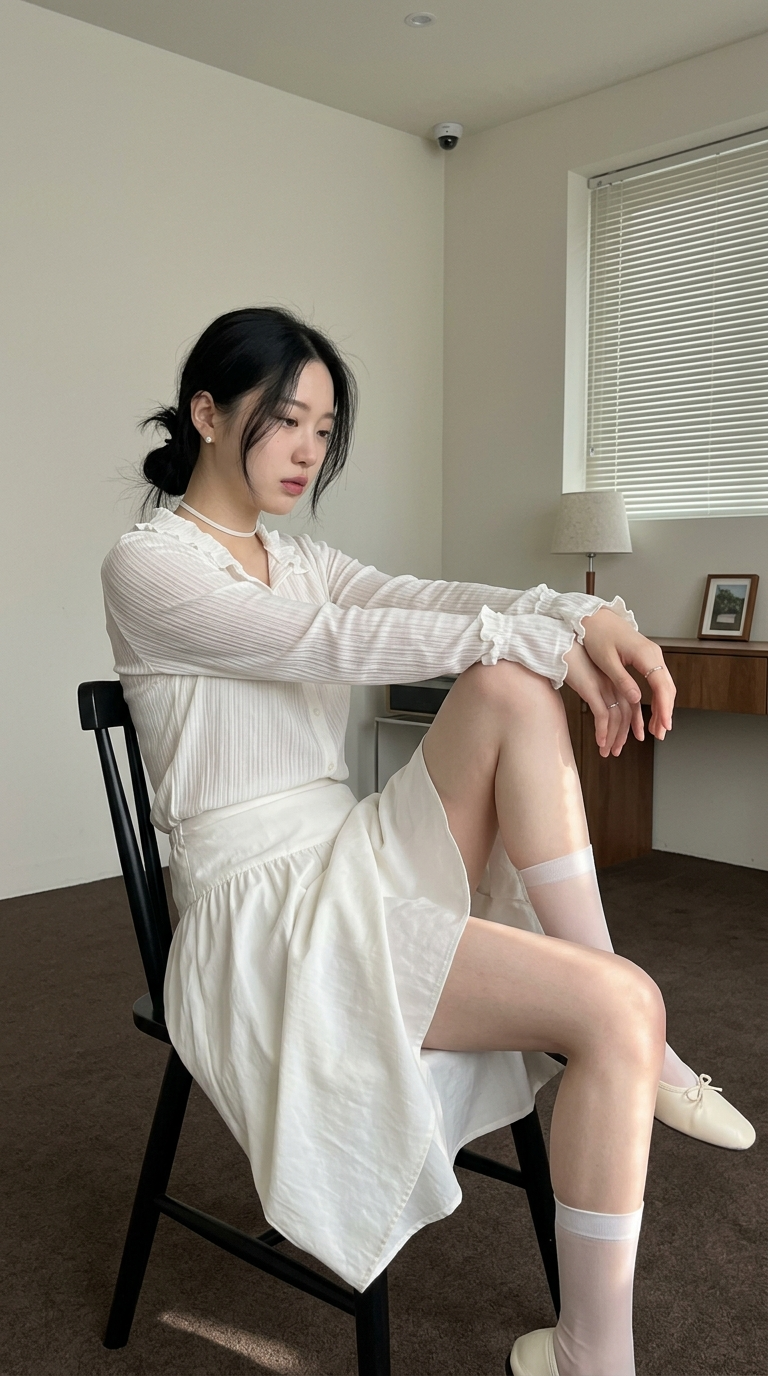
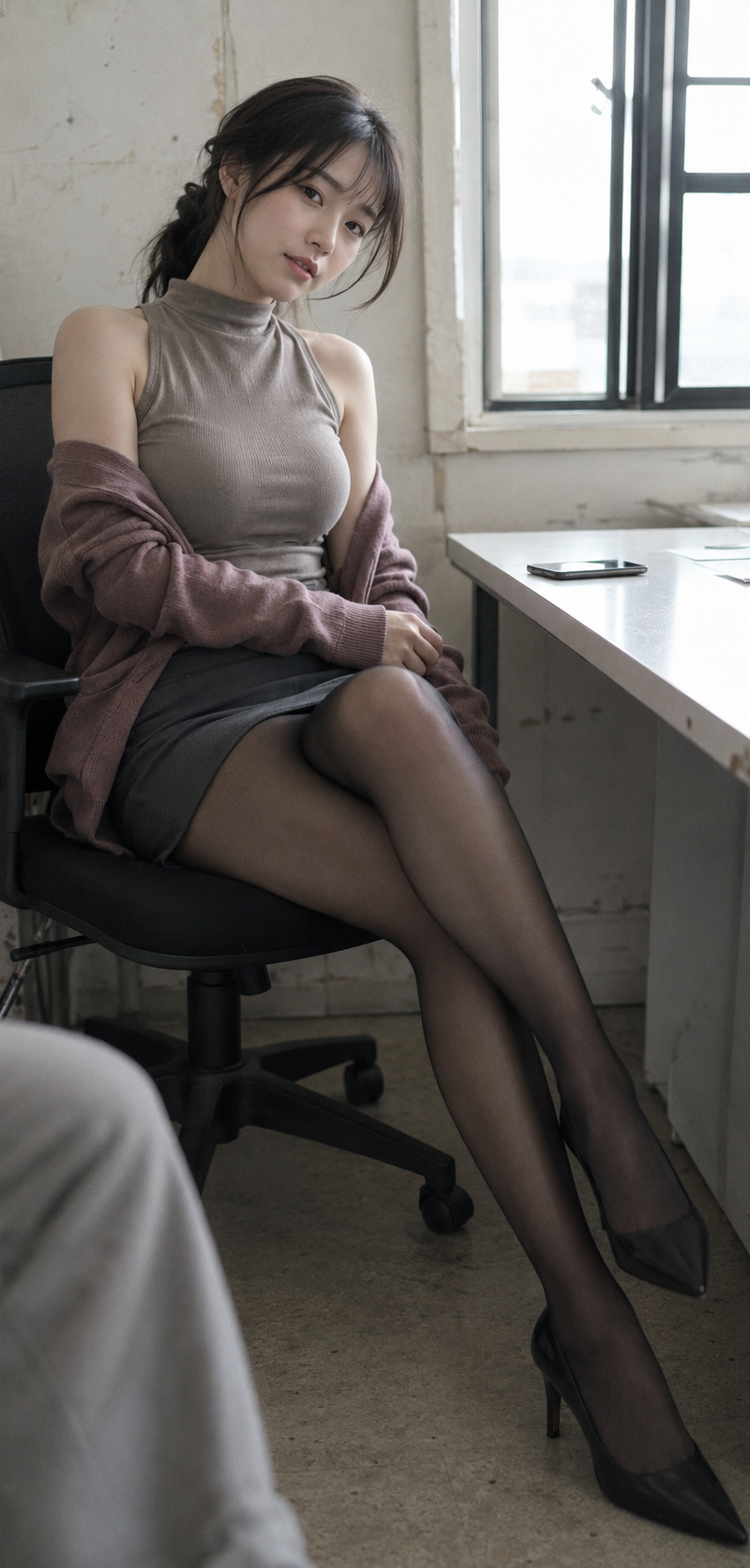
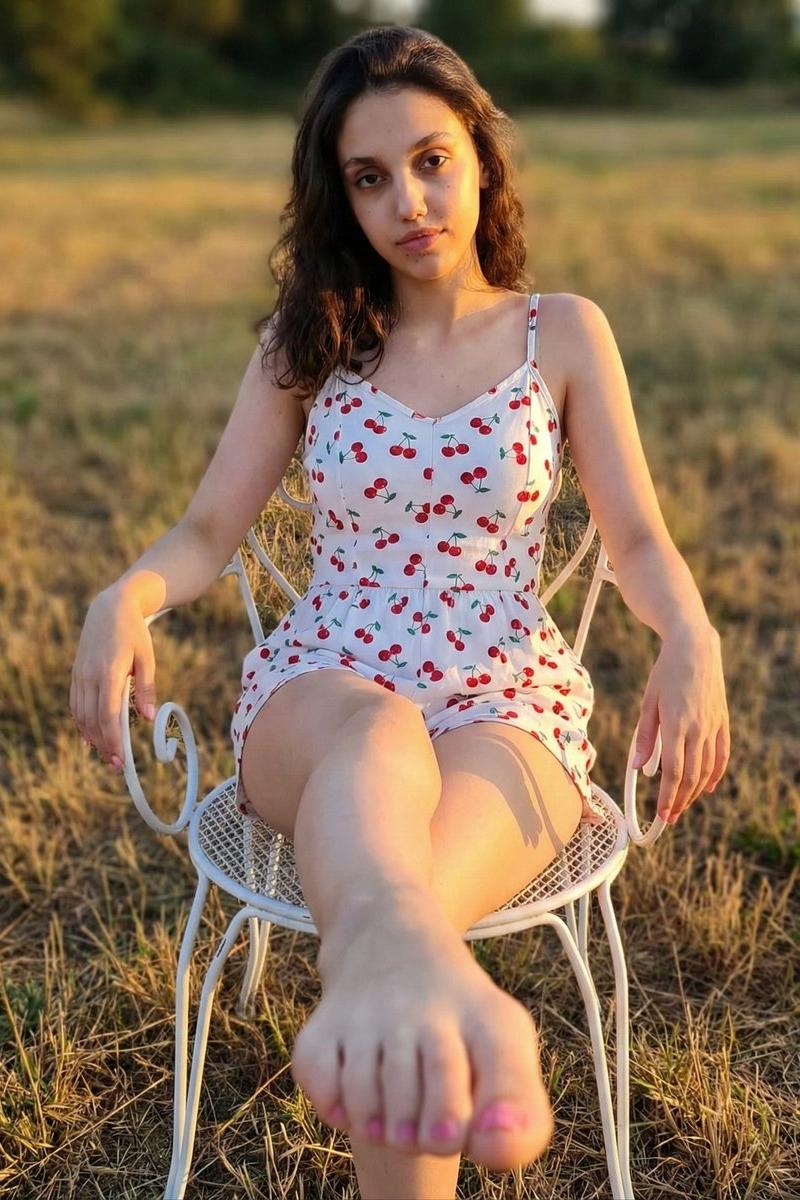
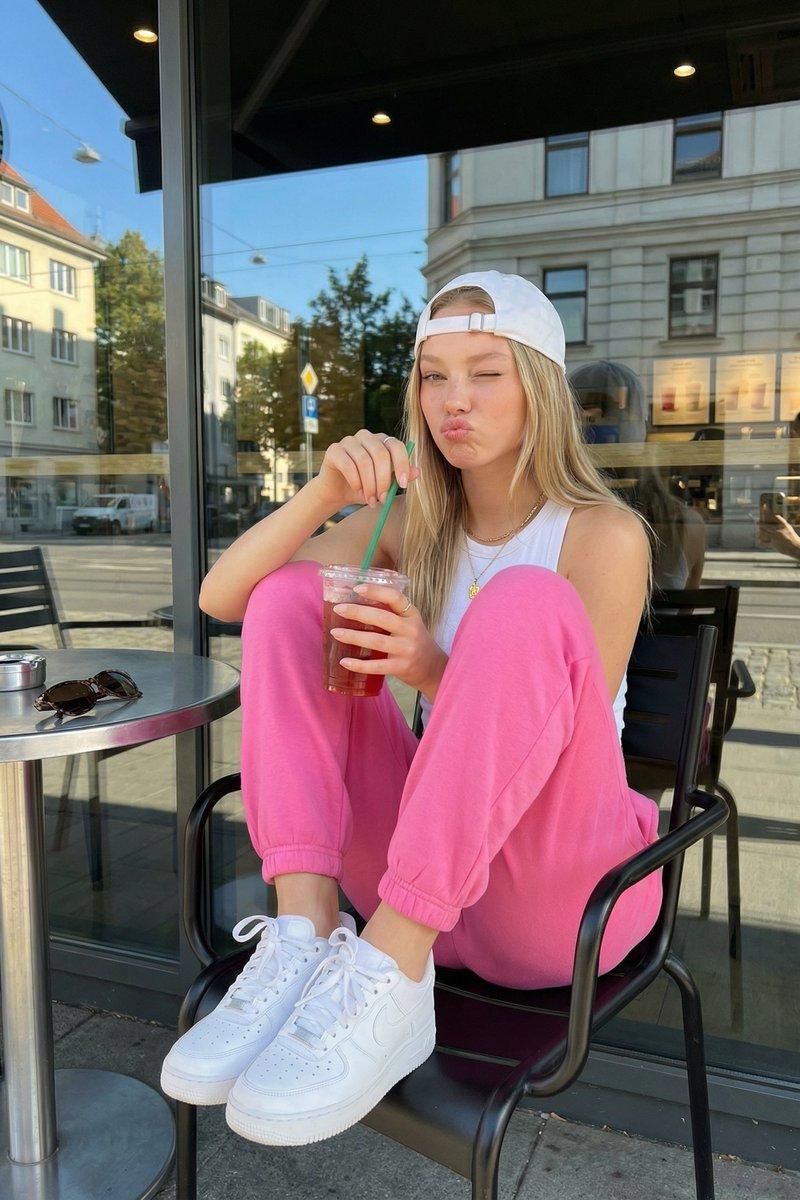
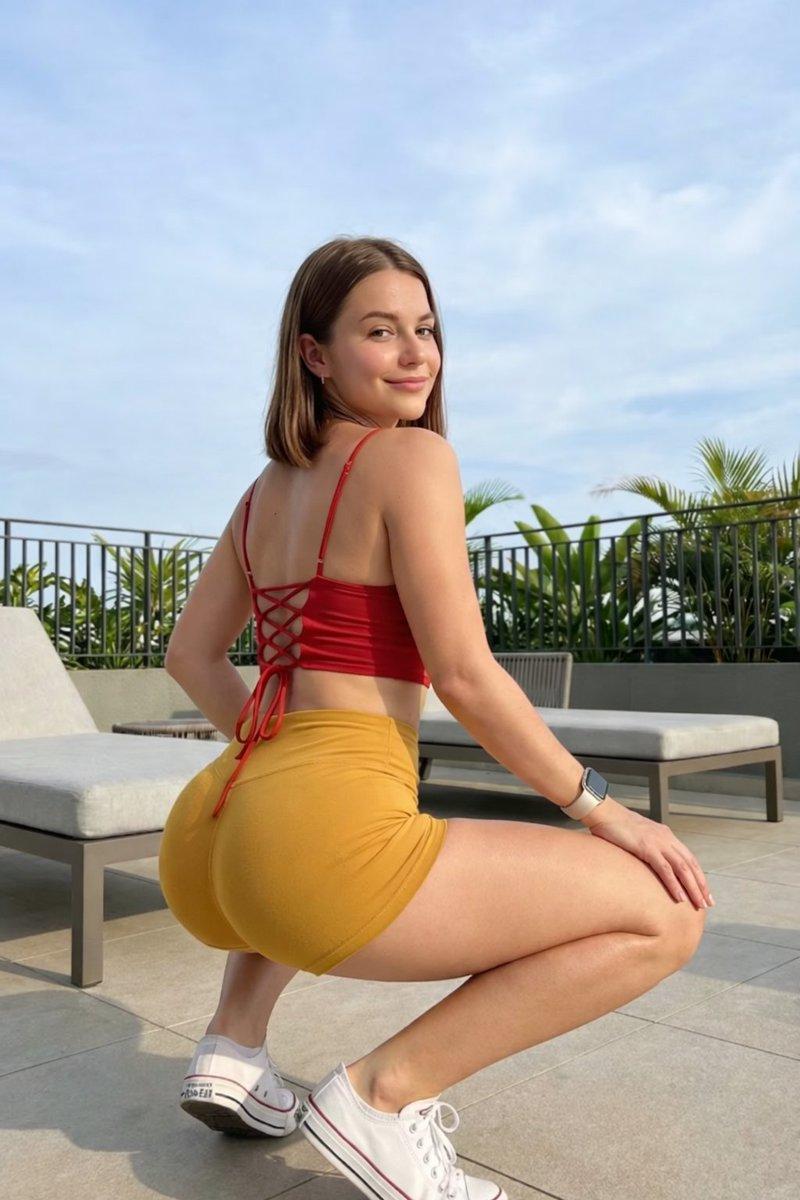
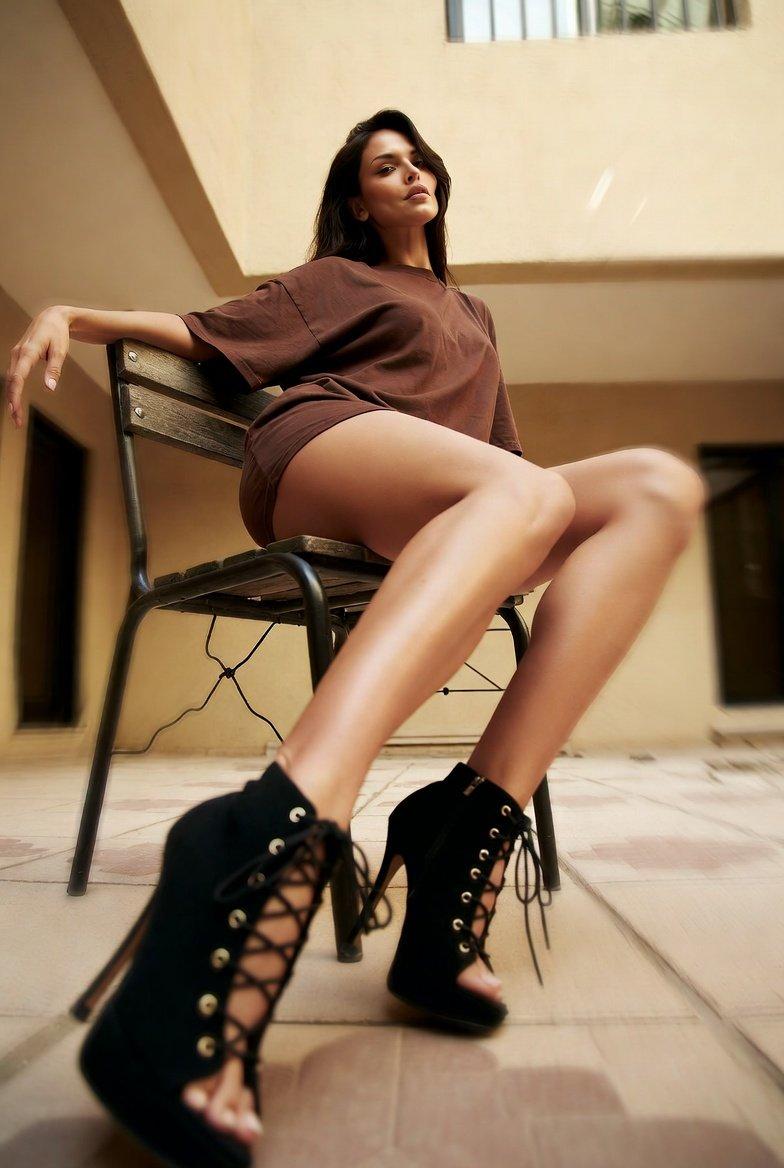
Eiza González 坐在庭院椅子上
Enlarge

Example images

Eiza González 坐在庭院椅子上

Prompt
Three Grok prompt versions.
Which one do you prefer? 😌 https://t.co/UpOPI76ViW
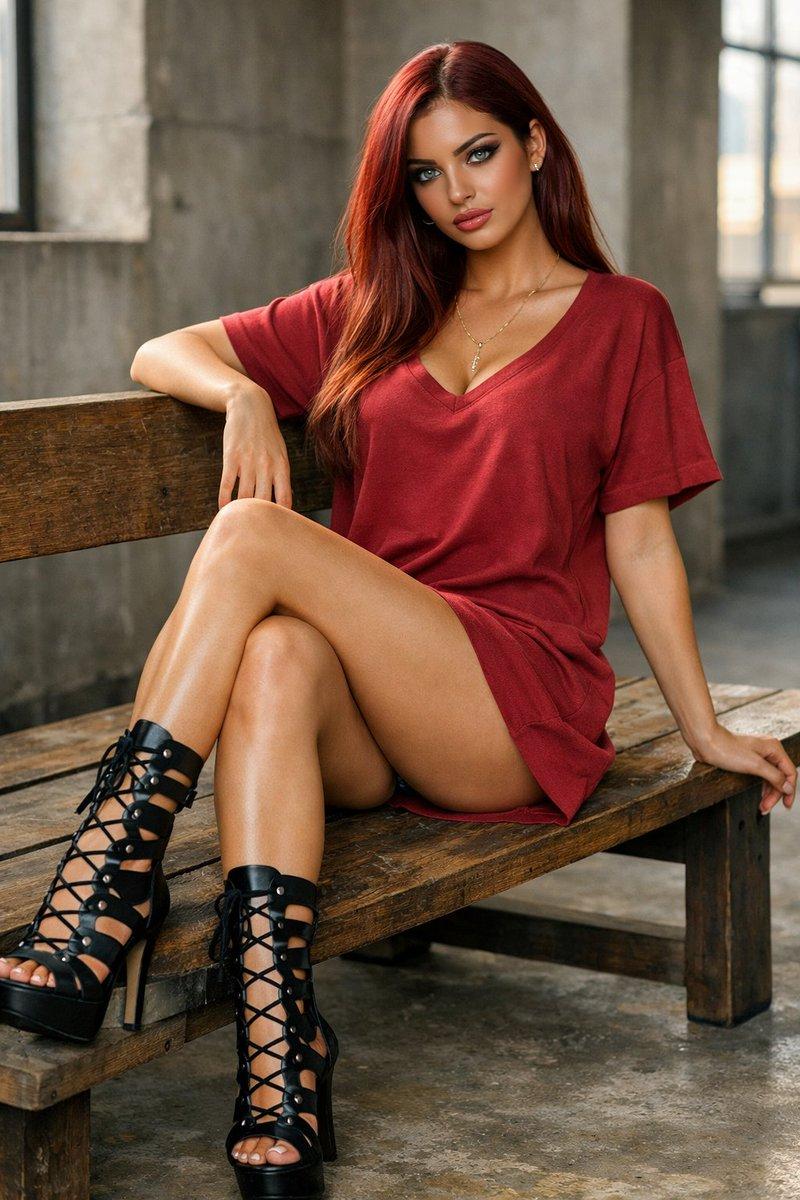
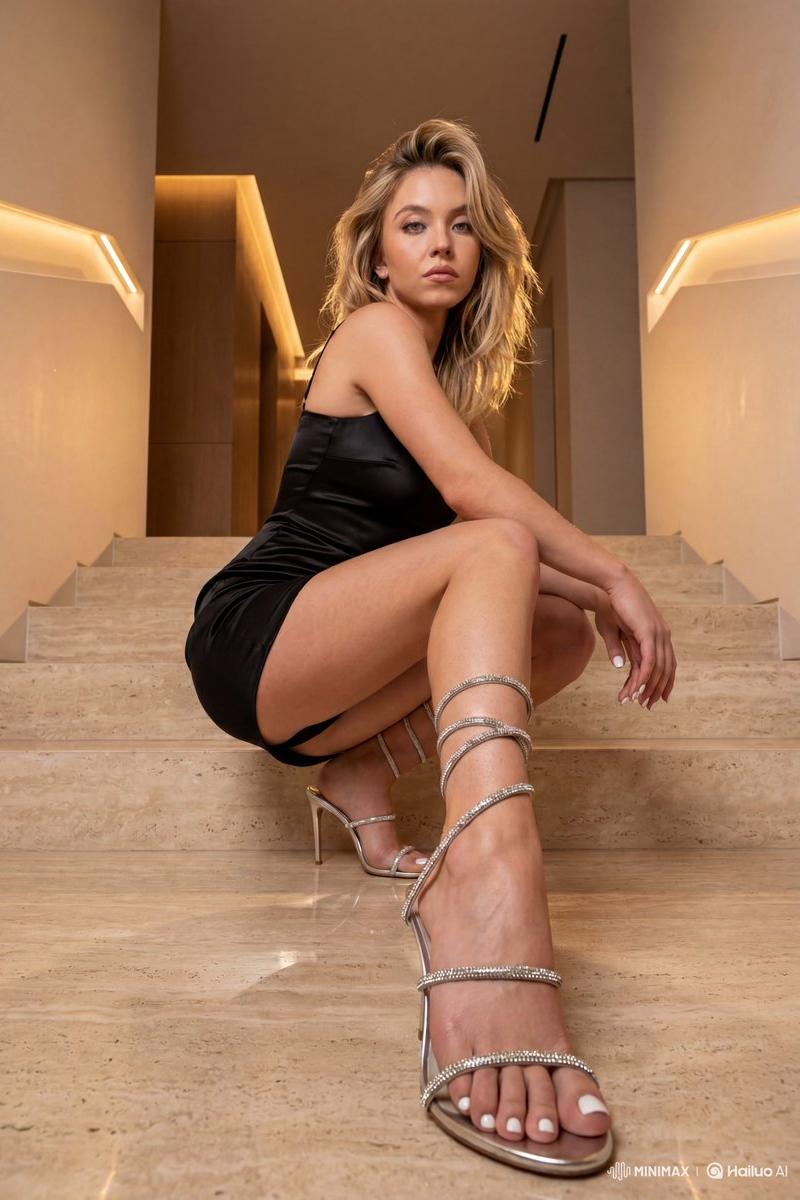
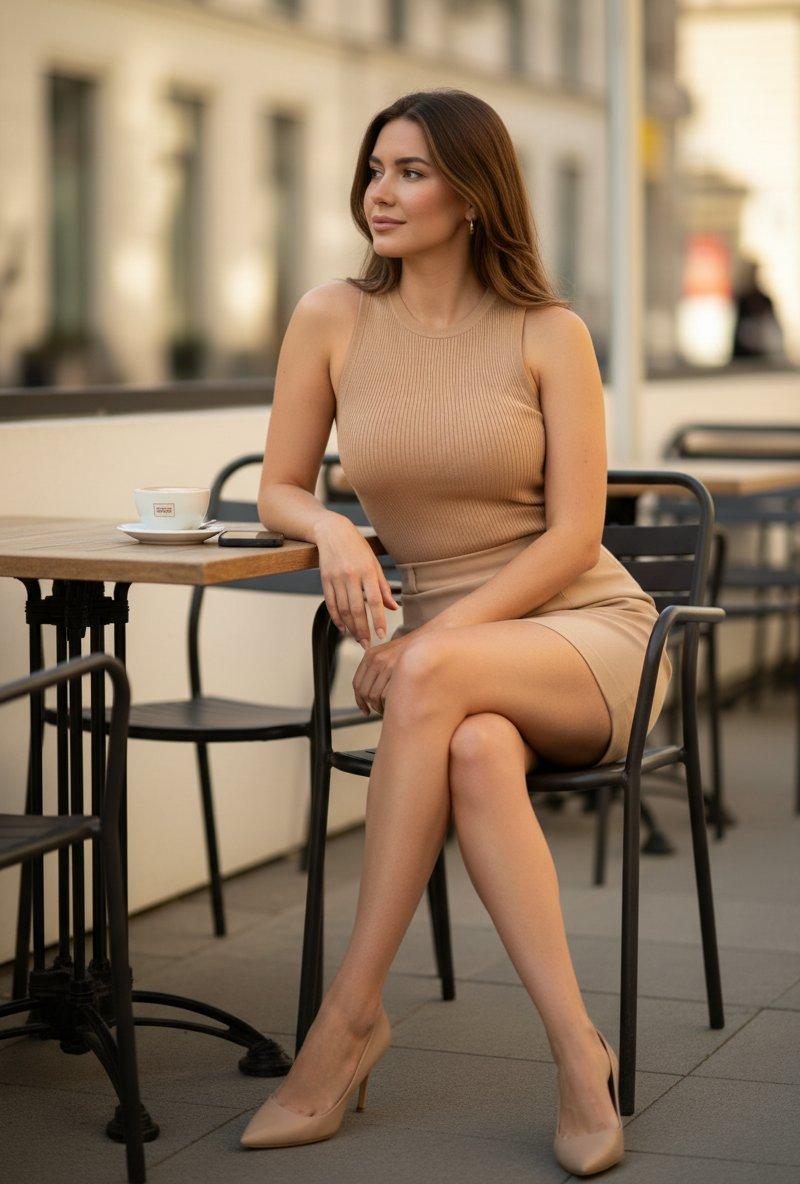
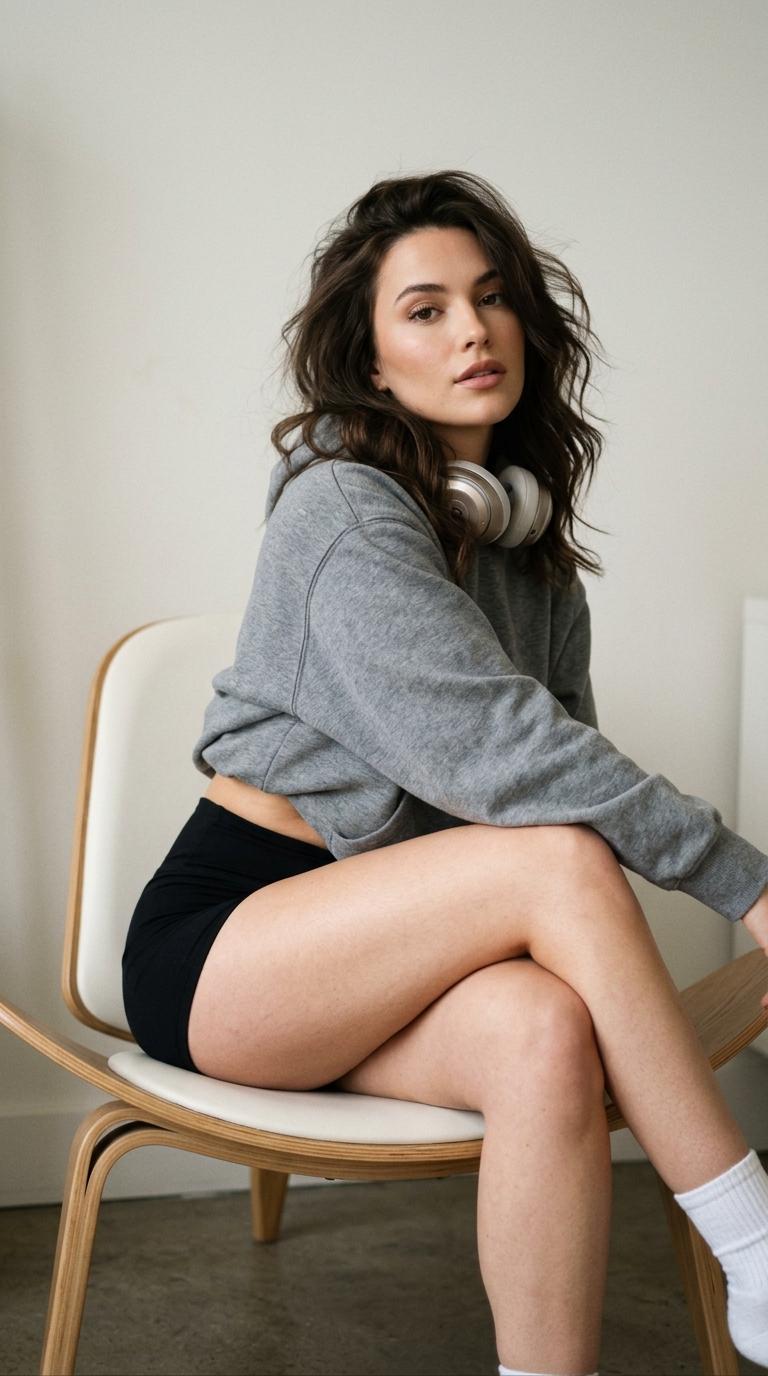
1. photo of eiza gonzalez sitting on a courtyard chair, wearing an oversized brown t-shirt and black lace-up high-heeled shoes. she is showing off her long legs with crossed toes in a low-angle shot from below, creating a dreamy atmosphere with a beige color tone.
2. photo of eiza gonzalez sitting on the tiled terracotta floor, wearing an oversized brown tunic dress and black lace-up high-heeled shoes; scene from a balenciaga commercial in barcelona, with a stone wall background, a close-up shot, and an elegant aesthetic
3. a photo of an attractive woman wearing high heels and sitting on the iconic chair in the style of mies van der rohe. she is wearing a beige tunic dress with a black lace-up detail in the front, her legs crossed behind each other. she has long dark hair, and her face resembles that of gal gadot
Category
Photography & Realism
Model
Unknown
Creator
Josh
Source language
zh-CN
Views0
Source ID
eiza-gonzalez-sitting-on-a-courtyard-chair
Studio

Guide

About "Eiza González 坐在庭院椅子上"

What is this prompt for?

"Eiza González 坐在庭院椅子上" AI image prompt for Unknown (Photography & Realism). Three Grok prompt versions. Which one do you prefer? 😌 https://t.co/UpOPI76ViW 1.…

The full copyable prompt and example visuals above are ready for AI image generation or one-click recreate in Picva.

How to use this prompt

  1. Step 1

    Open the prompt detail

    Review the example visuals, category, and full prompt text for "Eiza González 坐在庭院椅子上".

  2. Step 2

    Copy the prompt

    Copy the prompt body from this page, or load it directly in Studio.

  3. Step 3

    Pick a model (Unknown)

    Prefer Unknown. If you switch models, keep subject and composition and tweak style terms.

  4. Step 4

    Generate and export

    Recreate the look in Picva, or export into your workflow for editing and publishing.

FAQ

What is the "Eiza González 坐在庭院椅子上" prompt?
It is an AI image-generation prompt for Unknown in the Photography & Realism category. This page includes the full prompt text, example visuals, and a one-click recreate path in Picva.
How do I use this prompt to generate an image?
Copy the prompt from this page, or use Generate / Studio. Paste it into a compatible image model, or recreate the look in Picva with optional reference images.
Which model is this prompt for?
This page lists Unknown. Most descriptive prompts also transfer to nearby image models such as GPT Image, Flux, or Midjourney with light style tweaks.
Can I use the result commercially?
You can usually copy the prompt for creation, but commercial use of the final image depends on the model terms, reference-image rights, and the generated content. Follow the source author and platform rules.