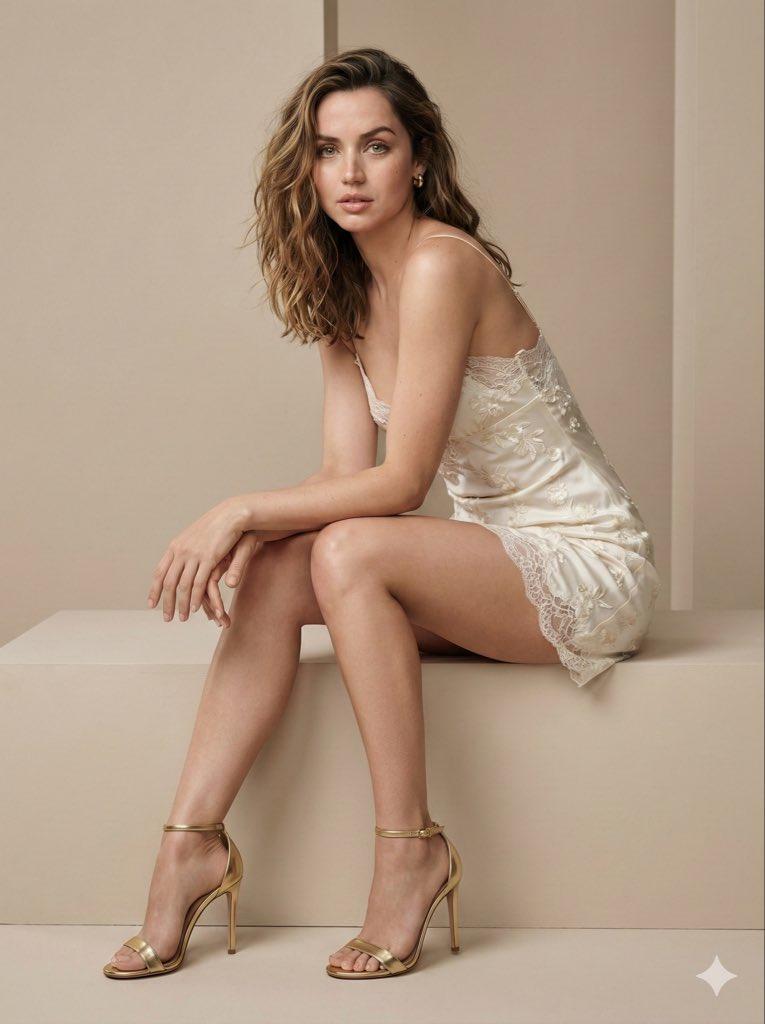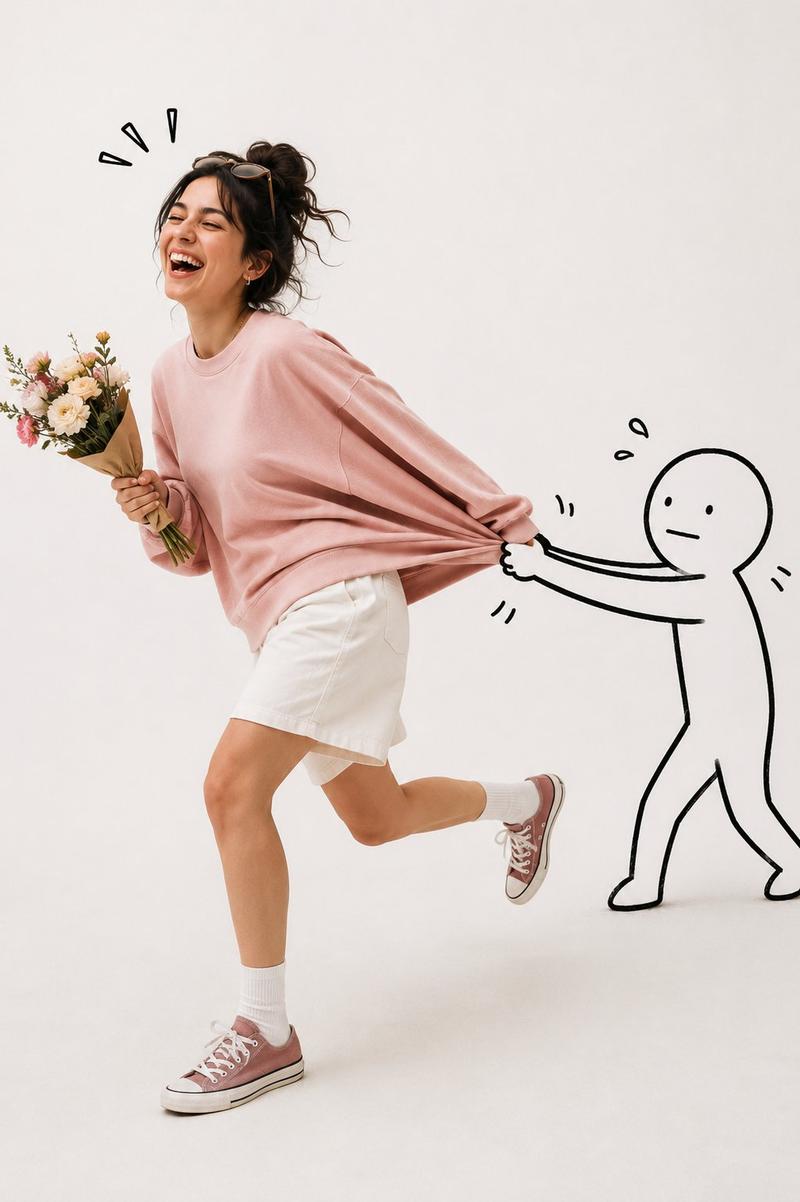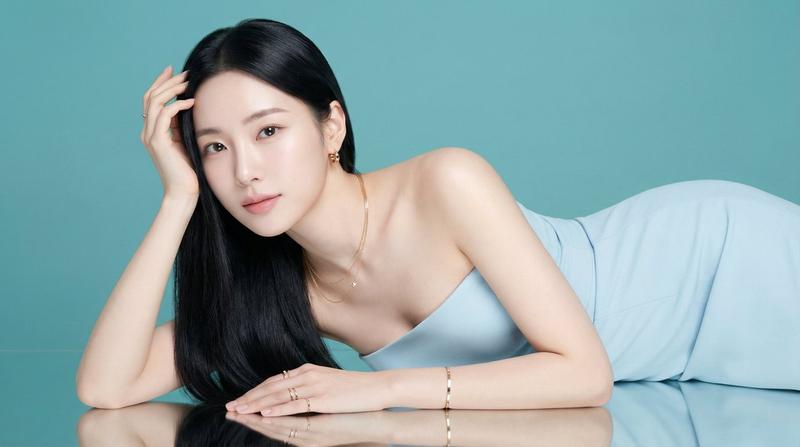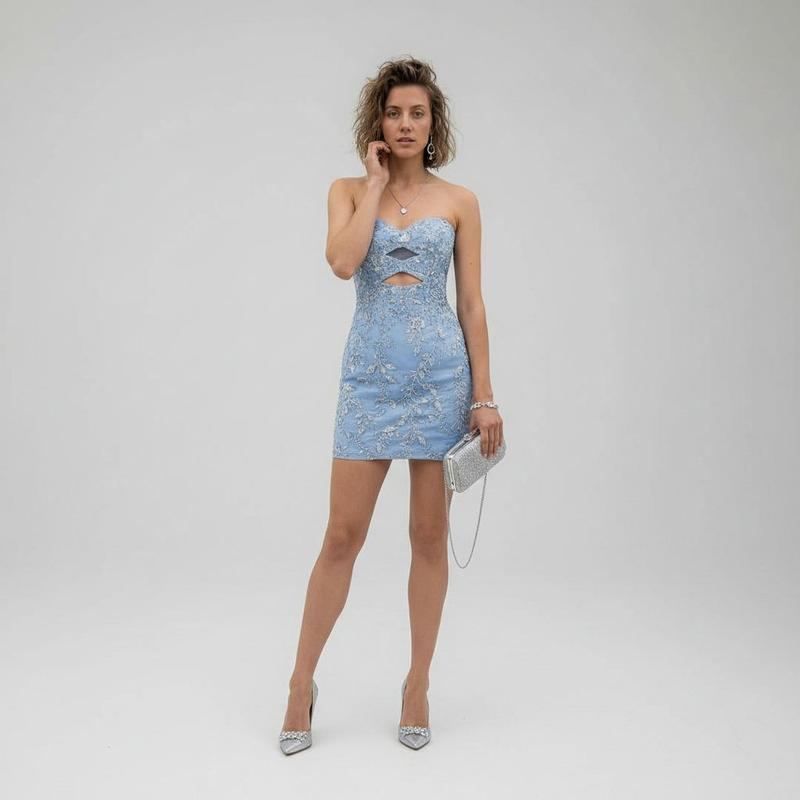
时尚比例对比
Prompt
Nano banana Pro on Gemini app.
{
 "type": "image_generation_prompt",
 "style": "ultra-realistic, high-fashion editorial, studio photography",
 "identity_preservation": {
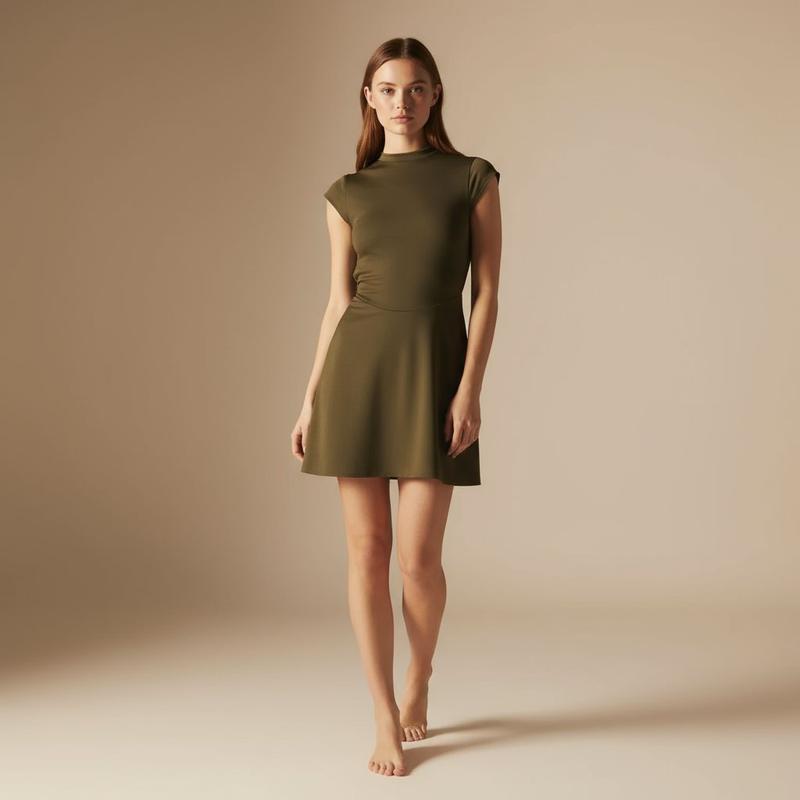
 "use_reference_image": true,
 "alter_face": false,
 "strict_identity_lock": true,
 "notes": "Create an extremely realistic image that is ultra-similar to the referenced girl. Preserve her facial identity, proportions, hairstyle, and overall appearance exactly as in the reference."
 },
 "subject": {
 "gender": "female",
 "appearance": {
 "hair": {
 "color": "dark",
 "style": "elegant updo (bun)"
 },
 "jewelry": [
 "delicate dangling earrings"
 ],
 "expression": "calm, confident, composed"
 }
 },
 "wardrobe": {
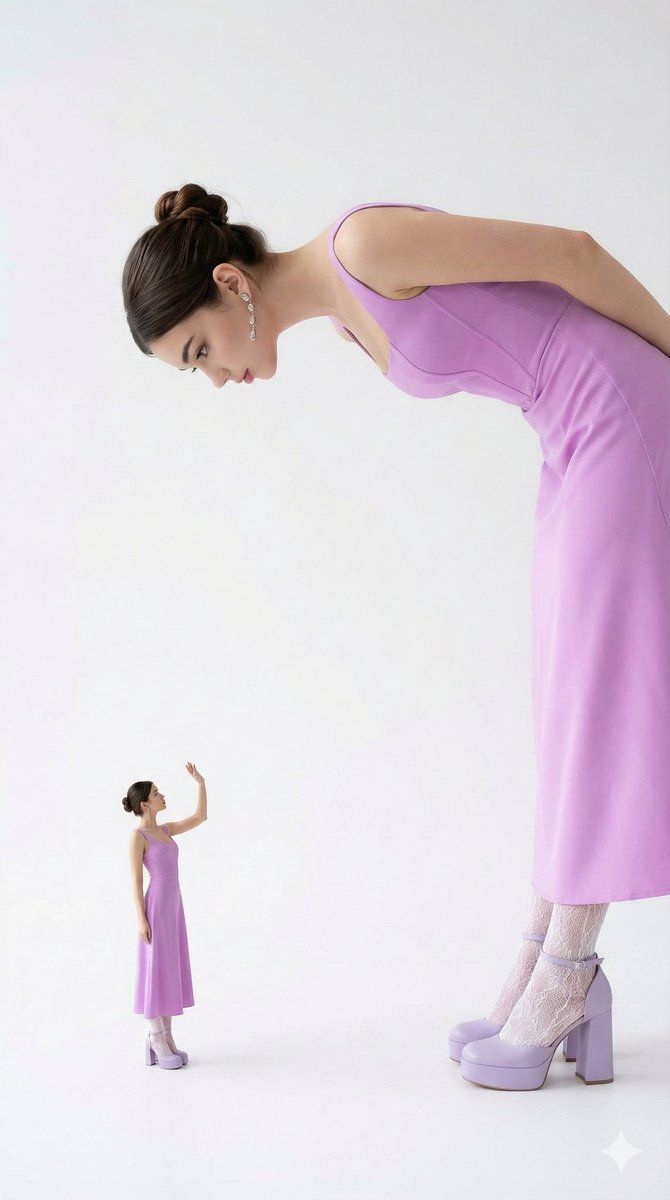
 "dress": {
 "type": "full-length elegant dress",
 "color": "bright lilac",
 "style": "fitted bodice with a refined silhouette, modest and fully covered",
 "fabric": "smooth, high-quality fabric with a soft sheen"
 },
 "legwear": {
 "type": "white lace-patterned tights or stockings",
 "details": "floral or lace motif, refined and elegant"
 },
 "footwear": {
 "type": "platform heels",
 "color": "bright lilac",
 "details": "thick high heel with ankle strap, bold and fashionable"
 }
 },
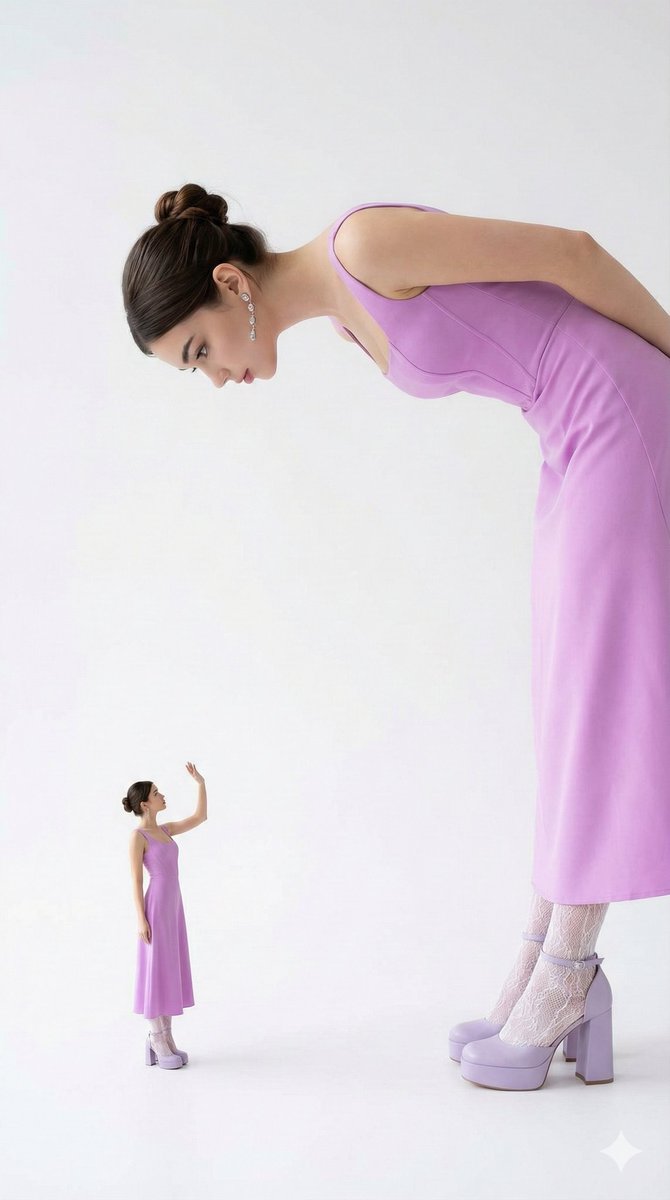
 "composition": {
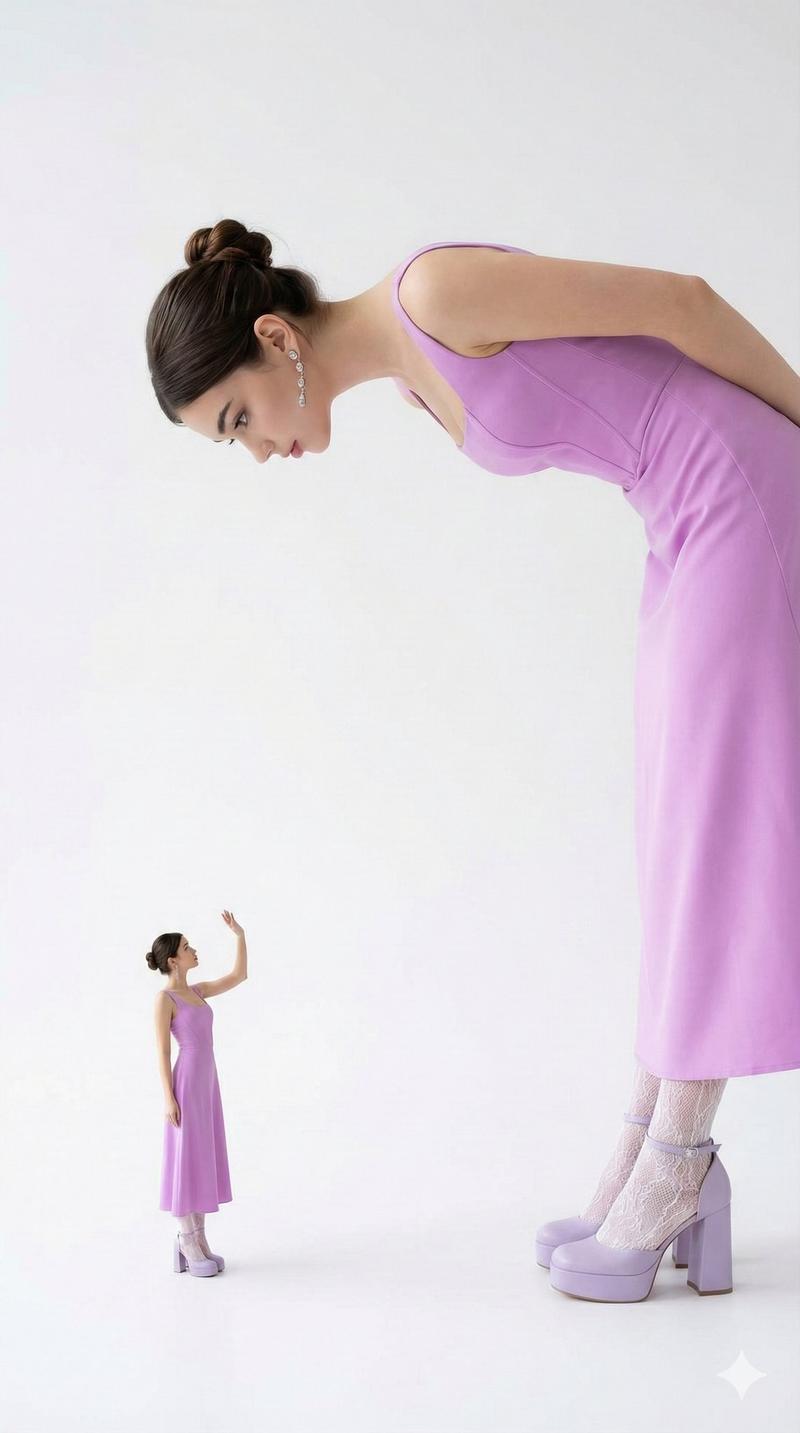
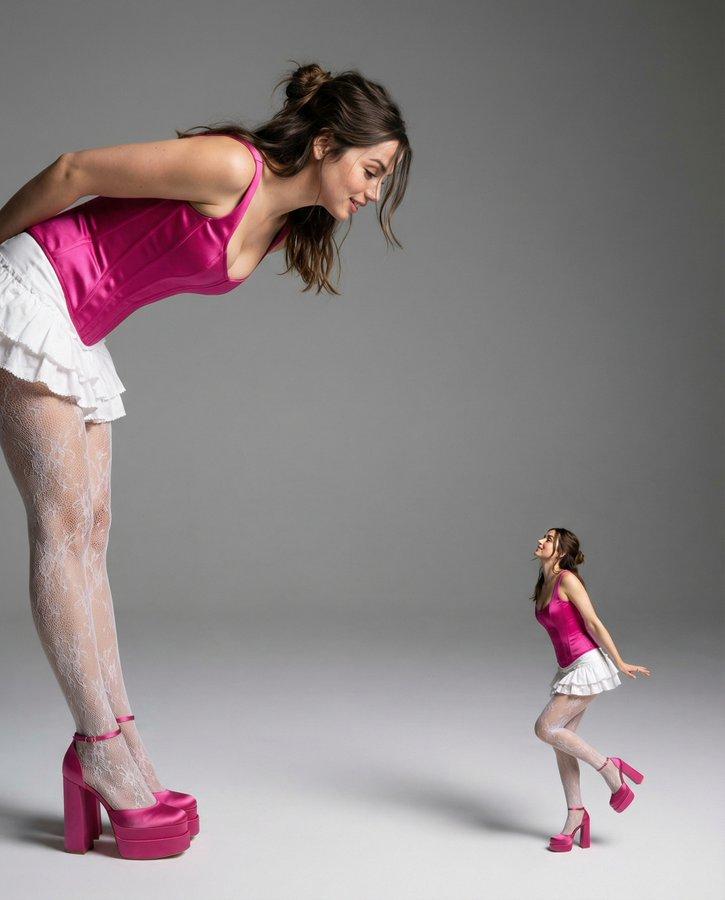
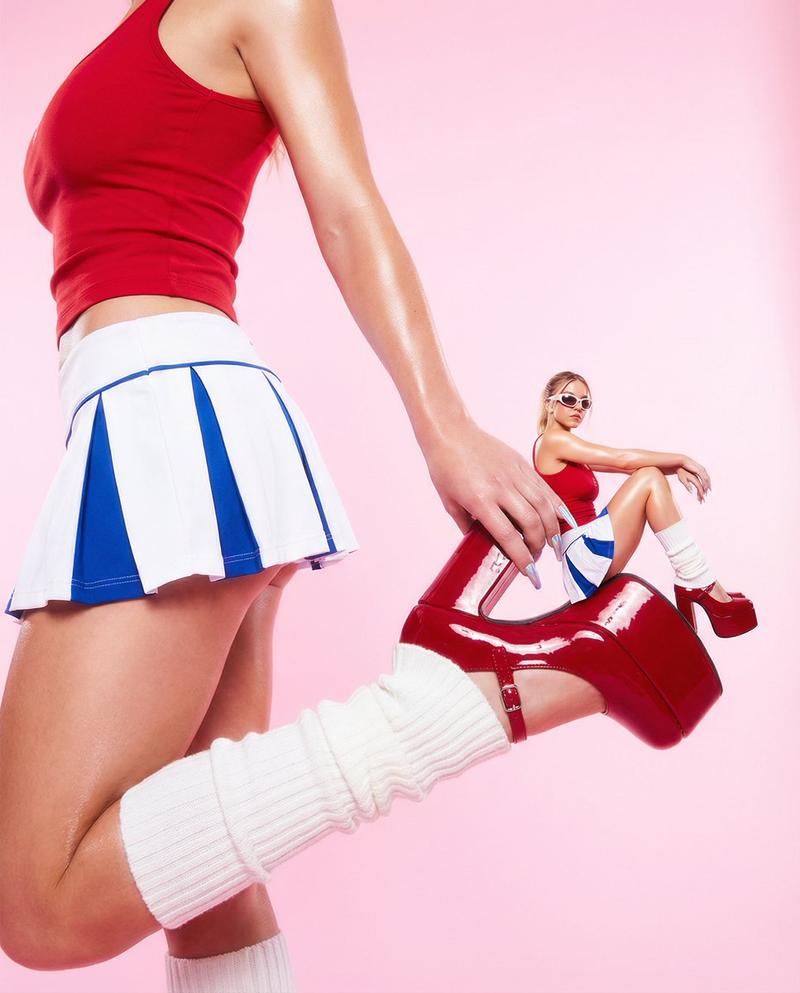
 "concept": "scale contrast with two versions of the same woman",
 "aspect_ratio": "9:16",
 "foreground": {
 "figure": "large version of the woman",
 "pose": "leaning forward and downward, gently curving her back to look at the miniature version",
 "emphasis": "long neck, arms, legs, and shoes dominating the frame for dramatic scale"
 },
 "background": {
 "figure": "miniature version of the same woman",
 "pose": "standing upright, appearing to salute, greet, or wave toward the larger figure",
 "outfit": "identical full-length lilac dress, white lace tights, and lilac platform heels"
 }
 },
 "environment": {
 "setting": "studio",
 "background": {
 "color": "clean white or very light gray",
 "style": "minimalist, distraction-free"
 }
 },
 "color_palette": {
 "dominant_colors": [
 "bright lilac",
 "white"
 ],
 "overall_tone": "clean, elegant, high-contrast fashion palette"
 },
 "lighting": {
 "type": "soft studio lighting",
 "effects": [
 "even illumination",
 "clear separation between figures",
 "enhanced fabric and skin realism"
 ]
 },
 "quality": {
 "realism": "ultra-realistic",
 "detail_level": "high detail in skin, fabric textures, lace patterns, and footwear",
 "rendering": "photorealistic, editorial-grade finish"
 },
 "mood": {
 "atmosphere": "stylish, artistic, playful with scale",
 "tone": "elegant, modern, fashion-forward"
 },
 "output_goal": "Create a maximally realistic and ultra-faithful fashion image of a woman in a full-length lilac dress, featuring a creative scale-play composition with two versions of the same subject, set against a clean studio background in a 9:16 format."
}- Category
- Photography & Realism
- Model
- Nano Banana Pro
- Creator
- 𝗦𝗮𝗻𝗶𝗮
- Source ID
- fashion-scale-contrast
Views0