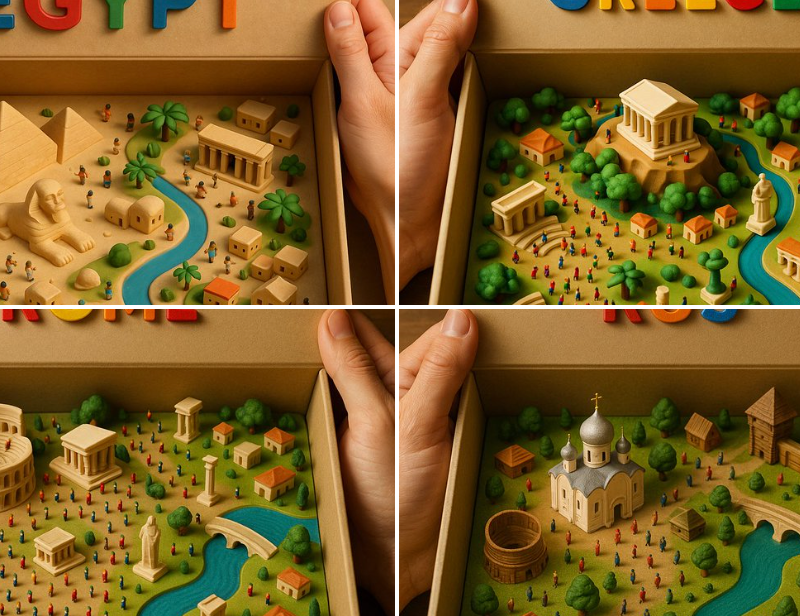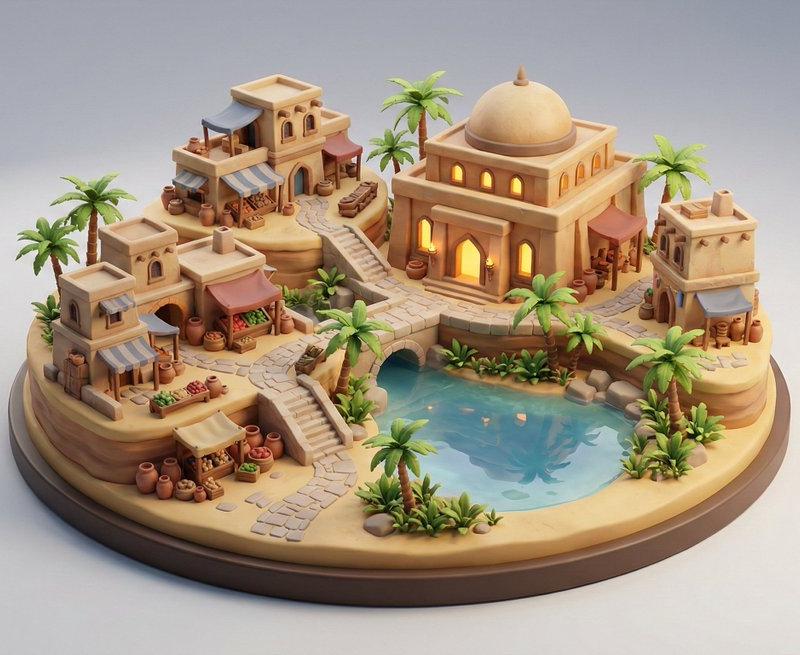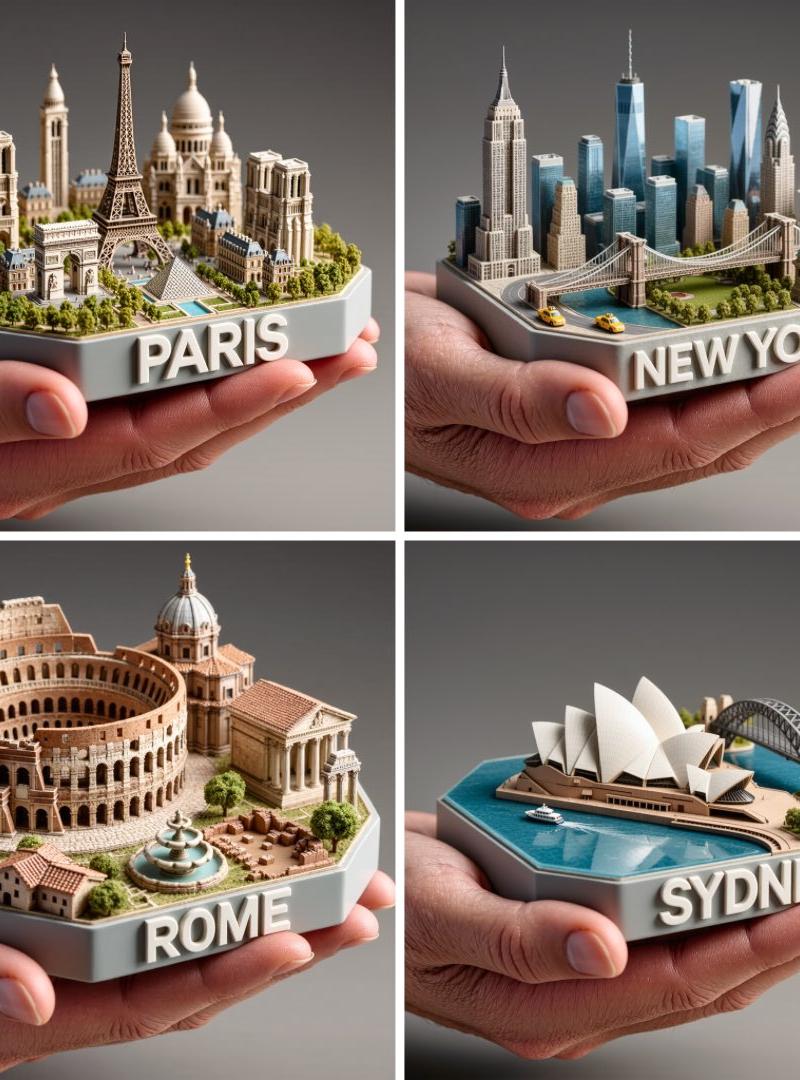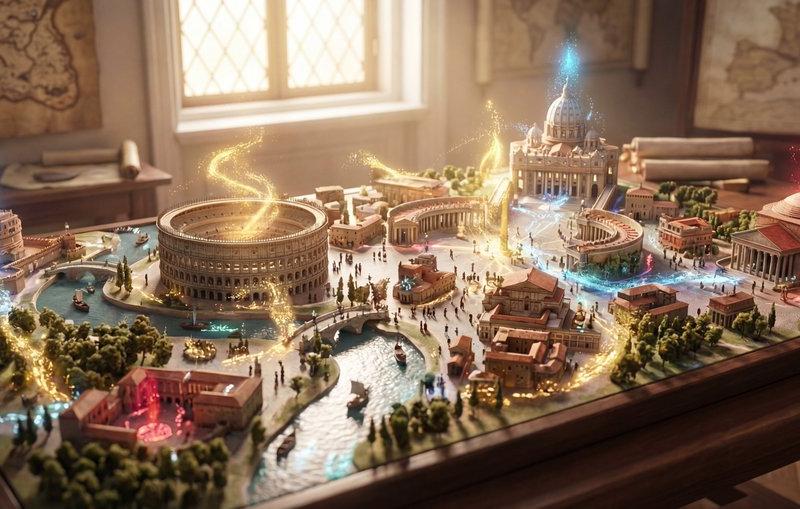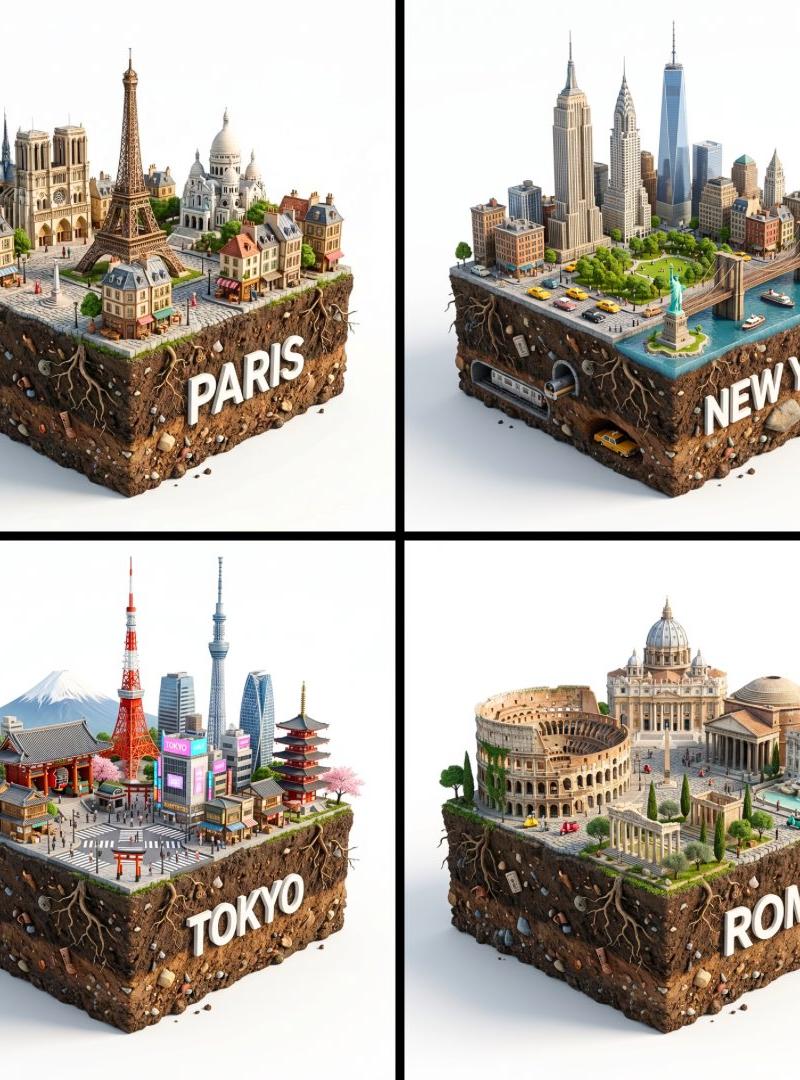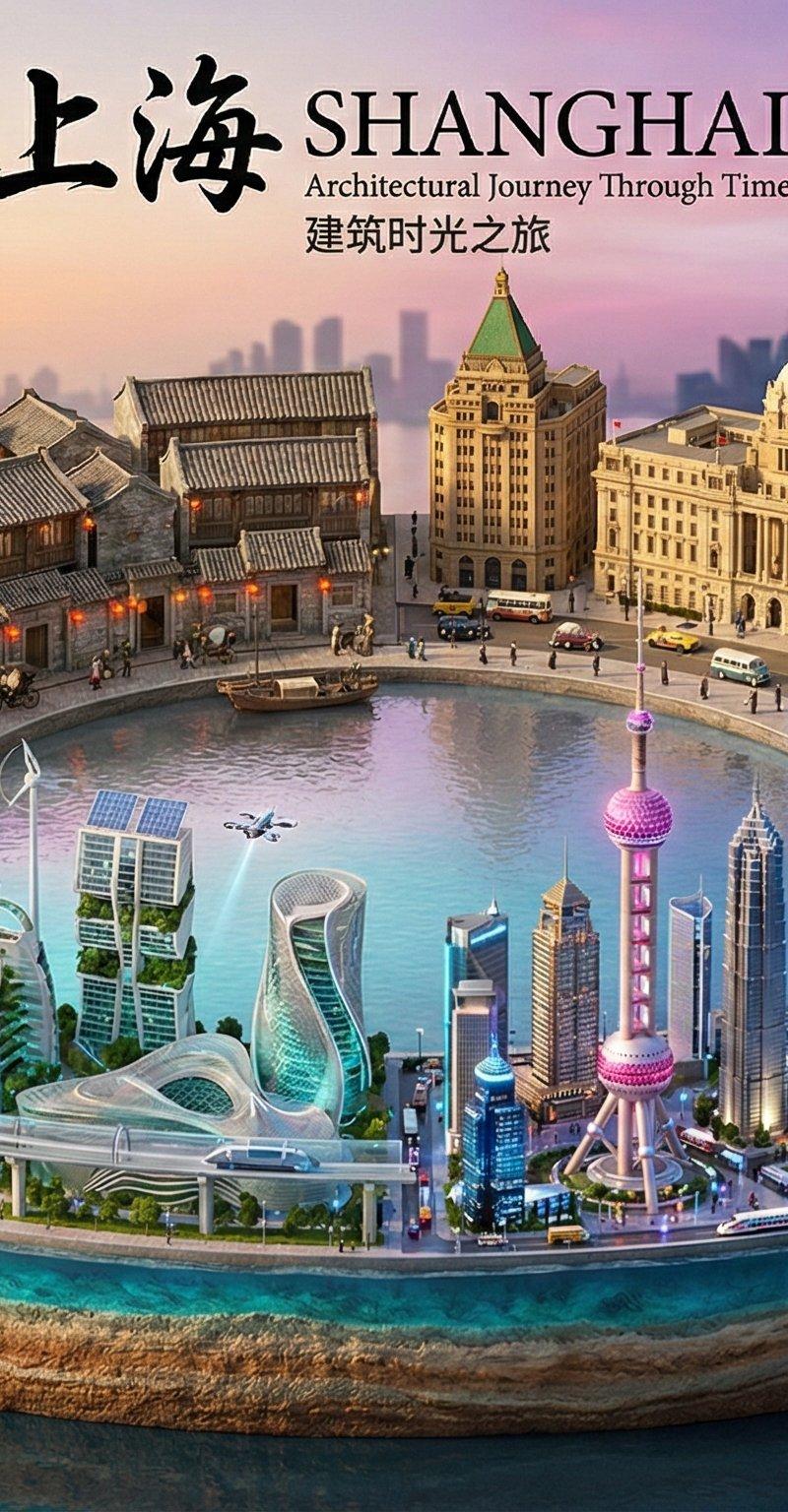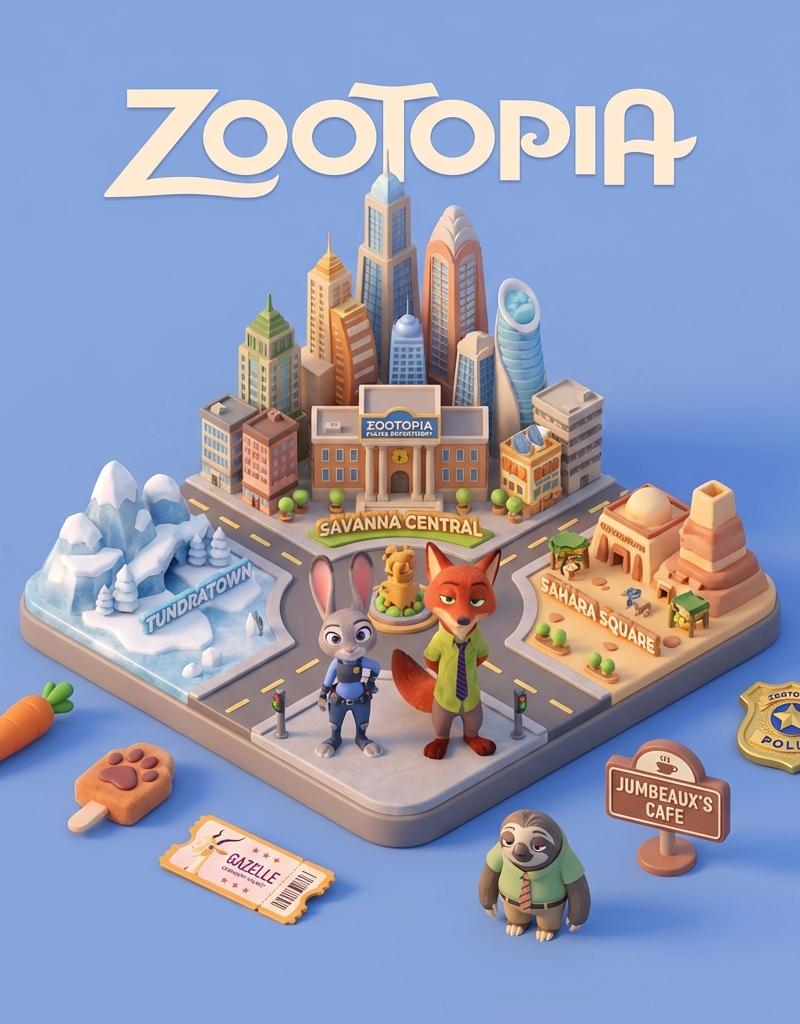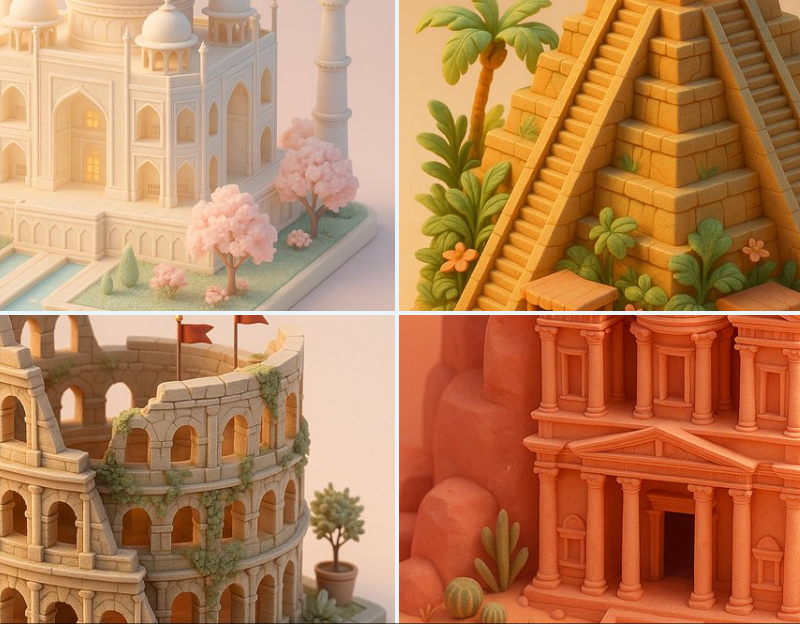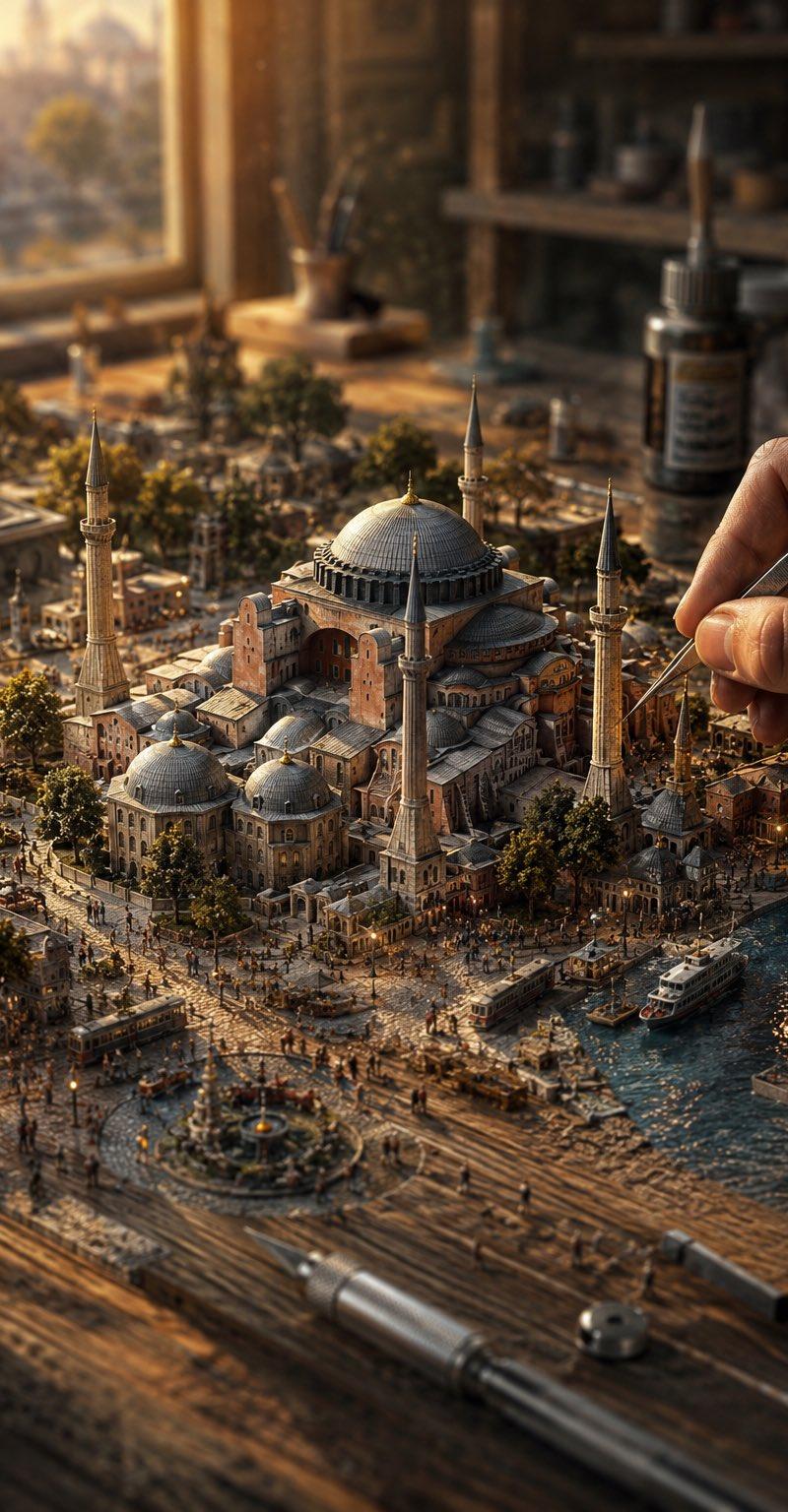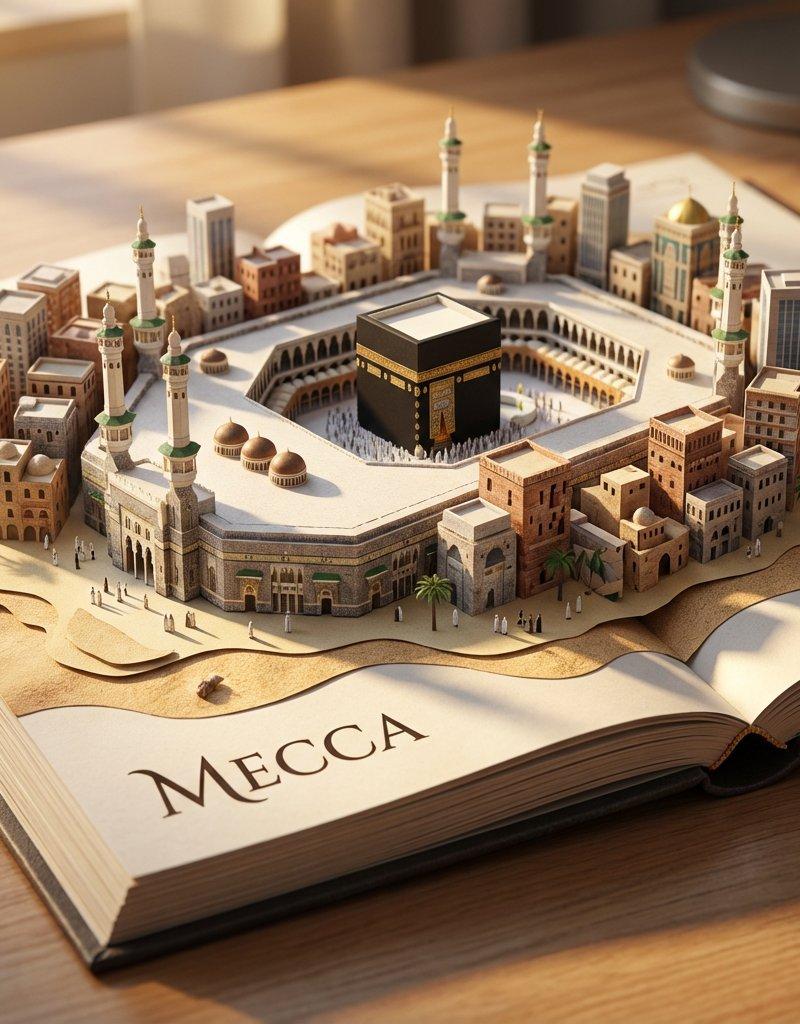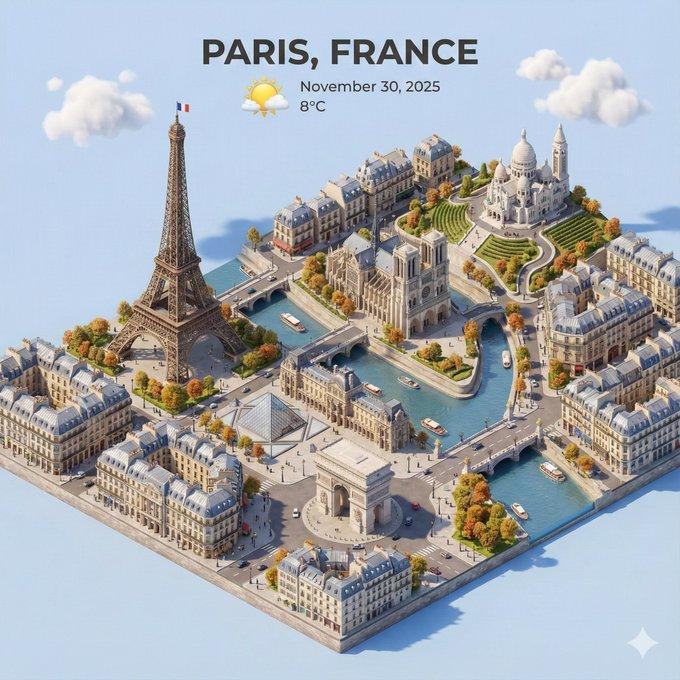
老号第一个视频
Prompt
老号做的第一个视频
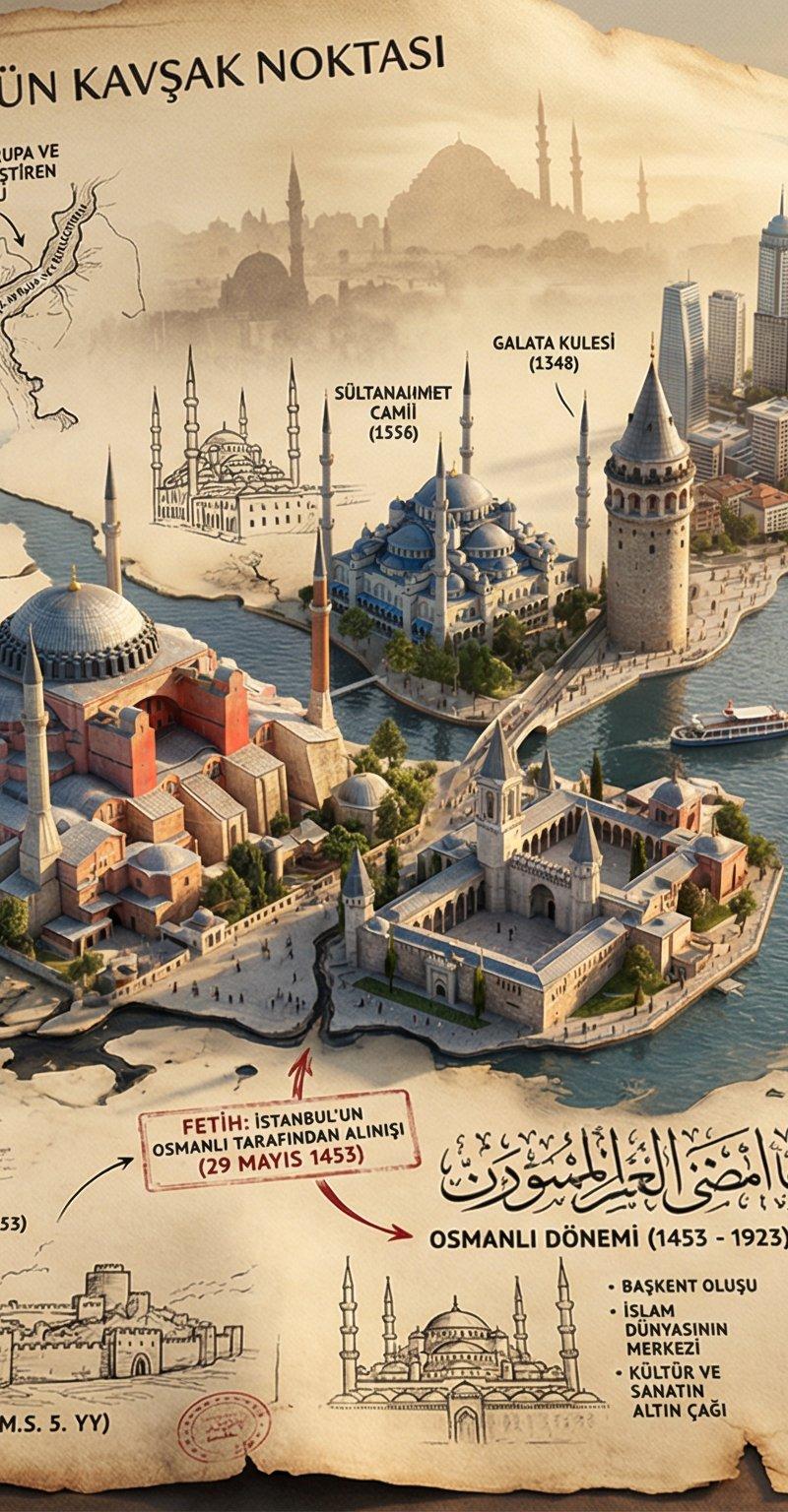
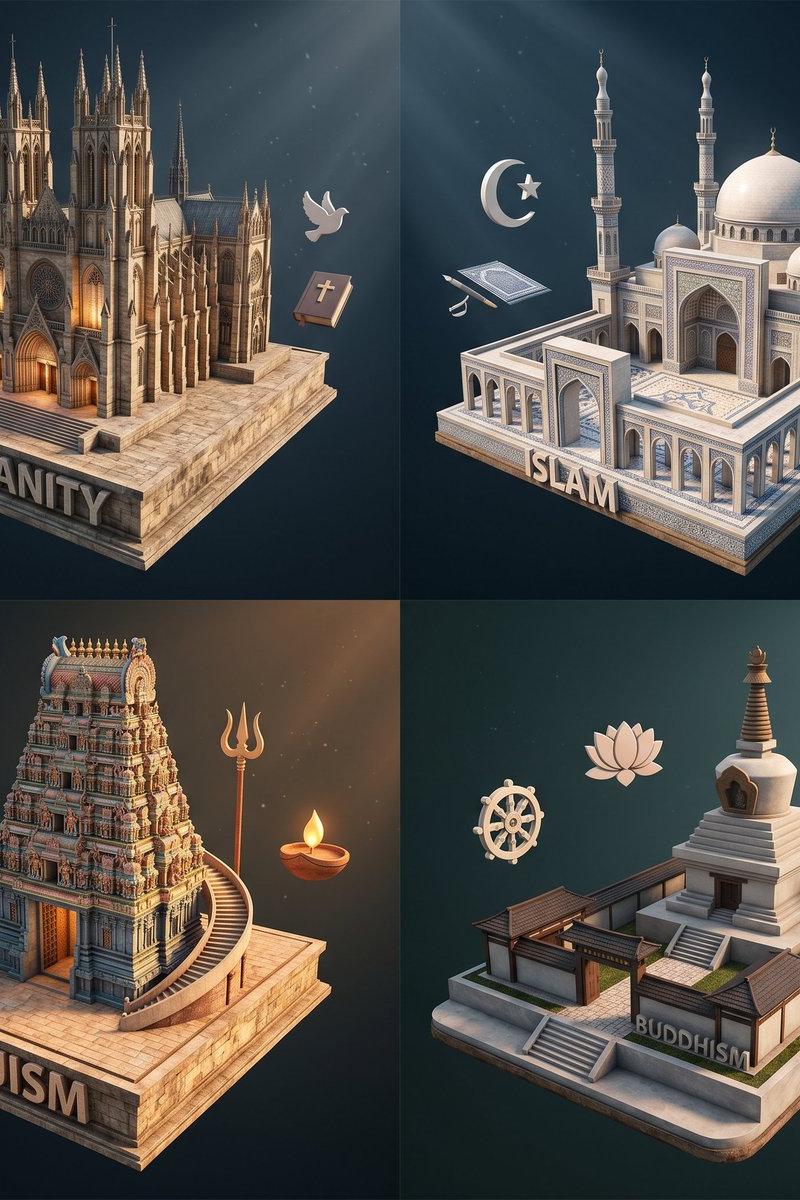
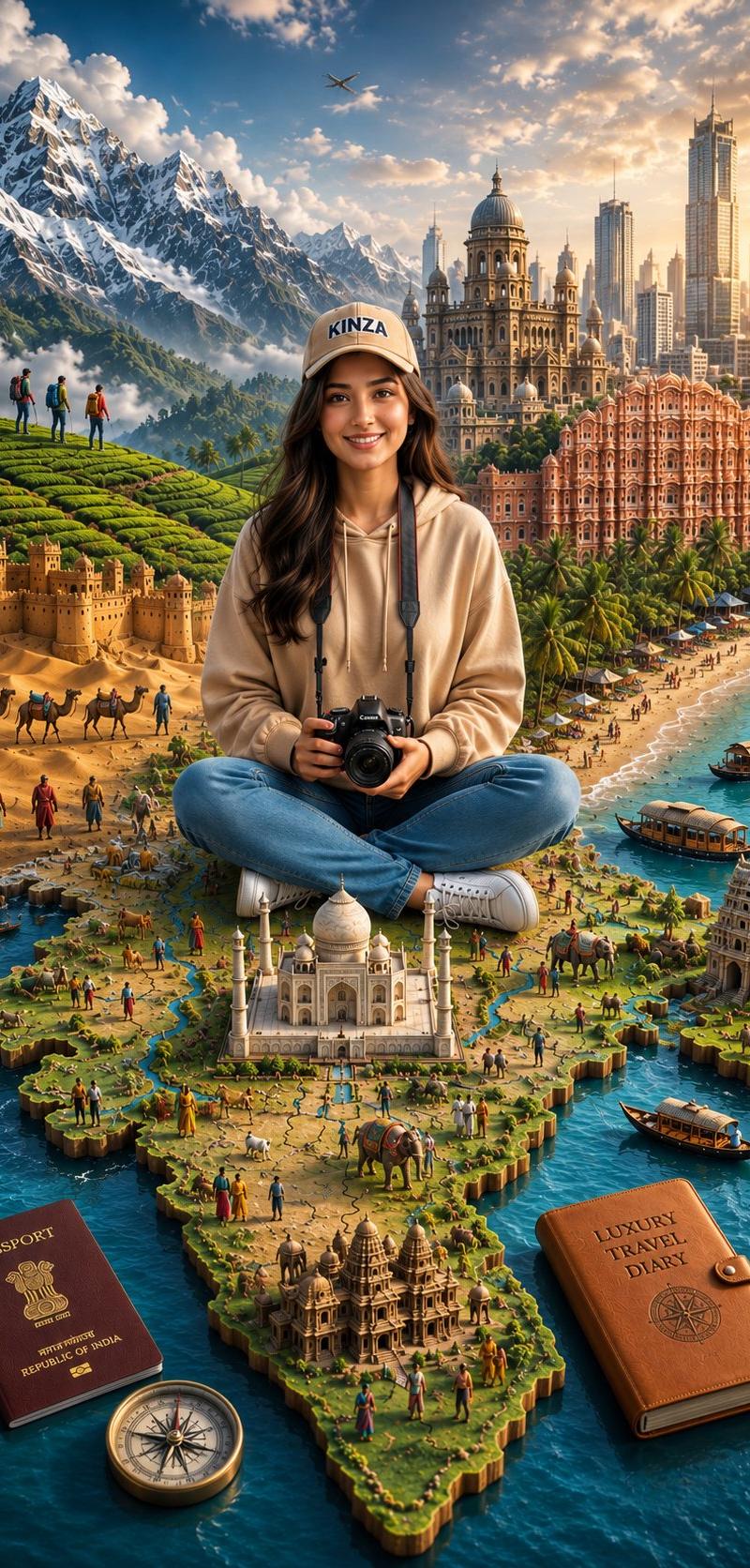
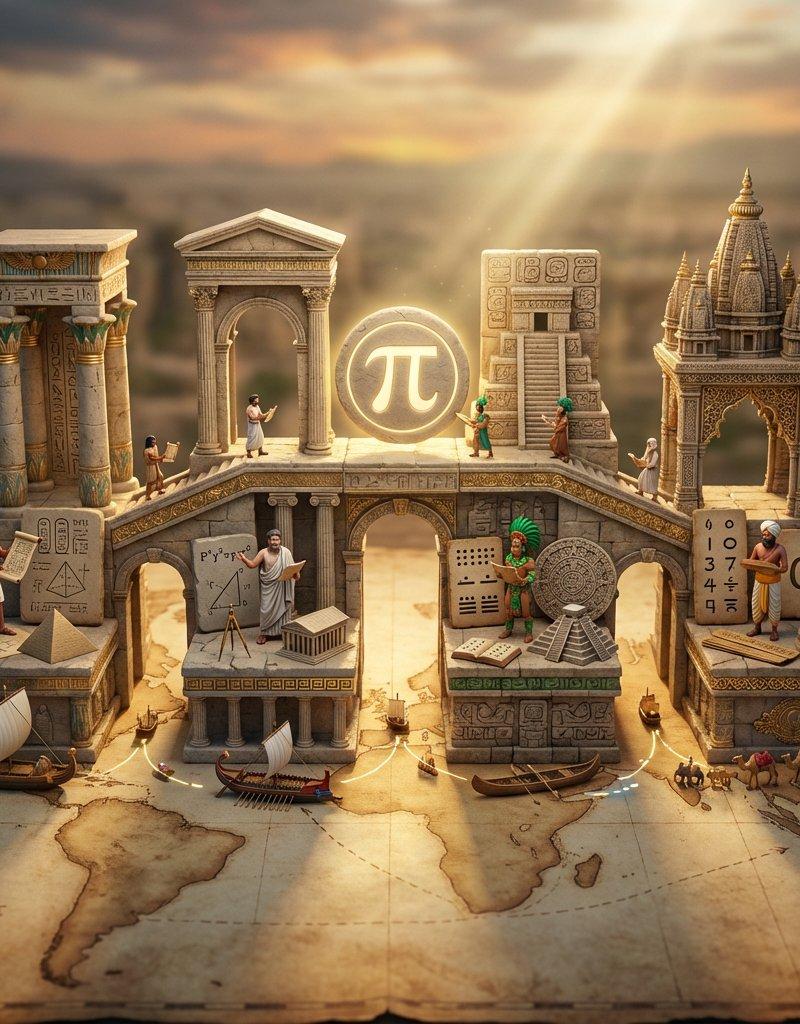
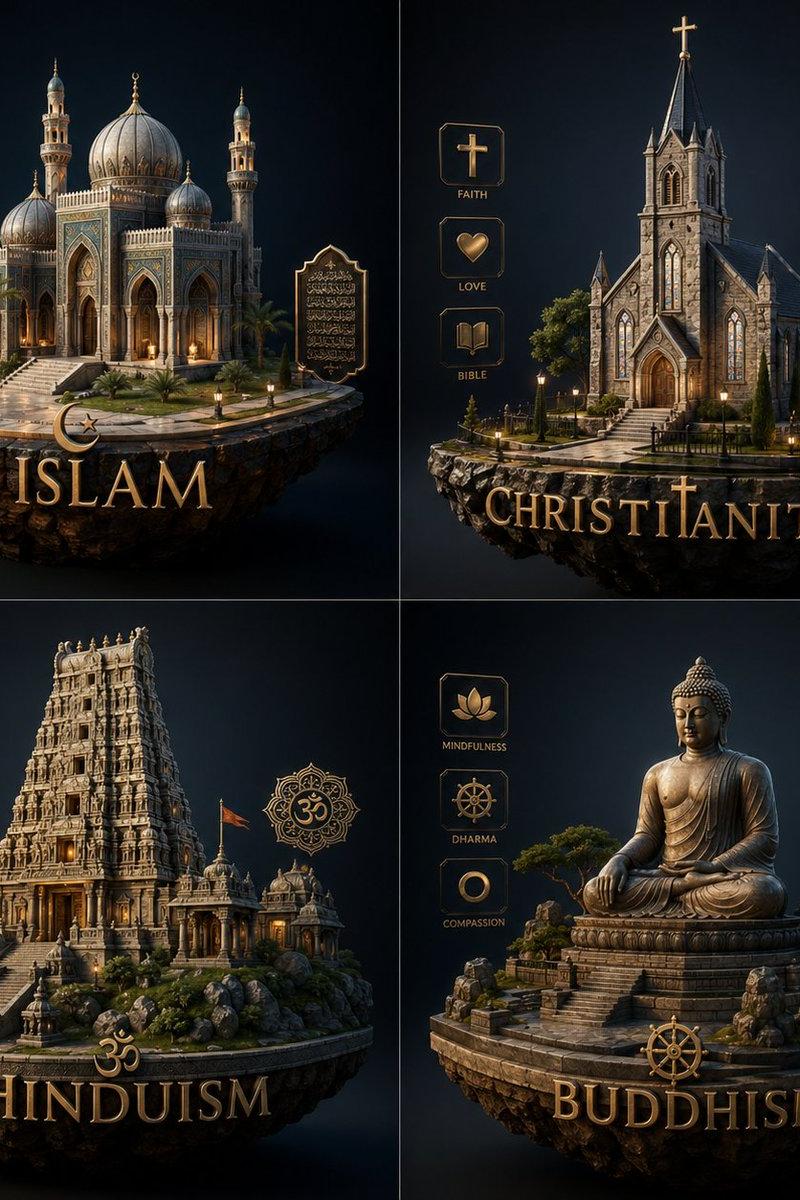
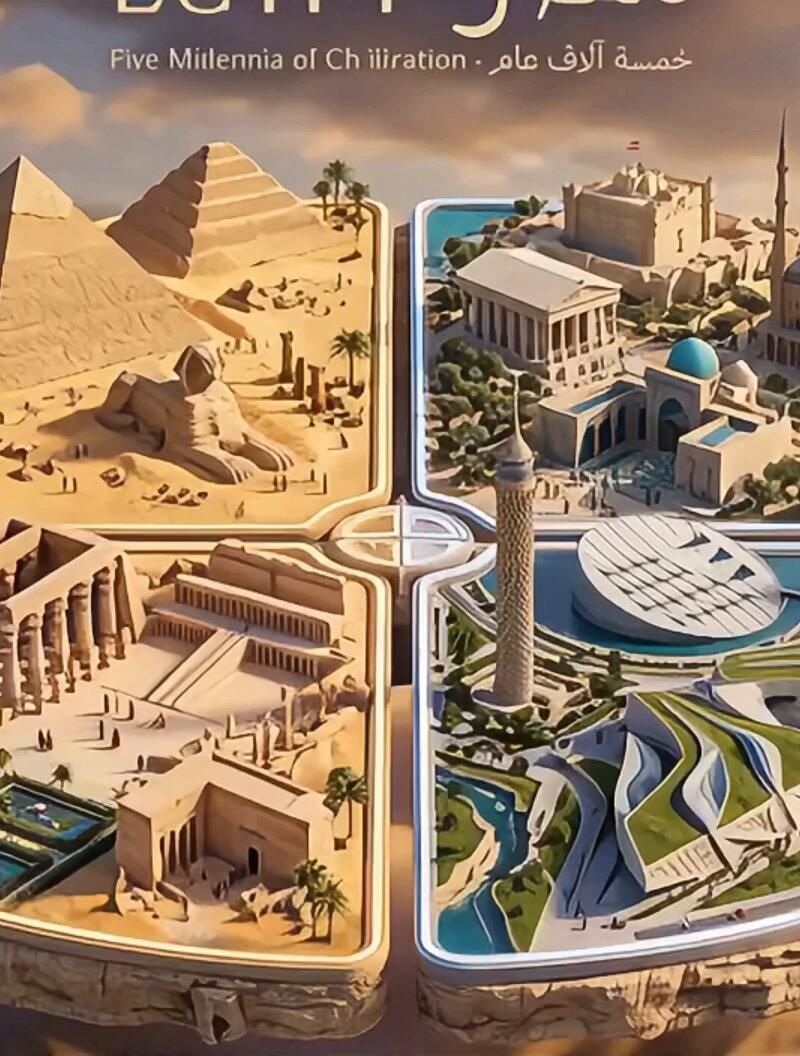
先用nano2生成了图片,然后用veo3生成了几个片段拼接起来
原图的提示词👇: https://t.co/4TA9YWadhe
图片提示词:
A stunning 3D render of a creative architectural diorama showing 【主题描述,如:the evolution of Beijing\'s iconic buildings / the transformation of Paris architecture / New York\'s architectural journey】. The scene features a 【形状,如:circular / square / hexagonal】 platform **floating directly in** 【环境,如:dramatic cloudy sky / misty void / twilight atmosphere】, divided into 【数量,如:four / three / six】 quadrants representing different architectural eras and styles. First quadrant: 【时期1名称,如:Ancient / Traditional / Colonial】 - 【具体建筑描述,如:Great Wall watchtowers, Forbidden City red walls, Temple of Heaven circular tiers】, all in 【材质,如:weathered stone texture / aged timber / ancient brick】. Second quadrant: 【时期2名称,如:Classical / Renaissance / Victorian】 - 【具体建筑描述,如:Ming Dynasty imperial gardens, Qing courtyards, traditional hutong alleys】 with 【特征描述,如:ornate details, elegant domes, classical facades】 in 【色调,如:warm cream and gold tones / soft pastels / rich earth colors】. Third quadrant: 【时期3名称,如:Modern / Industrial / International Style】 - 【具体建筑描述,如:CCTV Headquarters angular form, Bird\'s Nest lattice structure, Olympic towers】 featuring 【材质,如:glass curtain walls, steel frames, minimalist concrete】 in 【色调,如:sleek silver and blue glass / chrome and black / bold primary colors】. Fourth quadrant: 【时期4名称,如:Contemporary / Futuristic / Sustainable】 - 【具体建筑描述,如:Daxing Airport starfish design, vertical forests, parametric towers】 with 【特征描述,如:organic curves, green walls, innovative structures】 inspired by 【参考,如:Zaha Hadid\'s flowing forms / sustainable design / biomimetic architecture】. The platform edges show a 【边缘效果,如:torn paper / cracked earth / melting transition / crystalline fracture】 effect revealing layers of history. Each section has its characteristic landscaping - 【景观1,如:desert sand】 for 【时期1】, 【景观2,如:formal gardens】 for 【时期2】, 【景观3,如:urban streets】 for 【时期3】, and 【景观4,如:eco-parks】 for 【时期4】. Miniature human figures for scale. **The entire diorama appears to be magically suspended in the air without any pedestal or base, surrounded by** 【背景描述,如:golden sunset clouds transitioning to twilight blue / volumetric storm clouds / ethereal misty layers】. **Dramatic lighting with strong shadows cast onto the surrounding clouds, emphasizing the 3D depth and floating effect.** At the top, elegant typography displays "【城市/主题名称】" in 【字体风格,如:modern serif font / bold sans-serif / fusion of calligraphy and modern】 with "【副标题】" as subtitle. Soft studio lighting creates depth, with each era having its own color temperature - 【时期1色温,如:warm amber】 for 【时期1】, 【时期2色温,如:soft gold】 for 【时期2】, 【时期3色温,如:cool blue】 for 【时期3】, 【时期4色温,如:vibrant green-blue】 for 【时期4】. Hyper-realistic textures, shallow depth of field focusing on the center, cinematic composition, architectural photography style, museum-quality presentation, **8K quality**.
- Category
- Photography & Realism
- Model
- Unknown
- Creator
- huangserva
- Source language
- zh-CN
- Source ID
- first-video-by-old-account
Views0