18

Val Thorens冰川峰顶透明冰雕DJ设备
Enlarge

Val Thorens冰川峰顶透明冰雕DJ设备

Prompt
Gemini Nano Banana Pro.
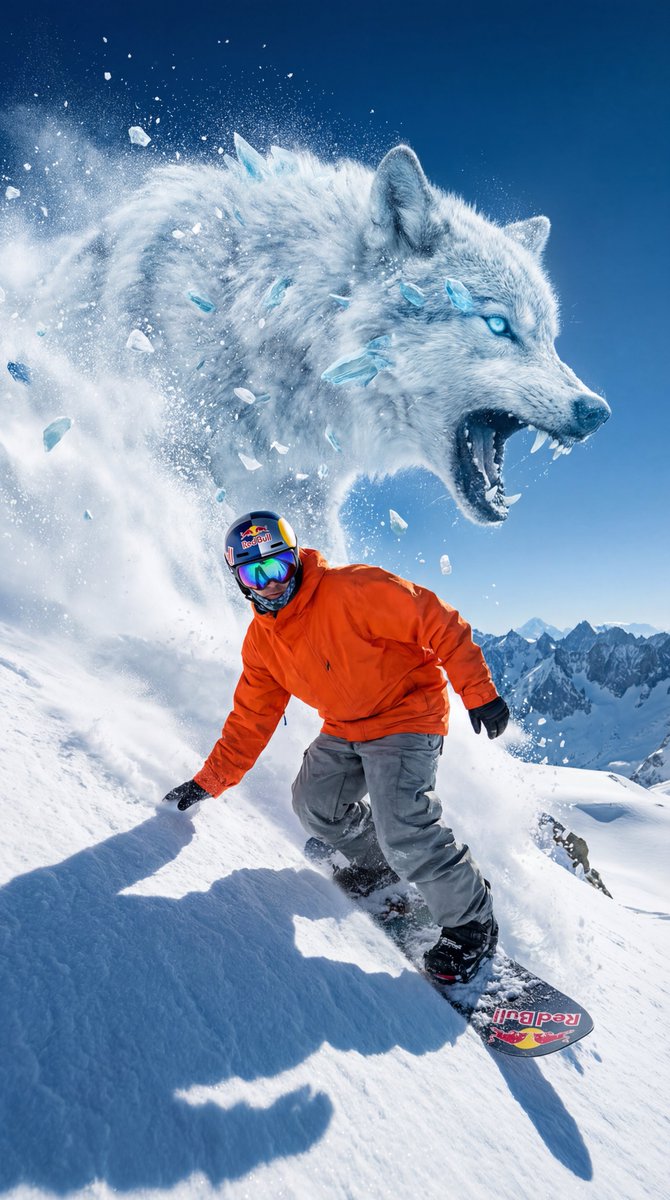
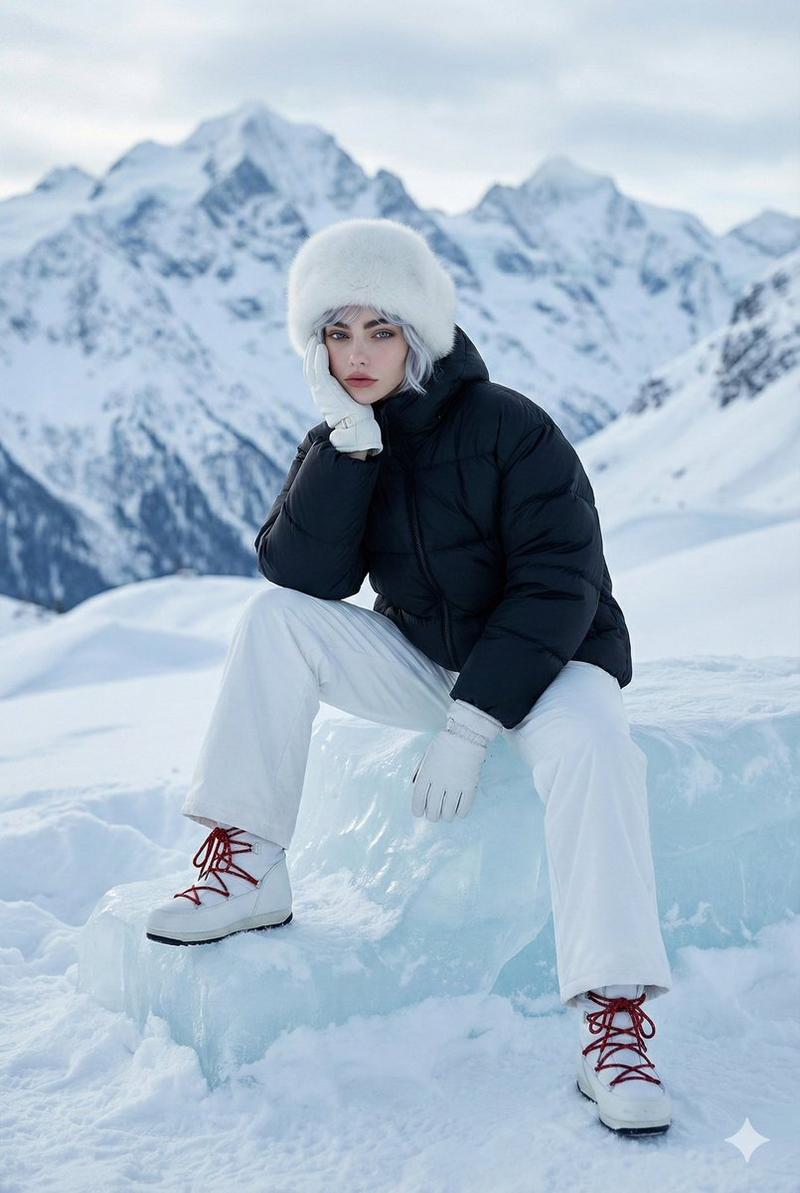
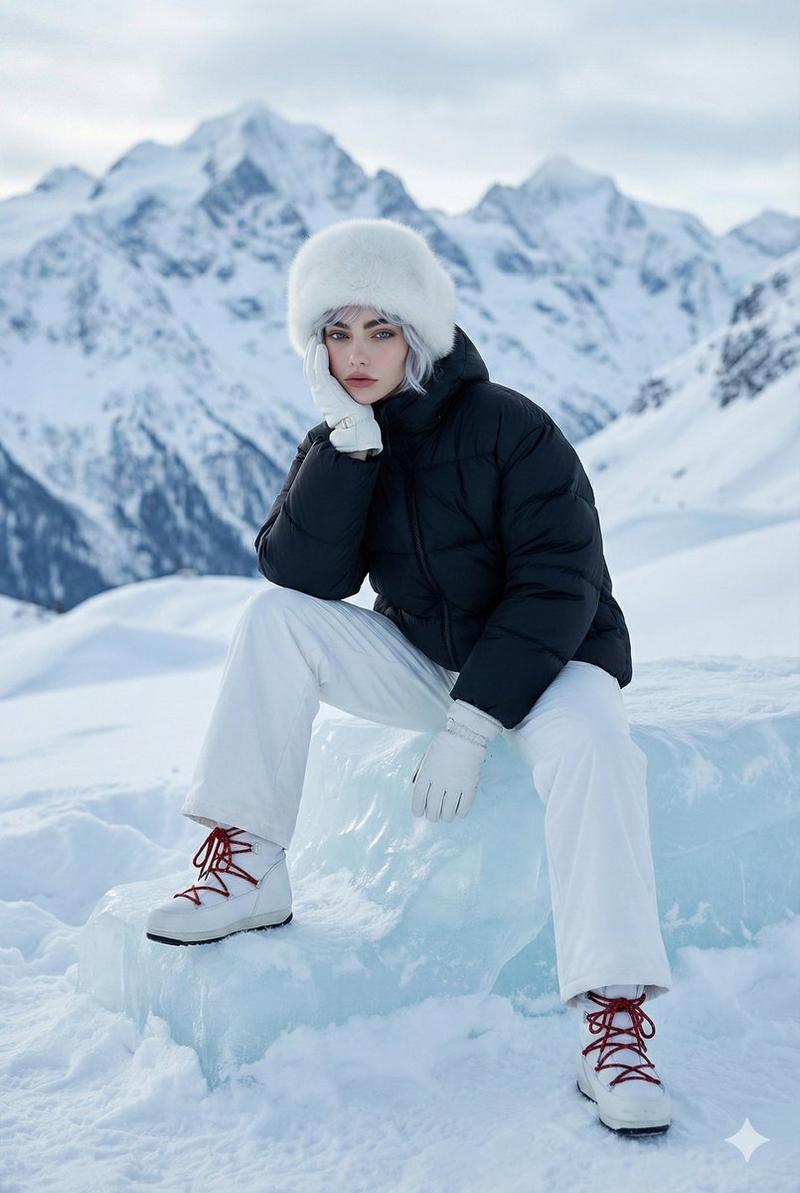
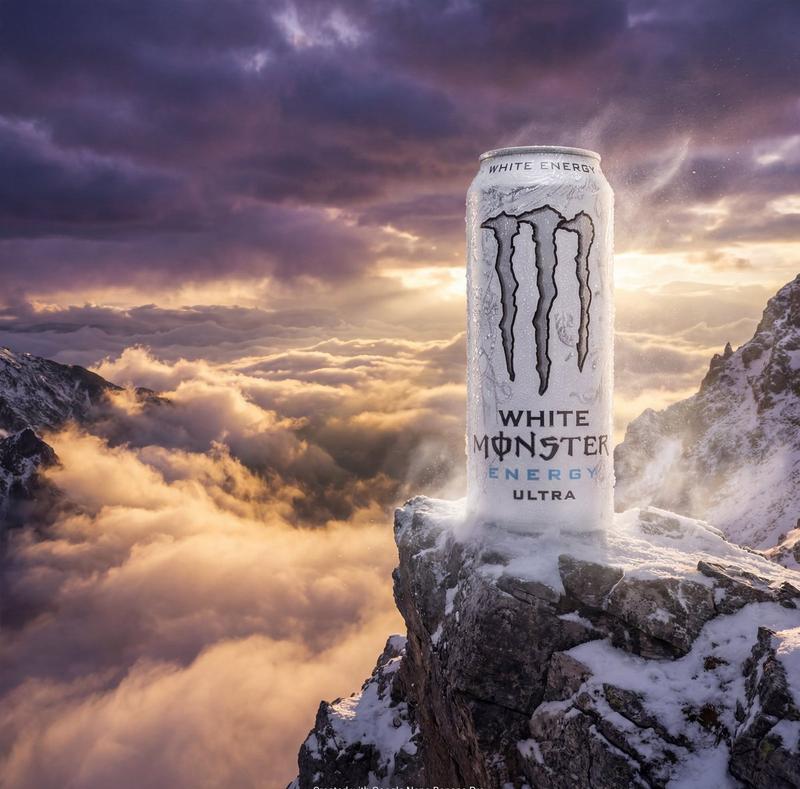
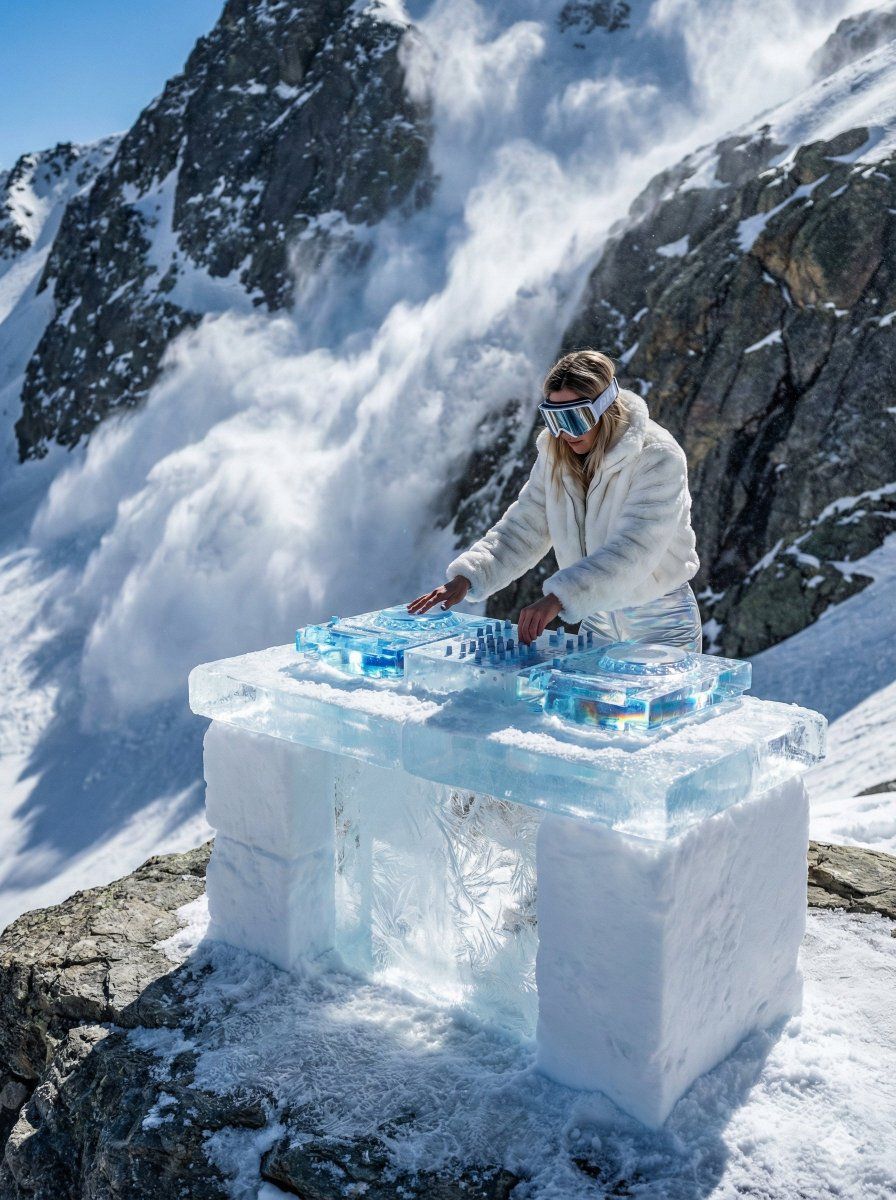
Prompt: A hyper-realistic medium wide-angle shot of a futuristic DJ setup sculpted entirely from translucent glacial ice and compacted snow, perched on a jagged alpine peak in Val Thorens. The DJ decks feature intricate knobs and platters carved from clear blue ice, exhibiting subsurface scattering and prismatic light refraction. A stylish female DJ wears high-end avant-garde après-ski fashion (white faux fur, reflective oversized goggles) and is actively mixing on the frozen equipment. Behind her, a dramatic, massive snow avalanche cascades down a granite mountain face, captured with slight motion blur to emphasize speed. The lighting is harsh midday alpine sun, creating sharp shadows, blinding specular highlights on the wet ice, and atmospheric snow dust. Shot on Phase One XF IQ4, 8k resolution,3:4 incredibly detailed frost textures.
Category
UI & Interfaces
Model
Nano Banana Pro
Creator
Oogie
Views0
Source ID
futuristic-dj-setup-translucent-glacial-ice-alpine-peak

Guide

About "Val Thorens冰川峰顶透明冰雕DJ设备"

What is this prompt for?

"Val Thorens冰川峰顶透明冰雕DJ设备" AI image prompt for Nano Banana Pro (UI & Interfaces). Gemini Nano Banana Pro. Prompt: A hyper-realistic medium wide-angle shot of a…

The full copyable prompt and example visuals above are ready for AI image generation or one-click recreate in Picva.

How to use this prompt

  1. Step 1

    Open the prompt detail

    Review the example visuals, category, and full prompt text for "Val Thorens冰川峰顶透明冰雕DJ设备".

  2. Step 2

    Copy the prompt

    Copy the prompt body from this page, or load it directly in Studio.

  3. Step 3

    Pick a model (Nano Banana Pro)

    Prefer Nano Banana Pro. If you switch models, keep subject and composition and tweak style terms.

  4. Step 4

    Generate and export

    Recreate the look in Picva, or export into your workflow for editing and publishing.

FAQ

What is the "Val Thorens冰川峰顶透明冰雕DJ设备" prompt?
It is an AI image-generation prompt for Nano Banana Pro in the UI & Interfaces category. This page includes the full prompt text, example visuals, and a one-click recreate path in Picva.
How do I use this prompt to generate an image?
Copy the prompt from this page, or use Generate / Studio. Paste it into a compatible image model, or recreate the look in Picva with optional reference images.
Which model is this prompt for?
This page lists Nano Banana Pro. Most descriptive prompts also transfer to nearby image models such as GPT Image, Flux, or Midjourney with light style tweaks.
Can I use the result commercially?
You can usually copy the prompt for creation, but commercial use of the final image depends on the model terms, reference-image rights, and the generated content. Follow the source author and platform rules.