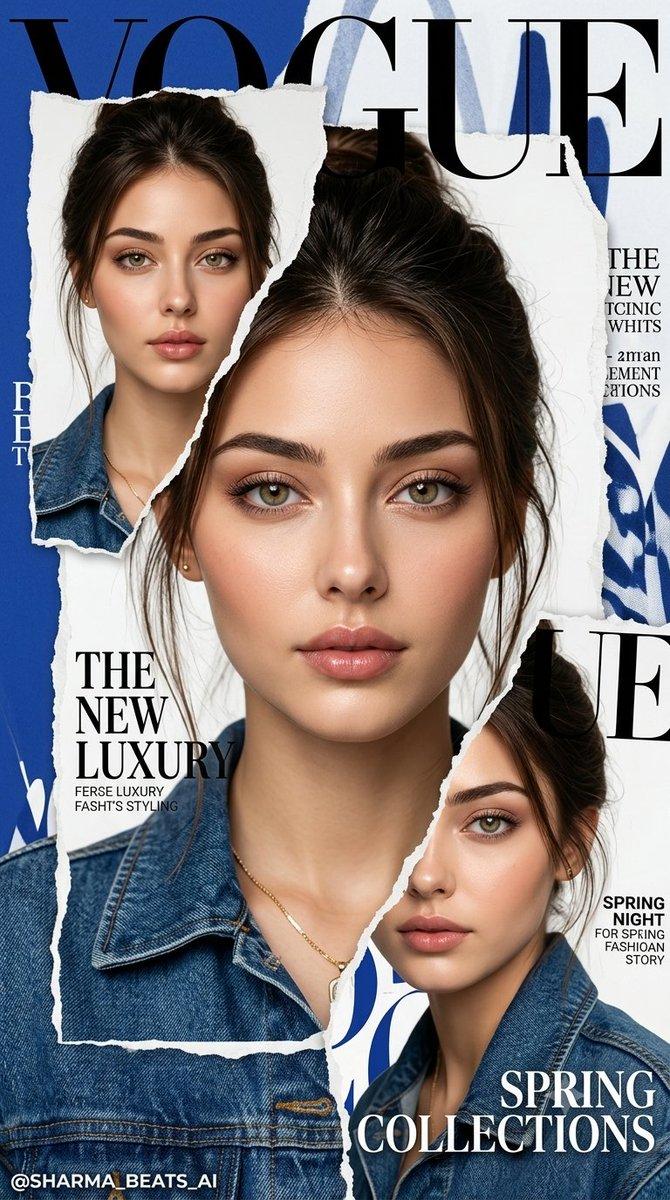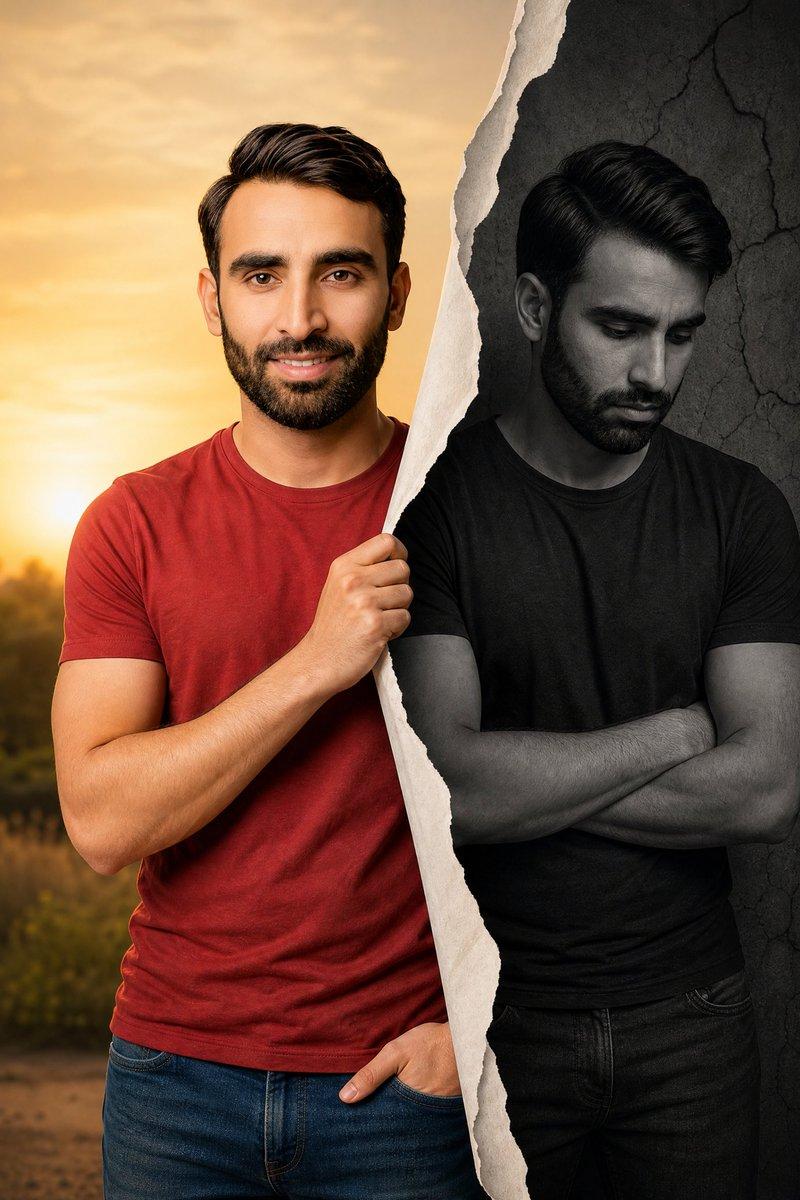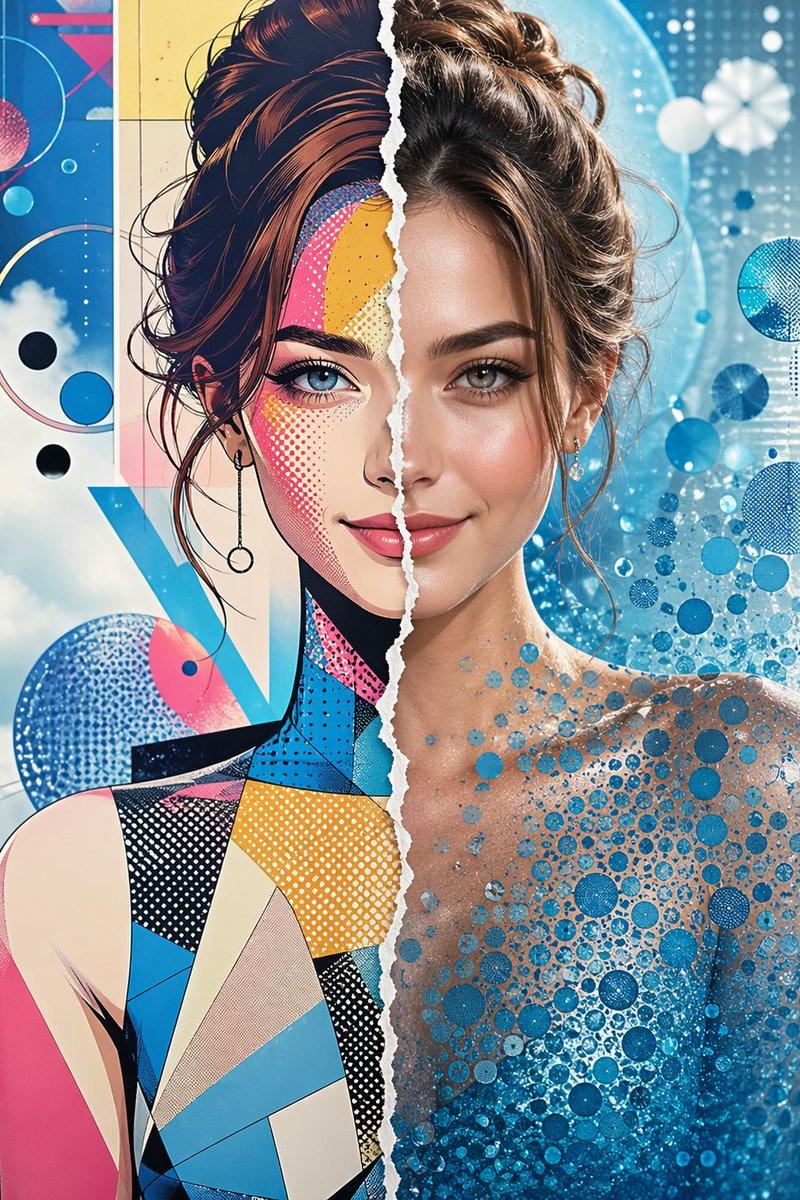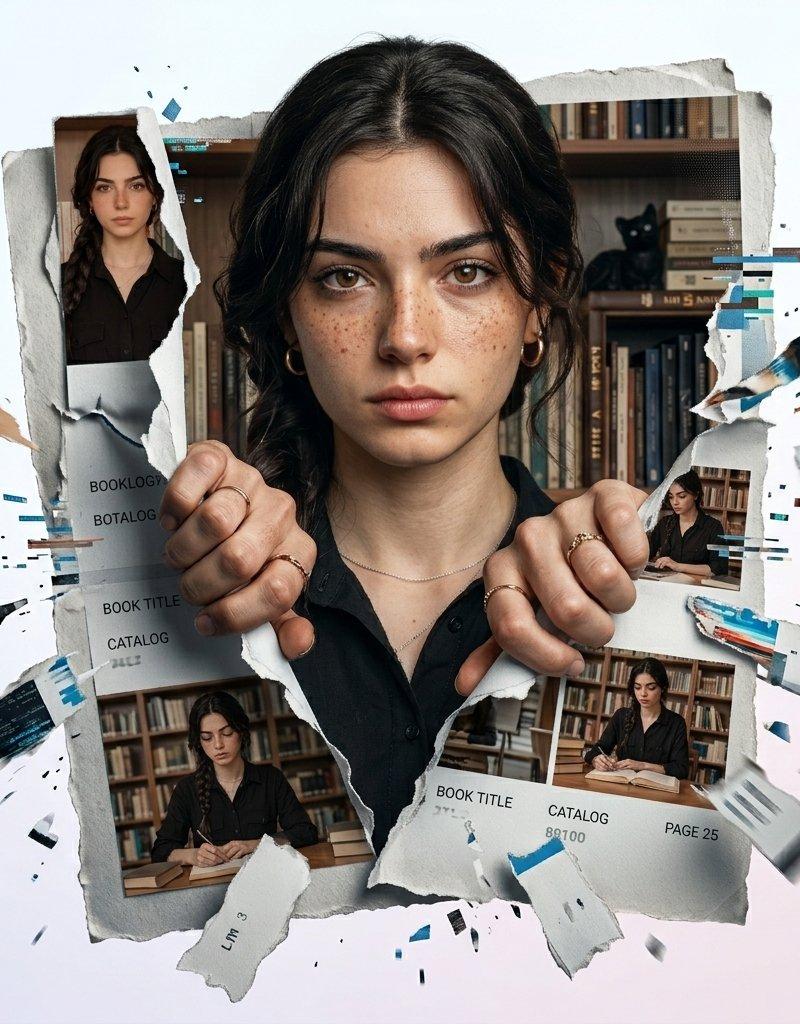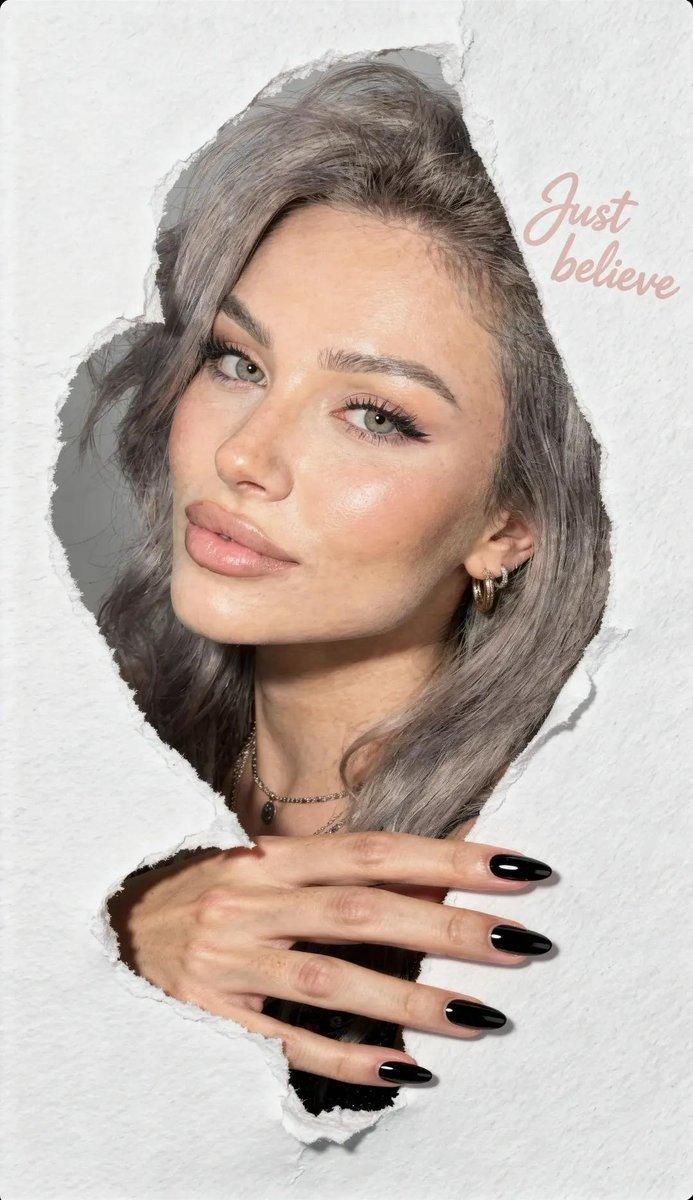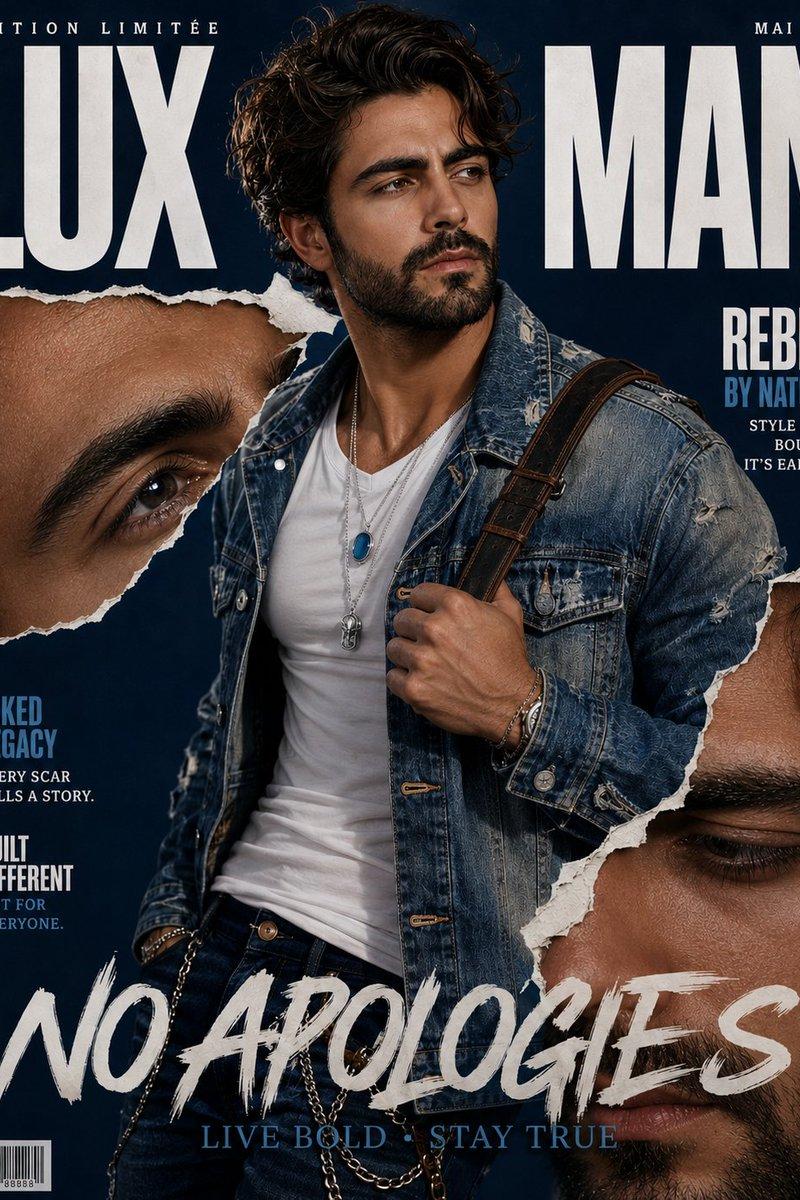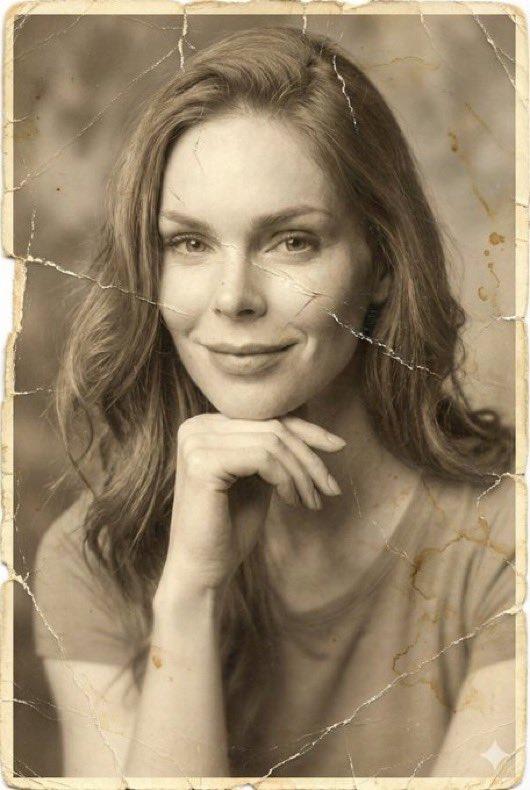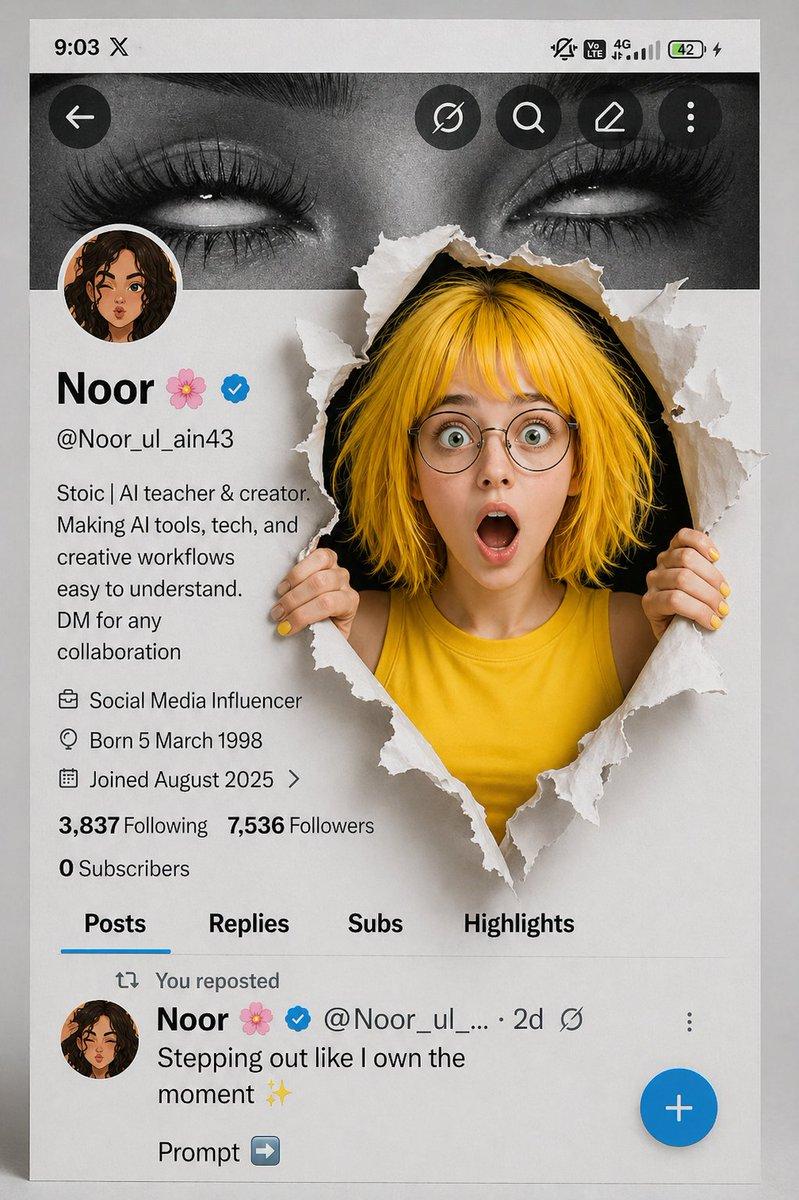
Gemini Nano Banana Pro - 超现实主义与卡通融合
Prompt
Gemini Nano Banana Pro
Prompt:
{
"image_generation": {
"requirements": {
"face_preservation": {
"preserve_original": true,
"accuracy_level": "100% identical to reference",
"details": [
"real facial proportions",
"exact skin texture",
"true eye shape and color",
"natural soft makeup",
"subtle upward eyeliner",
"soft pink eyeshadow",
"natural rosy lips"
]
},
"pose": {
"match_reference_pose": true,
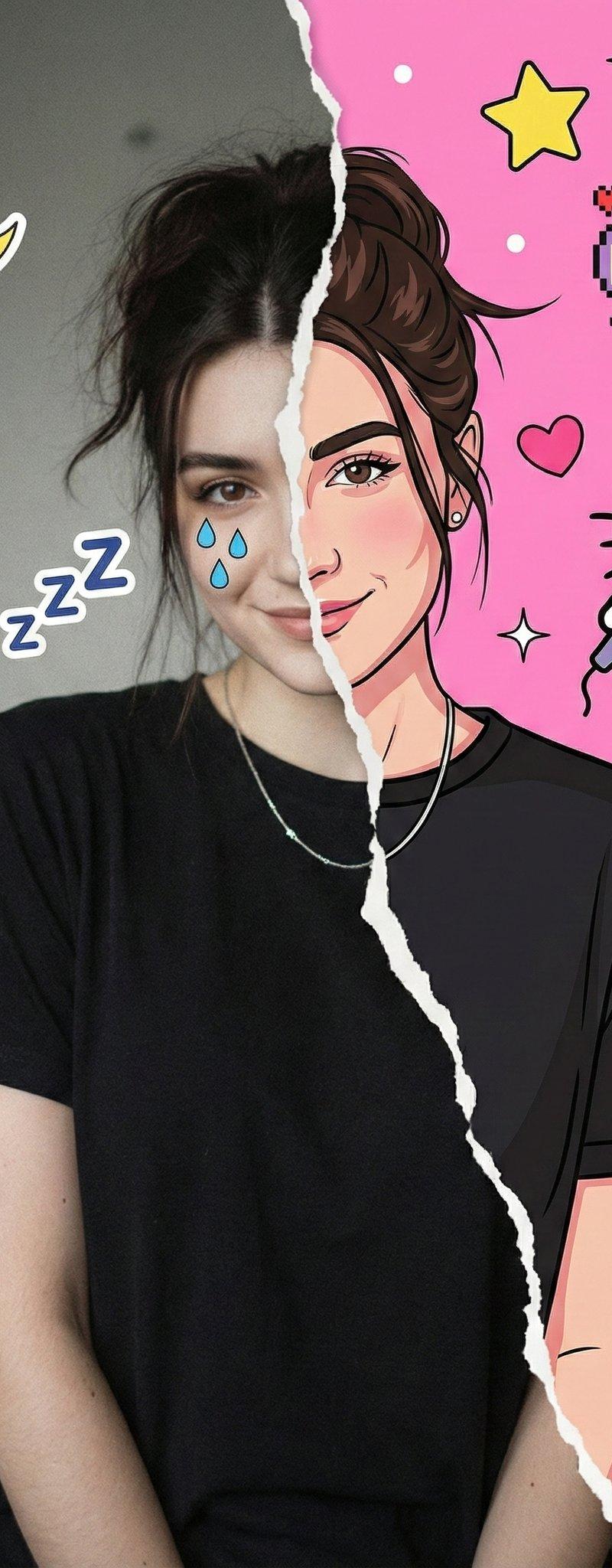
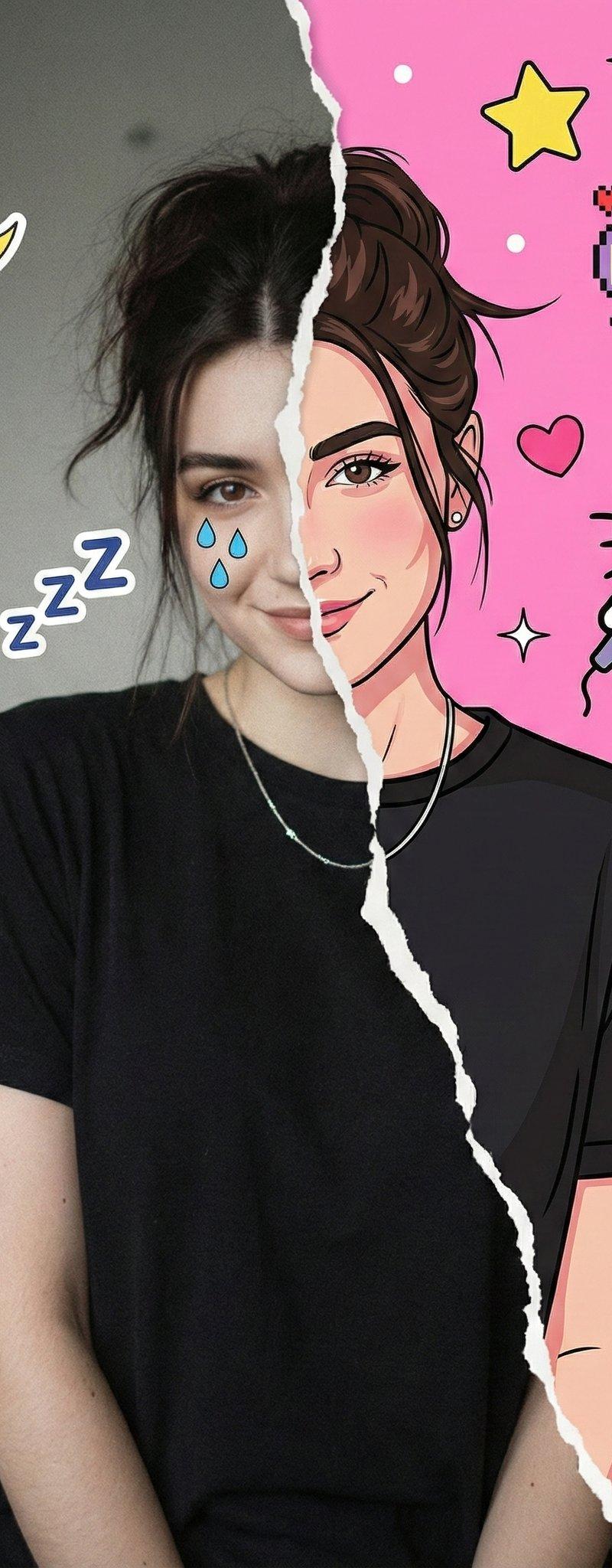
"description": "Chest-up portrait, face facing forward but gently tilted to the right from the viewer’s perspective."
},
"lighting": {
"match_reference_lighting": true,
"type": "soft diffused indoor lighting",
"direction": "from the front and slightly from the left",
"shadows": "gentle soft shadows on the sides of the face and neck",
"background_tone": "soft neutral with slight bluish tint"
}
},
"subject": {
"gender": "female",
"hairstyle": {
"match_reference": true,
"description": "same exact hairstyle as in reference image"
},
"expression": "neutral, slightly thoughtful",
"clothing": {
"top": "simple black T-shirt",
"necklace": "thin silver necklace with a small minimal pendant"
}
},
"composition": {
"frame": "chest-up portrait",
"orientation": "frontal with slight rightward tilt",
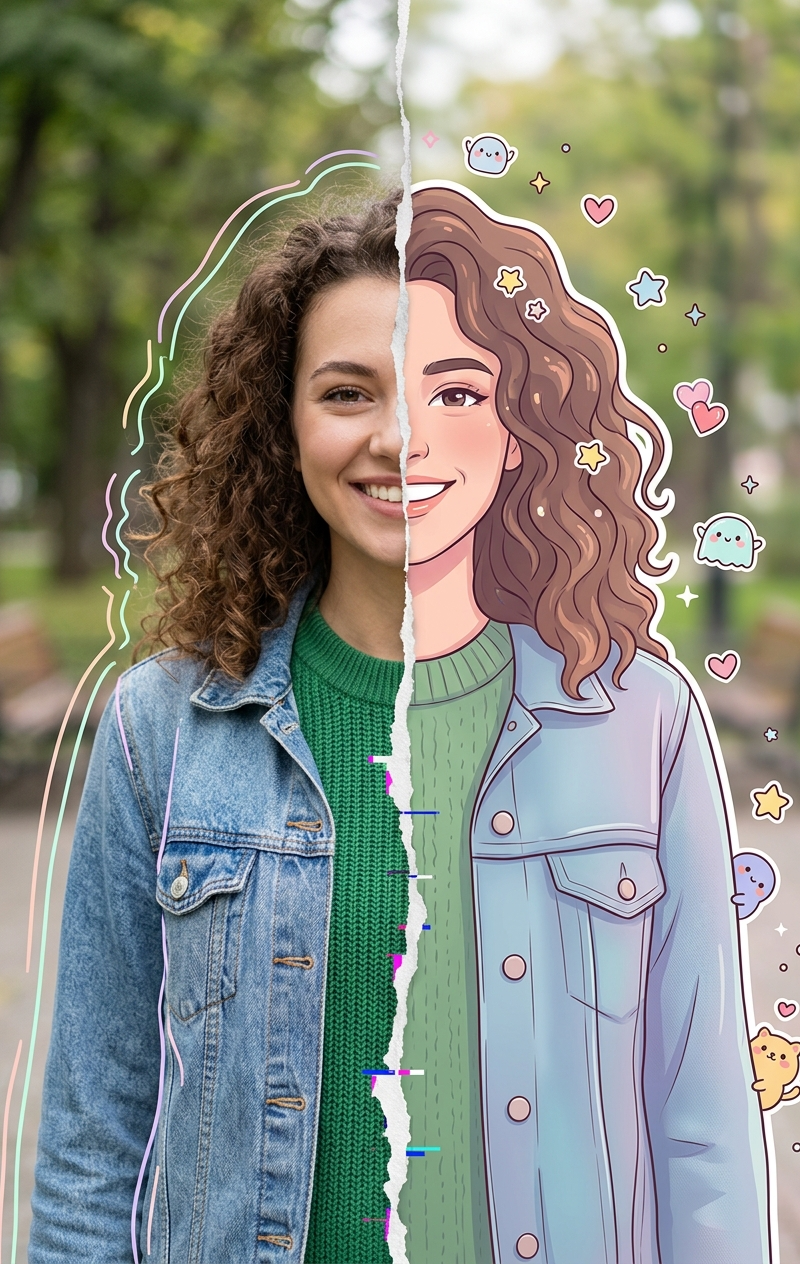
"style": "hyper-realistic with split real/cartoon effect"
},
"special_effects": {
"split_effect": {
"type": "irregular centered tear",
"edges": "white angled torn-paper look",
"description": "image appears ripped down the middle"
},
"realistic_side": {
"background": "soft, neutral, slightly bluish environment",
"filters": [
"soft analog grain",
"lightly aged texture",
"reduced saturation",
"subtle film imperfections"
],
"overlays": [
"blue stylized teardrop stickers below the left eye",
"small \'Zzz\' sleep symbols near forehead",
"yellow crescent moon in upper-left corner",
"light blue hand-drawn cloud"
]
},
"illustrated_side": {
"art_style": "bold cartoon, digital illustration",
"color_palette": "bright, vibrant, saturated",
"hair": "same tone as realistic side but stylized",
"eyes": "exaggerated eyeliner, dramatic expression",
"background": "vibrant light pink pop-art style",
"decorations": {
"kawaii_elements": [
"Hello Kitty holding a microphone",
"pixel-art pink mascot character",
"yellow stars",
"pink hearts",
"colorful planets",
"bold pink Japanese characters"
]
}
}
},
"aesthetic": {
"overall_tone": "soft, dreamy, lightly vintage",
"lighting_consistency": "must match reference perfectly",
"skin_texture_realism": "high",
"blending_quality": "smooth, natural transition between real and illustrated halves with crisp tear edge"
},
"output": {
"style": "hyper-realistic + digital cartoon fusion",
"quality": "ultra-high-resolution",
"filters": [
"subtle analog vintage film filter",
"soft grain"
]
}
}
}- Category
- Photography & Realism
- Model
- Nano Banana Pro
- Creator
- Zara
- Source language
- zh-CN
- Source ID
- gemini-nano-banana-pro-hyper-realistic-and-cartoon-fusion
Views0