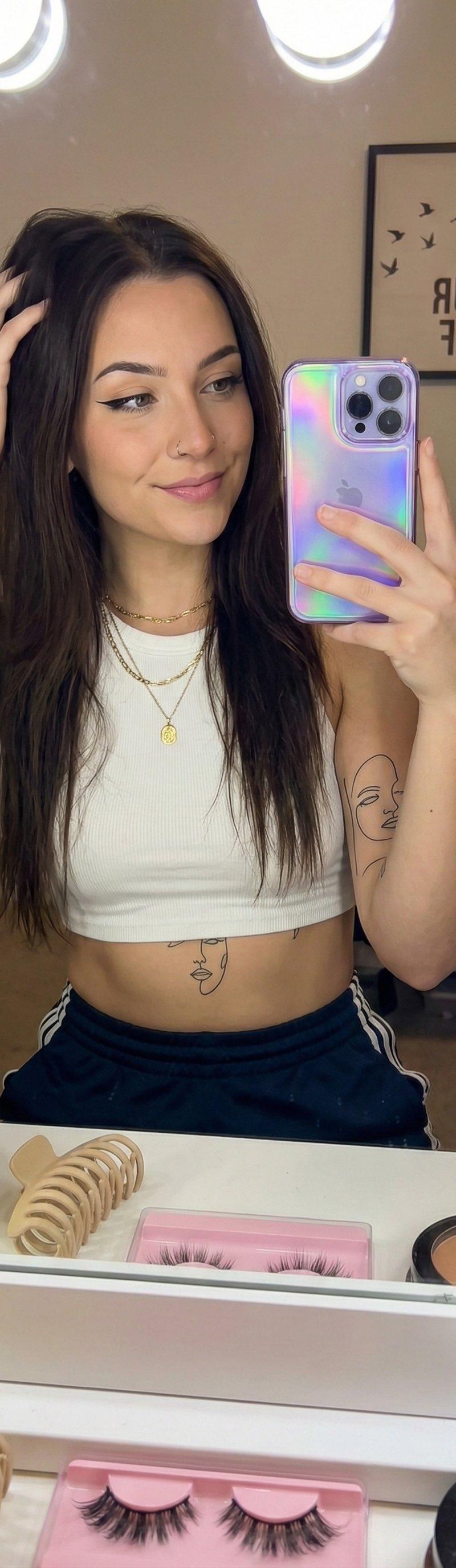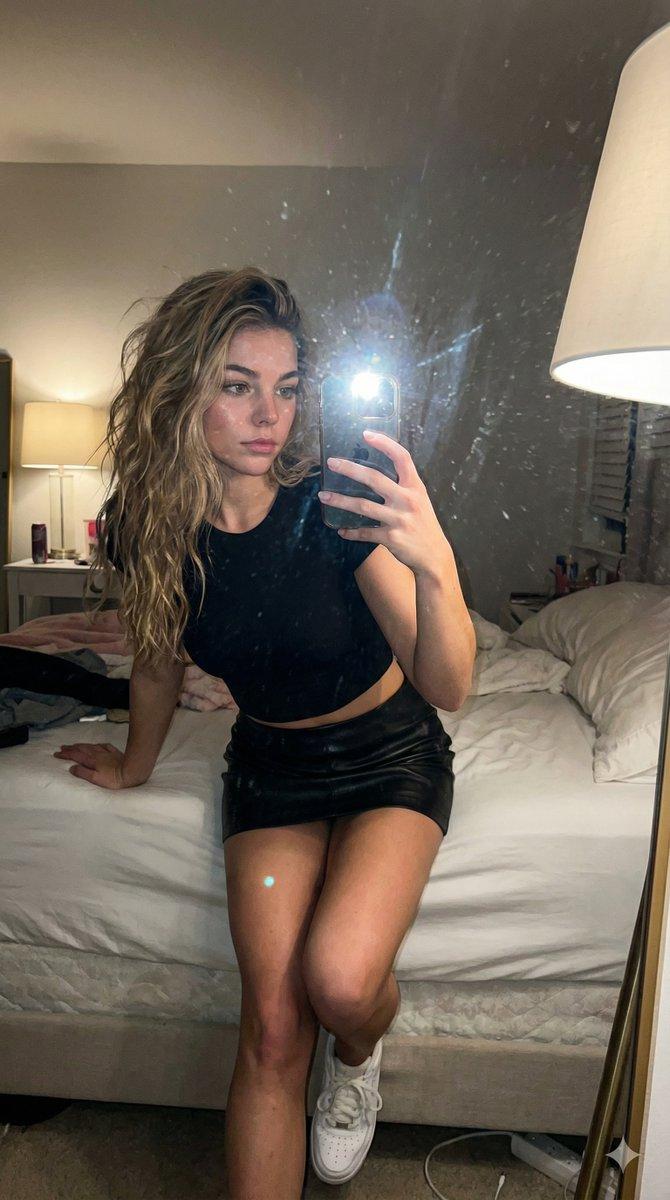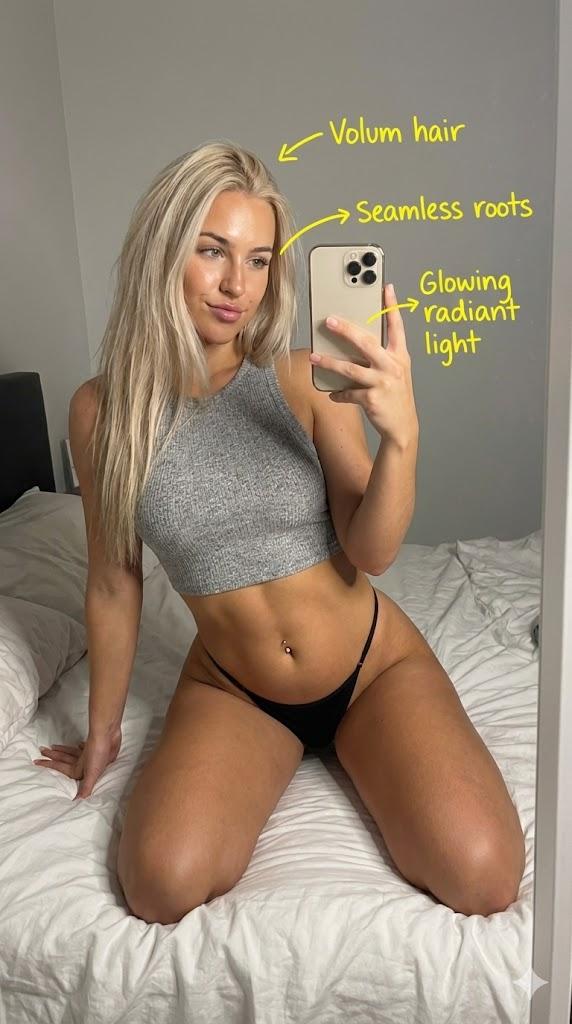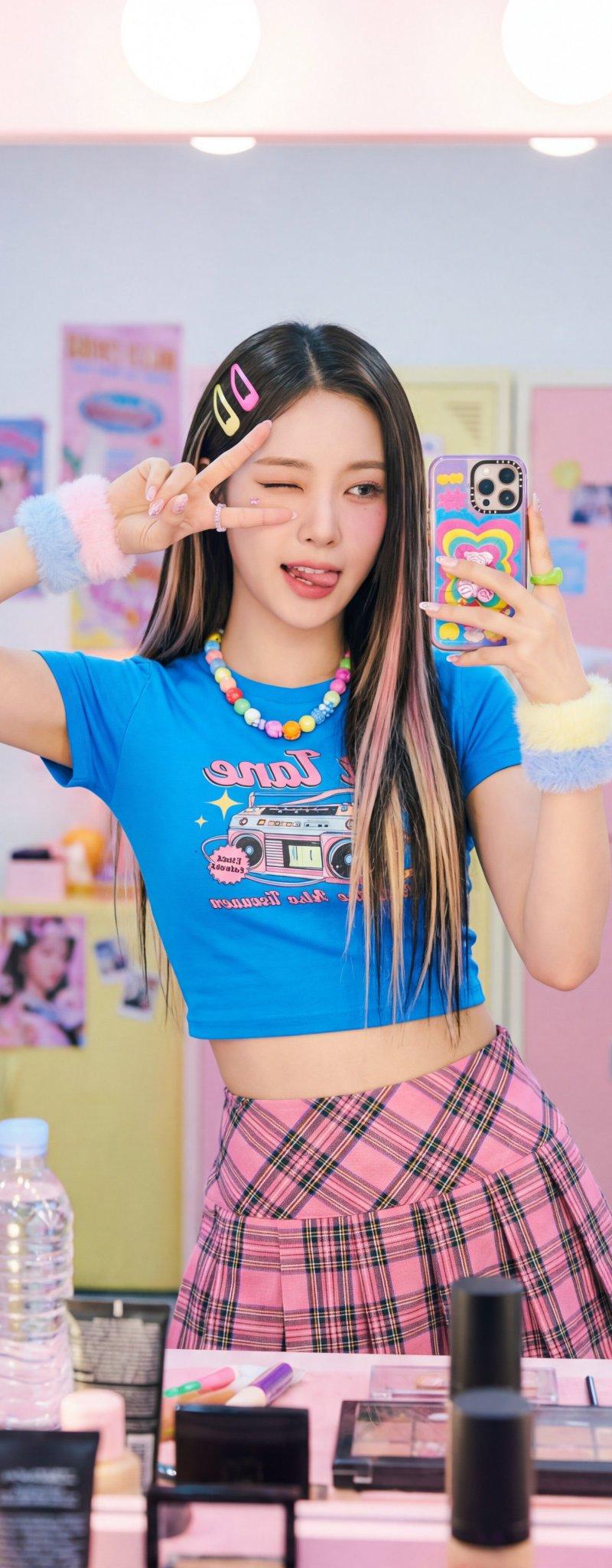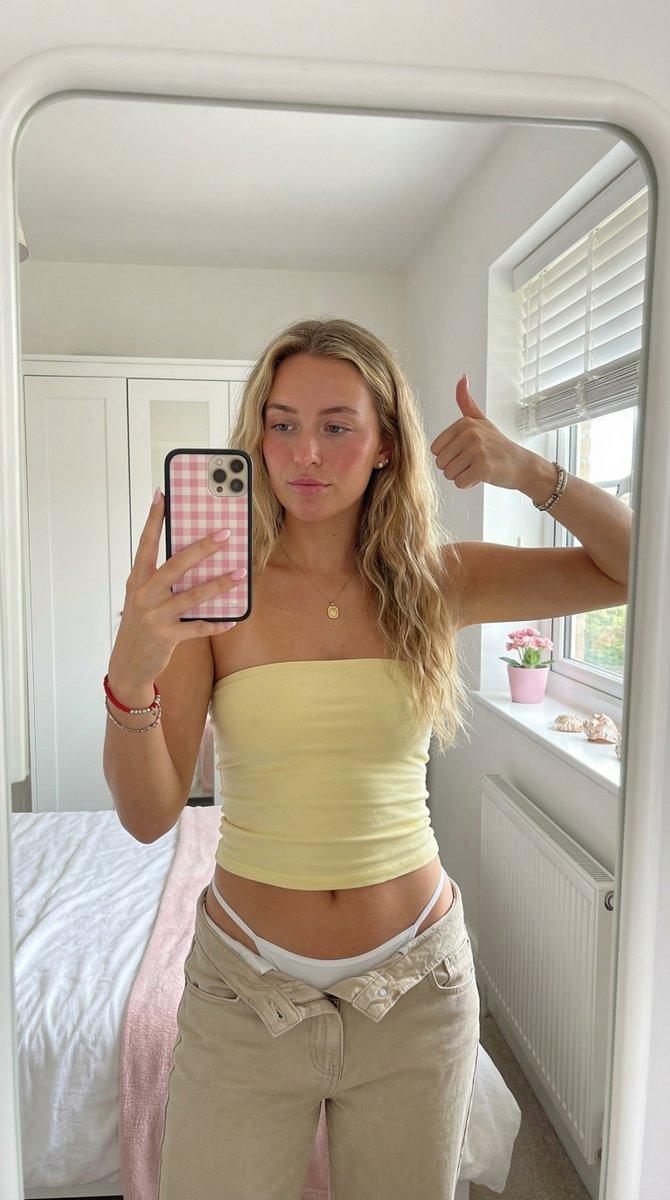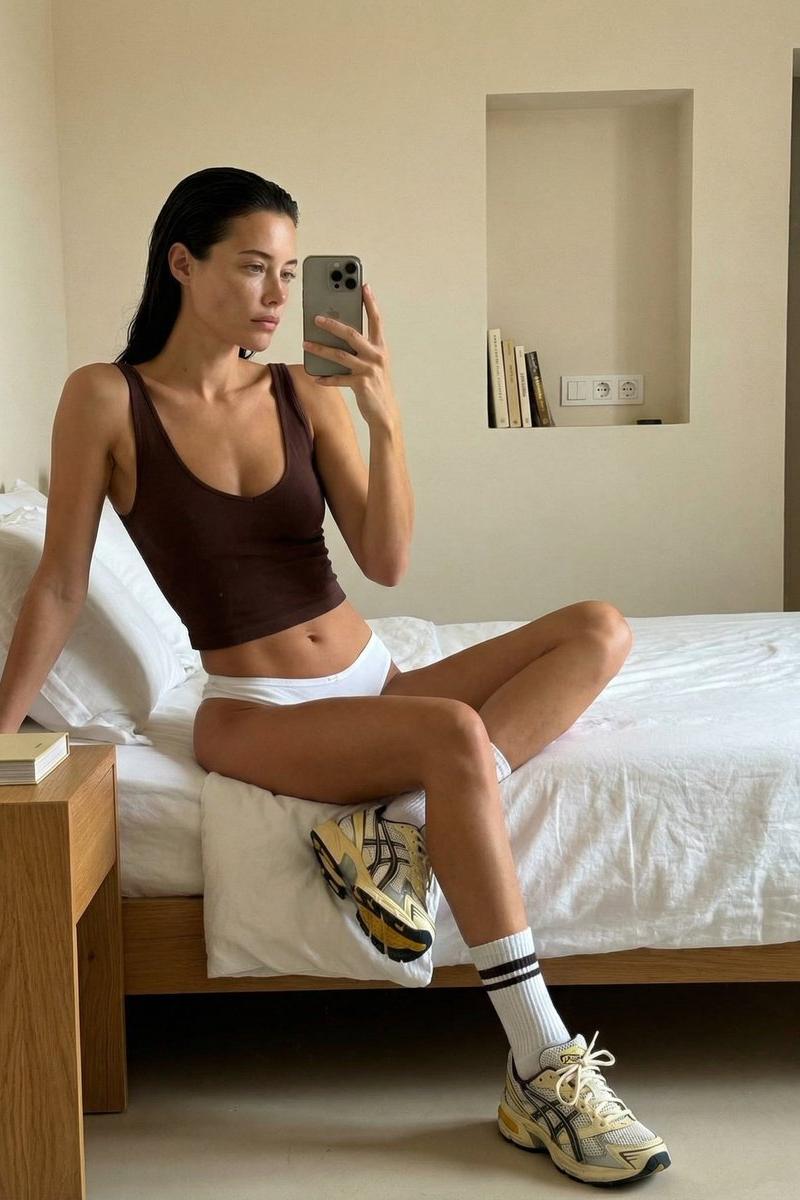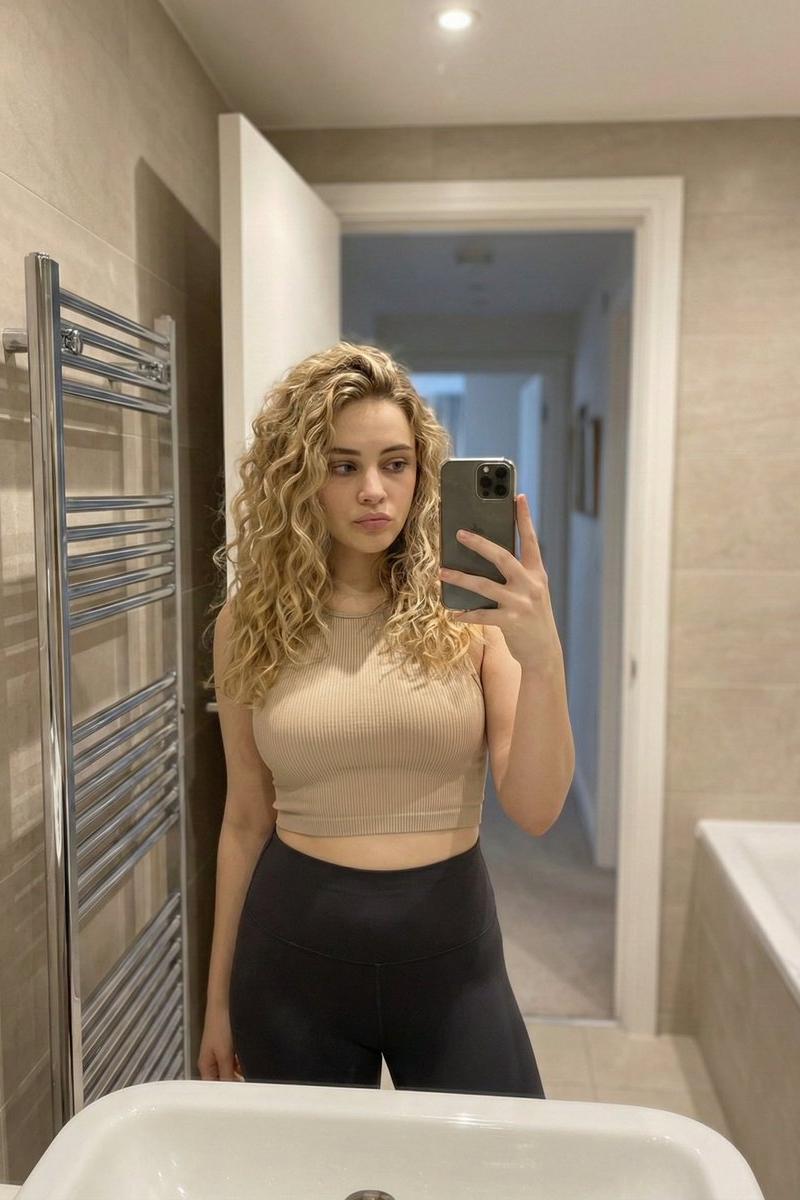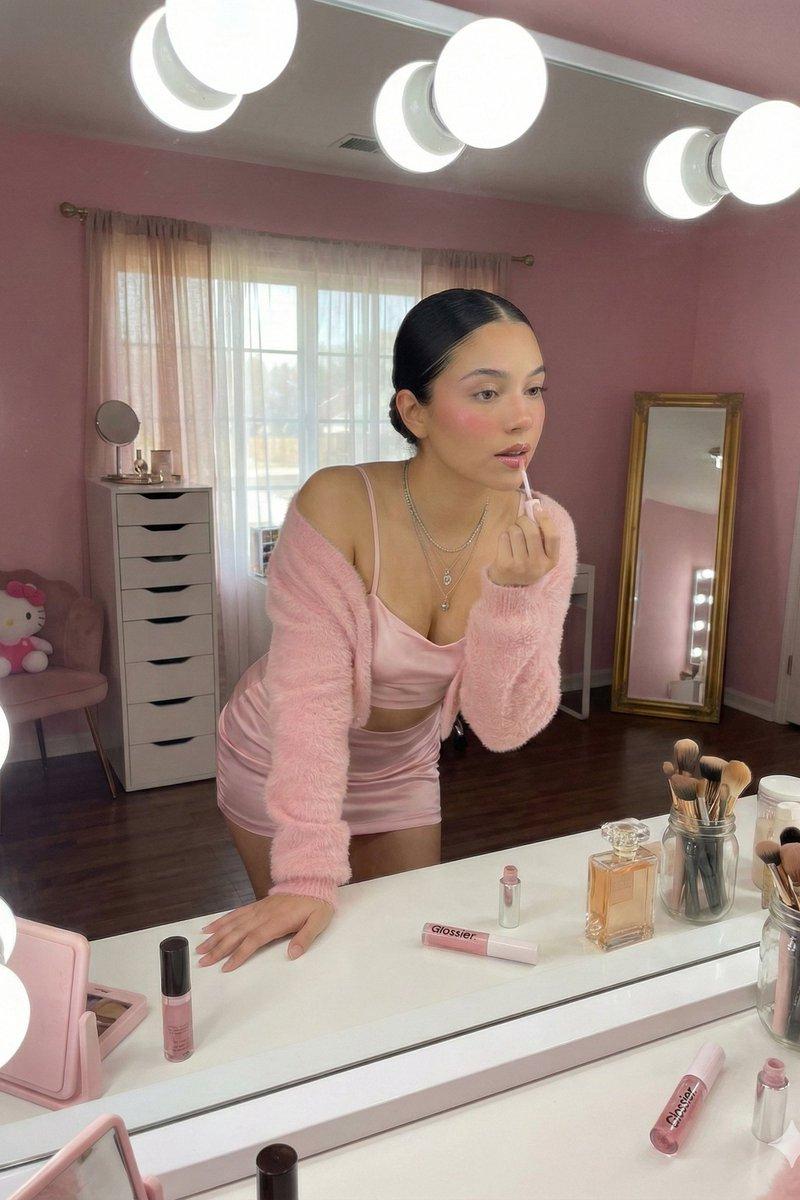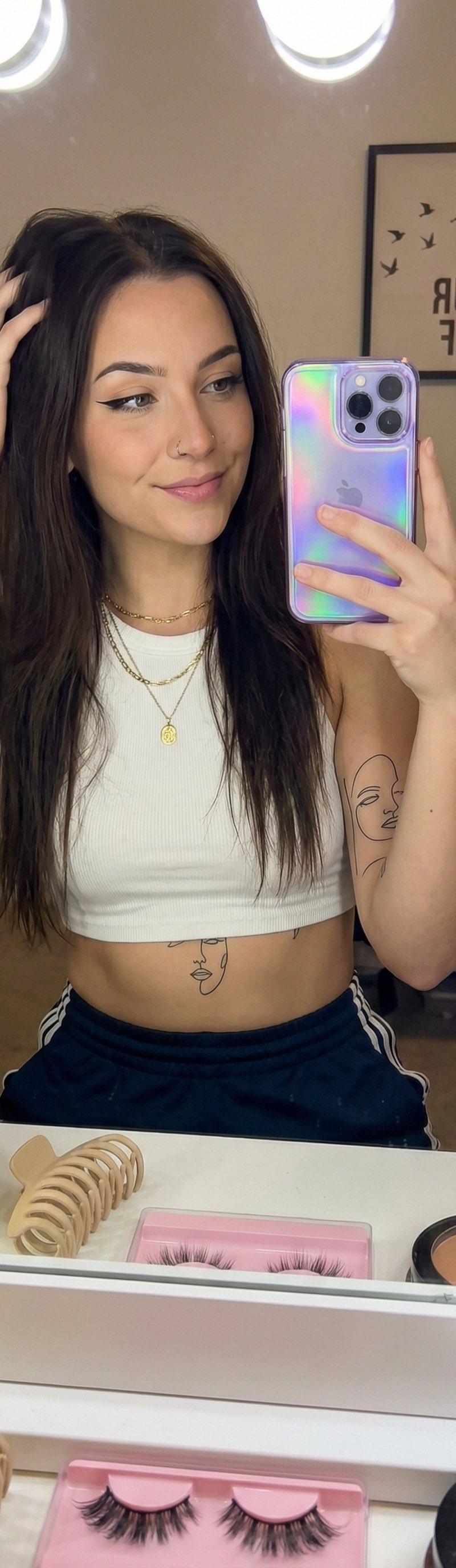
Gemini Nano Banana Pro 自拍
Prompt
Gemini Nano Banana Pro
Prompt:
{
"prompt_configuration": {
"type": "photorealistic",
"style": "social_media_mirror_selfie",
"viewpoint": "eye_level_reflection"
},
"subject_details": {
"demographics": "Young adult female, light skin tone, slender build",
"hair": {
"color": "Dark brown/black",
"style": "Long, straight, layered",
"action": "Left hand raised, fingers running through hair on the left side, lifting it slightly away from the face"
},
"face": {
"expression": "Calm, confident, soft smile, eyes looking at phone screen in reflection",
"makeup": {
"eyes": "Sharp black winged eyeliner, defined lashes",
"brows": "Sculpted and defined arches",
"lips": "Natural pink tone, soft matte finish"
},
"piercings": "Small silver stud in right nostril"
},
"body_art": {
"left_arm": "Full sleeve tattoo featuring botanical elements, leaves, and floral shading in black and grey ink",
"right_forearm": "Stylized fine-line illustration of a woman\'s face/portrait",
"torso": "Minimalist fine-line tattoo of a face located centrally on the upper stomach/ribcage"
}
},
"attire_and_accessories": {
"clothing": {
"top": "White cropped tank top, ribbed cotton texture, high neck, racerback cut",
"bottom": "Dark athletic pants or sweatpants with white vertical stripes on the waistband",
"fit": "Form-fitting, revealing midriff"
},
"jewelry": {
"necklaces": [
"Gold chain with a small circular pendant (shorter length)",
"Gold chain with a heart-shaped pendant (longer length)"
]
},
"tech": {
"device": "iPhone Pro model",
"case": "Holographic purple/blue iridescent case with wavy/psychedelic liquid pattern",
"held_by": "Right hand, fingers gripping the bottom and side"
}
},
"environment_and_clutter": {
"setting": "Personal vanity area/bedroom",
"foreground_objects_on_counter": {
"left": "Large yellow cylindrical tub (hair mask or cream)",
"center": "Beige matte rectangular hair claw clip",
"bottom_center": "Pink plastic organizer tray filled with multiple pairs of false eyelashes",
"right": "Stack of makeup compacts and a white bottle with red cap"
},
"background_reflection": {
"wall_decor": "Framed square print featuring bird silhouettes on a branch and text reading \'BE YOUR SELF\' (text is reversed in mirror)",
"hanging_items": "Blue electrical cord for a hair tool hanging on the left side"
},
"mirror_frame": "Vanity mirror with large exposed round bulbs visible on the left and right edges"
},
"lighting_and_atmosphere": {
"lighting_source": "Vanity bulbs creating a bright, frontal illumination",
"contrast": "Soft shadows, highlighted face and chest",
"visual_quality": "Slightly hazy/grainy texture typical of indoor low-light phone photography",
"color_palette": "Muted neutrals (white, beige, skin tone) contrasted with the vibrant purple of the phone case and the yellow jar"
}
}- Category
- Photography & Realism
- Model
- Nano Banana Pro
- Creator
- Lex
- Source language
- zh-CN
- Source ID
- gemini-nano-banana-pro-selfie
Views0