15

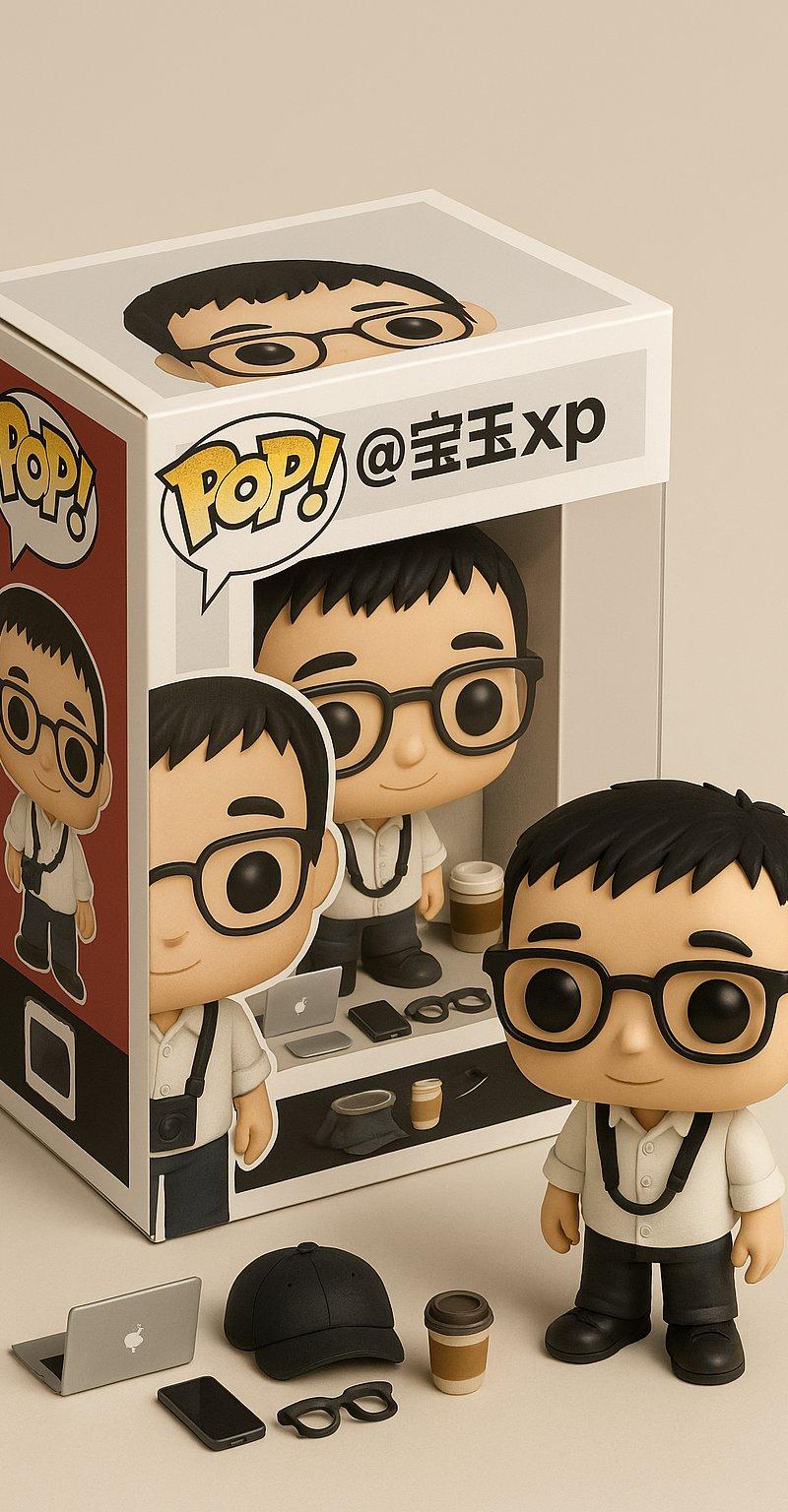
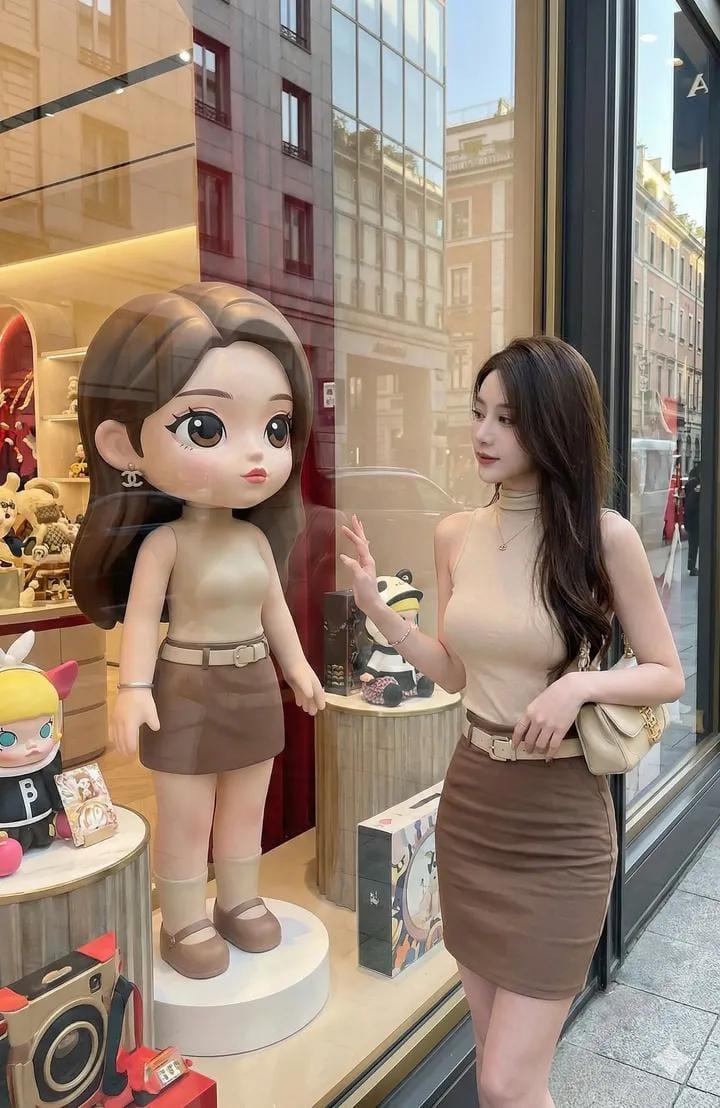
巨型Funko Pop版自己与Nano Banana Pro
Enlarge

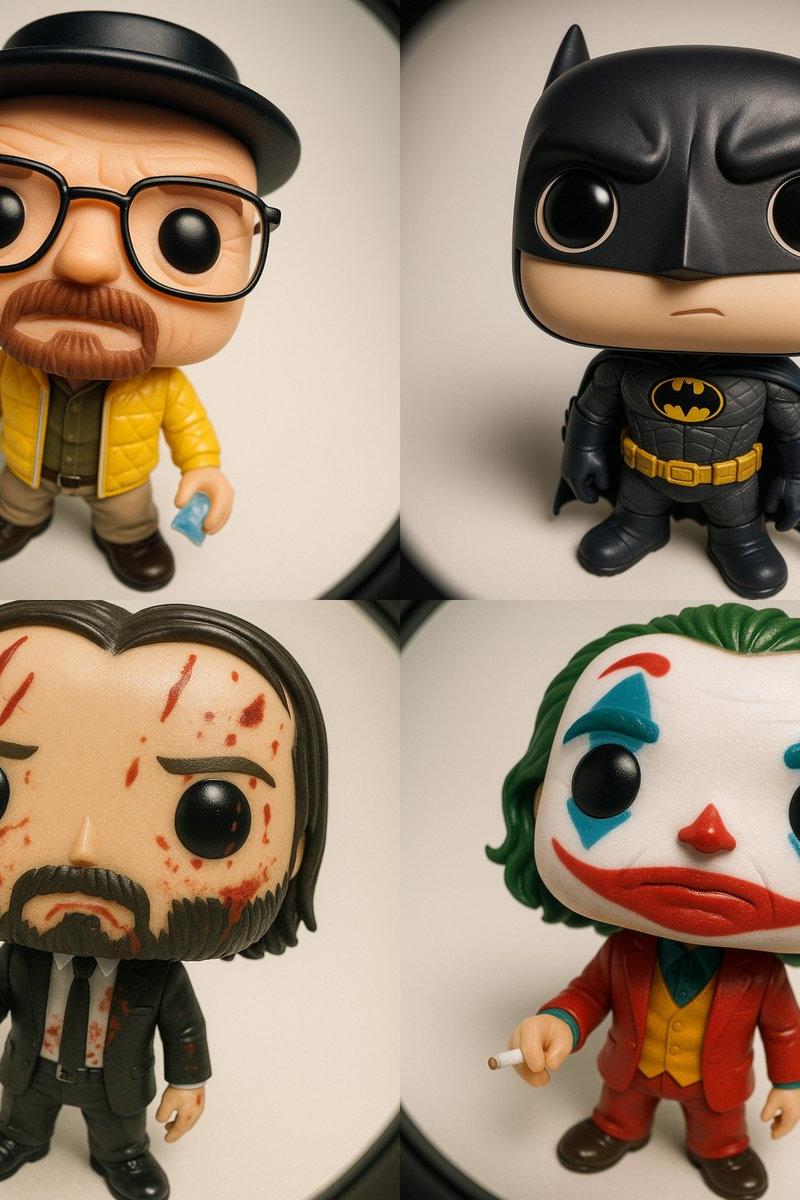
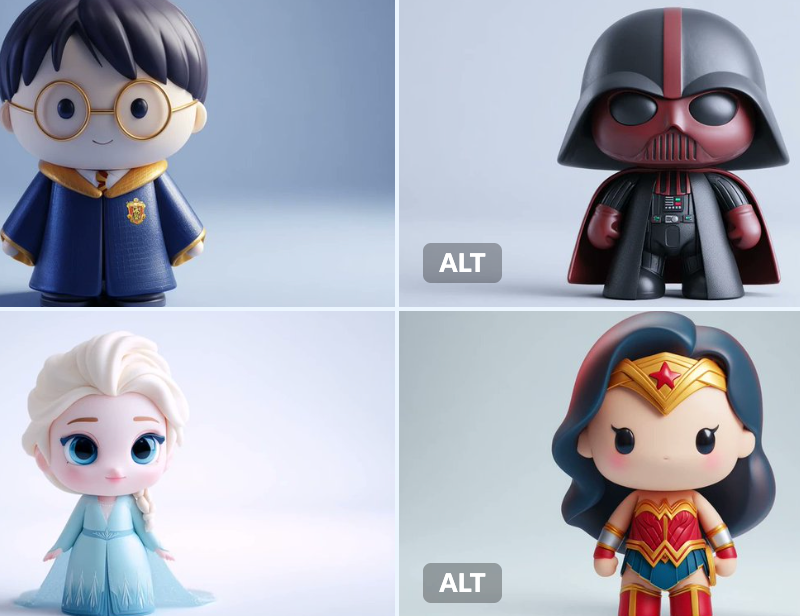
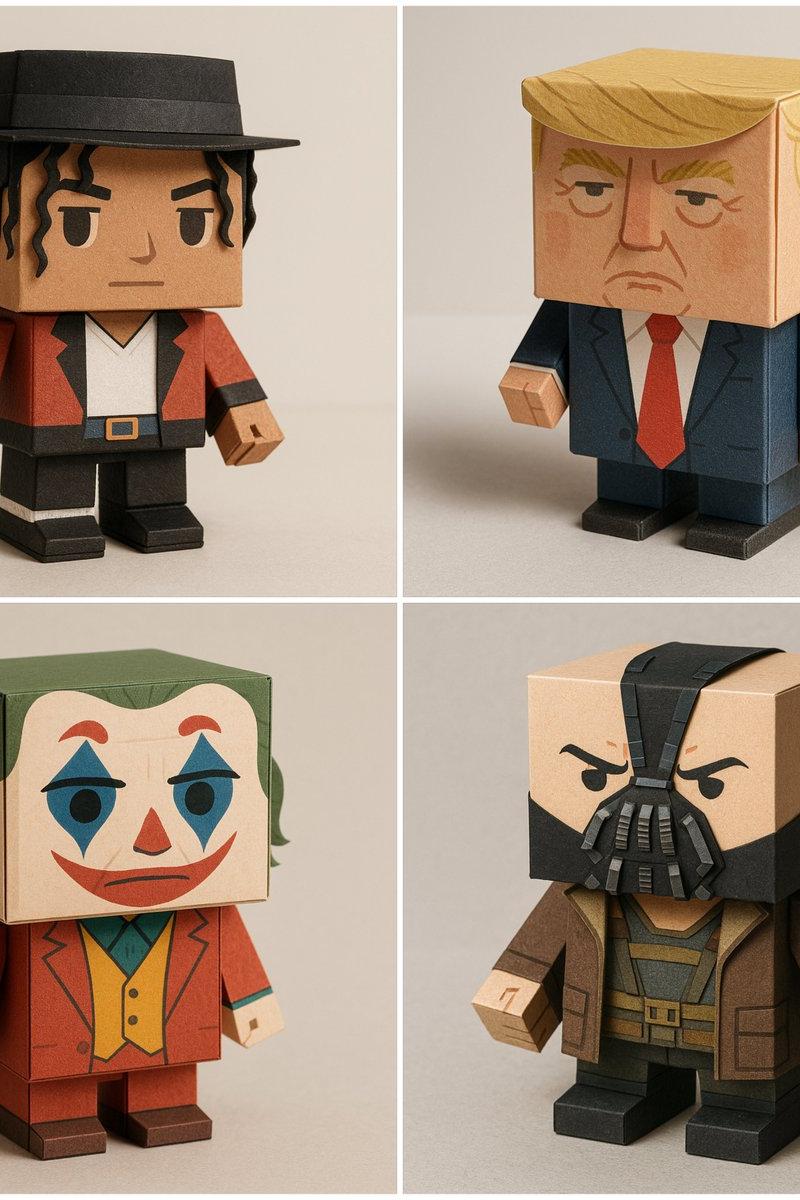
Example images

巨型Funko Pop版自己与Nano Banana Pro

Prompt
Create a giant Funko Pop version of yourself with Nano Banana Pro on @itsPolloAI
- Prompt 👇
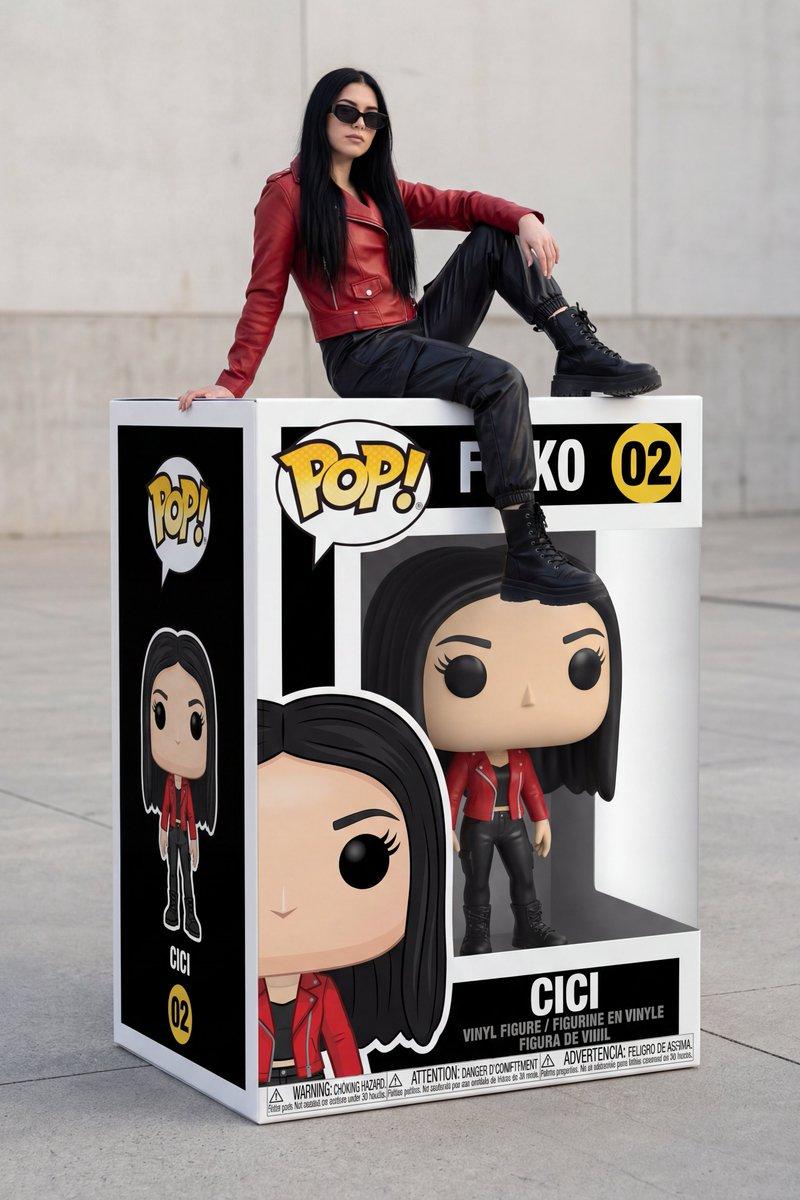
A hyper-realistic, wide-angle, three-quarter view photograph showing [DESCRIPTION OF PERSON] sitting casually on the top edge of a giant, life-sized "Funko Pop" action figure box. The person is wearing [CLOTHING DETAILS].
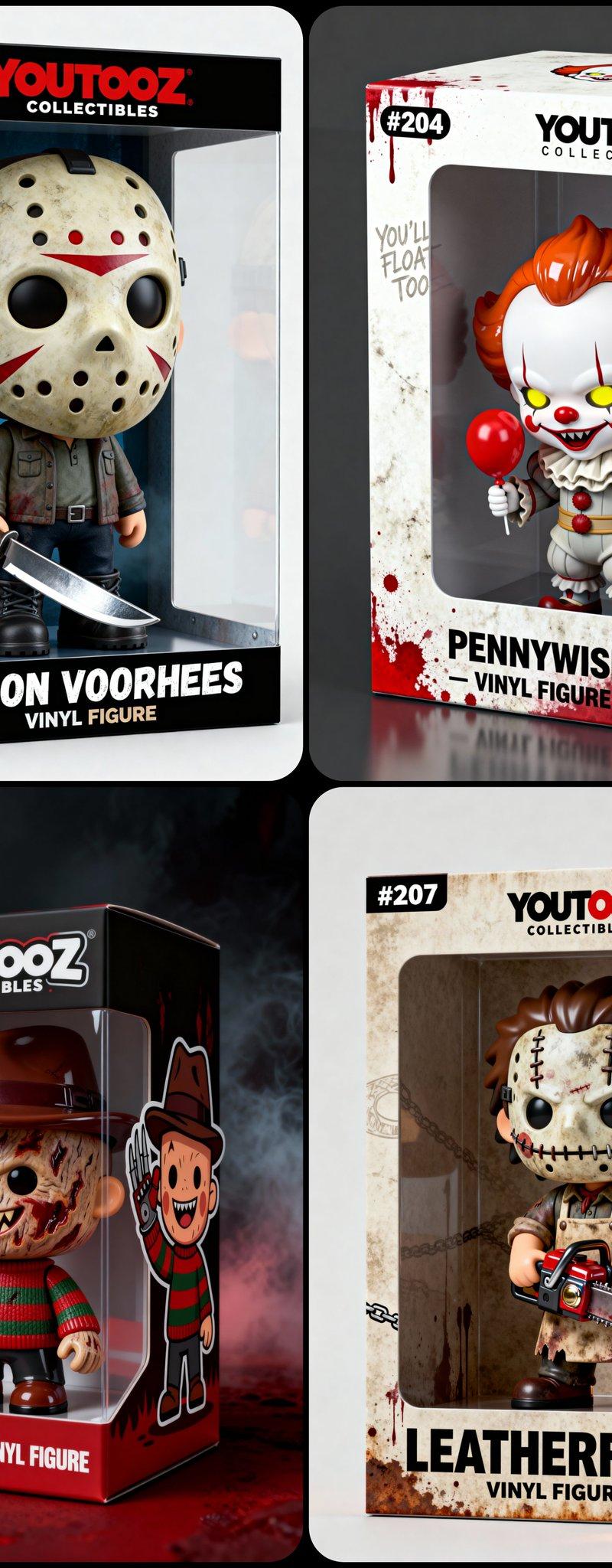
The box is angled to display both the front and the left side clearly. The left side panel features a 2D flat vector art illustration of the character (full body). Inside the box, visible through the clear plastic window, is a 3D vinyl collectible figure version of the same person, featuring a large head, black button eyes, and matching outfit.
The packaging design is highly detailed and realistic, including the classic yellow "POP!" logo, the number "[NUMBER]", and the name "[INSERT NAME]" printed in large, bold sans-serif font at the bottom. The box includes authentic packaging details such as "VINYL FIGURE" text, age rating logos, and safety warning icons strip at the very bottom.
The background is a clean, minimalist outdoor concrete plaza with a plain wall and soft, natural daylight, creating a sharp focus on the subject and the box. 8k resolution, photorealistic textures.
Category
Photography & Realism
Model
Nano Banana Pro
Creator
ΛRMIN | AI
Source language
zh-CN
Views0
Source ID
giant-funko-pop-version-of-myself-with-nano-banana-pro
Studio

Guide

About "巨型Funko Pop版自己与Nano Banana Pro"

What is this prompt for?

"巨型Funko Pop版自己与Nano Banana Pro" AI image prompt for Nano Banana Pro (Photography & Realism). Create a giant Funko Pop version of yourself with Nano Banana Pro…

The full copyable prompt and example visuals above are ready for AI image generation or one-click recreate in Picva.

How to use this prompt

  1. Step 1

    Open the prompt detail

    Review the example visuals, category, and full prompt text for "巨型Funko Pop版自己与Nano Banana Pro".

  2. Step 2

    Copy the prompt

    Copy the prompt body from this page, or load it directly in Studio.

  3. Step 3

    Pick a model (Nano Banana Pro)

    Prefer Nano Banana Pro. If you switch models, keep subject and composition and tweak style terms.

  4. Step 4

    Generate and export

    Recreate the look in Picva, or export into your workflow for editing and publishing.

FAQ

What is the "巨型Funko Pop版自己与Nano Banana Pro" prompt?
It is an AI image-generation prompt for Nano Banana Pro in the Photography & Realism category. This page includes the full prompt text, example visuals, and a one-click recreate path in Picva.
How do I use this prompt to generate an image?
Copy the prompt from this page, or use Generate / Studio. Paste it into a compatible image model, or recreate the look in Picva with optional reference images.
Which model is this prompt for?
This page lists Nano Banana Pro. Most descriptive prompts also transfer to nearby image models such as GPT Image, Flux, or Midjourney with light style tweaks.
Can I use the result commercially?
You can usually copy the prompt for creation, but commercial use of the final image depends on the model terms, reference-image rights, and the generated content. Follow the source author and platform rules.