19

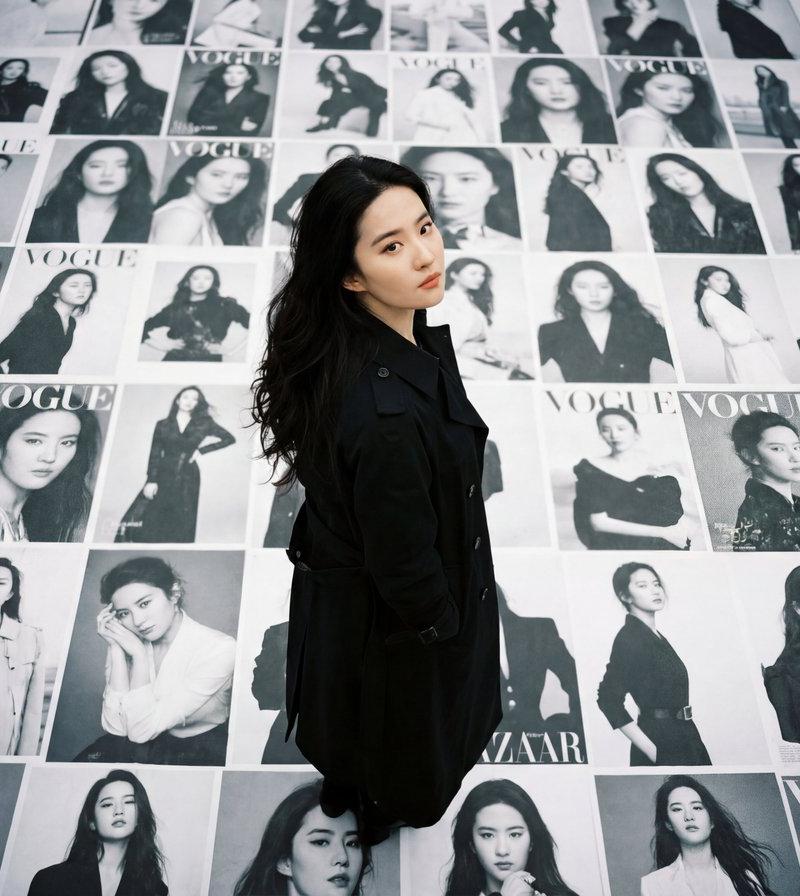
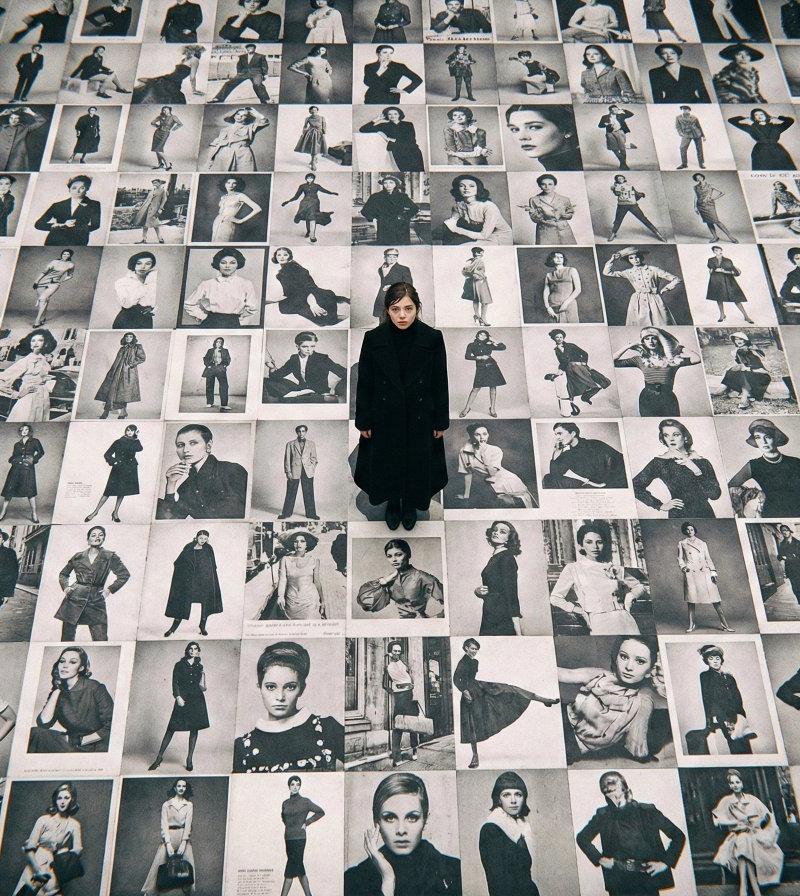
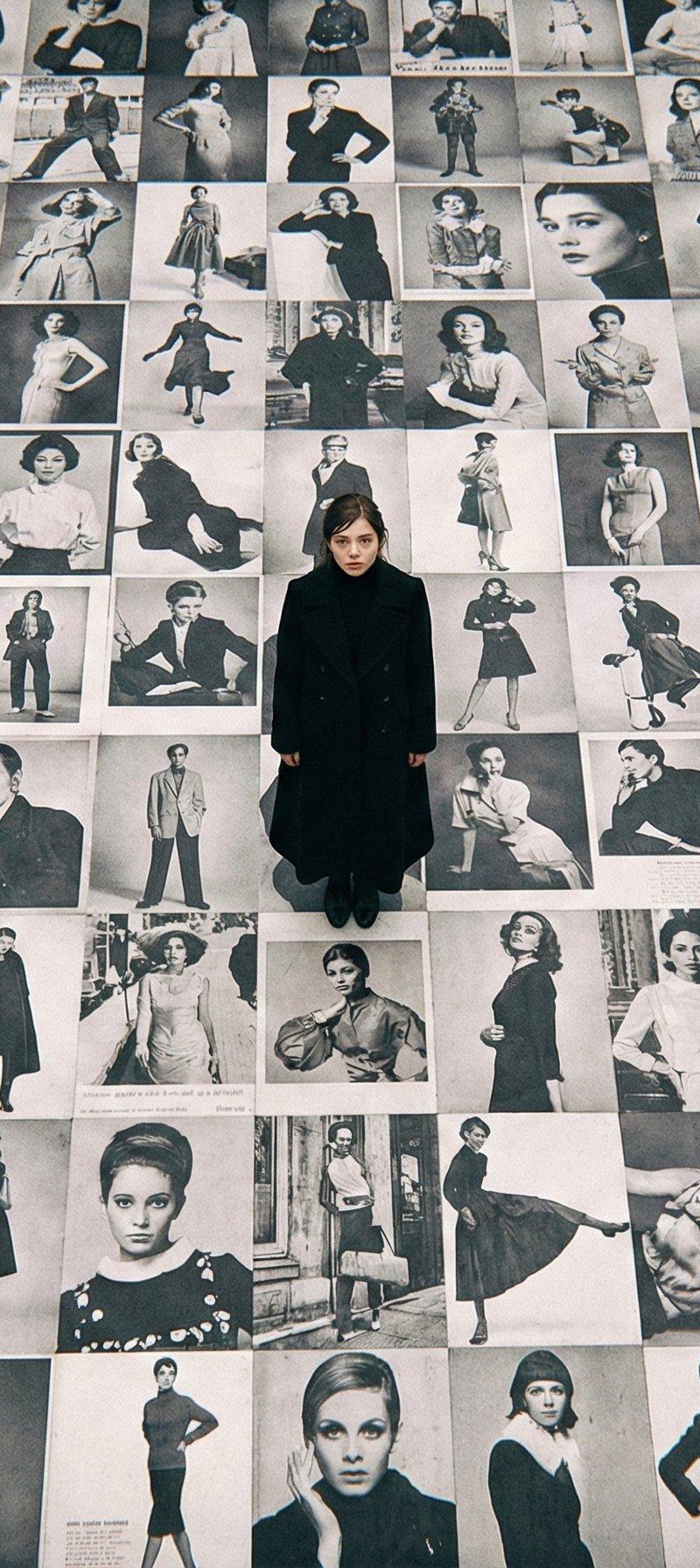
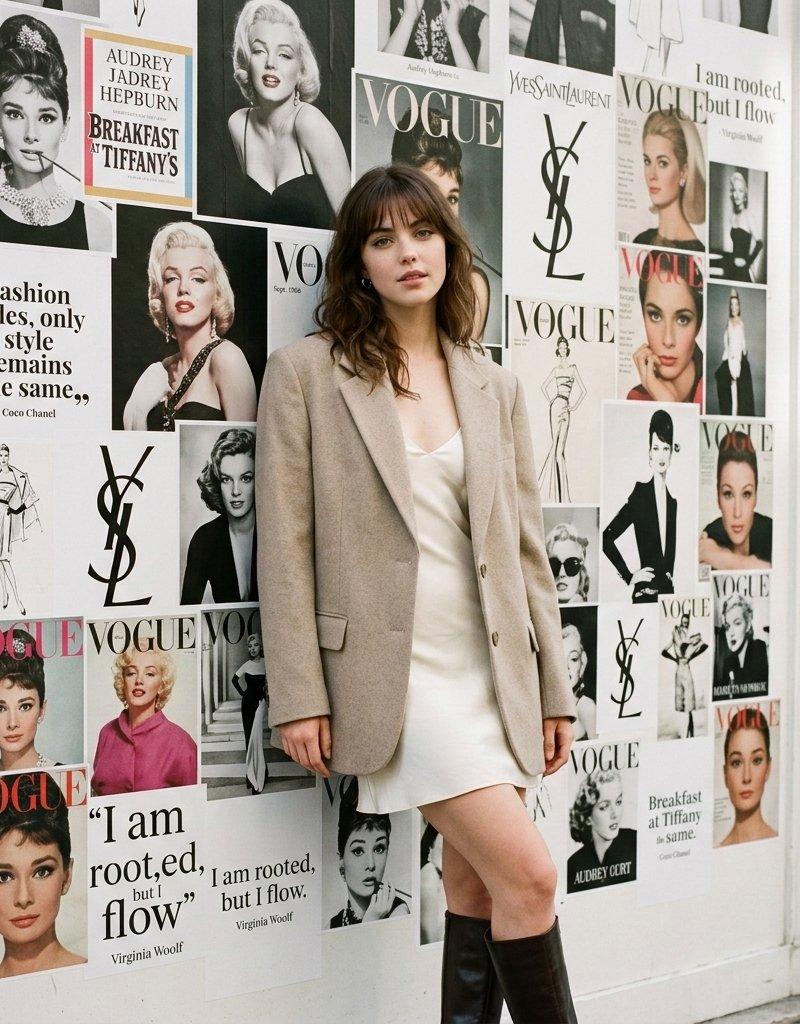
Google Gemini Nano Banana pro 3.0 与 Meta AI 模拟时尚大片
Enlarge

Example images

Google Gemini Nano Banana pro 3.0 与 Meta AI 模拟时尚大片

Prompt
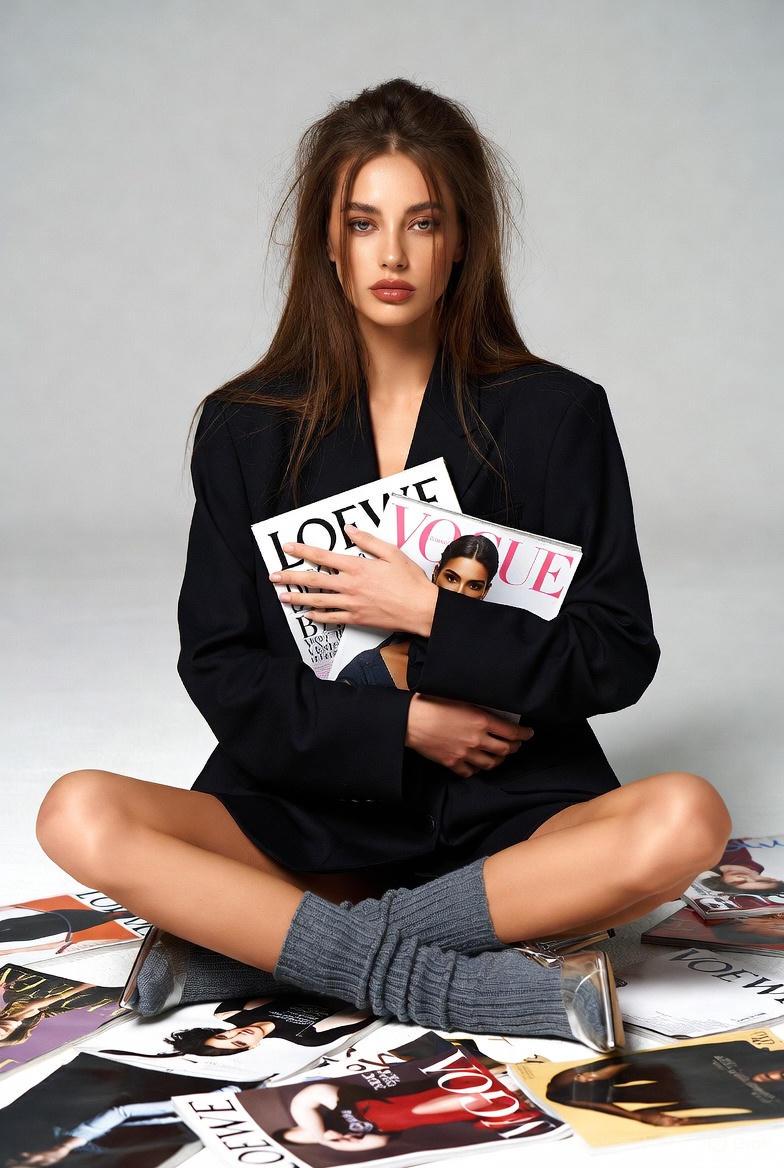
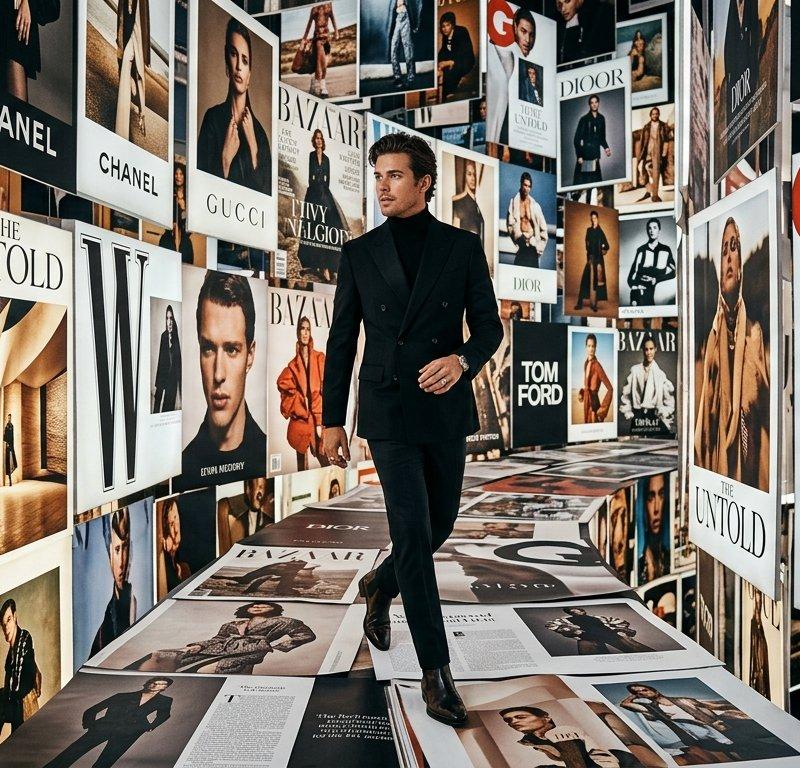
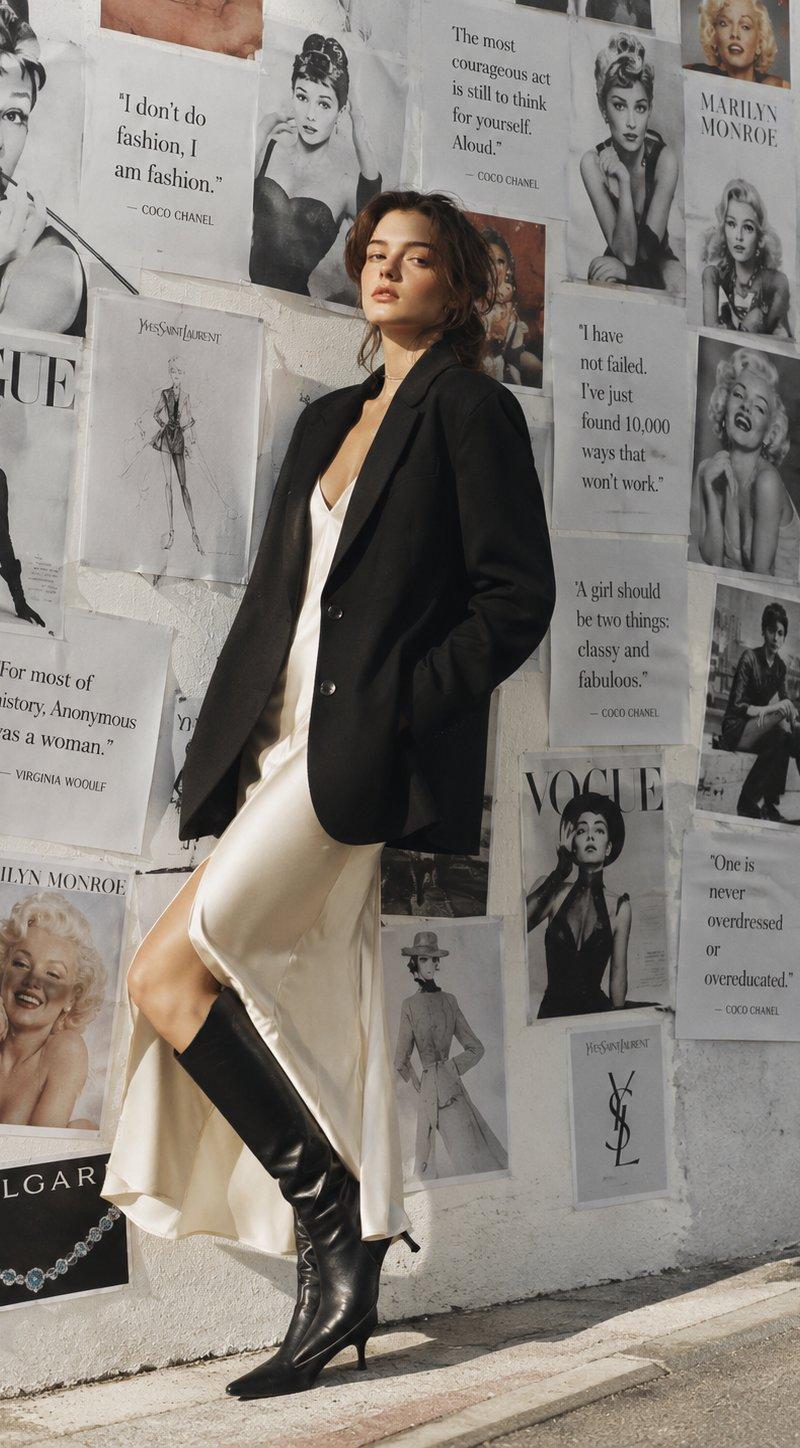
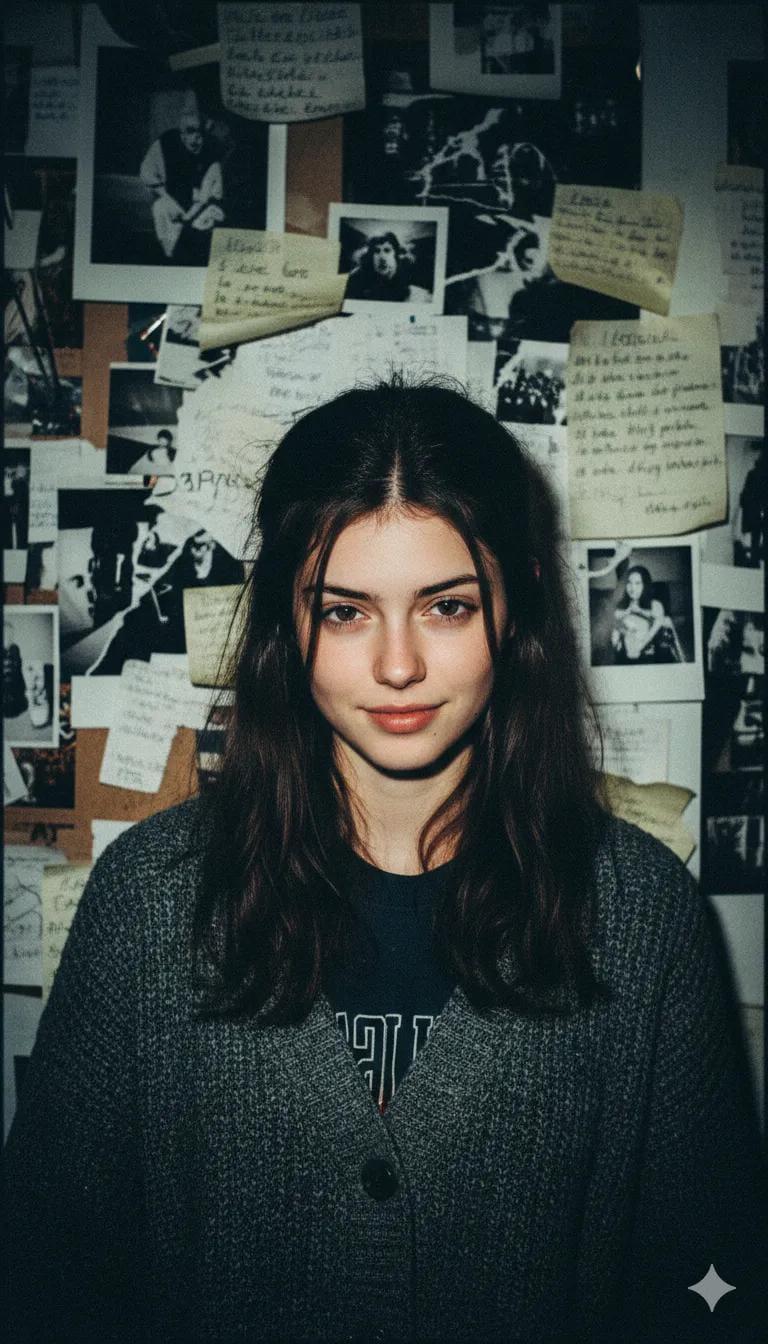
Stepping into the headlines with Google Gemini Nano Banana pro 3.0 and Meta AI
Prompt
Use the same face from the reference image without changing facial features
{
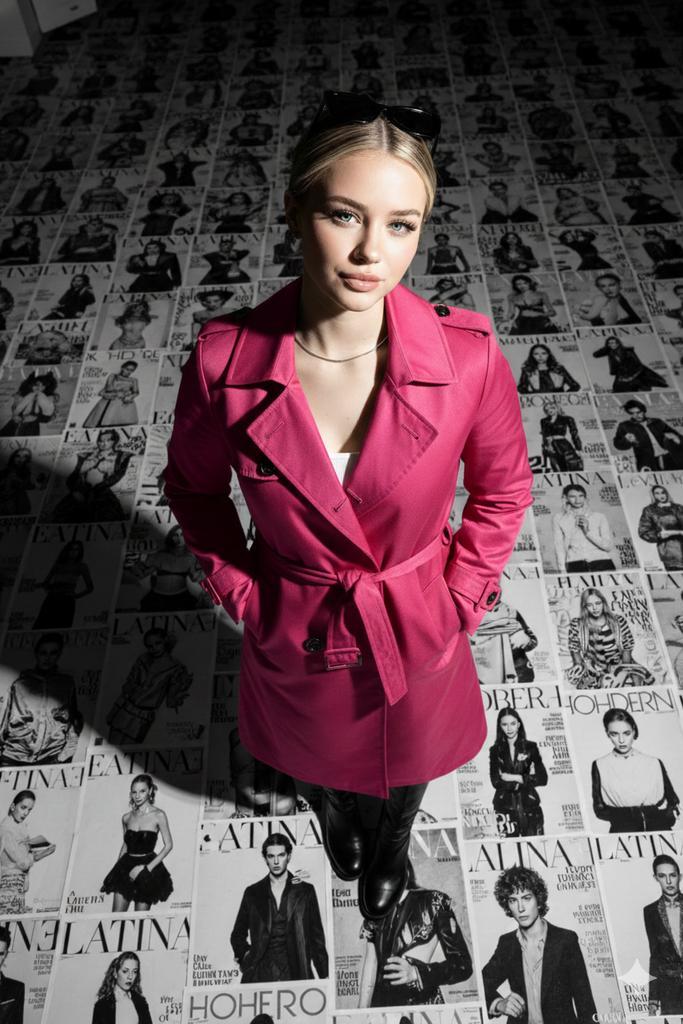
"subject": "A stylish young woman with a confident smile, wearing a sleek pink designer trench coat and dark sunglasses.",
"composition": "Extreme high-angle \'bird\'s-eye view\' looking directly down at the subject standing in the center of the frame.",
\"background\": \"The floor is an expansive grid of oversized, black-and-white fashion magazine covers featuring various female models. The covers include bold typography like 'LATINA', 'ALINA', and 'MODERN' in high-contrast sans-serif fonts.\",
"lighting": "Bright, direct sunlight creating sharp, dramatic diagonal shadows across the subject and the floor. High contrast between the highlights and deep shadows.",
"style": "Cinematic photography, fashion editorial, sharp focus on the central subject with a slight tilt-shift blur effect on the furthest edges of the magazine grid.",
"color_palette": "Monochromatic aesthetic with deep blacks, crisp whites, and neutral grey tones, emphasizing texture and shadow.",
"details": "Subject has hands tucked into coat pockets; wearing polished black leather boots; hair is neatly styled; realistic skin textures and fabric folds."
}
Category
Photography & Realism
Model
Nano Banana Pro
Creator
Sharon Riley
Source language
zh-CN
Views0
Source ID
google-gemini-nano-banana-pro-3-0-and-meta-ai-simulated-fashion-photo
Studio

Guide

About "Google Gemini Nano Banana pro 3.0 与 Meta AI 模拟时尚大片"

What is this prompt for?

"Google Gemini Nano Banana pro 3.0 与 Meta AI 模拟时尚大片" AI image prompt for Nano Banana Pro (Photography & Realism). Stepping into the headlines with Google Gemin…

The full copyable prompt and example visuals above are ready for AI image generation or one-click recreate in Picva.

How to use this prompt

  1. Step 1

    Open the prompt detail

    Review the example visuals, category, and full prompt text for "Google Gemini Nano Banana pro 3.0 与 Meta AI 模拟时尚大片".

  2. Step 2

    Copy the prompt

    Copy the prompt body from this page, or load it directly in Studio.

  3. Step 3

    Pick a model (Nano Banana Pro)

    Prefer Nano Banana Pro. If you switch models, keep subject and composition and tweak style terms.

  4. Step 4

    Generate and export

    Recreate the look in Picva, or export into your workflow for editing and publishing.

FAQ

What is the "Google Gemini Nano Banana pro 3.0 与 Meta AI 模拟时尚大片" prompt?
It is an AI image-generation prompt for Nano Banana Pro in the Photography & Realism category. This page includes the full prompt text, example visuals, and a one-click recreate path in Picva.
How do I use this prompt to generate an image?
Copy the prompt from this page, or use Generate / Studio. Paste it into a compatible image model, or recreate the look in Picva with optional reference images.
Which model is this prompt for?
This page lists Nano Banana Pro. Most descriptive prompts also transfer to nearby image models such as GPT Image, Flux, or Midjourney with light style tweaks.
Can I use the result commercially?
You can usually copy the prompt for creation, but commercial use of the final image depends on the model terms, reference-image rights, and the generated content. Follow the source author and platform rules.