20

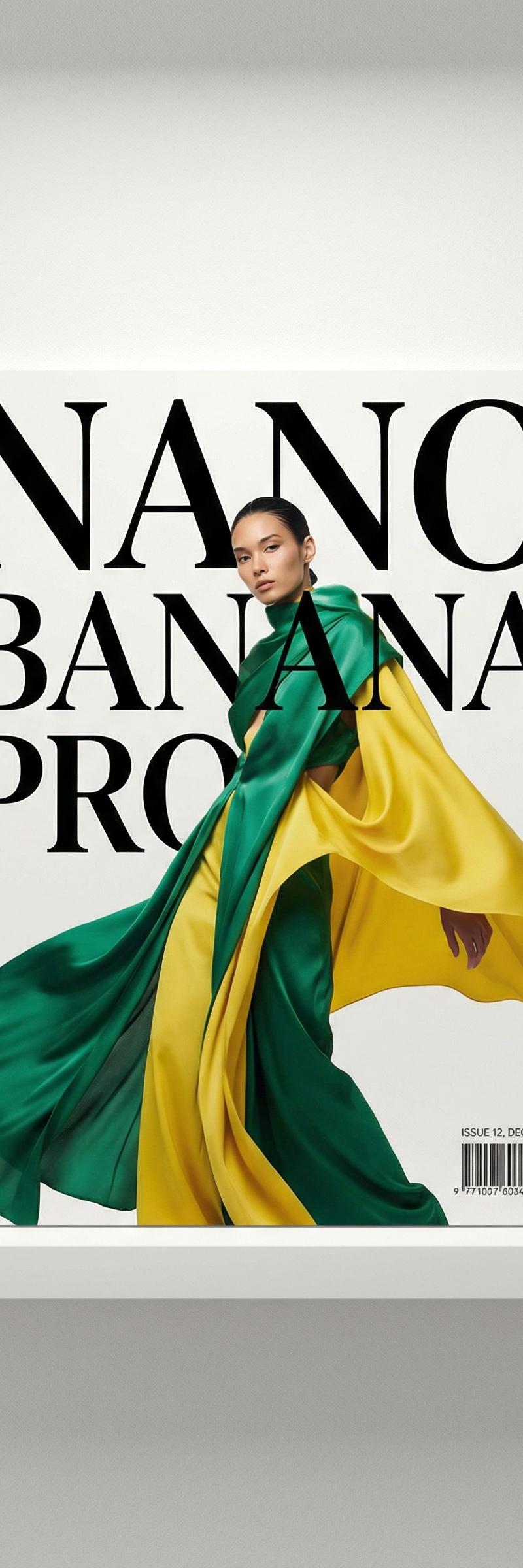
谷歌Gemini Nano香蕉专业版
Enlarge

Example images

谷歌Gemini Nano香蕉专业版

Prompt
Google Gemini Nano banana Pro.
{
"image_generation": {
"face": {
"preserve_original": true,
"reference_match": true,
"photo_style": {
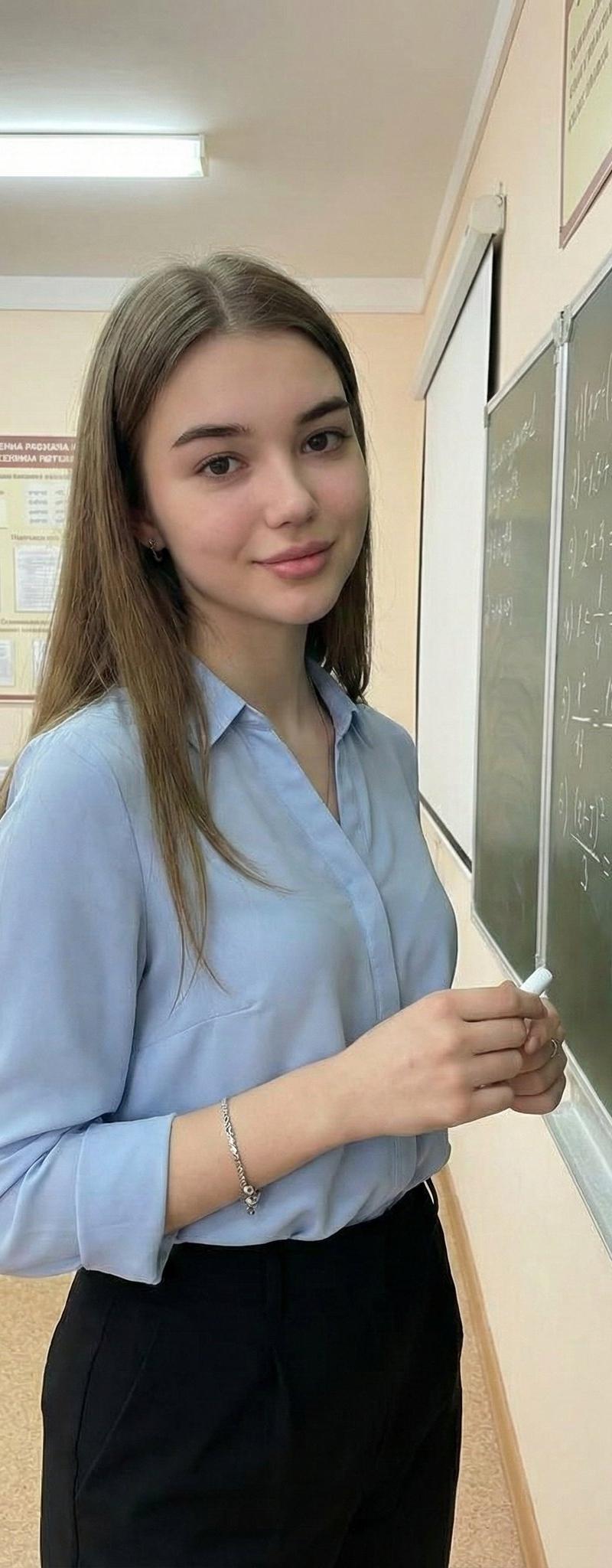
"type": "indoor classroom portrait",
"camera_angle": "three-quarter body shot at eye-level",
"lighting": "soft indoor fluorescent lighting with natural classroom ambience",
"mood": "friendly, confident, academic",
"texture": "clean tones, soft shadows, natural skin texture",
"focus": "sharp focus on subject, slightly blurred classroom background"
},
"subject": {
"pose": "standing beside a chalkboard while holding chalk, looking toward the camera with a calm expression",
"expression": "soft smile, confident and composed",
"hair": {
"style": "long, loose waves",
"color": "light brown"
},
"clothing": {
"type": "professional, modest classroom outfit",
"details": "light blue collared blouse paired with a knee-length black skirt or tailored trousers"
},
"accessories": {
"jewelry": "minimal bracelet or small earrings"
}
},
"environment": {
"setting": "school classroom",
"background": "chalkboard with handwritten text, bulletin boards, desks, and educational posters",
"atmosphere": "clean, academic, organized"
},
"aesthetic": {
"style": "modern classroom portrait",
"features": [
"natural classroom lighting",
"realistic academic environment",
"professional and modest outfit",
"clean and bright color palette",
"engaging educational setting"
]
}
}
}
Category
Photography & Realism
Model
Nano Banana Pro
Creator
𝗦𝗮𝗻𝗶𝗮
Source language
zh-CN
Views0
Source ID
google-gemini-nano-banana-pro-azzt46
Studio

Guide

About "谷歌Gemini Nano香蕉专业版"

What is this prompt for?

"谷歌Gemini Nano香蕉专业版" AI image prompt for Nano Banana Pro (Photography & Realism). Google Gemini Nano banana Pro. { "image_generation": { "face": { "preserve_or…

The full copyable prompt and example visuals above are ready for AI image generation or one-click recreate in Picva.

How to use this prompt

  1. Step 1

    Open the prompt detail

    Review the example visuals, category, and full prompt text for "谷歌Gemini Nano香蕉专业版".

  2. Step 2

    Copy the prompt

    Copy the prompt body from this page, or load it directly in Studio.

  3. Step 3

    Pick a model (Nano Banana Pro)

    Prefer Nano Banana Pro. If you switch models, keep subject and composition and tweak style terms.

  4. Step 4

    Generate and export

    Recreate the look in Picva, or export into your workflow for editing and publishing.

FAQ

What is the "谷歌Gemini Nano香蕉专业版" prompt?
It is an AI image-generation prompt for Nano Banana Pro in the Photography & Realism category. This page includes the full prompt text, example visuals, and a one-click recreate path in Picva.
How do I use this prompt to generate an image?
Copy the prompt from this page, or use Generate / Studio. Paste it into a compatible image model, or recreate the look in Picva with optional reference images.
Which model is this prompt for?
This page lists Nano Banana Pro. Most descriptive prompts also transfer to nearby image models such as GPT Image, Flux, or Midjourney with light style tweaks.
Can I use the result commercially?
You can usually copy the prompt for creation, but commercial use of the final image depends on the model terms, reference-image rights, and the generated content. Follow the source author and platform rules.