20

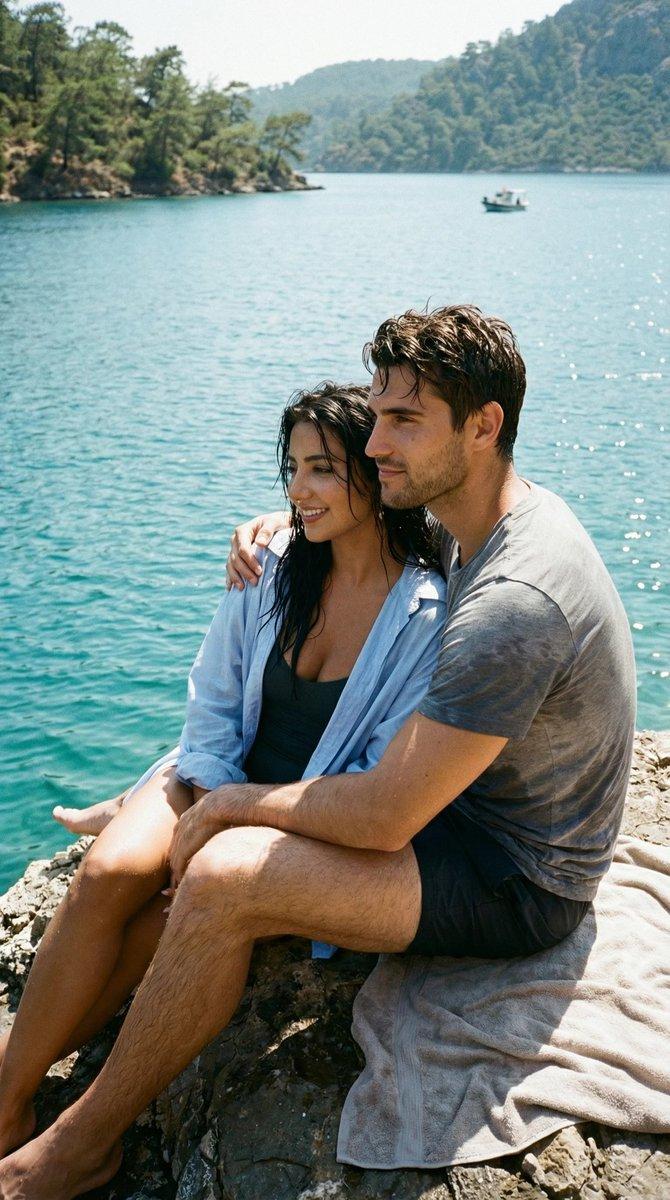
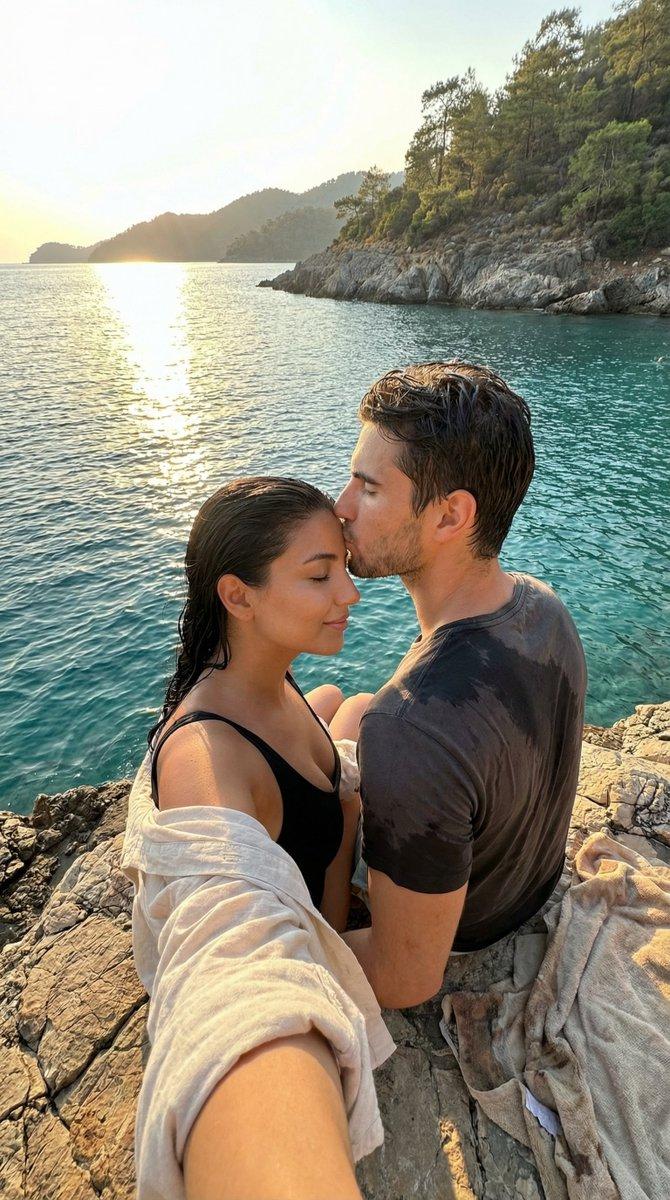
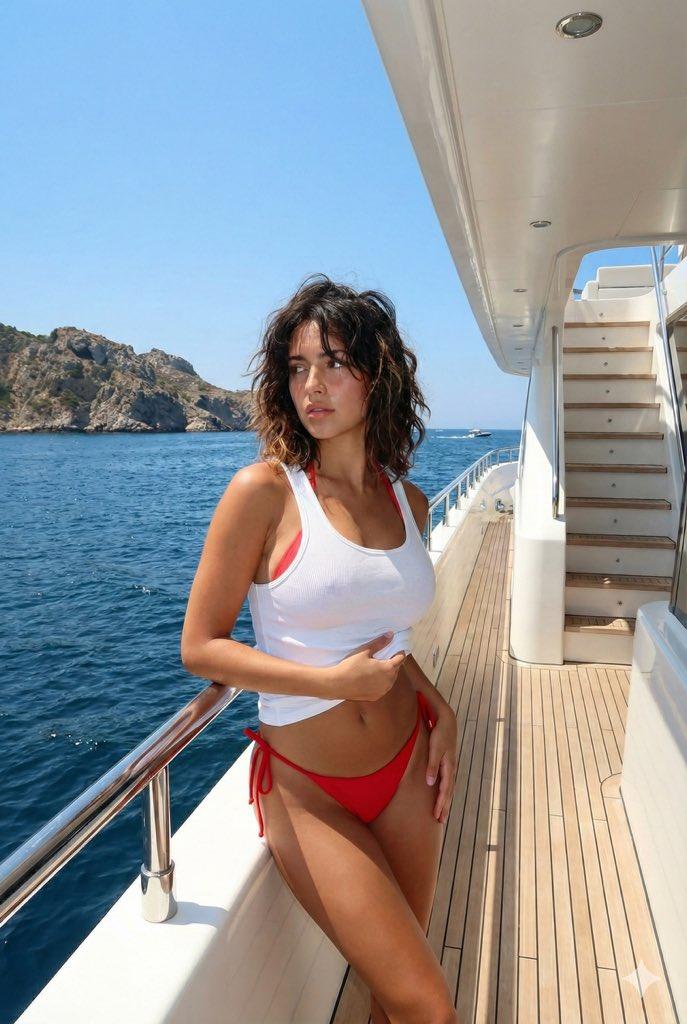
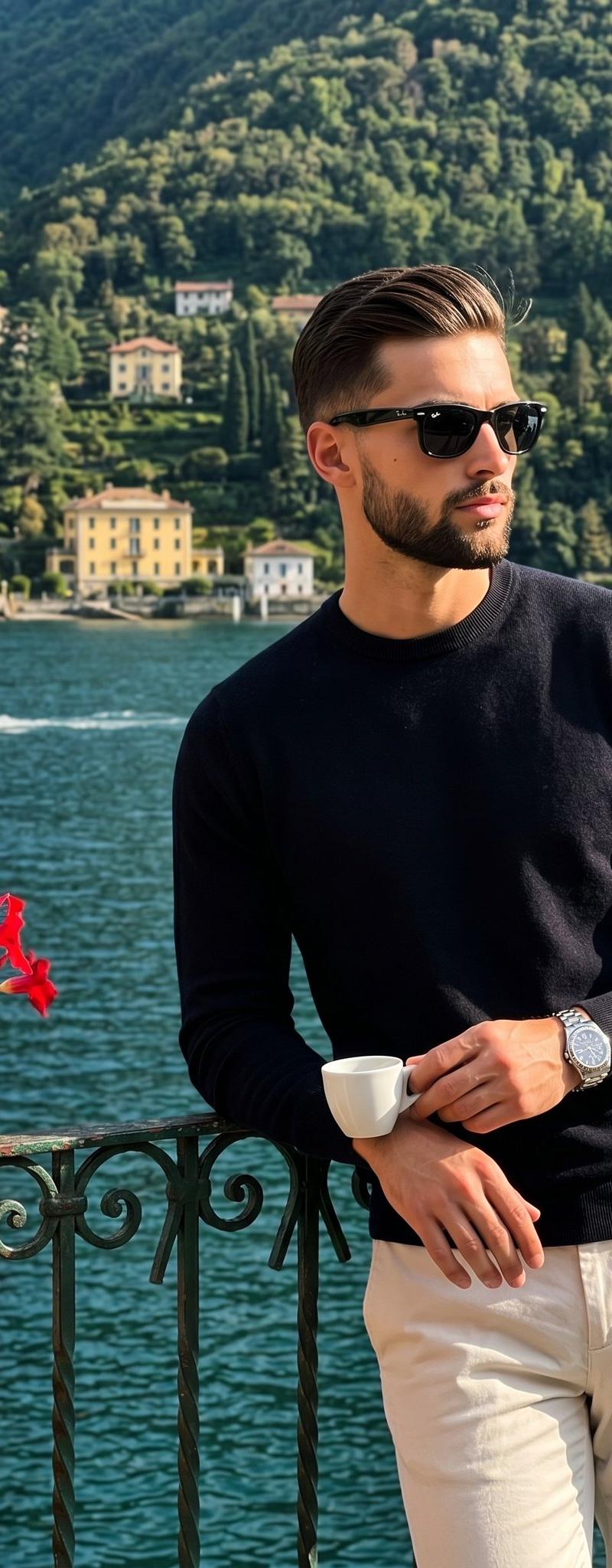
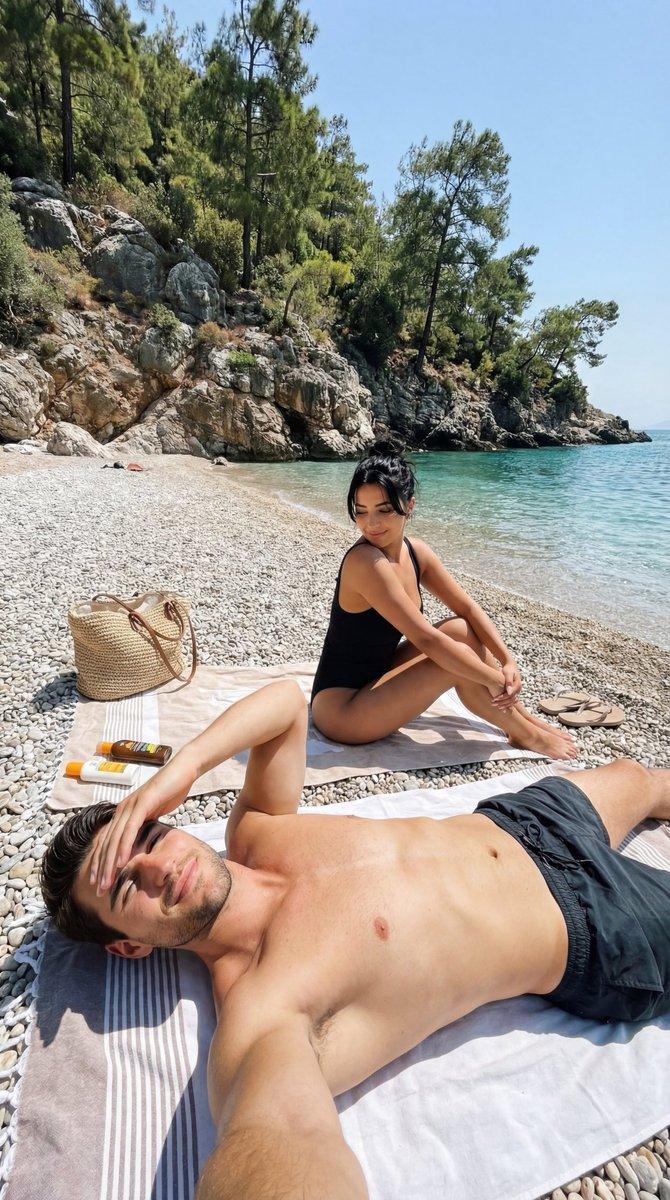
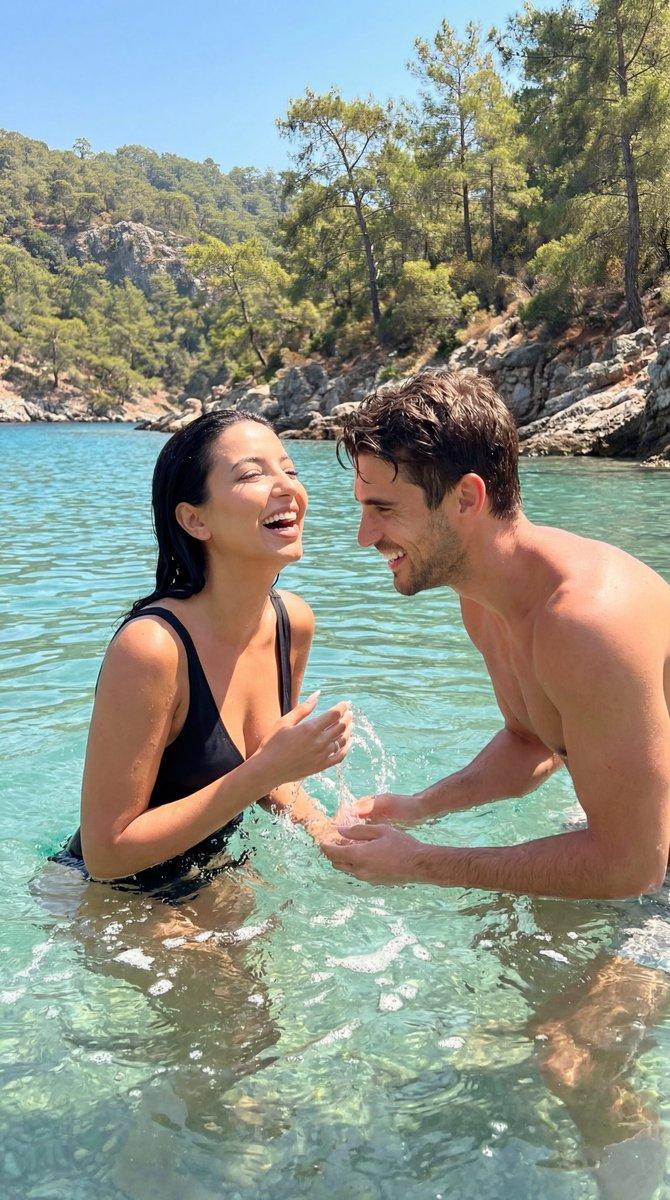
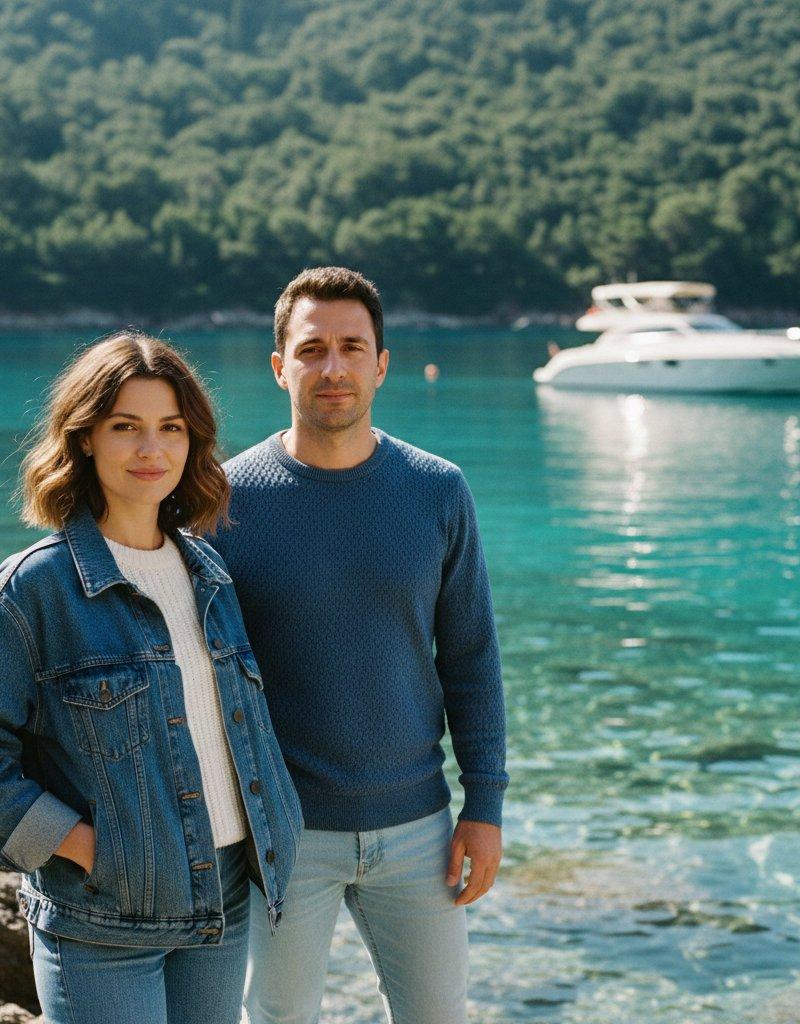
Google Gemini Nano banana Pro 拍摄的休闲海岸风景人像
Enlarge

Example images

Google Gemini Nano banana Pro 拍摄的休闲海岸风景人像

Prompt
Google Gemini Nano banana Pro
Prompt
{
 "couple_portrait": {
 "subjects": [
 {
 "appearance": "woman in denim jacket with white knit top",
 "pose": "relaxed stance with hands in pockets",
 "expression": "soft confident smile"
 },
 {
 "appearance": "man wearing textured blue sweater and light jeans",
 "pose": "standing close beside the woman with calm posture",
 "expression": "gentle composed look"
 }
 ],
 "vibe": "casual, warm, travel-friendly aesthetic"
 },
 "background_scene": {
 "location": "beautiful coastal area with turquoise crystal-clear water",
 "elements": [
 "green forested hills behind",
 "rocky shoreline",
 "luxury speedboat floating on water",
 "sunlit reflections under the water surface"
 ],
 "lighting": "bright natural daylight with clean shadows and crisp color tones"
 },
 "visual_style": {
 "tone": "cinematic vacation mood",
 "color_palette": "cool blues, aquas, denim tones, soft greens",
 "depth": "sharp subjects with softly blurred distant landscape"
 },
 "quality": "8K hyper-realistic travel portrait with high clarity and rich textures",
 "signature": "VIVEK HY"
}
Category
Photography & Realism
Model
Nano Banana Pro
Creator
Vivek HY
Source language
zh-CN
Views0
Source ID
google-gemini-nano-banana-pro-casual-coastal-portrait
Studio

Guide

About "Google Gemini Nano banana Pro 拍摄的休闲海岸风景人像"

What is this prompt for?

"Google Gemini Nano banana Pro 拍摄的休闲海岸风景人像" AI image prompt for Nano Banana Pro (Photography & Realism). Google Gemini Nano banana Pro Prompt { "couple_portrai…

The full copyable prompt and example visuals above are ready for AI image generation or one-click recreate in Picva.

How to use this prompt

  1. Step 1

    Open the prompt detail

    Review the example visuals, category, and full prompt text for "Google Gemini Nano banana Pro 拍摄的休闲海岸风景人像".

  2. Step 2

    Copy the prompt

    Copy the prompt body from this page, or load it directly in Studio.

  3. Step 3

    Pick a model (Nano Banana Pro)

    Prefer Nano Banana Pro. If you switch models, keep subject and composition and tweak style terms.

  4. Step 4

    Generate and export

    Recreate the look in Picva, or export into your workflow for editing and publishing.

FAQ

What is the "Google Gemini Nano banana Pro 拍摄的休闲海岸风景人像" prompt?
It is an AI image-generation prompt for Nano Banana Pro in the Photography & Realism category. This page includes the full prompt text, example visuals, and a one-click recreate path in Picva.
How do I use this prompt to generate an image?
Copy the prompt from this page, or use Generate / Studio. Paste it into a compatible image model, or recreate the look in Picva with optional reference images.
Which model is this prompt for?
This page lists Nano Banana Pro. Most descriptive prompts also transfer to nearby image models such as GPT Image, Flux, or Midjourney with light style tweaks.
Can I use the result commercially?
You can usually copy the prompt for creation, but commercial use of the final image depends on the model terms, reference-image rights, and the generated content. Follow the source author and platform rules.