16

Higgsfield Kling 2.6 音频提示 #6:车内视角至室外镜头测试
Enlarge

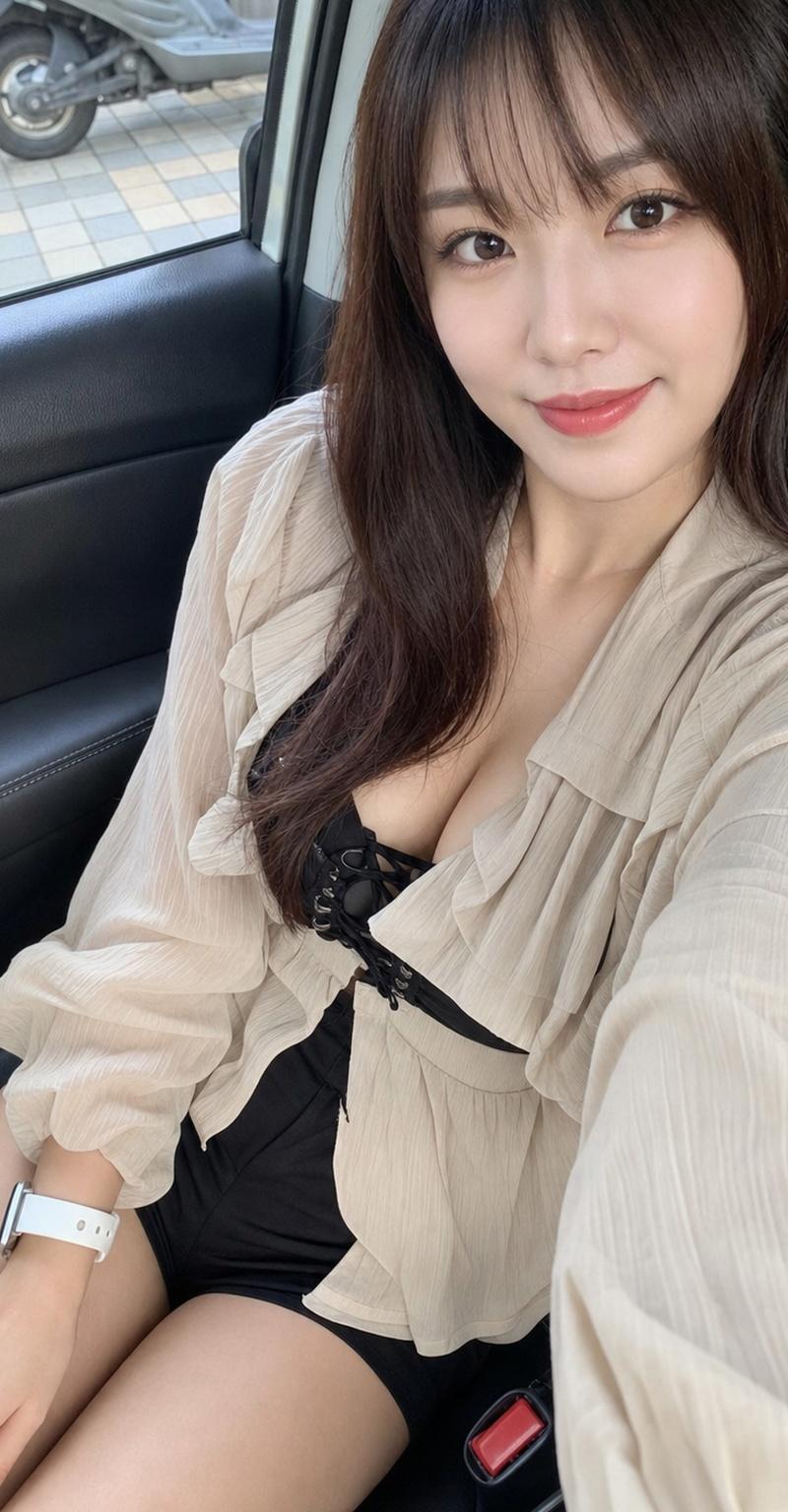
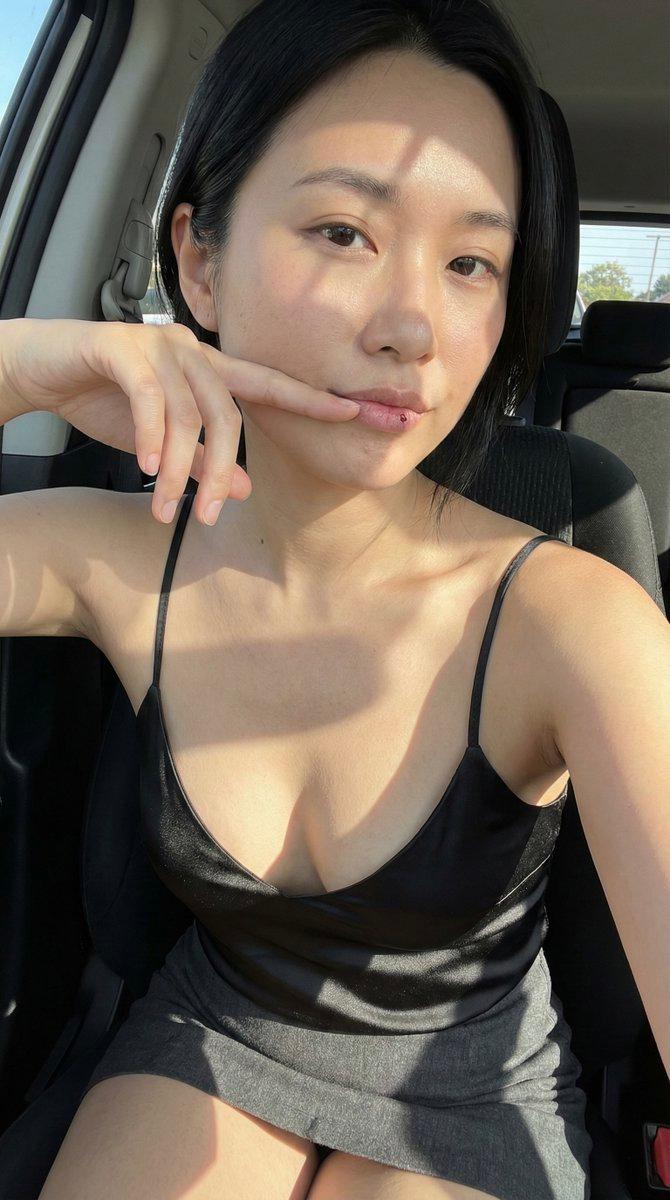
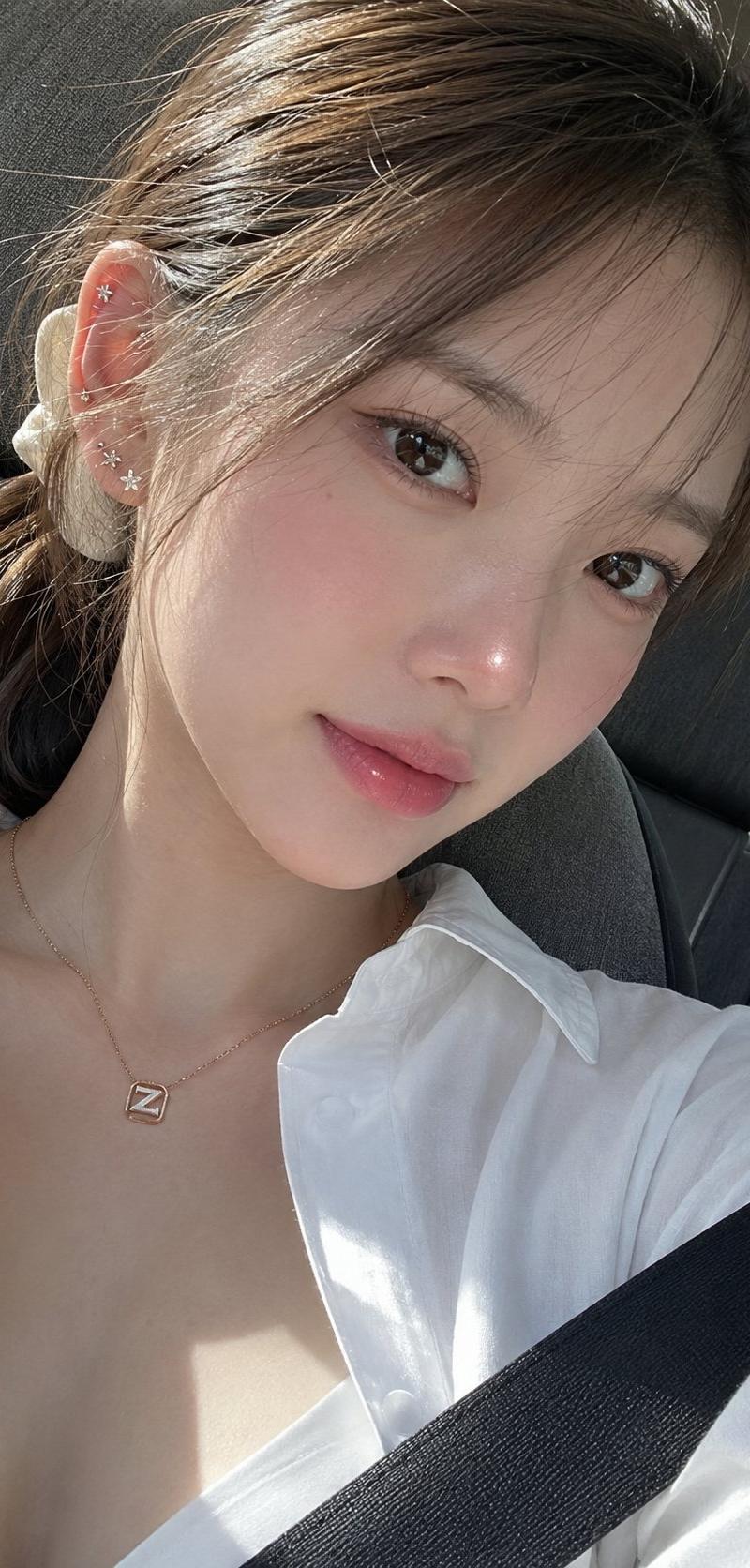
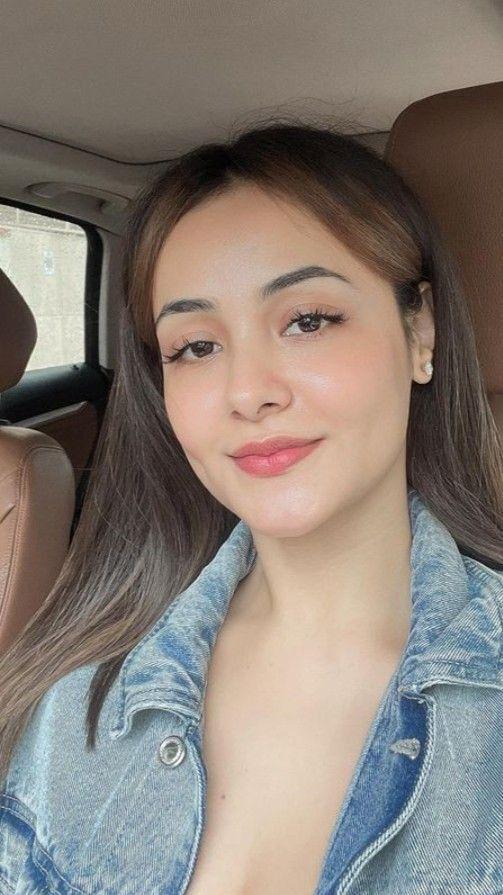
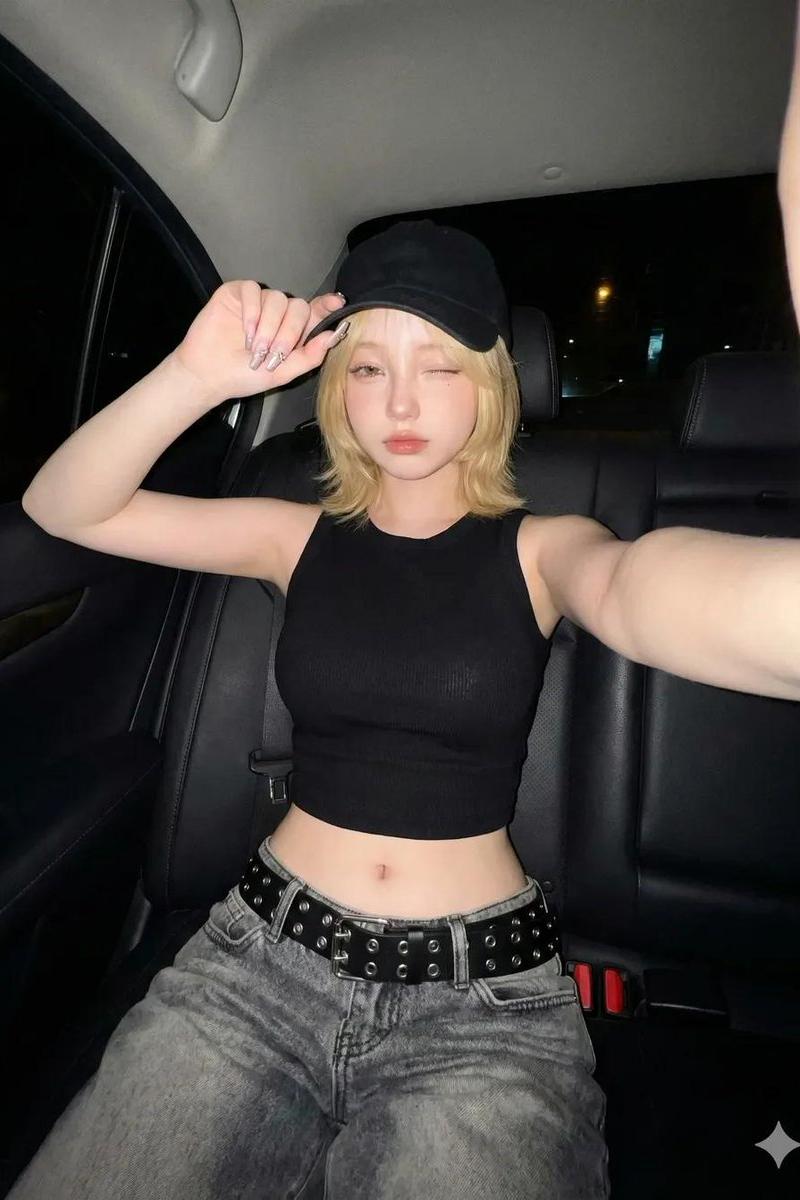
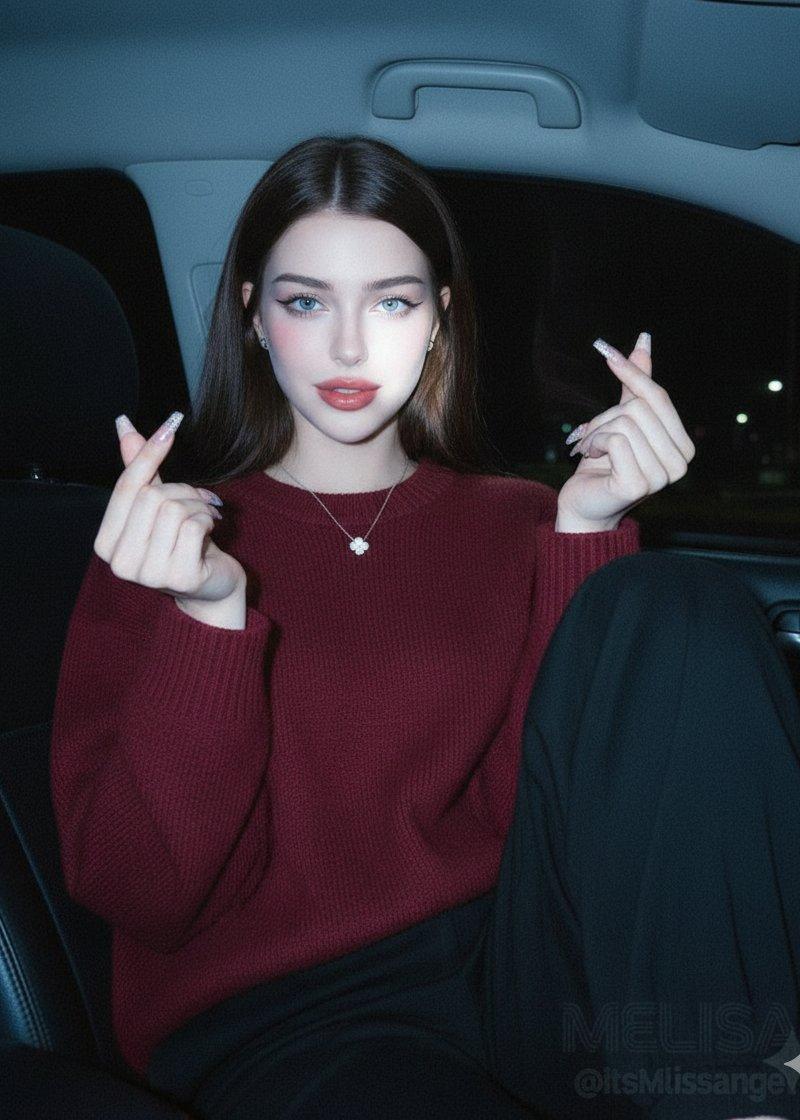
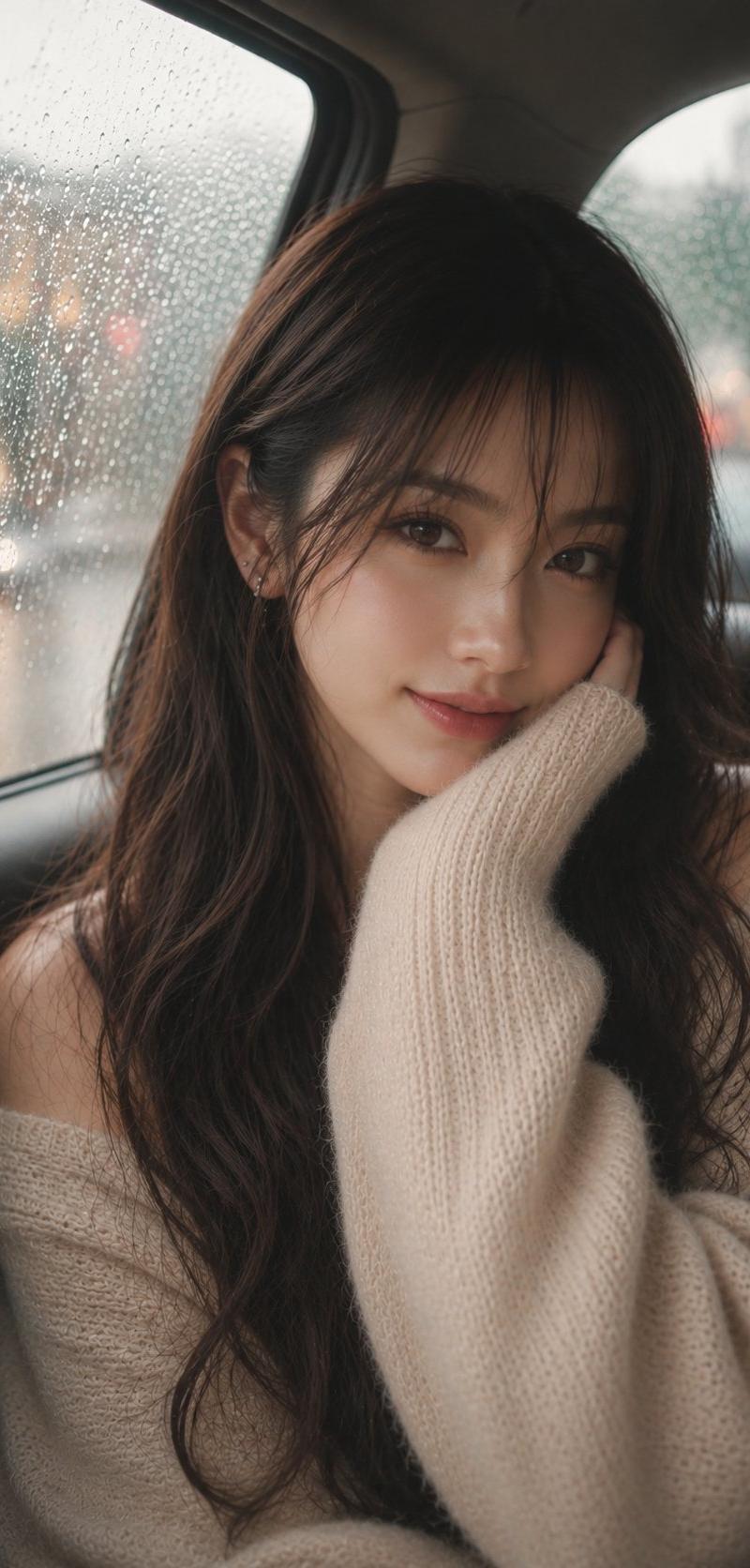
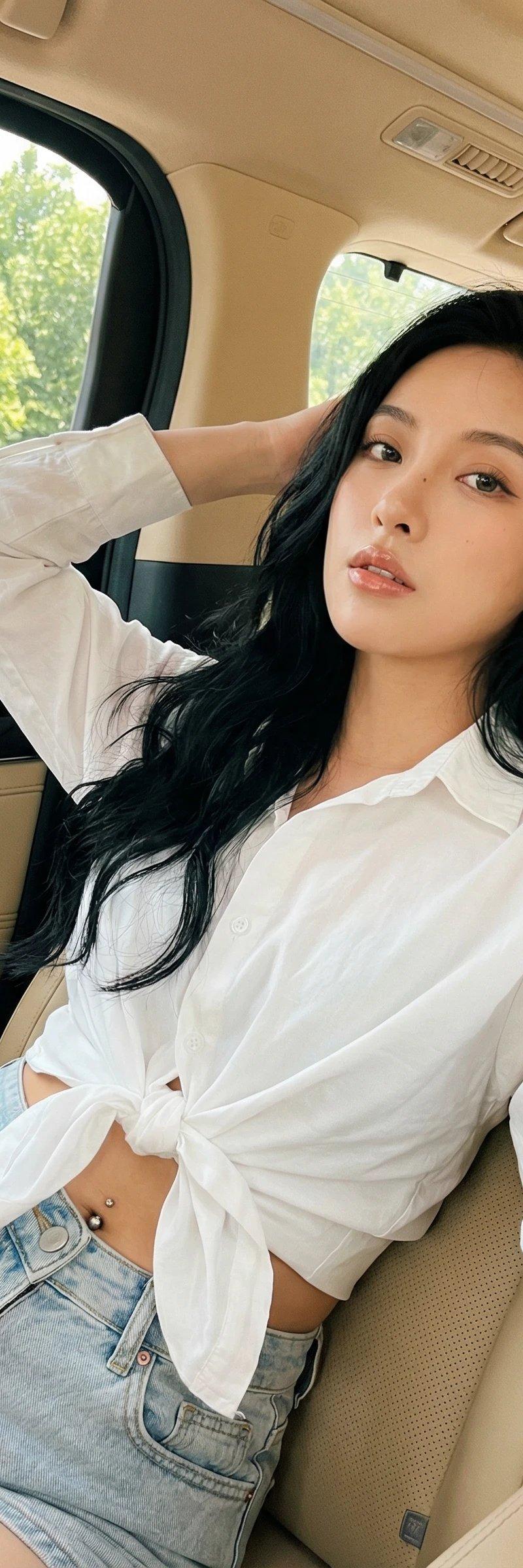
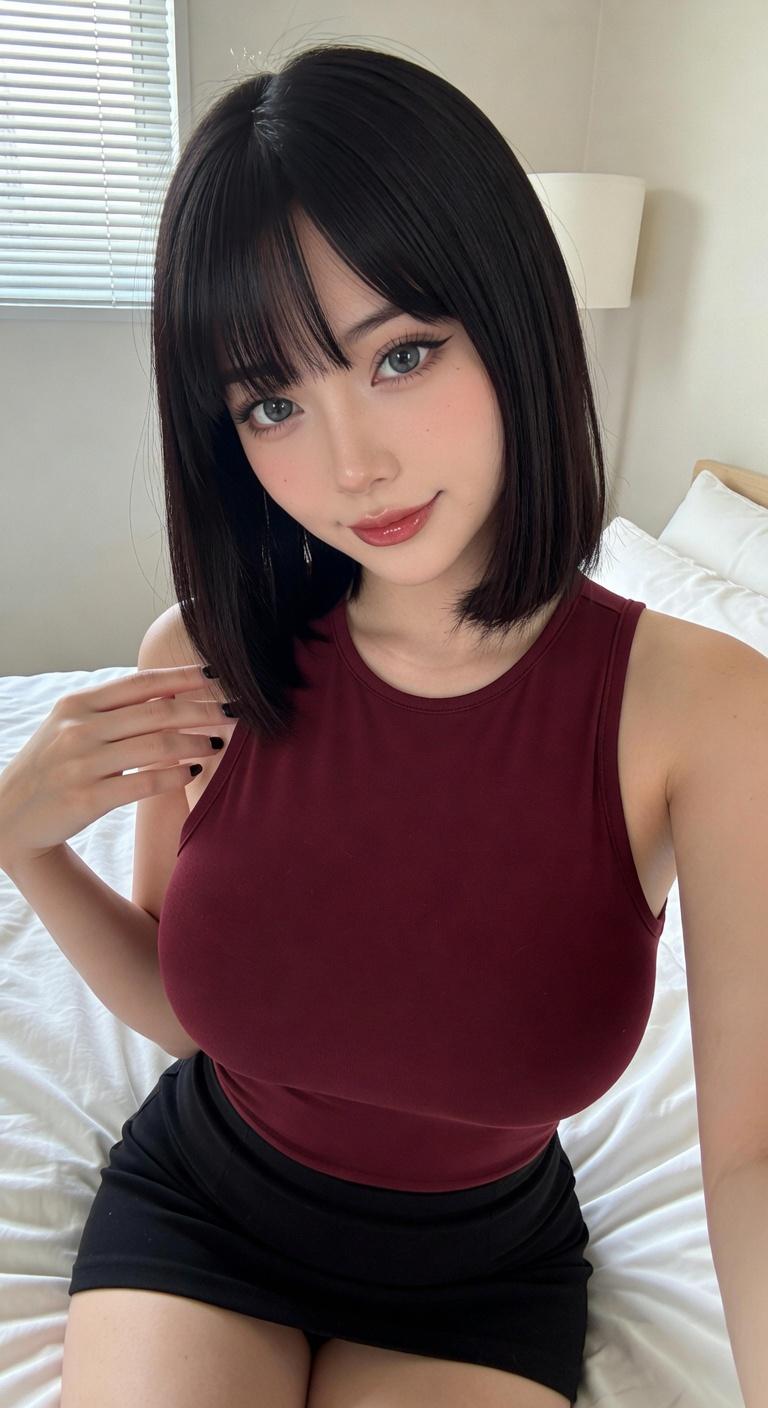
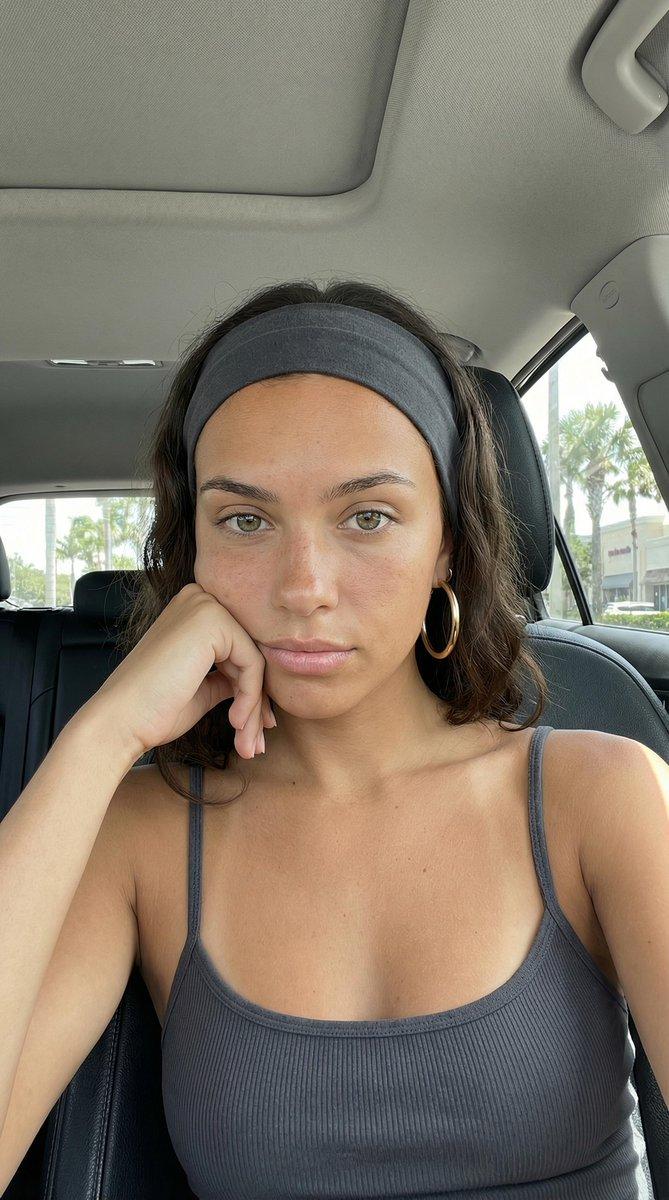
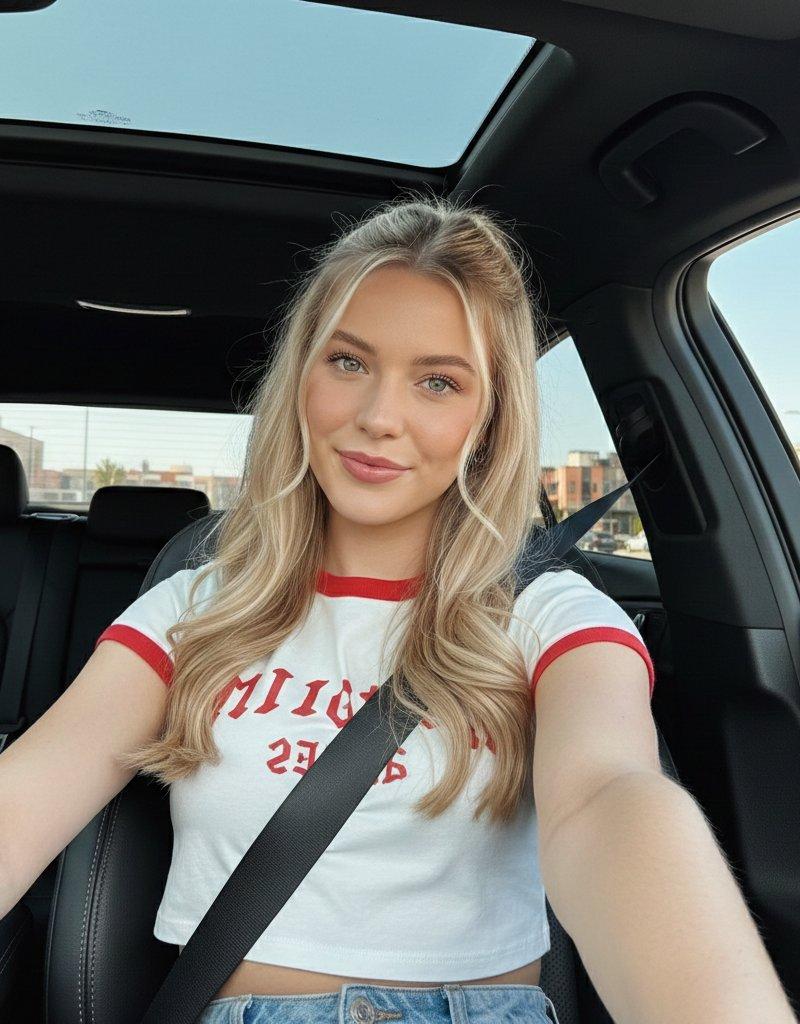
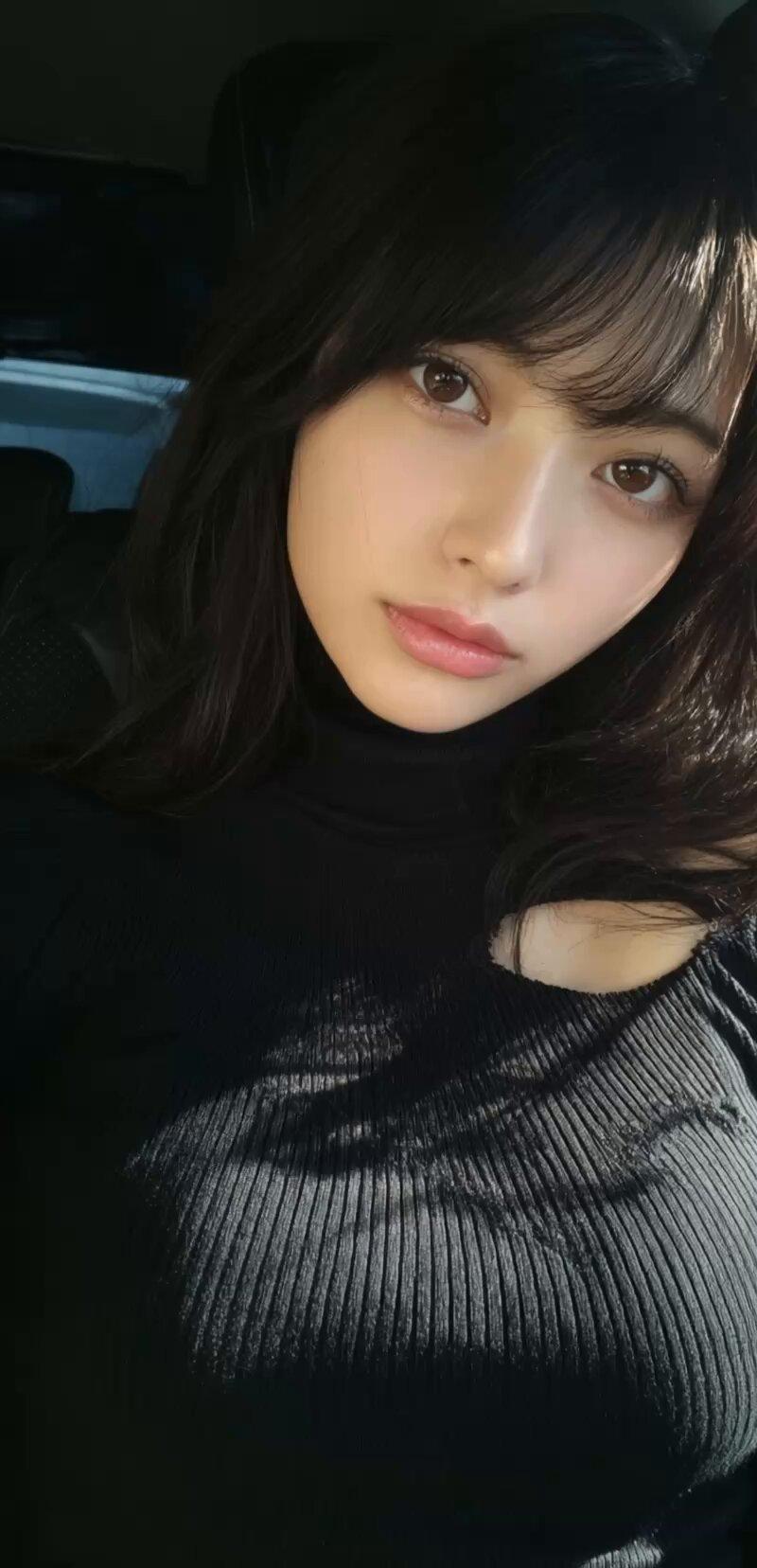
Example images

Higgsfield Kling 2.6 音频提示 #6:车内视角至室外镜头测试

Prompt
🧪Higgsfield Kling 2.6 Audioプロンプト #6
車内の人物から外へズームアウト📷
室内→屋外に映像が抜けるカメラワークをテストしました。
🚗プロンプト:
A young woman with long dark hair wearing a white cut-out turtleneck sweater sits inside a sleek car, gently adjusting her hair and casting curious glances around the vehicle. The camera begins close-up on her face, capturing subtle expressions as she subtly moves. Then the camera dynamically zooms out smoothly and steadily from inside the car, revealing more of the interior, then the exterior of the car in an elegant, cinematic manner, finally showing the car parked in a sunlit urban environment with trees and buildings. The shot captures the transition from intimate close-up to a broader scene, emphasizing elegance and a sense of motion. The audio features the gentle ambient sounds of the car interior, soft rustling fabrics, and faint city noises like distant traffic and birds chirping, creating a calm yet lively atmosphere.
Kling 2.6ではズーム、カメラ移動、視点変更が自然で滑らか⚡
さらに音声付きで一発生成できるので、構成の確認もめちゃ速い。
以下PR.
今はCyber Week特典が解禁中👇
・UNLIMITED Kling 2.6
・UNLIMITED image models
・全ツール70% OFF
Higgsfieldの特別オファー🔥
Category
Photography & Realism
Model
Unknown
Creator
iX | AI Video Creator & Vibe Coder
Source language
zh-CN
Views0
Source ID
higgsfield-kling-2-6-audio-prompt-6-car-interior-to-exterior-zoom-test
Studio

Guide

About "Higgsfield Kling 2.6 音频提示 #6:车内视角至室外镜头测试"

What is this prompt for?

"Higgsfield Kling 2.6 音频提示 #6:车内视角至室外镜头测试" AI image prompt for Unknown (Photography & Realism). 🧪Higgsfield Kling 2.6 Audioプロンプト #6 車内の人物から外へズームアウト📷 室内→屋外に映像…

The full copyable prompt and example visuals above are ready for AI image generation or one-click recreate in Picva.

How to use this prompt

  1. Step 1

    Open the prompt detail

    Review the example visuals, category, and full prompt text for "Higgsfield Kling 2.6 音频提示 #6:车内视角至室外镜头测试".

  2. Step 2

    Copy the prompt

    Copy the prompt body from this page, or load it directly in Studio.

  3. Step 3

    Pick a model (Unknown)

    Prefer Unknown. If you switch models, keep subject and composition and tweak style terms.

  4. Step 4

    Generate and export

    Recreate the look in Picva, or export into your workflow for editing and publishing.

FAQ

What is the "Higgsfield Kling 2.6 音频提示 #6:车内视角至室外镜头测试" prompt?
It is an AI image-generation prompt for Unknown in the Photography & Realism category. This page includes the full prompt text, example visuals, and a one-click recreate path in Picva.
How do I use this prompt to generate an image?
Copy the prompt from this page, or use Generate / Studio. Paste it into a compatible image model, or recreate the look in Picva with optional reference images.
Which model is this prompt for?
This page lists Unknown. Most descriptive prompts also transfer to nearby image models such as GPT Image, Flux, or Midjourney with light style tweaks.
Can I use the result commercially?
You can usually copy the prompt for creation, but commercial use of the final image depends on the model terms, reference-image rights, and the generated content. Follow the source author and platform rules.