19

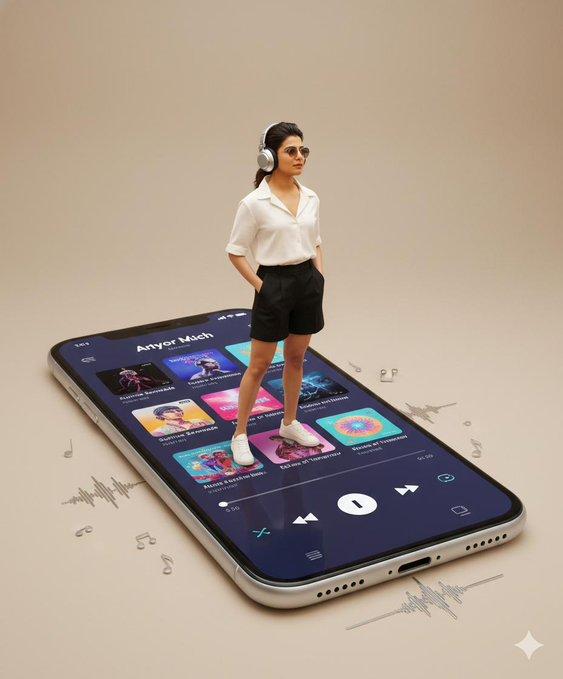
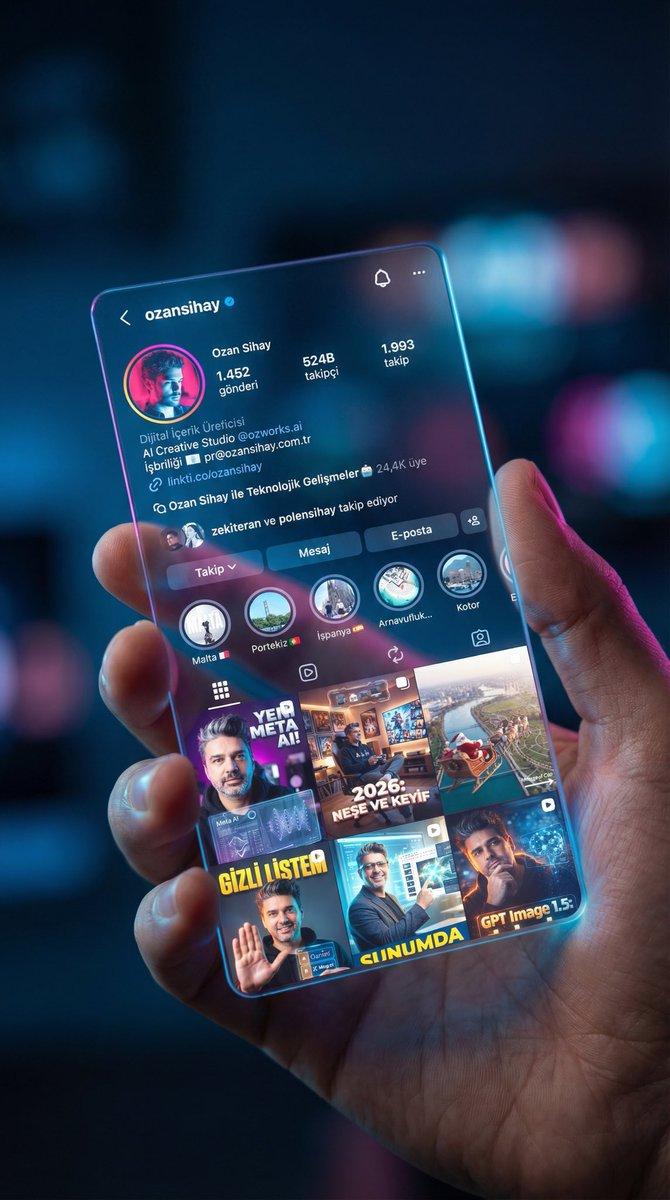
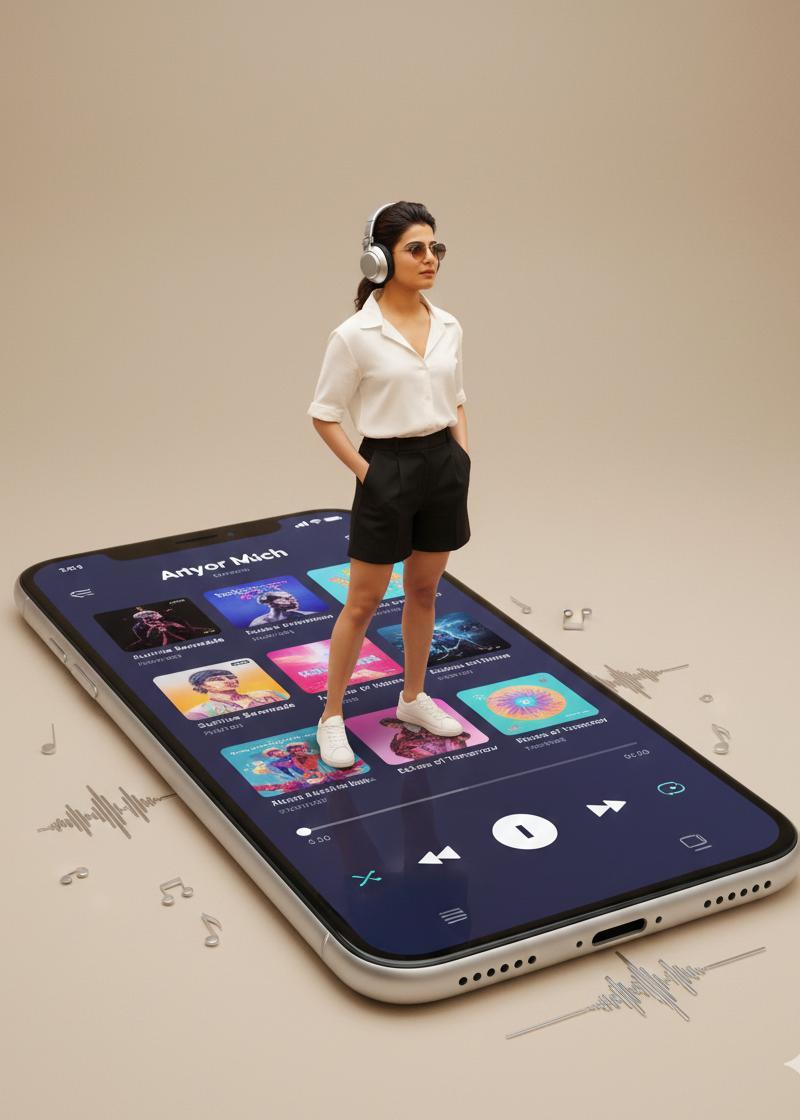
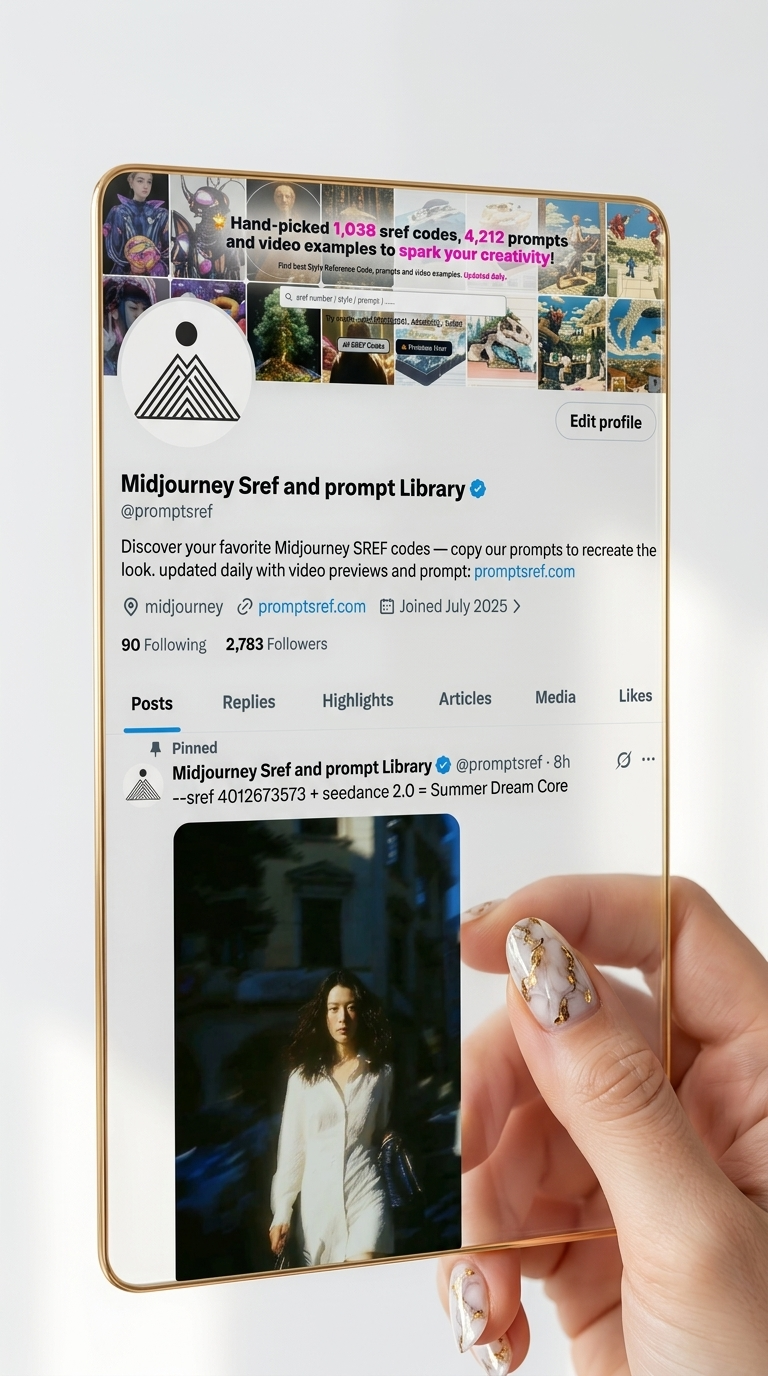
高端工作室照片
Enlarge

Example images

高端工作室照片

Prompt
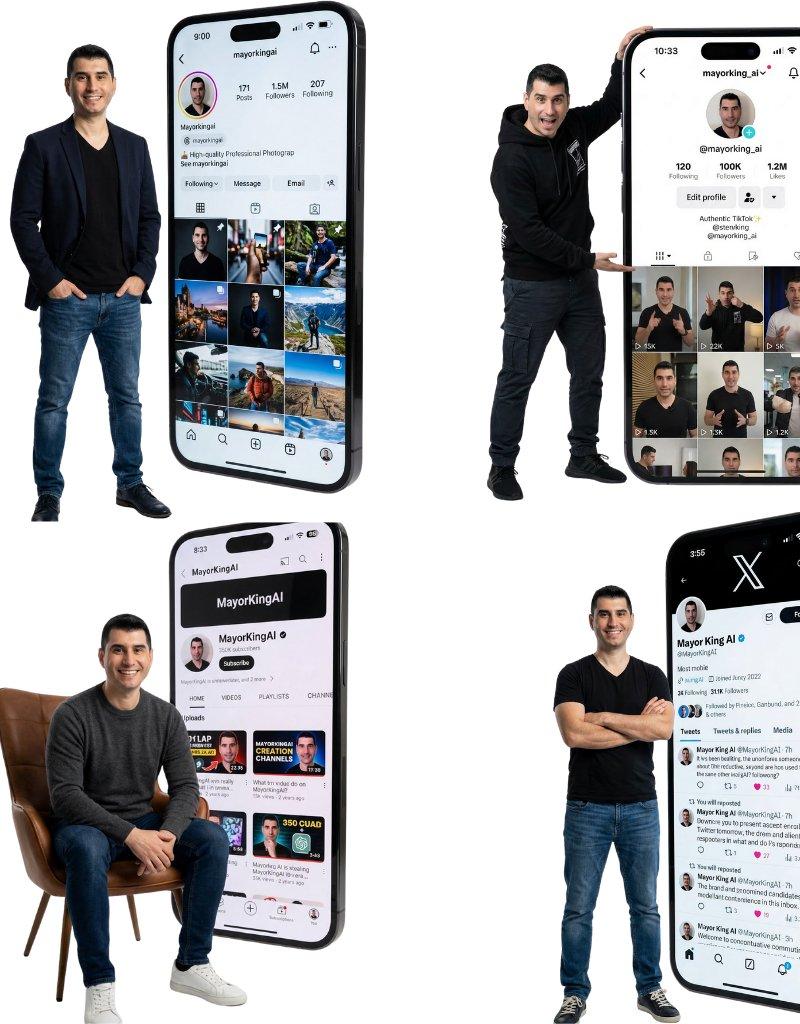
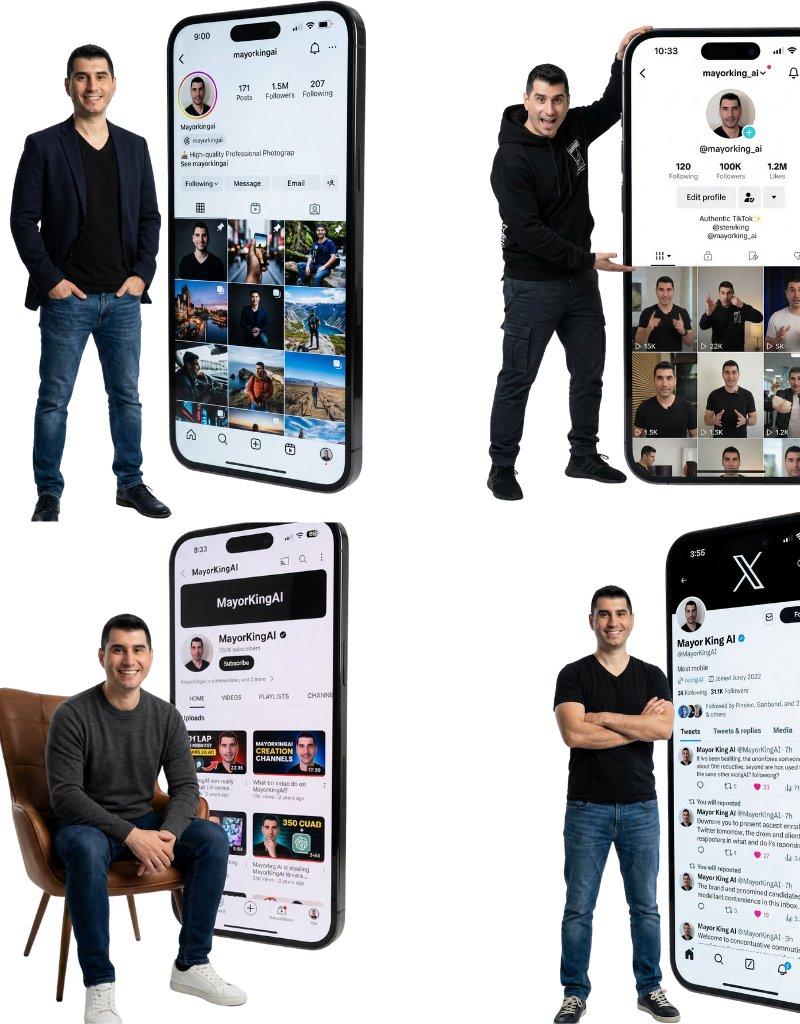
Create a high-end 8k studio photograph. The person from the reference is standing on the left side, posing with a [POSE] attitude and wearing [CLOTHING]. To their right, dominating the scene, stands a GIANT, human-scale monolithic smartphone (floor-standing). The massive screen is on and displays a crystal-clear, authentic [SOCIAL APP] user interface. Key visible details on the screen must be sharp and legible and appear exactly as they would in the real app\'s layout: the profile picture (matching the subject), the username "@[USERNAME]", the follower count "[FOLLOWER COUNT]" displayed realistically within the standard profile stats area (not artificially enlarged), and a consistent feed of posts below. Premium studio lighting with the screen casting a subtle glow on the subject. Clean minimalist white background
创作一张高端 8K 工作室照片。参考人物站在左侧,摆出 [POSE] 姿势,身着 [CLOTHING]。在其右侧,占据画面中心位置的是一部巨大的、与真人大小相当的落地式智能手机。巨大的屏幕已开启,显示着清晰逼真的 [SOCIAL APP] 用户界面。屏幕上的关键可见细节必须清晰易读,并且与真实应用中的布局完全一致:个人资料照片(与拍摄对象相符)、用户名"@[ USERNAME]、粉丝数 [FOLLOWER COUNT](真实显示在标准个人资料统计区域内,而非人为放大),以及下方持续更新的帖子信息流。使用高级工作室灯光,屏幕散发出柔和的光晕,照亮拍摄对象。背景为简洁的白色背景。
Category
Photography & Realism
Model
Unknown
Creator
MayorKingAI
Source language
zh-CN
Views0
Source ID
high-end-studio-photo
Studio

Guide

About "高端工作室照片"

What is this prompt for?

"高端工作室照片" AI image prompt for Unknown (Photography & Realism). Create a high-end 8k studio photograph. The person from the reference is standing on the left si…

The full copyable prompt and example visuals above are ready for AI image generation or one-click recreate in Picva.

How to use this prompt

  1. Step 1

    Open the prompt detail

    Review the example visuals, category, and full prompt text for "高端工作室照片".

  2. Step 2

    Copy the prompt

    Copy the prompt body from this page, or load it directly in Studio.

  3. Step 3

    Pick a model (Unknown)

    Prefer Unknown. If you switch models, keep subject and composition and tweak style terms.

  4. Step 4

    Generate and export

    Recreate the look in Picva, or export into your workflow for editing and publishing.

FAQ

What is the "高端工作室照片" prompt?
It is an AI image-generation prompt for Unknown in the Photography & Realism category. This page includes the full prompt text, example visuals, and a one-click recreate path in Picva.
How do I use this prompt to generate an image?
Copy the prompt from this page, or use Generate / Studio. Paste it into a compatible image model, or recreate the look in Picva with optional reference images.
Which model is this prompt for?
This page lists Unknown. Most descriptive prompts also transfer to nearby image models such as GPT Image, Flux, or Midjourney with light style tweaks.
Can I use the result commercially?
You can usually copy the prompt for creation, but commercial use of the final image depends on the model terms, reference-image rights, and the generated content. Follow the source author and platform rules.