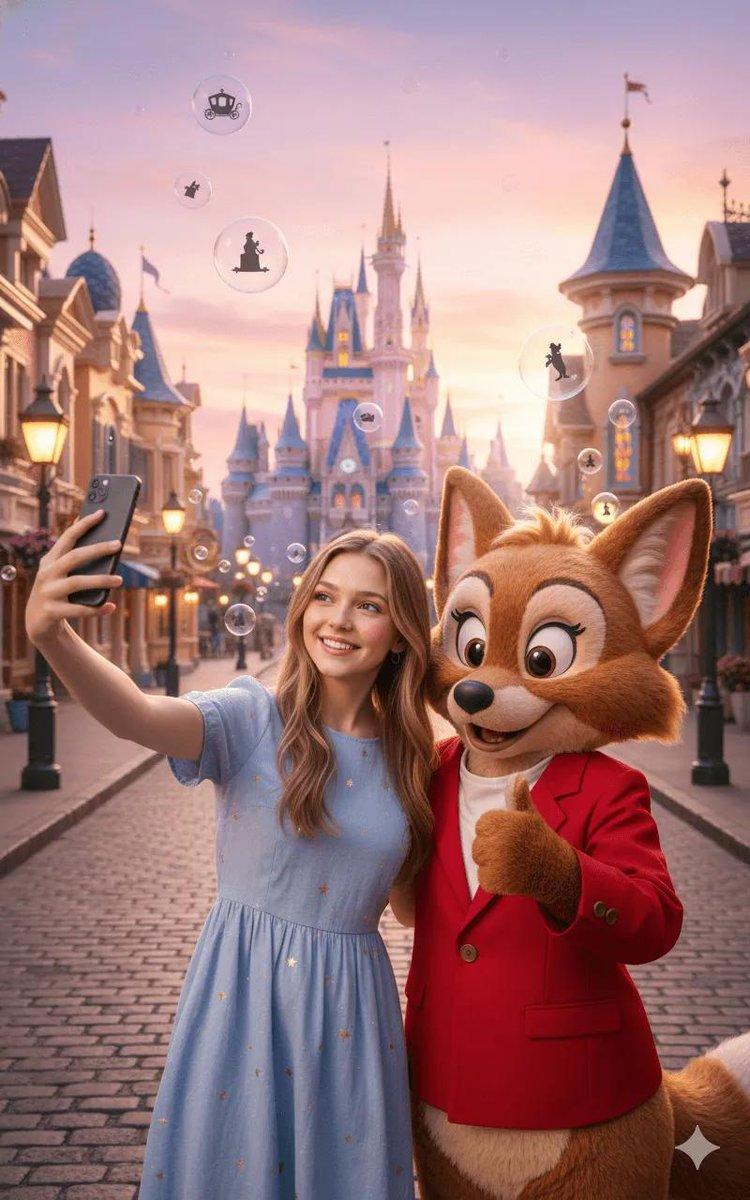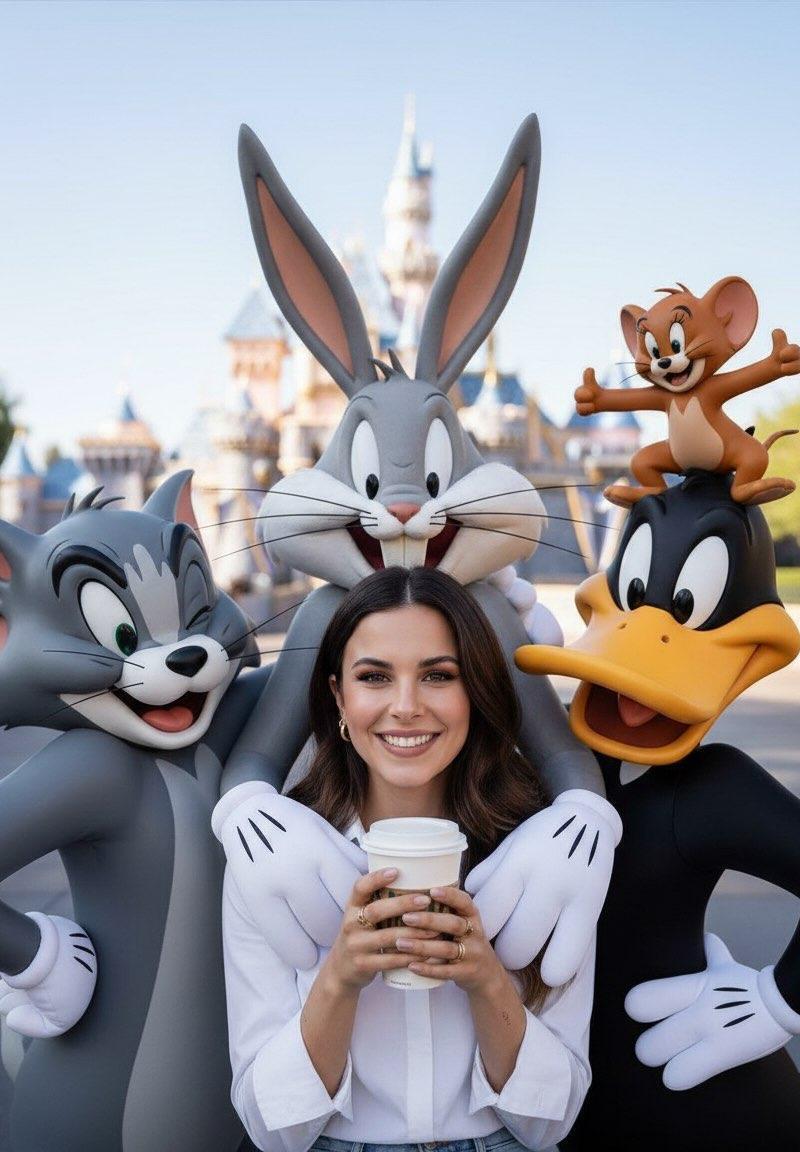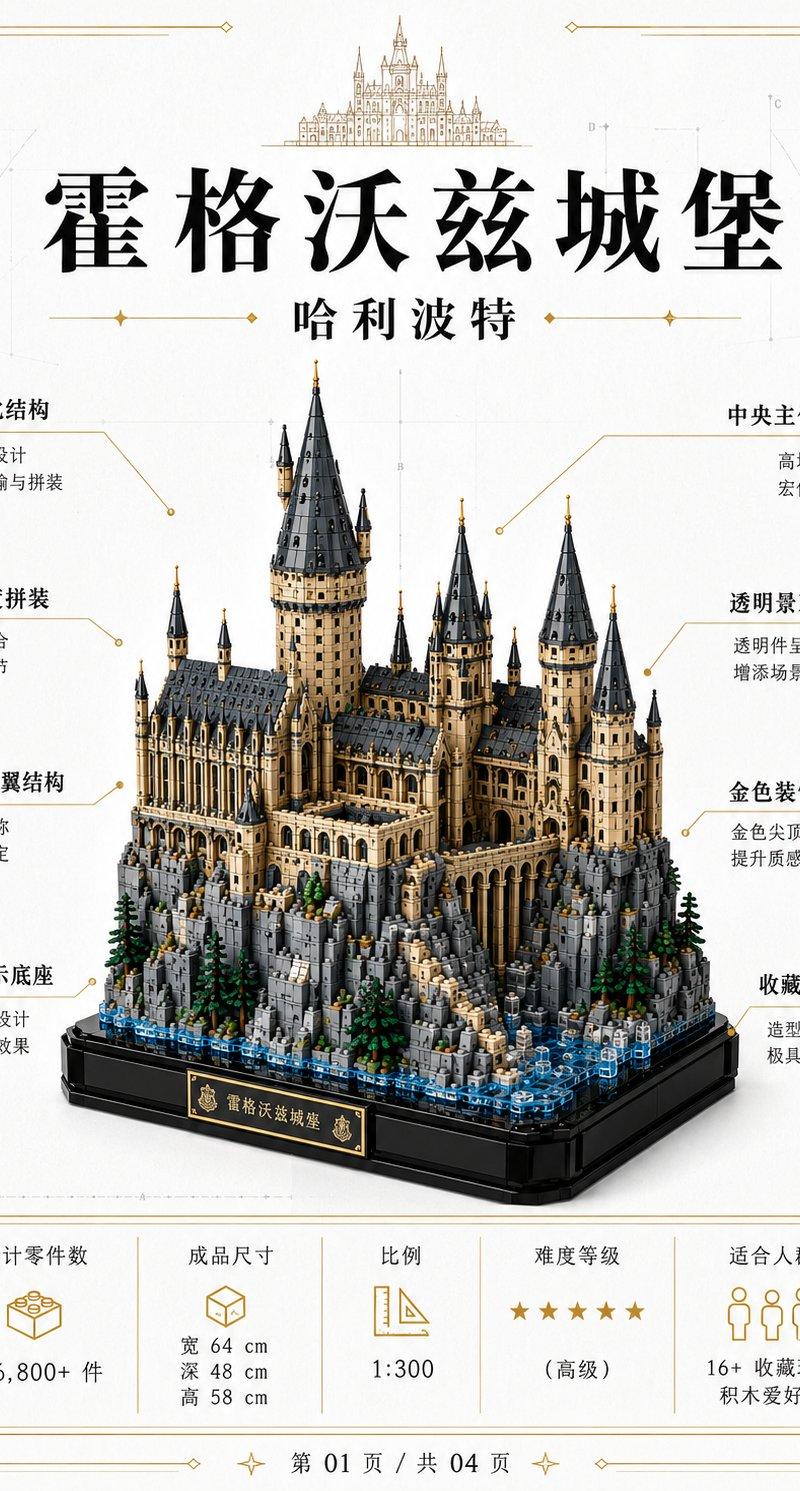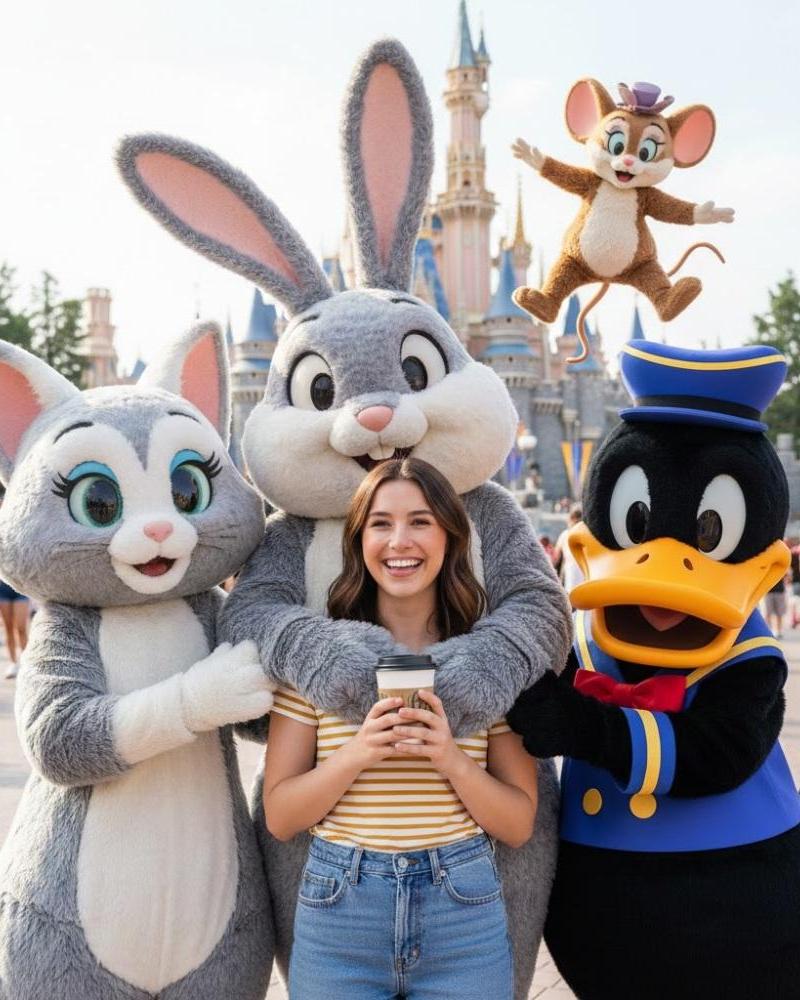
20

高品质摄影指南:打造静谧、清新的视觉体验
Enlarge

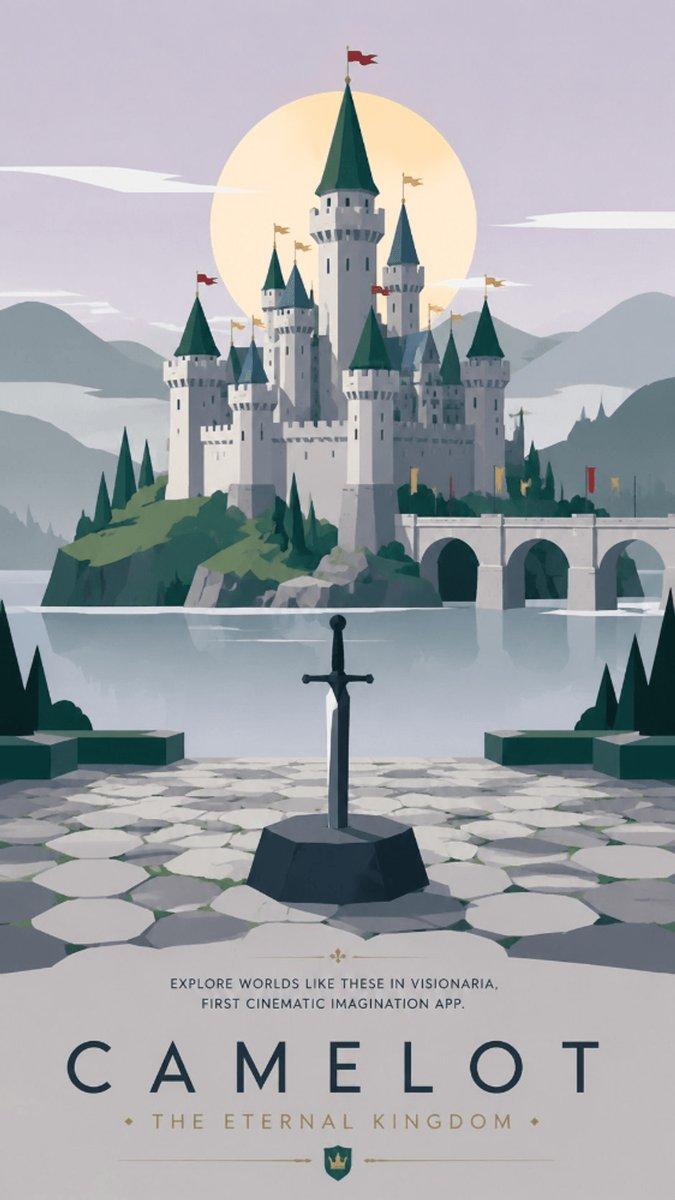
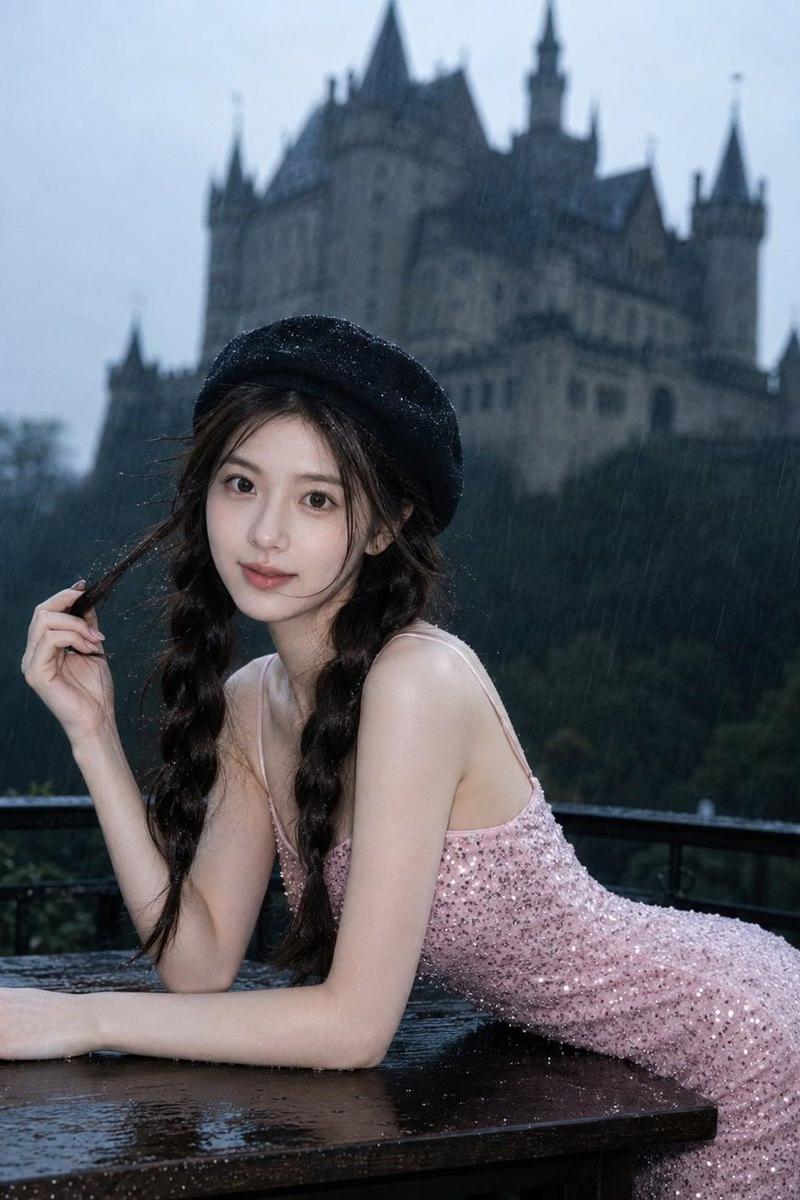
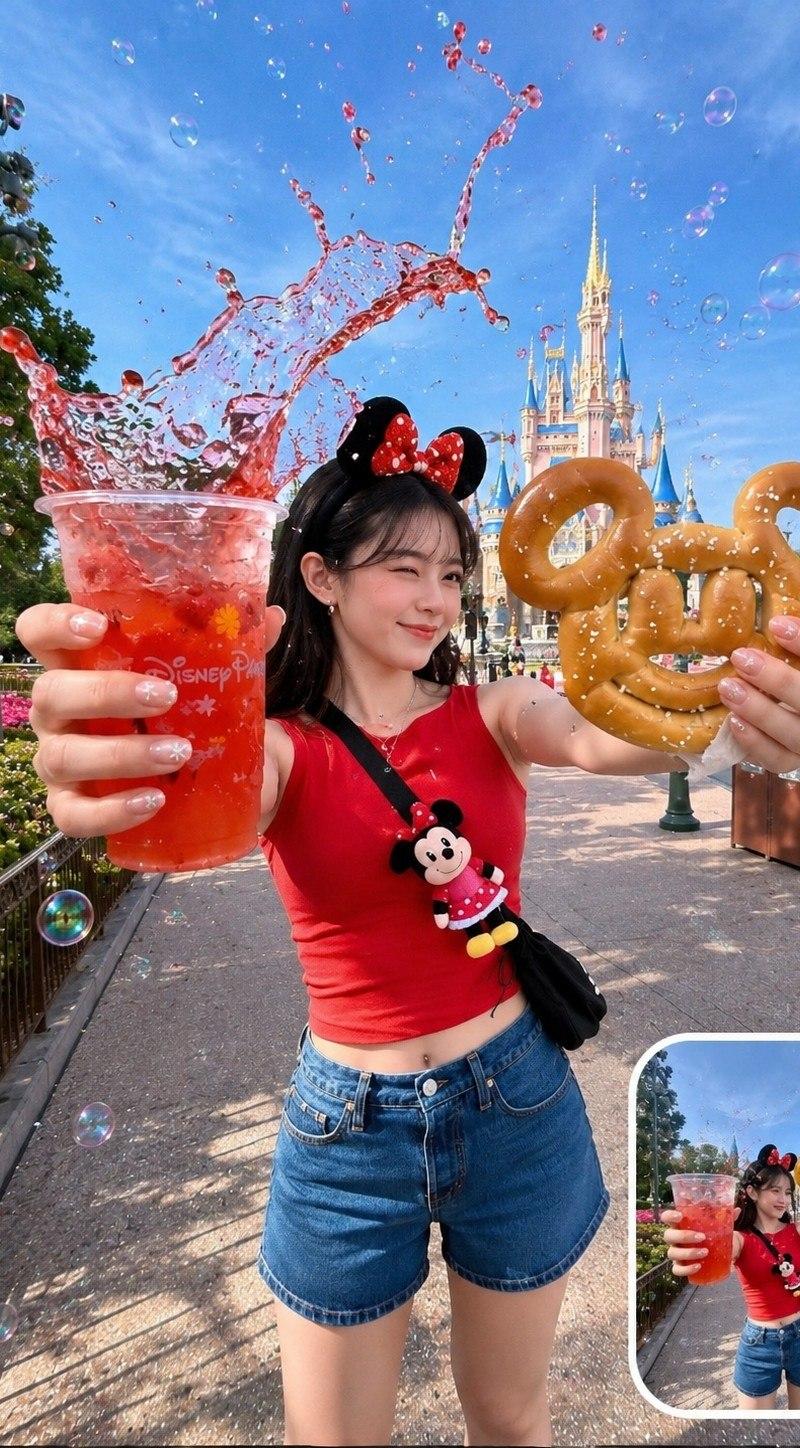
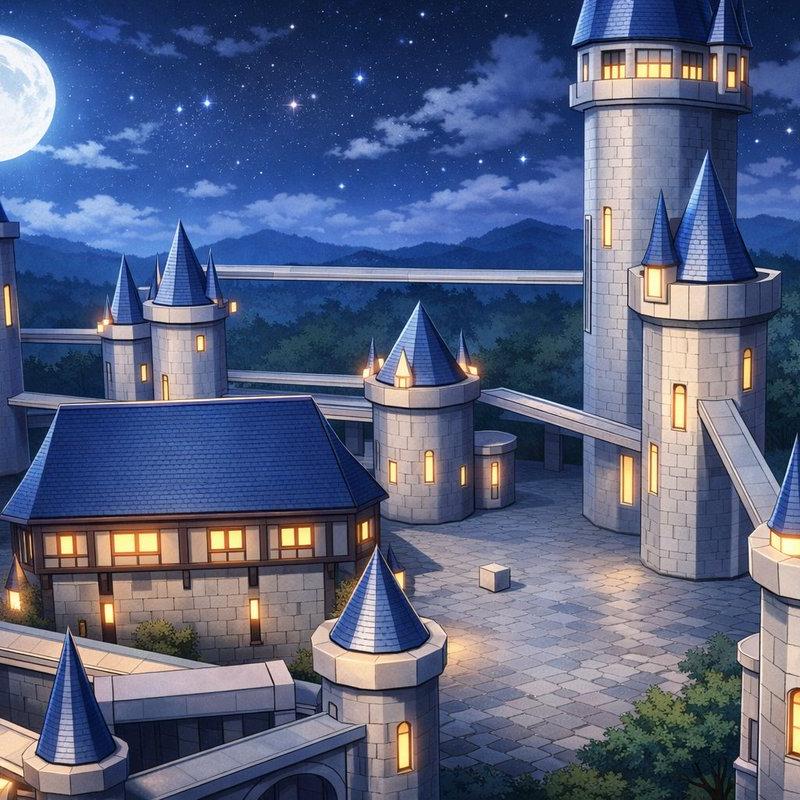
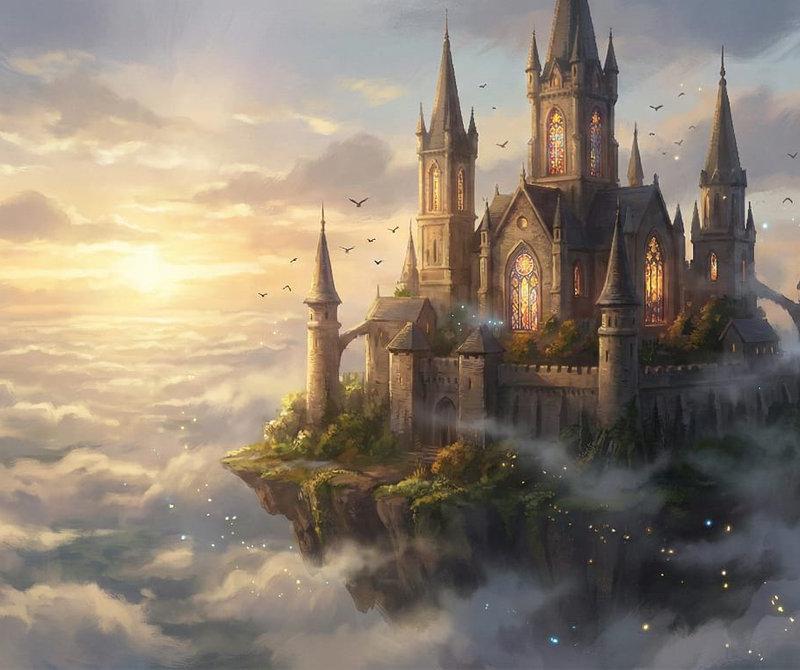
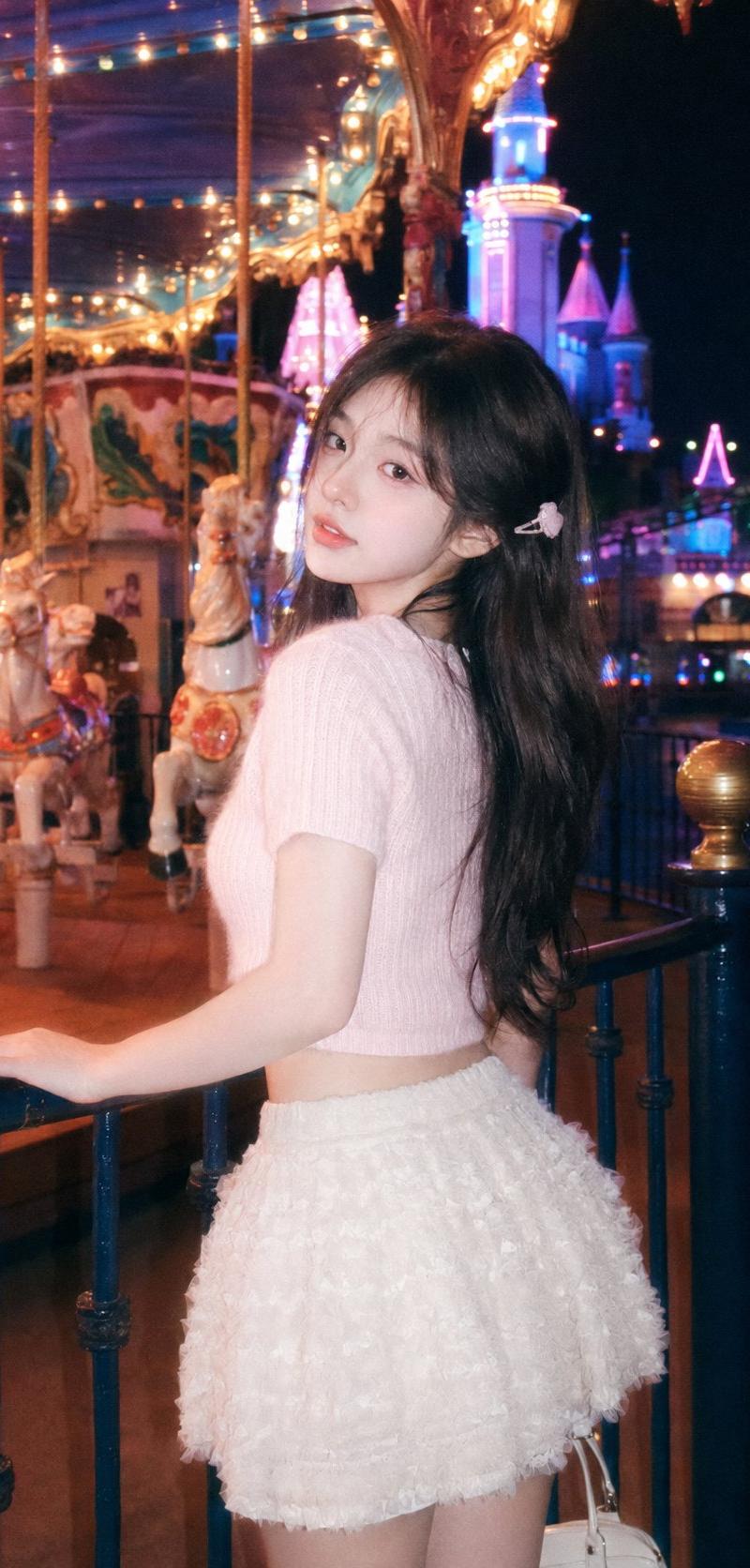
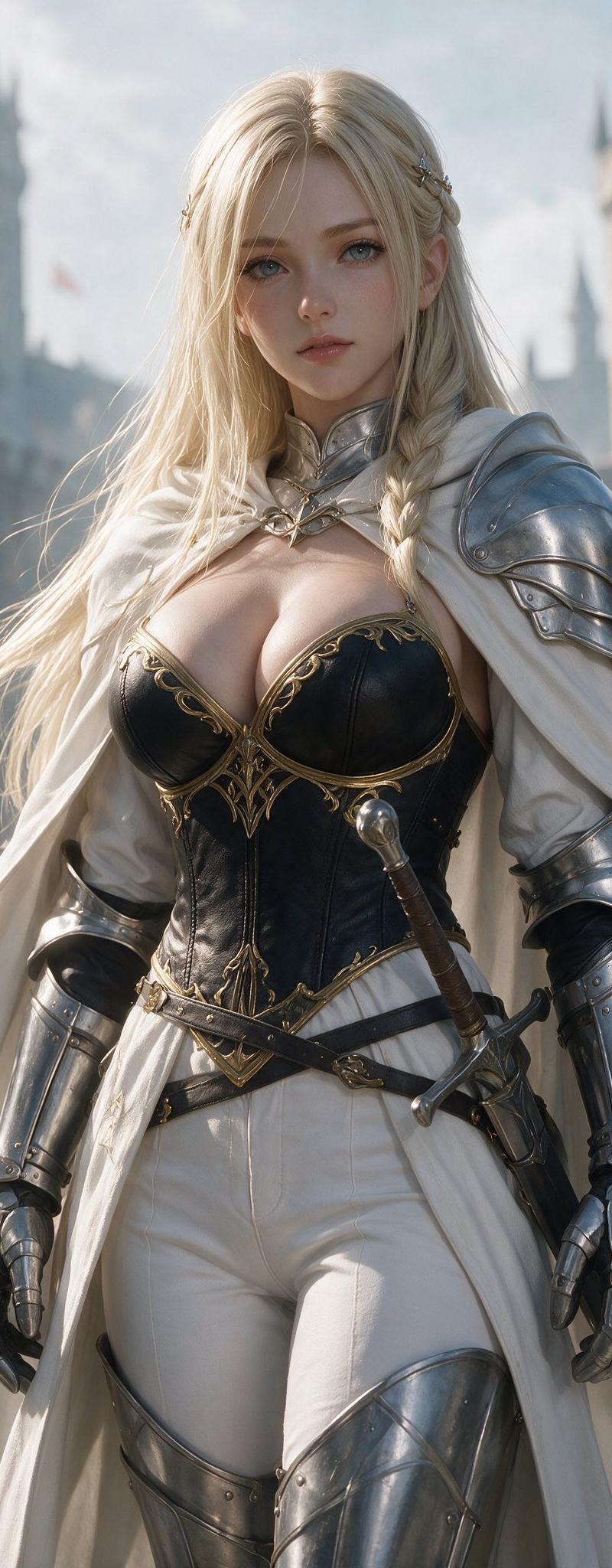
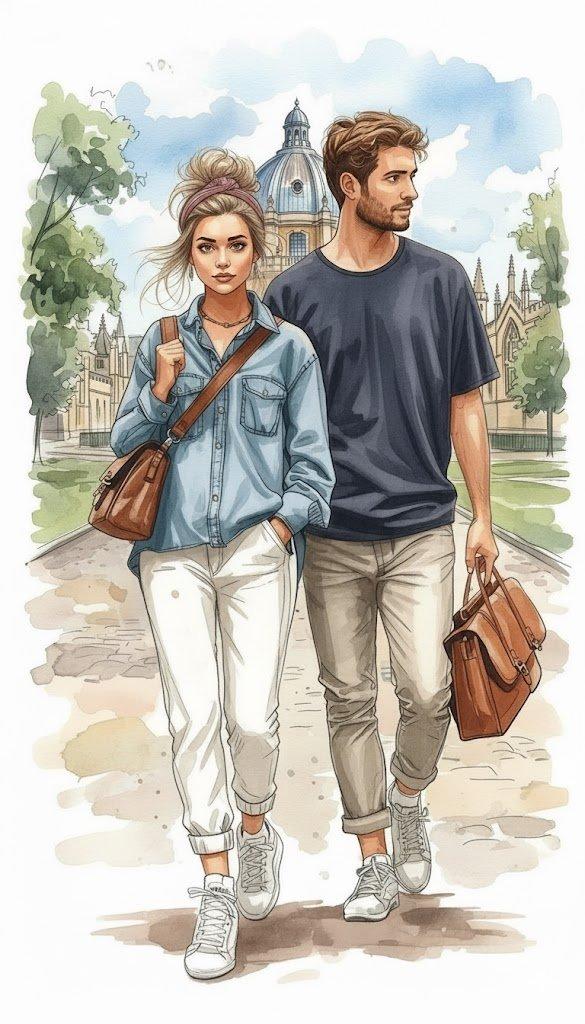
Example images

高品质摄影指南:打造静谧、清新的视觉体验

Prompt
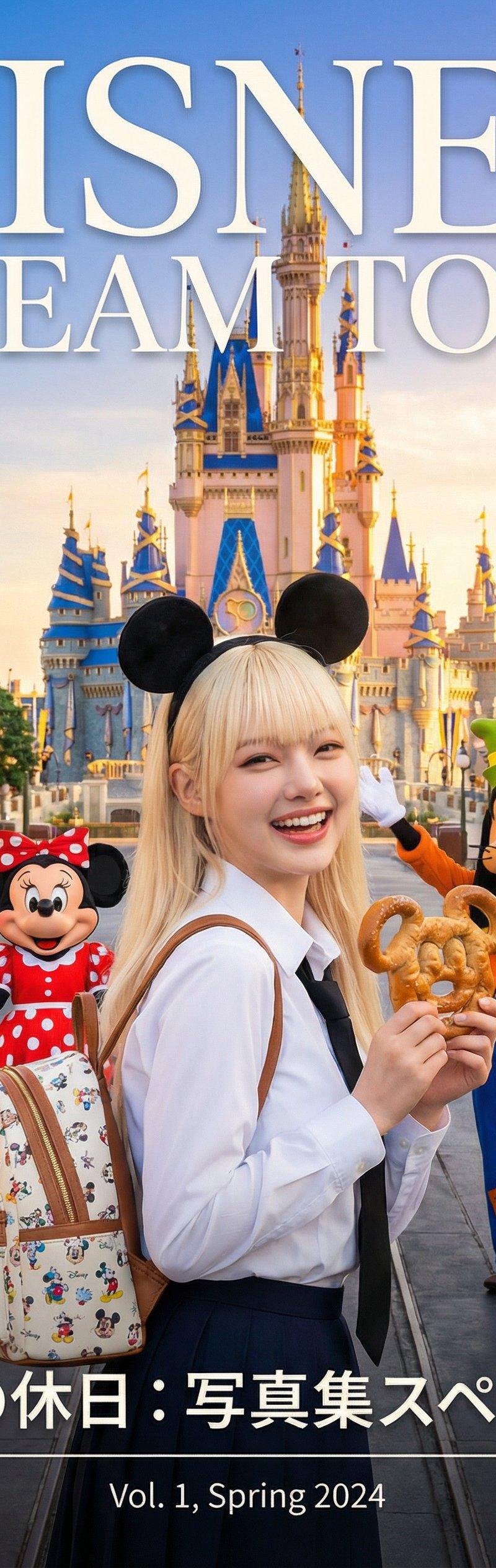
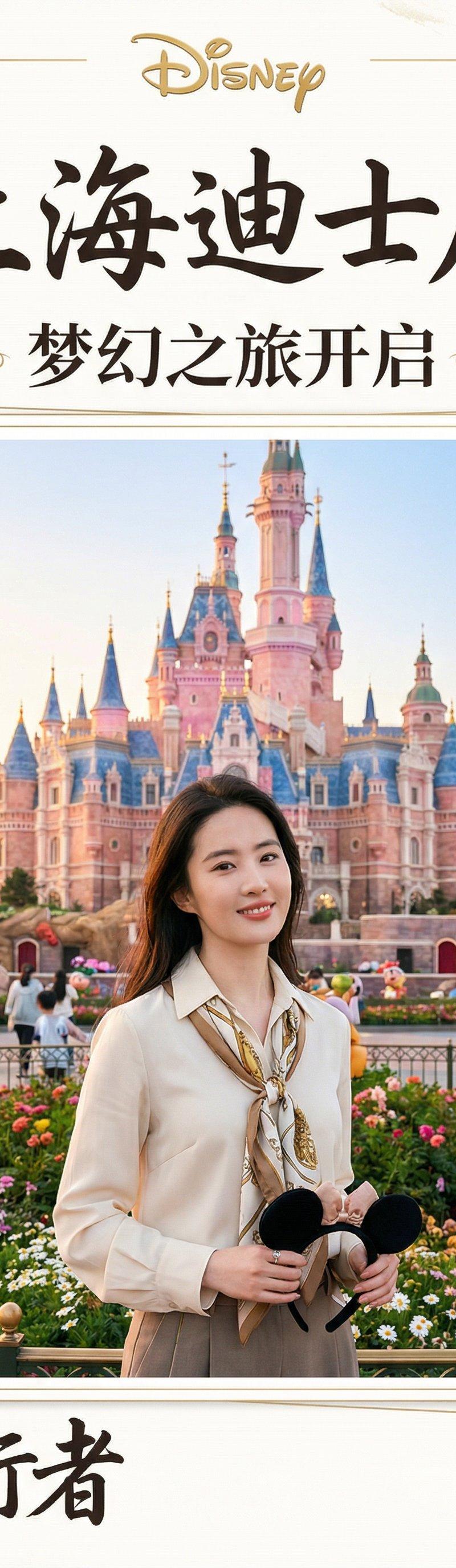
以下の追加プロンプトで少し上質感のある品質になりやすくなります✨
【追加プロンプト】
1.被写体(モデル)の描写
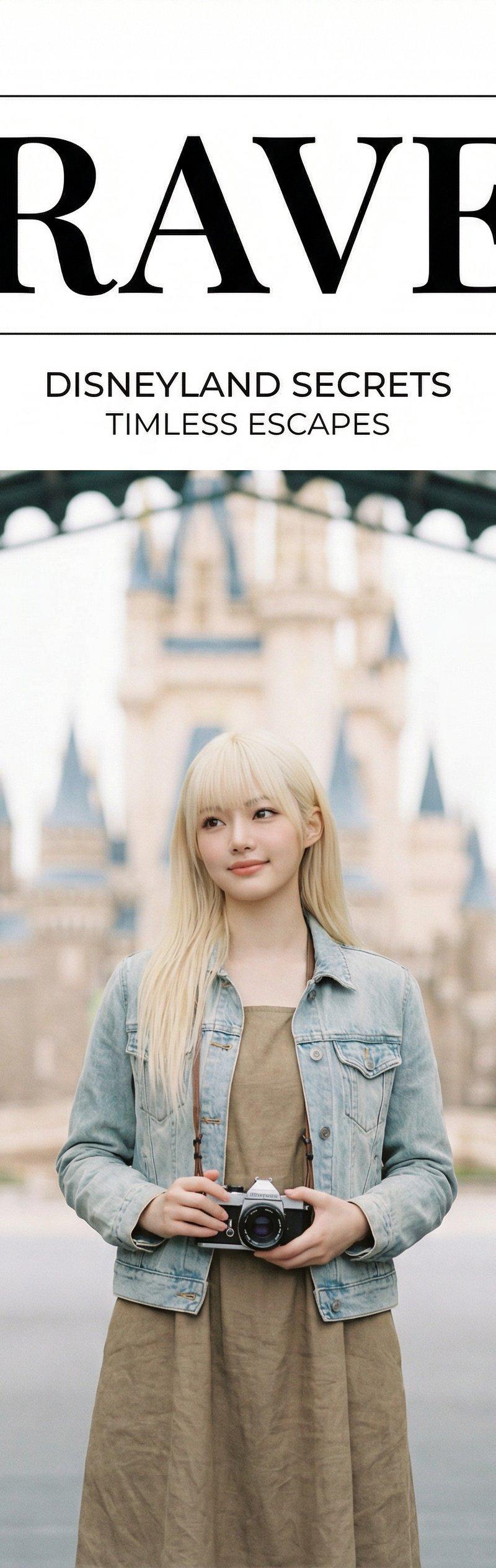
モデル: 年齢不詳の女性、落ち着いた表情(Calm Expression)。
2. 写真のスタイルとライティング
ライティング: 非常に柔らかく、均一に拡散された自然光(Soft, Diffused Natural Lighting)。
照明: ハイキー(High-key),影が最小限のフラットな照明。
ムード: 静謐、清潔感、ミニマリスト、素朴(Serene, Clean, Minimalist, Earthy Mood)。
質感: わずかに粒状感のあるフィルムグレイン(Subtle Film Grain Texture)。
3. カメラとレンズの指定
レンズ: 50mmまたは85mmのポートレートレンズ。
アングル: 被写体を中央に据えたミディアムショット。
4. 雑誌のデザインとテキストレイアウト
Include clean, minimalist magazine text layout: (清潔でミニマリストな雑誌のテキストレイアウトを含める:)
マストヘッド: TRAVEL (非常に大きく太字のクラシックなセリフ体、中央揃え、上下に細い水平線)
配置: テキストレイアウトは、画像上部を大きく占める白い余白部分にすべて配置する。
5. 全体的な仕上がりとムード
デザイン: 非常にクリーンで余白を活かしたタイポグラフィ(High Whitespace, Clean Typography)。
品質: プレミアムなエディトリアル品質(Premium Editorial Quality)、時代を超越した(Timeless)デザイン。
Category
Photography & Realism
Model
Unknown
Creator
空想写真家
Source language
zh-CN
Views0
Source ID
high-quality-photography-guide-creating-serene-and-clean-visual-experiences
Studio

Guide

About "高品质摄影指南:打造静谧、清新的视觉体验"

What is this prompt for?

"高品质摄影指南:打造静谧、清新的视觉体验" AI image prompt for Unknown (Photography & Realism). 以下の追加プロンプトで少し上質感のある品質になりやすくなります✨ 【追加プロンプト】 1.被写体(モデル)の描写 モデル: 年齢不詳の女性、落ち着いた表情(Calm…

The full copyable prompt and example visuals above are ready for AI image generation or one-click recreate in Picva.

How to use this prompt

  1. Step 1

    Open the prompt detail

    Review the example visuals, category, and full prompt text for "高品质摄影指南:打造静谧、清新的视觉体验".

  2. Step 2

    Copy the prompt

    Copy the prompt body from this page, or load it directly in Studio.

  3. Step 3

    Pick a model (Unknown)

    Prefer Unknown. If you switch models, keep subject and composition and tweak style terms.

  4. Step 4

    Generate and export

    Recreate the look in Picva, or export into your workflow for editing and publishing.

FAQ

What is the "高品质摄影指南:打造静谧、清新的视觉体验" prompt?
It is an AI image-generation prompt for Unknown in the Photography & Realism category. This page includes the full prompt text, example visuals, and a one-click recreate path in Picva.
How do I use this prompt to generate an image?
Copy the prompt from this page, or use Generate / Studio. Paste it into a compatible image model, or recreate the look in Picva with optional reference images.
Which model is this prompt for?
This page lists Unknown. Most descriptive prompts also transfer to nearby image models such as GPT Image, Flux, or Midjourney with light style tweaks.
Can I use the result commercially?
You can usually copy the prompt for creation, but commercial use of the final image depends on the model terms, reference-image rights, and the generated content. Follow the source author and platform rules.