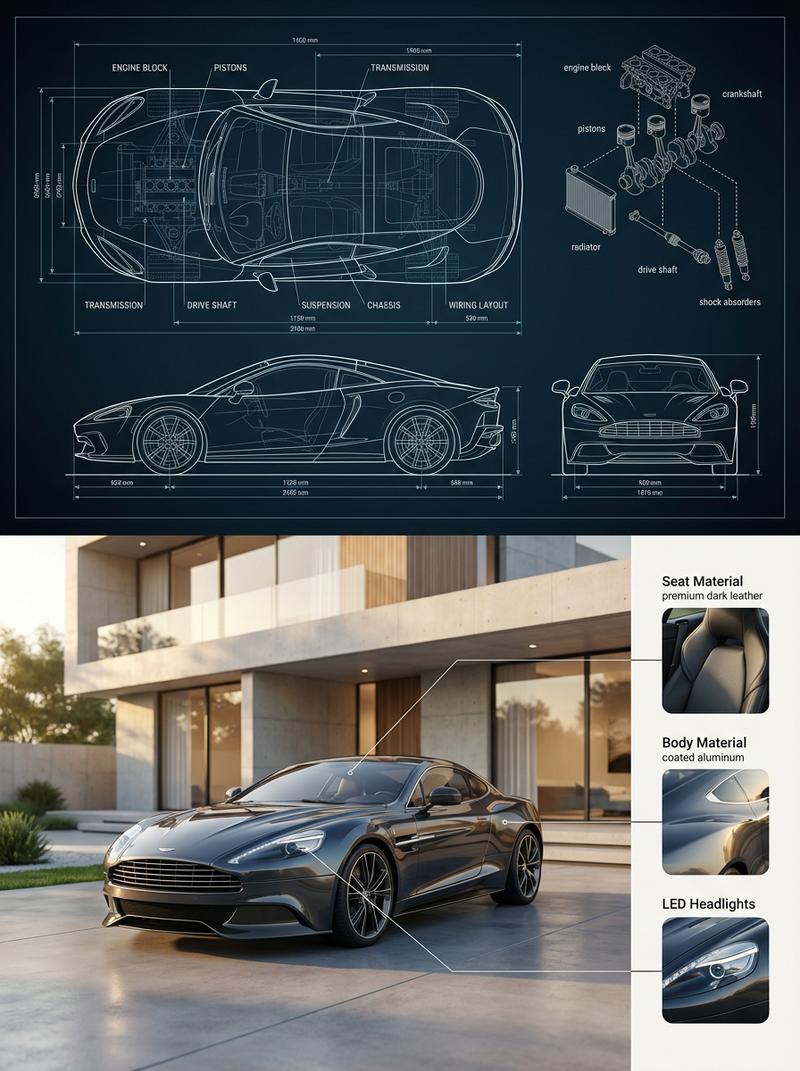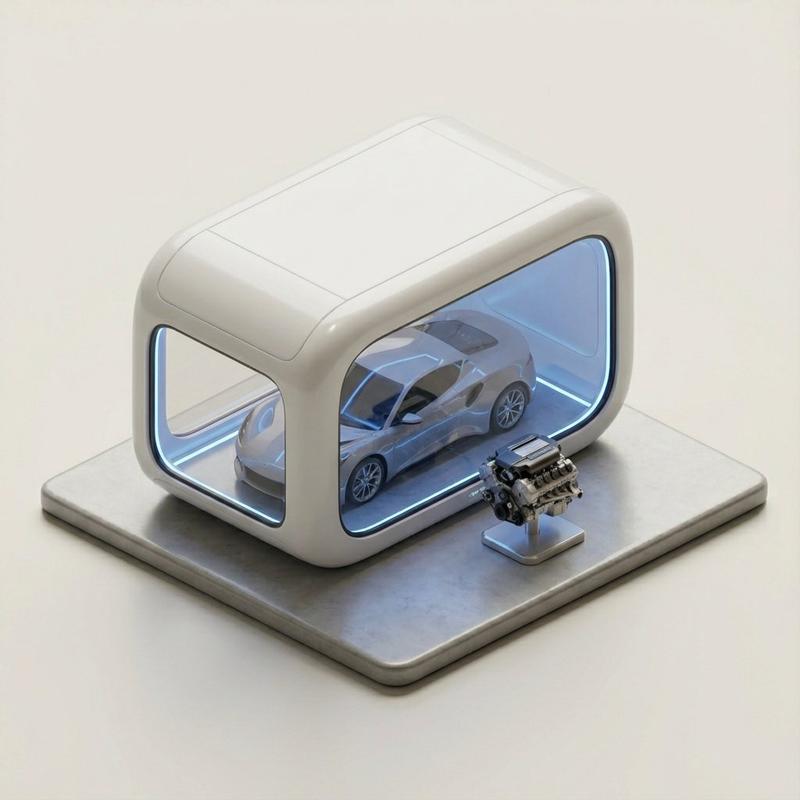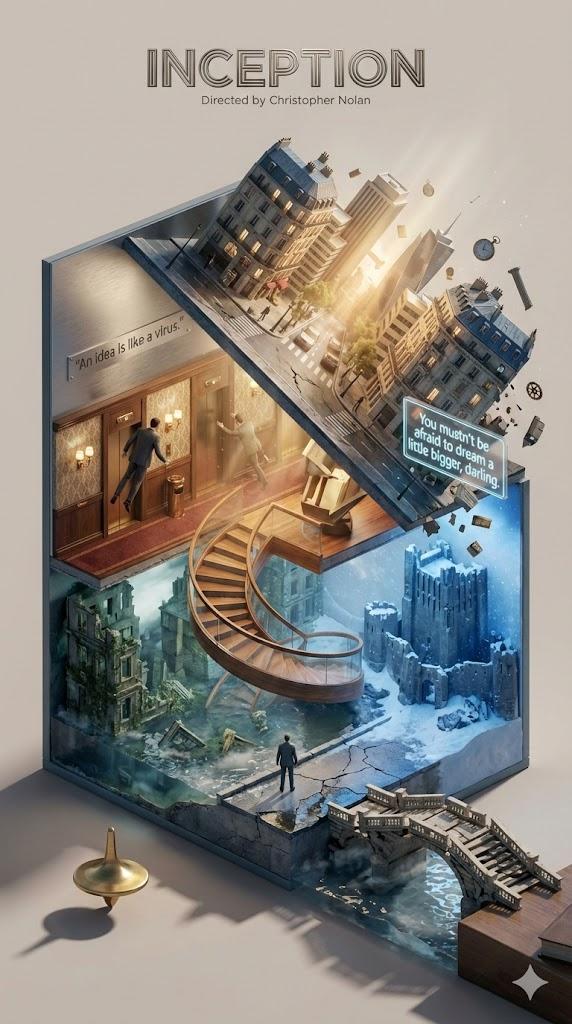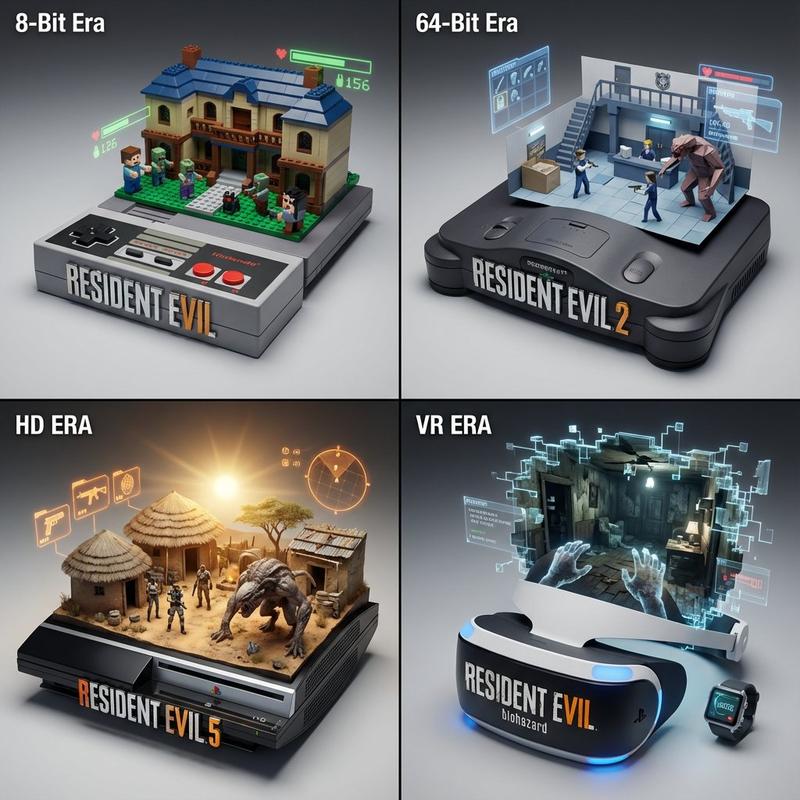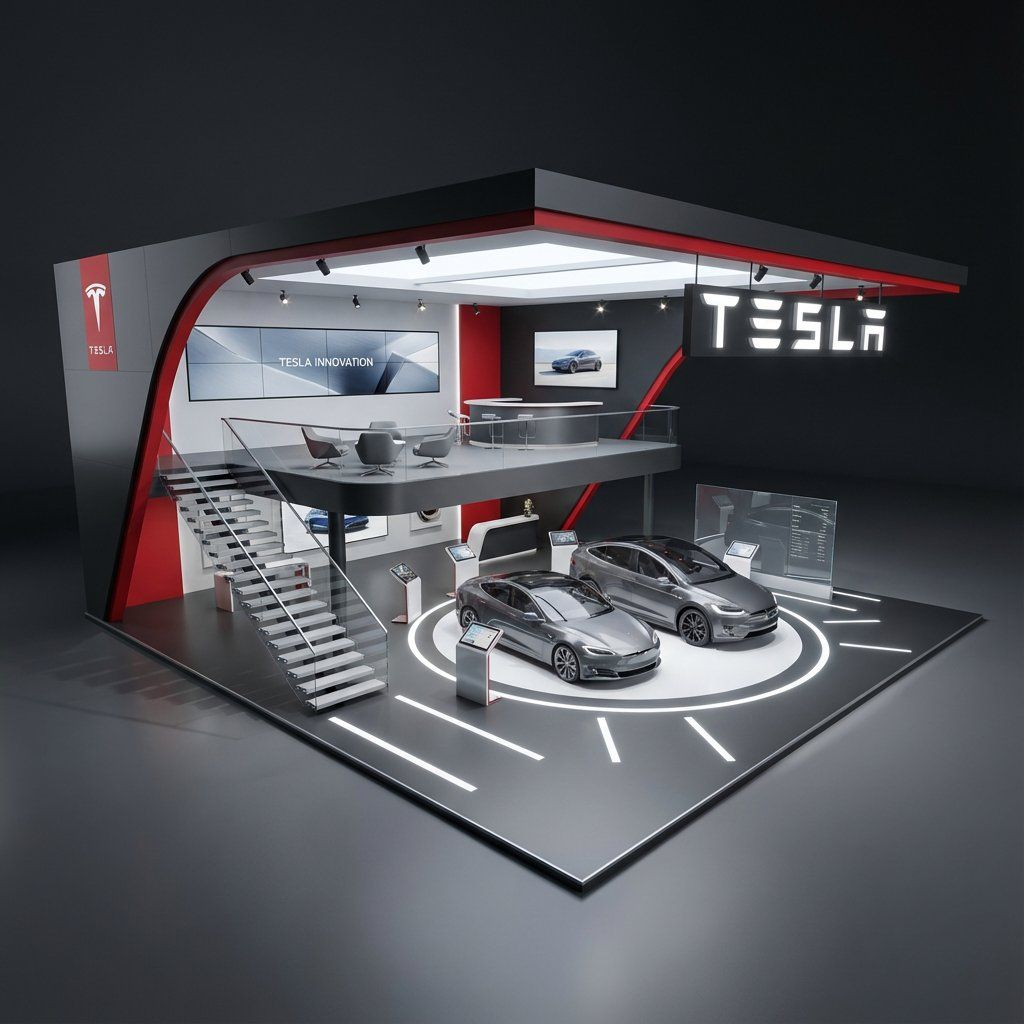
超现实主义品牌建筑
提示词
Hyper Realistic Brand Architecture
Gemini 3.0 Nano Banana Pro
Freepik
Base prompt -@_MehdiSharifi_
Hyper-realistic 3D architectural visualization of a [STYLE: e.g., minimalist/futuristic] two-story exhibition booth for Tesla, set against a solid dark grey studio background. The structure features [FORM: e.g., sweeping angular geometry with clean lines] design constructed from [MATERIAL: e.g., matte anodized aluminum and tempered glass] with [COLOR: e.g., Tesla signature red (#E82127) accents and charcoal black]. The ground floor centers around [GROUND-FEATURE: e.g., an interactive EV display platform with integrated LED floor lighting], reflecting Tesla’s focus on innovation and sustainability. A [STAIRS-TYPE: e.g., cantilevered floating staircase with glass balustrades] leads to the upper mezzanine level, designed as [UPPER-FEATURE: e.g., a collaborative lounge and consultation area with panoramic brand graphics and natural light simulation]. The lighting is [LIGHTING: e.g., soft natural daylight balanced with focused architectural accent lights], creating high-quality shadows and depth. The perspective is a wide-angle elevated view, capturing a [VIBE: e.g., cutting-edge tech minimalism with energetic brand presence] aesthetic, rendered with photorealistic textures.
- 分类
- 真实摄影
- 模型
- Nano Banana Pro
- 来源 ID
- hyper-realistic-brand-architecture
浏览量0