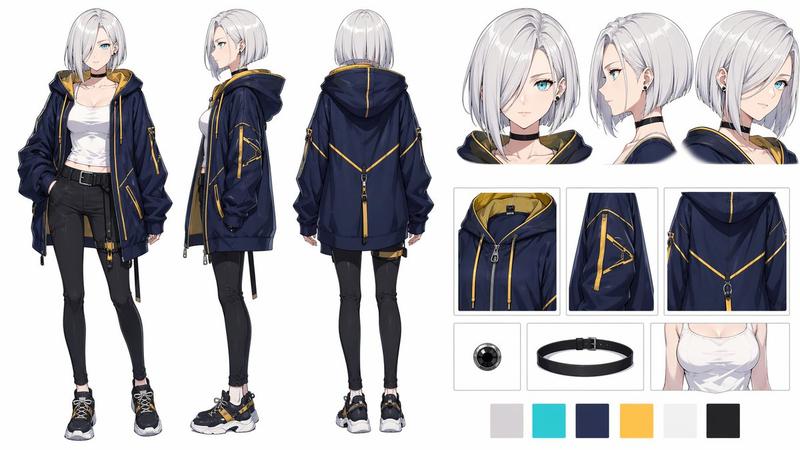
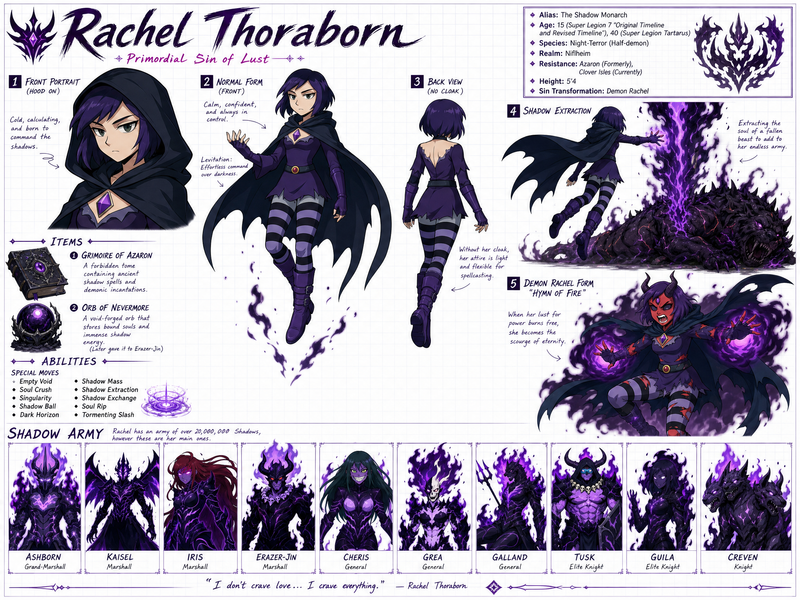
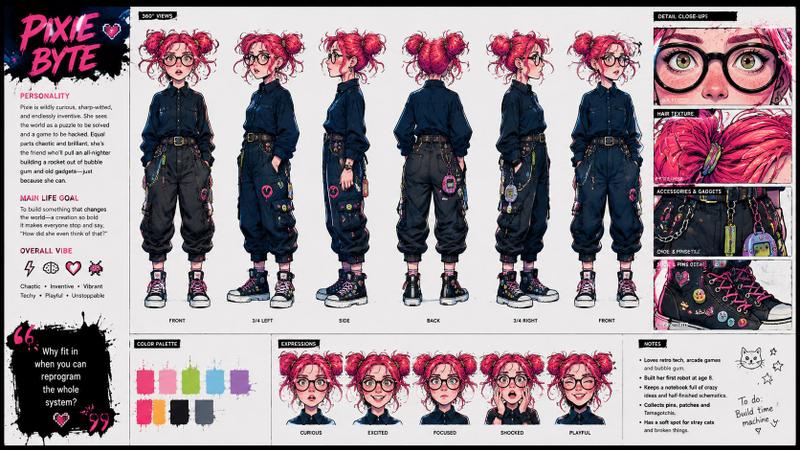
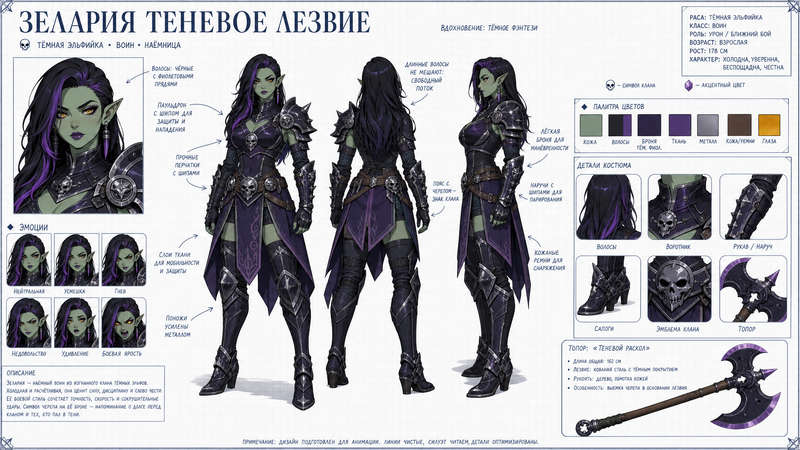
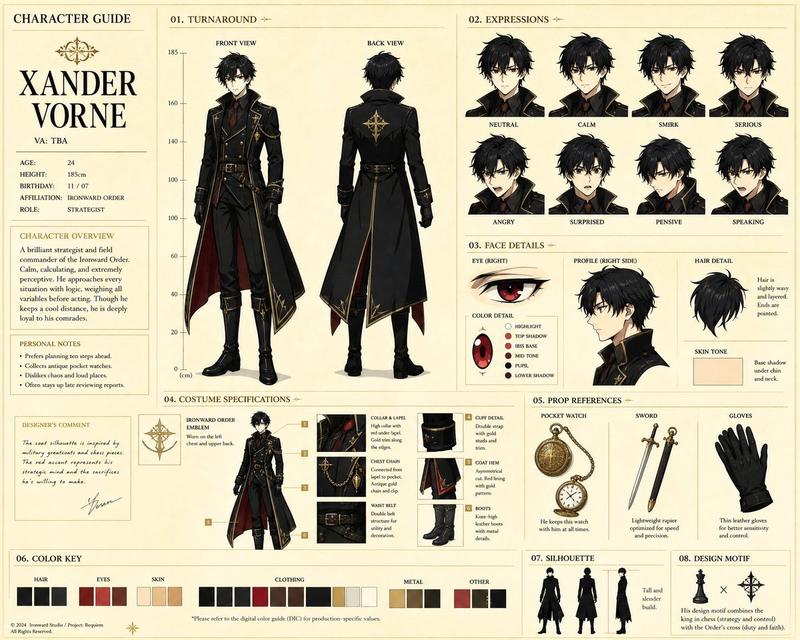
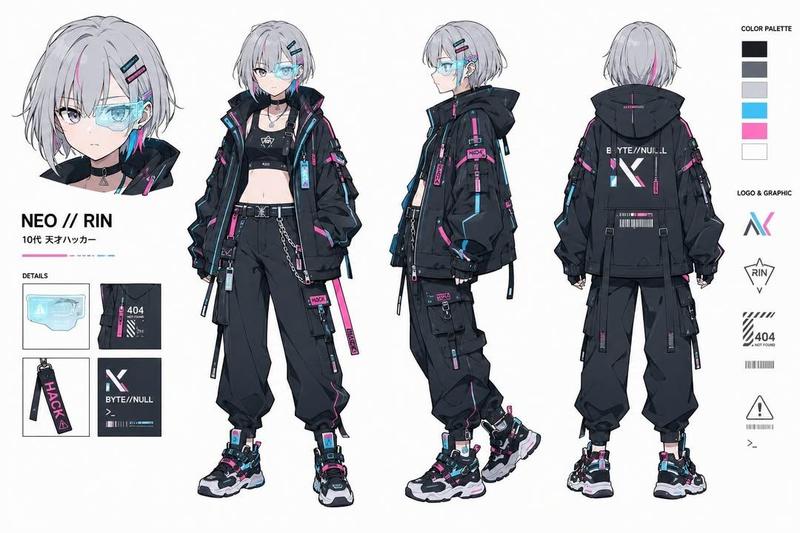
图片分析升级指南 🥹
Prompt
That’s escalated quickly. 🥹
Prompt : Analyze this image. Use red pen to denote where you can improve. https://t.co/060907xSAH
- Category
- UI & Interfaces
- Model
- Unknown
- Creator
- AI Machete
- Source ID
- image-analysis-upgrade-guide
Views0
13

That’s escalated quickly. 🥹 Prompt : Analyze this image. Use red pen to denote where you can improve. https://t.co/060907xSAH
Guide
"图片分析升级指南 🥹" AI image prompt for Unknown (UI & Interfaces). That’s escalated quickly. 🥹 Prompt : Analyze this image. Use red pen to denote where you can impr…
The full copyable prompt and example visuals above are ready for AI image generation or one-click recreate in Picva.
Step 1
Review the example visuals, category, and full prompt text for "图片分析升级指南 🥹".
Step 2
Copy the prompt body from this page, or load it directly in Studio.
Step 3
Prefer Unknown. If you switch models, keep subject and composition and tweak style terms.
Step 4
Recreate the look in Picva, or export into your workflow for editing and publishing.