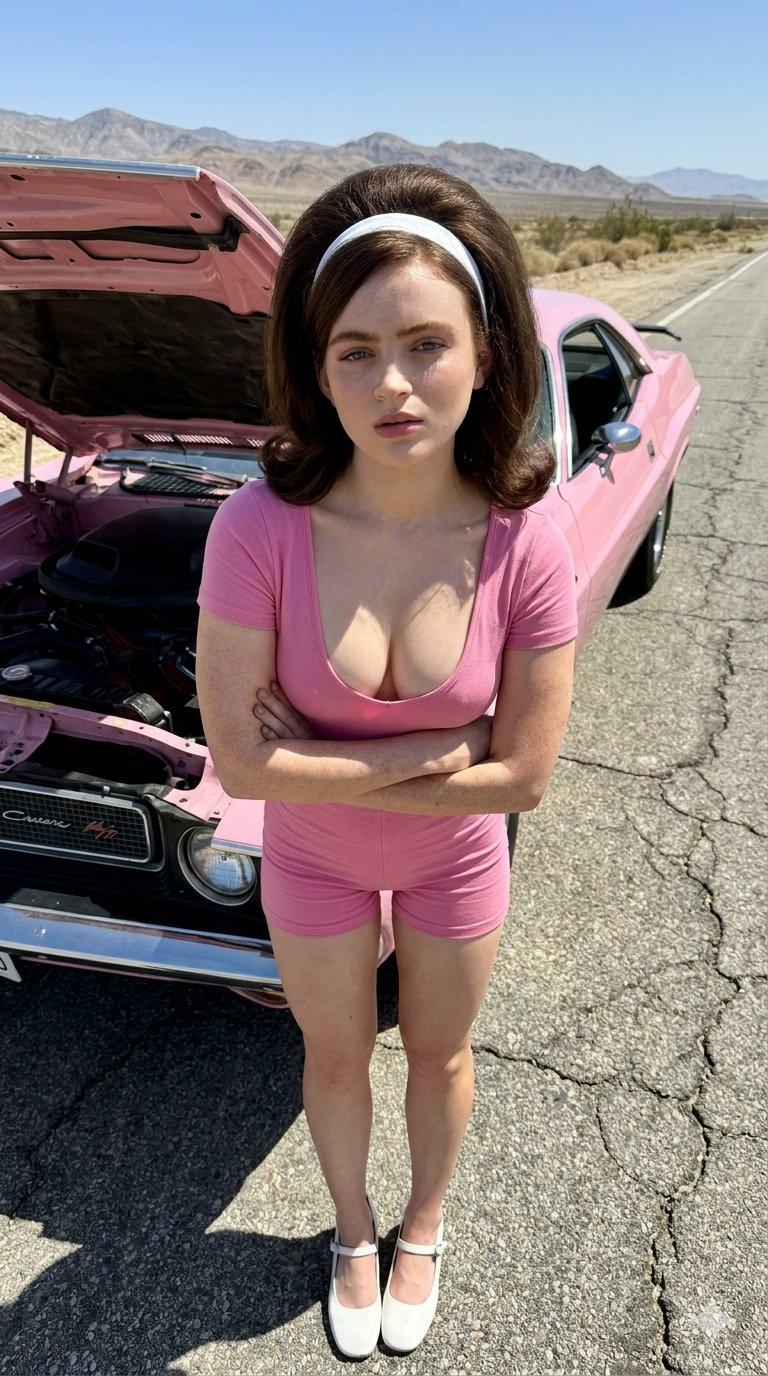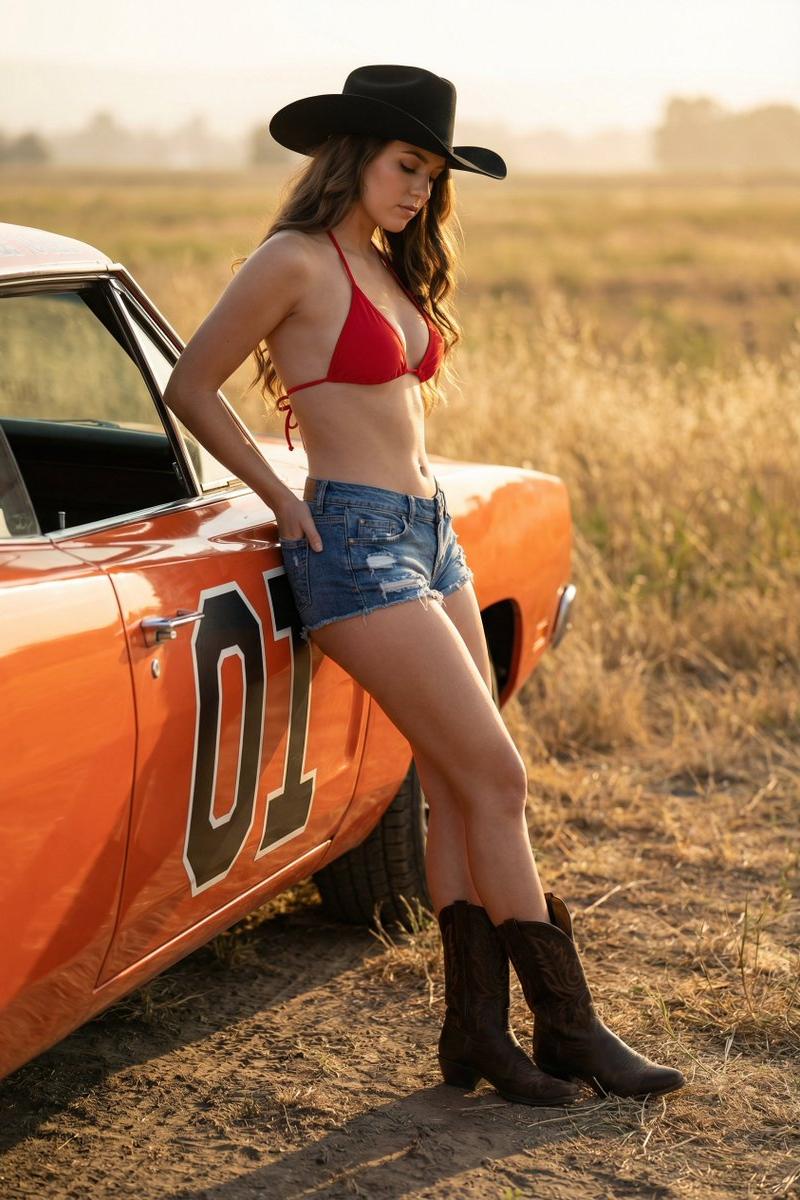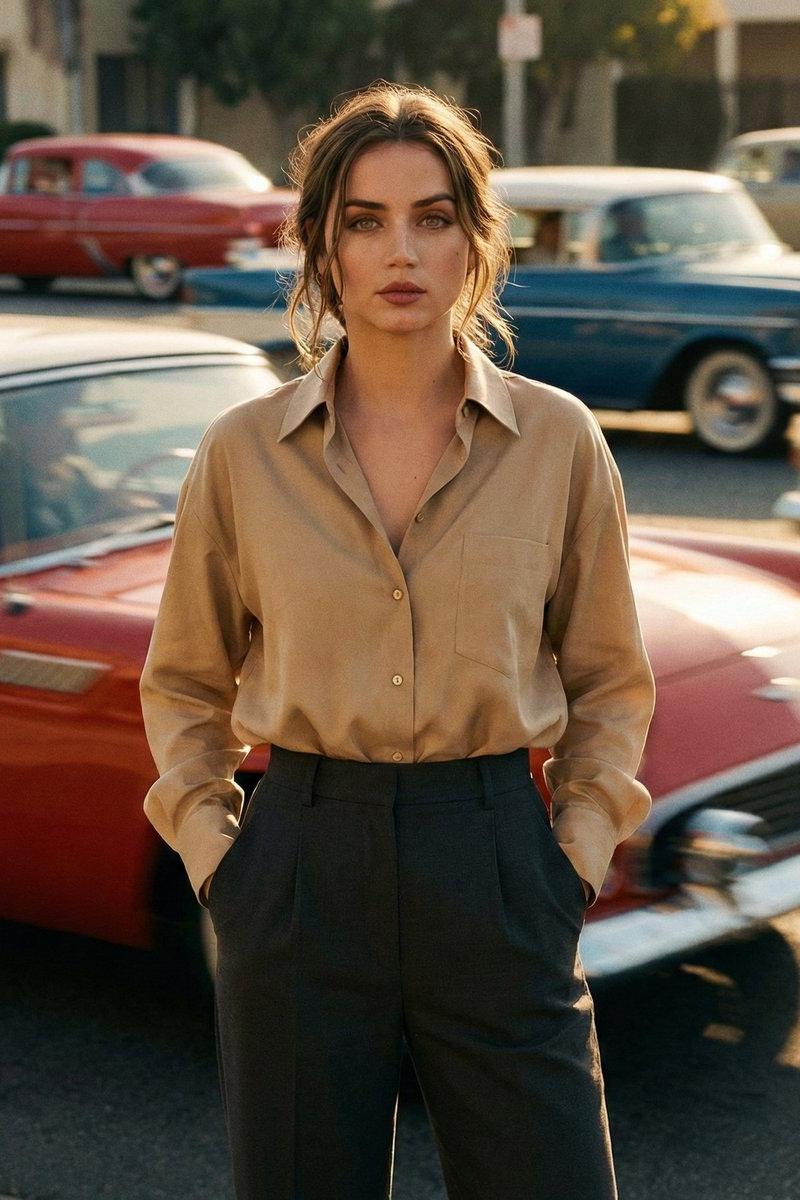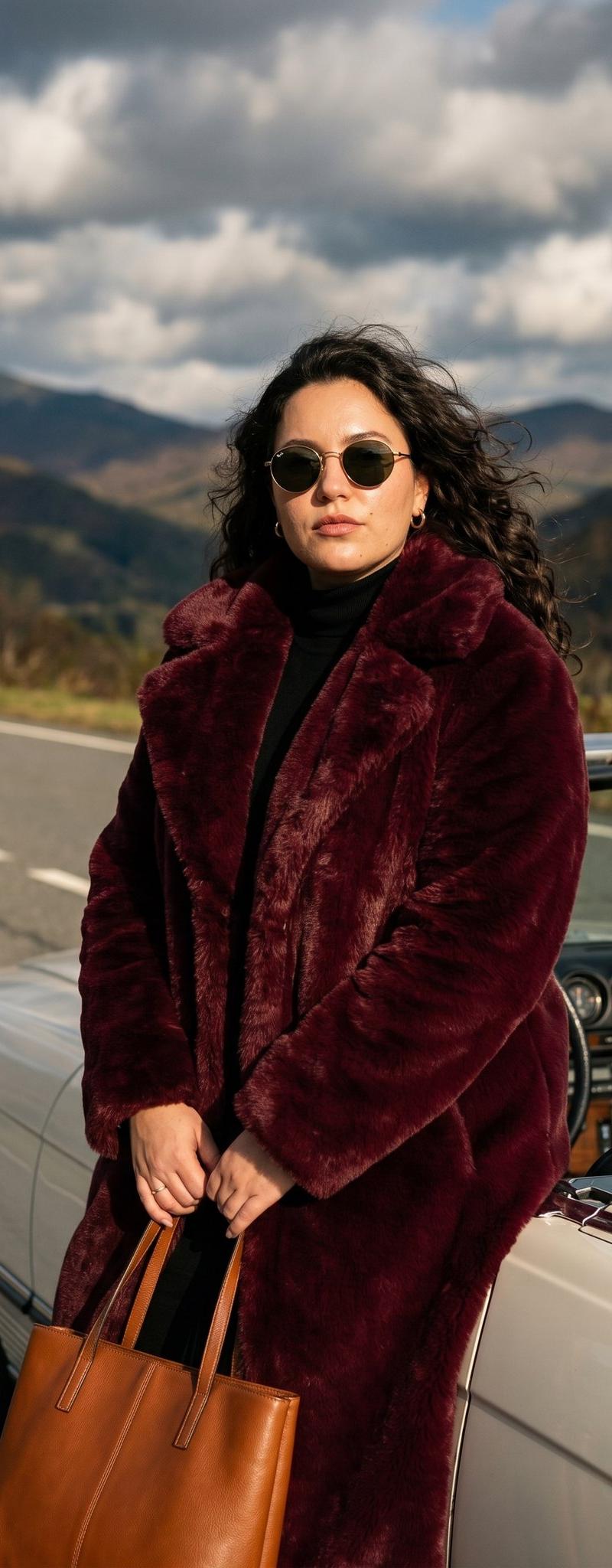
ImagineArt Nano Banana Pro
Prompt
ImagineArt Nano Banana Pro
Prompt:
{
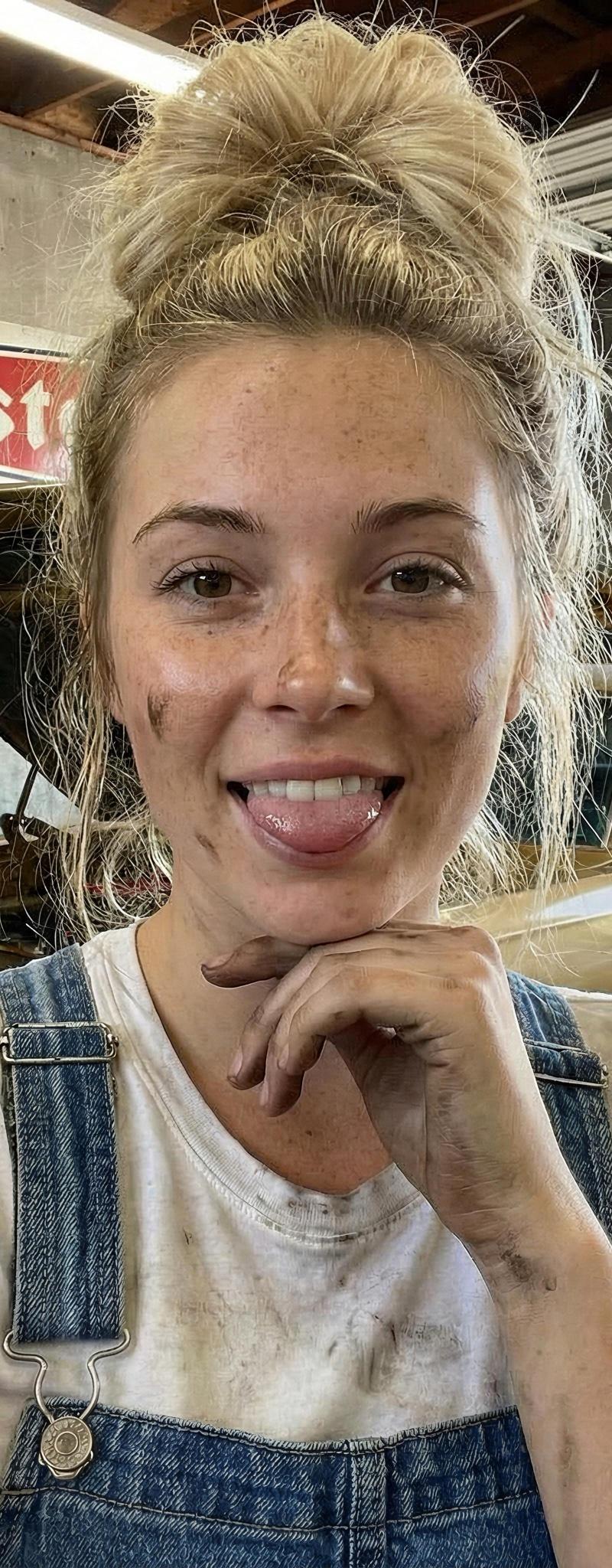
"image_prompt": {
"subject": {
"type": "young woman",
"appearance": {
"hair": "blonde, styled in a messy high bun with loose strands framing the face",
"eyes": "blue",
"skin": "fair complexion, natural freckles",
"details": "grease and oil smudges on cheek, arm, and hands"
},
"expression": {
"emotion": "playful, cheeky",
"action": "sticking tongue out slightly",
"gaze": "looking directly at camera"
}
},
"attire": {
"outfit": "blue denim overalls over a basic white t-shirt",
"condition": "slightly dirty, showing grease stains on the white t-shirt",
"style": "mechanic workwear"
},
"pose": {
"angle": "selfie perspective (arm extended)",
"gesture": "left hand resting under chin/jawline",
"framing": "waist-up close shot"
},
"environment": {
"setting": "cluttered mechanic garage workshop",
"background_elements": [
"vintage gold/bronze muscle car with hood propped open",
"red and white \'Firestone\' vintage sign on wall",
"various workshop tools and equipment",
"automotive posters",
"open garage door showing daylight and trees outside",
"concrete floor"
]
},
"technical_specs": {
"camera_model": "iPhone 17 Pro Max",
"lens_details": "Main camera (wide-angle), 48MP, f/1.78 aperture, 24mm equivalent focal length",
"sensor_tech": "Quad-pixel sensor with second-generation sensor-shift optical image stabilization",
"processing": "Deep Fusion, Photonic Engine, Smart HDR 5",
"lighting": "bright natural daylight entering from background garage door, mixed with indoor shadow",
"style": "realistic, candid, high-resolution smartphone photography",
"vibe": "hardworking, cute, industrial"
}
}
}- Category
- Photography & Realism
- Model
- Nano Banana Pro
- Creator
- Lex
- Source language
- en
- Source ID
- imagineart-nano-banana-pro
Views0