17

一个字的无限反射
Enlarge

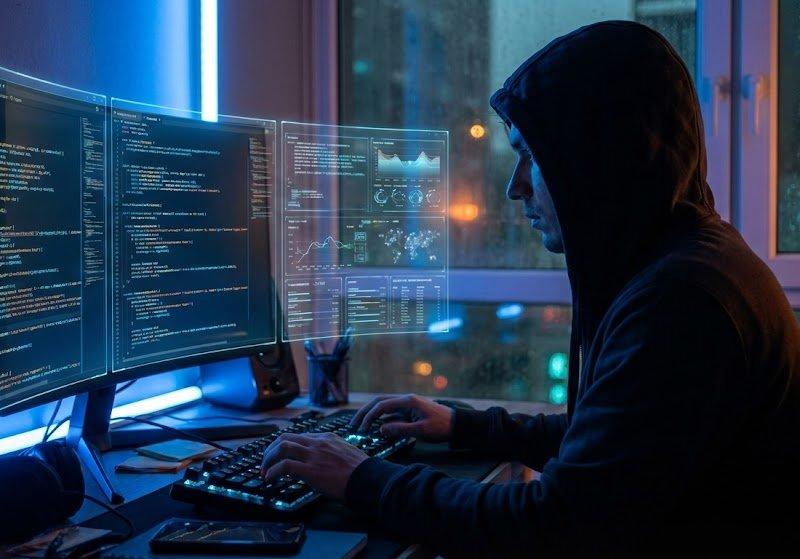
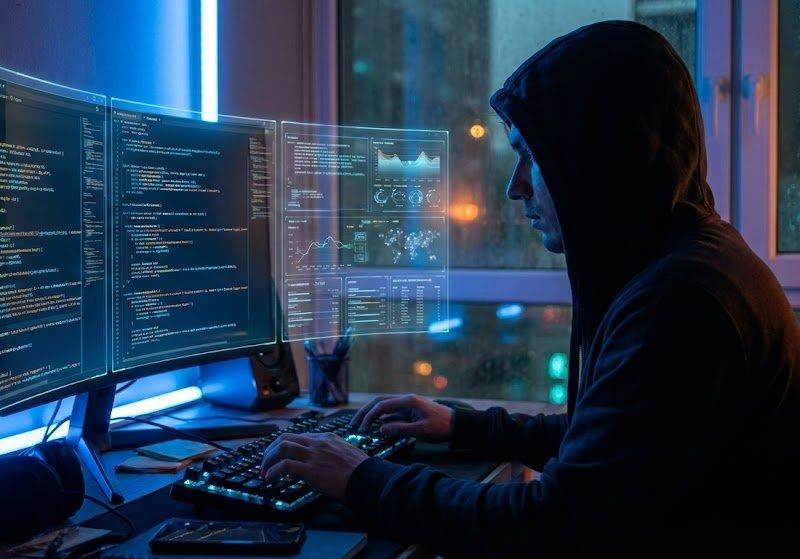
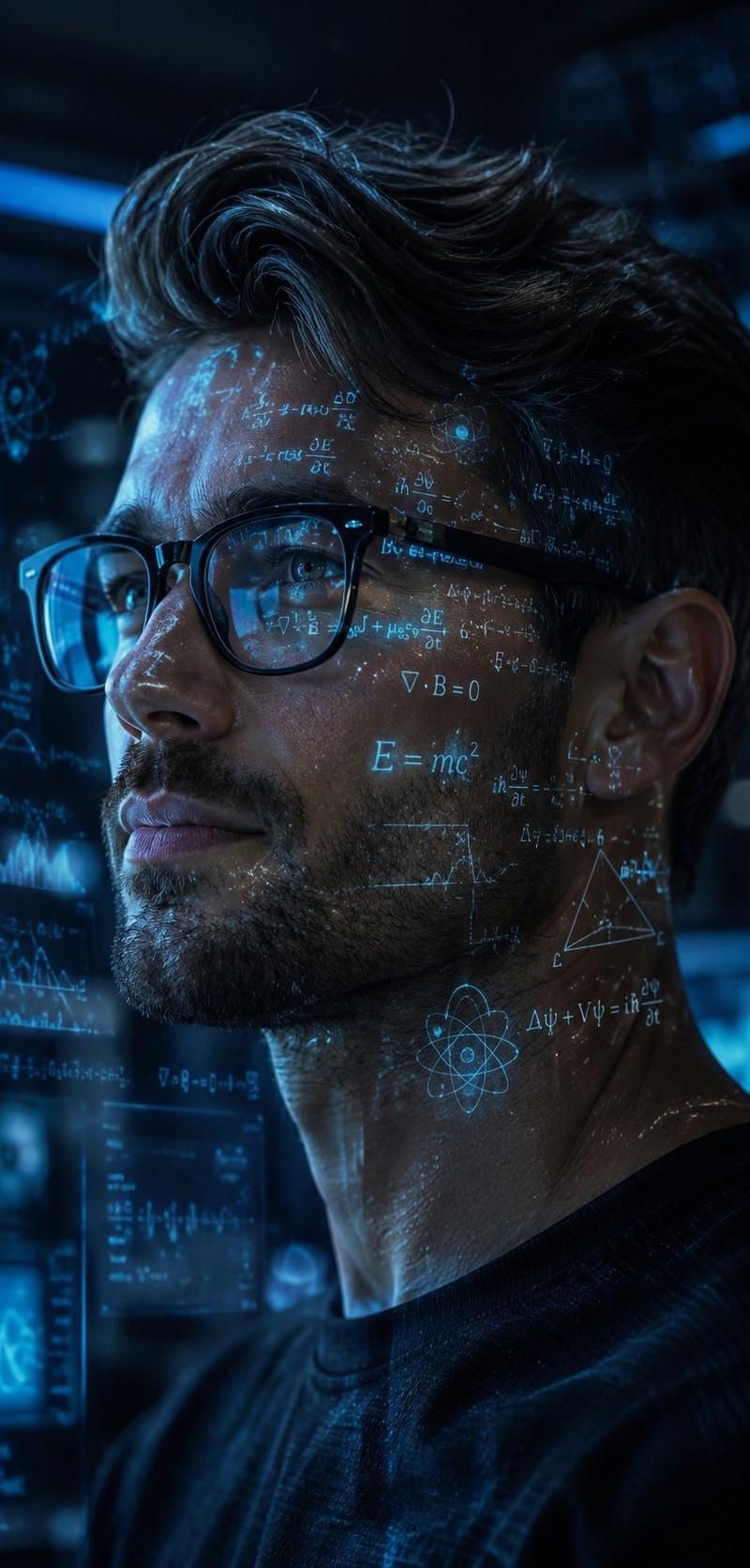
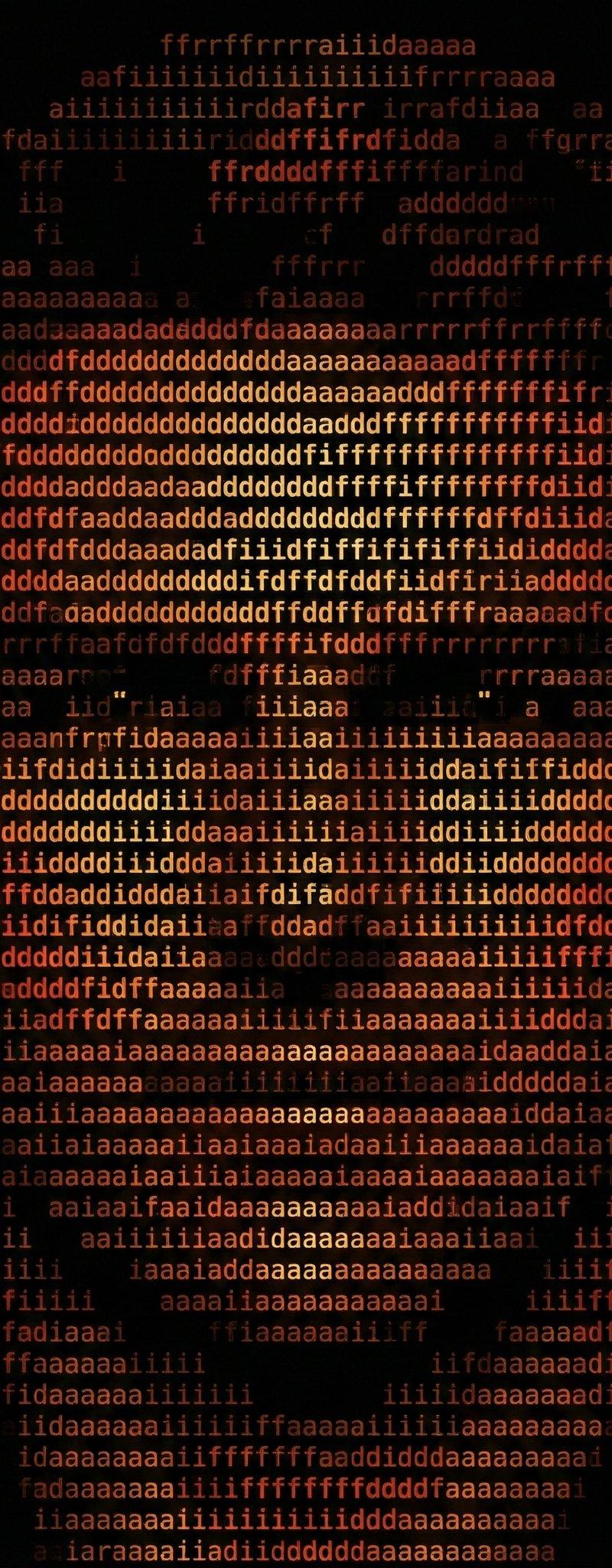
Example images

一个字的无限反射

Prompt
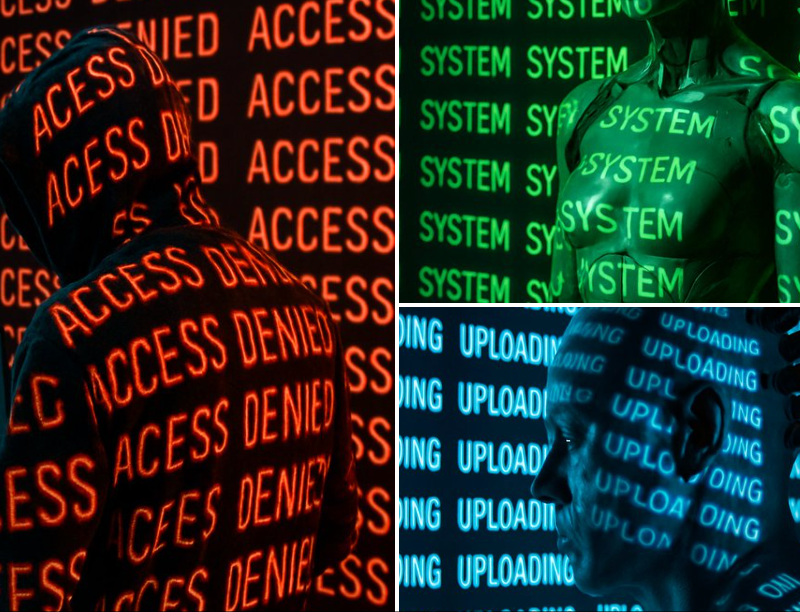
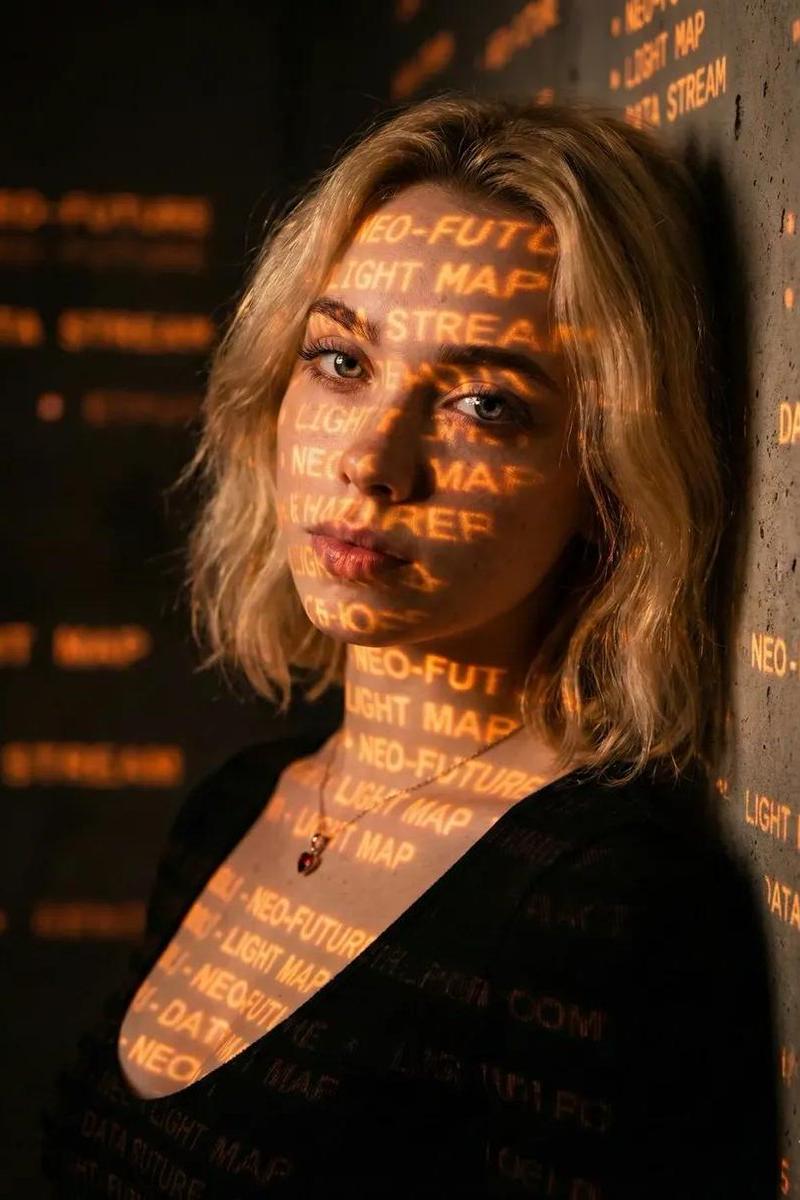
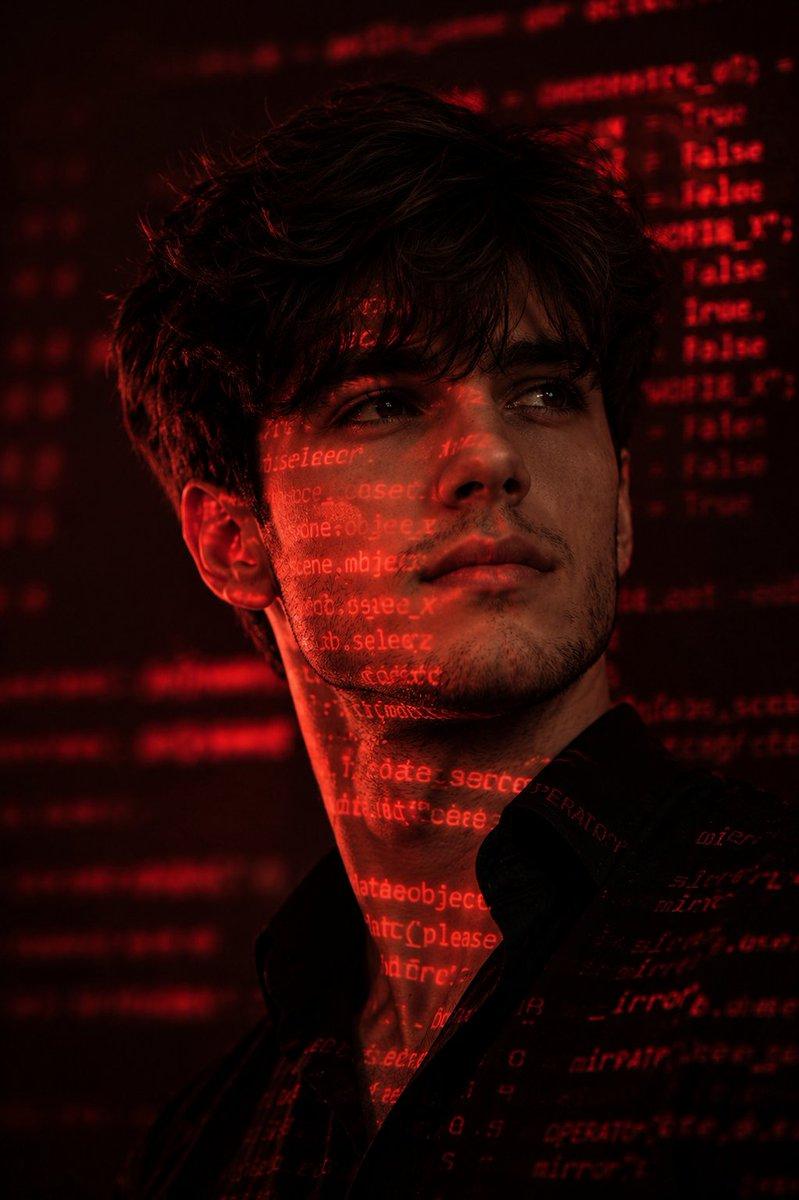
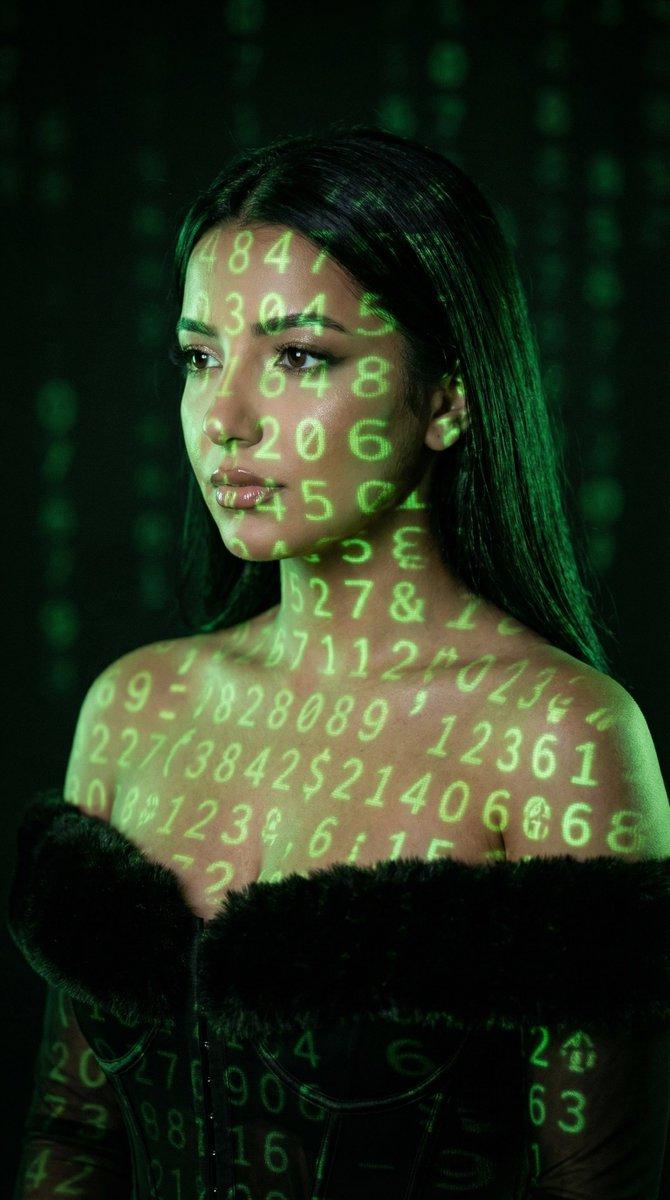
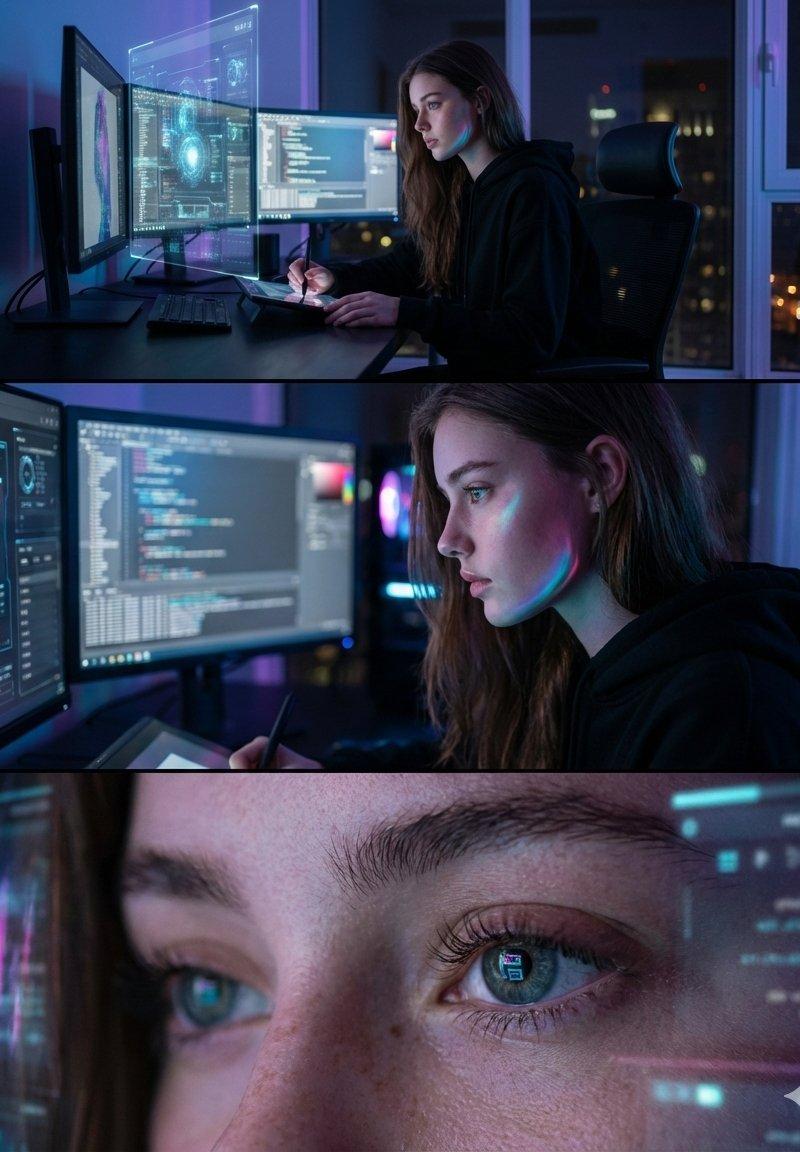
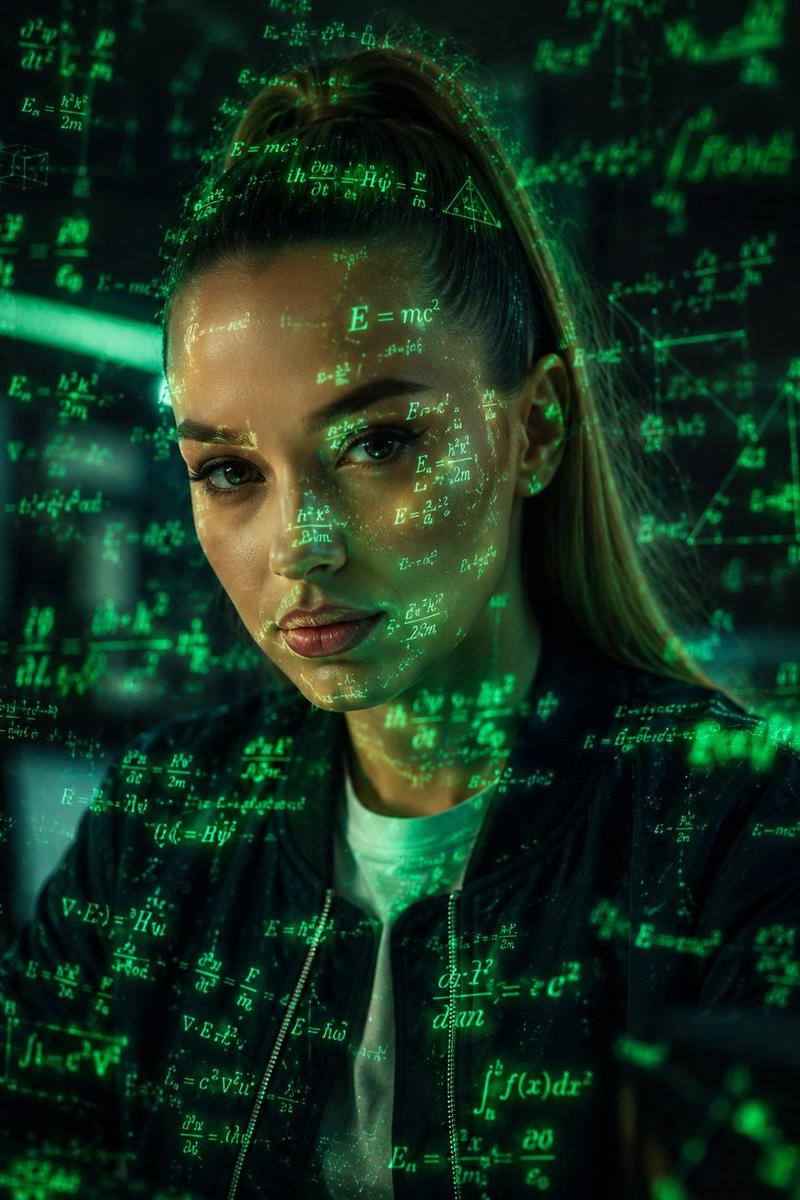
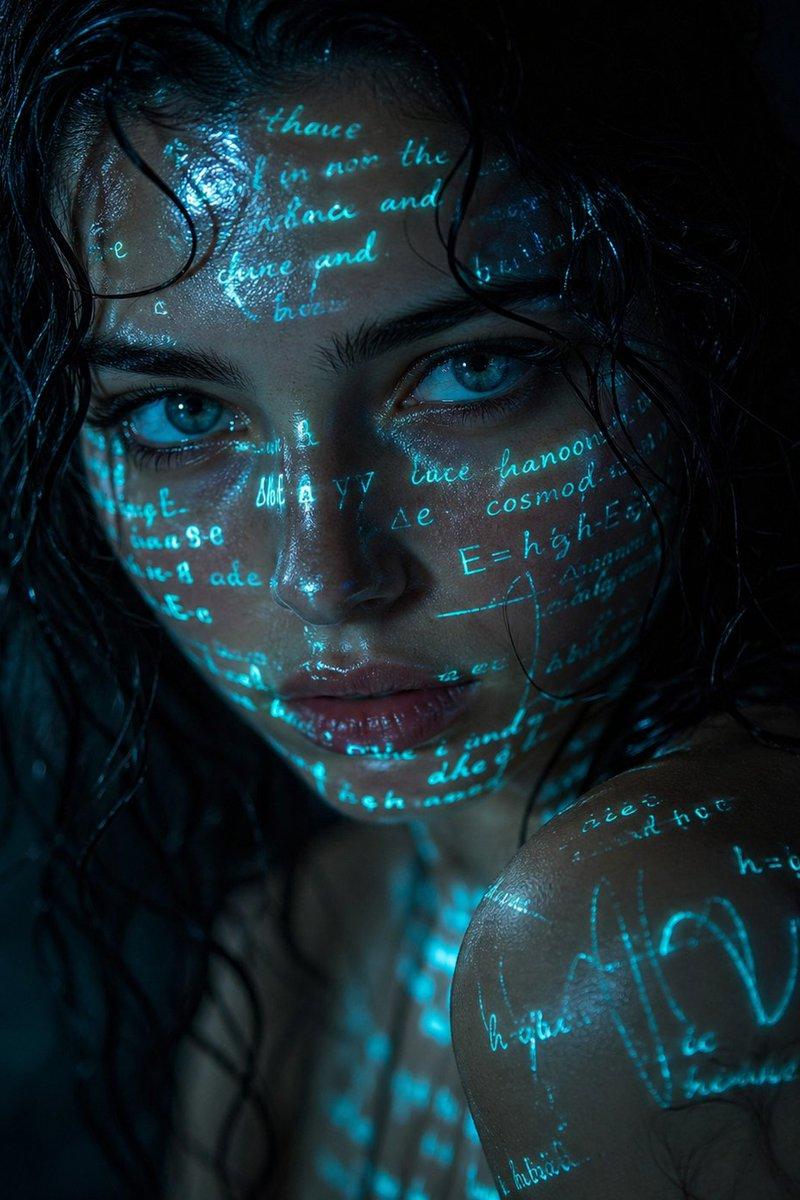
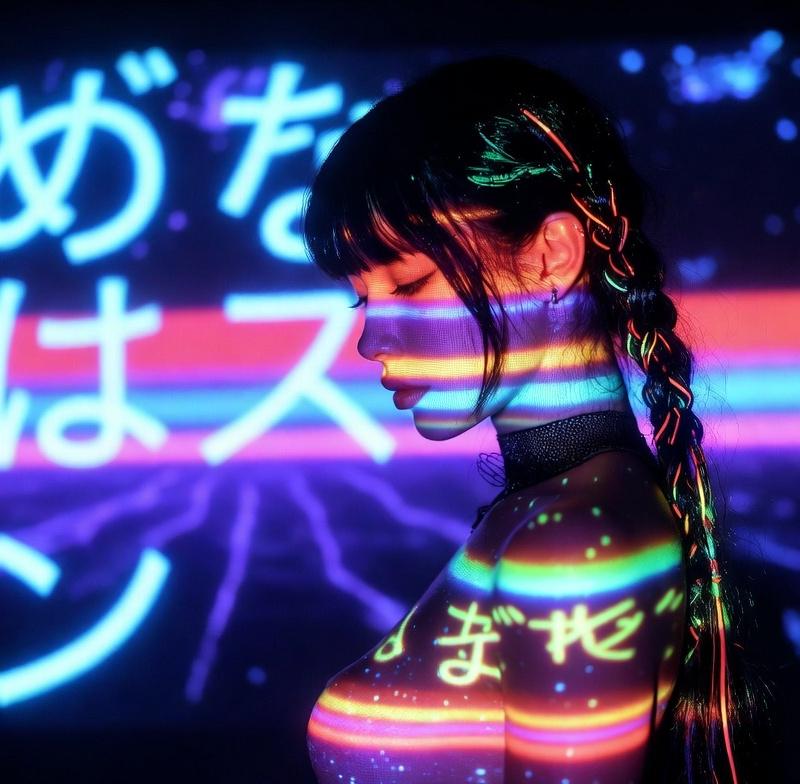
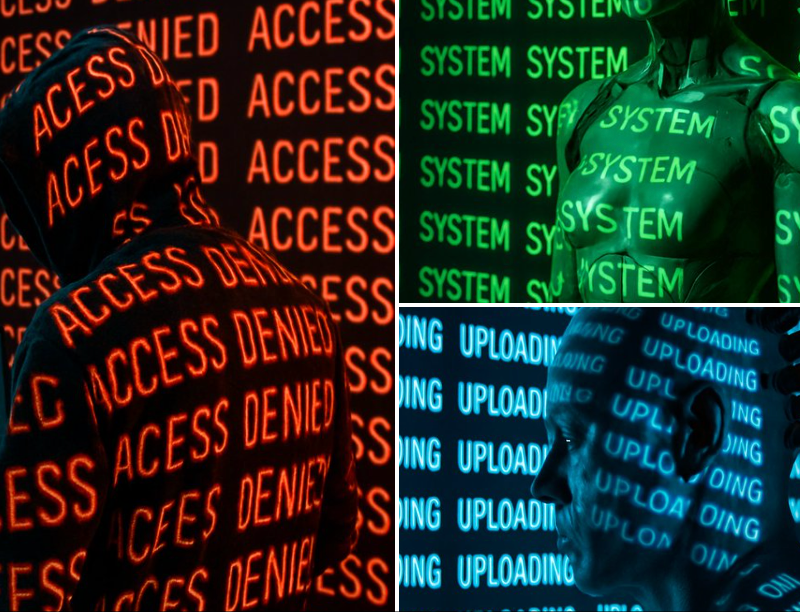
A [PERSON] in a dark room with a glowing projection of the word “[WORD]” repeated endlessly across the walls and body. The text is projected in high-contrast, neon [COLOR], wrapping around the contours of the object, creating a surreal, futuristic lighting effect. The background and object are seamlessly blended into the immersive text environment. Photorealistic, sharp shadows and light distortion where the text bends over curves. Studio lighting with deep contrast, moody cyberpunk aesthetic.
一个 [PERSON] 在一个黑暗的房间里,“[WORD]”这个词的发光投影在墙壁和身体上无休止地重复。文本以高对比度的霓虹灯 [COLOR] 投影,包裹在对象的轮廓周围,营造出超现实的未来主义照明效果。背景和对象无缝混合到沉浸式文本环境中。照片级真实感、锐利的阴影和文本在曲线上弯曲的光线扭曲。具有深对比度、喜怒无常的赛博朋克美学的工作室照明。
Category
Photography & Realism
Model
Unknown
Creator
Ege
Source language
zh-CN
Views0
Source ID
infinite-reflection-of-a-word
Studio

Guide

About "一个字的无限反射"

What is this prompt for?

"一个字的无限反射" AI image prompt for Unknown (Photography & Realism). A [PERSON] in a dark room with a glowing projection of the word “[WORD]” repeated endlessly acr…

The full copyable prompt and example visuals above are ready for AI image generation or one-click recreate in Picva.

How to use this prompt

  1. Step 1

    Open the prompt detail

    Review the example visuals, category, and full prompt text for "一个字的无限反射".

  2. Step 2

    Copy the prompt

    Copy the prompt body from this page, or load it directly in Studio.

  3. Step 3

    Pick a model (Unknown)

    Prefer Unknown. If you switch models, keep subject and composition and tweak style terms.

  4. Step 4

    Generate and export

    Recreate the look in Picva, or export into your workflow for editing and publishing.

FAQ

What is the "一个字的无限反射" prompt?
It is an AI image-generation prompt for Unknown in the Photography & Realism category. This page includes the full prompt text, example visuals, and a one-click recreate path in Picva.
How do I use this prompt to generate an image?
Copy the prompt from this page, or use Generate / Studio. Paste it into a compatible image model, or recreate the look in Picva with optional reference images.
Which model is this prompt for?
This page lists Unknown. Most descriptive prompts also transfer to nearby image models such as GPT Image, Flux, or Midjourney with light style tweaks.
Can I use the result commercially?
You can usually copy the prompt for creation, but commercial use of the final image depends on the model terms, reference-image rights, and the generated content. Follow the source author and platform rules.