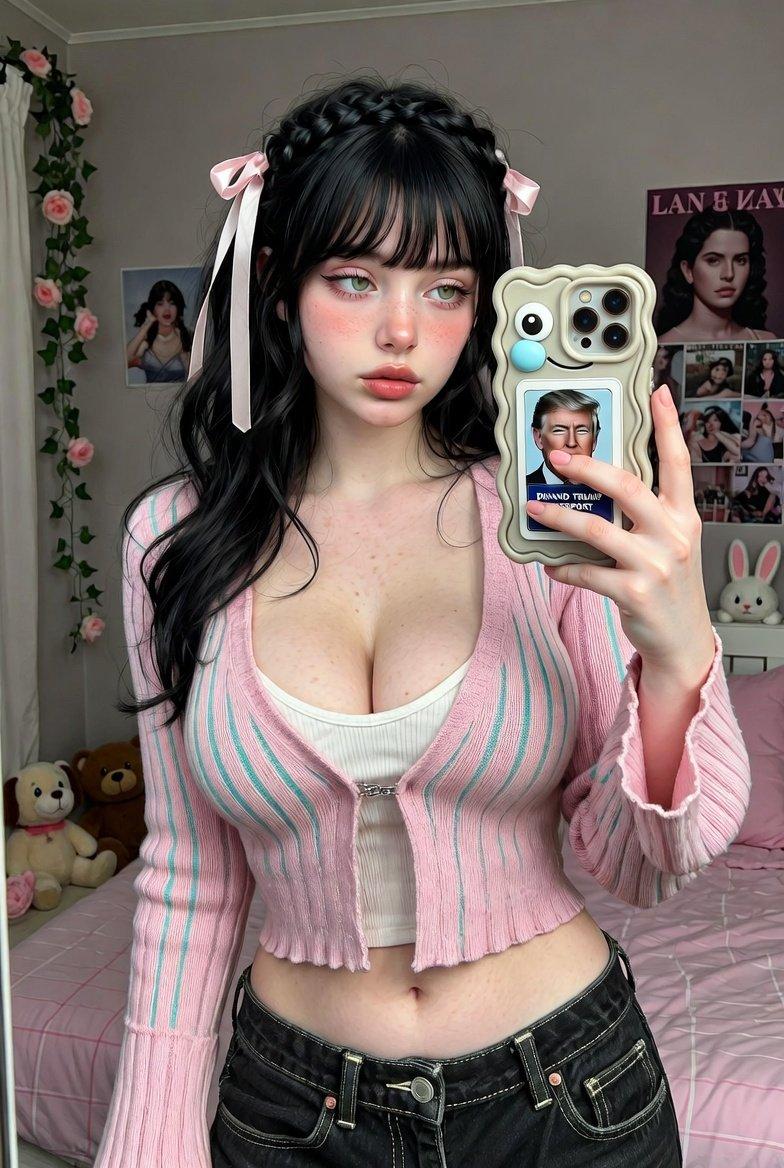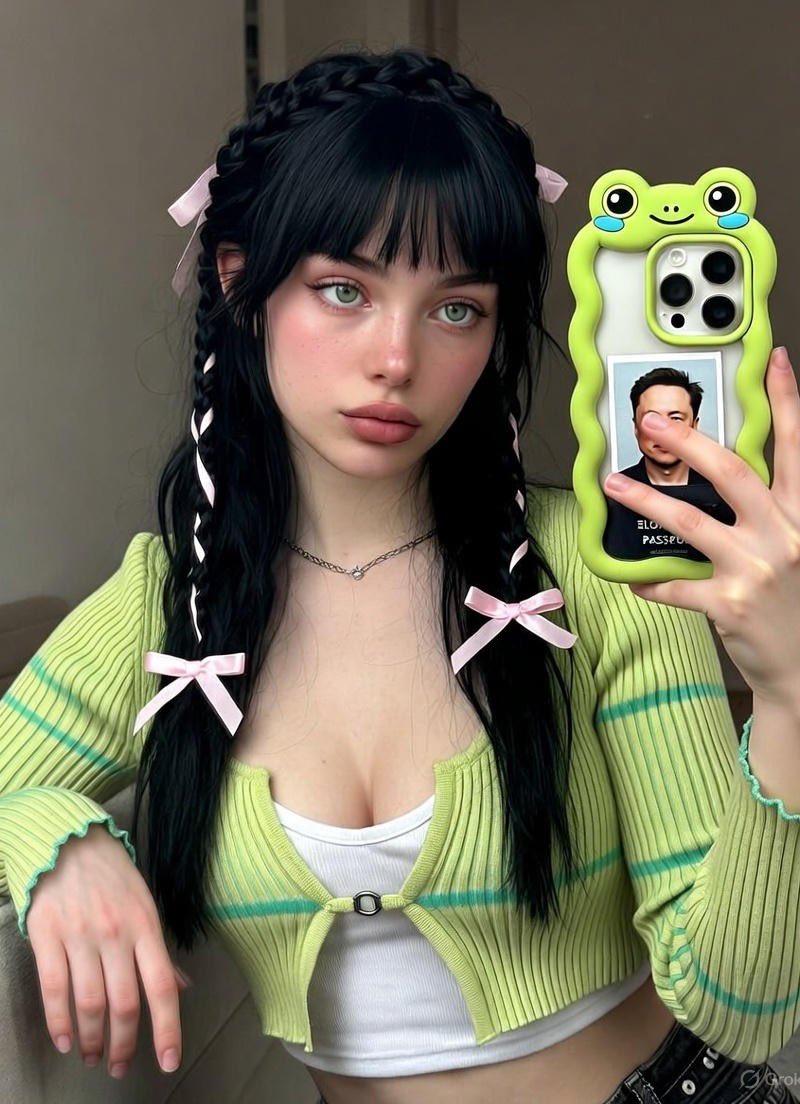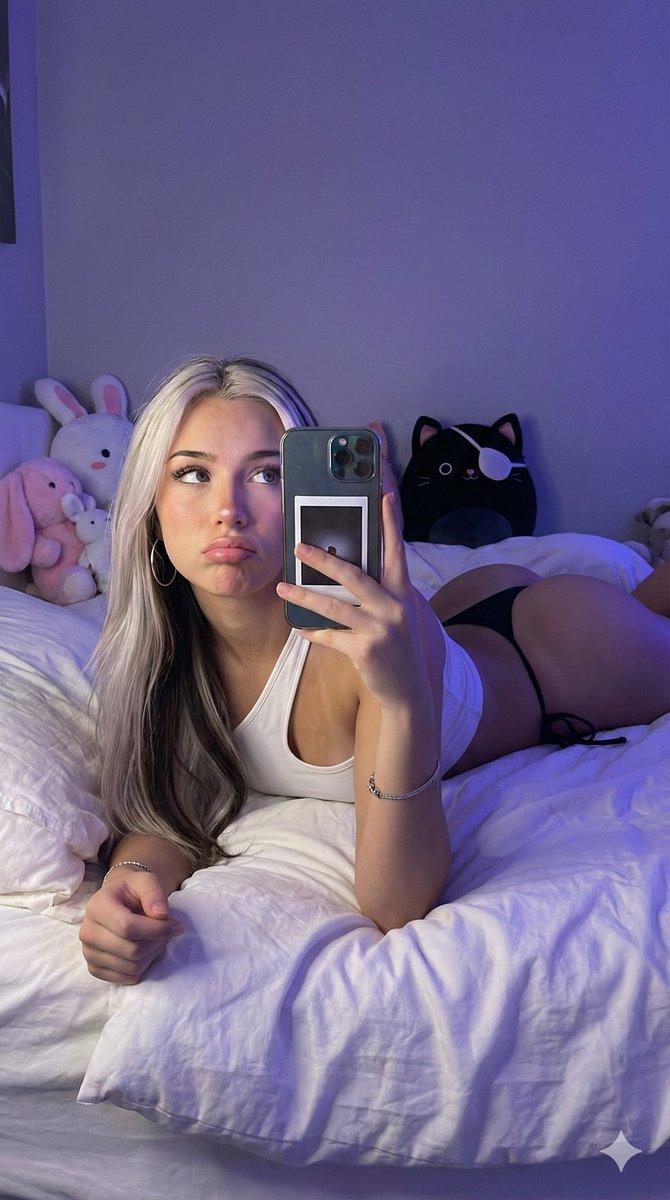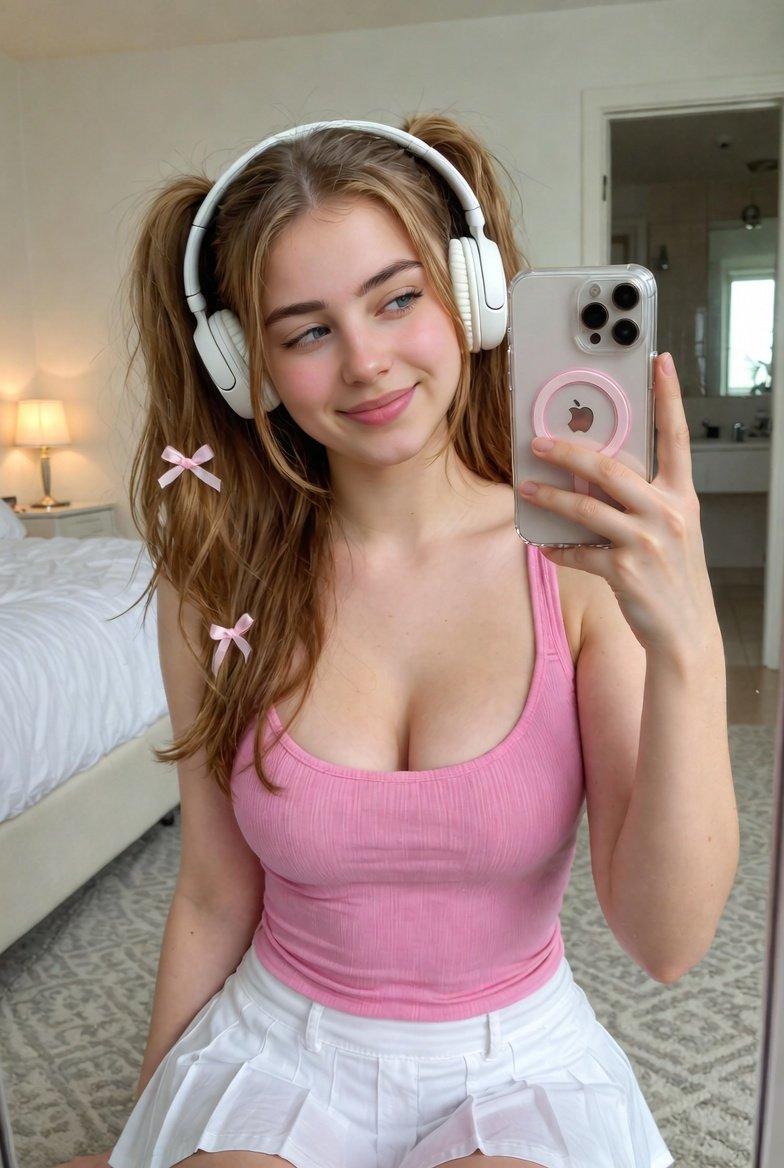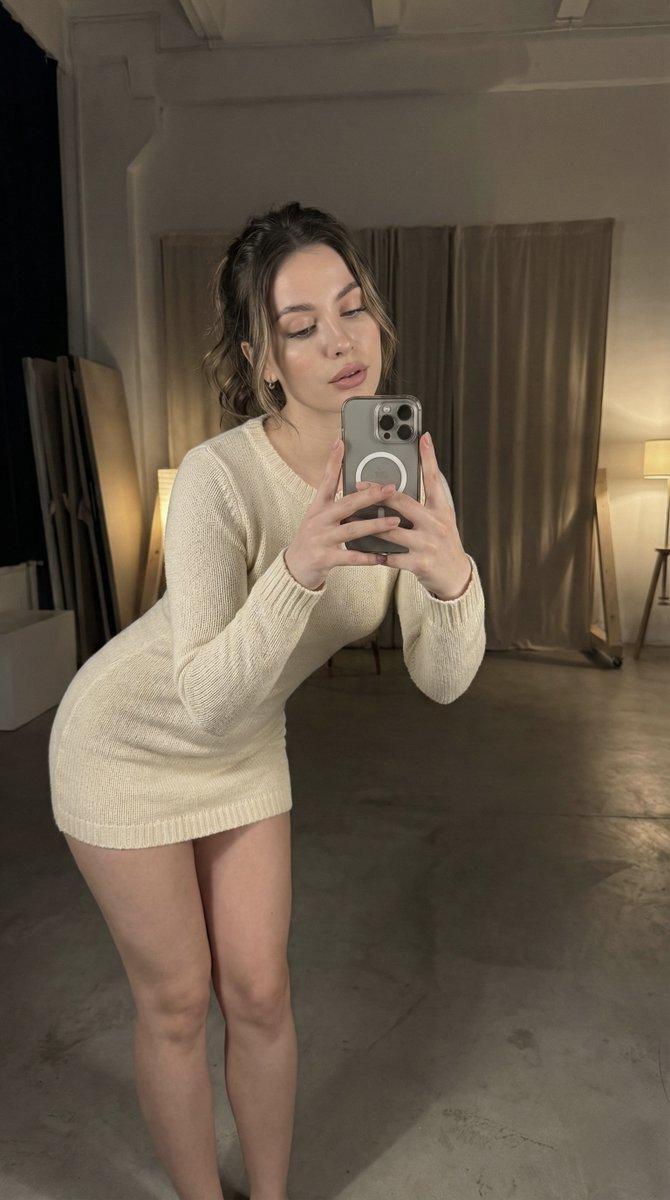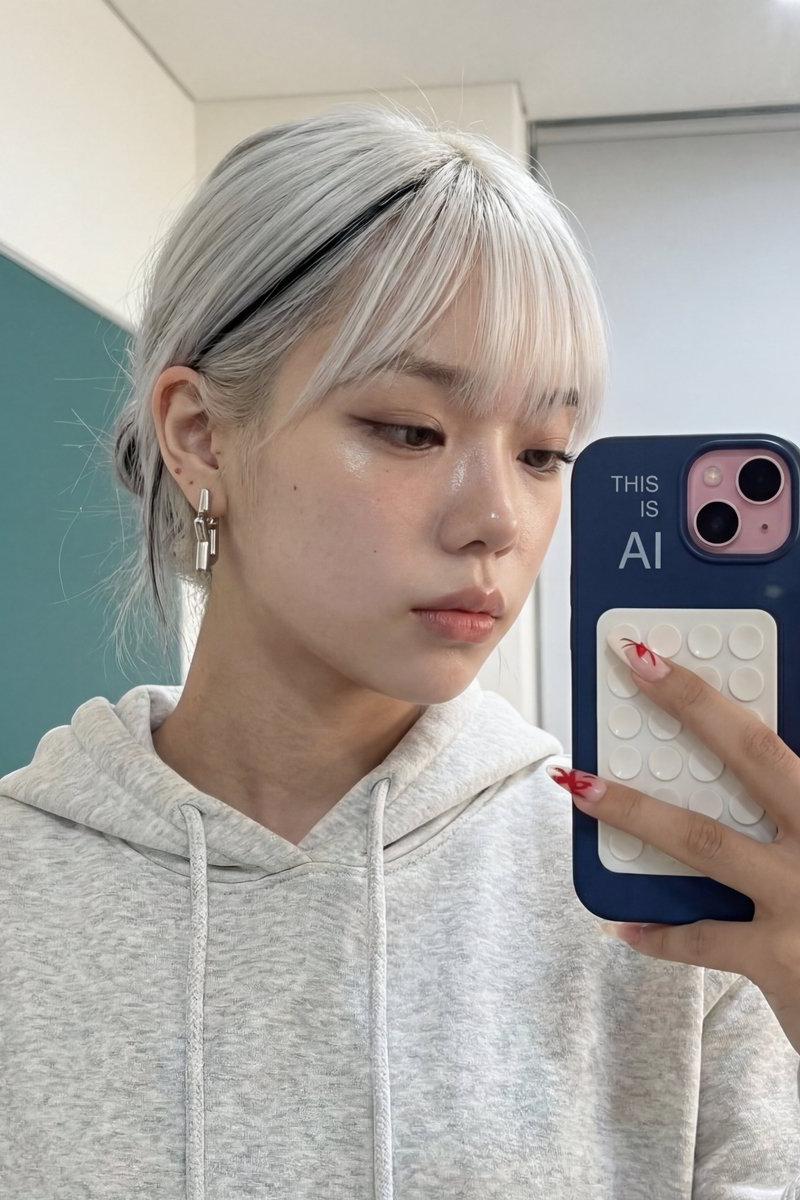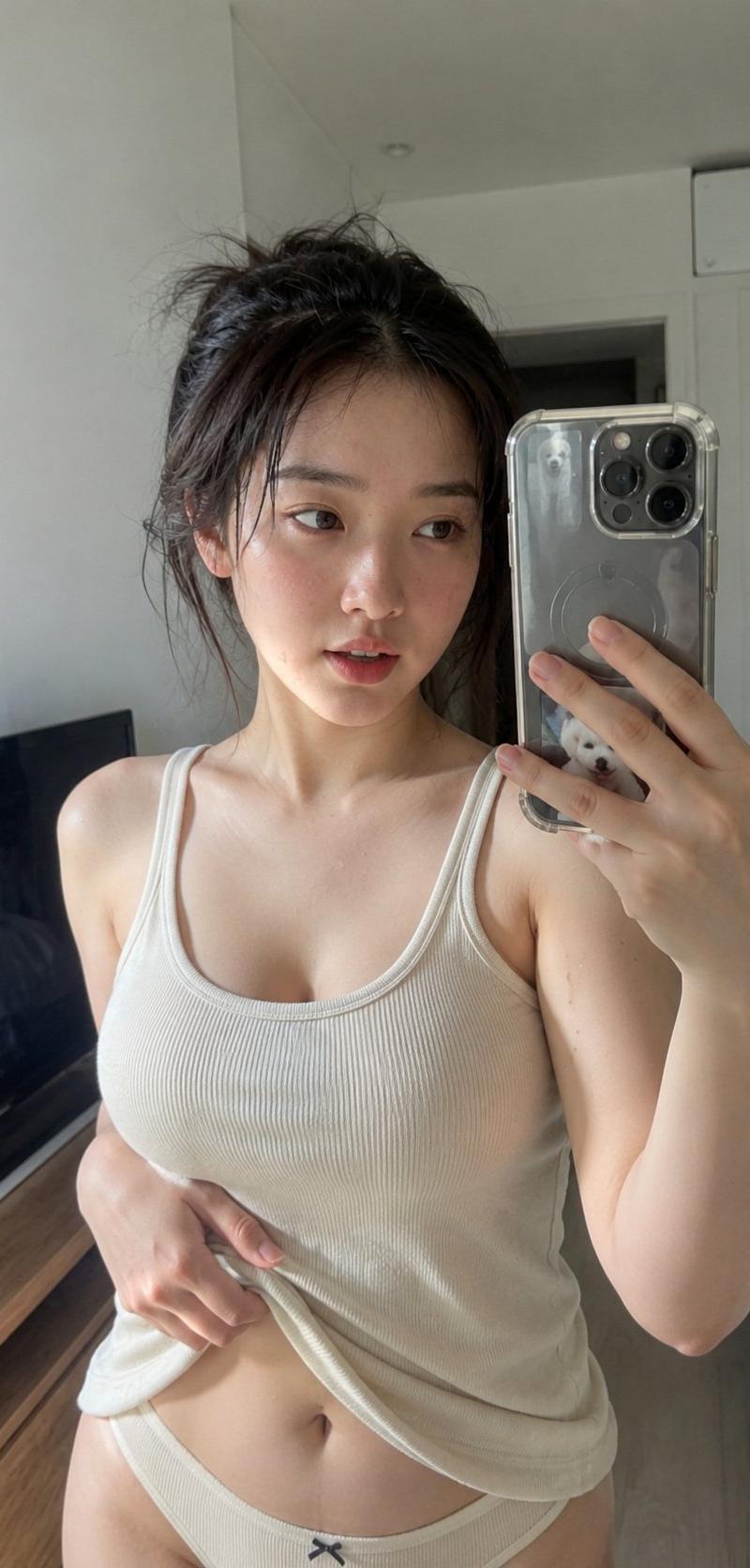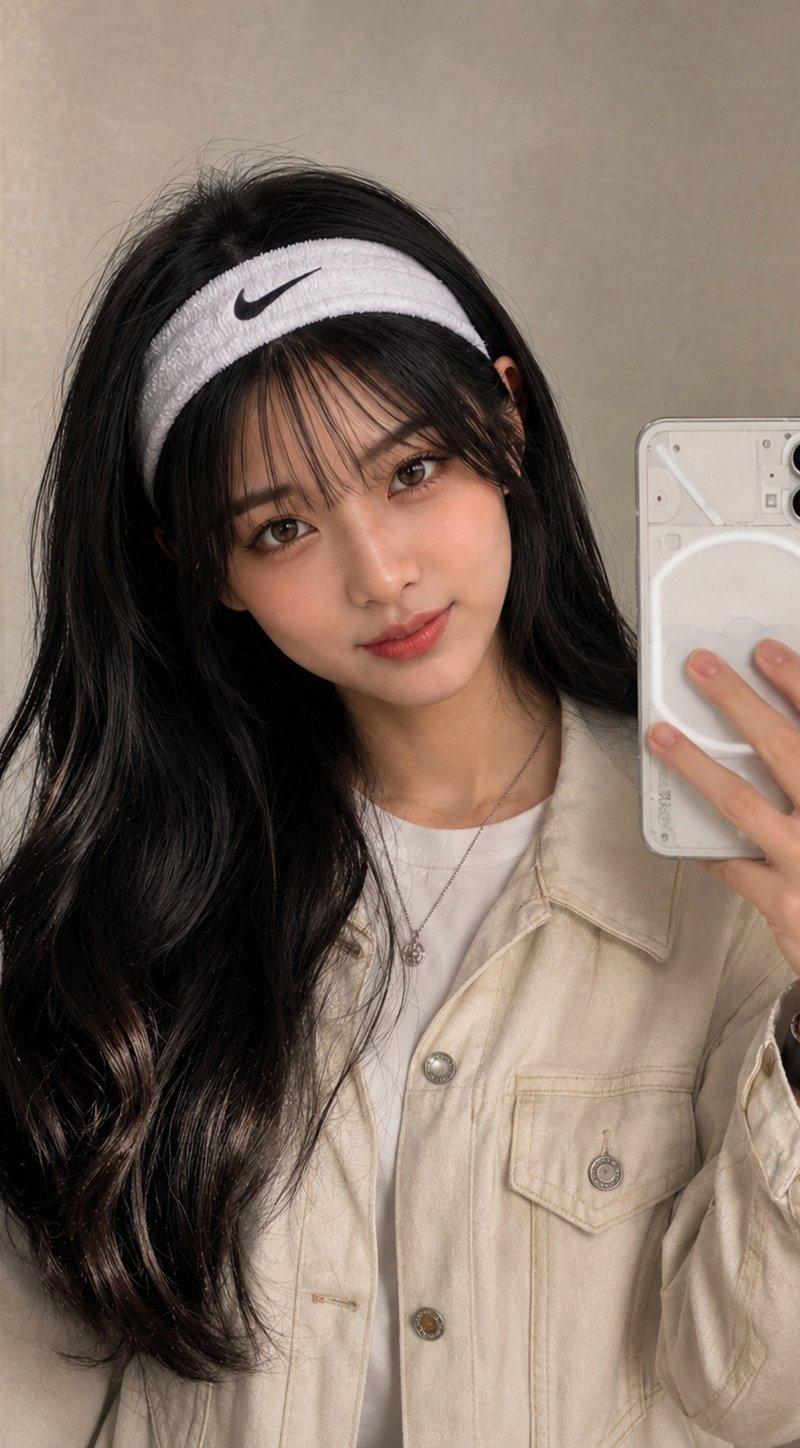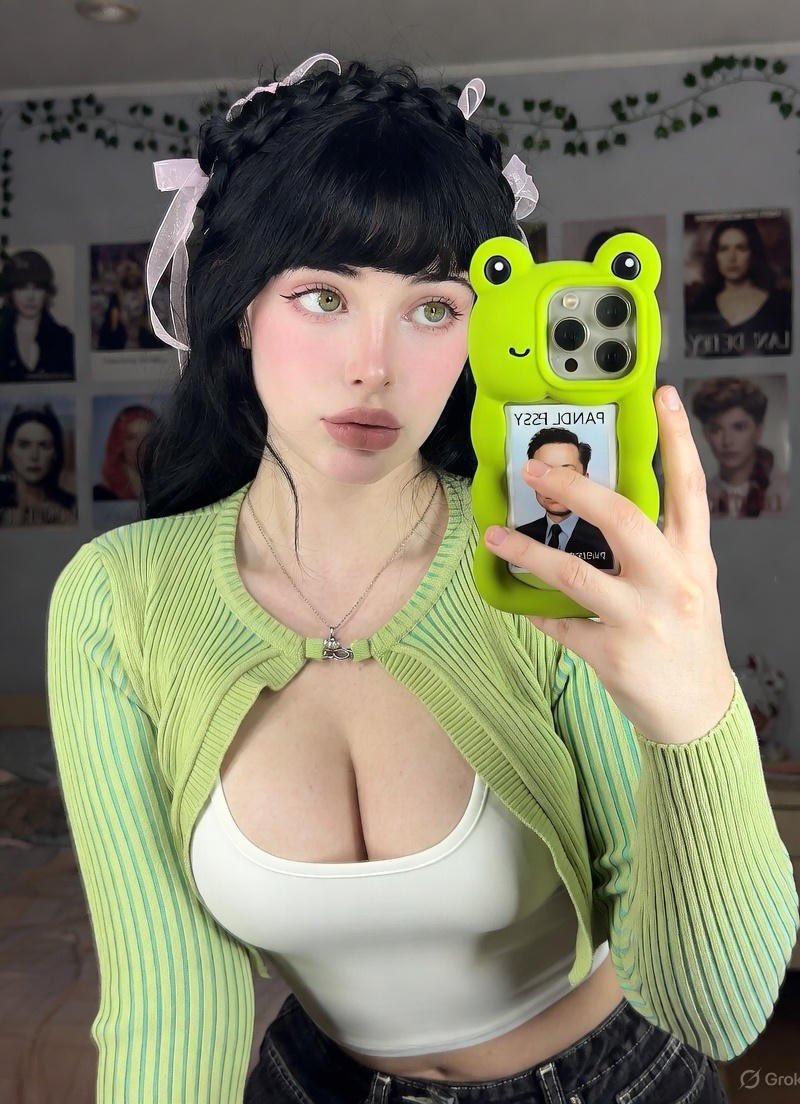
Elon Musk护照照片插入的iPhone 15 Pro Max自拍
Prompt
Did anyone see Elon musk here?
Grok Ai
Prompt:
{
 "blueprint": {
 "id": "coquette_mirror_v3_structured",
 "format": "application/json+prompt",
 "meta": {
 "aspect_ratio": "3:4",
 "model_version": "iPhone 15 Pro Max Simulation"
 },
 "actors": {
 "primary_subject": {
 "demographics": {
 "age": "Early 20s",
 "ethnicity": "European",
 "gender": "Female"
 },
 "morphology": {
 "body_type": "Voluptuous, curvy",
 "skin": "Natural, visible pores, imperfections",
 "eyes": "Hazel-green"
 },
 "hair": {
 "color": "Jet-black",
 "style": "Long waves, piecey bangs, braided crown",
 "accessory": "Lilac pink ribbon bows (bilateral)"
 },
 "styling": {
 "aesthetic": "Coquette",
 "makeup": {
 "base": "Matte finish, light pink blush",
 "eyes": "Soft pink shadow, thin liner",
 "lips": "Matte dusty pink, medium fullness"
 },
 "manicure": "Short, pastel pink"
 }
 }
 },
 "wardrobe_manifest": {
 "top_layer": {
 "item": "Cropped ribbed cardigan",
 "color": "Lime green with teal vertical stripes",
 "fit": "Tight, form-fitting, single clasp secured",
 "cut": "Deep V-neck (fully covered), flared sleeves"
 },
 "base_layer": {
 "item": "Fitted tank top",
 "color": "White",
 "material": "Ribbed cotton"
 },
 "bottoms": {
 "item": "Low-rise denim jeans",
 "color": "Black",
 "details": "Contrast stitching, silver button"
 },
 "jewelry": "Minimalist silver chain"
 },
 "prop_manifest": {
 "handheld": {
 "device": "iPhone 15 Pro Max",
 "case_details": {
 "theme": "3D Frog",
 "features": "Raised eyes, wavy edges, blue cheeks",
 "customization": "Elon Musk passport photo insert"
 }
 }
 },
 "scene_graph": {
 "location": "Bedroom",
 "atmosphere": "Cozy, soft evening, dreamy",
 "decor_elements": [
 "Lana Del Rey portrait & album collage",
 "Green vines with pink roses",
 "Plushies (dog, bear, bunny)"
 ],
 "furniture": {
 "bed": "Pink line-pattern sheets, pink pillows",
 "walls": "Soft gray-beige"
 }
 },
 "render_settings": {
 "medium": "Phone photography",
 "lighting": "Soft indoor front light, no flash reflections",
 "post_processing": {
 "grain": "Light natural",
 "sharpness": "Medium-high",
 "smoothing": false
 }
 },
 "construction_sequence": [
 {
 "id": 1,
 "layer": "Technical",
 "weight": 1.3,
 "prompt": "Natural iPhone 15 Pro Max snapshot, 3:4 aspect ratio, visible skin texture, micro shadows, no beautify filter"
 },
 {
 "id": 2,
 "layer": "Subject",
 "weight": 1.1,
 "prompt": "European woman early 20s, curvy figure, hazel eyes, long black wavy hair with bangs and lilac bows, matte coquette makeup"
 },
 {
 "id": 3,
 "layer": "Outfit",
 "weight": 1,
 "prompt": "Lime green striped cropped cardigan, tight fit, white tank top underneath, low-rise black jeans"
 },
 {
 "id": 4,
 "layer": "Action",
 "weight": 1.1,
 "prompt": "Mirror selfie, leaning forward pose, holding phone with green frog case and Elon Musk photo insert"
 },
 {
 "id": 5,
 "layer": "Environment",
 "weight": 0.9,
 "prompt": "Cozy bedroom, Lana Del Rey posters, pink bedding, plushies, soft lighting"
 }
 ]
 }
}- Category
- Photography & Realism
- Model
- Unknown
- Creator
- Yaseen Khan Gul
- Source language
- zh-CN
- Source ID
- iphone-15-pro-max-selfie-with-elon-musk-passport-photo-insert
Views0