14

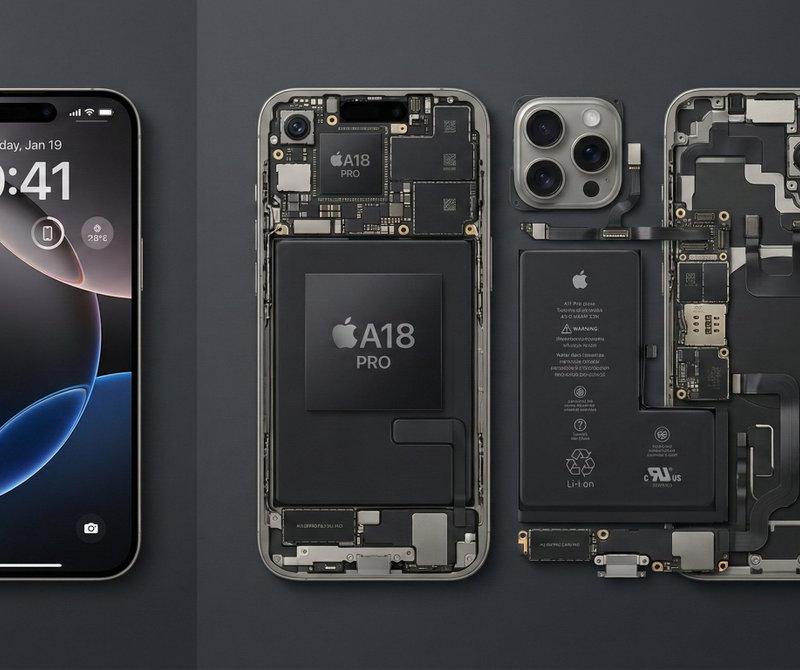
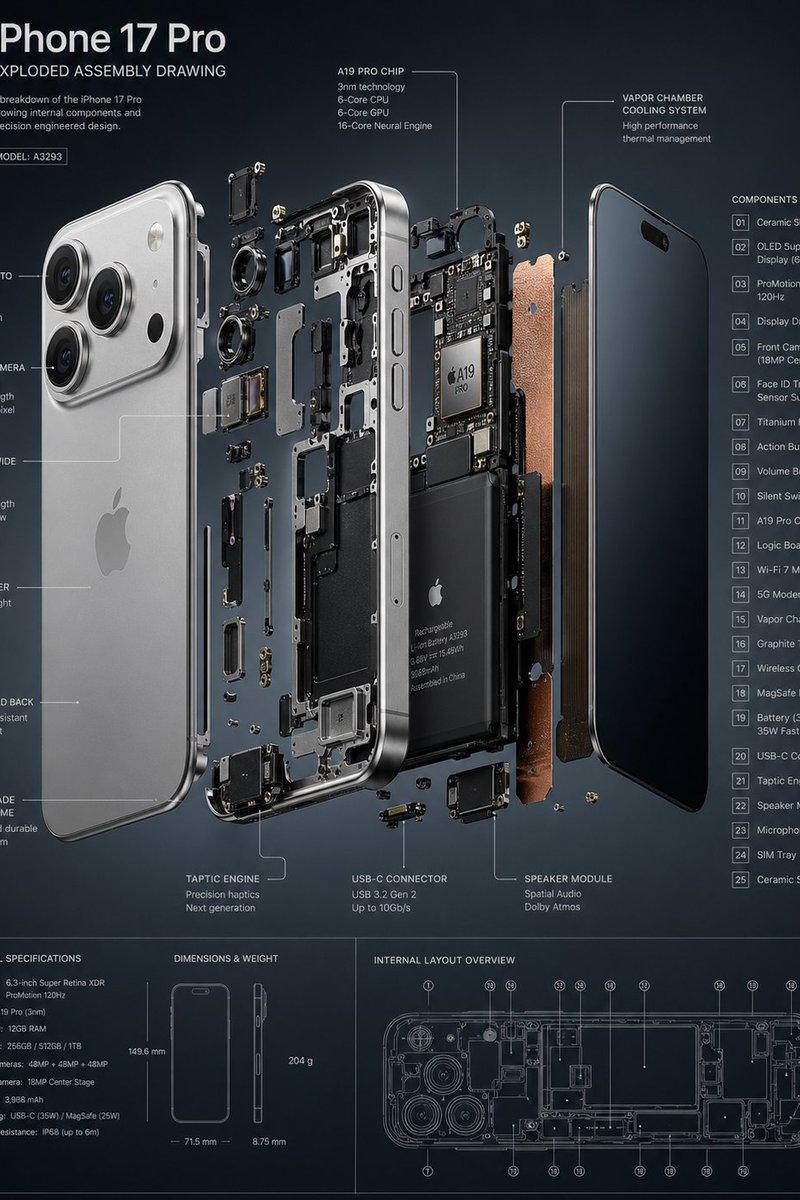
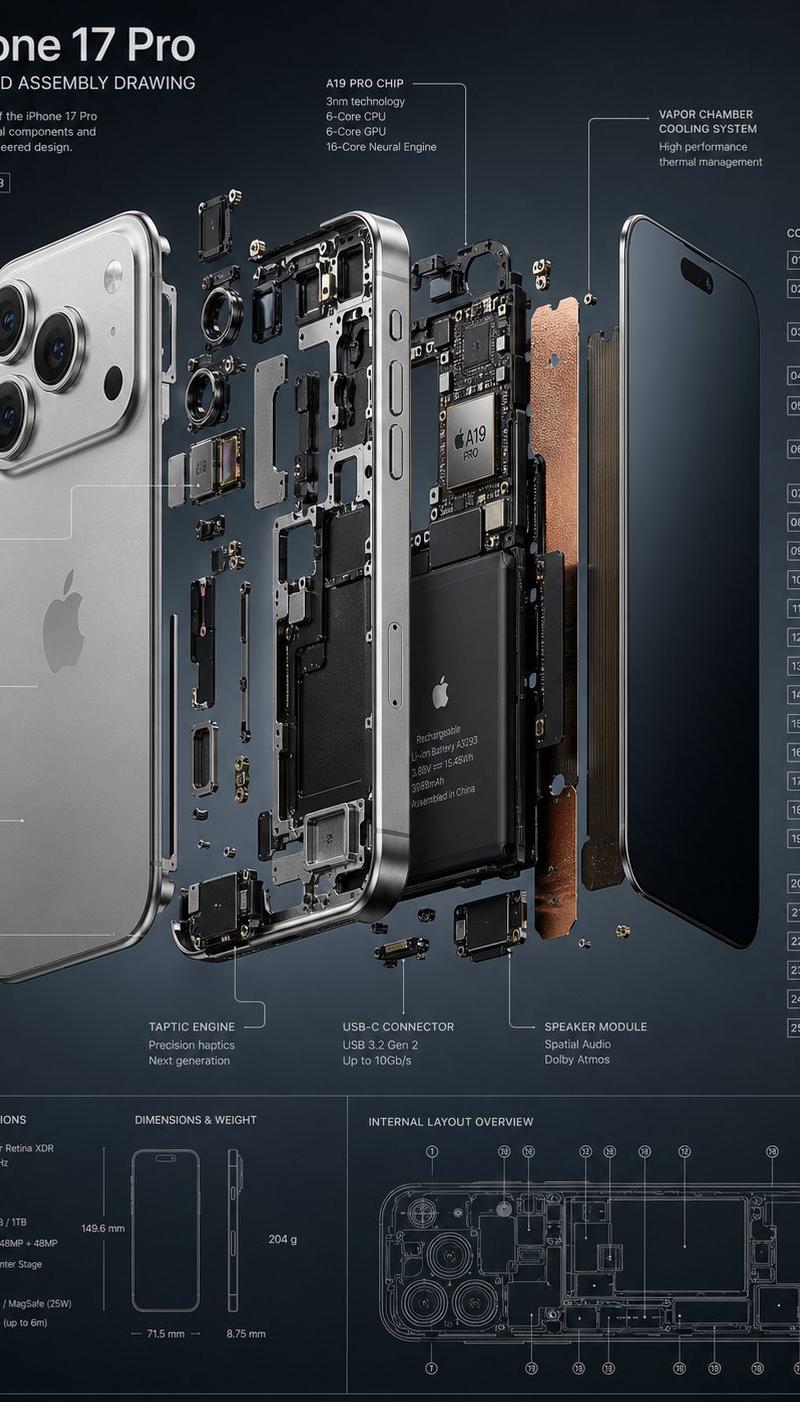
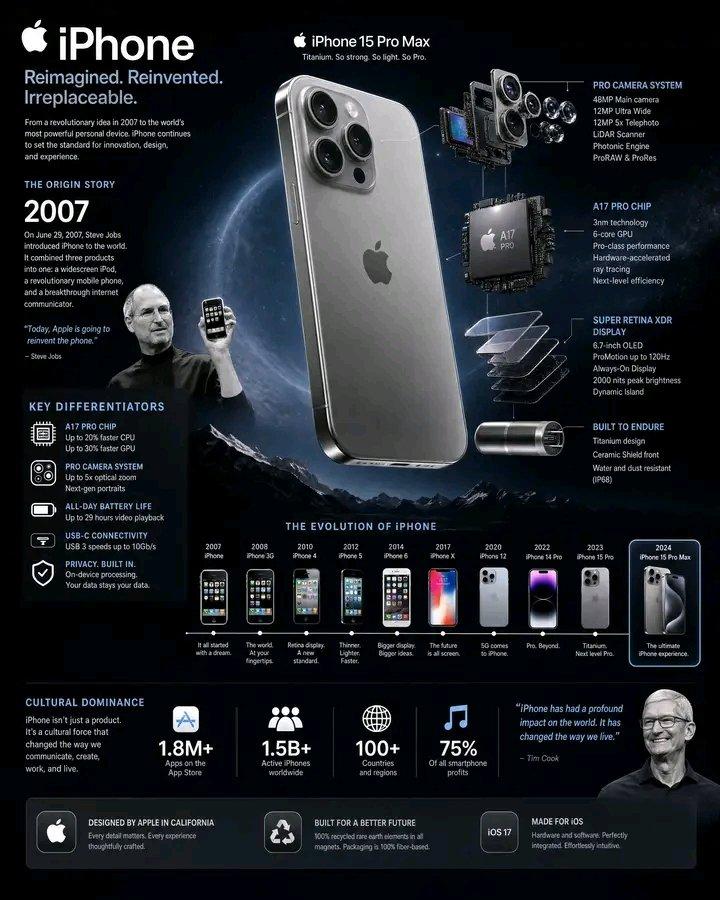
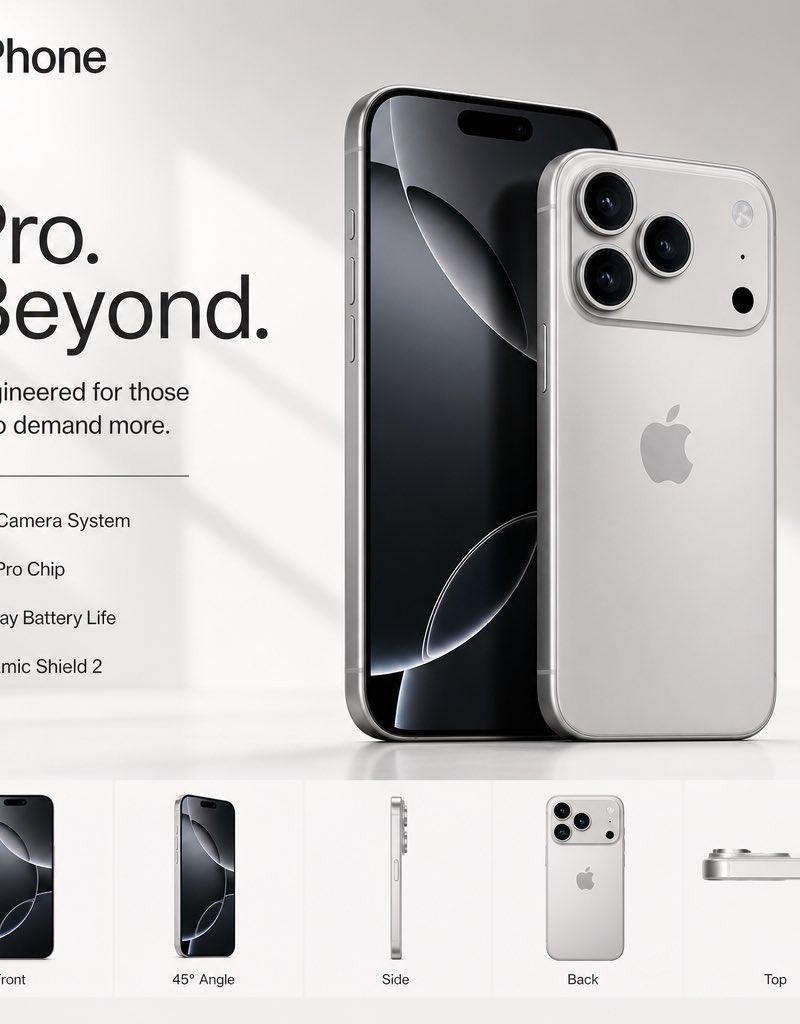
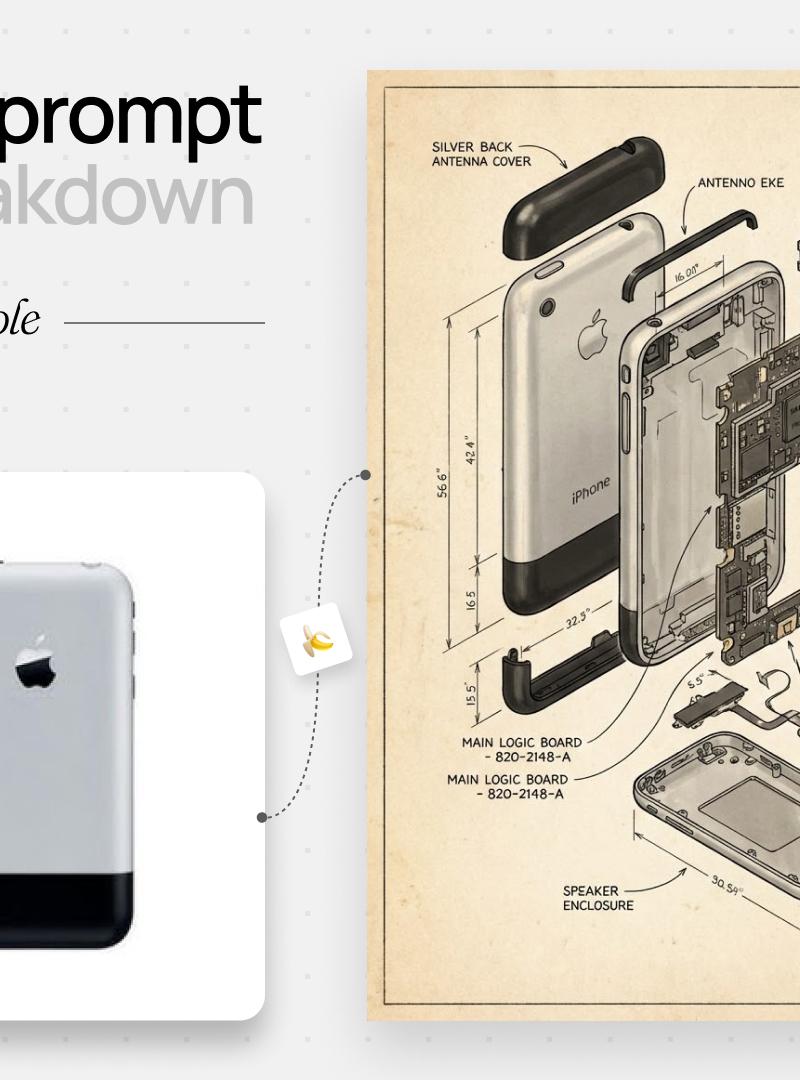
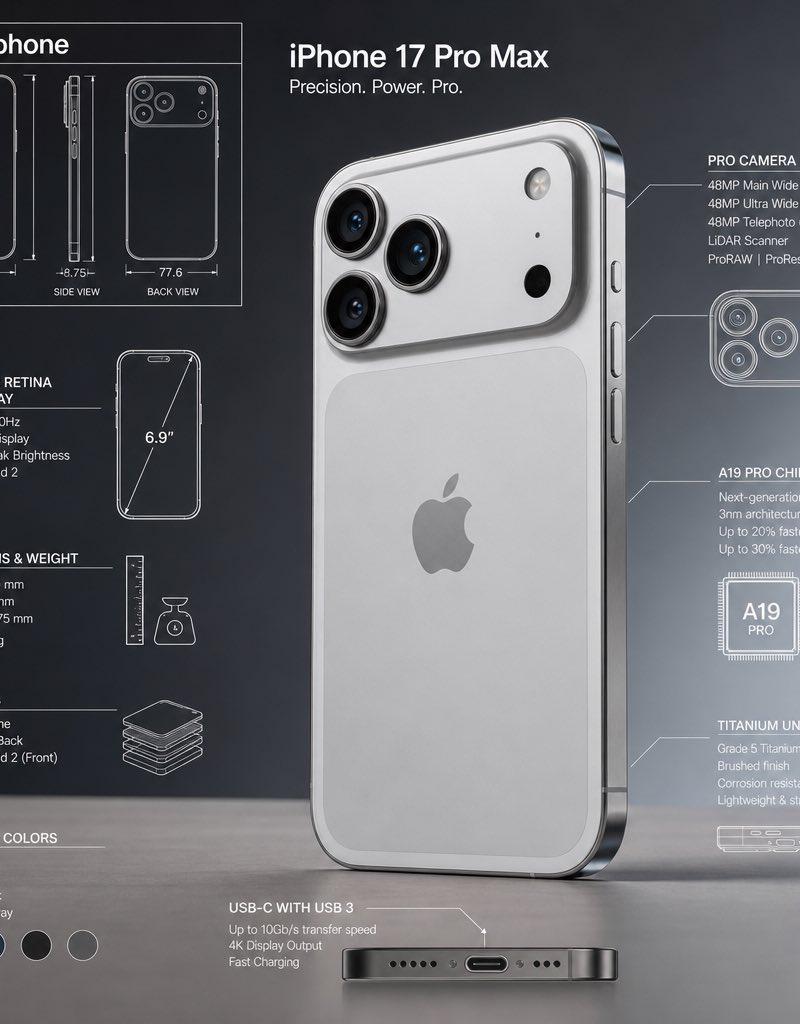
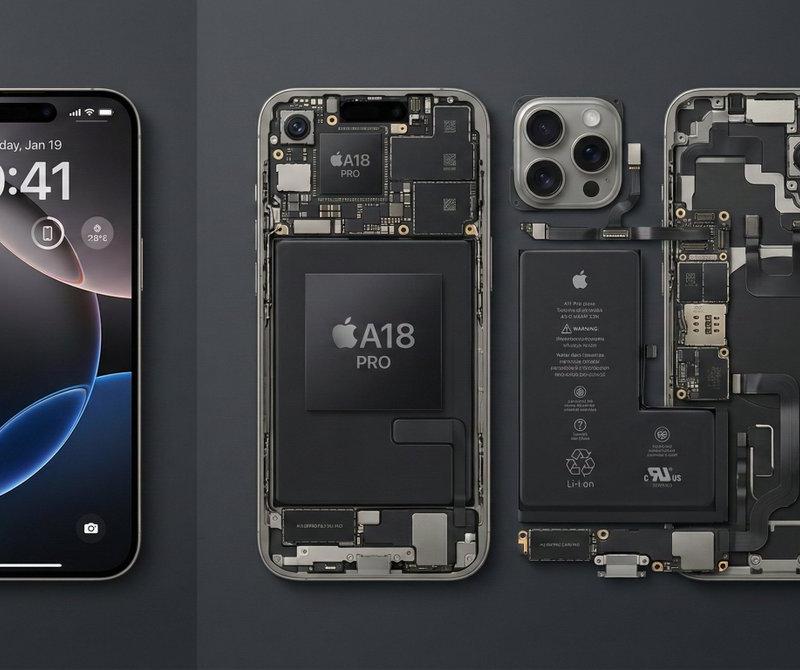
iPhone 16 Pro Max拆解
Enlarge

Example images

iPhone 16 Pro Max拆解

Prompt
最新款iPhone 16 Pro Max的解构对比摄影,分割布局。画面左侧 1/3 是一部完美的、屏幕亮起的钛金属iPhone;画面右侧 2/3 是拆解后的内部组件,包括A18芯片、三摄模组、电池和排线,采用Knolling风格几何排列。干净的深灰色背景,高角度俯视,极简工业美学,锐利对焦,--ar 16:9
Category
Photography & Realism
Model
Unknown
Creator
松果先森
Source language
zh-CN
Views0
Source ID
iphone-16-pro-max-teardown
Studio

Guide

About "iPhone 16 Pro Max拆解"

What is this prompt for?

"iPhone 16 Pro Max拆解" AI image prompt for Unknown (Photography & Realism). 最新款iPhone 16 Pro Max的解构对比摄影,分割布局。画面左侧 1/3 是一部完美的、屏幕亮起的钛金属iPhone;画面右侧 2/3 是拆解后的内部组件,包…

The full copyable prompt and example visuals above are ready for AI image generation or one-click recreate in Picva.

How to use this prompt

  1. Step 1

    Open the prompt detail

    Review the example visuals, category, and full prompt text for "iPhone 16 Pro Max拆解".

  2. Step 2

    Copy the prompt

    Copy the prompt body from this page, or load it directly in Studio.

  3. Step 3

    Pick a model (Unknown)

    Prefer Unknown. If you switch models, keep subject and composition and tweak style terms.

  4. Step 4

    Generate and export

    Recreate the look in Picva, or export into your workflow for editing and publishing.

FAQ

What is the "iPhone 16 Pro Max拆解" prompt?
It is an AI image-generation prompt for Unknown in the Photography & Realism category. This page includes the full prompt text, example visuals, and a one-click recreate path in Picva.
How do I use this prompt to generate an image?
Copy the prompt from this page, or use Generate / Studio. Paste it into a compatible image model, or recreate the look in Picva with optional reference images.
Which model is this prompt for?
This page lists Unknown. Most descriptive prompts also transfer to nearby image models such as GPT Image, Flux, or Midjourney with light style tweaks.
Can I use the result commercially?
You can usually copy the prompt for creation, but commercial use of the final image depends on the model terms, reference-image rights, and the generated content. Follow the source author and platform rules.