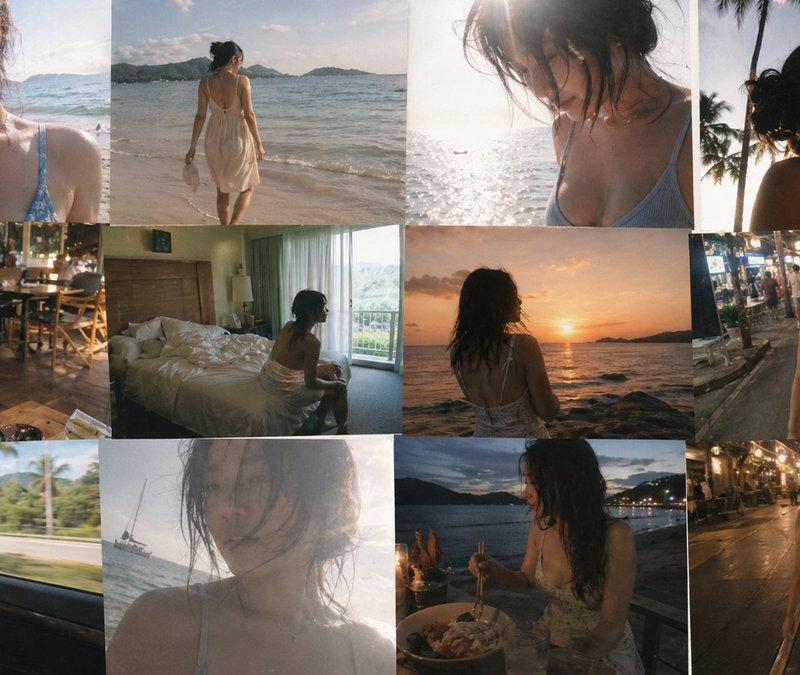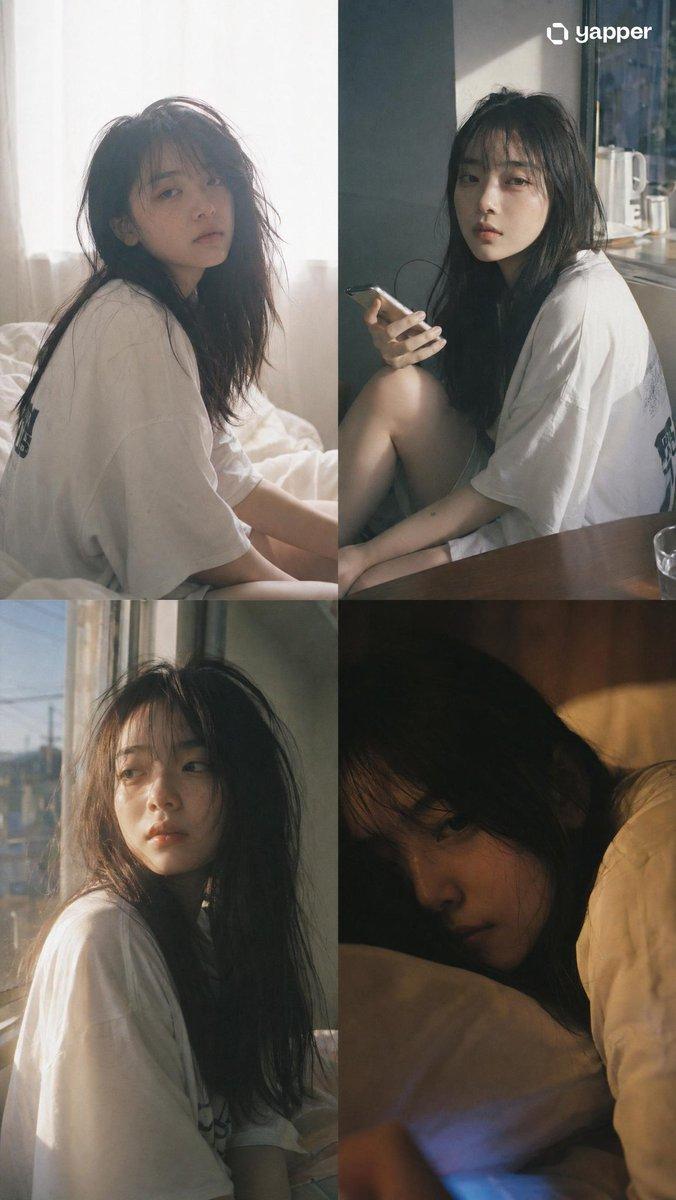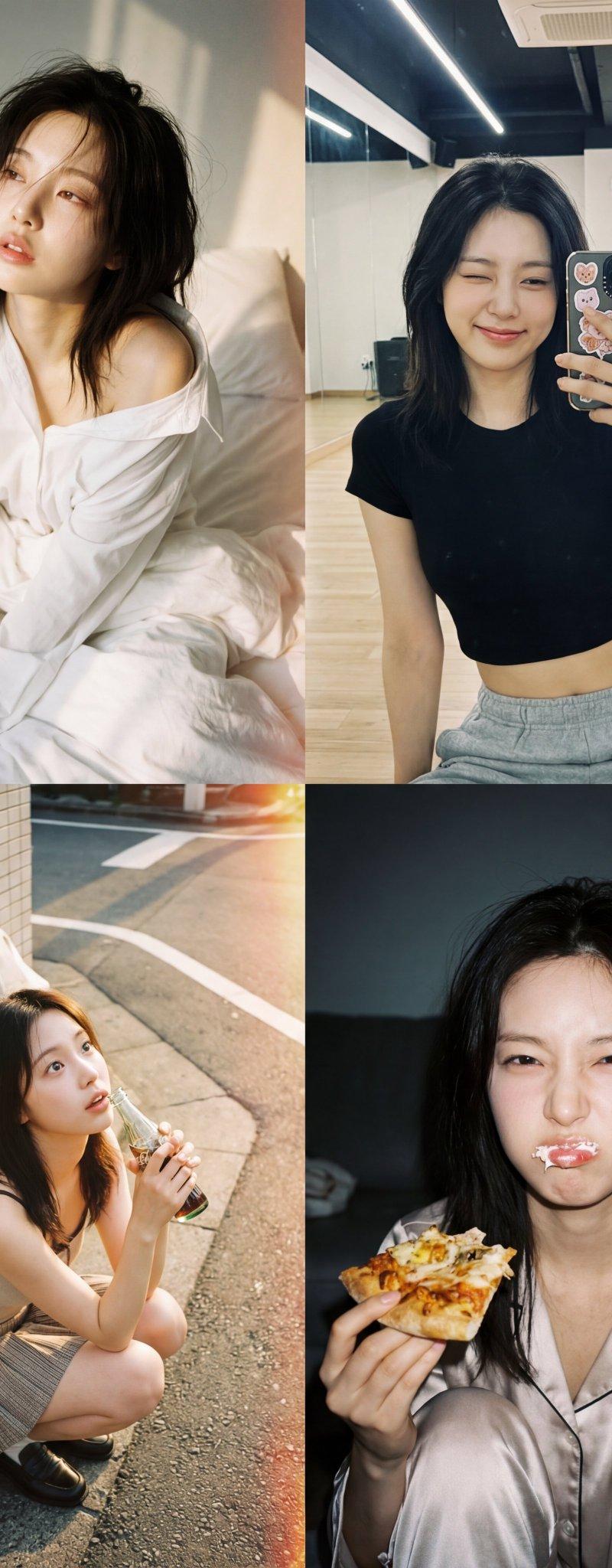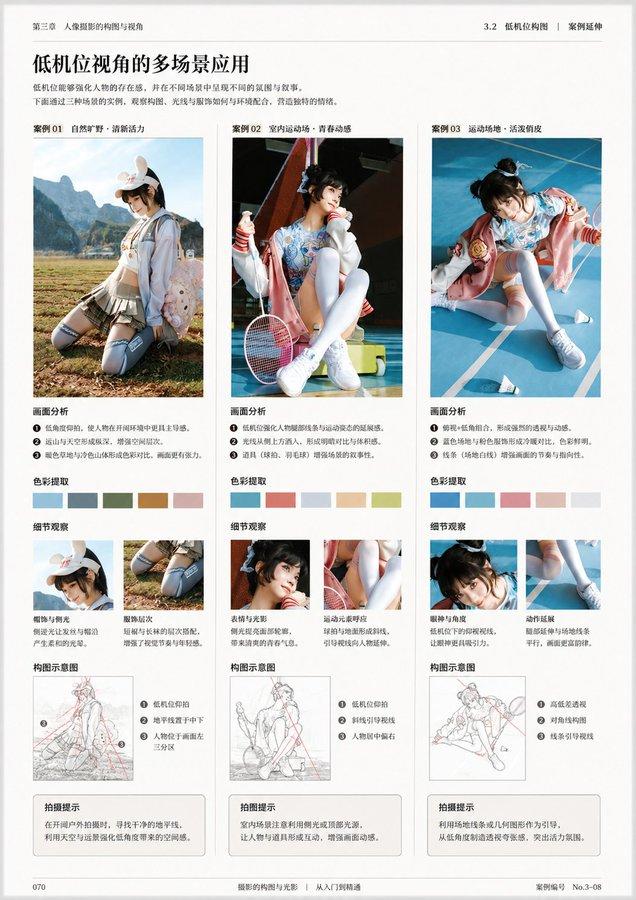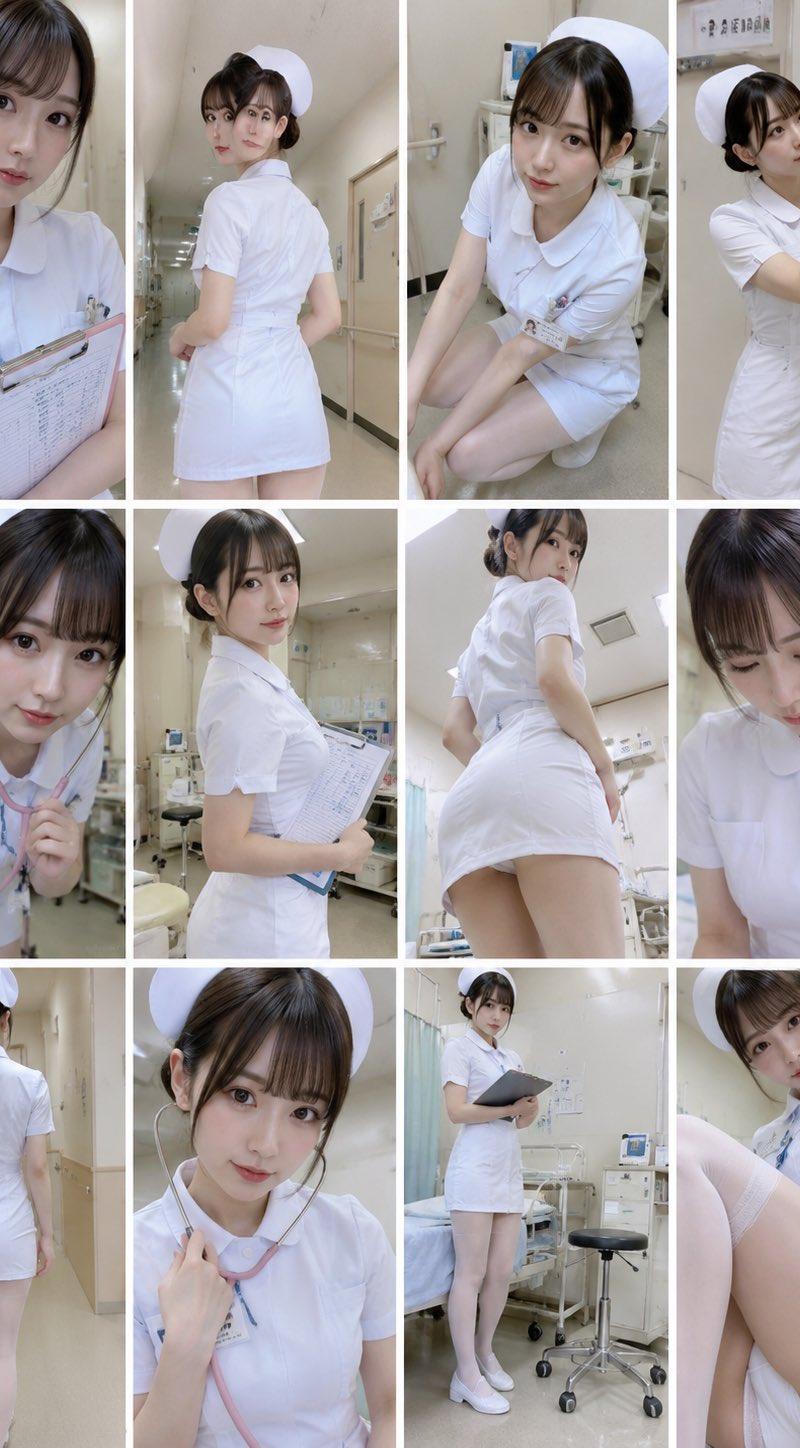
日系摄影风格全解析:川内伦子、奥山由之与岩井俊二电影美学
Prompt
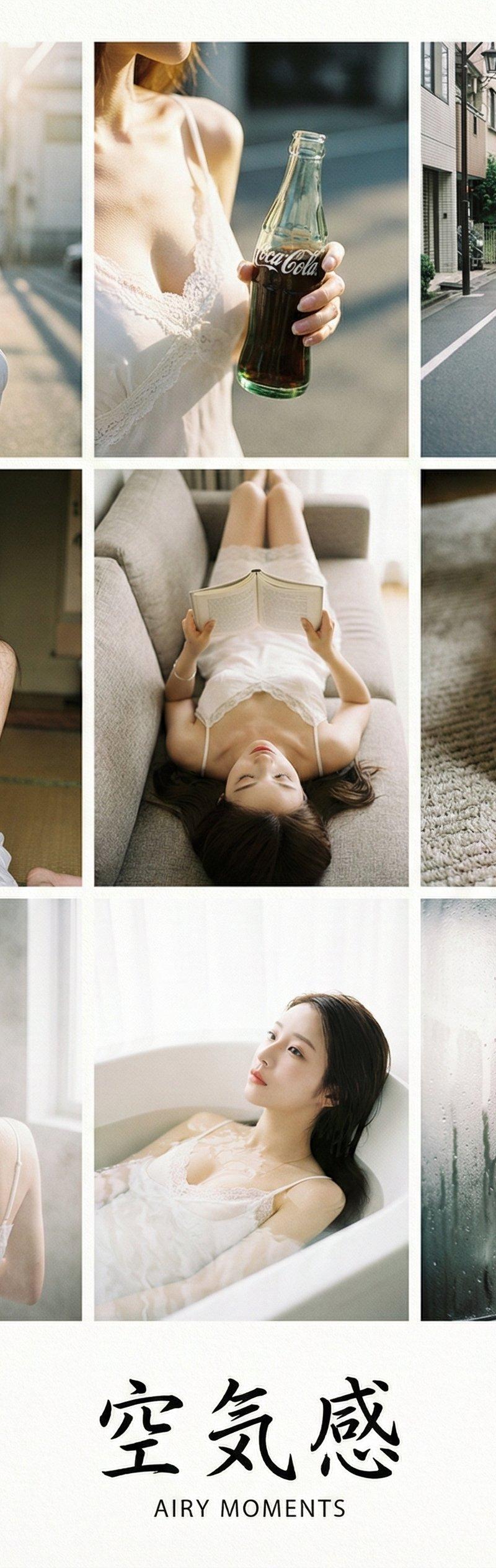
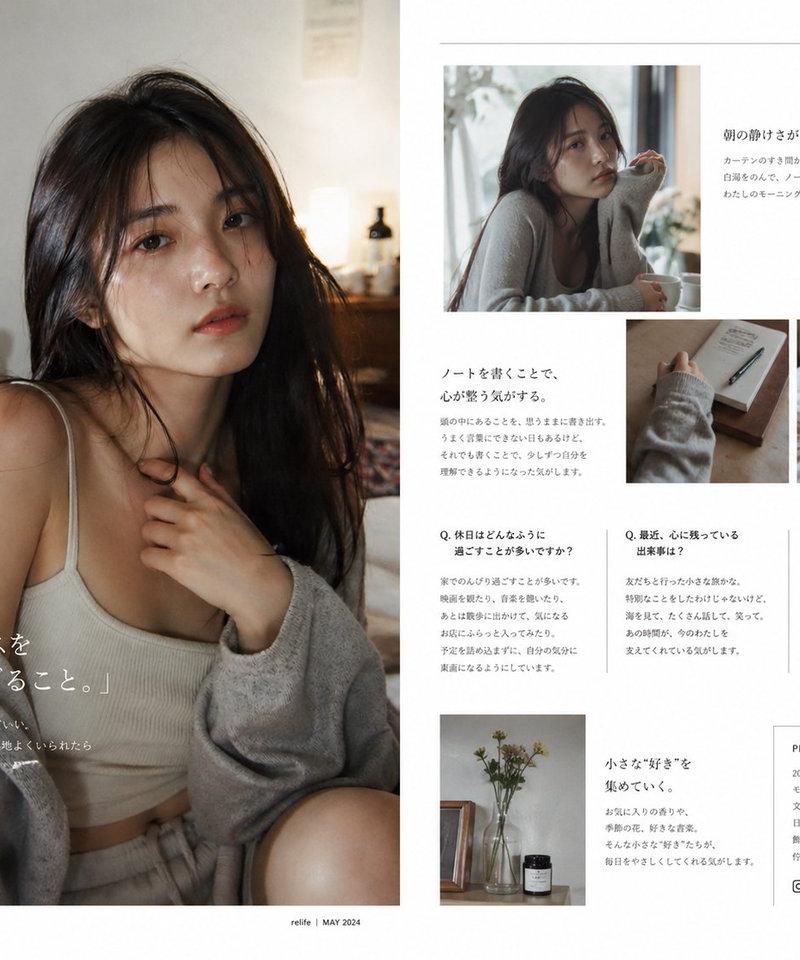
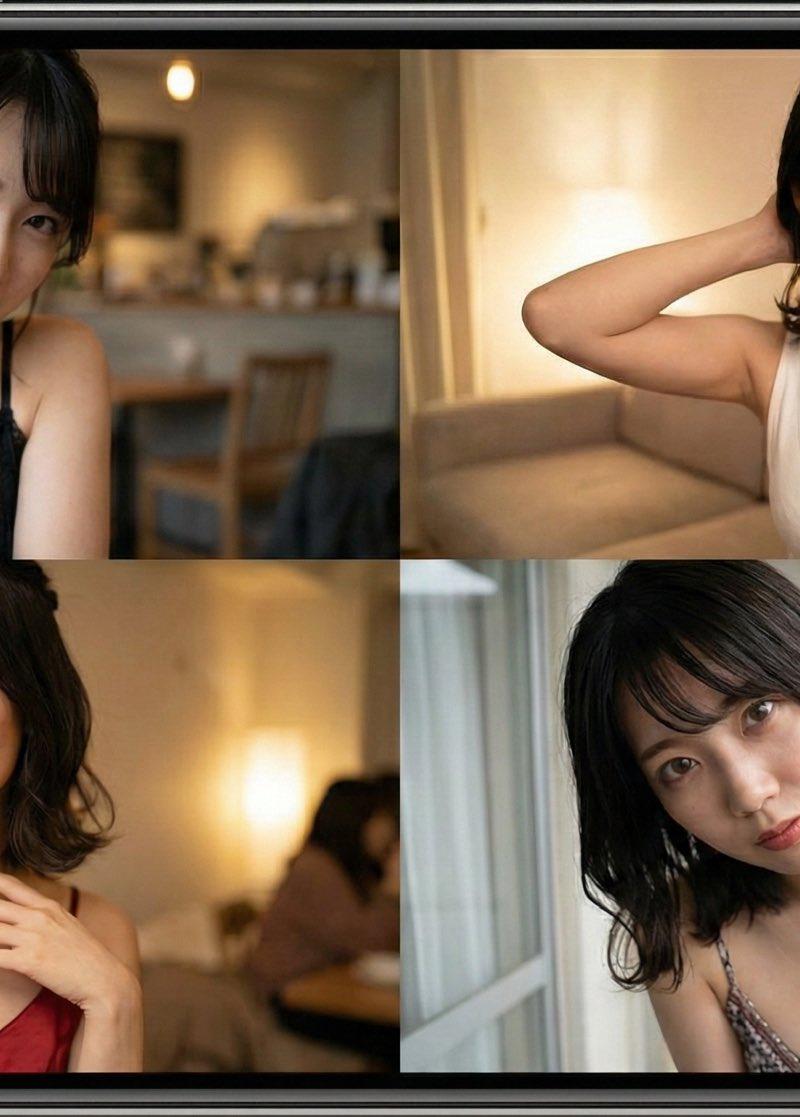
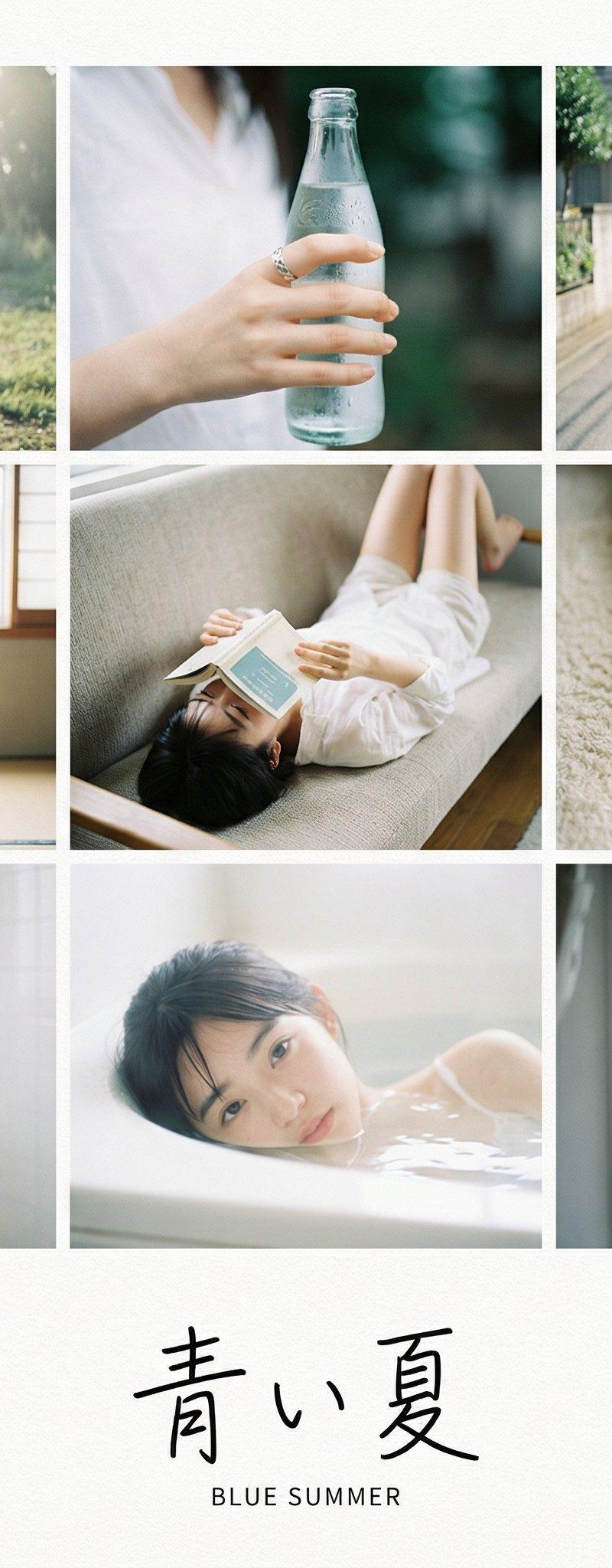
**[Type]:** A scanned page from a high-end Japanese photobook (Shashin-shu). **A 9-grid photo layout printed on textured matte art paper.**
**[Layout Design]:** The 9 photos are arranged in a clean grid with **wide white margins** at the bottom to accommodate typography.
**[Subject Consistency - STRICT]:**
* **Source:** Based strictly on the uploaded reference image. **[SAME CHARACTER IN ALL PANELS]**.
* **Styling Strategy:** **[RANDOMLY SELECT ONE]:**
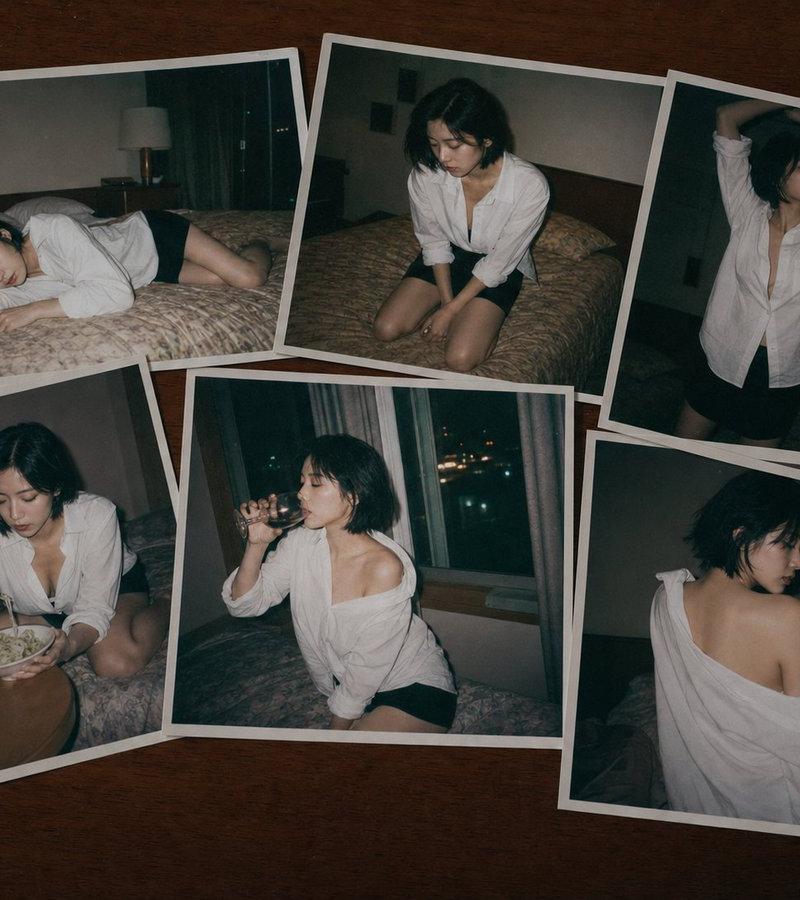
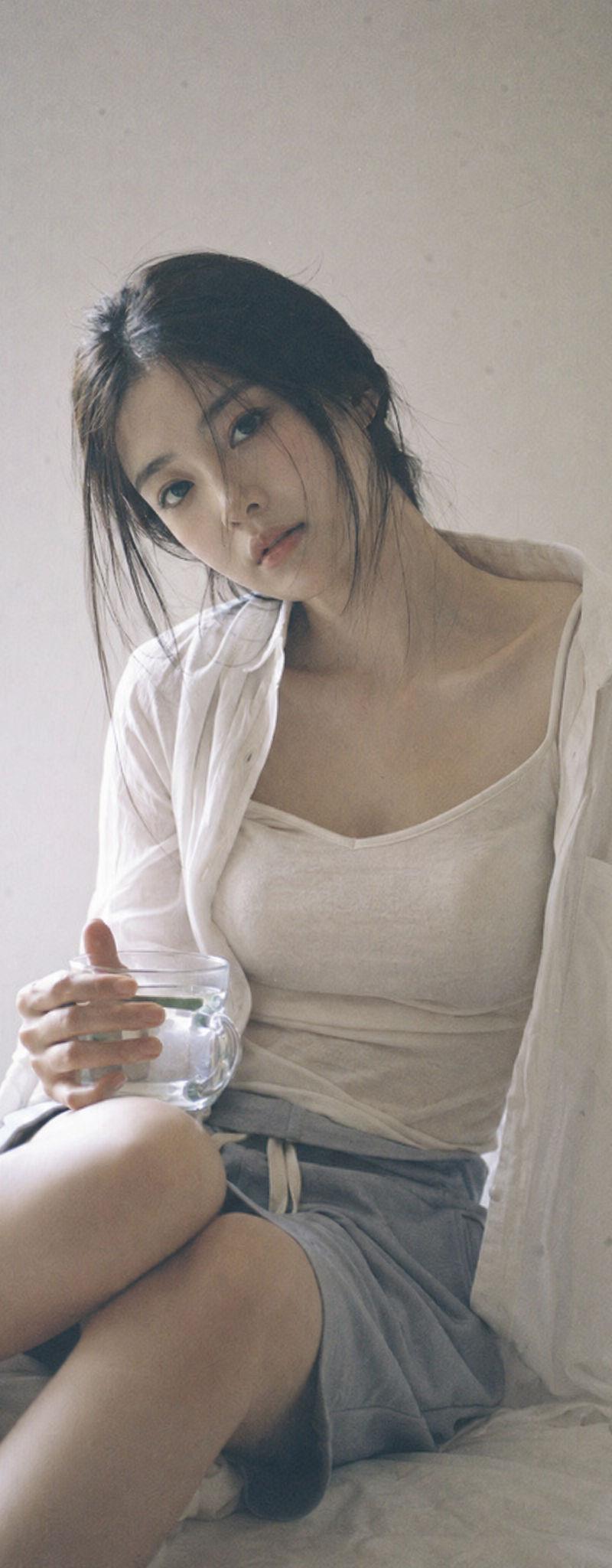
1. **{Classic}:** Loose white shirt + shorts.
2. **{Soft}:** Beige knit cardigan + camisole.
3. **{Pure}:** **White lace-trimmed slip dress** (Best for bath transitions).
* **Note:** In Row 3 (Bath), outfit creates a "wet look" or shows skin.
**[Typography & Japanese Elements - THE ARTISTIC TOUCH]:**
*(AI must render a title text in the bottom white margin)*
**[RANDOMLY SELECT ONE Title Theme]:**
1. **{Theme: Summer}:** Large Japanese text **"青い夏"** with small English text **"BLUE SUMMER"** below it.
2. **{Theme: Private}:** Large Japanese text **"私小説"** with small English text **"PRIVATE NOVEL"** below it.
3. **{Theme: Air}:** Large Japanese text **"空気感"** with small English text **"AIRY MOMENTS"** below it.
* **Signature:** The handwritten text **"By : Berryxia"** is placed artistically next to the title or in the corner like a watermark.
**[Grid Narrative - The "Day to Night" Journey]:**
**Row 1: Outdoor Breath (Wind & Light)**
1. **Top-Left (Wide):** Subject standing in wind, hair blowing, **backlit by sun**.
2. **Top-Middle (Detail):** Close-up of **hand holding a glass bottle of soda** or blocking the sun.
3. **Top-Right (Motion):** Blurry candid shot of subject **walking away on a street**.
**Row 2: Indoor Play (Props & "Hiding")**
4. **Center-Left (Hiding):** Subject sitting on tatami, **using a dried flower to cover one eye**.
5. **Center (Candid):** Subject **lying upside down on a sofa**, reading a book, face partially hidden.
6. **Center-Right (Fetish):** Focus on **bare feet curled on the rug** or fingers touching hair.
**Row 3: Private/Wet (Steam & Skin)**
7. **Bottom-Left (Steamy Back):** **Back view in a steamy bathroom**. Wet hair sticking to nape of neck. Soft focus.
8. **Bottom-Middle (Immersion):** Subject **submerged in bathtub**, water up to chin. Dreamy high-key lighting.
9. **Bottom-Right (End):** Detail of **steam on a mirror**.
**[Aesthetic Style]:**
* **Film Stock:** Fujifilm Pro 400H (Cyan shadows, airy highlights).
* **Texture:** **Visible paper texture**, slight vignetting, layout design style.
**[Parameters]:** --ar 2:3 --style raw --v 6.0 --stylize 200 --cref [URL] --cw 80 --no commercial smile, stiff posing, studio lighting 使用室内旅馆内风格B输出- Category
- Photography & Realism
- Model
- Unknown
- Creator
- Berryxia.AI
- Source language
- zh-CN
- Source ID
- japanese-photography-styles-rinko-kawauchi-yoshiyuki-okuyama-iwai-shunji-cinema-aesthetics
Views0