18

韩街时尚:青春美少女的Y2K妆容
Enlarge

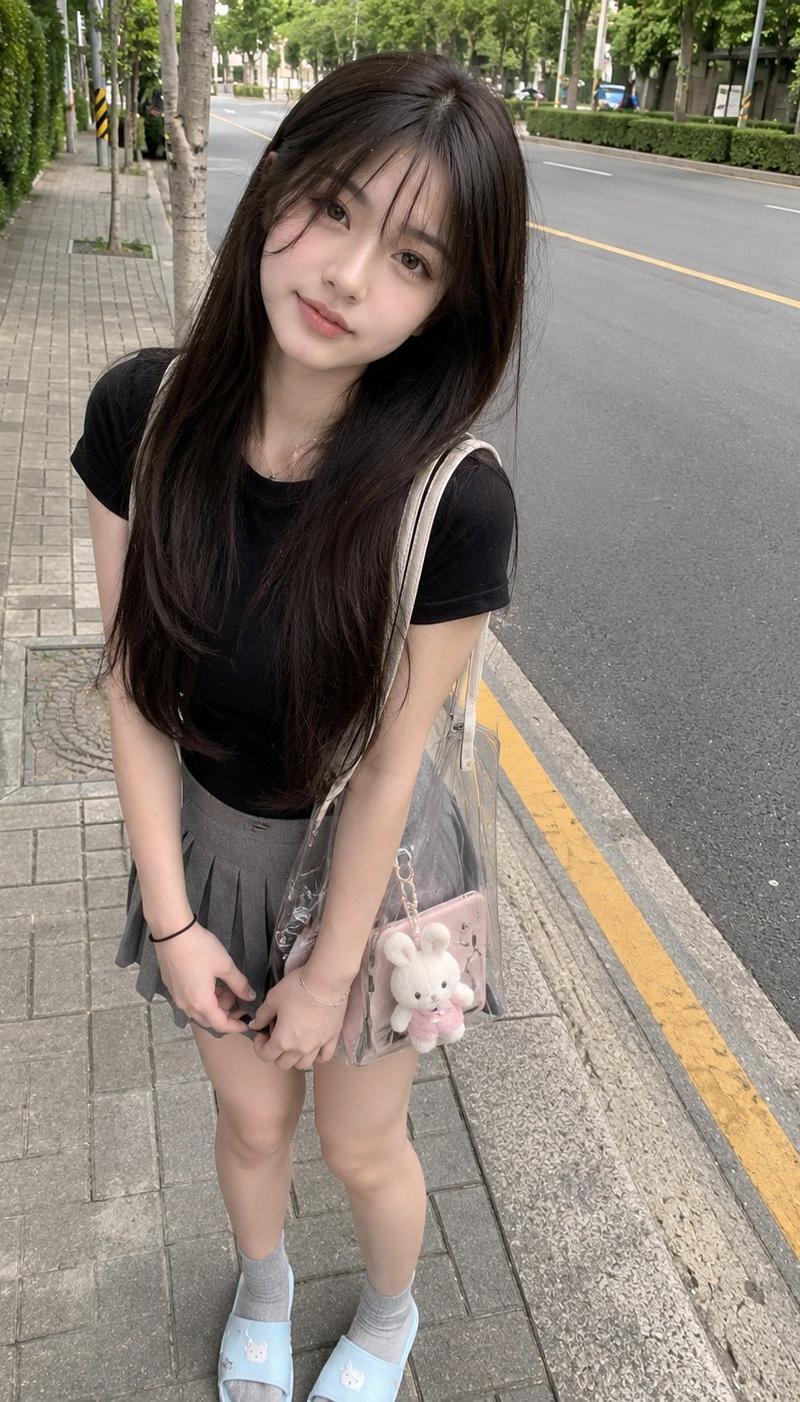
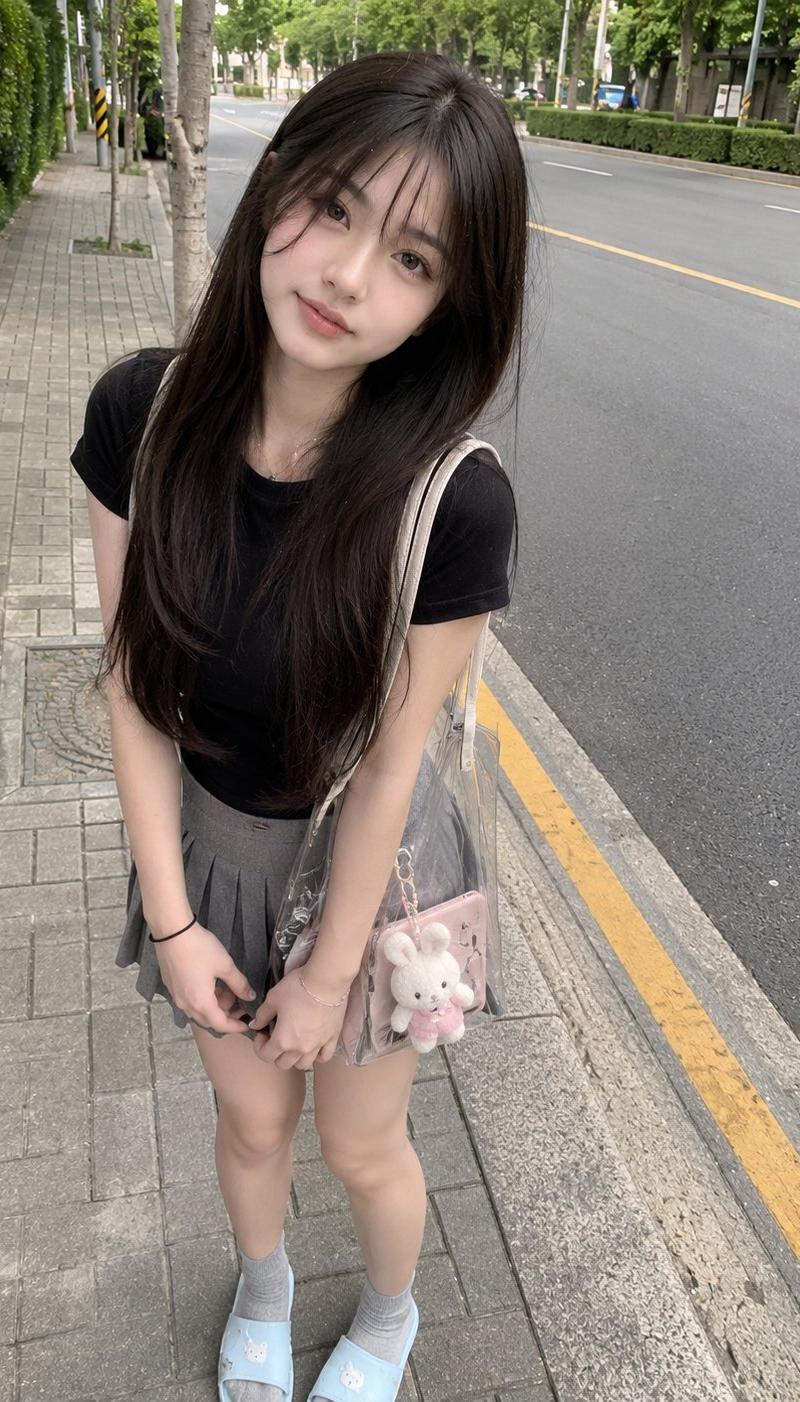
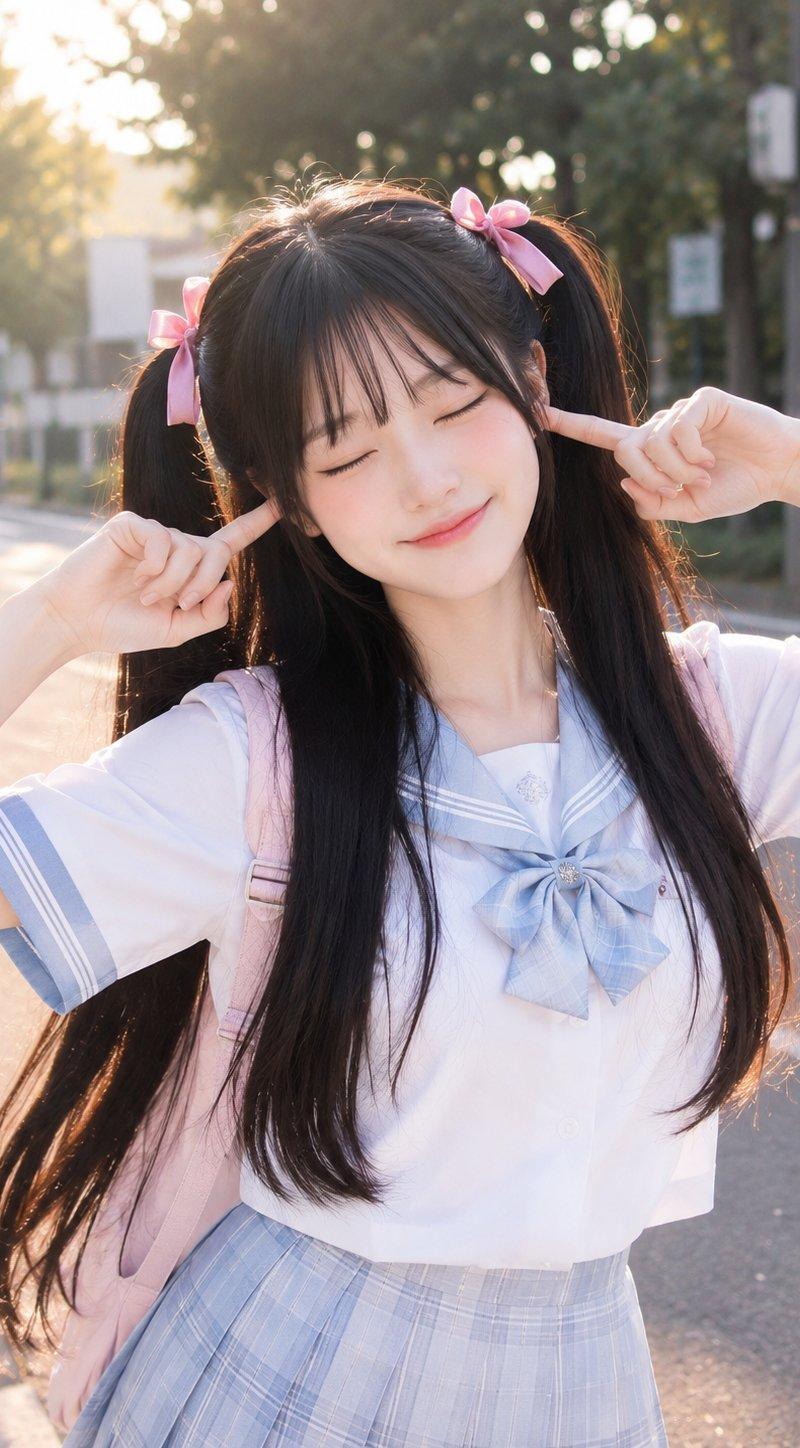
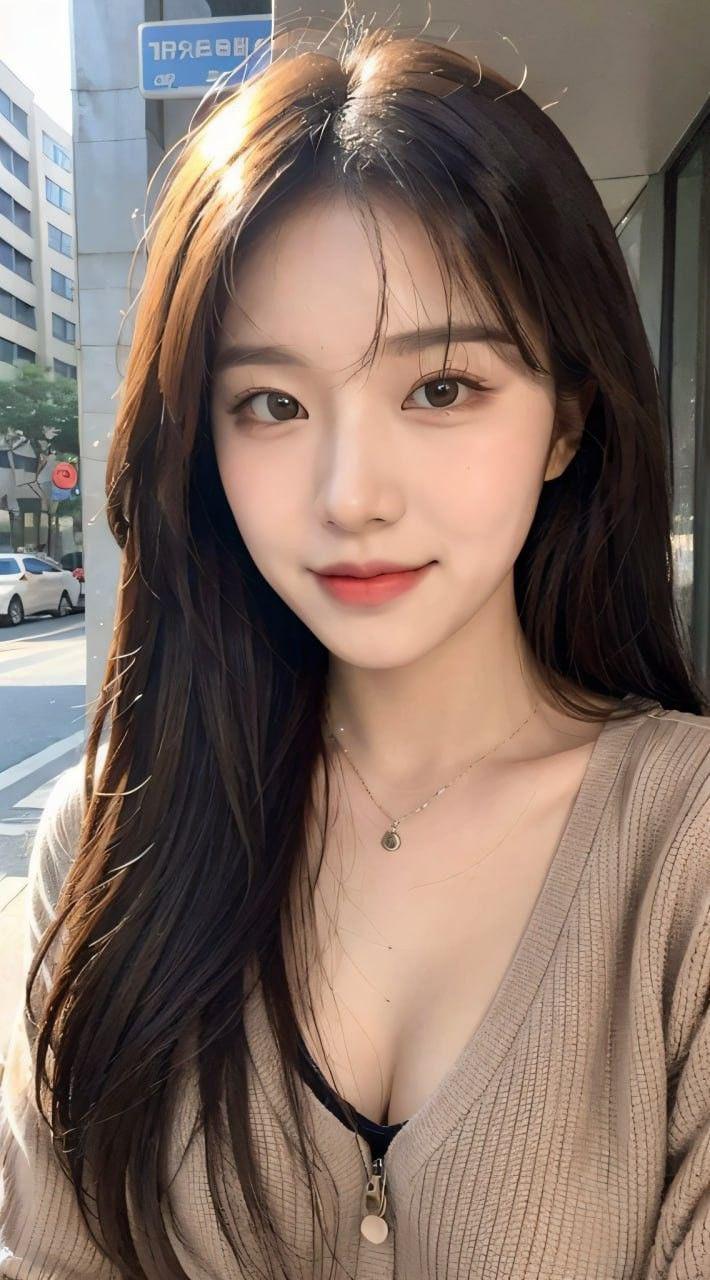
Example images

韩街时尚:青春美少女的Y2K妆容

Prompt
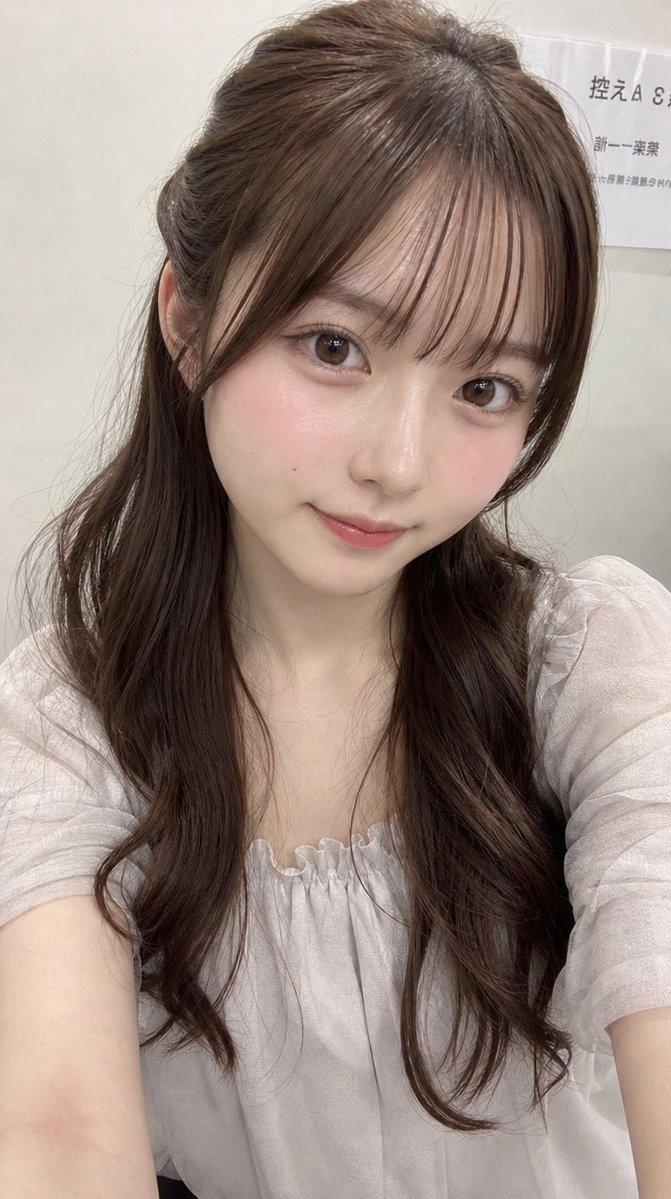
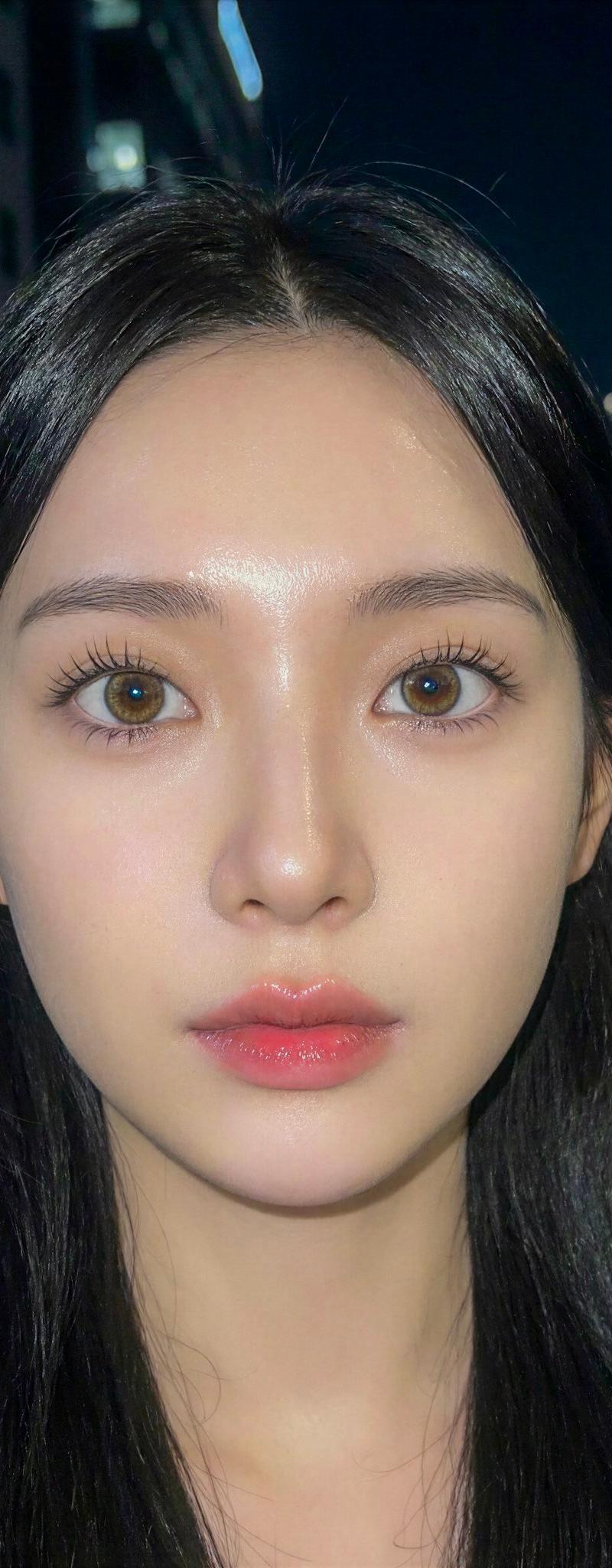
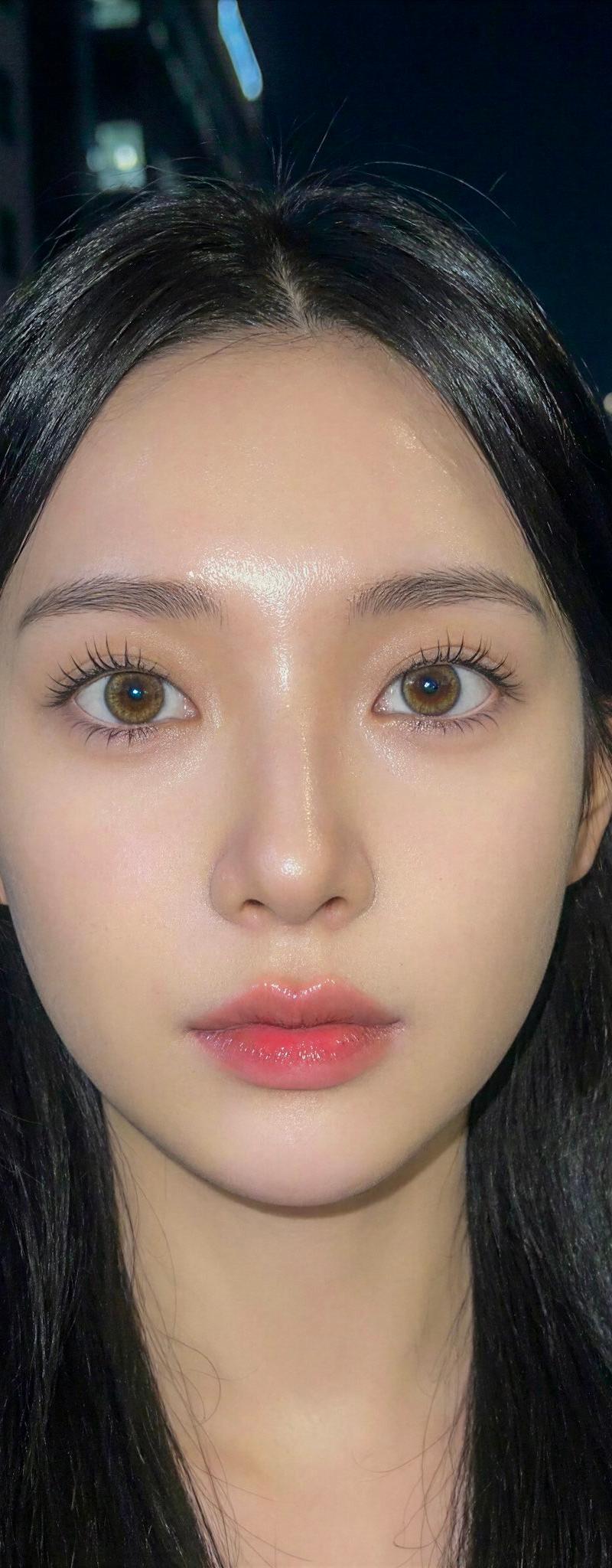
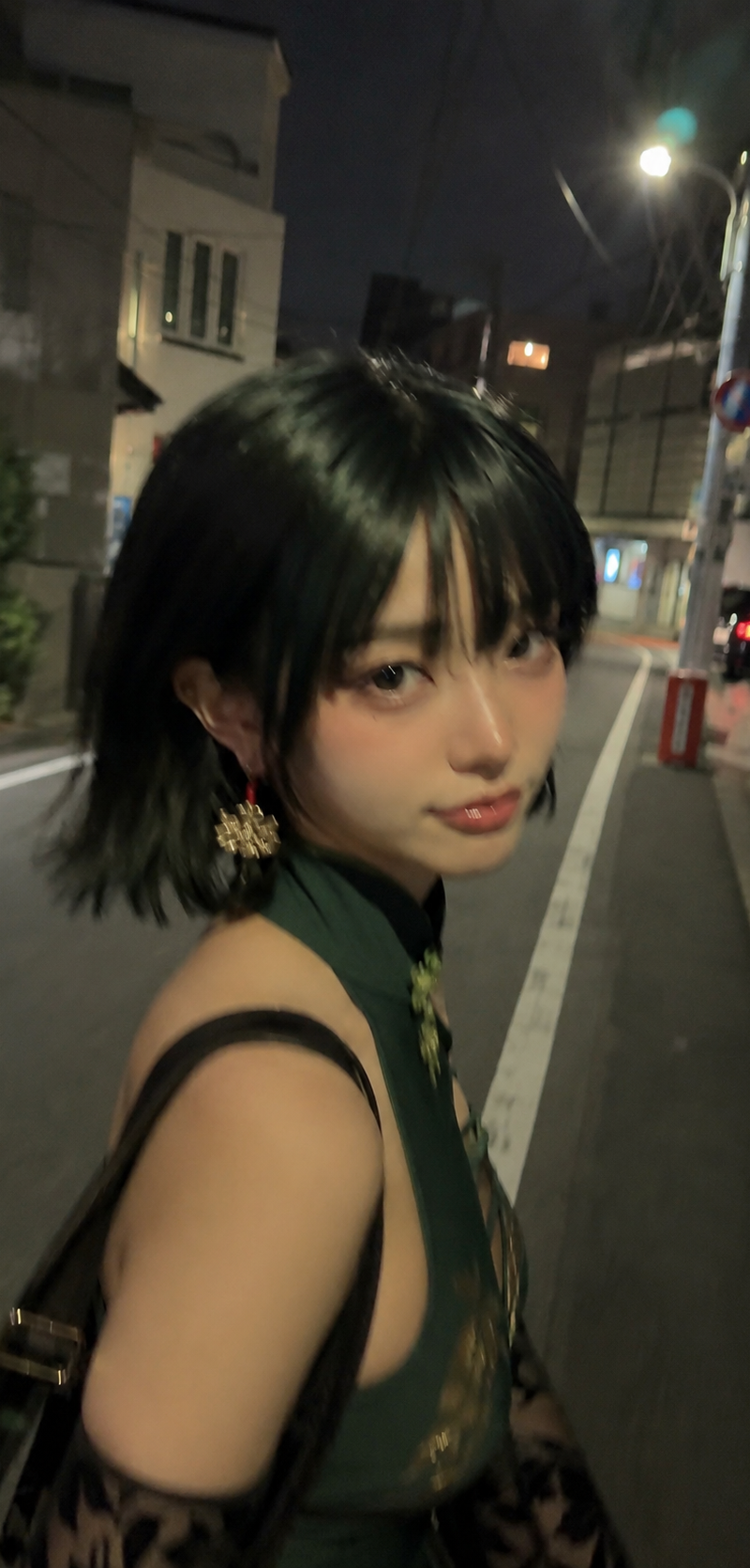
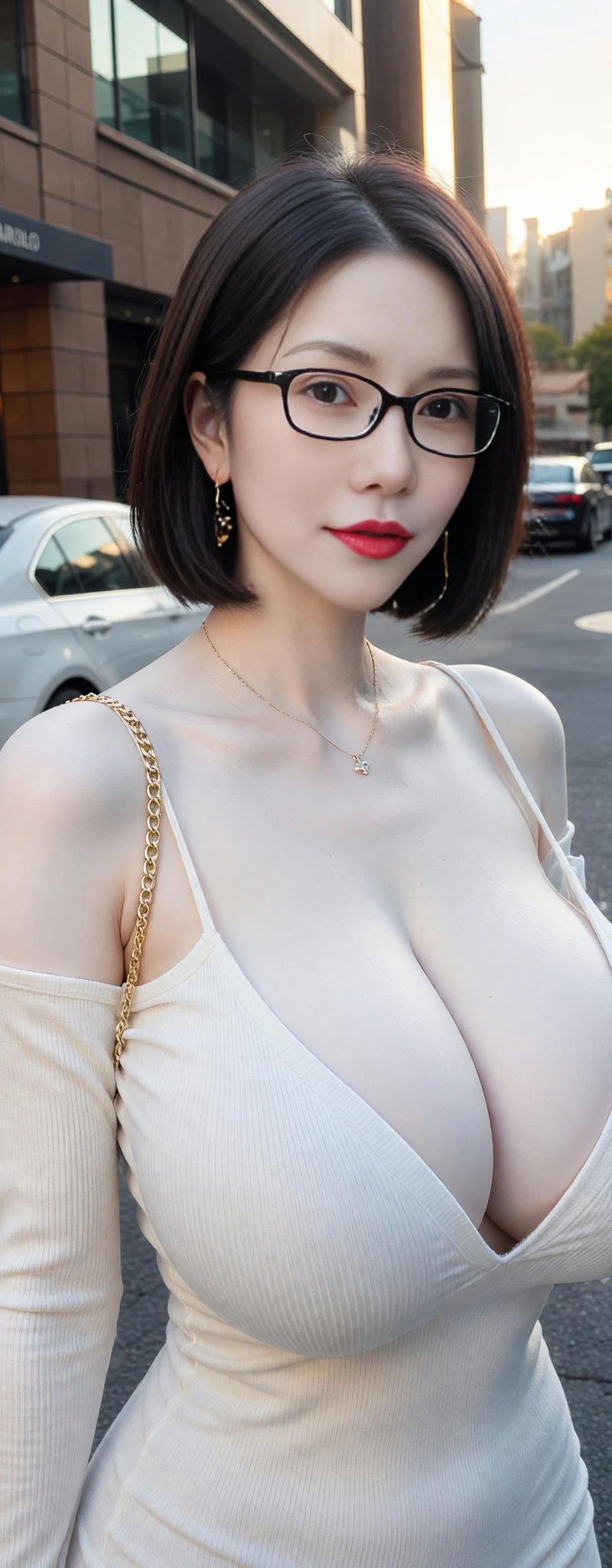
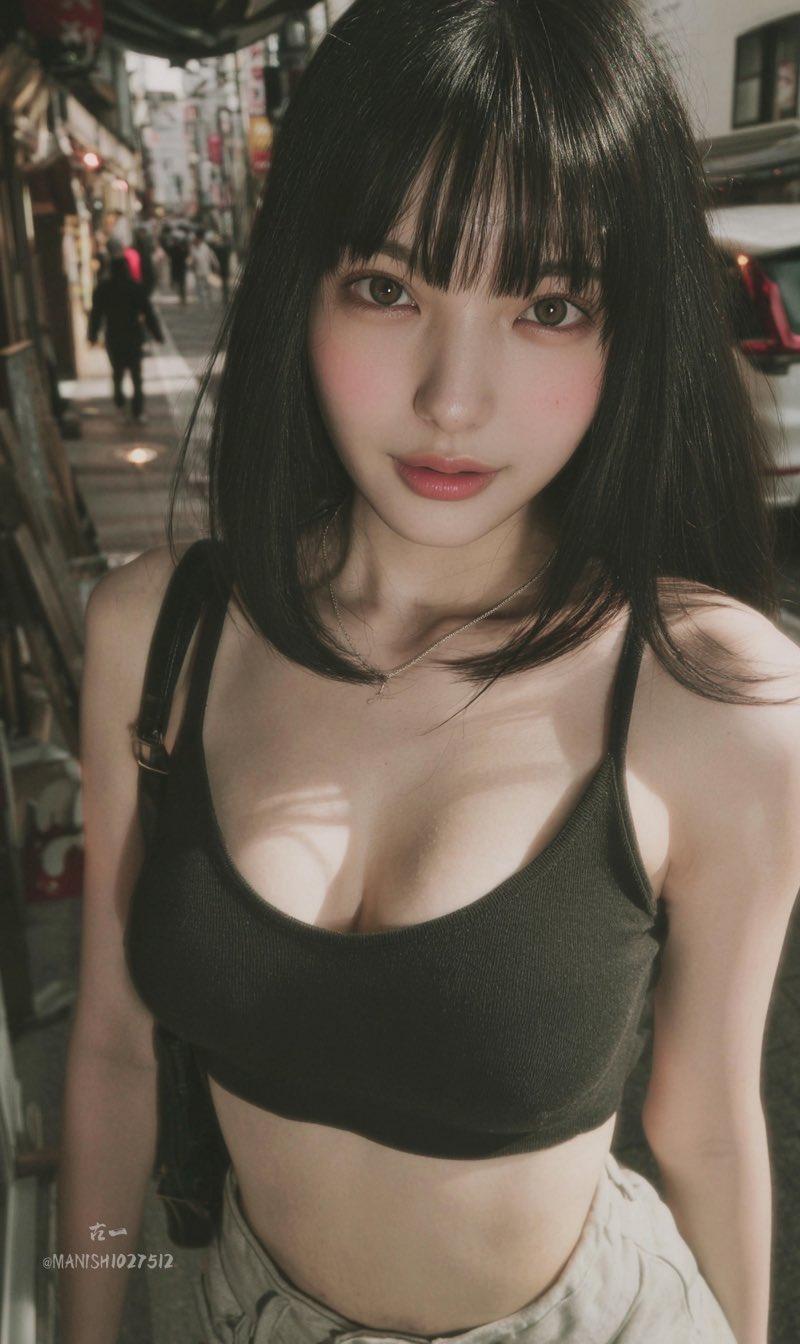
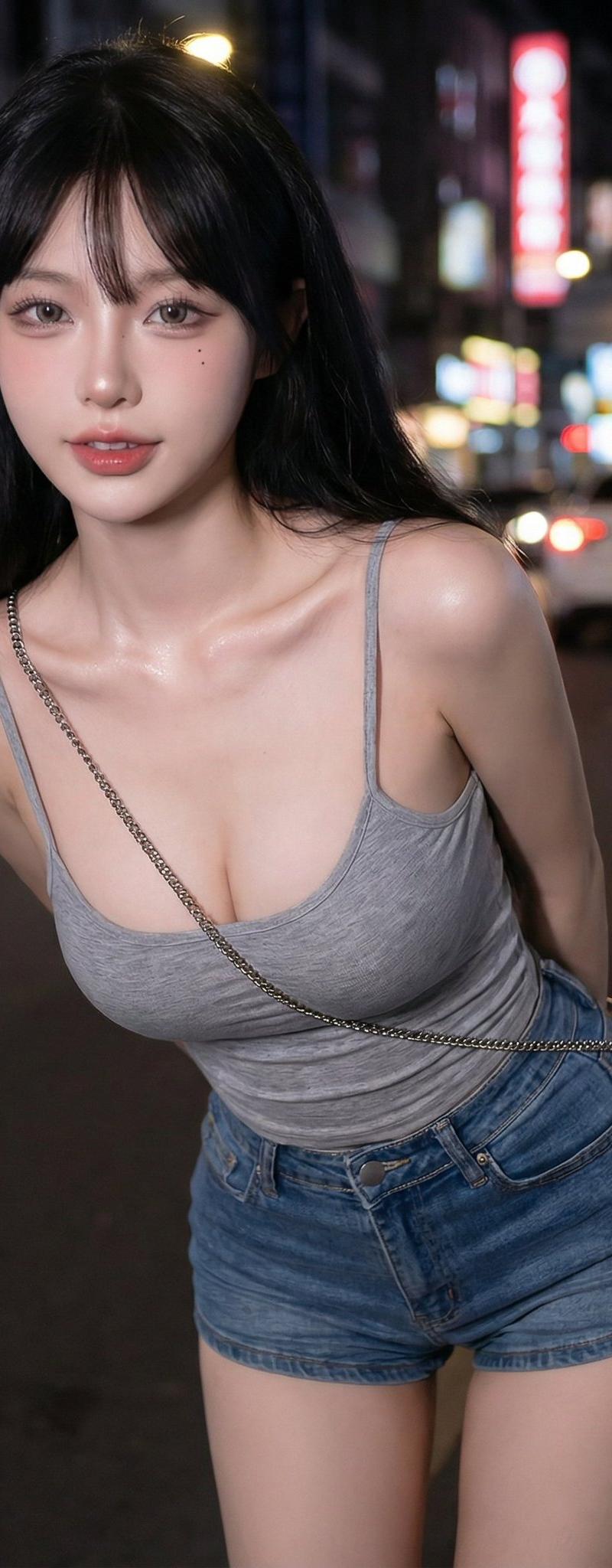
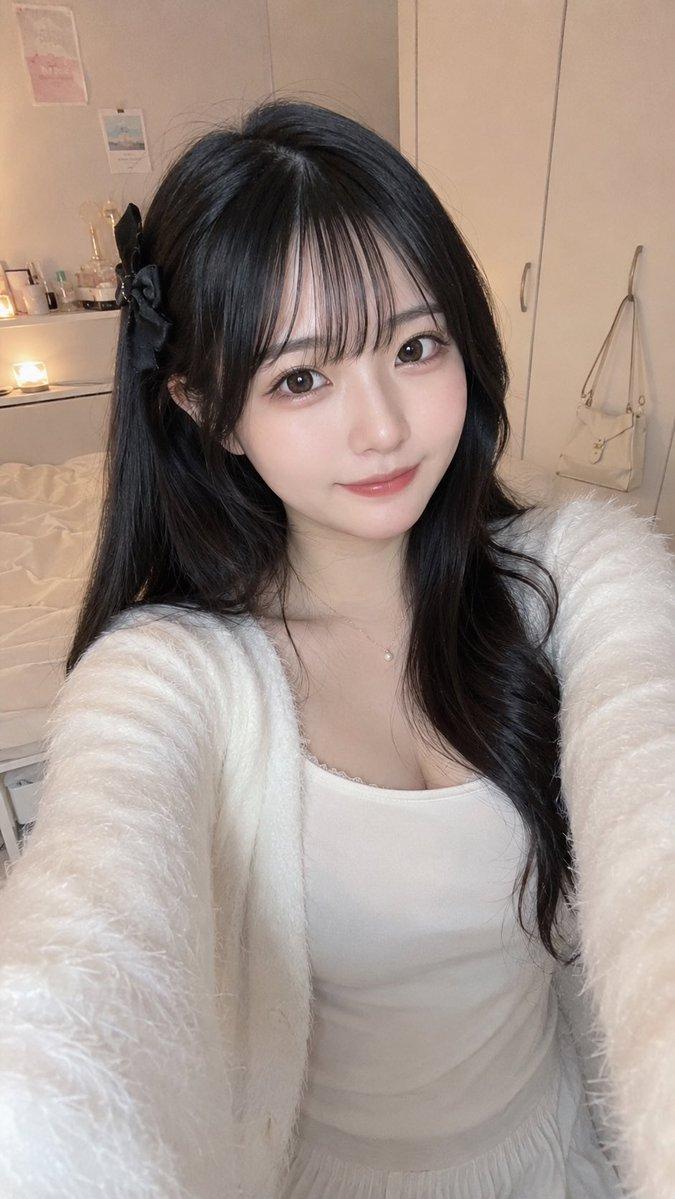
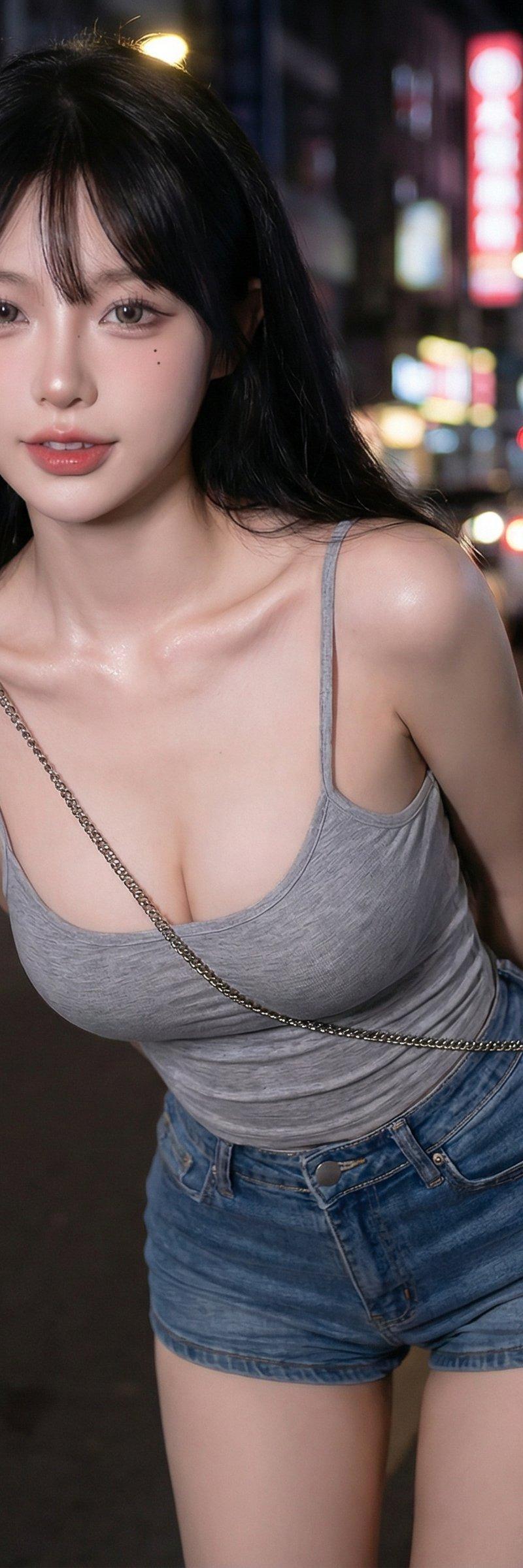
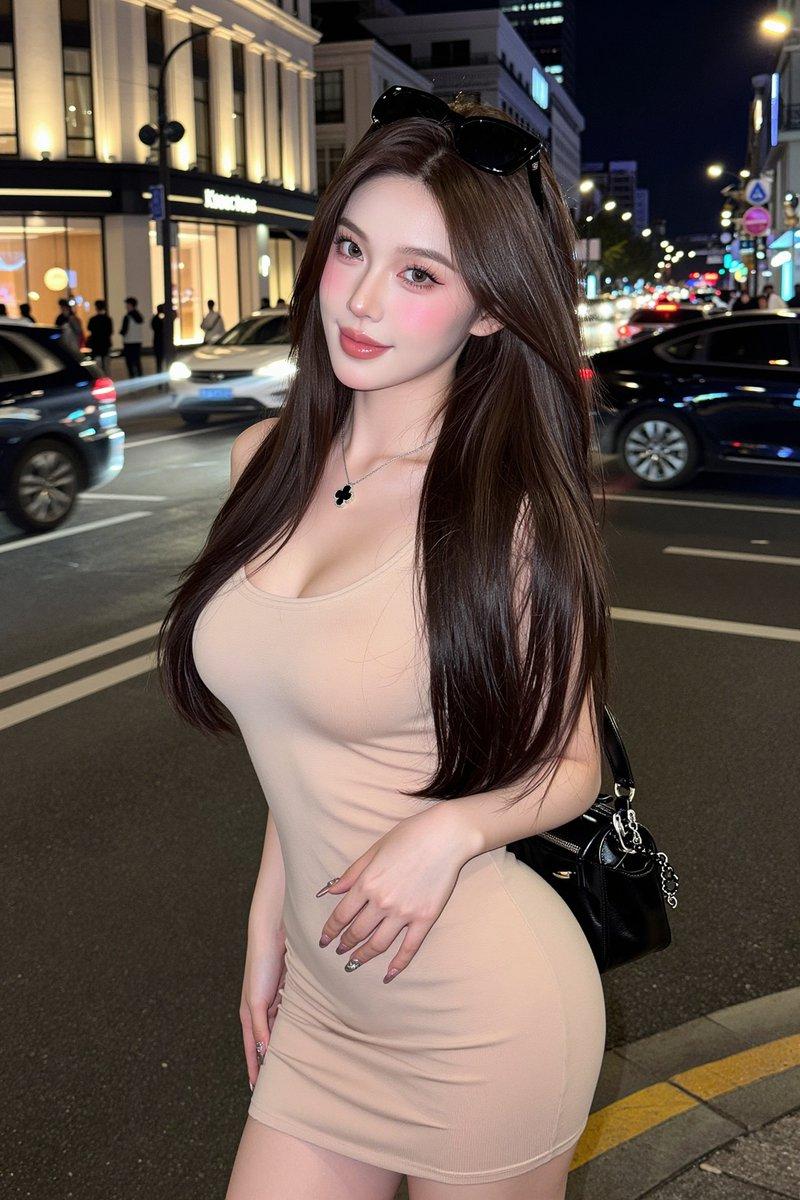
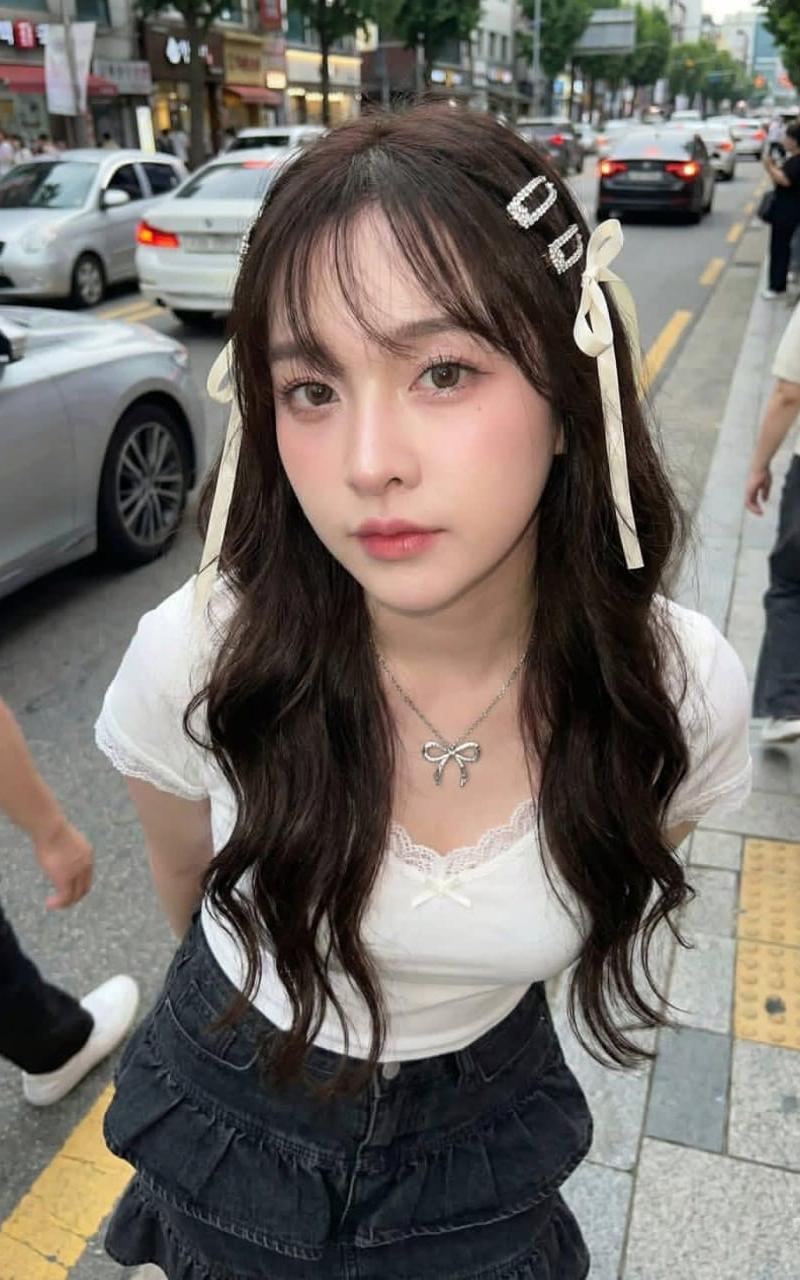
A young woman looking 1000% like the reference, with dewy, glowing skin, wearing shrimp-toned Y2K makeup. Long dark brown wavy hair with soft, wispy bangs, flowing gently, adorned with a cream bow and Douyin-style diamond hairpin. She wears a white lace-trimmed T-shirt, layered black ruffled jeans, and a silver bow necklace. Holding a premium green tea cup, about to take a sip, posing cutely. Background on a Korean street with passing cars. Y2K flash lighting like a professional camera. Height 156 cm, weight 50 kg, proportionate body. Ultra-clear professional-level image, detailed fabric textures, face in sharp focus. Skin very fair and bright, lit with flash lighting. Poses include leaning forward with hands partially covering the camera, or winking with the right eye, looking extremely cute.
Category
Photography & Realism
Model
Unknown
Creator
Anissa
Source language
zh-CN
Views0
Source ID
korean-street-fashion-young-beauty-s-y2k-makeup
Studio

Guide

About "韩街时尚:青春美少女的Y2K妆容"

What is this prompt for?

"韩街时尚:青春美少女的Y2K妆容" AI image prompt for Unknown (Photography & Realism). A young woman looking 1000% like the reference, with dewy, glowing skin, wearing shrimp…

The full copyable prompt and example visuals above are ready for AI image generation or one-click recreate in Picva.

How to use this prompt

  1. Step 1

    Open the prompt detail

    Review the example visuals, category, and full prompt text for "韩街时尚:青春美少女的Y2K妆容".

  2. Step 2

    Copy the prompt

    Copy the prompt body from this page, or load it directly in Studio.

  3. Step 3

    Pick a model (Unknown)

    Prefer Unknown. If you switch models, keep subject and composition and tweak style terms.

  4. Step 4

    Generate and export

    Recreate the look in Picva, or export into your workflow for editing and publishing.

FAQ

What is the "韩街时尚:青春美少女的Y2K妆容" prompt?
It is an AI image-generation prompt for Unknown in the Photography & Realism category. This page includes the full prompt text, example visuals, and a one-click recreate path in Picva.
How do I use this prompt to generate an image?
Copy the prompt from this page, or use Generate / Studio. Paste it into a compatible image model, or recreate the look in Picva with optional reference images.
Which model is this prompt for?
This page lists Unknown. Most descriptive prompts also transfer to nearby image models such as GPT Image, Flux, or Midjourney with light style tweaks.
Can I use the result commercially?
You can usually copy the prompt for creation, but commercial use of the final image depends on the model terms, reference-image rights, and the generated content. Follow the source author and platform rules.