17

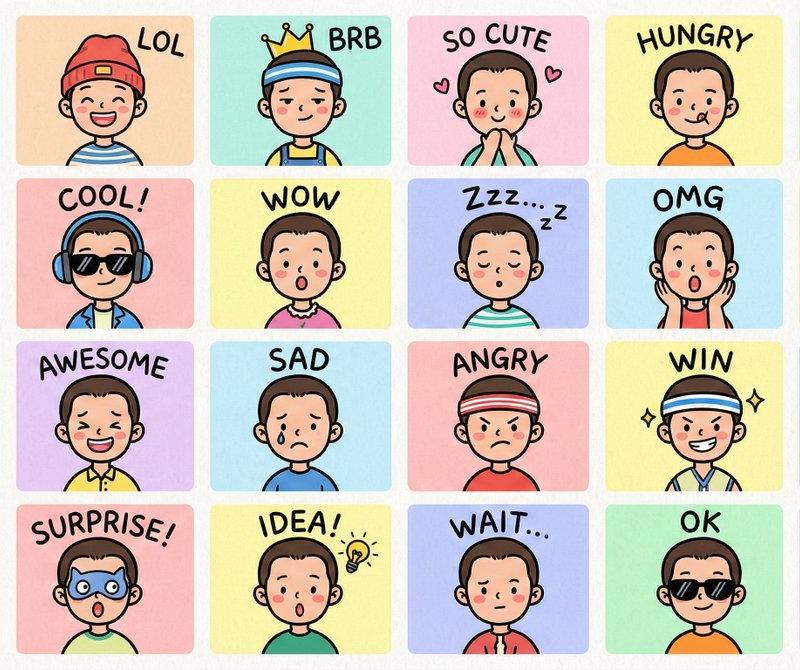
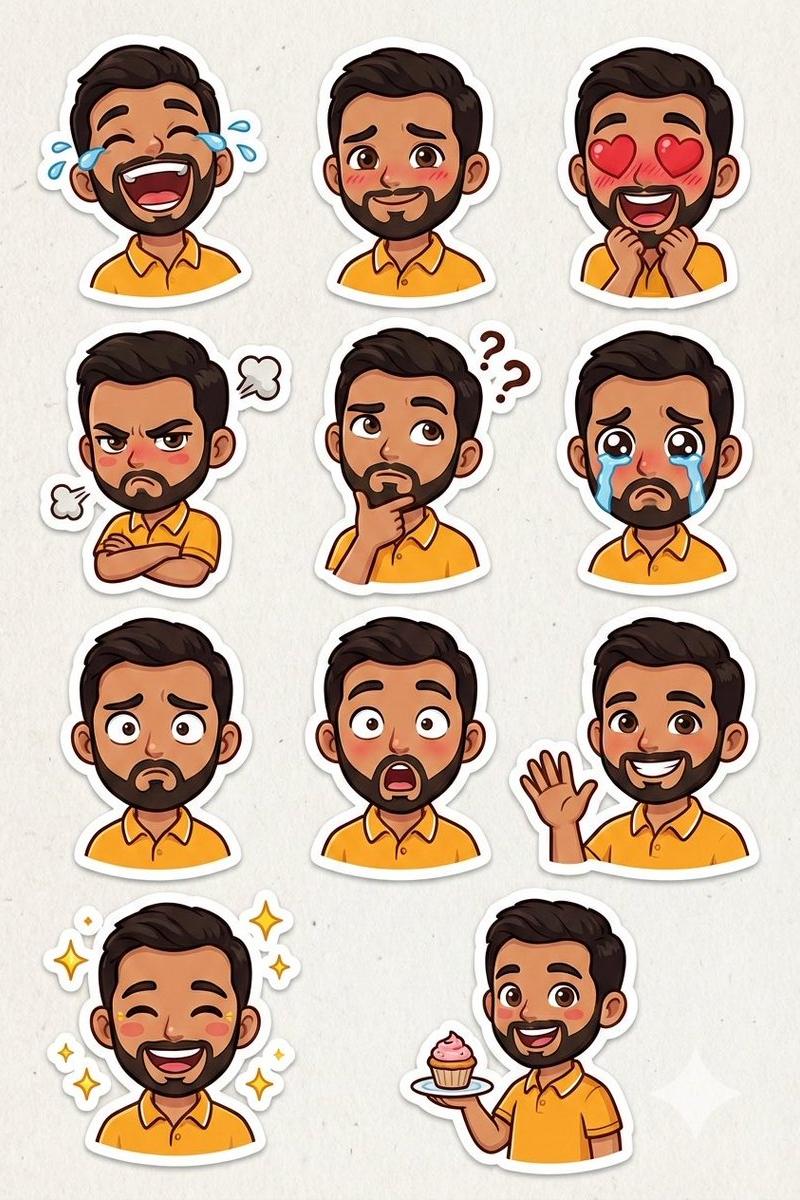
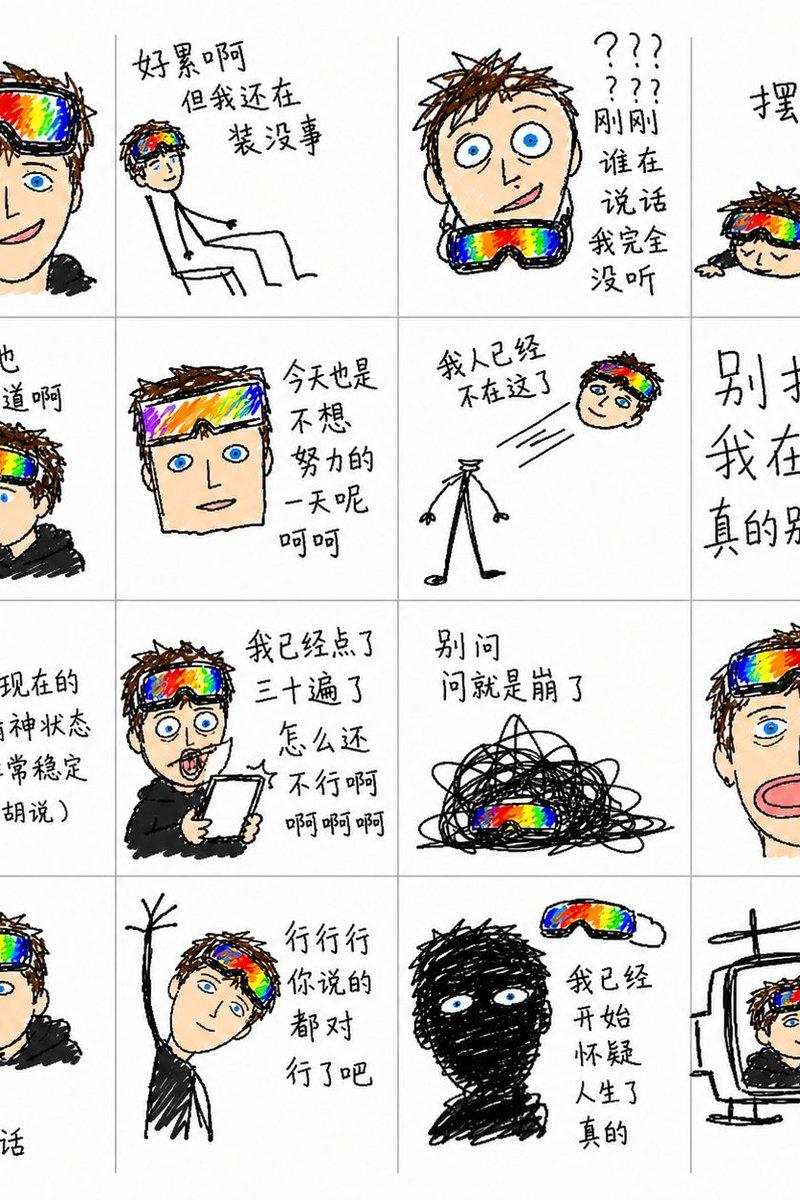
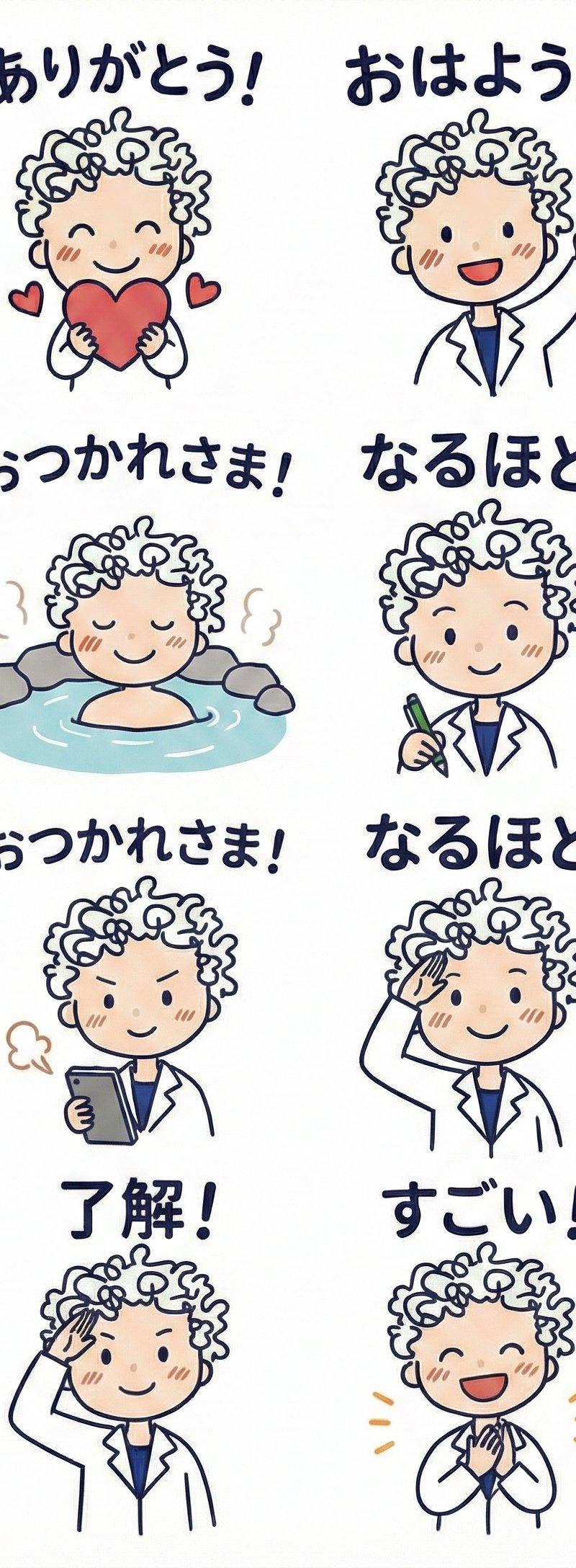
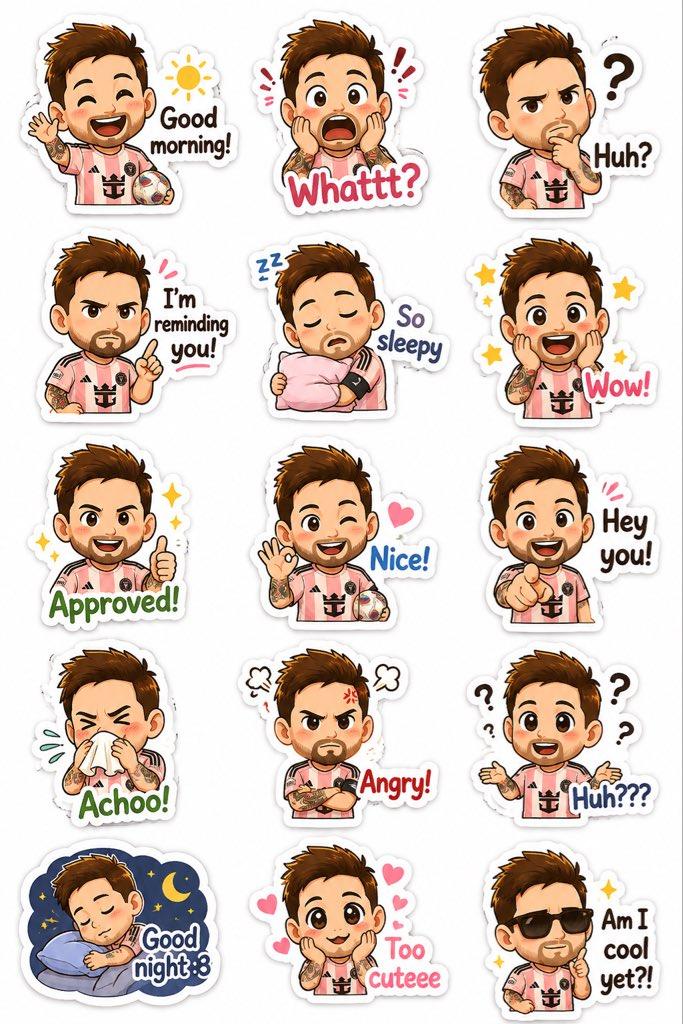
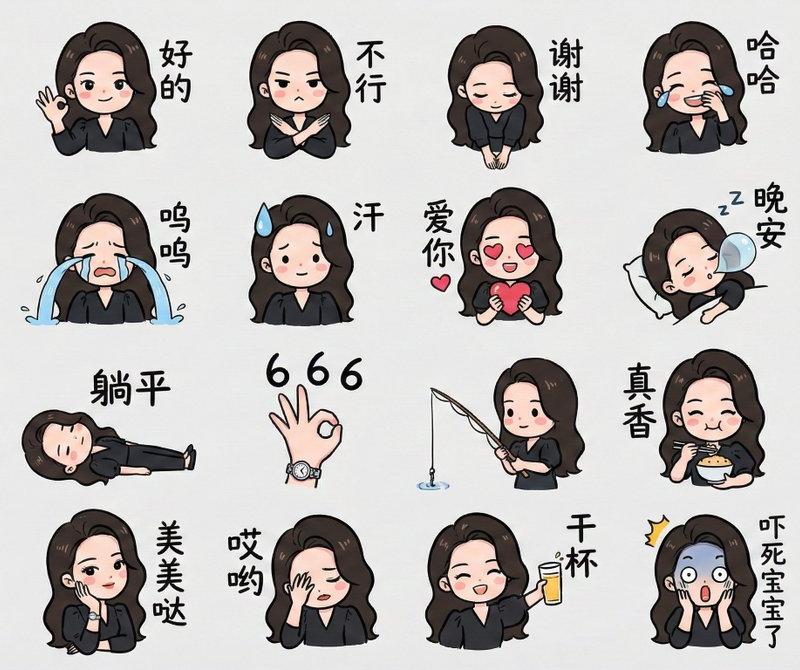
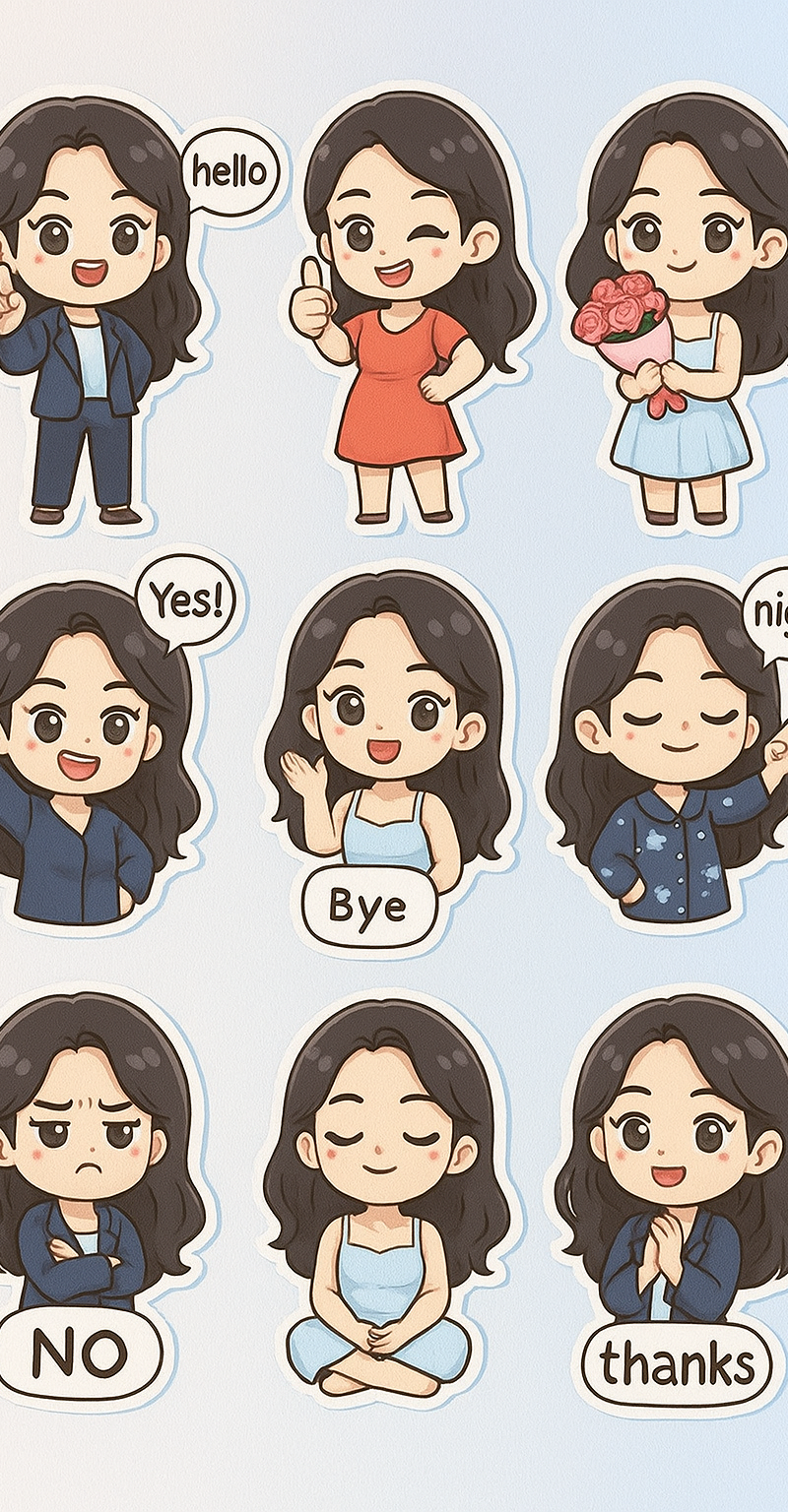
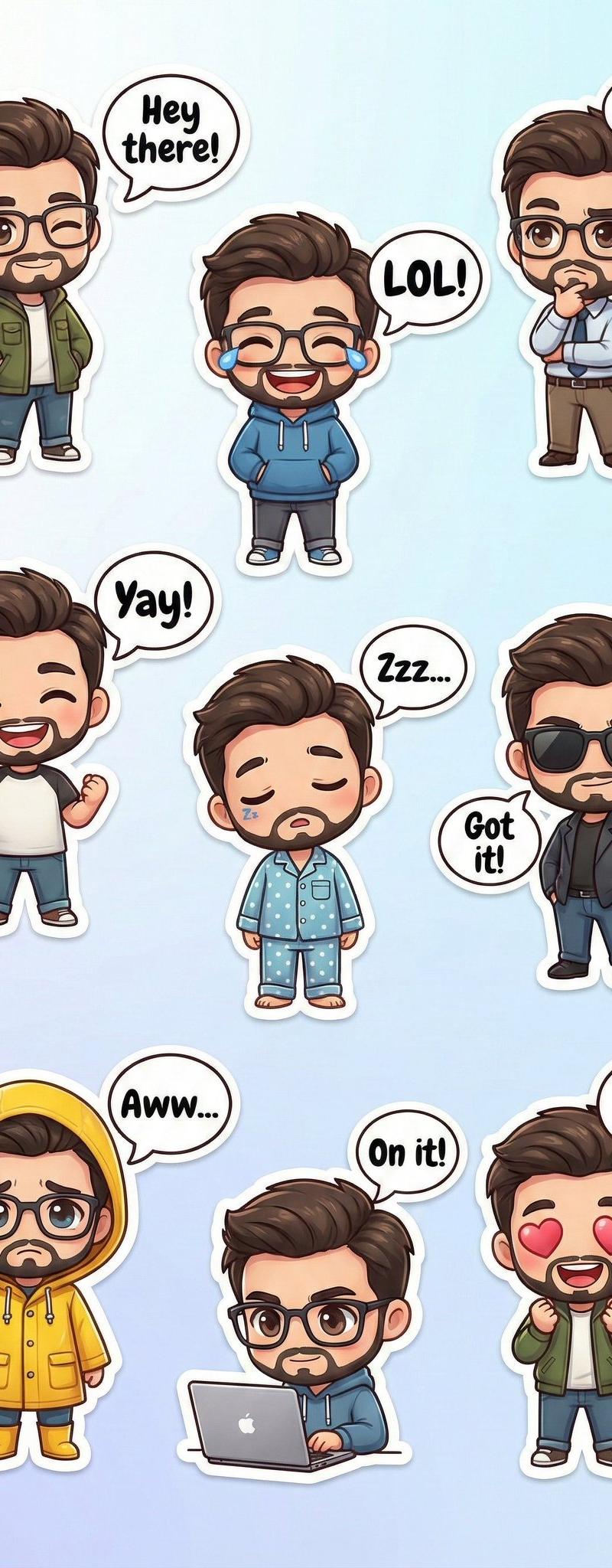
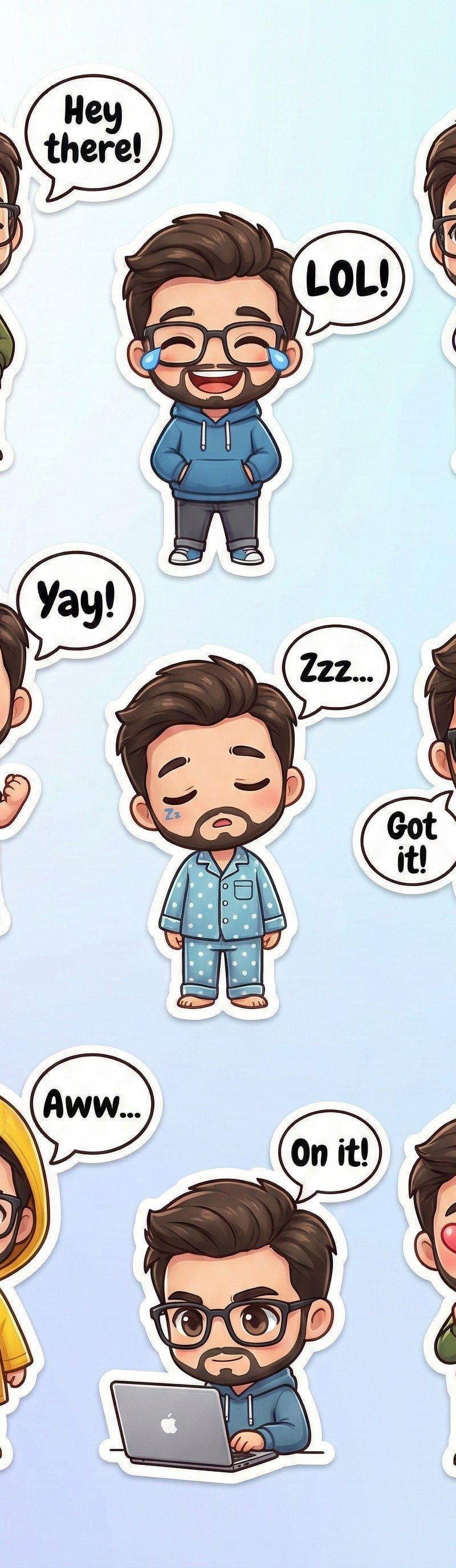
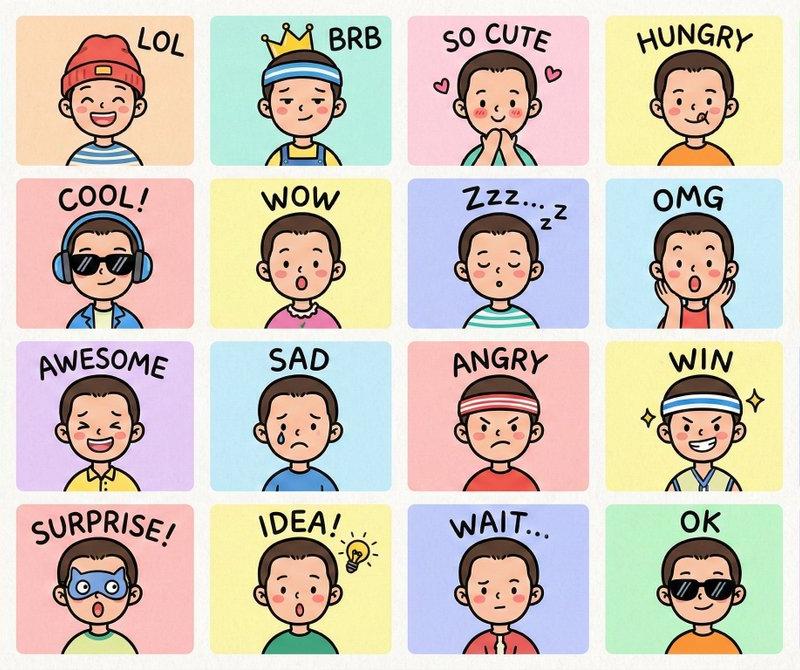
LINE风格半身Q版表情包
Enlarge

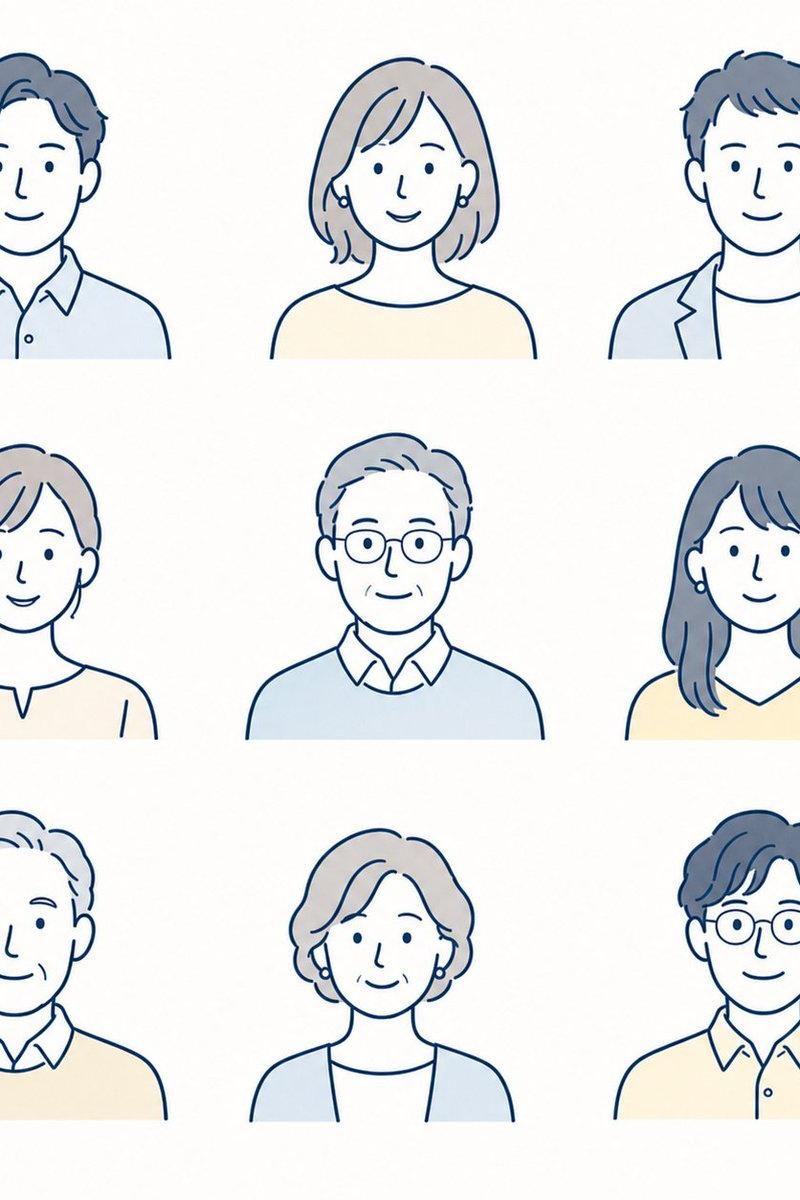
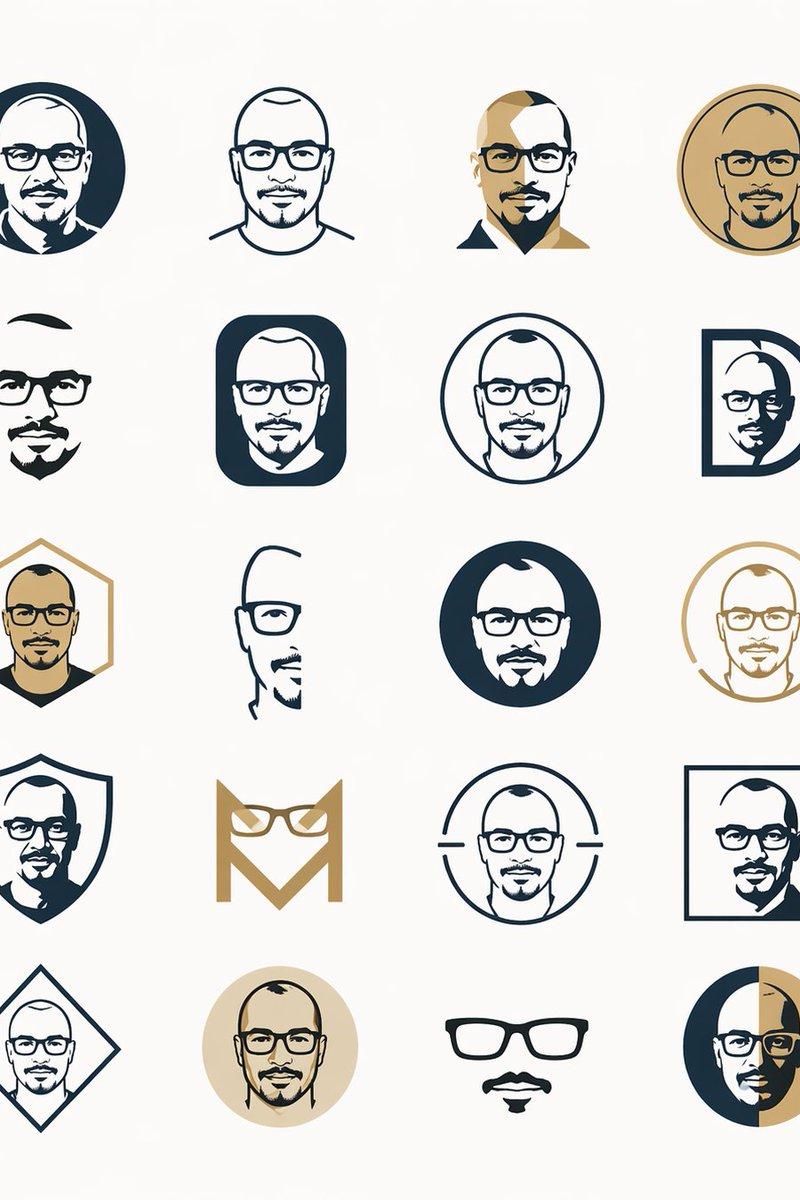
Example images

LINE风格半身Q版表情包

Prompt
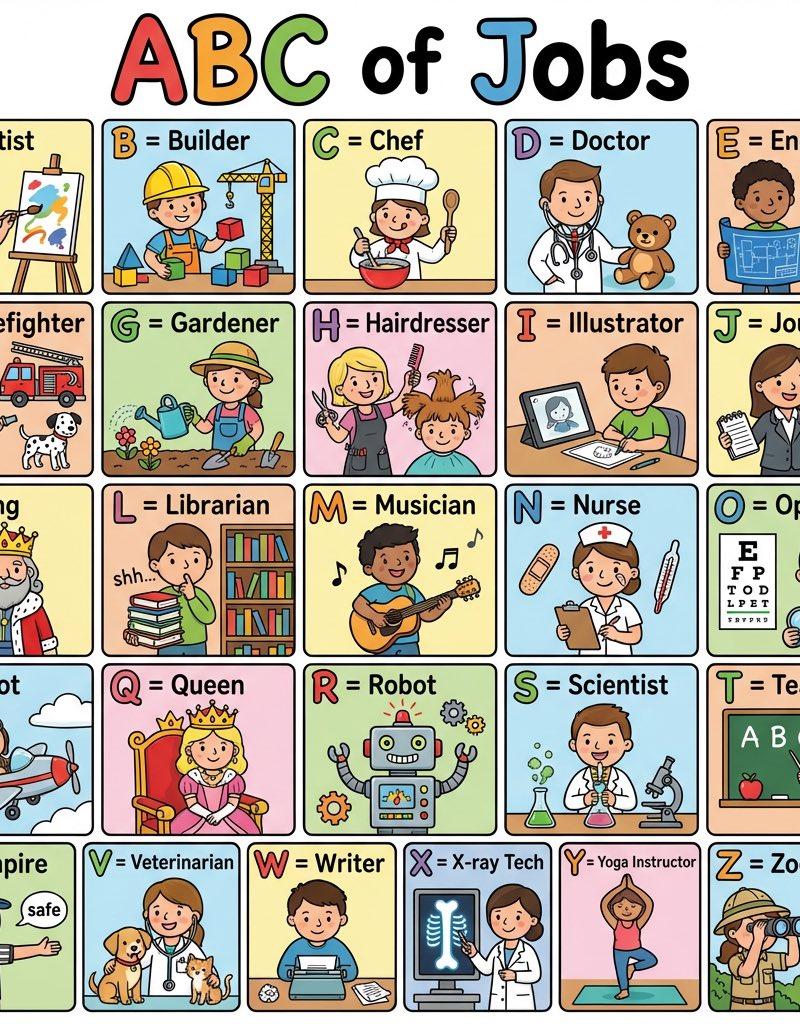
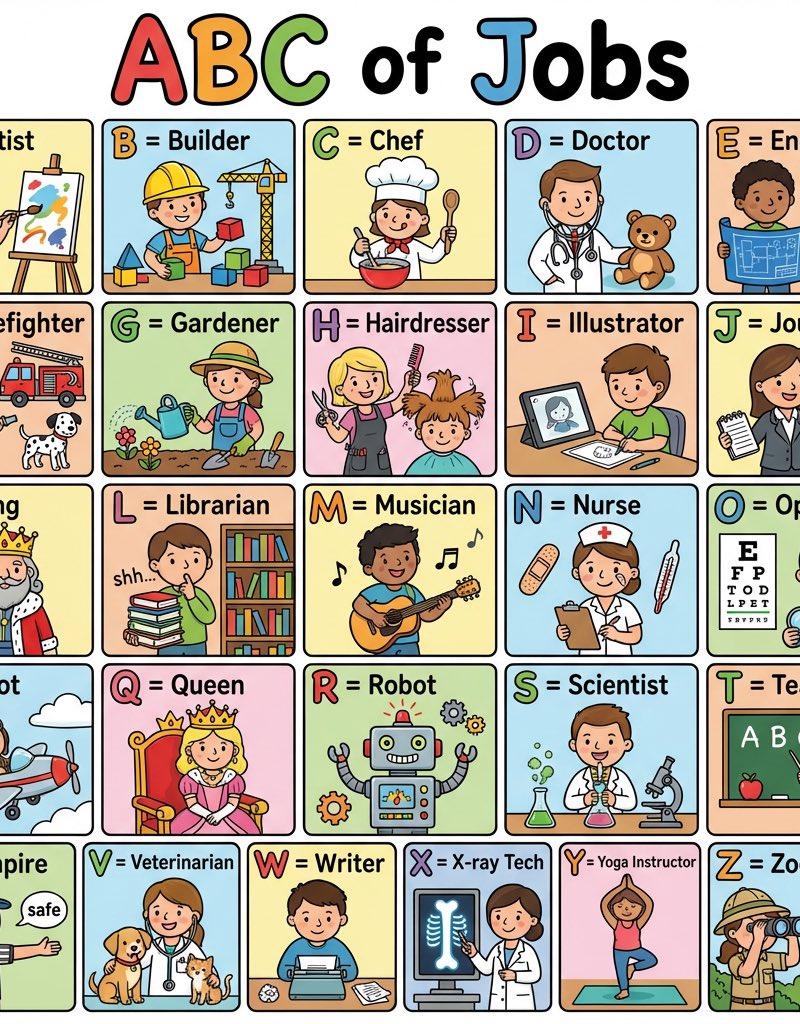
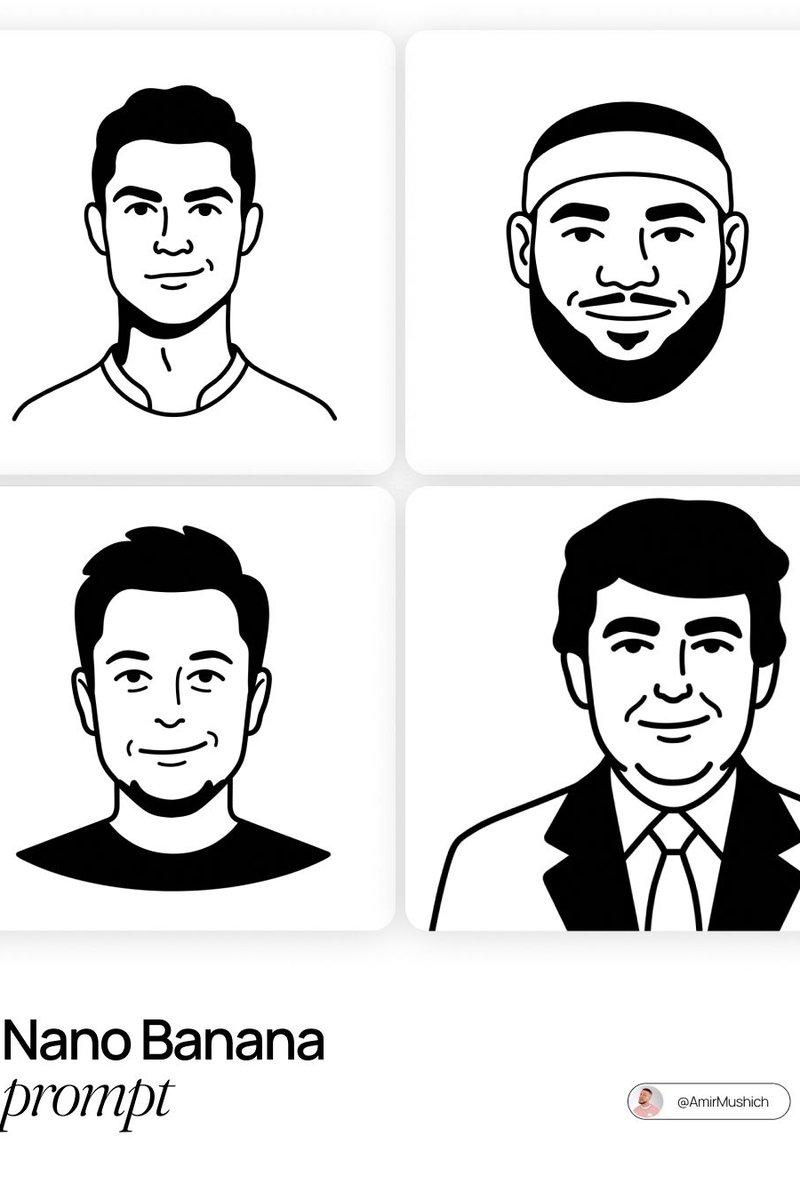
Create a set of colorful, hand-drawn LINE-style half-body Q-version emoji portraits based on the characters shown, ensuring accurate depiction of their head accessories.\n\nArrange the images in a 4x6 layout, featuring common chat phrases or relevant humorous memes.\nUse handwritten-style fonts for text.\nOutput must be original—avoid direct copying of the reference image.\nFinal image should be in 4K resolution, 16:9 aspect ratio.
根据所示角色,创作一套色彩鲜艳、手绘风格的 LINE 风格半身 Q 版表情符号肖像,确保准确地描绘出他们的头部饰品。\n\n将图片排列成 4x6 的布局,内容以常见的聊天短语或相关的幽默表情包为特色。\n文本请使用手写体字体。\n输出内容必须为原创——避免直接复制参考图像。\n最终图像应为 4K 分辨率,16:9 宽高比。
Category
Photography & Realism
Model
Unknown
Creator
宝玉
Source language
zh-CN
Views0
Source ID
line-style-half-body-chibi-emoji
Studio

Guide

About "LINE风格半身Q版表情包"

What is this prompt for?

"LINE风格半身Q版表情包" AI image prompt for Unknown (Photography & Realism). Create a set of colorful, hand-drawn LINE-style half-body Q-version emoji portraits based…

The full copyable prompt and example visuals above are ready for AI image generation or one-click recreate in Picva.

How to use this prompt

  1. Step 1

    Open the prompt detail

    Review the example visuals, category, and full prompt text for "LINE风格半身Q版表情包".

  2. Step 2

    Copy the prompt

    Copy the prompt body from this page, or load it directly in Studio.

  3. Step 3

    Pick a model (Unknown)

    Prefer Unknown. If you switch models, keep subject and composition and tweak style terms.

  4. Step 4

    Generate and export

    Recreate the look in Picva, or export into your workflow for editing and publishing.

FAQ

What is the "LINE风格半身Q版表情包" prompt?
It is an AI image-generation prompt for Unknown in the Photography & Realism category. This page includes the full prompt text, example visuals, and a one-click recreate path in Picva.
How do I use this prompt to generate an image?
Copy the prompt from this page, or use Generate / Studio. Paste it into a compatible image model, or recreate the look in Picva with optional reference images.
Which model is this prompt for?
This page lists Unknown. Most descriptive prompts also transfer to nearby image models such as GPT Image, Flux, or Midjourney with light style tweaks.
Can I use the result commercially?
You can usually copy the prompt for creation, but commercial use of the final image depends on the model terms, reference-image rights, and the generated content. Follow the source author and platform rules.