19

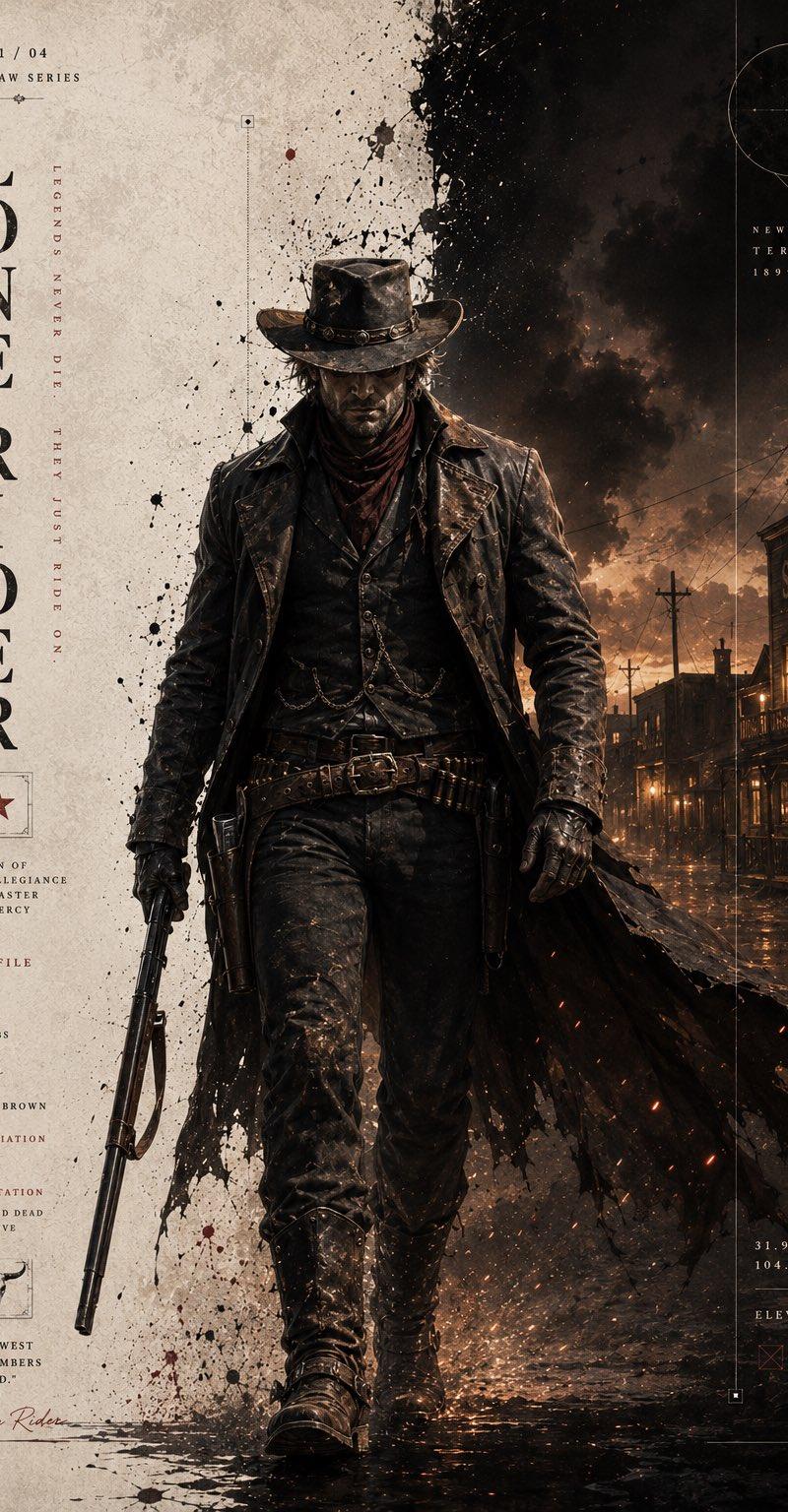
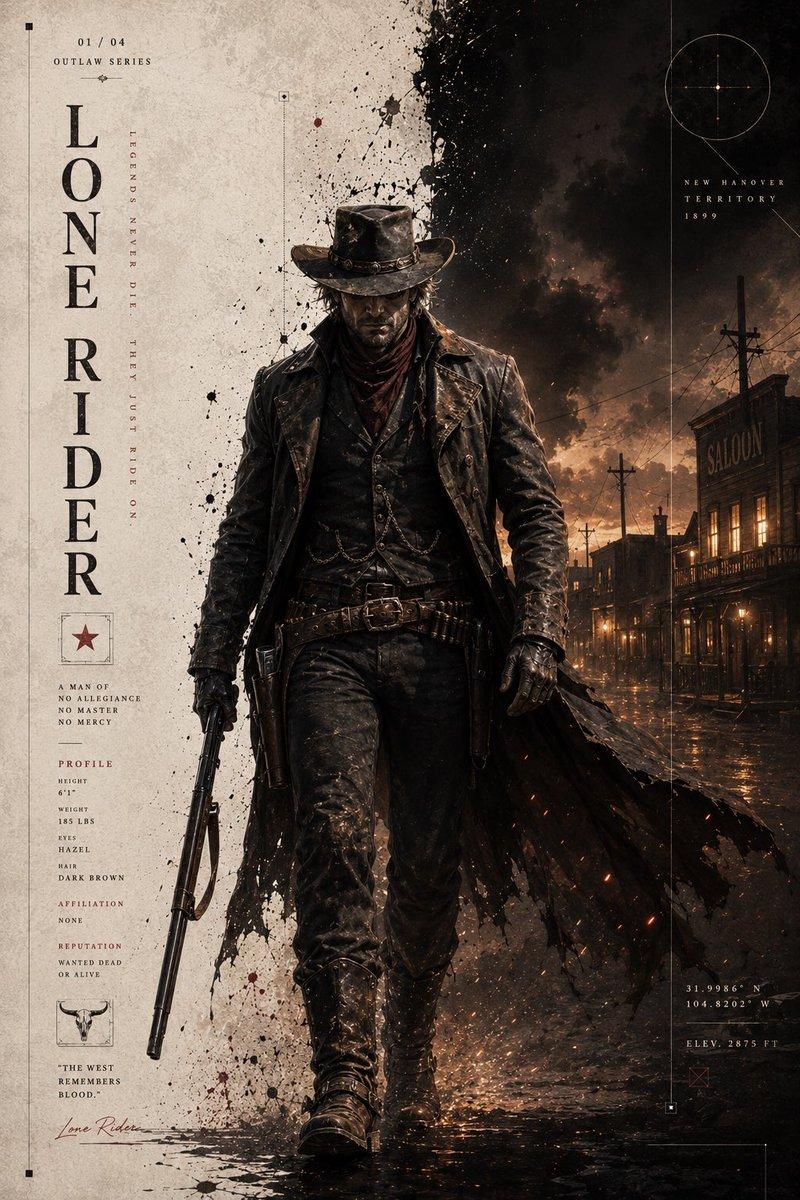
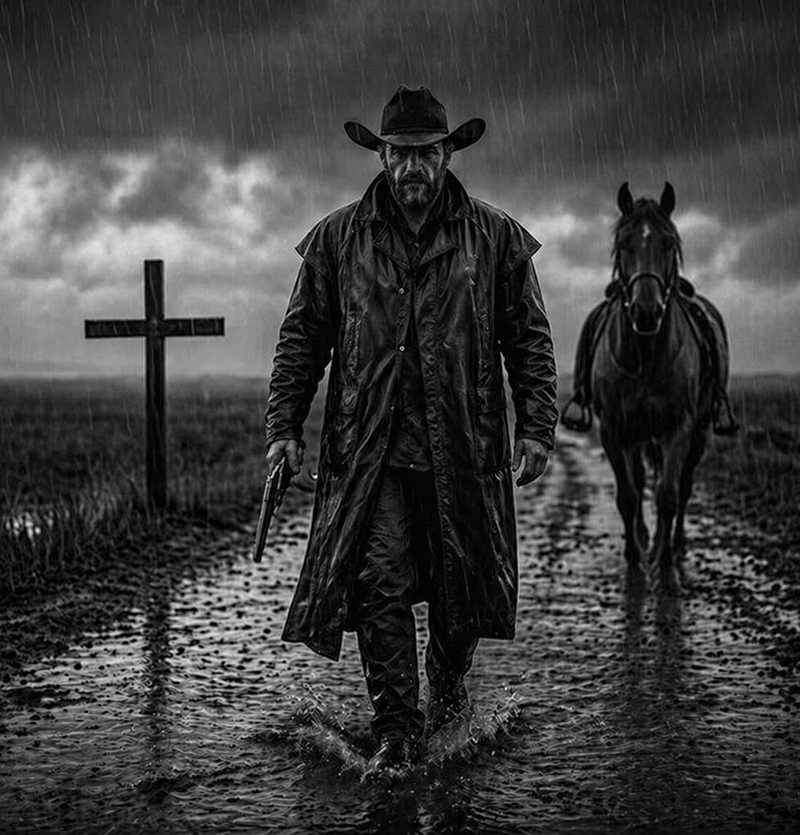
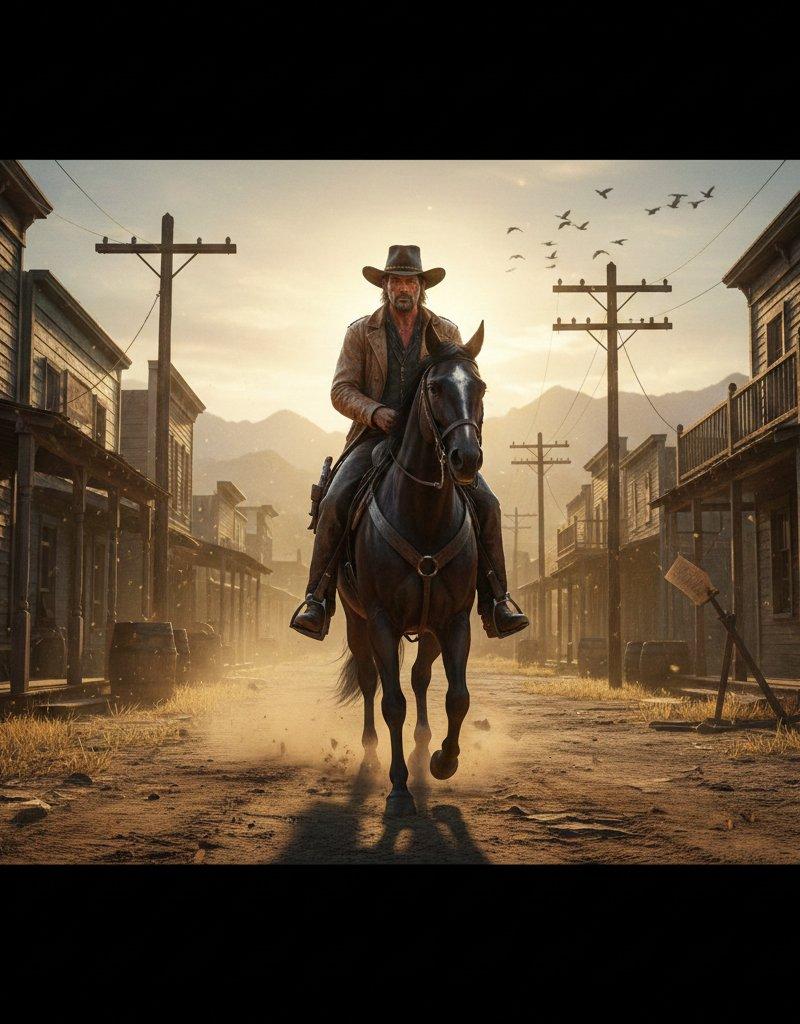
孤胆骑手在黄昏的荒野小镇
Enlarge

Example images

孤胆骑手在黄昏的荒野小镇

Prompt
By Nano Banana Pro on Gemini App:
Prompt: ⤵️
A lone gunslinger on horseback rides through a dusty frontier town at golden hour. Sunlight cuts across the street, casting long shadows from wooden saloons, broken fences, and old telegraph poles. The gunslinger wears a weathered leather coat, a tilted cowboy hat, and a holstered revolver glinting in the sun. His face is rugged with dirt, sweat, and subtle scars. Dust swirls around the horse’s hooves as wind rolls through the town, lifting loose papers and dry hay. In the background: mountains fading into haze, a saloon door swinging, crows circling overhead. Hyper-detailed textures — cracked leather, rough wood grain, dust particles shining in sunlight. The mood is tense, cinematic, and quiet: the calm before a gunfight. Ultra-realistic 8K western aesthetic, gritty tone, deep contrast, golden lighting.
Category
UI & Interfaces
Model
Nano Banana Pro
Creator
Saul Goodman
Source language
zh-CN
Views0
Source ID
lone-gunslinger-dusty-frontier-town-golden-hour
Studio

Guide

About "孤胆骑手在黄昏的荒野小镇"

What is this prompt for?

"孤胆骑手在黄昏的荒野小镇" AI image prompt for Nano Banana Pro (UI & Interfaces). By Nano Banana Pro on Gemini App: Prompt: ⤵️ A lone gunslinger on horseback rides through…

The full copyable prompt and example visuals above are ready for AI image generation or one-click recreate in Picva.

How to use this prompt

  1. Step 1

    Open the prompt detail

    Review the example visuals, category, and full prompt text for "孤胆骑手在黄昏的荒野小镇".

  2. Step 2

    Copy the prompt

    Copy the prompt body from this page, or load it directly in Studio.

  3. Step 3

    Pick a model (Nano Banana Pro)

    Prefer Nano Banana Pro. If you switch models, keep subject and composition and tweak style terms.

  4. Step 4

    Generate and export

    Recreate the look in Picva, or export into your workflow for editing and publishing.

FAQ

What is the "孤胆骑手在黄昏的荒野小镇" prompt?
It is an AI image-generation prompt for Nano Banana Pro in the UI & Interfaces category. This page includes the full prompt text, example visuals, and a one-click recreate path in Picva.
How do I use this prompt to generate an image?
Copy the prompt from this page, or use Generate / Studio. Paste it into a compatible image model, or recreate the look in Picva with optional reference images.
Which model is this prompt for?
This page lists Nano Banana Pro. Most descriptive prompts also transfer to nearby image models such as GPT Image, Flux, or Midjourney with light style tweaks.
Can I use the result commercially?
You can usually copy the prompt for creation, but commercial use of the final image depends on the model terms, reference-image rights, and the generated content. Follow the source author and platform rules.