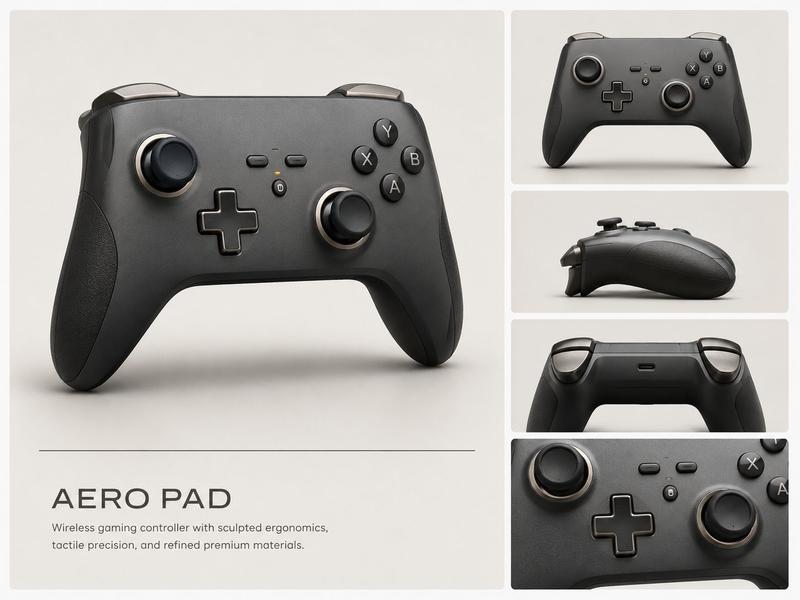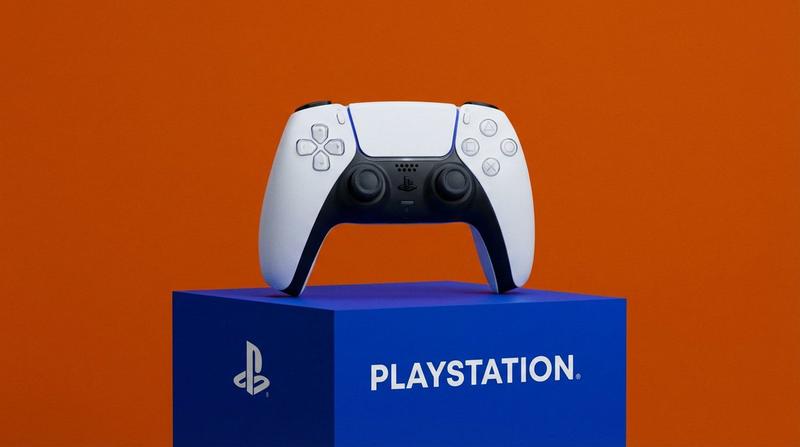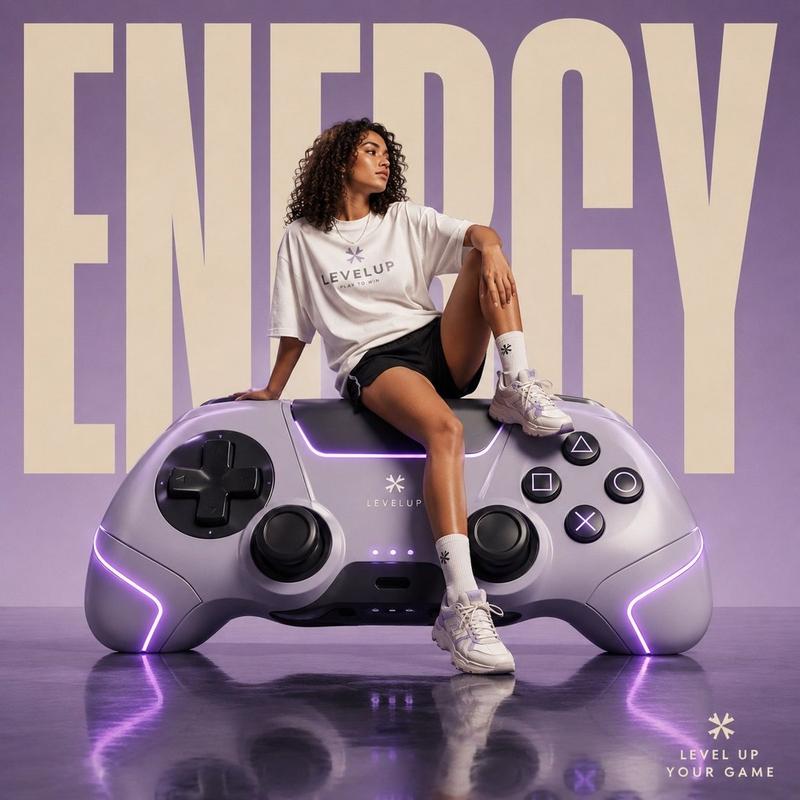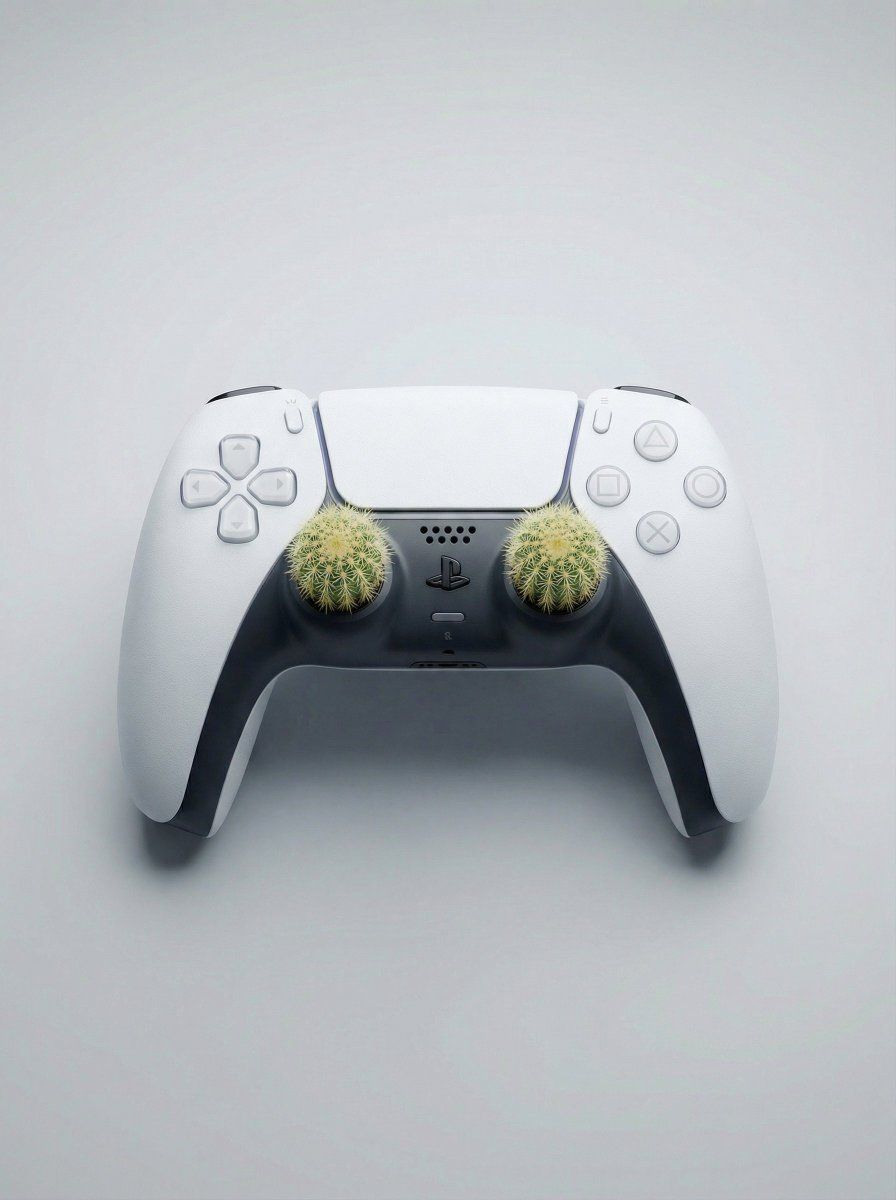
精心设计的低矮仙人掌手柄的DualSense控制器
Prompt
Handle with care 🌵
{
 "task": "surreal_product_editorial_gaming",
 "concept": {
 "idea": "Original DualSense controller with low-profile cactus thumbsticks",
 "twist": "classic joystick comfort replaced by subtle organic discomfort",
 "mood": "clean, modern, quietly unsettling",
 "message": "not every game is smooth",
 "appeal": "Gen-Z, gaming, minimalist surrealism"
 },
 "reference": {
 "controller": "Original PlayStation DualSense",
 "accuracy": "exact geometry, proportions, and materials as real DualSense"
 },
 "subject": {
 "object": "PlayStation DualSense controller",
 "design_accuracy": {
 "shell": "white matte plastic with micro texture",
 "inner_grip": "dark graphite soft-touch plastic",
 "buttons": "accurate spacing, size, and translucency",
 "touchpad": "matte white, unchanged",
 "details": "speaker holes, seams, curves preserved"
 },
 "analog_sticks": {
 "replacement": "two low-profile cactus thumbsticks",
 "scale": {
 "height": "slightly lower than original DualSense thumbsticks",
 "diameter": "same as standard gamepad joystick cap"
 },
 "profile": "flat-topped, gently rounded, thumb-sized",
 "side_view": "compact silhouette, not tall, not protruding",
 "placement": "exact original analog stick positions",
 "integration": "flush rubber base ring, realistic mechanical fit",
 "texture": {
 "spines": "very short, dense, fine needles",
 "density": "tight and subtle, not exaggerated",
 "surface": "slightly compressed organic look"
 },
 "color": "natural cactus green with soft yellow-white micro spines"
 }
 },
 "composition": {
 "shot_type": "product editorial",
 "framing": "controller placed diagonally",
 "angle": "top-rear three-quarter angle",
 "side_visibility": "clear side profile showing short joystick height",
 "focus": "sharp on thumbstick area, gentle falloff",
 "negative_space": "clean, minimal"
 },
 "background": {
 "style": "seamless studio backdrop",
 "color": "soft light gray",
 "texture": "perfectly smooth"
 },
 "lighting": {
 "setup": "professional product lighting",
 "key_light": "soft overhead diffusion",
 "fill_light": "balanced fill preserving form",
 "rim_light": "subtle highlight outlining cactus edges",
 "shadows": "soft grounding shadow under controller"
 },
 "camera": {
 "lens": "70–85mm product lens",
 "aperture": "f/7.1",
 "depth_of_field": "moderate, controller fully readable",
 "focus": "precise focus on compact cactus texture"
 },
 "realism": {
 "level": "extreme photorealism",
 "material_fidelity": "accurate plastic, rubber, organic cactus",
 "micro_detail": "visible grain, seams, ultra-fine needles",
 "no_ai_artifacts": true
 },
 "quality": {
 "resolution": "ultra high resolution 8K",
 "finish": "campaign-ready, Instagram-native"
 },
 "constraints": {
 "no_text": true,
 "no_brand_modification": true,
 "no_cartoon_style": true,
 "no_exaggerated_height": true,
 "no_visual_noise": true
 }
}- Category
- Photography & Realism
- Model
- Unknown
- Creator
- Ege
- Source ID
- low-profile-cactus-thumbsticks-dualsense-controller
Views0