19

材质变化接触片
Enlarge

Example images

材质变化接触片

Prompt
Material Morphing Contact sheet
Nano Banana Pro
Freepik Creation @_MehdiSharifi_
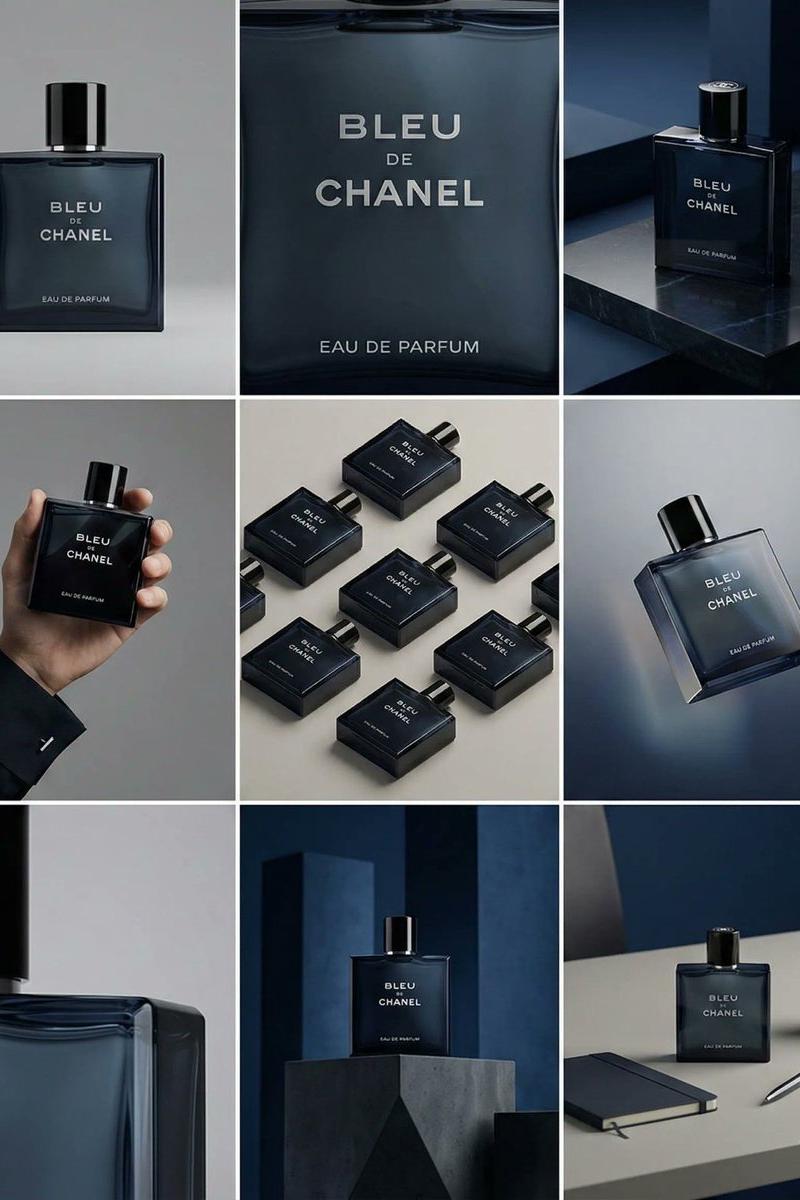
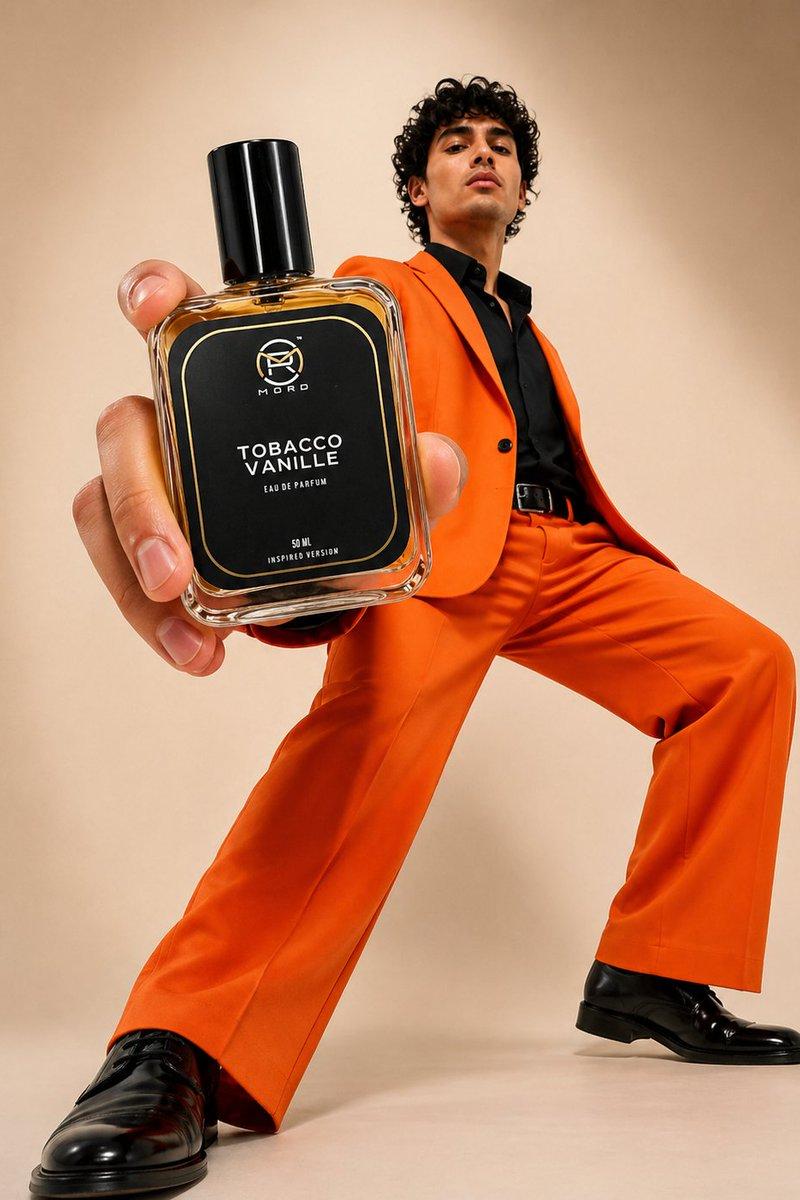
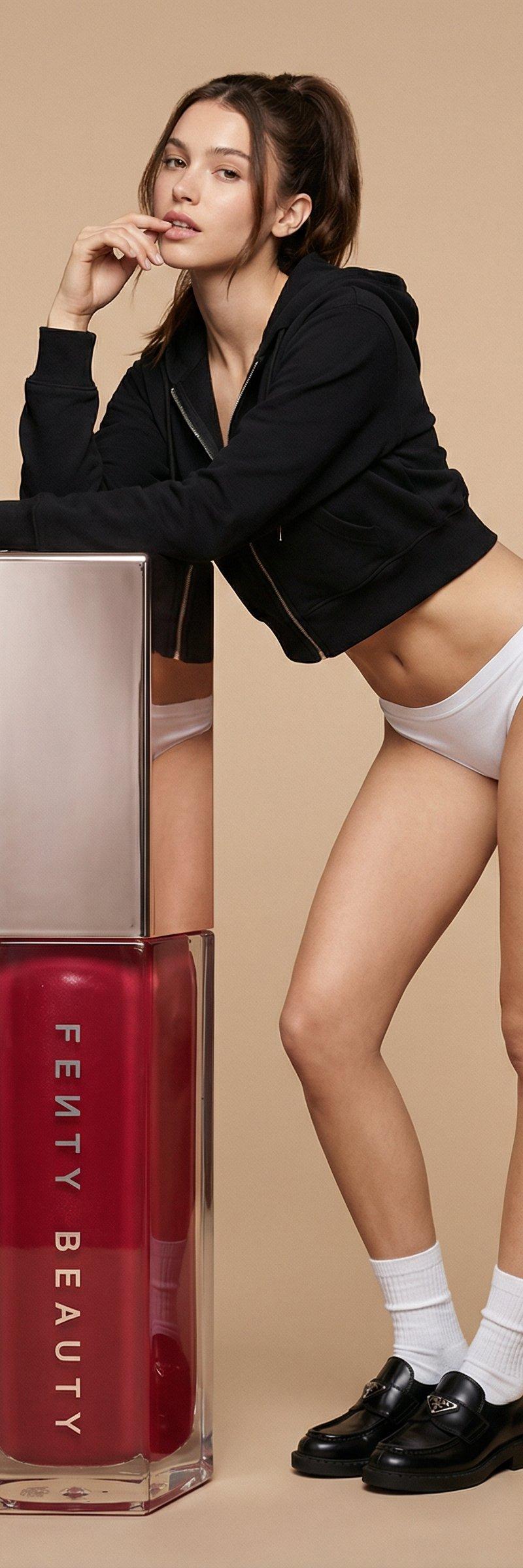
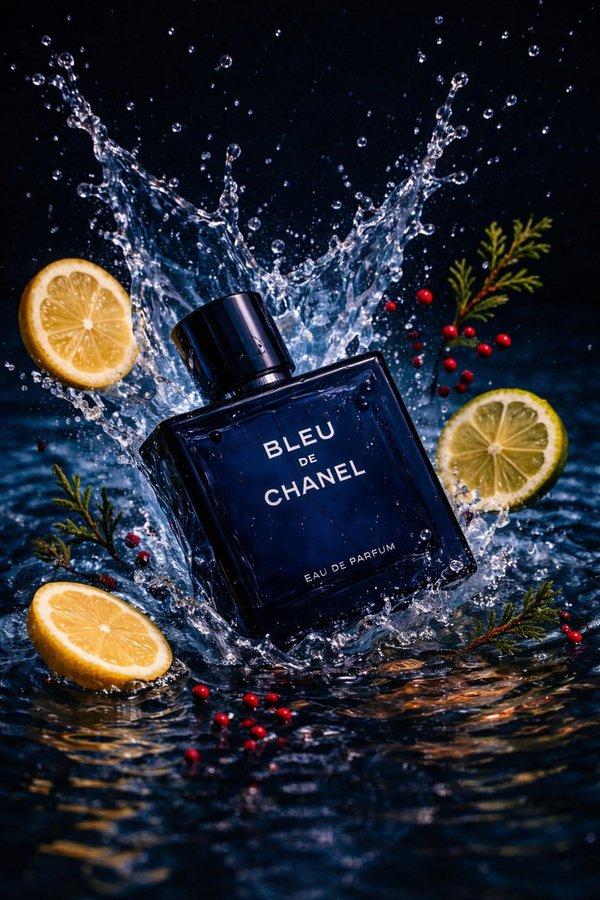
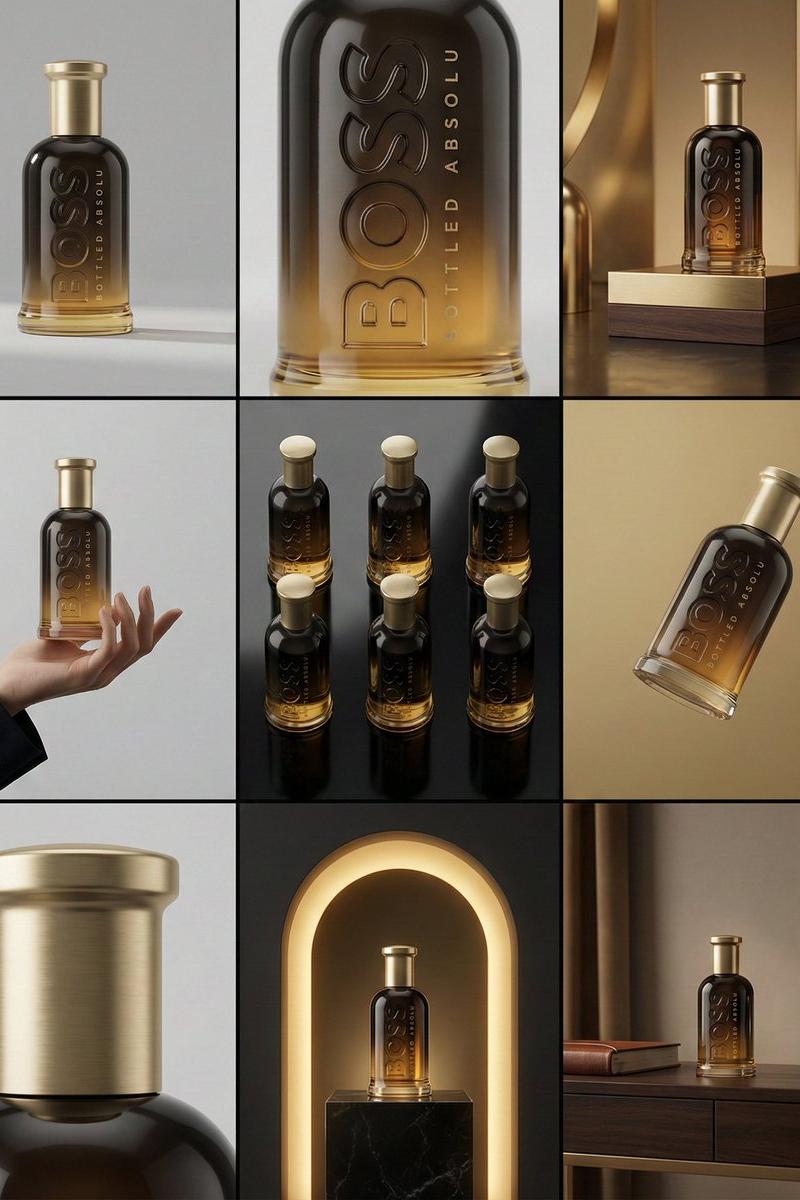
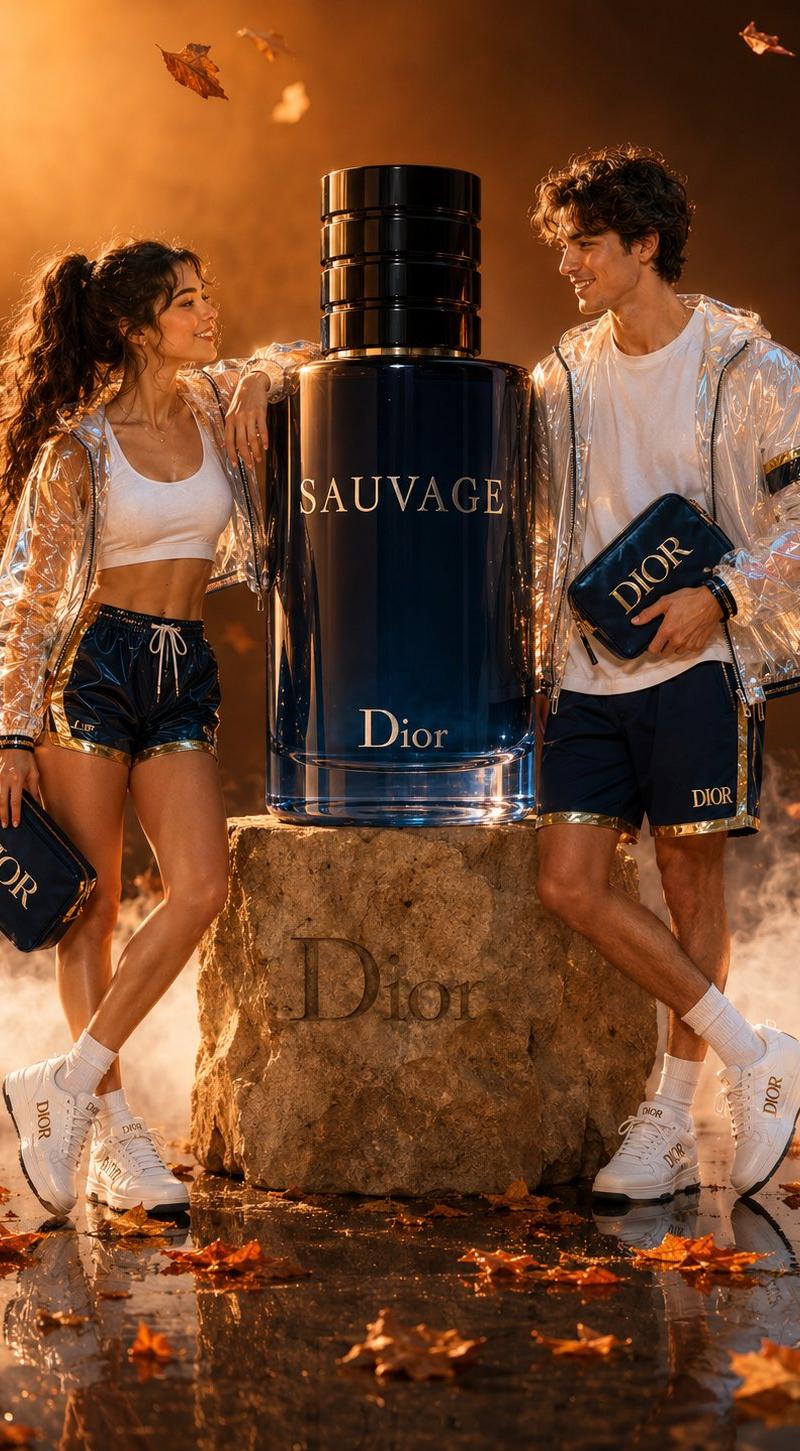
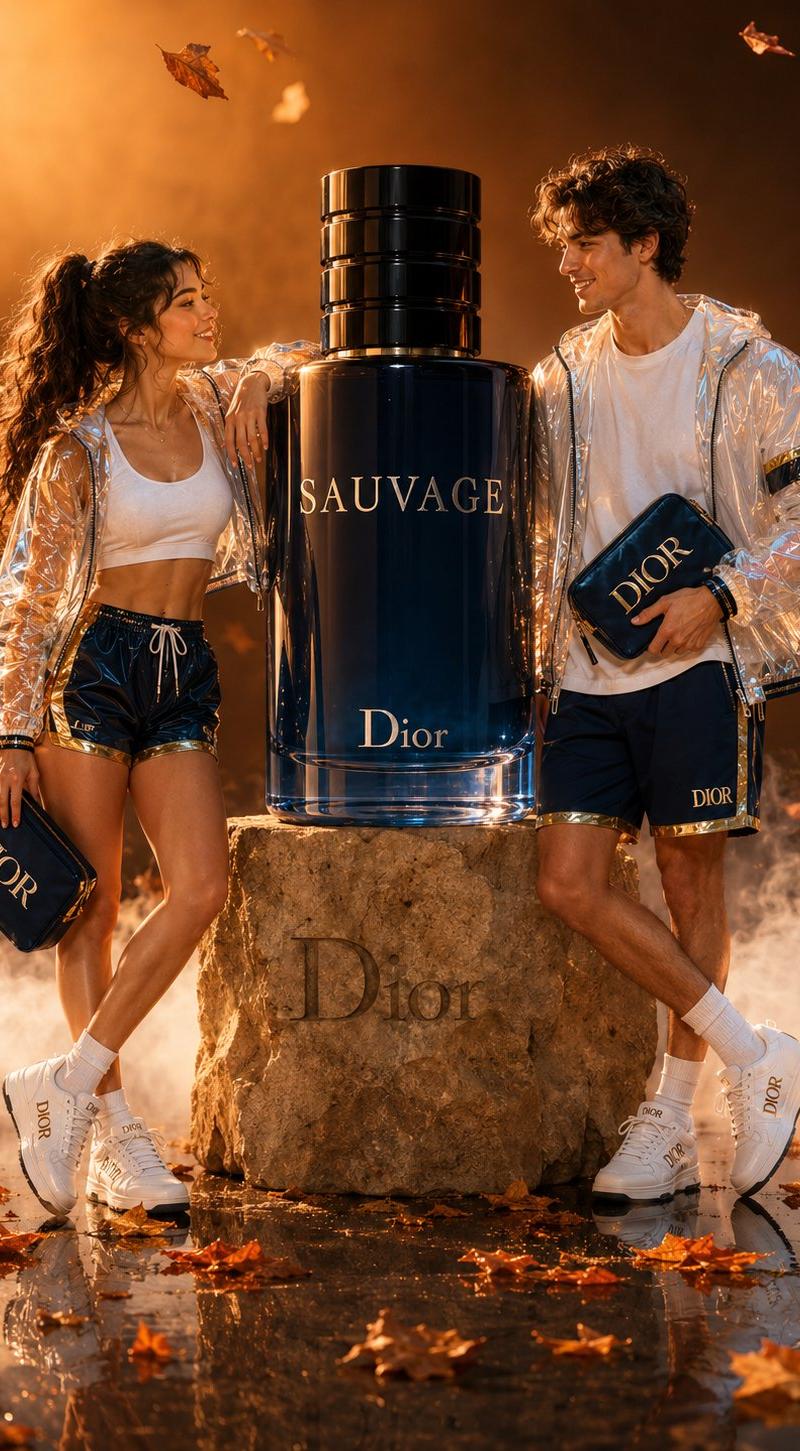
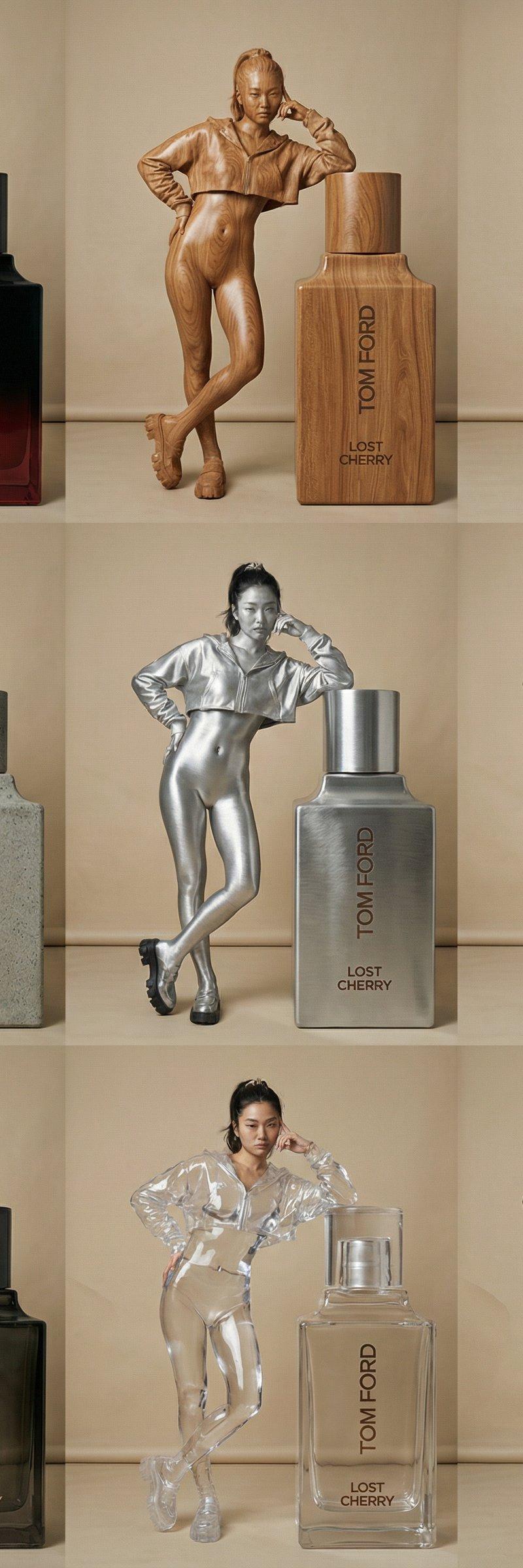
Use this image as a reference for all grid Ultra minimalist, photorealistic 3x3 contact sheet. Nine frames showing the attached subject in a fixed pose and camera angle, undergoing a material shift sequence. The subject's volume and identity remain perfectly constant. Progression: 1. Realistic base form. 2. Polished timber grain. 3. Honed marble stone. 4. Aggregate raw concrete. 5. Brushed aluminum. 6. Highly reflective chrome mirror. 7. Dark smoked glass with realistic refraction. 8. Clear optical resin. 9. Dynamic liquid form with glossy surface tension. The lighting is uniform studio quality across all frames, creating physically correct specular highlights on metals and liquids, and accurate transparency in glass/resin against a neutral backdrop. High-detail texture rendering with a subtle, surreal undercurrent. No text.
Category
Photography & Realism
Model
Nano Banana Pro
Creator
ANKIT PATEL 🇮🇳 | AI
Source language
zh-CN
Views0
Source ID
material-morphing-contact-sheet
Studio

Guide

About "材质变化接触片"

What is this prompt for?

"材质变化接触片" AI image prompt for Nano Banana Pro (Photography & Realism). Material Morphing Contact sheet Nano Banana Pro Freepik Creation @_MehdiSharifi_ Use thi…

The full copyable prompt and example visuals above are ready for AI image generation or one-click recreate in Picva.

How to use this prompt

  1. Step 1

    Open the prompt detail

    Review the example visuals, category, and full prompt text for "材质变化接触片".

  2. Step 2

    Copy the prompt

    Copy the prompt body from this page, or load it directly in Studio.

  3. Step 3

    Pick a model (Nano Banana Pro)

    Prefer Nano Banana Pro. If you switch models, keep subject and composition and tweak style terms.

  4. Step 4

    Generate and export

    Recreate the look in Picva, or export into your workflow for editing and publishing.

FAQ

What is the "材质变化接触片" prompt?
It is an AI image-generation prompt for Nano Banana Pro in the Photography & Realism category. This page includes the full prompt text, example visuals, and a one-click recreate path in Picva.
How do I use this prompt to generate an image?
Copy the prompt from this page, or use Generate / Studio. Paste it into a compatible image model, or recreate the look in Picva with optional reference images.
Which model is this prompt for?
This page lists Nano Banana Pro. Most descriptive prompts also transfer to nearby image models such as GPT Image, Flux, or Midjourney with light style tweaks.
Can I use the result commercially?
You can usually copy the prompt for creation, but commercial use of the final image depends on the model terms, reference-image rights, and the generated content. Follow the source author and platform rules.