17

麦当劳广告制作流程分享
Enlarge

Example images

麦当劳广告制作流程分享

Prompt
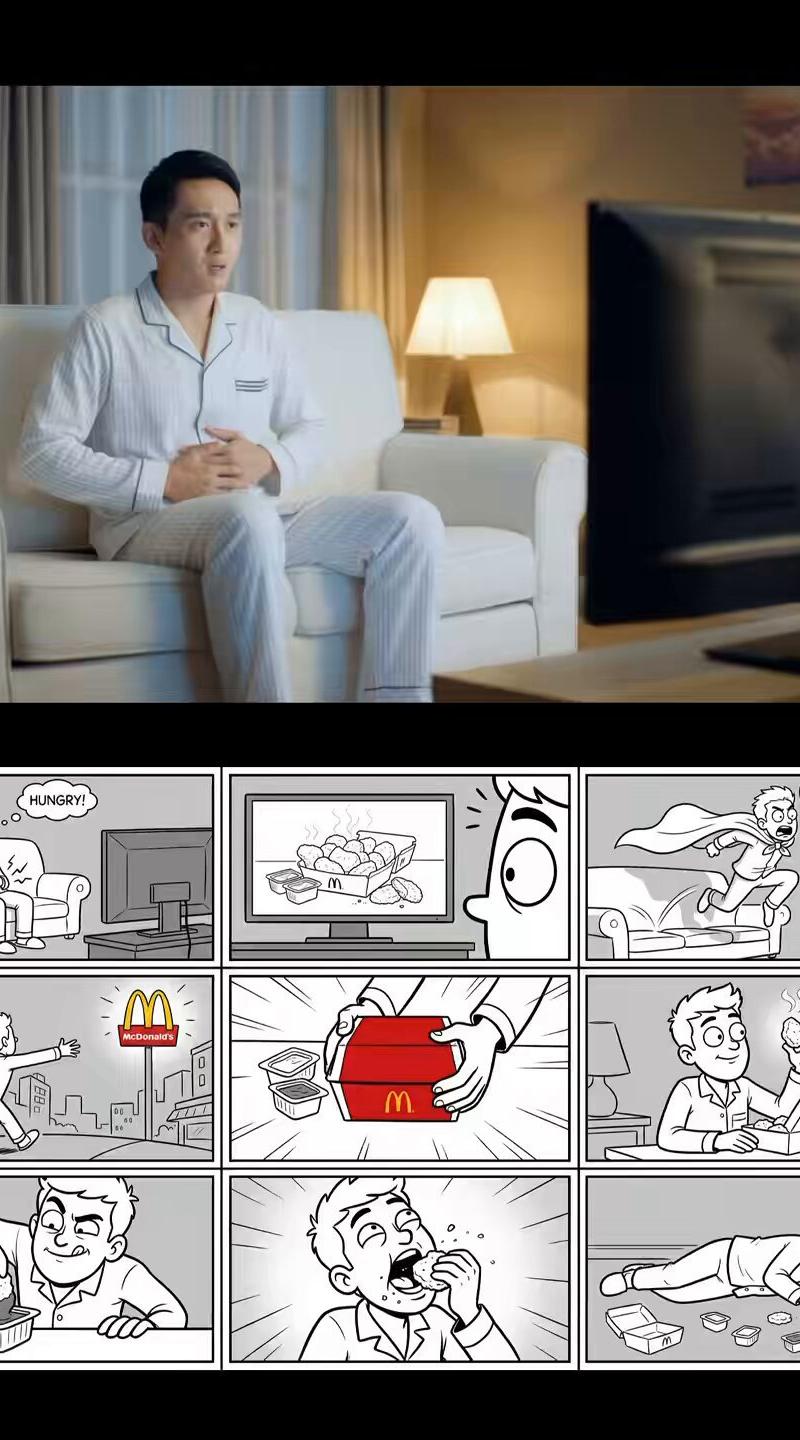
给麦当劳搓了一条小广告,用Nano Banana Pro➕Sora2完全可以做到图生九宫格,九宫格生视频,不需要剪辑和配乐
我把工作流公开了,替换提示语里的主体还可以延伸出漫画版,真人版,汉堡版,海底捞版
(1/9) https://t.co/kOtBsbqr5Y
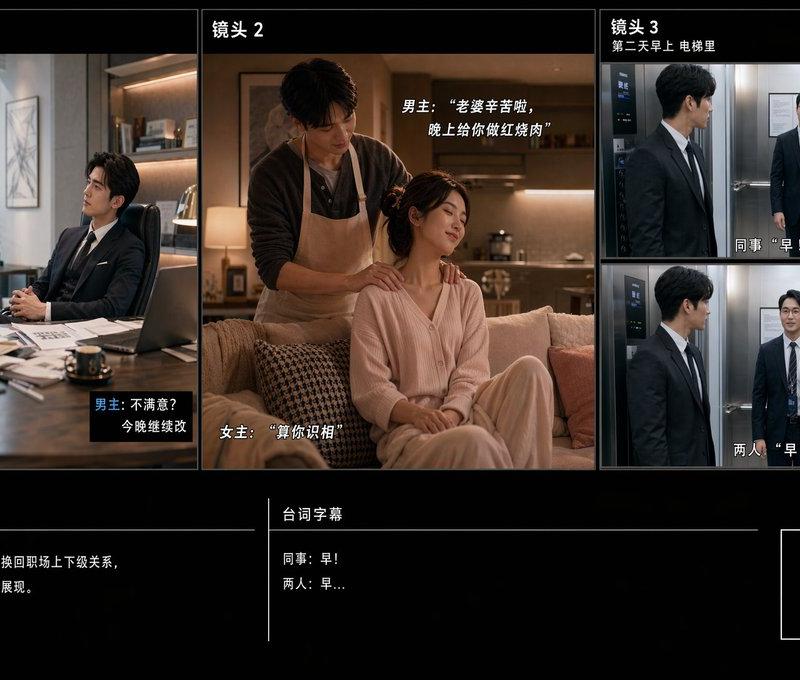
它的效果和我工作流中间步骤生成的九宫格分镜图都能一一对应上
(2/9) https://t.co/bLQWZSCpgD
同一套提示语还可以做真人版麦乐鸡宣传片,
(3/9) https://t.co/pmdiBHtWtx
动画版麦乐鸡宣传片,
(4/9) https://t.co/MoxQCzhv8O
3D动画版麦当当汉堡宣传片,
(5/9) https://t.co/W2uSlOR8U0
生图的提示语长这样,
你是一个专业的TVC广告分镜师,图中的产品是我这次TVC广告的主要展示产品,请你设计为这款产品设计一个展示食物极致美味的有点夸张的剧情故事,主人公是一个黑发亚洲男性,做成九宫格的分镜图,要求是黑白线稿风格,但要保持产品的一致
因为目前sora2不支持上传真人图片,所以这里我都使用黑白线稿制作分镜图
(6/9)
生视频的提示语长这样,
你是一位专业的电视广告大师,请使用图片中的九个分镜图,制作一个12秒的真人实拍电视广告视频,主人公是一个黑发的亚洲青年,展现一个极具创意的故事,请添加中文配音,保持产品的一致性,整个画面全部都是实拍风格
(7/9) https://t.co/WT3KlvRR2X
还有一个我觉得很实用的小功能,
我们可以同时选择多个不同的模型一次性生成相同提示语的图片,这样我们在不清楚哪个模型能做出符合我期待的效果时,直接对比结果是最快最方便的方式。
(8/9) https://t.co/s7aUBOX9KU
工作流在这
🔗 https://t.co/lnxSo3fleQ
(9/9) https://t.co/IQMMCJ5IvK
Category
Illustration & Art
Model
Nano Banana Pro
Creator
卡尔的 AI 沃茨
Source language
zh-CN
Views0
Source ID
mcdonalds-advertising-workflow-sharing
Studio

Guide

About "麦当劳广告制作流程分享"

What is this prompt for?

"麦当劳广告制作流程分享" AI image prompt for Nano Banana Pro (Illustration & Art). 给麦当劳搓了一条小广告,用Nano Banana Pro➕Sora2完全可以做到图生九宫格,九宫格生视频,不需要剪辑和配乐 我把工作流公开了,替换提示语里的主体还可以延伸出漫…

The full copyable prompt and example visuals above are ready for AI image generation or one-click recreate in Picva.

How to use this prompt

  1. Step 1

    Open the prompt detail

    Review the example visuals, category, and full prompt text for "麦当劳广告制作流程分享".

  2. Step 2

    Copy the prompt

    Copy the prompt body from this page, or load it directly in Studio.

  3. Step 3

    Pick a model (Nano Banana Pro)

    Prefer Nano Banana Pro. If you switch models, keep subject and composition and tweak style terms.

  4. Step 4

    Generate and export

    Recreate the look in Picva, or export into your workflow for editing and publishing.

FAQ

What is the "麦当劳广告制作流程分享" prompt?
It is an AI image-generation prompt for Nano Banana Pro in the Illustration & Art category. This page includes the full prompt text, example visuals, and a one-click recreate path in Picva.
How do I use this prompt to generate an image?
Copy the prompt from this page, or use Generate / Studio. Paste it into a compatible image model, or recreate the look in Picva with optional reference images.
Which model is this prompt for?
This page lists Nano Banana Pro. Most descriptive prompts also transfer to nearby image models such as GPT Image, Flux, or Midjourney with light style tweaks.
Can I use the result commercially?
You can usually copy the prompt for creation, but commercial use of the final image depends on the model terms, reference-image rights, and the generated content. Follow the source author and platform rules.