19

立体鉴赏名画的方法:深度与法线图生成
Enlarge

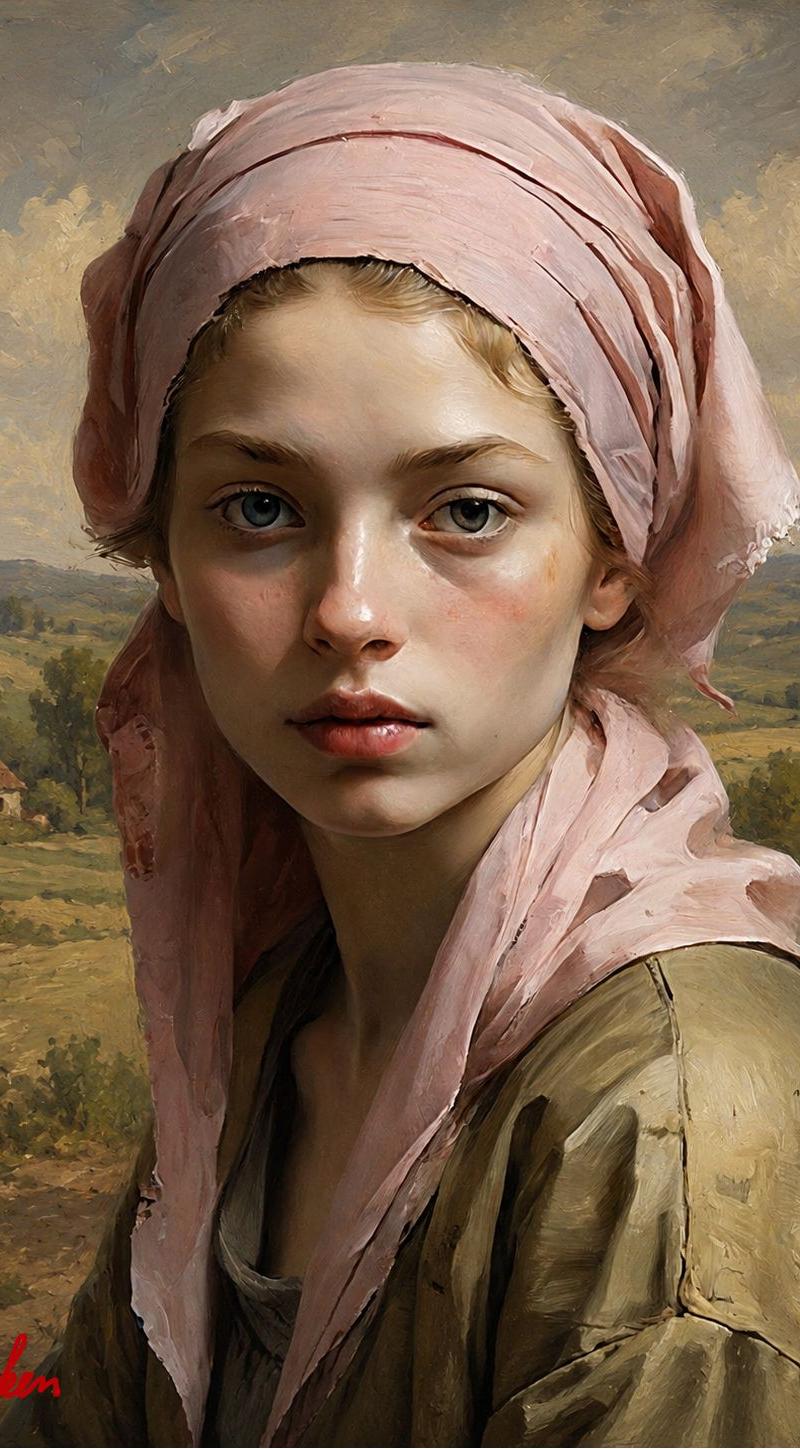
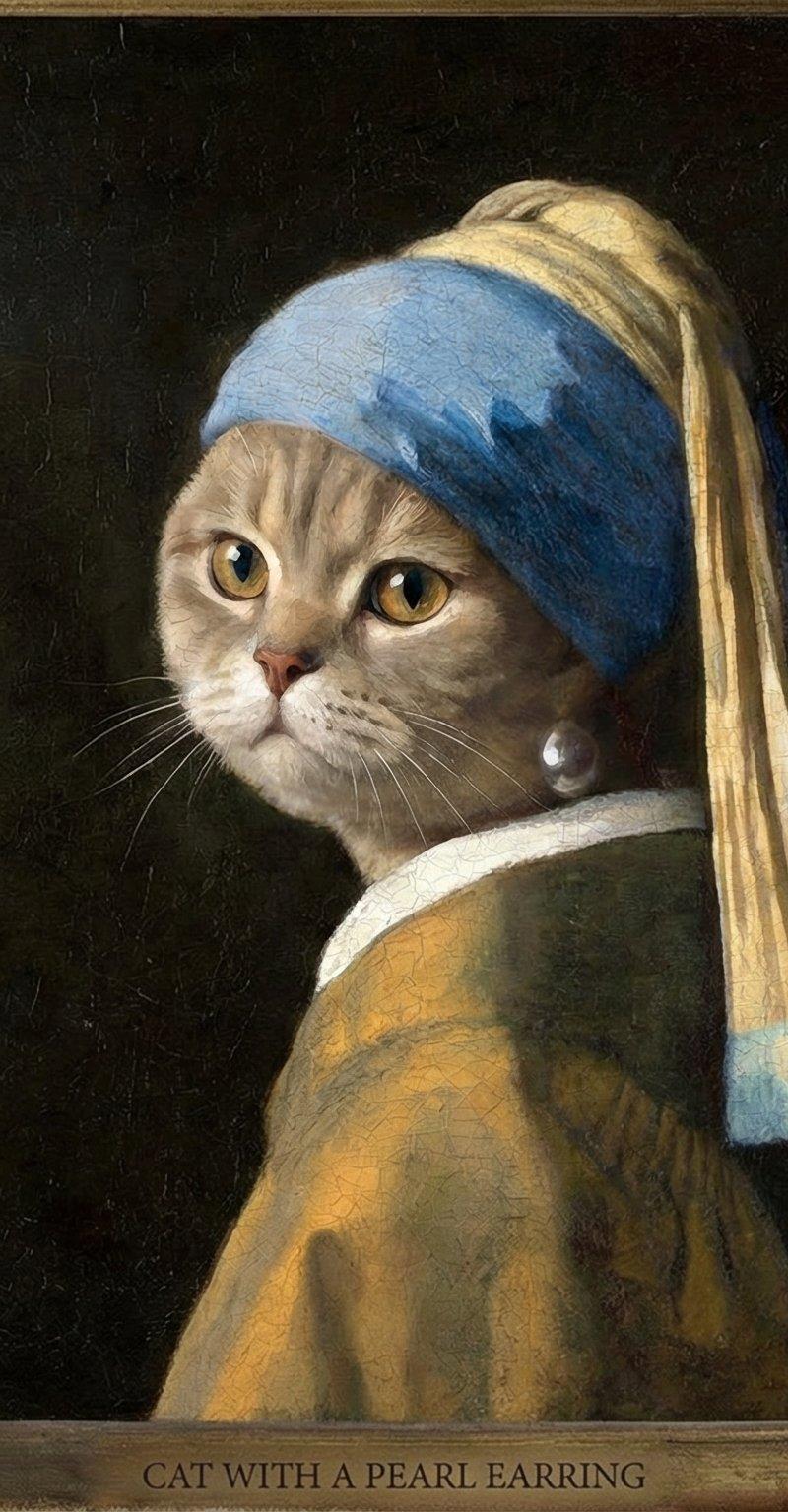
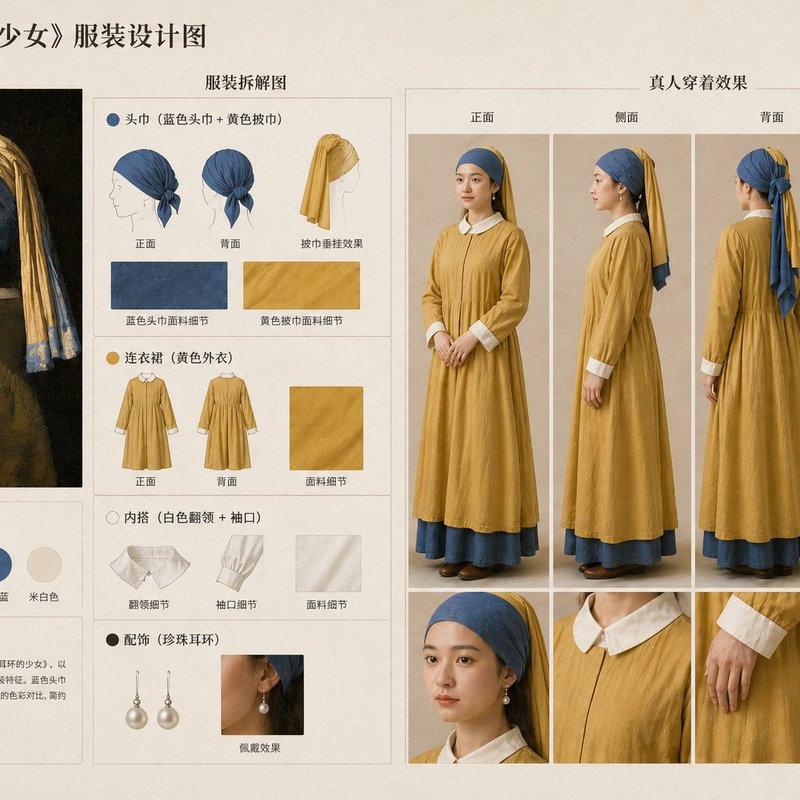
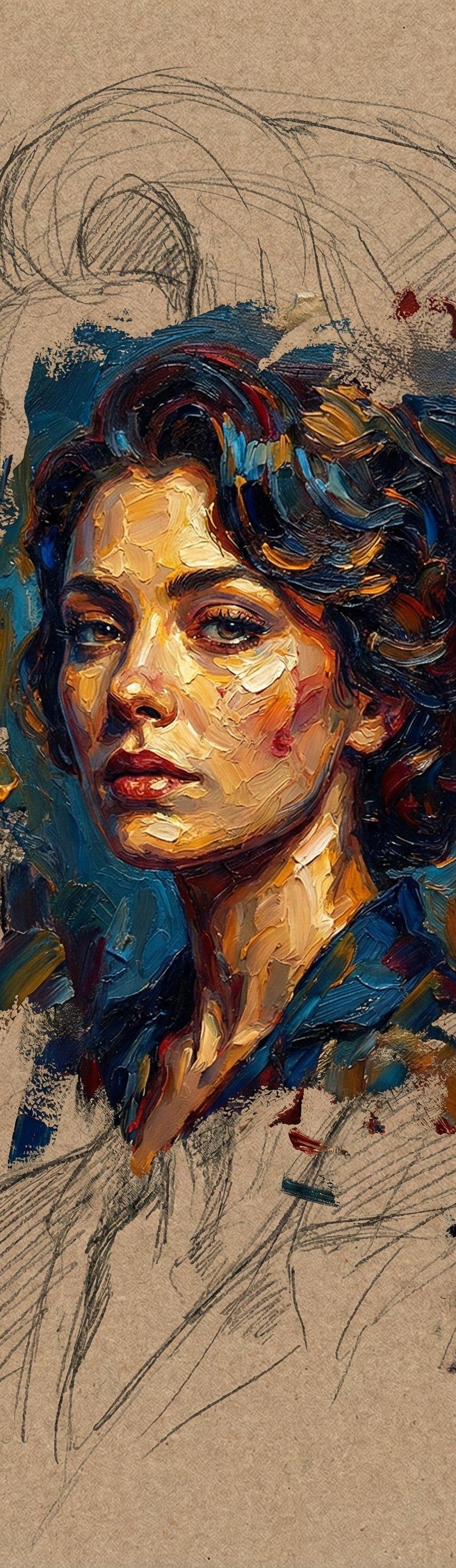
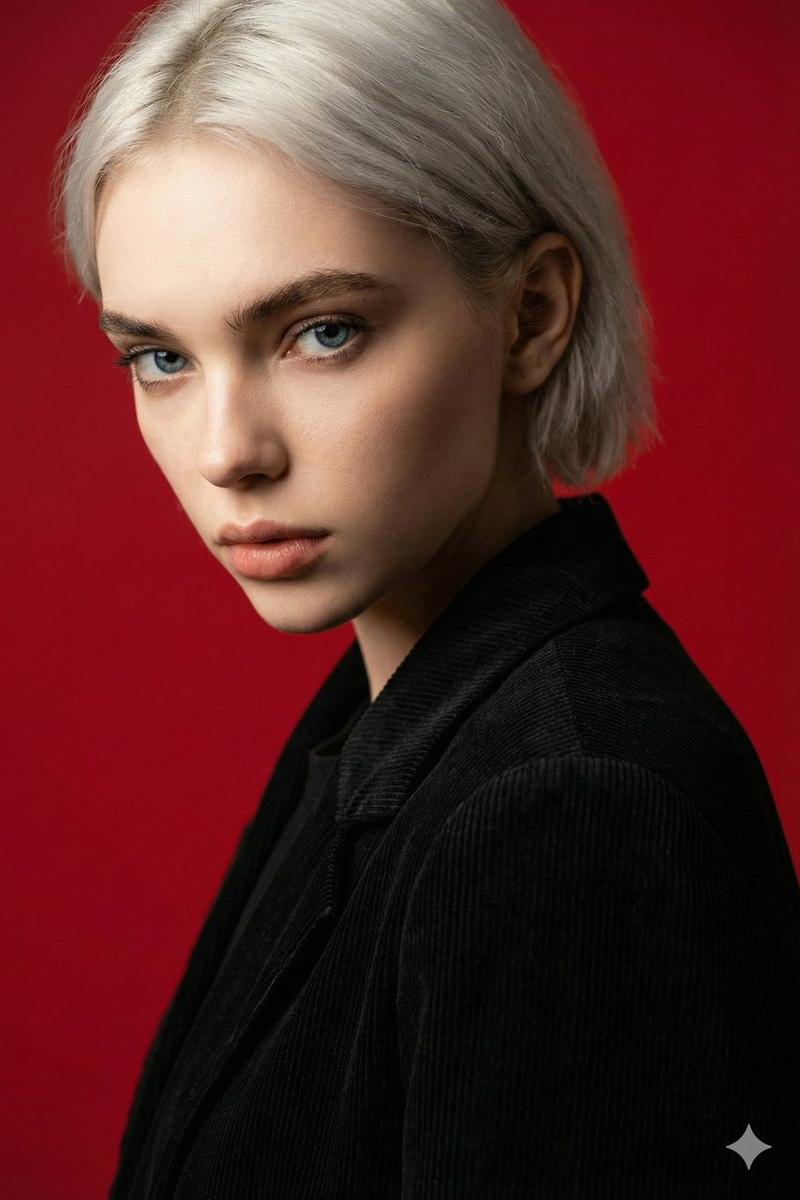
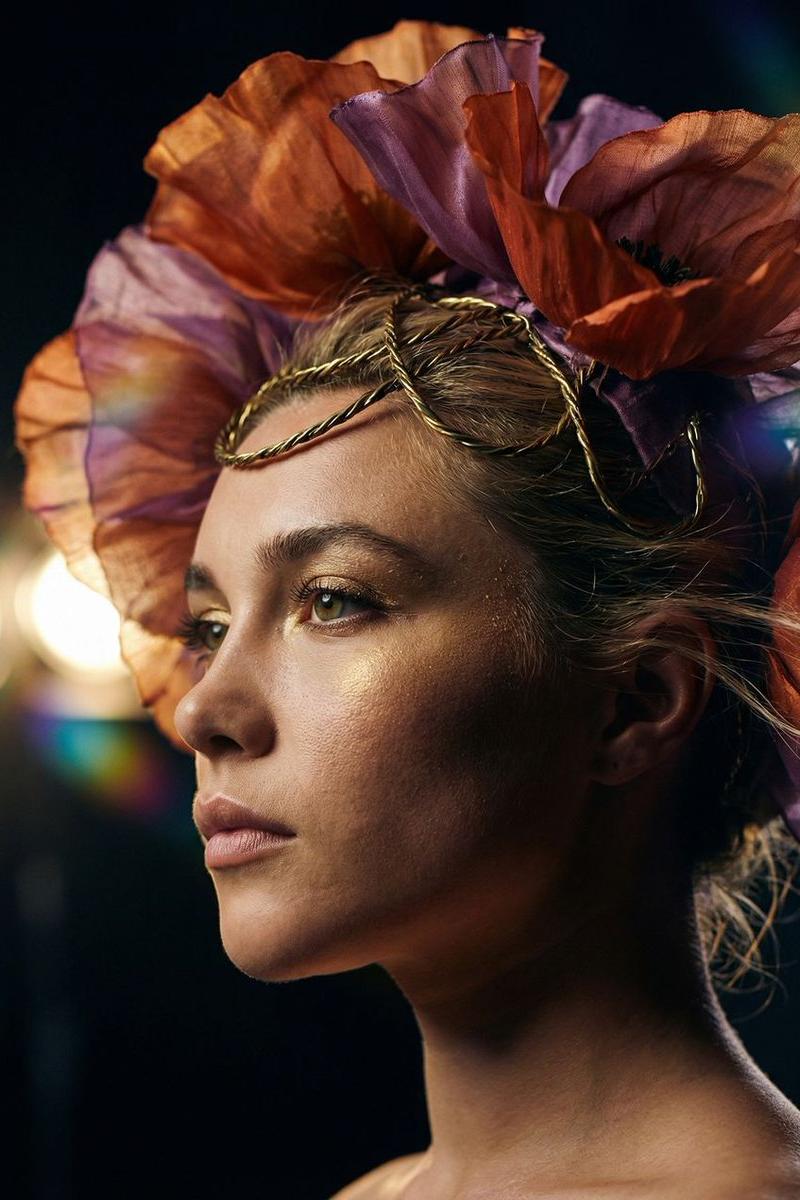
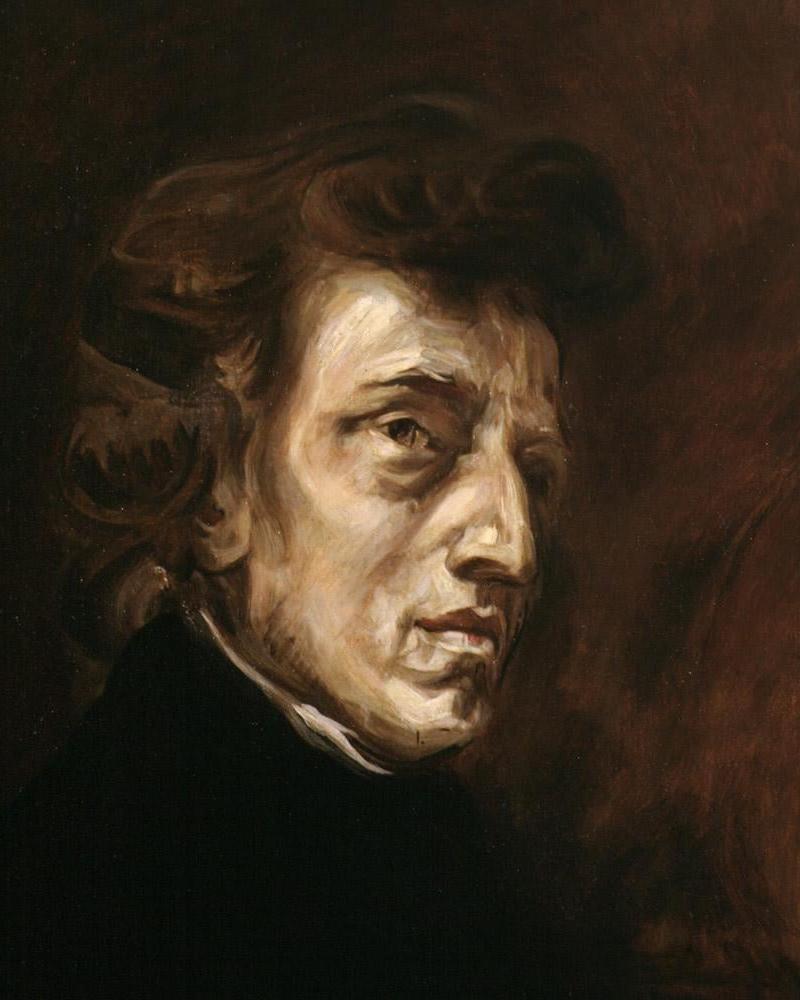
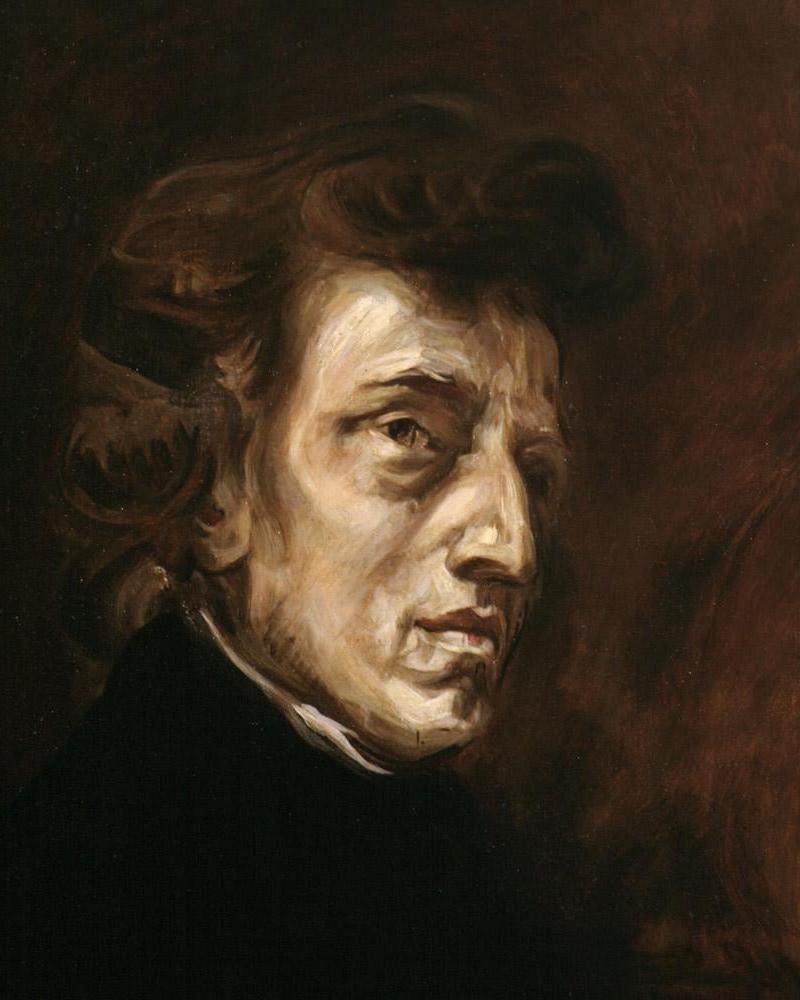
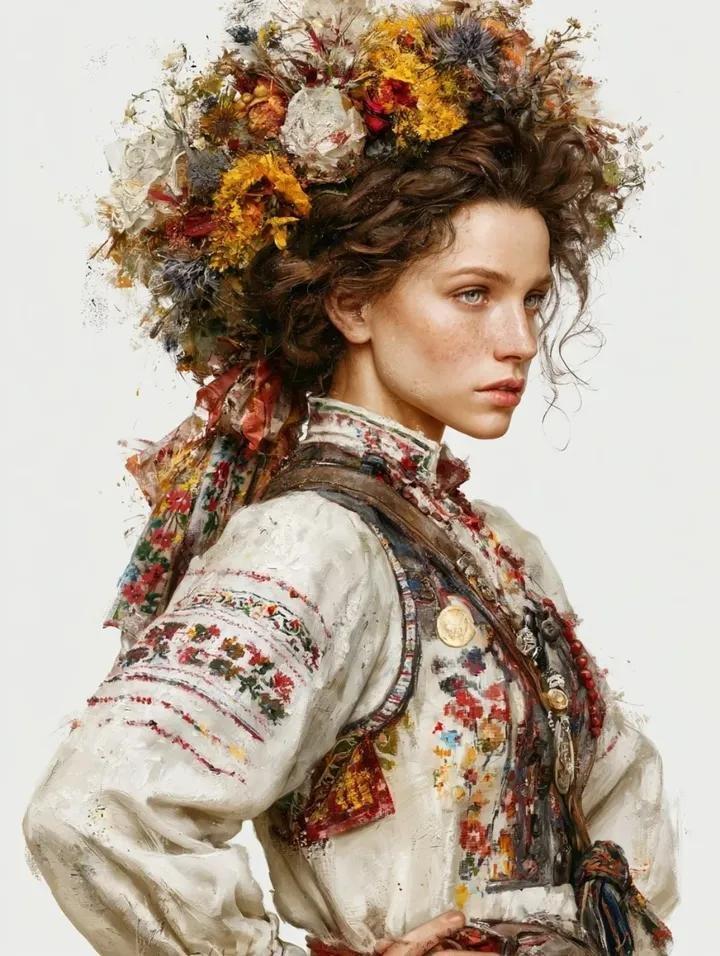
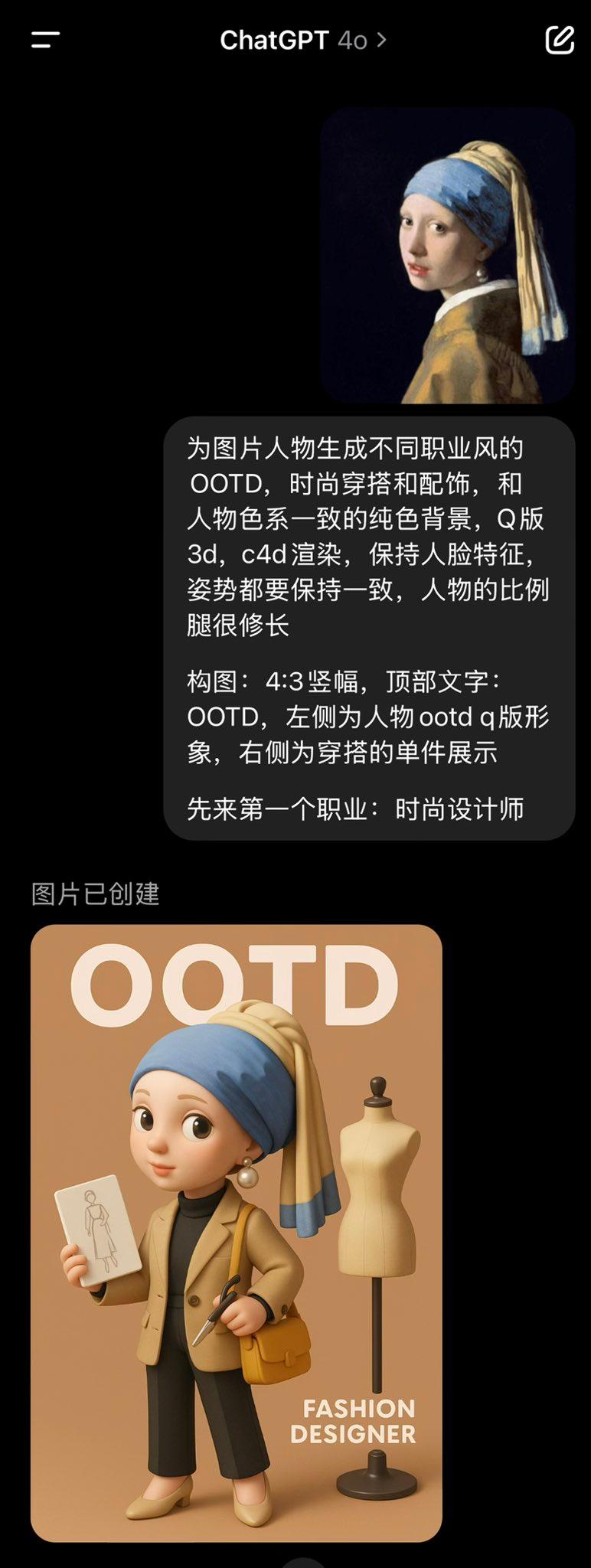
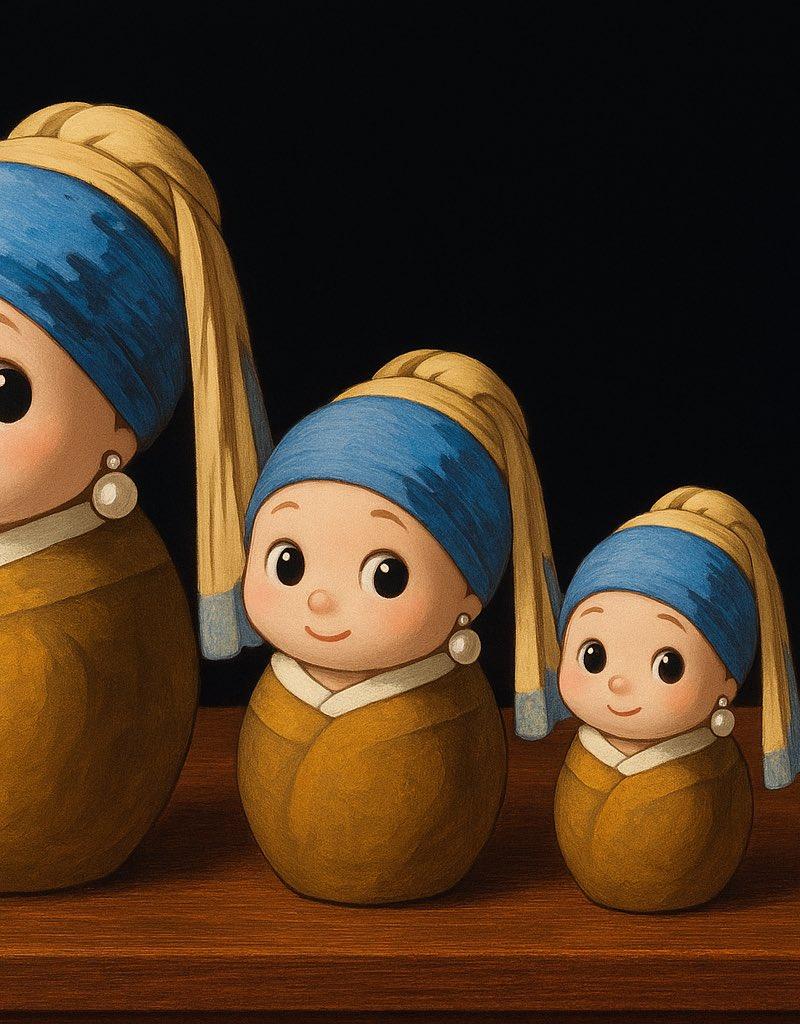
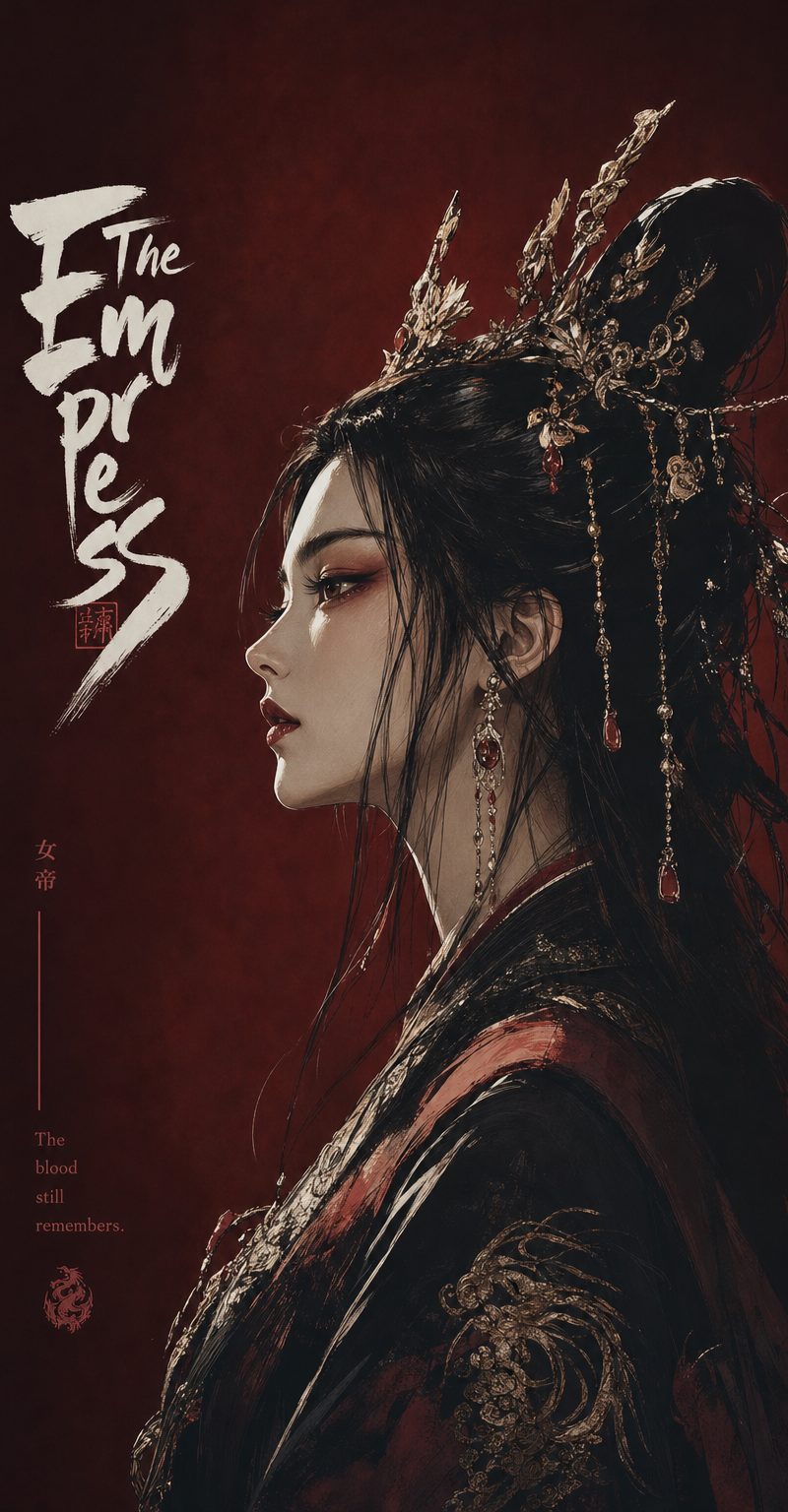
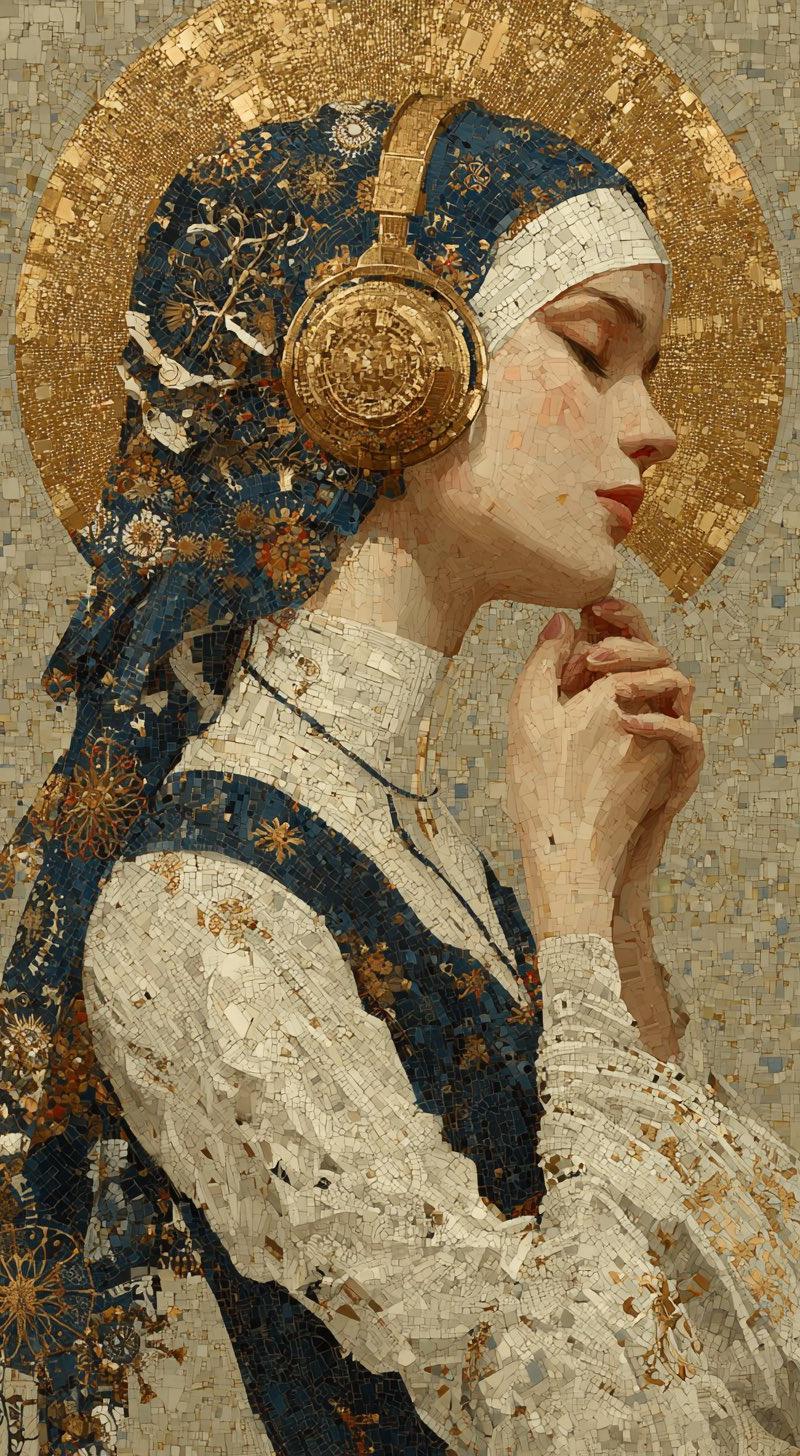
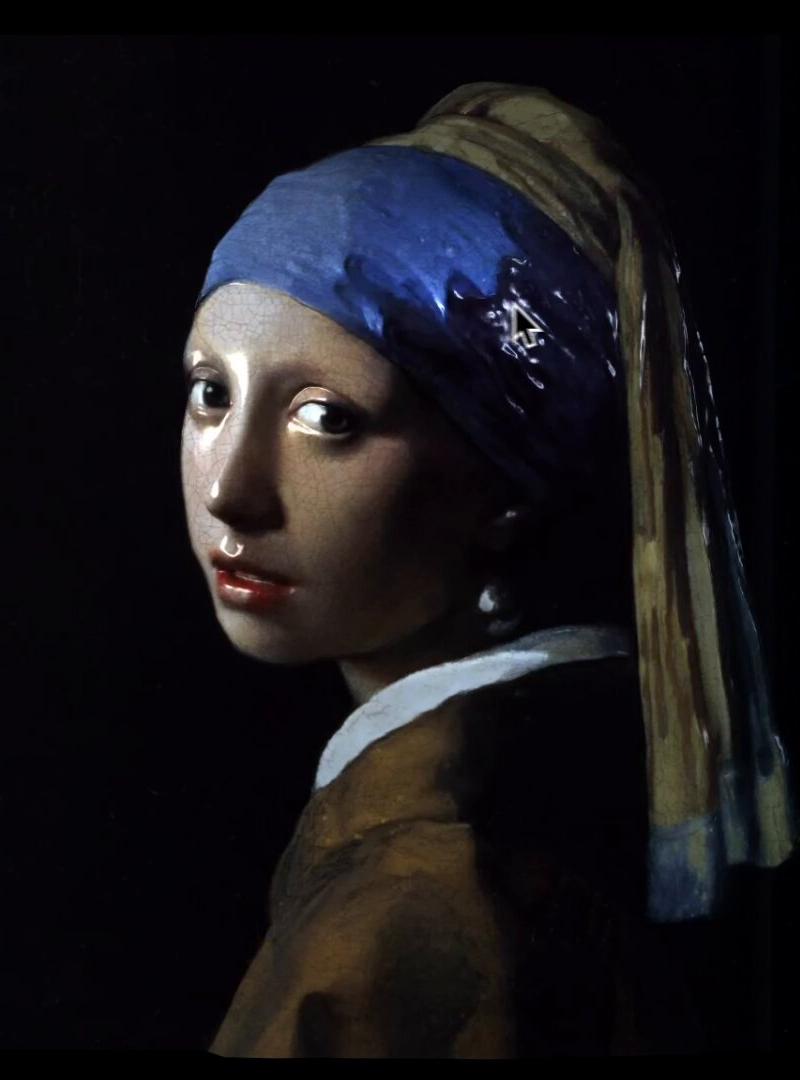
Example images

立体鉴赏名画的方法:深度与法线图生成

Prompt
名画を立体的に鑑賞する方法
Nano Banana Pro (深度/法線マップ生成)→ WebGL(Three.js)
スマホでも体験できます👉 https://t.co/42TLunJZ53
【プロンプト】
(法線マップ用)
Generate a surface normal map from the input artwork image.
Output one RGB image where each pixel encodes the surface normal direction in standard tangent-space format:
•R = X direction
•G = Y direction
•B = Z direction
Requirements:
•Maintain the same resolution and aspect ratio as the input image.
•Normal directions must follow the local geometry implied by brush strokes, shading, and contours.
•Do NOT add new artistic elements or repaint the scene.
•Only infer plausible micro-geometry and surface orientation.
•Ensure smooth, consistent normal transitions without noise.
(深度マップ用)
Generate a depth map from the input artwork image.
Output a single grayscale depth map where:
•White = near to the viewer
•Black = far from the viewer
Requirements:
•Maintain the same resolution and aspect ratio as the input image.
•Depth must be smooth, continuous, and physically plausible.
•Infer only geometric depth that could reasonably exist in the original artwork.
•Do NOT add new objects or details.
•Do NOT stylize, repaint, or reinterpret the scene.
•Avoid texture noise; focus solely on depth structure.
Category
UI & Interfaces
Model
Nano Banana Pro
Creator
Takuma Hashimoto
Source language
zh-CN
Views0
Source ID
method-to-appreciate-famous-paintings-in-3d-depth-and-normal-map-generation
Studio

Guide

About "立体鉴赏名画的方法:深度与法线图生成"

What is this prompt for?

"立体鉴赏名画的方法:深度与法线图生成" AI image prompt for Nano Banana Pro (UI & Interfaces). 名画を立体的に鑑賞する方法 Nano Banana Pro (深度/法線マップ生成)→ WebGL(Three.js) スマホでも体験できます👉 https://t…

The full copyable prompt and example visuals above are ready for AI image generation or one-click recreate in Picva.

How to use this prompt

  1. Step 1

    Open the prompt detail

    Review the example visuals, category, and full prompt text for "立体鉴赏名画的方法:深度与法线图生成".

  2. Step 2

    Copy the prompt

    Copy the prompt body from this page, or load it directly in Studio.

  3. Step 3

    Pick a model (Nano Banana Pro)

    Prefer Nano Banana Pro. If you switch models, keep subject and composition and tweak style terms.

  4. Step 4

    Generate and export

    Recreate the look in Picva, or export into your workflow for editing and publishing.

FAQ

What is the "立体鉴赏名画的方法:深度与法线图生成" prompt?
It is an AI image-generation prompt for Nano Banana Pro in the UI & Interfaces category. This page includes the full prompt text, example visuals, and a one-click recreate path in Picva.
How do I use this prompt to generate an image?
Copy the prompt from this page, or use Generate / Studio. Paste it into a compatible image model, or recreate the look in Picva with optional reference images.
Which model is this prompt for?
This page lists Nano Banana Pro. Most descriptive prompts also transfer to nearby image models such as GPT Image, Flux, or Midjourney with light style tweaks.
Can I use the result commercially?
You can usually copy the prompt for creation, but commercial use of the final image depends on the model terms, reference-image rights, and the generated content. Follow the source author and platform rules.