20

微缩的温馨客厅
Enlarge

Example images

微缩的温馨客厅

Prompt
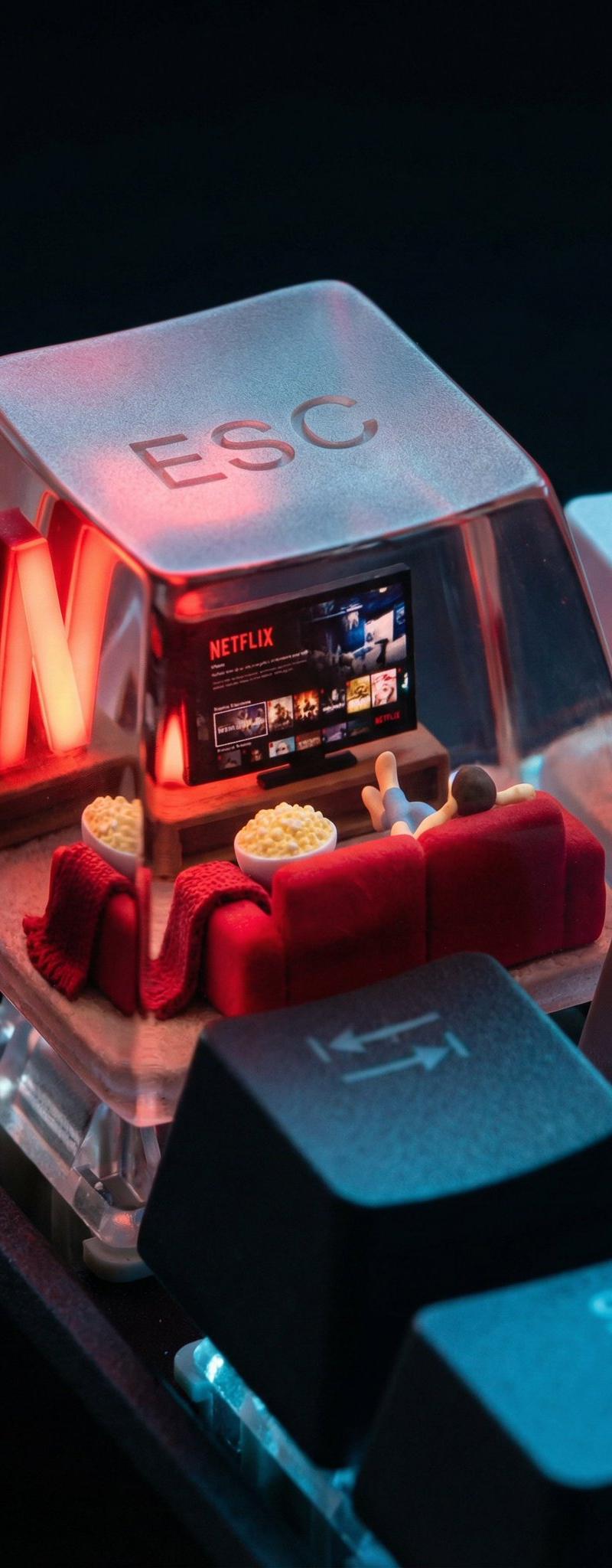
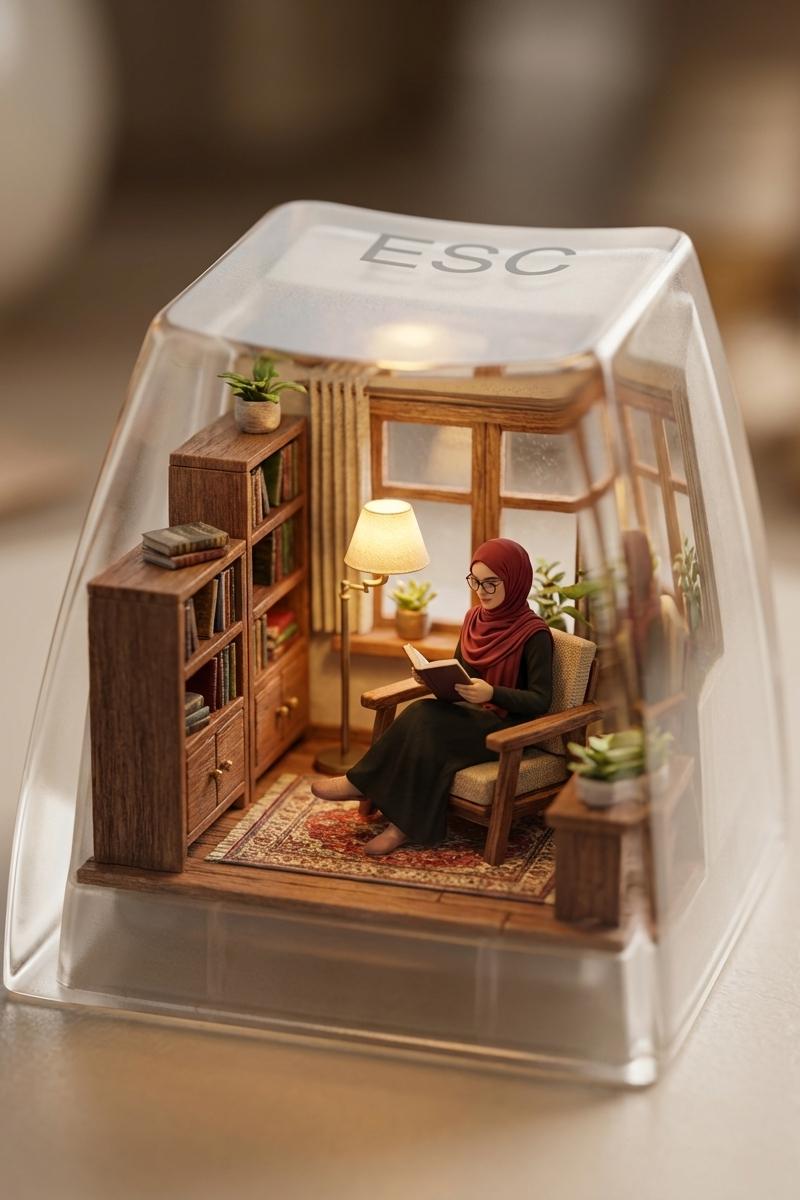
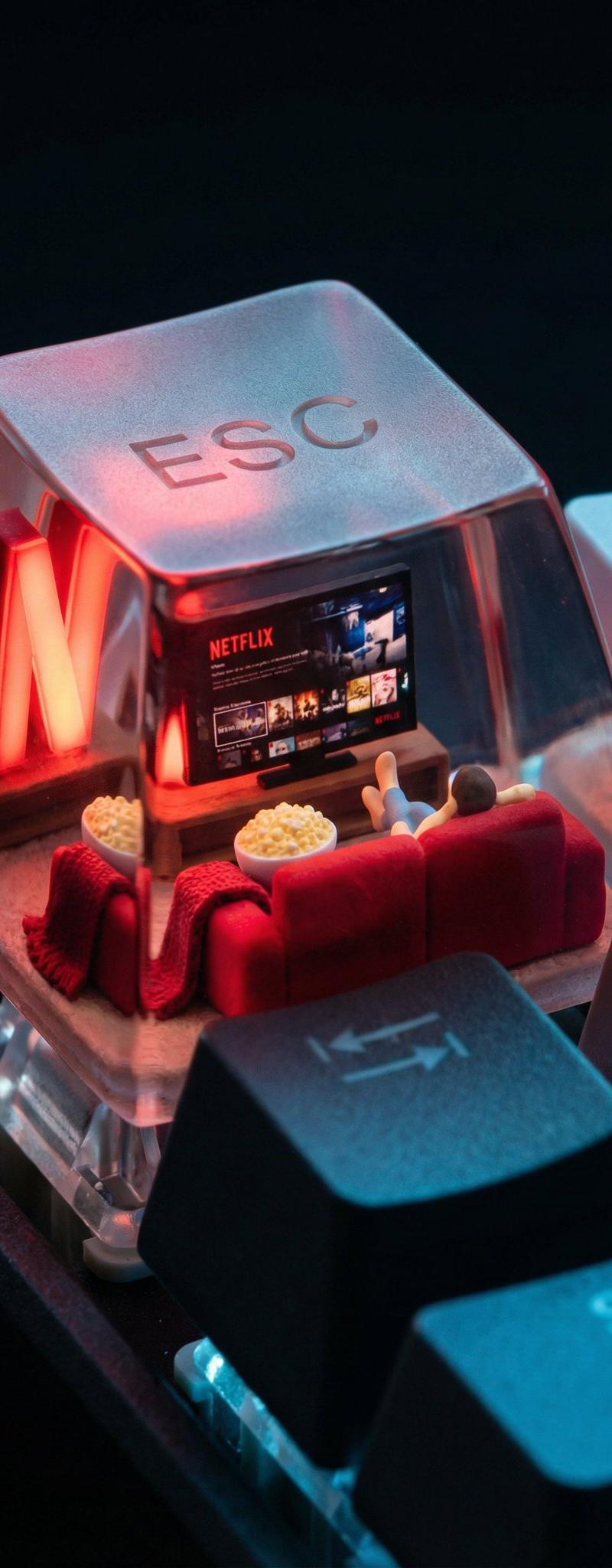
A photorealistic ESC keycap scene shows a miniature cozy living room setup. Inside: a glowing red Netflix screen, a plush red couch, popcorn bowl, and throw blanket. A small figure lounges with feet up, watching content. The red “N” logo glows from behind like mood lighting. Outside: cool tech-blue reflections on F1, Shift, and Q keys. The word “ESC” is subtly present in a glassy fog on top of the cap.
一张逼真的 ESC 键帽场景图展现了一个微缩的温馨客厅。室内:一台闪着红光的 Netflix 屏幕、一张柔软的红色沙发、一碗爆米花和一条毯子。一个小人儿懒洋洋地翘着二郎腿,正在观看视频。红色的“N”字标志从后面透出光芒,如同氛围灯一般。室外:F1、Shift 和 Q 键上反射着酷炫的科技蓝光。“ESC”字样则以朦胧的玻璃质感隐约出现在键帽顶部。
Category
Photography & Realism
Model
Unknown
Creator
Ege
Source language
zh-CN
Views0
Source ID
miniature-cozy-living-room
Studio

Guide

About "微缩的温馨客厅"

What is this prompt for?

"微缩的温馨客厅" AI image prompt for Unknown (Photography & Realism). A photorealistic ESC keycap scene shows a miniature cozy living room setup. Inside: a glowing re…

The full copyable prompt and example visuals above are ready for AI image generation or one-click recreate in Picva.

How to use this prompt

  1. Step 1

    Open the prompt detail

    Review the example visuals, category, and full prompt text for "微缩的温馨客厅".

  2. Step 2

    Copy the prompt

    Copy the prompt body from this page, or load it directly in Studio.

  3. Step 3

    Pick a model (Unknown)

    Prefer Unknown. If you switch models, keep subject and composition and tweak style terms.

  4. Step 4

    Generate and export

    Recreate the look in Picva, or export into your workflow for editing and publishing.

FAQ

What is the "微缩的温馨客厅" prompt?
It is an AI image-generation prompt for Unknown in the Photography & Realism category. This page includes the full prompt text, example visuals, and a one-click recreate path in Picva.
How do I use this prompt to generate an image?
Copy the prompt from this page, or use Generate / Studio. Paste it into a compatible image model, or recreate the look in Picva with optional reference images.
Which model is this prompt for?
This page lists Unknown. Most descriptive prompts also transfer to nearby image models such as GPT Image, Flux, or Midjourney with light style tweaks.
Can I use the result commercially?
You can usually copy the prompt for creation, but commercial use of the final image depends on the model terms, reference-image rights, and the generated content. Follow the source author and platform rules.