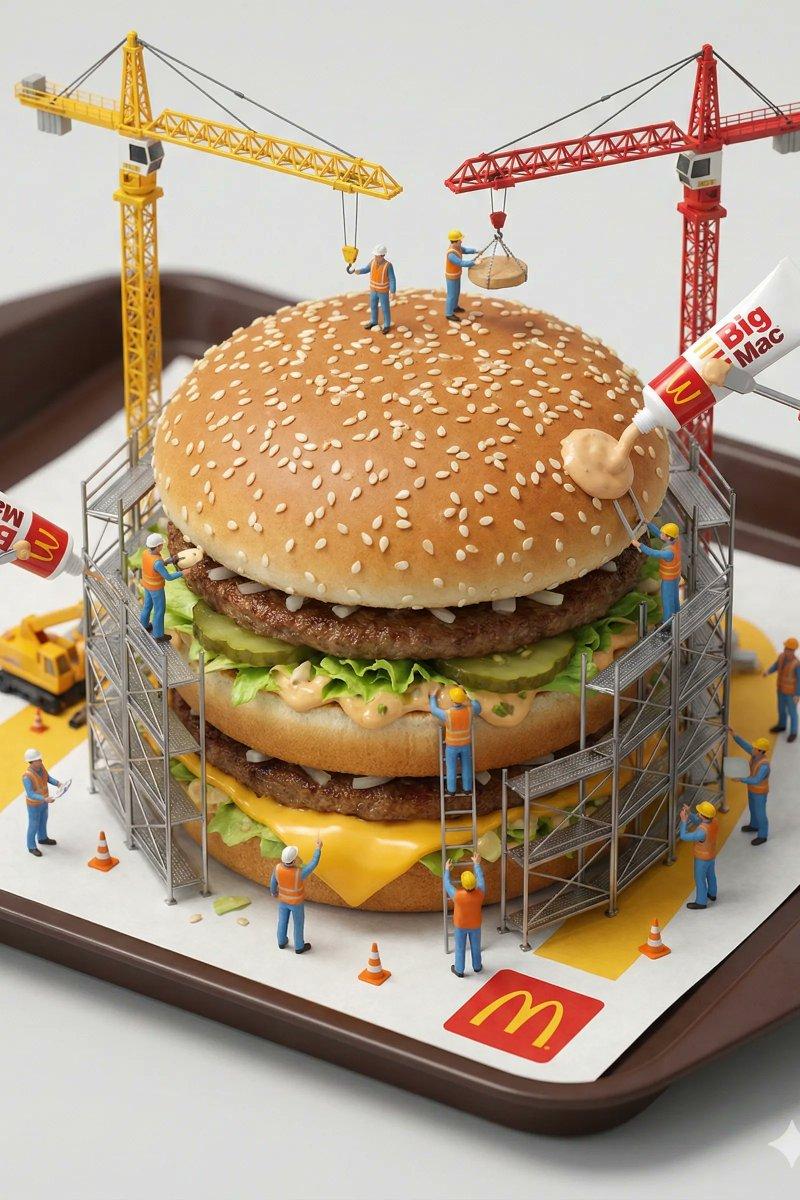
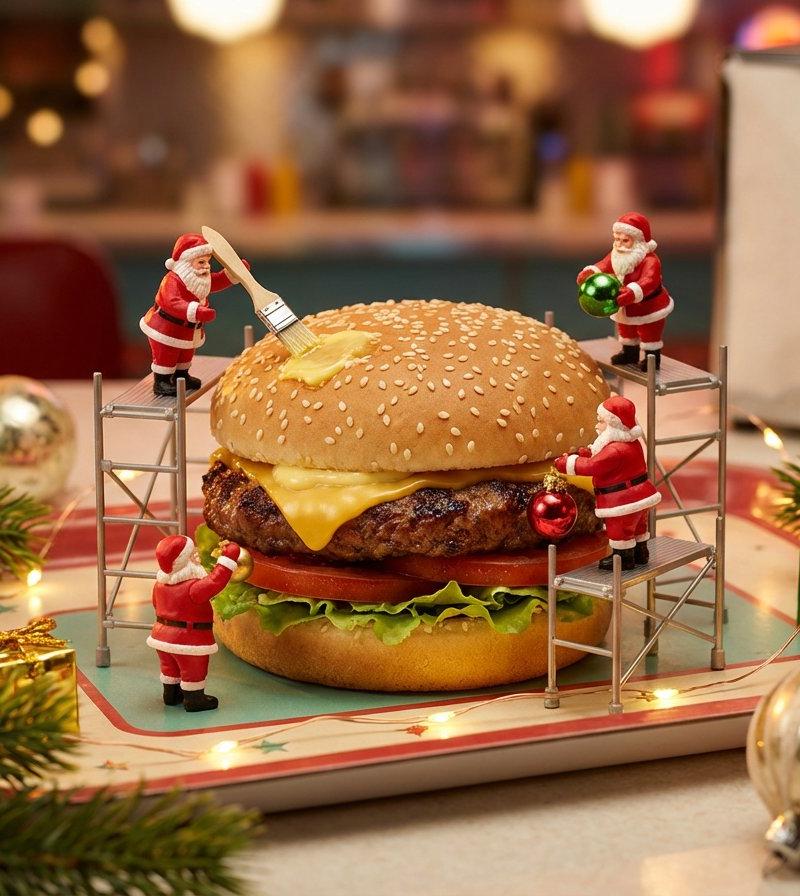
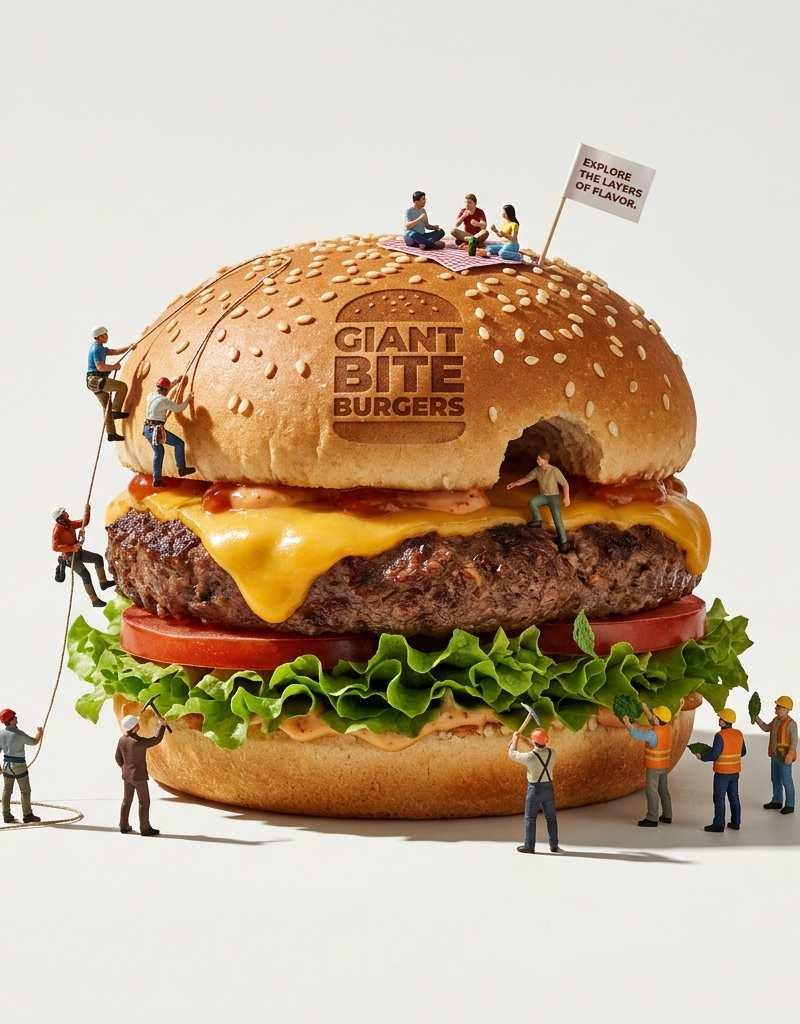
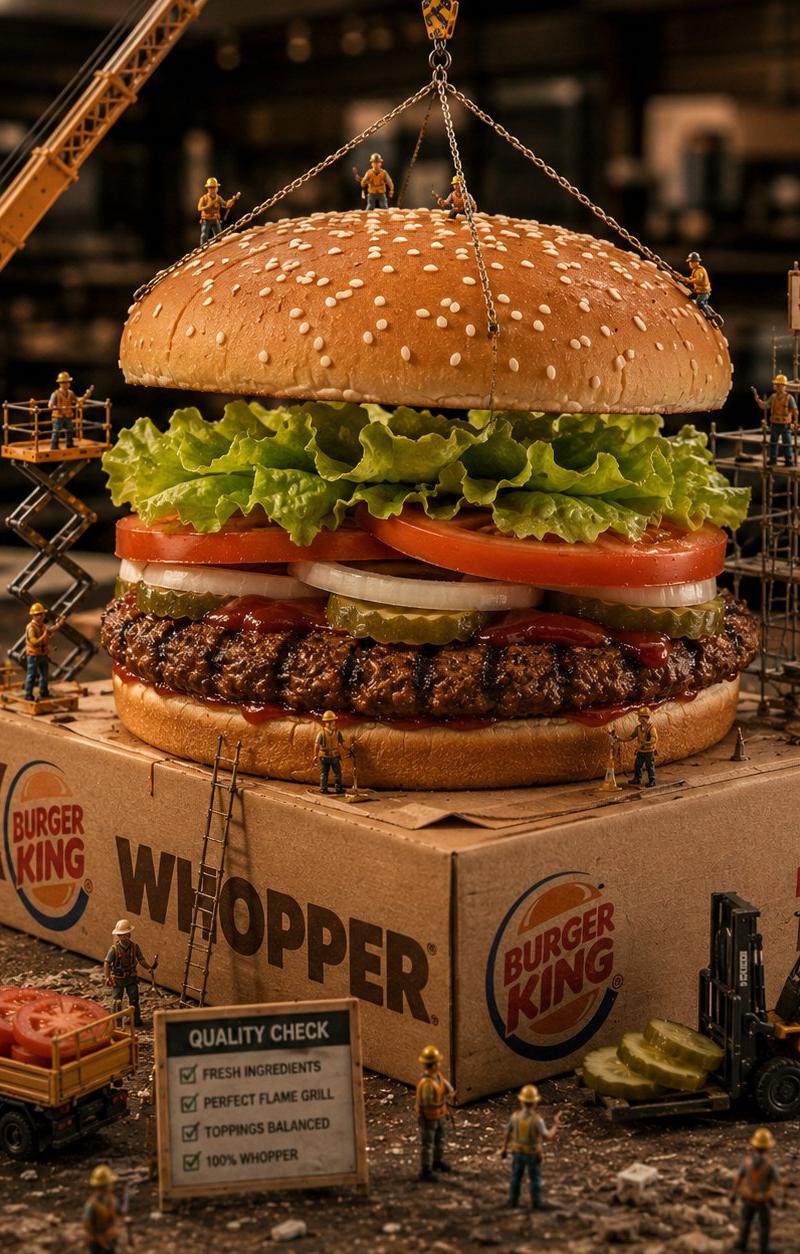
迷你世界构建 - Gemini Nano Banana
Prompt
Construcción de mundo en miniatura con gemini Nano Banana
Prompt:
{
 "image_generation_prompts": [
 {
 "id": 1,
 "title": "iPhone 17 Assembly Megastructure",
 "subject": {
 "main_element": "Giant iPhone 17",
 "orientation": "Standing vertically like a futuristic skyscraper",
 "details": [
 "Ultra-thin bezels",
 "Edge-to-edge glass",
 "Titanium frame",
 "Advanced multi-lens camera module",
 "Subtle Apple-style reflections on glass surface"
 ]
 },
 "environment": {
 "setting": "Minimalist white engineering table",
 "elements": [
 "High-tech scaffolding surrounding the phone",
 "Micro cranes lifting components",
 "Miniature engineers in cleanroom suits",
 "Robotic arms and precision tools"
 ]
 },
 "action": [
 "Installing camera lenses with laser-guided tools",
 "Aligning the display glass",
 "Polishing the titanium frame",
 "Calibrating sensors and buttons",
 "Inspecting ports and speaker grilles"
 ],
 "style": {
 "camera_view": "Wide-angle view",
 "technique": "Hyperrealistic tilt-shift macro photography",
 "focus": "Shallow depth of field",
 "atmosphere": "Ultra-premium, futuristic, cinematic Apple-style"
 },
 "parameters": {
 "aspect_ratio": "--ar 3:4",
 "reference_constraint": ""
 }
 }
 ]
}- Category
- Photography & Realism
- Model
- Nano Banana
- Creator
- ecommartinez
- Source language
- zh-CN
- Source ID
- miniature-world-construction-gemini-nano-banana
Views0




![Clean contemporary square culinary poster featuring [FOOD_ITEM] against a flat [](https://whqgdndlpxjbwosvipip.supabase.co/storage/v1/render/image/public/prompt-source-media/promptsref/work-47/image-1-07e81b6d0aabbe55.png?width=800&quality=75)