16

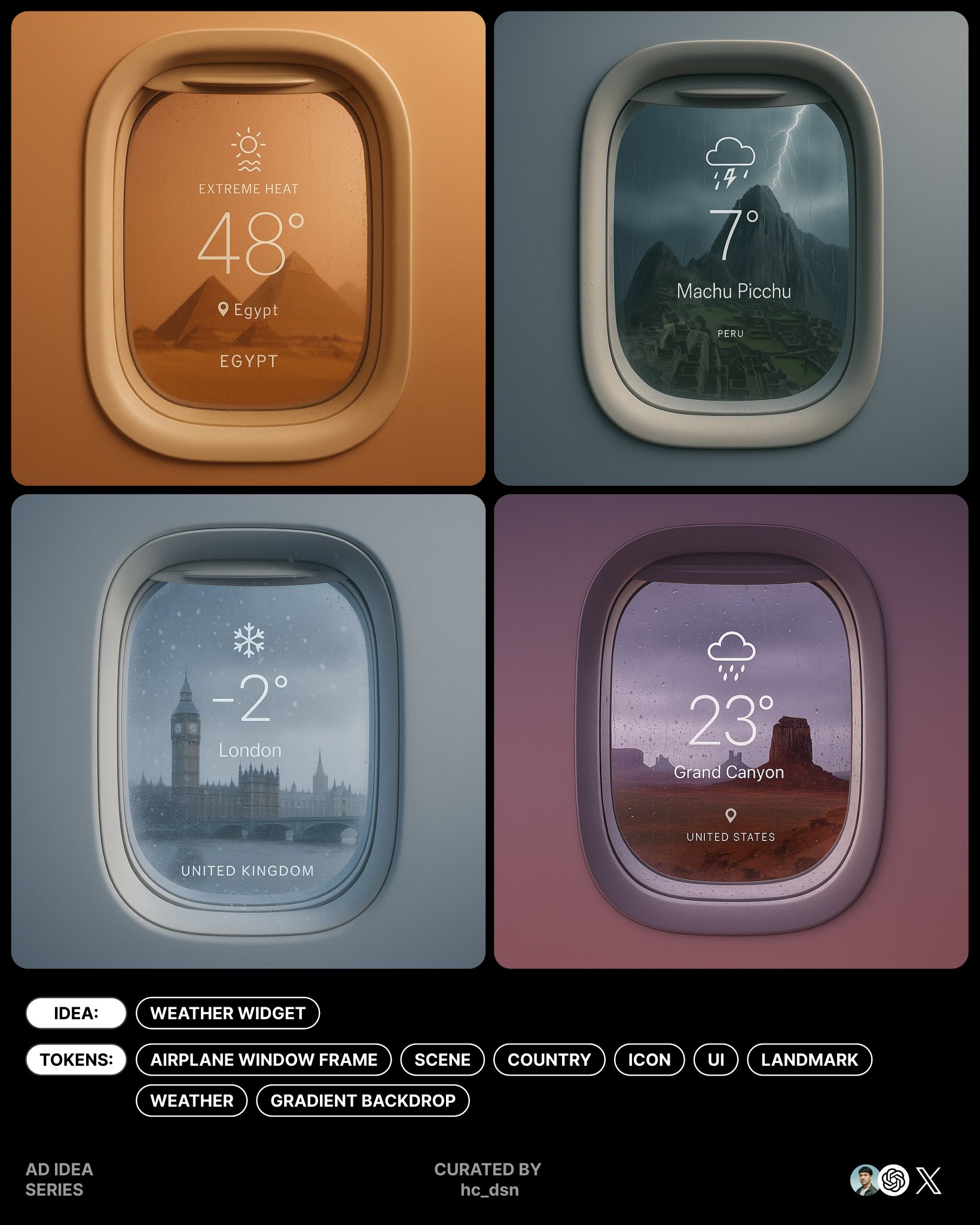
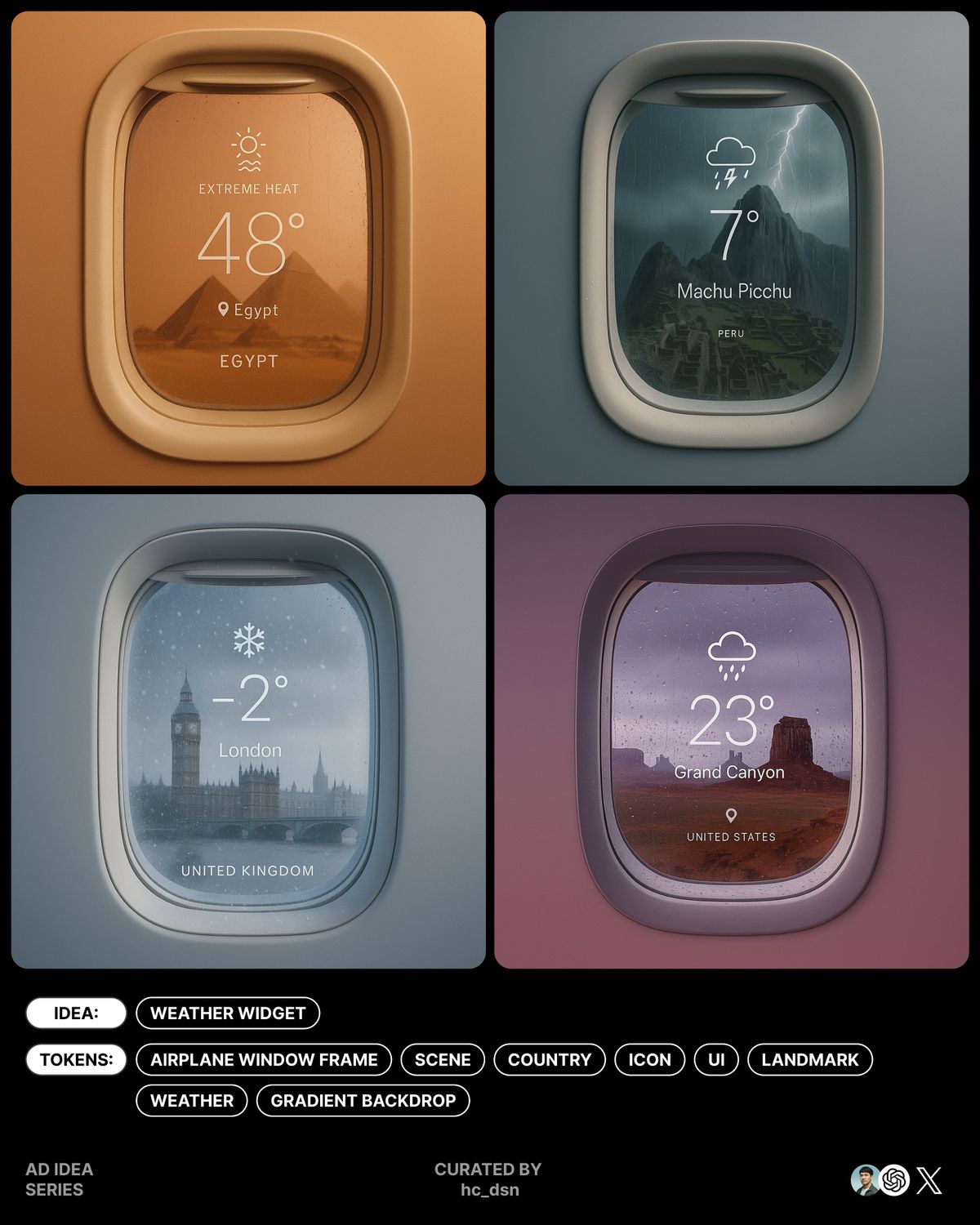
极简地标天气小部件
Enlarge

极简地标天气小部件

Prompt
Minimal Weather Widget
New variation from the previous post.
Just a few adjustment is turning to another idea!
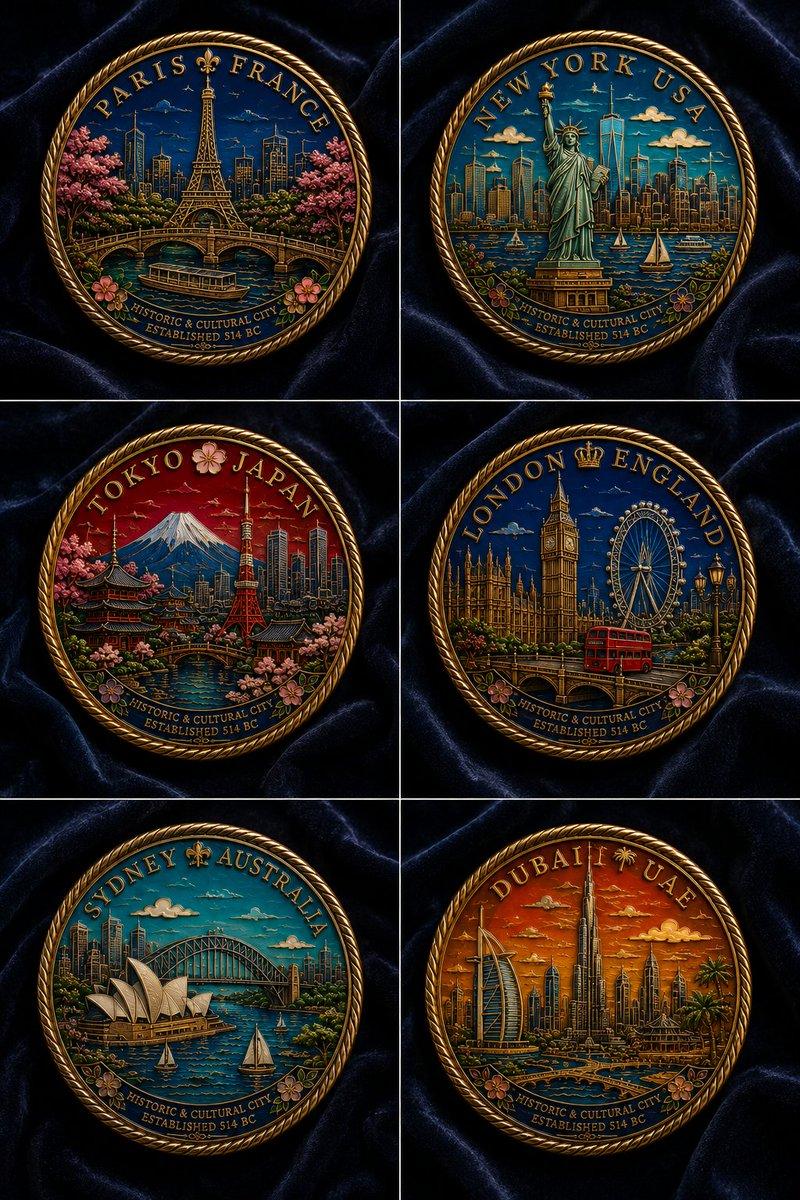
Iconic landmarks meet airplane UI minimalism.
Prompt In Comment✨
Let me see your versions! https://t.co/lHen6GA1Qq
Prompt:
create image with 1:1 ratio
surreal minimal aesthetic, airplane window frame on subtle gradient backdrop with same color, through the oval window showing random iconic landmark scenery of [Country Name], an overlay weather ui interface on the center of window, from top to bottom, contain the small weather icon, huge temperatures with elegant light weight font, and small location tag beneath it, the bottom is the country name, generate with extreme weathers, the window will affect by the weather, the color combo of subtle gradient backdrop is resonate with the weather, natural lighting, soft shadows, subtle reflections on glass, great negative space
The default weather in this prompt is set to extreme conditions,so be sure to adjust it if needed.
Also, this post is a follow-up to the previous post.
https://t.co/MMCo5juxJs
Hoping to see some creative takes from you!
Category
UI & Interfaces
Model
Unknown
Creator
hc_dsn
Views0
Source ID
minimal-weather-widget-with-iconic-landmarks

Guide

About "极简地标天气小部件"

What is this prompt for?

"极简地标天气小部件" AI image prompt for Unknown (UI & Interfaces). Minimal Weather Widget New variation from the previous post. Just a few adjustment is turning to ano…

The full copyable prompt and example visuals above are ready for AI image generation or one-click recreate in Picva.

How to use this prompt

  1. Step 1

    Open the prompt detail

    Review the example visuals, category, and full prompt text for "极简地标天气小部件".

  2. Step 2

    Copy the prompt

    Copy the prompt body from this page, or load it directly in Studio.

  3. Step 3

    Pick a model (Unknown)

    Prefer Unknown. If you switch models, keep subject and composition and tweak style terms.

  4. Step 4

    Generate and export

    Recreate the look in Picva, or export into your workflow for editing and publishing.

FAQ

What is the "极简地标天气小部件" prompt?
It is an AI image-generation prompt for Unknown in the UI & Interfaces category. This page includes the full prompt text, example visuals, and a one-click recreate path in Picva.
How do I use this prompt to generate an image?
Copy the prompt from this page, or use Generate / Studio. Paste it into a compatible image model, or recreate the look in Picva with optional reference images.
Which model is this prompt for?
This page lists Unknown. Most descriptive prompts also transfer to nearby image models such as GPT Image, Flux, or Midjourney with light style tweaks.
Can I use the result commercially?
You can usually copy the prompt for creation, but commercial use of the final image depends on the model terms, reference-image rights, and the generated content. Follow the source author and platform rules.